

ReconArt Review: Pros, Cons, Features, and Pricing
ReconArt excels in user-friendly financial reconciliation, making it a top choice for teams seeking efficient compliance solutions for reconciliation processes.

We review tools independently, and commissions help fund our testing. See our transparency policy, our methodology, or suggest a tool.
ReconArt is a financial compliance software for finance teams that handle high-volume account reconciliation and financial close. If your team is buried in manual matching and spreadsheet-based reconciliations, it's worth a close look. I'd consider it over BlackLine if enterprise pricing and complexity aren't a fit for where your organization is. ReconArt gives you comparable reconciliation depth at a scale mid-market teams can work with.
ReconArt Evaluation Summary
3.3/5
- Pricing upon request
- Free demo available
Why Trust Our Software Recommendations
6,700+
Reviews
20
Industry experts
16+
Evaluation factors
14
Years
Our team has been testing and reviewing software since 2012. As finance leaders ourselves, we know how difficult—and important—it is to choose the right software.
For this guide, we evaluated tools using hands-on testing and independent research, scoring tools using our selection criteria.
Our reviews reflect our human editorial judgment, not a sales pitch.
ReconArt Overview
In my opinion, ReconArt is a solid choice for financial compliance, especially for finance teams in larger enterprises that rely on accurate bank reconciliation and balance sheet integrity. It offers strong reconciliation features and good customer support, although onboarding could be smoother. Compared to its competition, it excels in ease of use but might not be the best fit for smaller companies due to its pricing. It's best for teams that need reliable reconciliation tools and are willing to invest in a system that integrates well with existing platforms and has strong user reviews.
Pros
- You’ll appreciate its user-friendly interface, which simplifies complex reconciliation tasks.
- The software’s reliable automation reduces your team’s manual workload.
- ReconArt offers prompt customer support to assist your team.
Cons
- Your team might find the initial onboarding process a bit challenging.
- It may not be the best fit for smaller businesses with simpler needs.
- Some users feel it could provide more frequent updates.


How We Test & Score Tools
We’ve spent years building, refining, and improving our software testing and scoring system. The rubric is designed to capture the nuances of software selection and what makes a tool effective, focusing on critical aspects of the decision-making process.
Below, you can see exactly how our testing and scoring works across seven criteria. It allows us to provide an unbiased evaluation of the software based on core functionality, standout features, ease of use, onboarding, customer support, integrations, customer reviews, and value for money.
Core Functionality (25% of final scoring)
The starting point of our evaluation is always the core functionality of the tool. Does it have the basic features and functions that a user would expect to see? Are any of those core features locked to higher-tiered pricing plans? At its core, we expect a tool to stand up against the baseline capabilities of its competitors.
Standout Features (25% of final scoring)
Next, we evaluate uncommon standout features that go above and beyond the core functionality typically found in tools of its kind. A high score reflects specialized or unique features that make the product faster, more efficient, or offer additional value to the user.
We also evaluate how easy it is to integrate with other tools typically found in the tech stack to expand the functionality and utility of the software. Tools offering plentiful native integrations, 3rd party connections, and API access to build custom integrations score best.
Ease of Use (10% of final scoring)
We consider how quick and easy it is to execute the tasks defined in the core functionality using the tool. High scoring software is well designed, intuitive to use, offers mobile apps, provides templates, and makes relatively complex tasks seem simple.
Onboarding (10% of final scoring)
We know how important rapid team adoption is for a new platform, so we evaluate how easy it is to learn and use a tool with minimal training. We evaluate how quickly a team member can get set up and start using the tool with no experience. High scoring solutions indicate little or no support is required.
Customer Support (10% of final scoring)
We review how quick and easy it is to get unstuck and find help by phone, live chat, or knowledge base. Tools and companies that provide real-time support score best, while chatbots score worst.
Customer Reviews (10% of final scoring)
Beyond our own testing and evaluation, we consider the net promoter score from current and past customers. We review their likelihood, given the option, to choose the tool again for the core functionality. A high scoring software reflects a high net promoter score from current or past customers.
Value for Money (10% of final scoring)
Lastly, in consideration of all the other criteria, we review the average price of entry level plans against the core features and consider the value of the other evaluation criteria. Software that delivers more, for less, will score higher.
Core Features
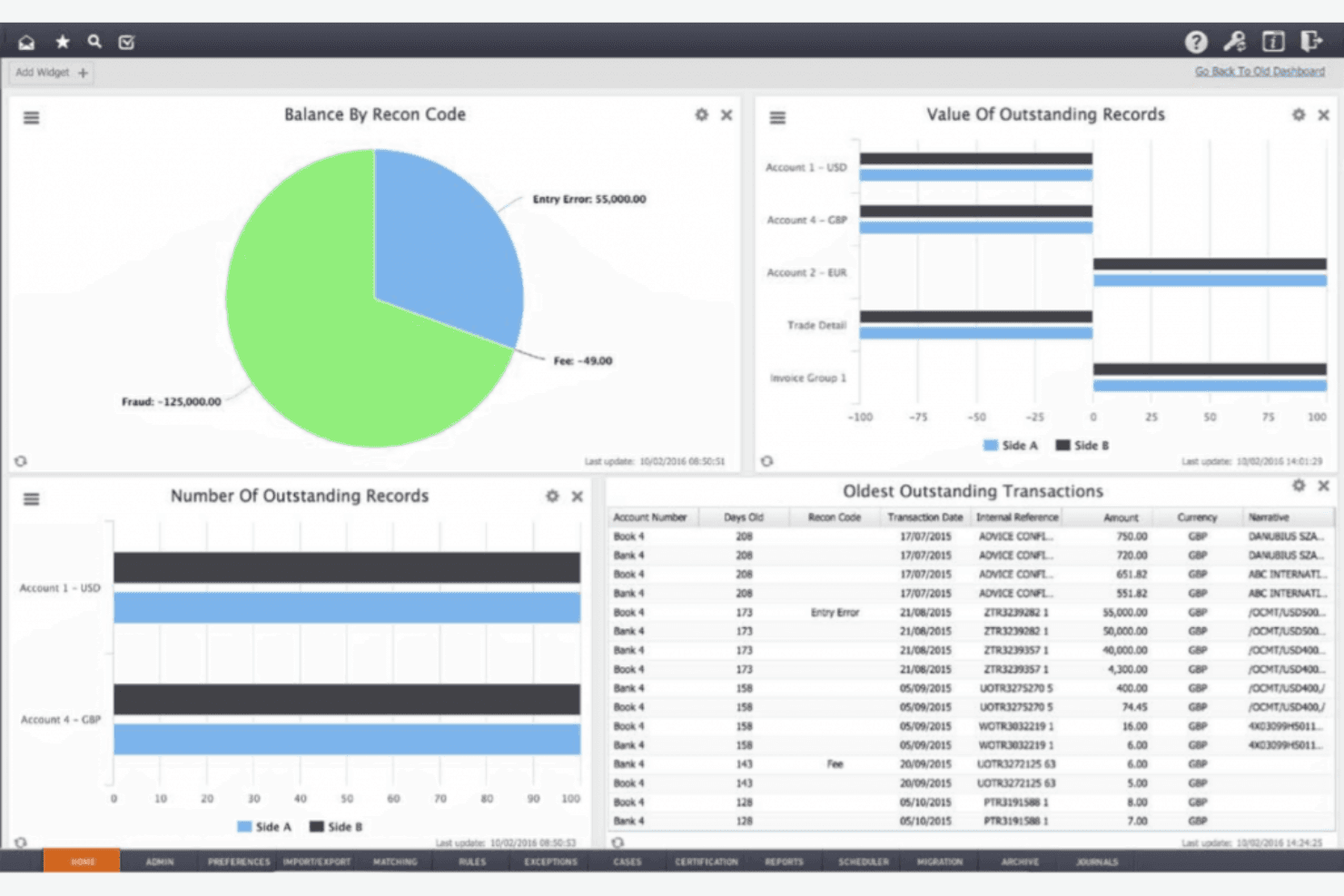
- Automated Reconciliation: ReconArt automatically matches transactions, saving your team time and reducing errors. This feature ensures your financial data is accurate and up-to-date across the general ledger.
- Compliance Tracking: Effortlessly monitor compliance with financial regulations. ReconArt provides alerts and reports to help your team stay compliant across all stages of the reconciliation lifecycle and financial close management.
- User-Friendly Interface: The intuitive design makes it easy for your team to navigate and use daily. It reduces the learning curve, allowing you to focus on your work.
- Customizable Workflows: Tailor workflows to fit your organization’s needs for managing bank accounts, credit card activity, accounts receivable, journal entries, and related reconciliations. This flexibility helps your team manage tasks efficiently and effectively.
- Comprehensive Reporting: Generate detailed financial reports with ease to support balance sheet accuracy, variance analysis, and general ledger validation. ReconArt’s reporting tools provide quick insights into your financial data.
- Audit Trail: Keep track of every transaction and change for transparency and accountability. This feature supports your auditing processes by providing a clear record across reconciliation processes and journal entries.
Ease of Use
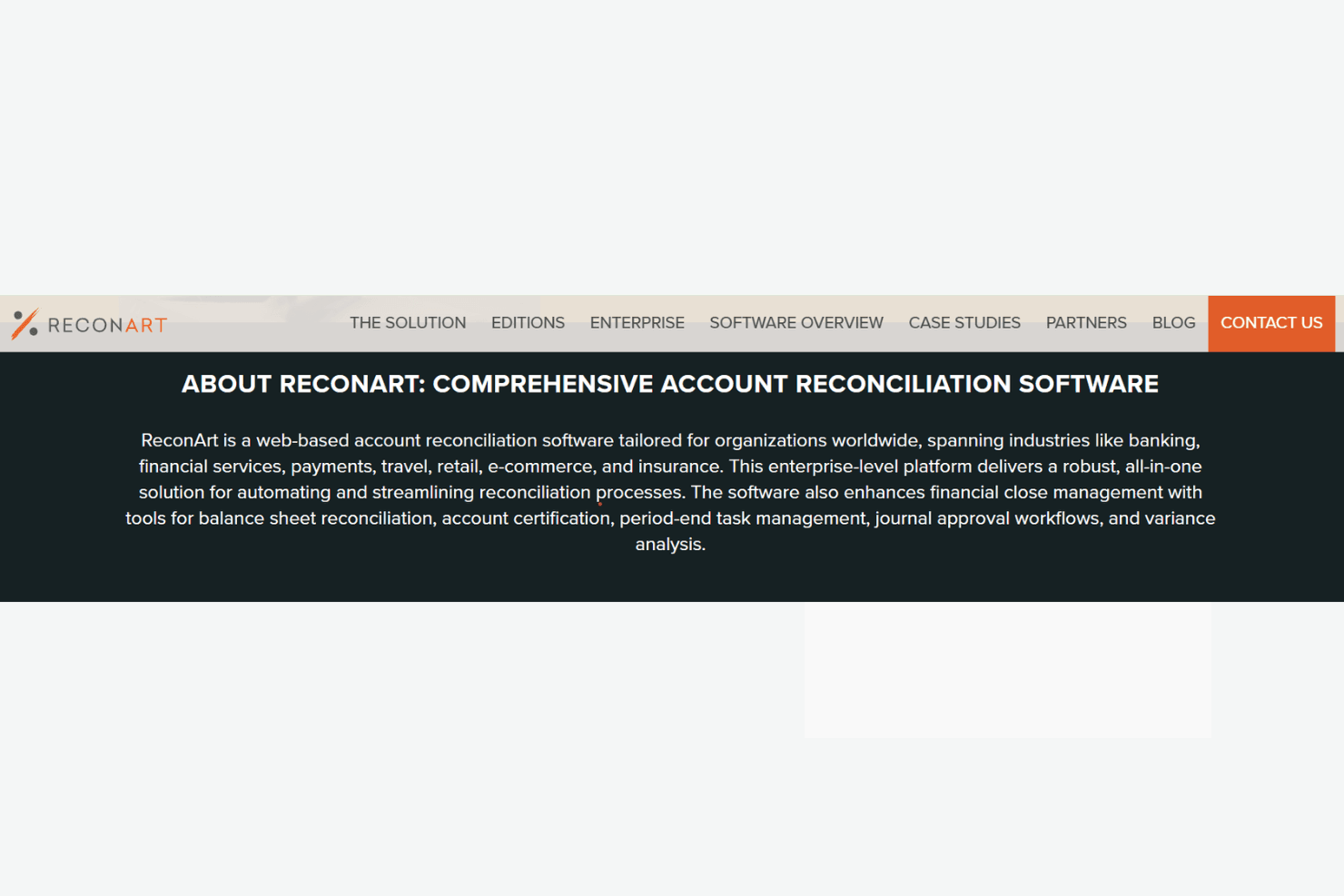
ReconArt's user-friendly interface makes it accessible for your team, even if they're new to financial compliance software or cloud-based reconciliation tools. Its intuitive design simplifies navigation, letting you focus on analysis rather than figuring out the system. Users appreciate how quickly they can adapt to its features, thanks to clear instructions and customizable workflows. Compared to other options, ReconArt stands out in making complex tasks manageable, which is a big plus for busy finance teams aiming for efficiency.
Integrations
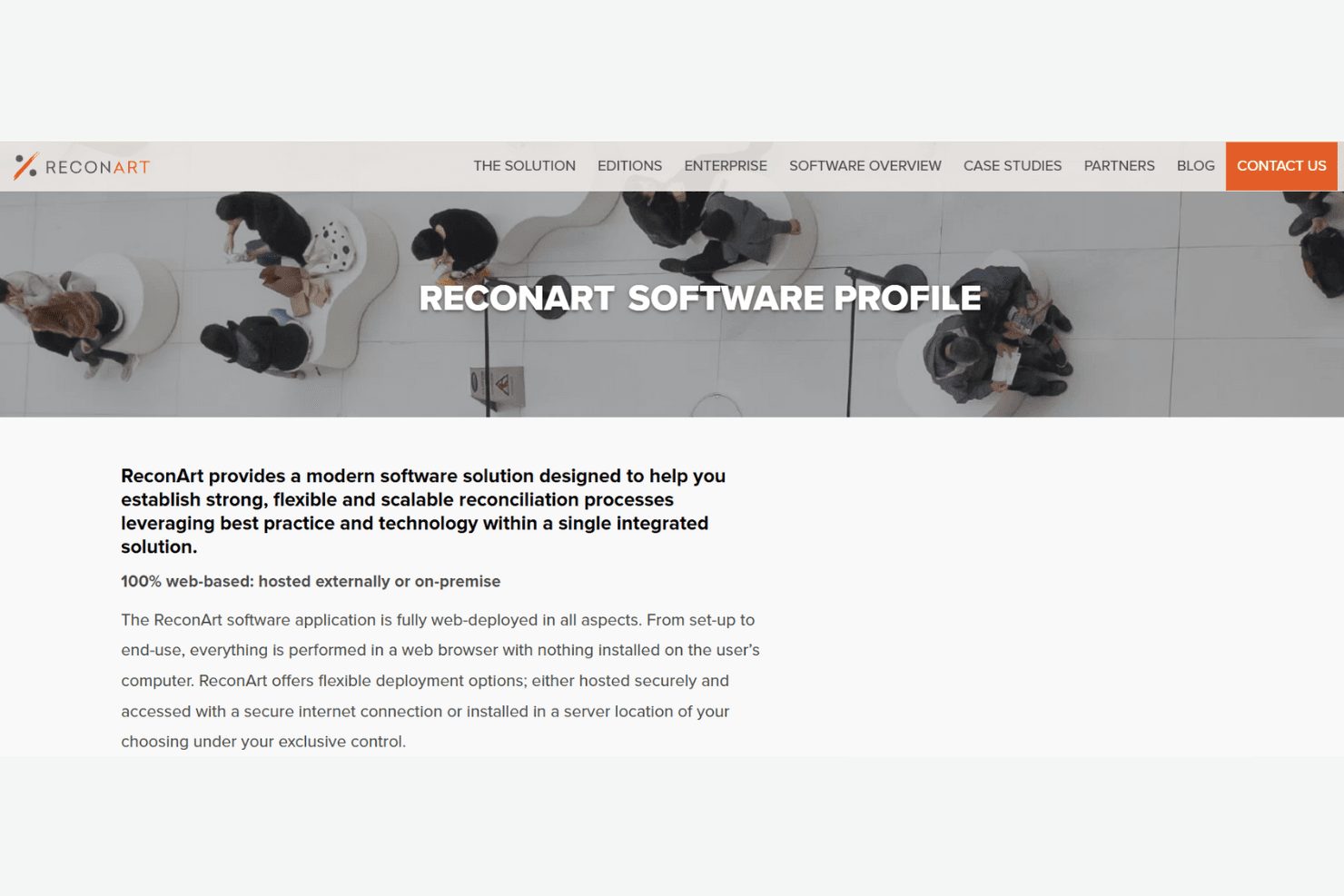
ReconArt integrates with various systems and data sources, including bank statements, accounting systems, and enterprise resource planning (ERP). It also offers API integrations for specific ERP systems and enterprise capabilities, such as single sign-on.
ReconArt provides an API for integration with other systems, allowing for automated data flow and seamless connections with third-party tools.
ReconArt Specs
- 2-Factor Authentication: No
- Accounts Payable: Yes
- Accounts Receivable: Yes
- API: No
- Balance Sheet: Yes
- Billing/Invoicing: No
- BitCoin: No
- Budgeting: No
- Calendar Management: No
- Contact Management: No
- CRM Integration: No
- Customer Management: No
- Dashboard: No
- Data Export: Yes
- Data Import: Yes
- Data Visualization: No
- Expense Tracking: No
- External Integrations: No
- Forecasting: No
- General Account Ledger: Yes
- Inventory Tracking: No
- Multi-Currency: No
- Multi-User: Yes
- Notifications: Yes
- P&L: No
- PayPal: No
- Payroll: No
- SAP Integration: No
- Stripe: No
- Supplier Management: No
- Tax Management: No


