

TaxJar-arvostelu: hyvät ja huonot puolet, ominaisuudet ja hinnoittelu
TaxJar helpottaa myyntiveron noudattamista käyttäjäystävällisillä ominaisuuksilla, mikä tekee siitä erinomaisen vaihtoehdon tehokasta verohallintaa etsiville yrityksille.

We review tools independently, and commissions help fund our testing. See our transparency policy, our methodology, or suggest a tool.
TaxJar is a corporate tax software built around sales tax automation for businesses selling across multiple states or jurisdictions. It's worth considering when your team needs to track nexus, calculate rates, and file returns without managing that complexity manually. I'd suggest it over Avalara if you're a mid-market or growing business—TaxJar is faster to implement and doesn't require the same enterprise-level setup to start generating accurate, automated filings.
TaxJar Evaluation Summary
4.6/5
- From $39/month
- 30-day free trial available
Miksi luottaa ohjelmistosuosituksiimme
6,700+
Reviews
20
Industry experts
16+
Evaluation factors
14
Years
Tiimimme on testannut ja arvioinut ohjelmistoja vuodesta 2012 lähtien. Talousjohtajina tiedämme itse, kuinka vaikeaa — ja tärkeää — oikean ohjelmiston valitseminen on.
Tätä opasta varten arvioimme työkaluja käytännön testauksen ja itsenäisen tutkimuksen avulla, pisteyttäen työkalut valintakriteeriemme perusteella.
Arvostelumme perustuvat inhimilliseen toimitukselliseen harkintaamme, eivät myyntipuheeseen.
TaxJar Overview
TaxJar is a solid choice for businesses needing efficient sales tax management. Its core features are reliable, and the platform is easy to use, making it accessible for teams across various industries. TaxJar excels in automating sales tax calculations and filings, which can save your team significant time and reduce errors.
Although its customer support could be improved, the overall value for money is commendable. TaxJar is particularly well-suited for e-commerce businesses dealing with complex tax jurisdictions.
Pros
- Automates sales tax calculations
- User-friendly interface
- Reliable support for multi-state tax filings
Cons
- Customer support response time can be slow
- Additional resources required for more complex tax scenarios
- Onboarding process could be smoother for larger teams with complex needs
Is TaxJar Right For Your Needs?
Who Would be a Good Fit for TaxJar?
TaxJar is ideal for e-commerce businesses and online retailers that handle sales across multiple states. If your team needs automated sales tax calculations and filings, TaxJar can simplify your tax compliance. It's also a good fit for accounting teams in businesses that experience frequent sales tax changes.
- E-commerce businessesTaxJar automates sales tax calculations, making it easy for your team to manage taxes across various states.
- Online retailersYour team will find TaxJar's multi-state filing support perfect for handling complex tax jurisdictions.
- Accounting departmentsTaxJar simplifies tax compliance, allowing your team to focus on other important financial tasks.
- Finance teamsThe platform's ease of use helps your team quickly navigate and manage sales tax obligations.
- Mid-sized companiesTaxJar's scalability ensures it can grow with your business, adapting to increasing tax complexity.
- Multi-state operationsYour business will benefit from TaxJar's reliable support for managing diverse state tax requirements.
Who Would be a Bad Fit for TaxJar?
TaxJar might not be ideal for small businesses with simple tax needs or those operating in a single state, as its advanced features might be more than what's necessary. If your business doesn't require multi-state tax management or automated filings, you might find TaxJar's offerings excessive for your needs. Additionally, companies with highly specialized or niche tax requirements may find that TaxJar lacks the customization they need.
- Small businessesIf your team handles simple, single-state tax needs, TaxJar's features might be more than you need.
- Single-state operationsYour work won't benefit from TaxJar's multi-state capabilities if you're only dealing with one state's tax laws.
- Highly specialized tax needsIf your industry requires niche tax solutions, TaxJar may lack the specific customization your team needs.
- FreelancersTaxJar's advanced features are excessive for individuals managing straightforward tax situations.
- Nonprofit organizationsYour team might find TaxJar unnecessary if you're exempt from most sales tax obligations.
- Startups with limited salesIf your startup has minimal sales tax complexity, you might not need TaxJar's full range of features.
How We Test & Score Tools
We’ve spent years building, refining, and improving our software testing and scoring system. The rubric is designed to capture the nuances of software selection and what makes a tool effective, focusing on critical aspects of the decision-making process.
Below, you can see exactly how our testing and scoring works across seven criteria. It allows us to provide an unbiased evaluation of the software based on core functionality, standout features, ease of use, onboarding, customer support, integrations, customer reviews, and value for money.
Core Functionality (25% of final scoring)
The starting point of our evaluation is always the core functionality of the tool. Does it have the basic features and functions that a user would expect to see? Are any of those core features locked to higher-tiered pricing plans? At its core, we expect a tool to stand up against the baseline capabilities of its competitors.
Standout Features (25% of final scoring)
Next, we evaluate uncommon standout features that go above and beyond the core functionality typically found in tools of its kind. A high score reflects specialized or unique features that make the product faster, more efficient, or offer additional value to the user.
We also evaluate how easy it is to integrate with other tools typically found in the tech stack to expand the functionality and utility of the software. Tools offering plentiful native integrations, 3rd party connections, and API access to build custom integrations score best.
Ease of Use (10% of final scoring)
We consider how quick and easy it is to execute the tasks defined in the core functionality using the tool. High scoring software is well designed, intuitive to use, offers mobile apps, provides templates, and makes relatively complex tasks seem simple.
Onboarding (10% of final scoring)
We know how important rapid team adoption is for a new platform, so we evaluate how easy it is to learn and use a tool with minimal training. We evaluate how quickly a team member can get set up and start using the tool with no experience. High scoring solutions indicate little or no support is required.
Customer Support (10% of final scoring)
We review how quick and easy it is to get unstuck and find help by phone, live chat, or knowledge base. Tools and companies that provide real-time support score best, while chatbots score worst.
Customer Reviews (10% of final scoring)
Beyond our own testing and evaluation, we consider the net promoter score from current and past customers. We review their likelihood, given the option, to choose the tool again for the core functionality. A high scoring software reflects a high net promoter score from current or past customers.
Value for Money (10% of final scoring)
Lastly, in consideration of all the other criteria, we review the average price of entry level plans against the core features and consider the value of the other evaluation criteria. Software that delivers more, for less, will score higher.
Core Features
Automated calculations: TaxJar automatically calculates sales tax based on the latest tax rates, saving your team time and reducing errors.
Filing and remittance: Your team can automate tax filing and remittance, ensuring timely submissions and compliance with state requirements. This feature simplifies your tax management process.
Sales tax reports: TaxJar provides detailed sales tax reports, giving you a clear view of your tax obligations. These reports help your team make informed financial decisions.
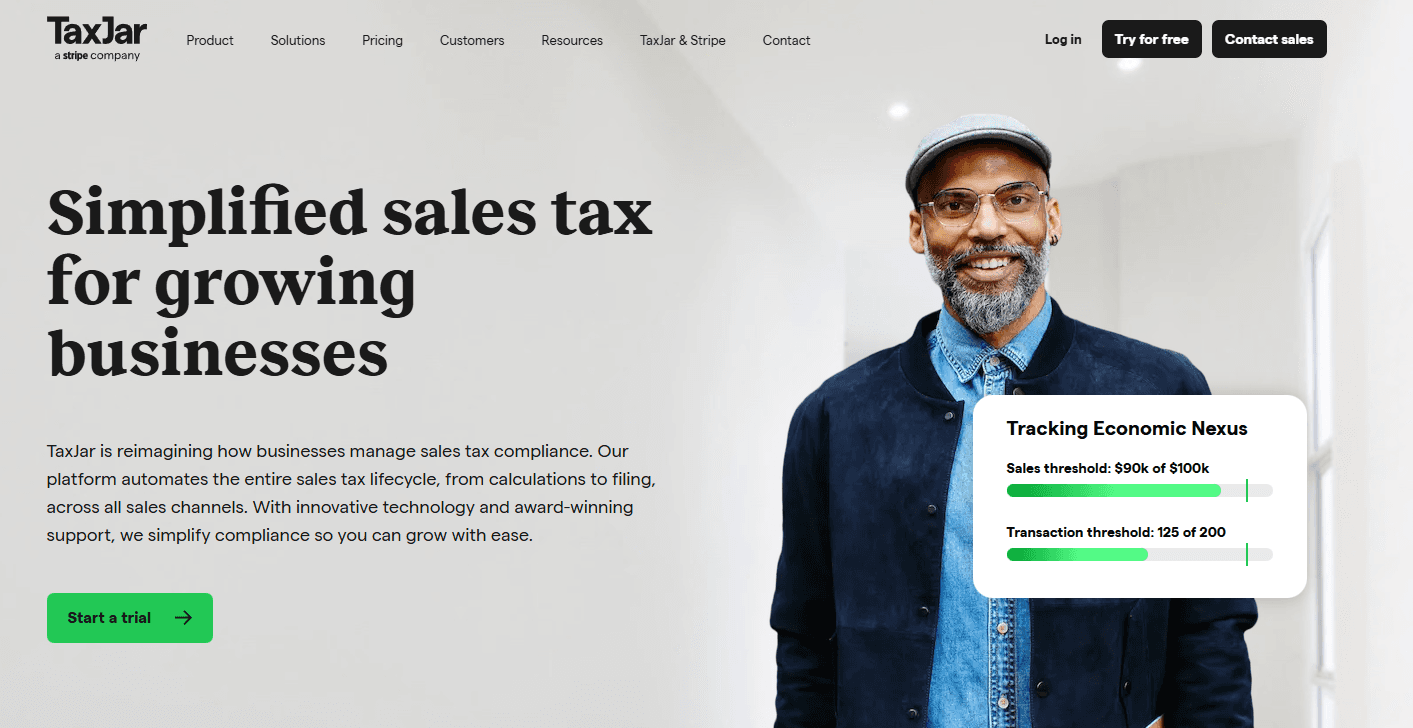
Nexus tracking: TaxJar tracks your sales activities to determine where you have tax obligations.
Exemption management: This feature helps you easily manage tax exemptions to ensure accurate customer charges.
Local tax support: TaxJar covers local tax jurisdictions, ensuring your team doesn't miss any tax requirements. That’s exactly why it's ideal for businesses operating in multiple locations.

Ease of Use
TaxJar is remarkably user-friendly, making it a breeze for your team to manage sales tax. Its intuitive interface lets you navigate features like automated filings and detailed reports effortlessly.
Compared to other tax software, TaxJar stands out for its simplicity and efficiency, allowing your team to focus on core tasks without getting bogged down in complexities. With straightforward setup and clear instructions, your team can quickly get up to speed and start benefiting from its features.

Integrations
TaxJar integrates with Shopify, WooCommerce, Amazon, Magento, BigCommerce, Squarespace, Walmart, Etsy, QuickBooks, and Xero.
TaxJar also offers an API, allowing you to connect with third-party integration tools for customized solutions.

TaxJar Specs
- 2-Factor Authentication: No
- A/B Testing: No
- Analytics: No
- API: Yes
- BitCoin: No
- Conversion Tracking: Yes
- Dashboard: Yes
- Data Export: Yes
- Data Import: Yes
- Data Visualization: No
- Design Templates: No
- External Integrations: Yes
- Inventory Tracking: No
- Keyword Tracking: No
- Marketing Automation: No
- Multi-User: No
- Notifications: Yes
- Order Management: No
- Payment Gateway Integration: No
- Payment Processor: Yes
- PayPal: No
- Product Catalog: Yes
- Review Monitoring: Yes
- SAP Integration: No
- Scheduling: Yes
- Stripe: No
- Third-Party Plugins/Add-Ons: Yes


