
Vertex-arvostelu: hyvät ja huonot puolet, ominaisuudet ja hinnoittelu
Vertex erottuu edukseen tarkoilla verolaskelmillaan ja integraatioillaan, mikä tekee siitä erinomaisen vaihtoehdon luotettavaa vero-ohjelmistoa etsiville yrityksille.

We review tools independently, and commissions help fund our testing. See our transparency policy, our methodology, or suggest a tool.
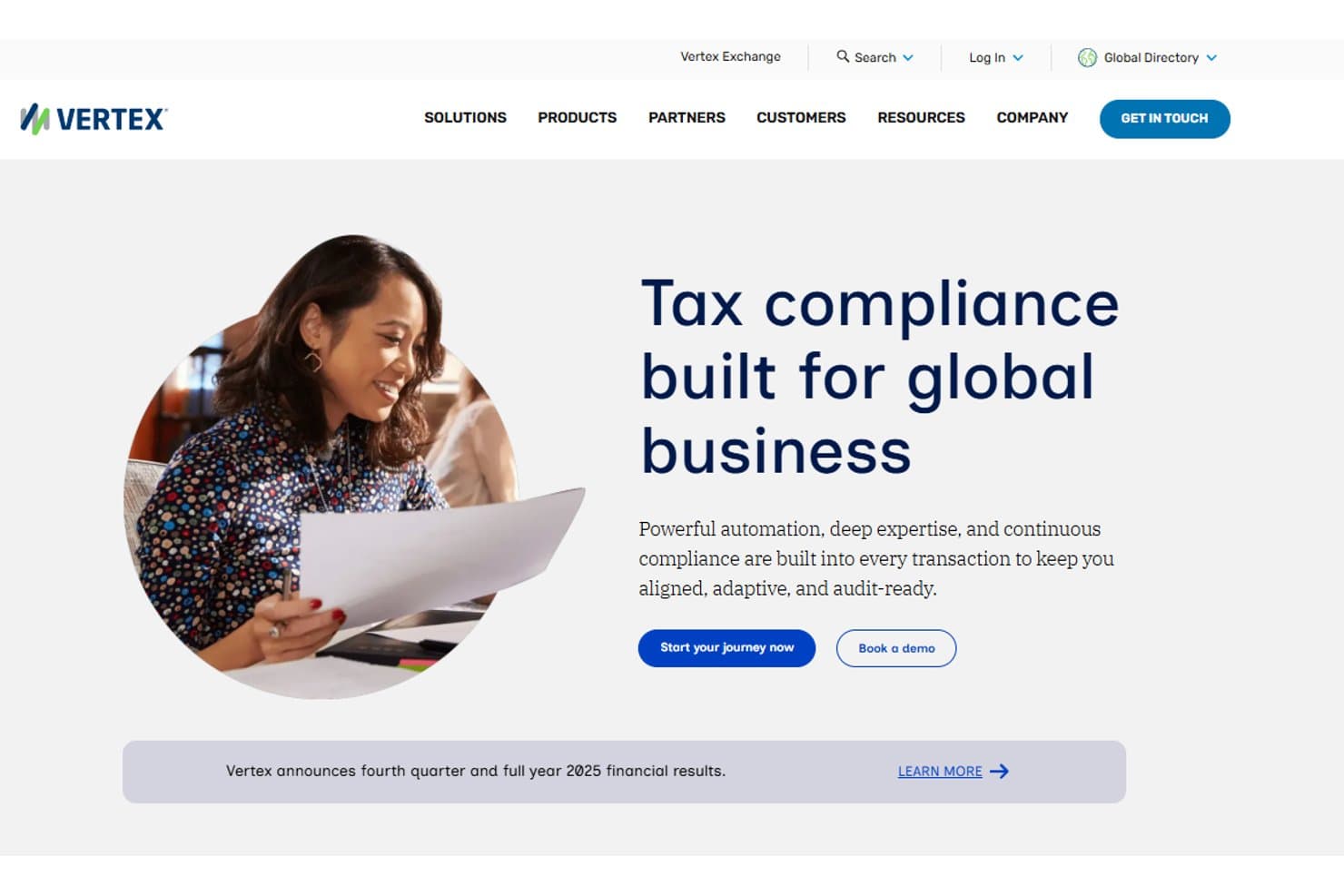
Vertex is a tax software built for mid-market and enterprise companies managing complex indirect tax calculations across sales tax, VAT, and use tax. I'd consider it if your business operates across multiple jurisdictions and needs accurate tax determination embedded directly into your ERP or billing systems. Compared to Avalara, Vertex tends to be the stronger fit for organizations with high transaction volumes and complex tax rules that need deeper ERP integration and more configurable rate and rule management.
Vertex Evaluation Summary
4.4/5
- Pricing upon request
- Free demo
Miksi luottaa ohjelmistosuosituksiimme
6,700+
Reviews
20
Industry experts
16+
Evaluation factors
14
Years
Tiimimme on testannut ja arvioinut ohjelmistoja vuodesta 2012 lähtien. Talousjohtajina tiedämme itse, kuinka vaikeaa — ja tärkeää — oikean ohjelmiston valitseminen on.
Tätä opasta varten arvioimme työkaluja käytännön testauksen ja itsenäisen tutkimuksen avulla, pisteyttäen työkalut valintakriteeriemme perusteella.
Arvostelumme perustuvat inhimilliseen toimitukselliseen harkintaamme, eivät myyntipuheeseen.
Vertex Overview
In my opinion, Vertex stands out as a solid choice for businesses needing reliable tax software. It excels in offering standout features like bi-directional integrations, which make data management easier for finance teams. However, some users might find the onboarding process a bit challenging. Compared to other tax software, Vertex offers a good balance of features and ease of use, making it suitable for medium to large enterprises. It's particularly beneficial for industries with complex tax needs, like retail or manufacturing. If you're weighing tax solution options, consider Vertex for its strong feature set and value for money.
Pros
- User-friendly interface makes it easy for your team to get started quickly.
- Live dashboards offer real-time data visualization for effective monitoring.
- Bi-directional integrations simplify data management between applications.
Cons
- Some users find the learning curve steep due to complex features.
- Limited customization options for dashboards and reports can be restrictive.
- Onboarding can be challenging without dedicated support.
Is Vertex Right For Your Needs?
Who Would be a Good Fit for Vertex?
Vertex is ideal for medium to large businesses, especially in industries like retail and manufacturing that handle complex tax requirements. Your team will appreciate the real-time data visualization and bi-directional integrations, which simplify data management. If you're in a department that relies heavily on accurate tax calculations, Vertex provides the necessary tools to ensure compliance and efficiency. Its user-friendly interface allows your team to quickly adapt, making it a smart choice for businesses with extensive tax needs.
- Retail IndustryVertex handles complex indirect tax calculations, making it perfect for retail businesses with multiple locations and varying tax rates.
- Manufacturing SectorIts robust reporting features help streamline compliance in manufacturing, where tax regulations can be intricate.
- Finance DepartmentsYour finance team benefits from Vertex's real-time data, which aids in effective financial planning and analysis.
- Large EnterprisesFor large enterprises, Vertex's bi-directional integrations support seamless data flow across departments.
- Tax ProfessionalsTax professionals will find Vertex valuable for its precise tax calculation capabilities and comprehensive reporting.
- Compliance TeamsCompliance teams use Vertex to stay up-to-date with tax regulations, minimizing risks of non-compliance.
Who Would be a Bad Fit for Vertex?
Vertex might not be suitable for small businesses or startups with straightforward tax needs because its advanced features could be overwhelming and unnecessary. If your team prefers a simple, quick setup, Vertex's onboarding process might be too complex. Additionally, companies with limited IT resources may struggle with the software's customization limits. Businesses with minimal tax compliance requirements might find Vertex's extensive functionalities excessive for their needs.
- Small StartupsStartups with basic tax needs may find Vertex's advanced features unnecessary and its setup too complex.
- FreelancersFreelancers won't benefit from Vertex's robust functionalities, which are designed for larger operations.
- Non-Profit OrganizationsNon-profits with minimal tax complexities might find Vertex's extensive features excessive.
- Sole ProprietorsSole proprietors usually need simpler solutions, making Vertex's advanced capabilities redundant.
- Budget-Conscious TeamsTeams with tight budgets might see Vertex as an unnecessary expense given their limited tax requirements.
- Casual UsersCasual users may find Vertex's interface and features more than they need for simple tax tasks.
How We Test & Score Tools
We’ve spent years building, refining, and improving our software testing and scoring system. The rubric is designed to capture the nuances of software selection and what makes a tool effective, focusing on critical aspects of the decision-making process.
Below, you can see exactly how our testing and scoring works across seven criteria. It allows us to provide an unbiased evaluation of the software based on core functionality, standout features, ease of use, onboarding, customer support, integrations, customer reviews, and value for money.
Core Functionality (25% of final scoring)
The starting point of our evaluation is always the core functionality of the tool. Does it have the basic features and functions that a user would expect to see? Are any of those core features locked to higher-tiered pricing plans? At its core, we expect a tool to stand up against the baseline capabilities of its competitors.
Standout Features (25% of final scoring)
Next, we evaluate uncommon standout features that go above and beyond the core functionality typically found in tools of its kind. A high score reflects specialized or unique features that make the product faster, more efficient, or offer additional value to the user.
We also evaluate how easy it is to integrate with other tools typically found in the tech stack to expand the functionality and utility of the software. Tools offering plentiful native integrations, 3rd party connections, and API access to build custom integrations score best.
Ease of Use (10% of final scoring)
We consider how quick and easy it is to execute the tasks defined in the core functionality using the tool. High scoring software is well designed, intuitive to use, offers mobile apps, provides templates, and makes relatively complex tasks seem simple.
Onboarding (10% of final scoring)
We know how important rapid team adoption is for a new platform, so we evaluate how easy it is to learn and use a tool with minimal training. We evaluate how quickly a team member can get set up and start using the tool with no experience. High scoring solutions indicate little or no support is required.
Customer Support (10% of final scoring)
We review how quick and easy it is to get unstuck and find help by phone, live chat, or knowledge base. Tools and companies that provide real-time support score best, while chatbots score worst.
Customer Reviews (10% of final scoring)
Beyond our own testing and evaluation, we consider the net promoter score from current and past customers. We review their likelihood, given the option, to choose the tool again for the core functionality. A high scoring software reflects a high net promoter score from current or past customers.
Value for Money (10% of final scoring)
Lastly, in consideration of all the other criteria, we review the average price of entry level plans against the core features and consider the value of the other evaluation criteria. Software that delivers more, for less, will score higher.
Core Features
Tax Calculation Engine
Vertex's tax engine ensures accurate tax rates and compliance for your team, reducing errors in financial statements. It automatically updates with the latest tax laws, keeping your work up-to-date.
Reporting Tools
The reporting tools offer detailed insights into your tax data, helping you make informed financial decisions. You can customize reports to fit your business needs.
Data Management
Vertex allows efficient data management, ensuring your tax data is organized and accessible. It supports importing data from various sources, simplifying your workflow.
Real-Time Dashboards
Real-time dashboards provide instant visibility into your tax situation, helping your team monitor performance. You can quickly spot trends and anomalies.
Compliance Tracking
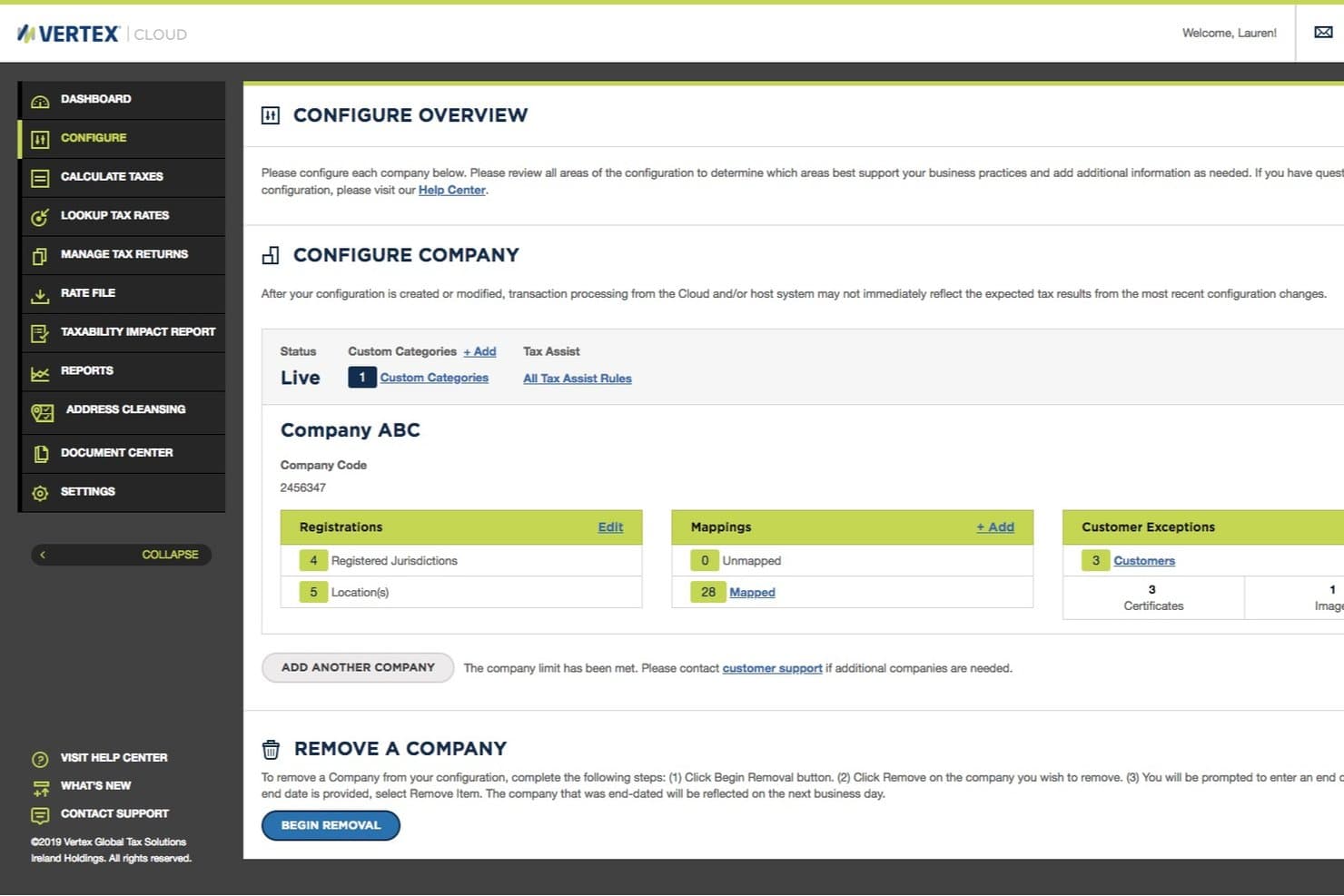
This feature keeps you compliant with ever-changing tax regulations. Your team can track compliance and exemption certificate status across different jurisdictions.
User Access Control
User access control lets you manage who sees what, ensuring sensitive tax data is protected. You can assign roles and permissions based on your team structure.
Ease of Use
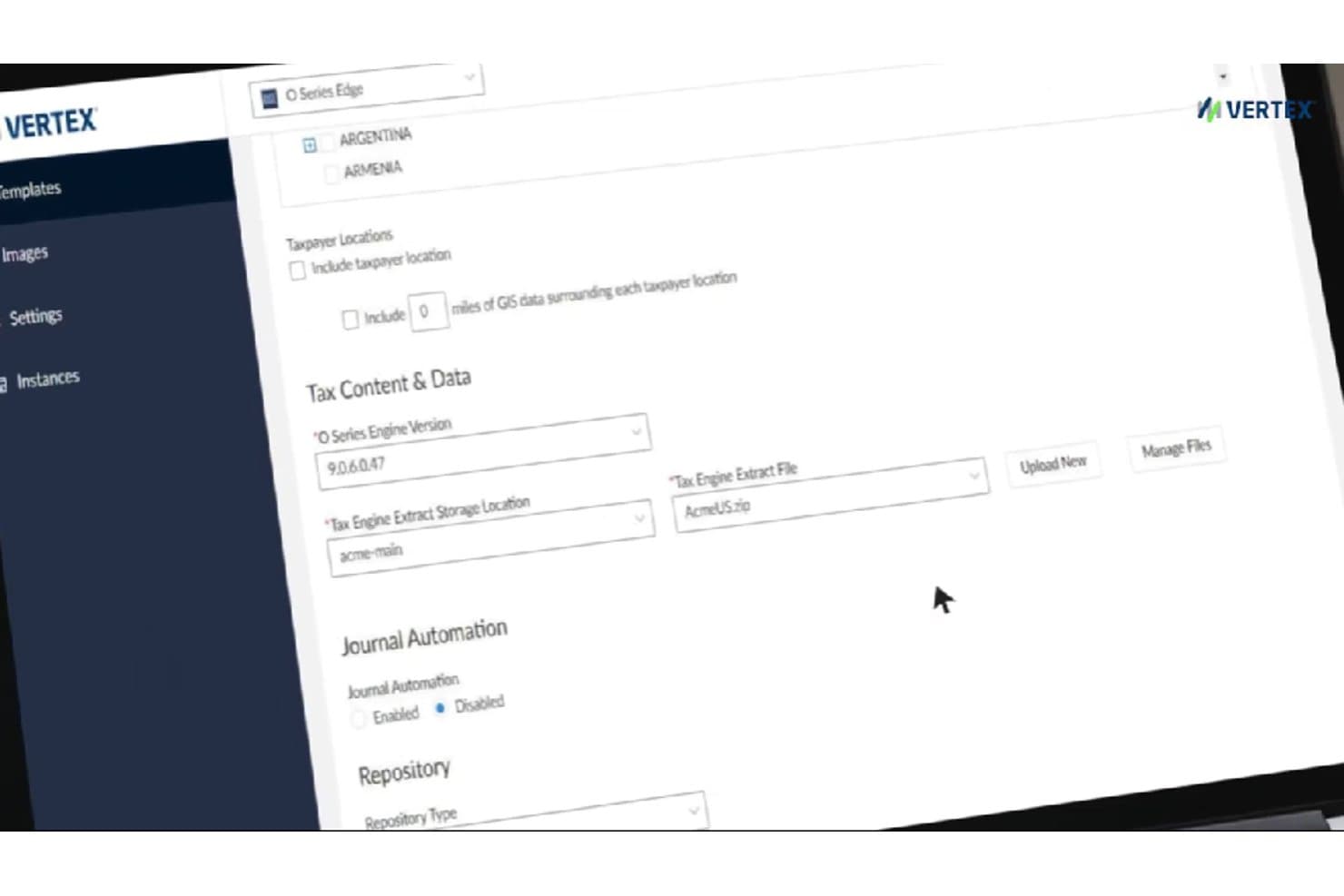
Vertex offers a user-friendly interface that makes it relatively easy for your team to navigate its complex features. While some users mention a learning curve, especially during onboarding, the intuitive design and real-time dashboards help ease the transition. You’ll find that the reporting tools and data management features are straightforward, allowing for efficient tax management. Compared to other tax software, Vertex strikes a balance between functionality and usability, making it a valuable tool for businesses with intricate tax needs.
Integrations
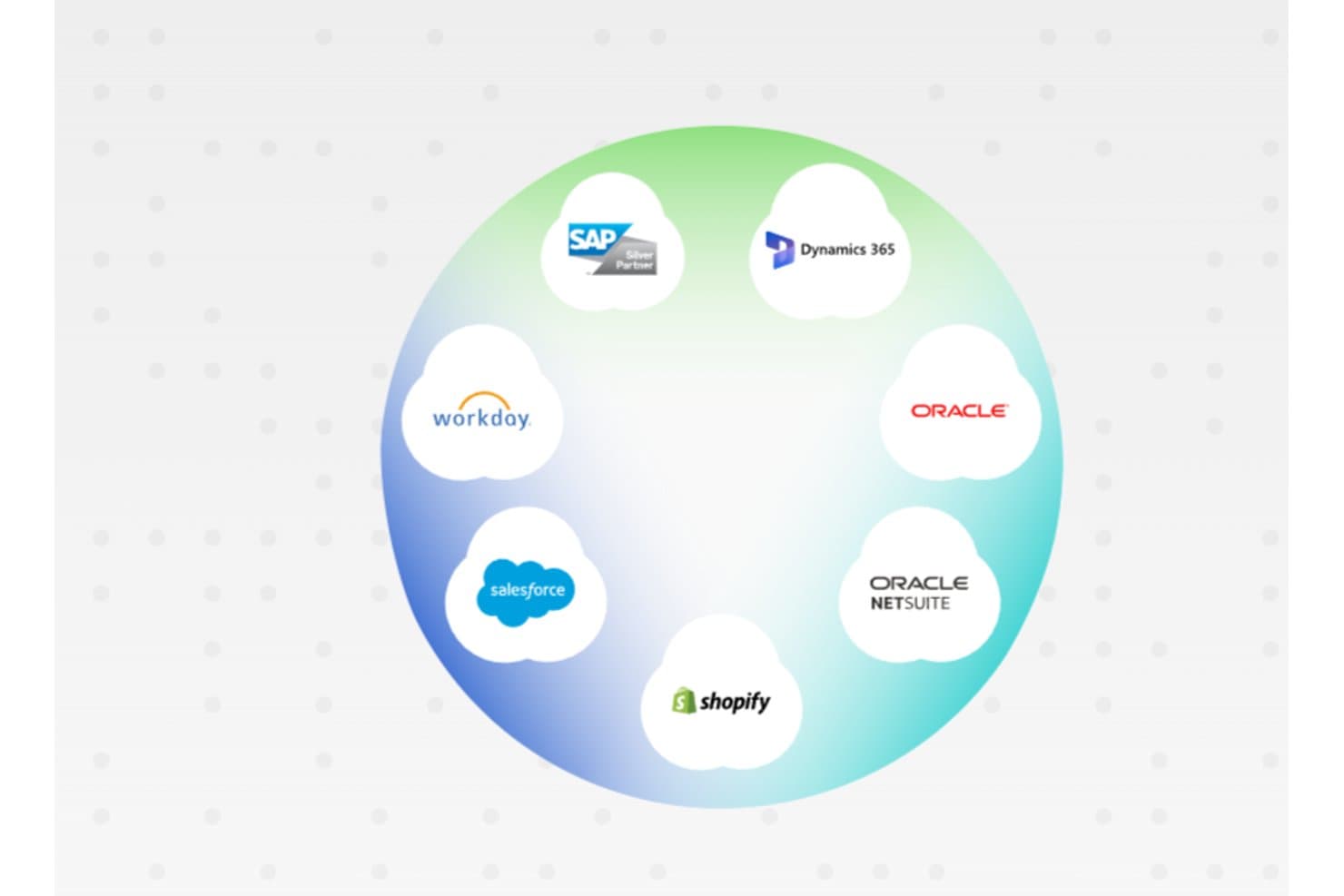
Vertex integrates with SAP, Oracle, Coupa, Shopify, Acumatica, Microsoft Dynamics 365, NetSuite, QuickBooks, Sage, and Salesforce.
Vertex offers an API and connects with third-party integration tools to enhance its functionality and adaptability.
Vertex Specs
- Accounts Payable: No
- Accounts Receivable: No
- API: Yes
- Balance Sheet: No
- Billing/Invoicing: No
- Budgeting: No
- Calendar Management: No
- CRM Integration: No
- Dashboard: Yes
- Data Export: Yes
- Data Import: Yes
- Data Visualization: No
- Expense Tracking: No
- External Integrations: Yes
- Forecasting: No
- General Account Ledger: No
- Multi-Currency: No
- Multi-User: Yes
- Notifications: Yes
- P&L: No
- Payroll: No
- Scheduling: No
- Tax Management: Yes


