
Avis sur Pipedrive : avantages, inconvénients, fonctionnalités et tarifs



Pipedrive CRM is an accounting CRM built around pipeline tracking and deal management for teams that need to connect client relationships to revenue workflows. I'd consider it if you want something more focused and easier to configure than Salesforce, but with enough depth to track deals, contacts, and billing activity in one place.
Pipedrive CRM Evaluation Summary
- From $14/user/month (billed annually)
- 14-day free trial
Pourquoi faire confiance à nos recommandations de logiciels
Nos avis reflètent notre jugement indépendant — et non un argumentaire de vente. Découvrez comment nous restons transparents.
Pour ce guide, nous avons évalué les outils grâce à des tests pratiques et une recherche indépendante, en notant les outils selon nos critères de sélection.
Nos avis reflètent notre jugement éditorial humain, et non un argumentaire de vente.
Pipedrive CRM Overview
In my opinion, Pipedrive is a solid choice for accounting CRM software, especially for small to medium-sized businesses. Its intuitive interface and standout features make it easy for sales teams to manage their pipelines. Compared to more complex CRM systems like Salesforce, Pipedrive excels in ease of use and onboarding but may lag in some integrations. It's a great fit for teams looking for a straightforward tool without the complexity of larger systems. If you're deciding on a CRM, consider how Pipedrive's strengths in user experience and support align with your team's needs.
pros
-
The interface is user-friendly, making it easy for your team to navigate.
-
Onboarding is quick and efficient, so you can get started fast.
-
Customer support is responsive and helpful when you need assistance.
cons
-
It may lack some advanced features found in other CRM tools.
-
Customization options can be limited for specific needs.
-
Reporting capabilities might not be as detailed as some users expect.
-

Rippling Spend
Visit WebsiteThis rating combines scores from multiple user review sites to reflect overall customer sentiment about the product.4.8 -
DealHub AI
Visit WebsiteThis rating combines scores from multiple user review sites to reflect overall customer sentiment about the product.4.7 -
LiveFlow
Visit WebsiteThis rating combines scores from multiple user review sites to reflect overall customer sentiment about the product.4.9


Comment nous testons et évaluons les outils
Nous avons passé des années à construire, affiner et améliorer notre système de test et d’évaluation des logiciels. Notre grille vise à saisir toute la subtilité de la sélection logicielle et les facteurs déterminant l’efficacité d’un outil, en mettant l’accent sur les aspects essentiels du processus de décision. Ci-dessous, vous pouvez voir exactement comment notre test et notre notation fonctionnent selon sept critères. Cela nous permet de fournir une évaluation impartiale des logiciels sur la base des fonctionnalités principales, des fonctionnalités distinctives, de la facilité d’utilisation, de la prise en main, du service client, des intégrations, des avis clients et du rapport qualité/prix.
Fonctionnalité principale (25 % de la note finale)
Le point de départ de notre évaluation est toujours la fonctionnalité principale de l’outil. Dispose-t-il des caractéristiques de base attendues ? Certaines de ces fonctions de base sont-elles réservées aux plans tarifaires supérieurs ? Fondamentalement, nous attendons d’un outil qu’il soit au moins l’égal de ses concurrents en capacités essentielles.
Fonctionnalités Distinctives (25 % de la note finale)
Ensuite, nous évaluons les fonctionnalités rares ou uniques, allant au-delà de la fonctionnalité principale habituellement trouvée dans ce type d’outil. Un score élevé traduit des fonctionnalités spécialisées ou innovantes qui rendent le produit plus rapide, plus efficace, ou apportent une valeur supplémentaire à l’utilisateur. Nous évaluons aussi la facilité d’intégration avec d’autres outils courants de l’écosystème technologique pour étendre les capacités du logiciel. Les outils offrant de nombreuses intégrations natives, des connexions tierces et un accès API pour des intégrations personnalisées obtiennent le meilleur score.
Facilité d’utilisation (10 % de la note finale)
Nous considérons la rapidité et la facilité d’exécution des tâches essentielles avec l’outil. Un logiciel bien conçu, intuitif, proposant des applications mobiles, des modèles et permettant de simplifier des tâches complexes obtient la meilleure note.
Prise en Main (10 % de la note finale)
Nous savons combien il est important d’adopter rapidement une nouvelle plateforme, c’est pourquoi nous évaluons la facilité d’apprentissage et d’utilisation du logiciel avec un minimum de formation. Nous évaluons la rapidité de mise en place d’un nouveau membre d’équipe sans expérience. Un outil ayant un bon score requiert peu voire aucun support pour la prise en main.
Service Client (10 % de la note finale)
Nous évaluons s’il est rapide et facile d’obtenir de l’aide ou de dépanner par téléphone, chat en direct ou base de connaissances. Les outils et entreprises offrant une assistance en temps réel obtiennent le meilleur score, tandis que les chatbots sont moins bien notés.
Avis Clients (10 % de la note finale)
Au-delà de nos propres tests et évaluations, nous prenons en compte le net promoter score fourni par les clients actuels et passés. Nous vérifions leur probabilité de recommander l’outil et d’en refaire le choix pour ses fonctionnalités principales. Un logiciel bien noté se traduit par un net promoter score élevé.
Rapport Qualité/Prix (10 % de la note finale)
Enfin, en tenant compte de tous les autres critères, nous comparons le prix moyen des plans d’entrée de gamme avec les fonctionnalités principales, et le rapport de valeur avec les autres critères d’évaluation. Les logiciels offrant plus pour moins obtiennent la meilleure note.
Core Features
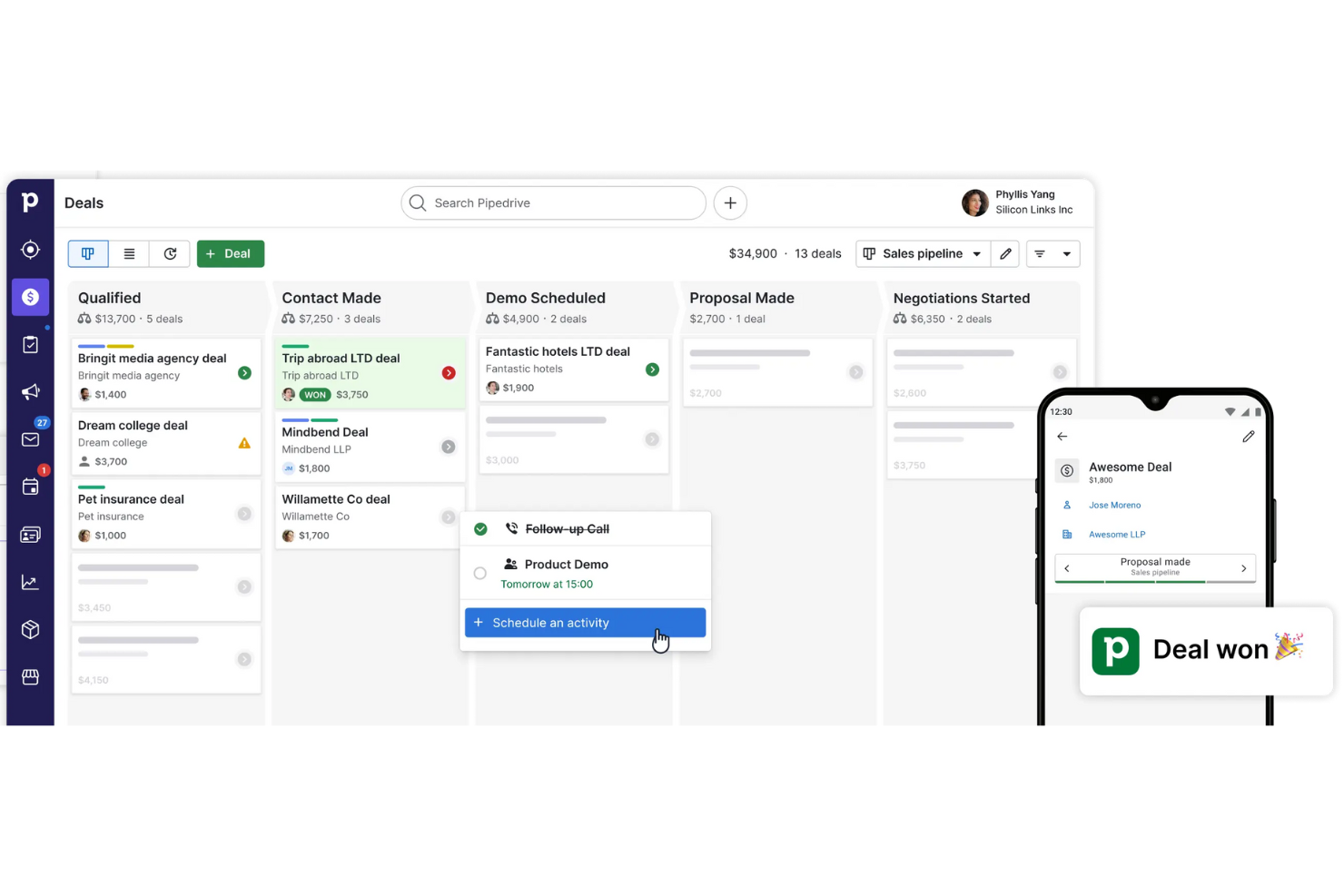
Pipeline Management: Pipedrive lets you track deals through customizable sales stages with real-time visibility into where each opportunity stands.
Contact Management: Keep all your contact data organized in one place, supporting effective lead management by tracking interactions, notes, and follow-ups across the sales process.
Activity Tracking: Schedule and track calls, meetings, email marketing activities, and light project management tasks so your team stays aligned as deals move forward.
Email Sync: Sync your email to Pipedrive to manage communications, use built-in email templates, and track follow-ups in one place.
Reporting: Get insights into your sales performance with customizable dashboards. You can view metrics that matter to your team and make informed decisions.
Task Automation: Use built-in automation tools to handle repetitive tasks and save time. Your team can focus on selling instead of manual data entry.
Ease of Use
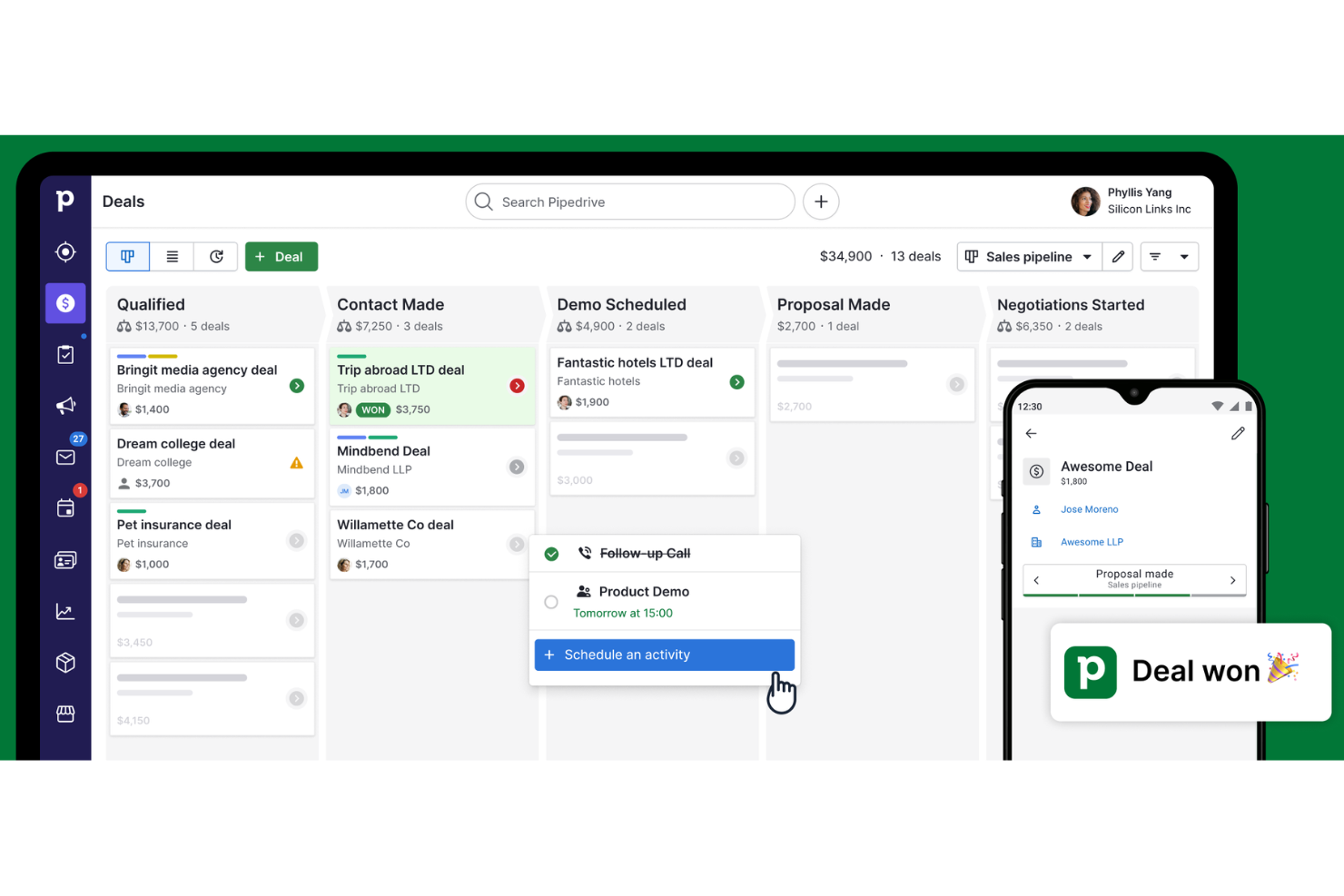
Pipedrive is user-friendly, making it easy for your team to get up and running quickly. Its intuitive interface and visual pipeline make deal management straightforward for sales teams that want clarity without heavy configuration. The visual sales pipeline lets you see everything at a glance, simplifying your workflow. Compared to other CRM tools, Pipedrive's straightforward design and quick onboarding process ensure your team can start managing customer relationships effectively without a steep learning curve.

Integrations
Pipedrive integrates with Google Workspace, Gmail, Microsoft Outlook, Zapier, Slack, Trello, Mailchimp, QuickBooks, Xero, Hubspot, Zoho CRM, Zoom, Asana, and Shopify.
Pipedrive also offers an API, allowing you to connect with third-party integration tools for a more customized experience.

Pipedrive CRM Specs
- 2-Factor Authentication
- API
- Calendar Management
- Call Tracking
- Campaign Management
- Click-to-Dial
- Contact Management
- Contact Sharing
- Custom Data Forms
- Customer Management
- Dashboard
- Data Export
- Data Import
- Data Visualization
- Email Integration
- External Integrations
- File Sharing
- File Transfer
- Google Apps Integration
- Lead Management
- Lead Scoring
- Marketing Automation
- Mobile App
- Multi-User
- Notifications
- Pipeline Management
- Sales Automation
- Scheduling
- Social-Media Integration
- Task Scheduling/Tracking
- Third-Party Plugins/Add-Ons