
Recensione di Smartsheet: Pro, Contro, Caratteristiche e Prezzi
Smartsheet si distingue per le sue robuste capacità di integrazione e scalabilità, rendendolo ideale per le esigenze di gestione progetti complesse.

Recensiamo gli strumenti in modo indipendente e le commissioni aiutano a finanziare i nostri test. Consulta la nostra politica sulla trasparenza, la nostra metodologia, oppure suggerisci uno strumento.
Smartsheet is financial management software built around a spreadsheet-style interface that finance teams use for budgeting, project cost tracking, and financial reporting. I'd consider it if your team is outgrowing Excel but isn't ready for a dedicated FP&A platform—it gives you real-time collaboration, automated workflows, and structured data controls without the implementation complexity of tools like Adaptive Insights.
Smartsheet Evaluation Summary
4.5/5
- From $9/user/month (billed annually)
- 30-day free trial + free demo available
Perché fidarsi dei nostri consigli sui software
6,700+
Reviews
20
Industry experts
16+
Evaluation factors
14
Years
Le nostre recensioni riflettono il nostro giudizio indipendente, non un discorso di vendita. Scopri come manteniamo la trasparenza.
Per questa guida, abbiamo valutato gli strumenti attraverso test pratici e ricerche indipendenti, assegnando un punteggio agli strumenti in base ai nostri criteri di selezione.
Le nostre recensioni riflettono il nostro giudizio editoriale umano, non un discorso di vendita.
Smartsheet Overview
In my opinion, Smartsheet serves as a competent finance automation software, particularly for teams familiar with spreadsheet-based tools. It integrates well with Microsoft Office 365 and Google Workspace, which enhances its utility. The onboarding process can be challenging, which may extend the learning curve. While prices for more advanced plans can be high, the range of features justifies the cost for larger teams. I think it's best suited for enterprises that need robust spreadsheet capabilities and can invest time into learning the tool.
Pros
- It scales with any enterprise.
- You can automate workflows using spreadsheets and templates.
- It offers integrated proofing and approval tools for team collaboration.
Cons
- The outdated UI affects how easy it is to use.
- Onboarding is non-existent when you first get your account.
- Its interface and workflows aren’t easy to use at first.
Is Smartsheet Right For Your Needs?
Who Would be a Good Fit for Smartsheet?
Smartsheet is ideal for teams and departments that manage complex projects and need robust collaboration tools. It's particularly beneficial for project managers who enjoy the familiarity of spreadsheets but require advanced functionalities like automated workflows and real-time dashboards. If your work involves extensive project planning and tracking, Smartsheet's Gantt charts and reporting capabilities will support your needs efficiently. Its integration with major applications such as Microsoft Office 365 and Google Workspace further enhances its utility.
- Project ManagementSmartsheet supports complex project management with Gantt charts, real-time dashboards, and strong reporting features.
- Marketing TeamsMarketing teams can automate workflows and collaborate effectively with integrated proofing and approval tools.
- IT DepartmentsIT departments can use Smartsheet to manage resources and publish reports, dashboards, and calendars with ease.
- Construction FirmsYou can utilize sheet-to-sheet linking and real-time updates to track project progress, suitable for construction firms.
- Human ResourcesYou can streamline hiring processes with pre-built templates and automated workflows.
Who Would be a Bad Fit for Smartsheet?
Smartsheet isn't ideal for small businesses or teams with limited resources. Its steep learning curve and extensive features can overwhelm smaller operations. Additionally, if you're working with a tight budget, the limited storage space in Smartsheet's more affordable plans might not meet your needs.
- Small BusinessesIf your team is small, Smartsheet’s complexity might outweigh its benefits.
- Creative TeamsIf you prioritize visually appealing interfaces, Smartsheet's outdated UI might disappoint.
- Simple Task ManagementFor tasks that don’t require advanced features, Smartsheet's capabilities may be overkill.
- Non-Technical UsersIf your team struggles with technology, Smartsheet's learning curve could hinder productivity.
- Limited IT SupportWithout robust IT support, navigating Smartsheet’s setup and maintenance can be challenging.
Come testiamo e valutiamo gli strumenti
Abbiamo impiegato anni a costruire, perfezionare e migliorare il nostro sistema di test e valutazione dei software. Il nostro schema è progettato per cogliere le sfumature della scelta del software e ciò che rende uno strumento efficace, concentrandosi sugli aspetti critici del processo decisionale. Di seguito puoi vedere esattamente come funzionano i nostri test e le nostre valutazioni in base a sette criteri. Questo ci permette di offrire una valutazione imparziale del software basata su funzionalità di base, caratteristiche distintive, facilità d’uso, onboarding, assistenza clienti, integrazioni, recensioni dei clienti e rapporto qualità-prezzo.
Funzionalità principali (25% del punteggio finale)
Il punto di partenza della nostra valutazione è sempre la funzionalità principale dello strumento. Dispone delle funzionalità base che un utente si aspetterebbe di trovare? Alcune di queste funzionalità sono riservate ai piani a pagamento più elevati? In sostanza, ci aspettiamo che uno strumento sia all’altezza delle capacità minime dei concorrenti.
Caratteristiche distintive (25% del punteggio finale)
Successivamente, valutiamo le caratteristiche distintive che vanno oltre la funzionalità principale normalmente presente negli strumenti di questo tipo. Un punteggio elevato riflette funzionalità specializzate o uniche che rendono il prodotto più rapido, efficiente o offrono valore aggiunto all’utente. Valutiamo inoltre quanto sia semplice integrare il software con altri strumenti tipicamente presenti nello stack tecnologico, per estenderne la funzionalità e l’utilità. Gli strumenti che offrono numerose integrazioni native, connessioni di terze parti e accesso API per creare integrazioni personalizzate ottengono il punteggio migliore.
Facilità d’uso (10% del punteggio finale)
Consideriamo quanto sia rapido e semplice eseguire le attività fondamentali previste dallo strumento. Un software con punteggio elevato è ben progettato, intuitivo da usare, offre app mobile, modelli predefiniti e semplifica operazioni complesse.
Onboarding (10% del punteggio finale)
Sappiamo quanto sia importante l’adozione rapida da parte del team quando si introduce una nuova piattaforma: per questo valutiamo quanto sia facile imparare e utilizzare lo strumento con una formazione minima. Valutiamo la rapidità con cui un membro del team può impostare e iniziare a utilizzare lo strumento senza esperienza pregressa. Le soluzioni con punteggio alto richiedono poco o nessun supporto.
Assistenza clienti (10% del punteggio finale)
Analizziamo quanto sia semplice e veloce ottenere aiuto tramite telefono, live chat o knowledge base. Gli strumenti e le aziende che offrono supporto in tempo reale ottengono i punteggi migliori, mentre i chatbot ricevono i punteggi più bassi.
Recensioni dei clienti (10% del punteggio finale)
Oltre ai nostri test e valutazioni, consideriamo il net promoter score dei clienti attuali e passati. Verifichiamo la probabilità che i clienti scelgano nuovamente lo strumento per le funzionalità di base. Un software con punteggio elevato riflette un net promoter score alto da parte dei clienti vecchi e attuali.
Rapporto qualità-prezzo (10% del punteggio finale)
Infine, considerando tutti gli altri criteri, valutiamo il prezzo medio dei piani base rispetto alle funzionalità principali e agli altri criteri di valutazione. I software che offrono di più, a un costo inferiore, ottengono punteggi migliori.
Core Features
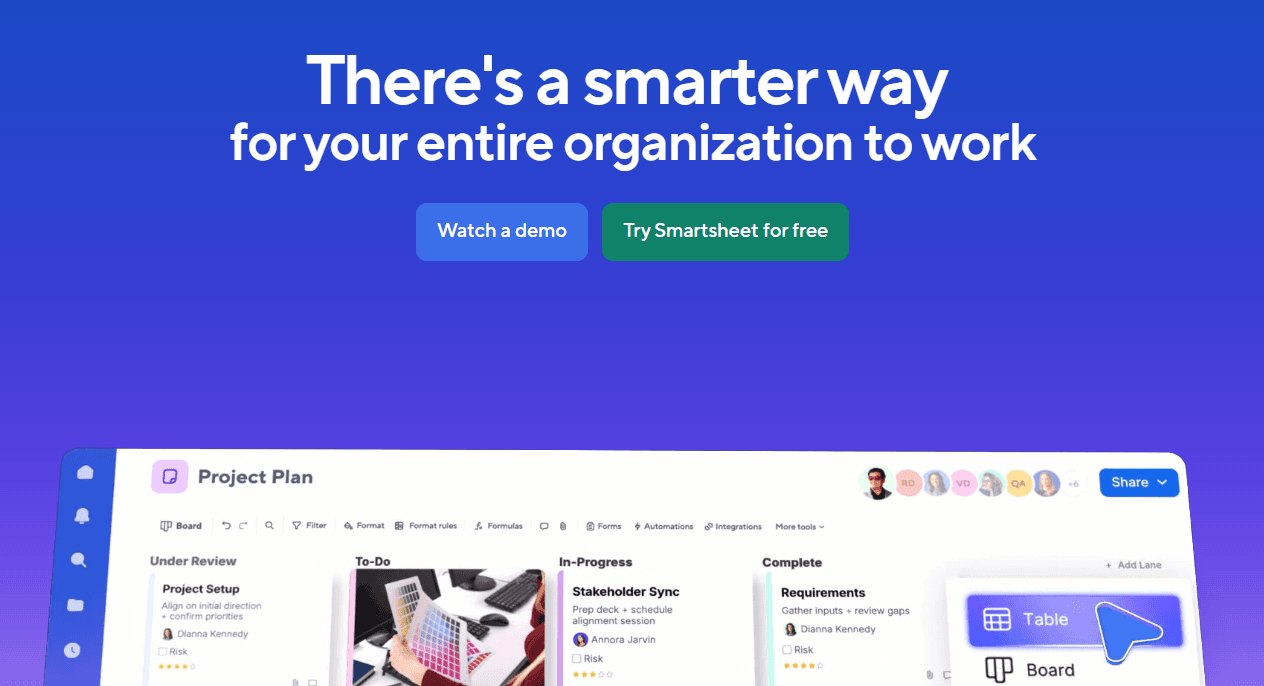
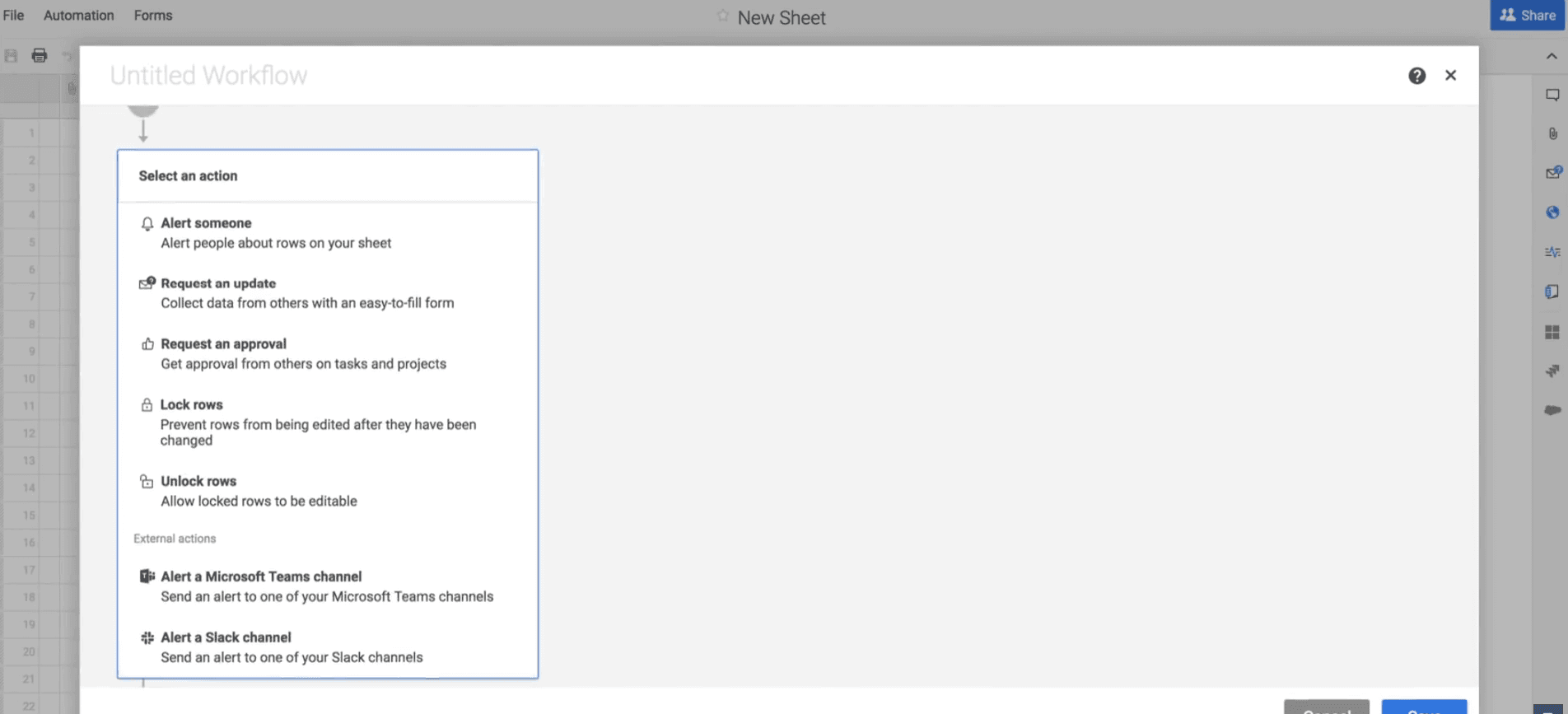
Automated Workflows: Smartsheet allows you to automate repetitive tasks, reducing the manual effort required in financial processes. This allows your team to focus on more strategic tasks by handling approvals, notifications, and updates automatically.
Real-Time Dashboards: With real-time dashboards, you can visualize financial data and trends instantly. This helps you make informed decisions quickly by displaying key metrics in an easy-to-understand format.
Comprehensive Reporting: Smartsheet’s reporting tools enable you to generate detailed financial reports with ease. You can customize these reports to focus on specific data points, ensuring that your team has the insights needed to drive business decisions.
Document Management: You can attach, manage, and convert files into proof items directly within Smartsheet. This allows you to track approvals and versions, facilitating focused conversations around financial documents.
Resource Management: You can visualize team workloads and project allocations to manage resources effectively and optimize project assignment based on availability.
Gantt Charts for Planning: You can utilize Gantt charts to plan and track financial projects and timelines. This feature assists in setting clear deadlines and dependencies, making it easier to manage complex financial tasks.
Standout Features
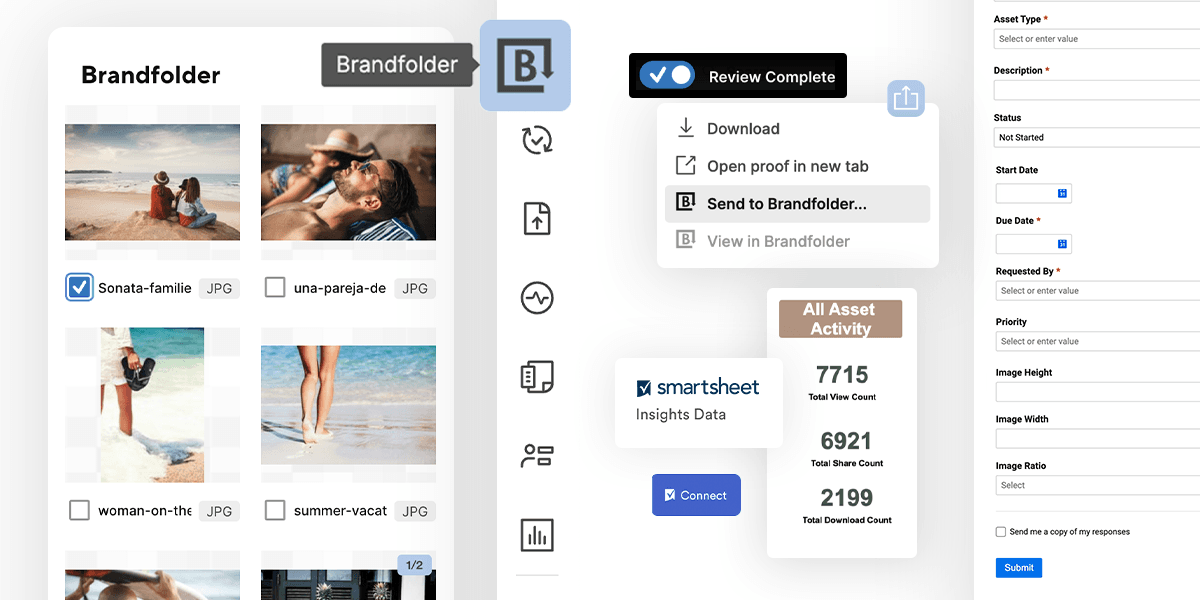
Brandfolder Integration: This digital asset management platform within Smartsheet helps you store, label, and categorize files efficiently. This is particularly valuable for companies handling large volumes of content, ensuring easy retrieval and reuse.
WorkApps: Customize your project experience by organizing documents, spreadsheets, and timelines into a single app. This feature allows your team to access only the relevant information, enhancing productivity.
Ease of Use
Smartsheet's UI can be hard to learn initially. The spreadsheet-like appearance requires a shift in mindset but offers powerful customization once mastered. Users often find the onboarding lacking, but if your team embraces the learning curve, you'll unlock robust automation and integration capabilities that enhance your workflows.
Onboarding
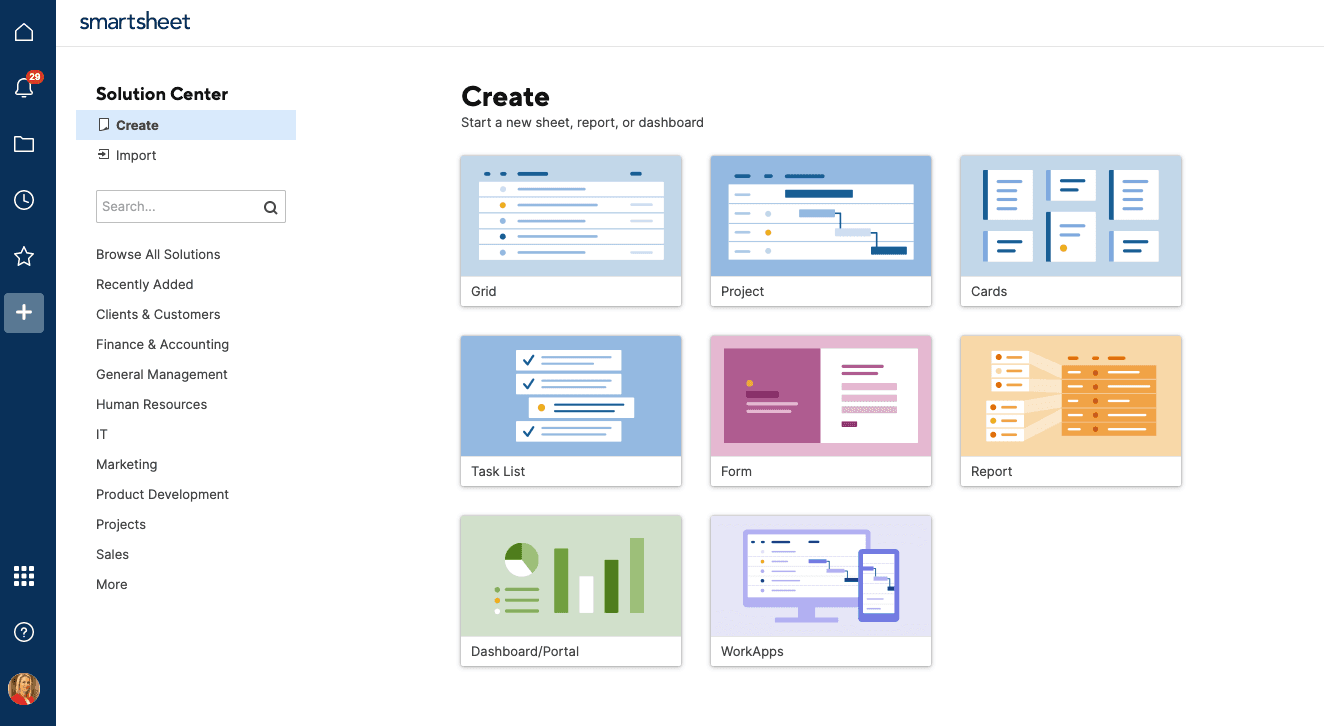
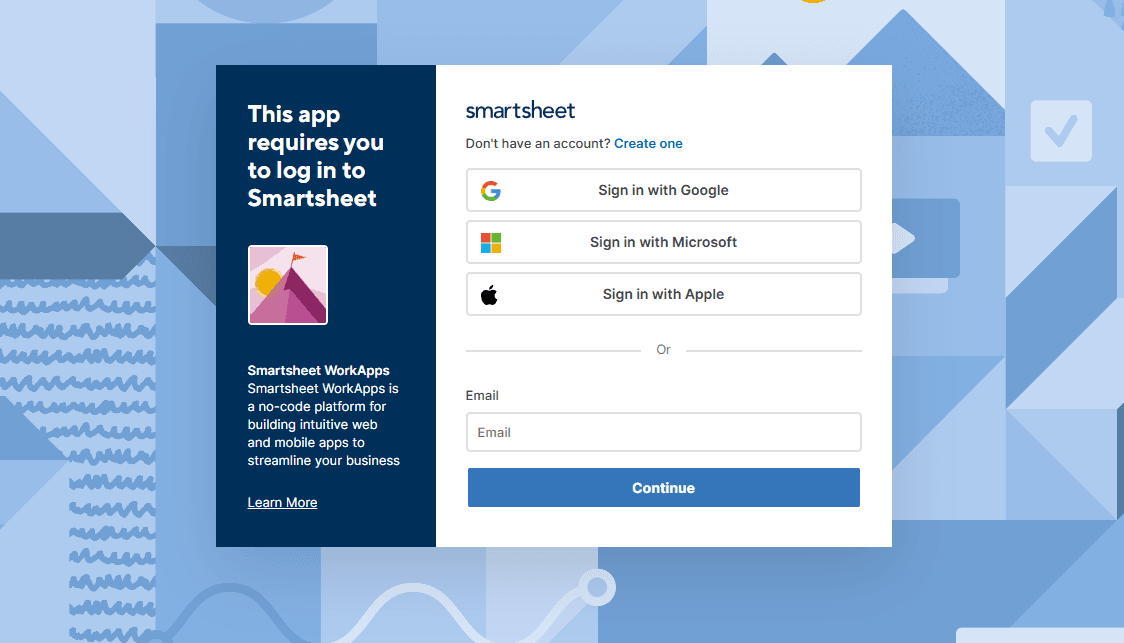
Smartsheet's onboarding experience is minimal, with no detailed guidance within the tool. Users often find themselves needing to explore Smartsheet University or other resources to learn effectively. The interface's complexity can hinder the onboarding process compared to more user-friendly Smartsheet alternatives, such as Monday.com and ClickUp. This setup may delay your team’s time to value as you navigate the learning curve independently.
Customer Support
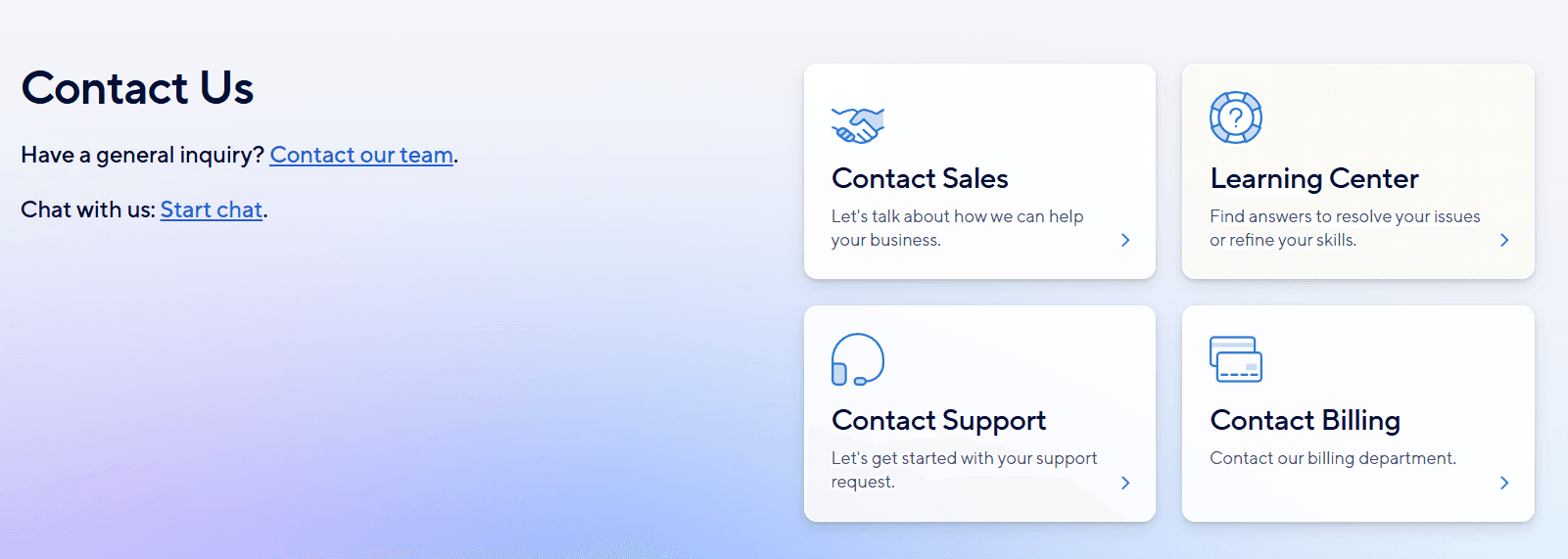
Smartsheet's customer support is average, offering a help centre with documentation and tutorials, a user community, and paid personalized coaching. Email and phone support are also available, though some users report long wait times.
Integrations
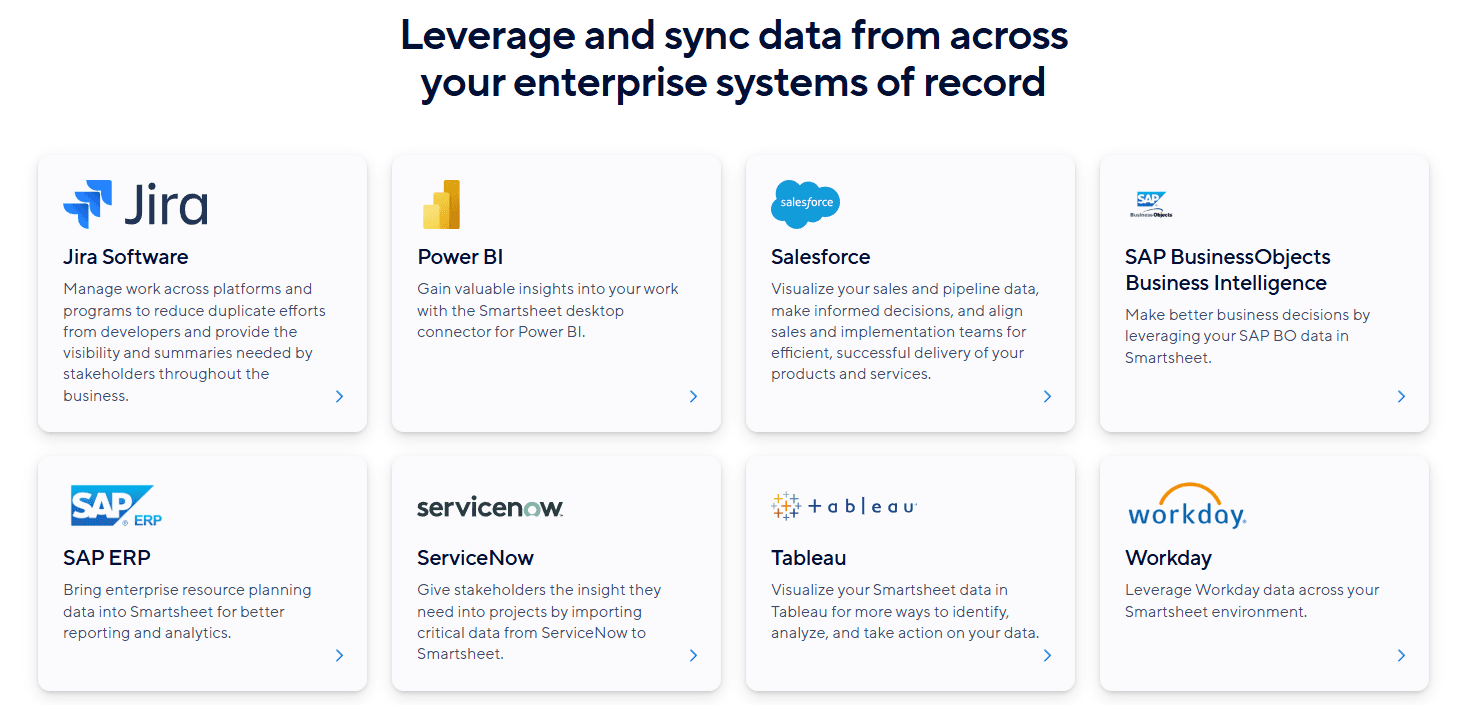
Smartsheet integrates with Microsoft Teams, Microsoft Excel, Slack, Adobe Creative Cloud, DocuSign, Power Automate, Zapier, Jira, Power BI, and Salesforce.
Smartsheet also offers an API and connects with third-party integration tools and add-ons.
Value for Money
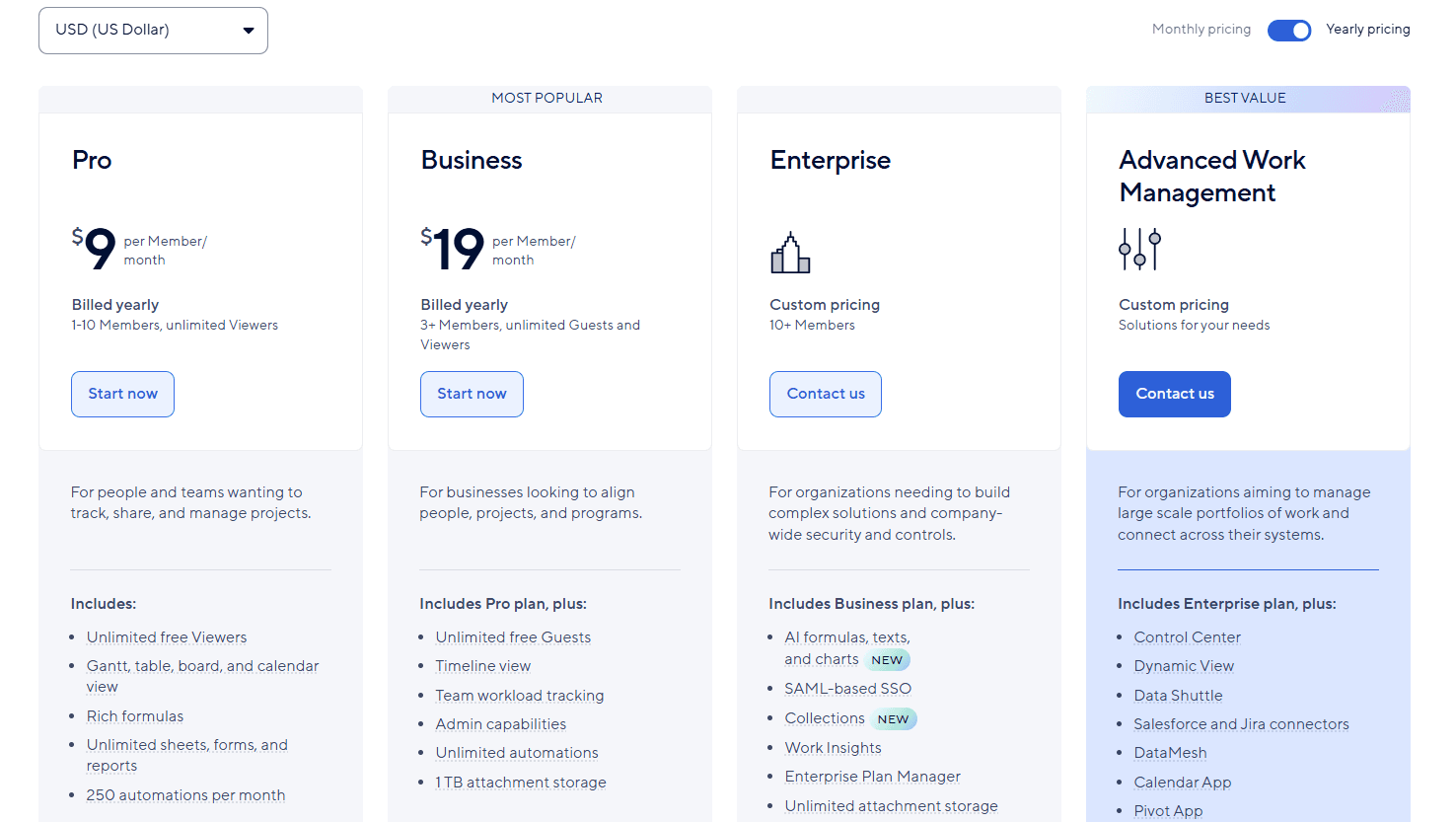
Smartsheet offers several pricing plans to suit different business needs, including a free plan for two users. While customized plans with advanced features may be more costly, Smartsheet offers good value for money. A free demo is available, so you can evaluate the software before purchasing.
- Free Plan: Offers two sheets for two users, with access to Google Workspace, Microsoft 365, and Slack integrations.
- Pro Plan: $9/member/month (billed annually); limited to 10 users and includes core features, such as unlimited sheets, forms, and reports.
- Business Plan: $19/member/month (billed annually); includes team workload tracking, a timeline view widget, and admin capabilities.
- Enterprise Plan: Custom pricing; offers directory integrations for simplified user authentication and AI capabilities.
- Advanced Work Management Plan: Custom pricing for additional features according to your needs.
Smartsheet Specs
- API: Yes
- Batch Permissions & Access: No
- Budgeting: Yes
- Calendar Management: Yes
- Collaboration Support: Yes
- Contact Management: No
- Contact Sharing: No
- Customer Management: Yes
- Dashboard: Yes
- Dashboards: Yes
- Data Export: Yes
- Data Import: Yes
- Data Visualization: Yes
- Dependency Tracking: No
- Document Sharing: No
- Expense Tracking: Yes
- External Integrations: Yes
- File Sharing: No
- Gantt Charts: Yes
- Kanban Boards: No
- Multi-User: Yes
- Notifications: Yes
- Project Management: Yes
- Resource Management: Yes
- Scheduling: Yes
- Task Scheduling/Tracking: Yes
- Third-Party Plugins/Add-Ons: Yes
- Time Management: No
- Travel Management: No
- Workflow Management: No
Smartsheet FAQs
Smartsheet Company Overview & History
Smartsheet, headquartered in Bellevue, Washington, was founded in 2005 and currently employs over 3,000 people. Known for its cloud-based platform that blends spreadsheets, databases, and project management tools, Smartsheet is trusted by over 85% of Fortune 100 companies. Blackstone and Vista Equity Partners acquired Smartsheet for $8.4 billion in 2024. The company supports integration with major applications such as Microsoft Office 365 and Google Workspace.
Smartsheet Major Milestones
- 2005: Founded by Eric Browne and Brent Frei.
- 2023: Trusted by over 85% of Fortune 100 companies.
- 2024: Acquired by Blackstone and Vista Equity Partners for $8.4 billion.