
Alteryx-beoordeling: voor- en nadelen, functies en prijzen
Alteryx onderscheidt zich door zijn krachtige mogelijkheden voor gegevensvoorbereiding en analyse, waarmee uw team complexe gegevens efficiënt kan transformeren in bruikbare inzichten.

We review tools independently, and commissions help fund our testing. See our transparency policy, our methodology, or suggest a tool.
Alteryx is a free forecasting software built for finance and analytics teams that need to build predictive models and time-series forecasts without writing code. I'd consider it if your team needs more statistical depth than Excel-based forecasting provides, but you want to avoid the cost and complexity of a fully paid enterprise analytics platform.
Alteryx Evaluation Summary
4.6/5
- From $250/user/month (billed annually)
- Free trial available
Waarom u onze softwareaanbevelingen kunt vertrouwen
6,700+
Reviews
20
Industry experts
16+
Evaluation factors
14
Years
Onze reviews weerspiegelen ons onafhankelijke oordeel — geen verkooppraatje. Ontdek hoe we transparant blijven.
Voor deze gids hebben we tools geëvalueerd met behulp van praktijktests en onafhankelijk onderzoek, waarbij we tools beoordeelden aan de hand van onze selectiecriteria.
Onze reviews weerspiegelen ons menselijke redactionele oordeel, geen verkooppraatje.
Alteryx Overview
In my opinion, Alteryx is a solid choice for financial data analysis, offering automation, workflows, and functionality that cater to the complex data needs of financial institutions. It's particularly suitable for finance teams, data scientists, and analysts who need to manage large datasets efficiently. Alteryx excels in data preparation, data cleansing, and data analytics, making it a strong competitor among modern analytics tools. However, it might not be the easiest to onboard, which could be a hurdle for smaller teams or beginners without dedicated IT support. While its price is competitive, the value it delivers makes it worthwhile for businesses looking to leverage self-service data science and process automation. Overall, Alteryx is a great option for those who require advanced data transformations, visualization, and business intelligence capabilities.
Pros
- It offers powerful data preparation and analytics capabilities.
- Users appreciate its ability to handle large and complex datasets.
- It's highly customizable to fit various operational needs.
Cons
- Users often mention a steep learning curve.
- The interface might feel overwhelming for beginners.
- It requires significant time investment for onboarding and setup.
Is Alteryx Right For Your Needs?
Who Would be a Good Fit for Alteryx?
Alteryx suits data-driven teams in financial services, healthcare, and retail that need advanced data analysis and data processing. Your team can benefit from its strong automation and functionality, especially if you handle large datasets and require detailed data preparation. Finance departments and data scientists will find it valuable for transforming raw data into actionable insights, thanks to its customizable workflows, data cleansing, and drag-and-drop tools.
- Finance TeamsAlteryx simplifies complex financial data analysis and modeling tasks, making your team's work more efficient and effective.
- Healthcare AnalyticsBy deploying machine learning, the software helps your team analyze patient data effectively, improving outcomes and operational efficiency.
- Retail AnalysisYour team can leverage Alteryx to understand consumer behavior and optimize inventory management.
- Business IntelligenceAlteryx supports your efforts in turning data into strategic insights with its advanced analytics tools and visualization features.
- Data ScientistsThe software offers self-service data preparation and data transformations to enhance predictive modeling and data blending.
- Marketing DepartmentsAlteryx aids in analyzing market trends and customer data through its drag-and-drop user interface, helping refine strategies.
Who Would be a Bad Fit for Alteryx?
Alteryx isn't ideal for small businesses or teams with limited tech resources. If your team lacks the time or expertise to deal with a steep learning curve, Alteryx might give you a negative user experience. Its advanced functionality and complex data environment require significant investment in training and onboarding, which small teams, or those without IT support, might struggle with.
- Small StartupsYour team may find the complexity and cost of Alteryx overwhelming without sufficient resources.
- Non-Tech Savvy UsersIf your team lacks tech expertise, Alteryx's advanced features could be challenging and inefficient.
- Simple Data NeedsFor straightforward data tasks, Alteryx's capabilities are excessive and unnecessary for your team.
- Limited IT SupportWithout dedicated IT help, your team might struggle with Alteryx's setup and ongoing maintenance.
- Budget-Constrained TeamsAlteryx might not fit your budget if you're looking for a low-cost solution without advanced features.
- Casual UsersIf your team only requires basic data analysis, Alteryx's robust tools may be more than you need.
How We Test & Score Tools
We’ve spent years building, refining, and improving our software testing and scoring system. The rubric is designed to capture the nuances of software selection and what makes a tool effective, focusing on critical aspects of the decision-making process.
Below, you can see exactly how our testing and scoring works across seven criteria. It allows us to provide an unbiased evaluation of the software based on core functionality, standout features, ease of use, onboarding, customer support, integrations, customer reviews, and value for money.
Core Functionality (25% of final scoring)
The starting point of our evaluation is always the core functionality of the tool. Does it have the basic features and functions that a user would expect to see? Are any of those core features locked to higher-tiered pricing plans? At its core, we expect a tool to stand up against the baseline capabilities of its competitors.
Standout Features (25% of final scoring)
Next, we evaluate uncommon standout features that go above and beyond the core functionality typically found in tools of its kind. A high score reflects specialized or unique features that make the product faster, more efficient, or offer additional value to the user.
We also evaluate how easy it is to integrate with other tools typically found in the tech stack to expand the functionality and utility of the software. Tools offering plentiful native integrations, 3rd party connections, and API access to build custom integrations score best.
Ease of Use (10% of final scoring)
We consider how quick and easy it is to execute the tasks defined in the core functionality using the tool. High scoring software is well designed, intuitive to use, offers mobile apps, provides templates, and makes relatively complex tasks seem simple.
Onboarding (10% of final scoring)
We know how important rapid team adoption is for a new platform, so we evaluate how easy it is to learn and use a tool with minimal training. We evaluate how quickly a team member can get set up and start using the tool with no experience. High scoring solutions indicate little or no support is required.
Customer Support (10% of final scoring)
We review how quick and easy it is to get unstuck and find help by phone, live chat, or knowledge base. Tools and companies that provide real-time support score best, while chatbots score worst.
Customer Reviews (10% of final scoring)
Beyond our own testing and evaluation, we consider the net promoter score from current and past customers. We review their likelihood, given the option, to choose the tool again for the core functionality. A high scoring software reflects a high net promoter score from current or past customers.
Value for Money (10% of final scoring)
Lastly, in consideration of all the other criteria, we review the average price of entry level plans against the core features and consider the value of the other evaluation criteria. Software that delivers more, for less, will score higher.
Core Features
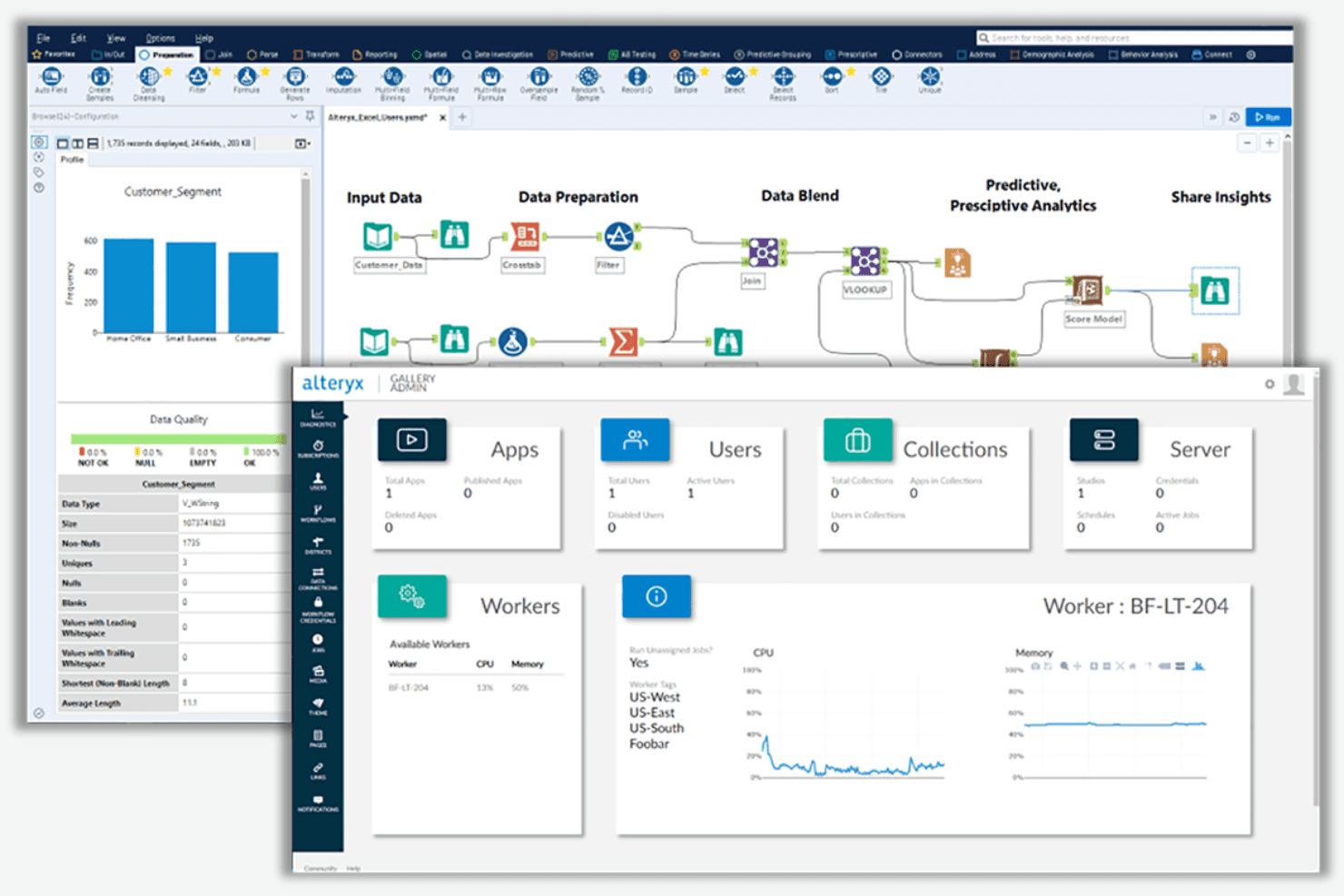
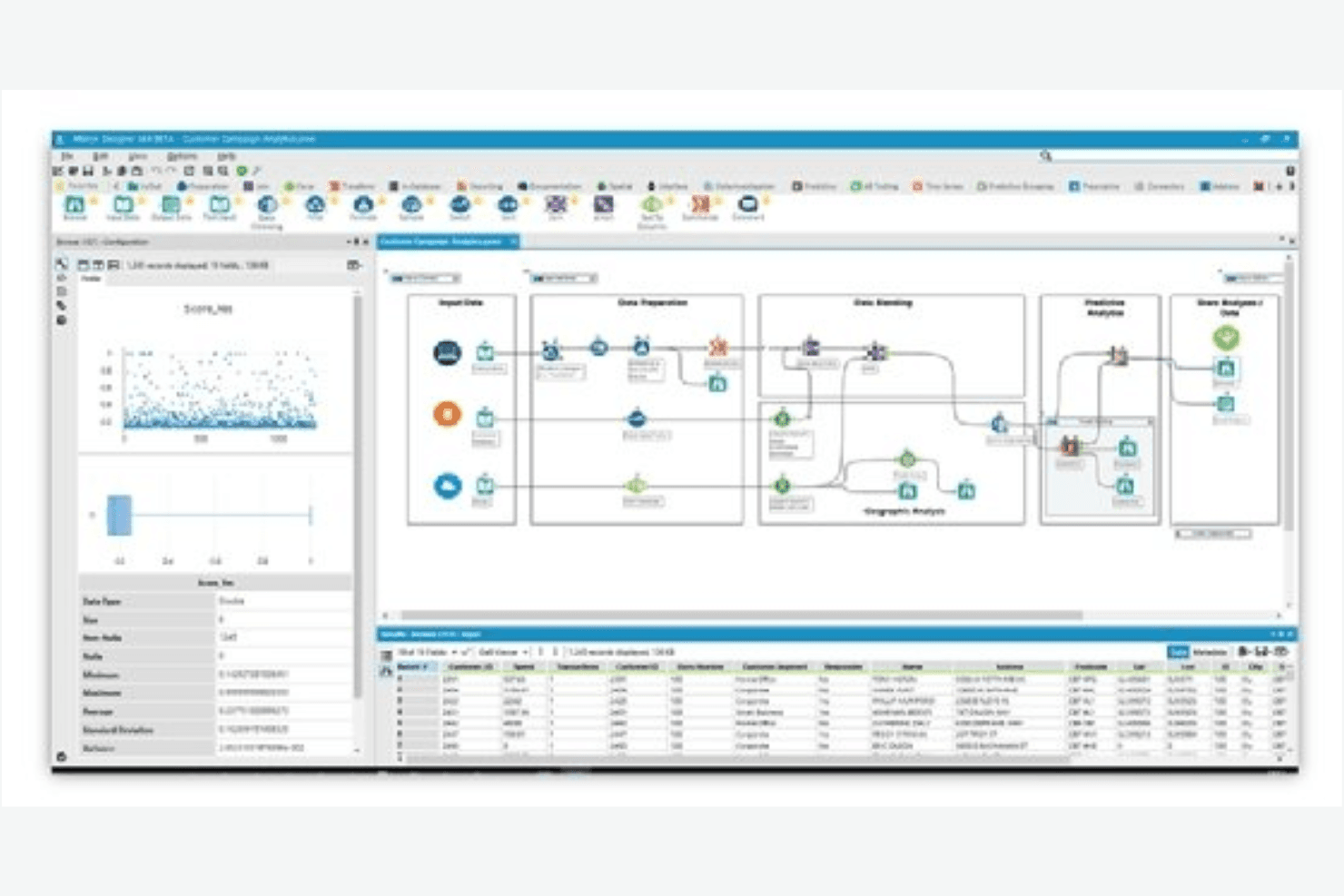
Data Preparation: Alteryx lets your team clean and prepare data with drag-and-drop tools, saving time on manual tasks in Excel. Its intuitive, user-friendly design makes handling large datasets straightforward and efficient.
Data Blending: You can easily blend data from various data sources, providing a comprehensive view for your analysis. This feature ensures your insights are based on a unified dataset.
Advanced Analytics: Your team can perform predictive, spatial, and machine learning analytics, enabling deeper insights into trends. These tools support data scientists and business users alike.
Reporting: Alteryx allows you to create detailed reports and dashboards that are easy to share. This feature keeps your stakeholders informed with clear visual data.
Data Visualization: The platform’s visualization capabilities make data analytics accessible for business users. You can easily transform complex data into actionable visuals with a clean drag-and-drop interface.
Automated Workflows: You can automate repetitive data processing tasks, freeing up time for more critical analysis. This supports process automation and consistency across departments.
Ease of Use
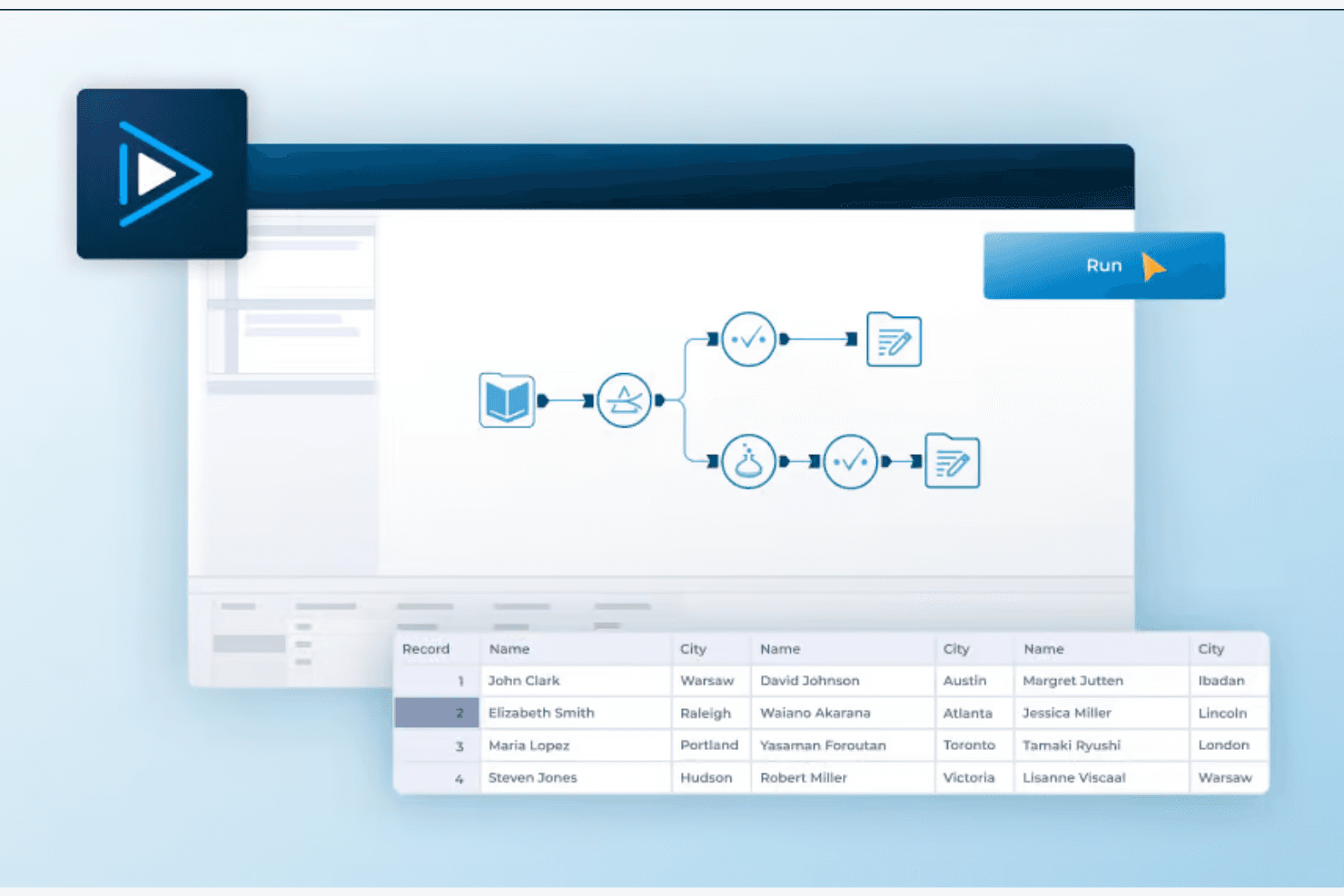
Alteryx offers a powerful interface that can be overwhelming for new users. While the drag-and-drop functionality simplifies complex tasks, your team might need time to get comfortable with its advanced features. The learning curve can be steep, but once you master it, the software's efficiency in handling large datasets is unmatched. Alteryx's usability improves significantly with experience, making it a valuable tool for data-driven teams.
Integrations
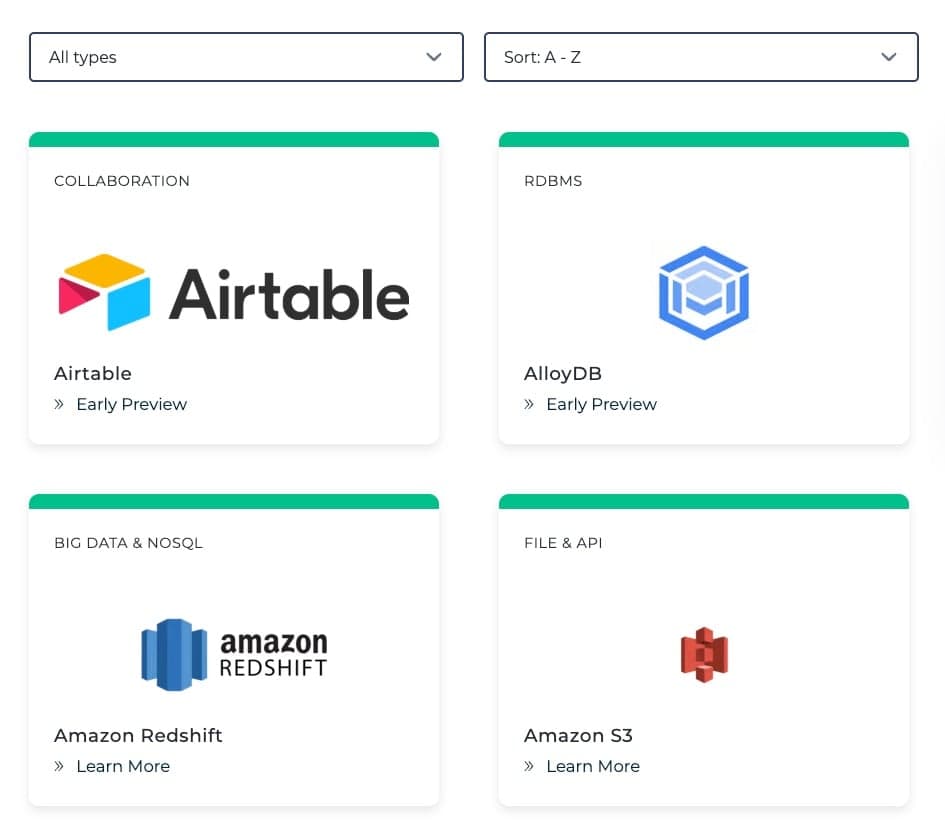
Alteryx integrates with Google Cloud BigQuery, Salesforce, Google Analytics, Microsoft OneDrive, Microsoft Access, MongoDB, Microsoft Dynamics 365, Amazon Redshift, and Snowflake.
Alteryx also offers an API and connects with third-party integration tools. The company offers a 30-day free trial.
Alteryx Specs
- A/B Testing: Yes
- AI Integration: No
- Analytics: Yes
- API: Yes
- Comparative Reporting: No
- Conversion Tracking: No
- Custom Reports: No
- Dashboard: Yes
- Dashboards: Yes
- Data Export: Yes
- Data Import: Yes
- Data Mining: Yes
- Data Visualization: Yes
- External Integrations: Yes
- Feedback Management: No
- Forecasting: Yes
- Historical Data Analysis: No
- Keyword Tracking: No
- Link Tracking: No
- Multi-Site: Yes
- Multi-User: Yes
- Notifications: Yes
- Process Reporting: No
- Real-time Alerts: No
- Referral Tracking: No
- Reports: Yes
- Scenario Planning: No
- SEO: No
- Time Series Modeling: No
- Visualization: Yes
- Workflow Management: No


