
Teamwork-beoordeling: voordelen, nadelen, functies en prijzen
Teamwork blinkt uit in samenwerking en projectmanagement en biedt unieke functies die de productiviteit en verantwoordelijkheid van je team verhogen.

We review tools independently, and commissions help fund our testing. See our transparency policy, our methodology, or suggest a tool.
Teamwork.com is an accounting and project management software built for teams that need to track project budgets, log billable hours, and manage client deliverables in one place. I'd consider it if your team bills clients by the hour or project and needs tighter control over profitability than a tool like monday.com offers—without stitching together a separate time-tracking or invoicing solution on top of it.
Teamwork.com Evaluation Summary
4.4/5
- From $9.99/user/month (billed annually)
- 14-day free trial
Waarom u onze softwareaanbevelingen kunt vertrouwen
6,700+
Reviews
20
Industry experts
16+
Evaluation factors
14
Years
Onze reviews weerspiegelen ons onafhankelijke oordeel — geen verkooppraatje. Ontdek hoe we transparant blijven.
Voor deze gids hebben we tools geëvalueerd met behulp van praktijktests en onafhankelijk onderzoek, waarbij we tools beoordeelden aan de hand van onze selectiecriteria.
Onze reviews weerspiegelen ons menselijke redactionele oordeel, geen verkooppraatje.
Teamwork.com Overview
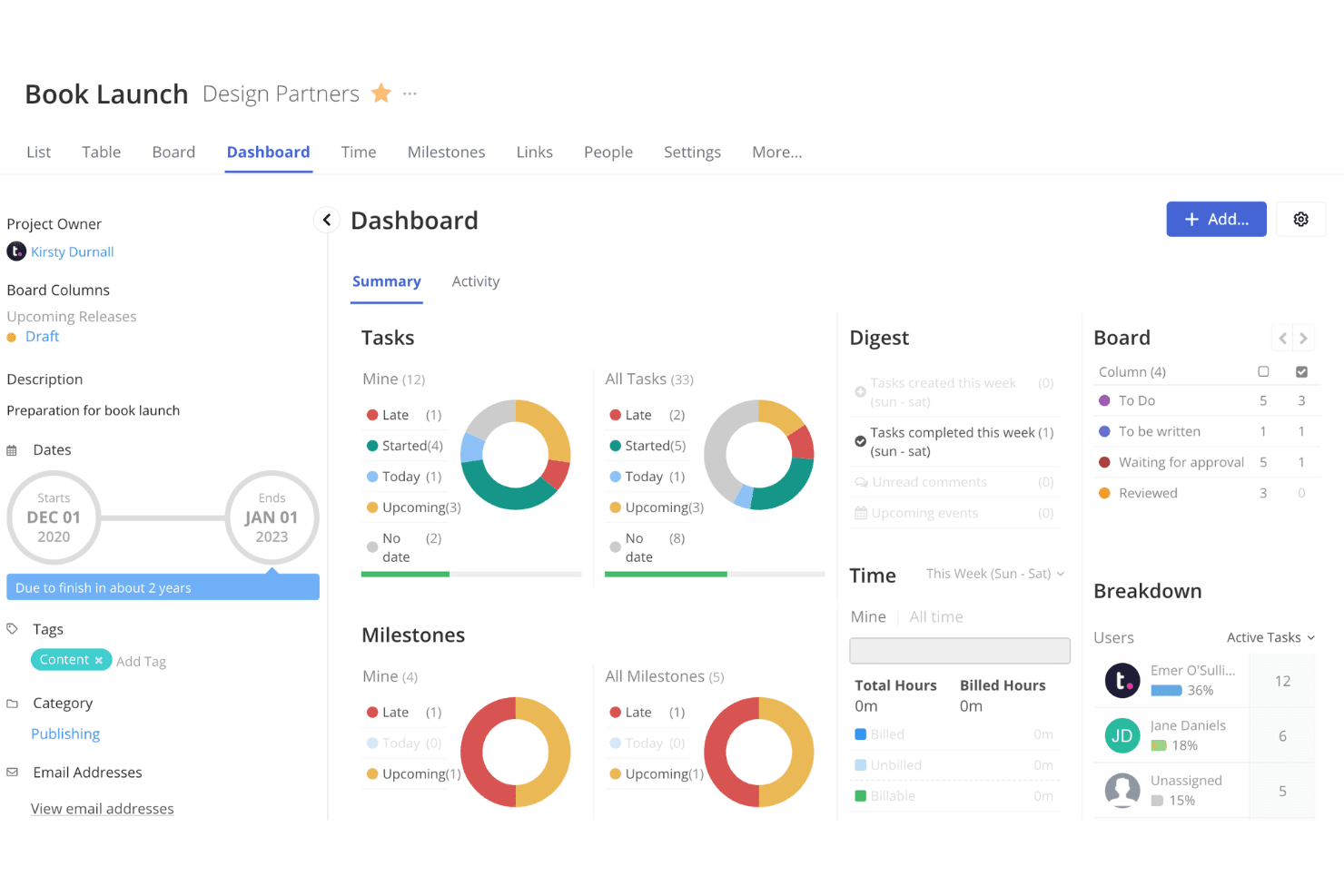
Teamwork is a solid choice for expense management, especially if you're handling projects that require detailed tracking and collaboration. Its standout features, like integrated chat and task management, make it easy for teams to communicate effectively.
However, it may not be the most cost-effective option, so you should weigh its features against the cost. If you need robust project management alongside expense tracking, Teamwork is worth considering. It's particularly suitable for teams that value strong support and easy onboarding.
Pros
- Strong collaboration tools (built-in chat and message boards)
- Responsive customer support
Cons
- Steep learning curve if you're new to project management tools
- Cluttered interface
- Mobile app lacks the full functionality of the desktop version
Is Teamwork.com Right For Your Needs?
Who Would be a Good Fit for Teamwork.com?
Teamwork suits businesses needing a robust project management tool. If your team values collaboration, you’ll appreciate Teamwork's built-in chat, message boards, and client collaboration features. Project managers will appreciate the Gantt charts and built-in time tracking for detailed planning.
For teams managing multiple projects, Teamwork's integration with tools like Slack, Google Drive, and HubSpot CRM enhances workflow efficiency. If your work involves constant feedback, the proofing feature can help streamline client reviews.
- Creative agenciesTeamwork's proofing and versioning features simplify client feedback, making it ideal for creative work.
- IT departmentsThe integration with tools like Slack and Google Drive supports complex project management.
- Marketing teamsWith robust collaboration tools, Teamwork helps coordinate marketing campaigns efficiently.
- Remote teamsBuilt-in chat and the mobile app ensure seamless communication, no matter where team members are located.
- Consulting firmsTime tracking and invoicing features help manage client projects from start to finish.
- Construction projectsGantt charts and resource management features help organize large-scale projects effectively.
Who Would be a Bad Fit for Teamwork.com?
Teamwork may not be the best fit for industries with highly specialized workflows, such as manufacturing or healthcare, due to its general project management focus rather than niche-specific features.
Small businesses or solo business owners with simple needs might find its robust functionalities excessive and costly. Additionally, if your team heavily relies on in-depth financial or expense management tools, Teamwork might not provide the detailed analytics required, as its strengths lie in project management and collaboration.
- Manufacturing industryTeamwork lacks the specialized tools needed for manufacturing workflows.
- Healthcare sectorHealthcare requires niche-specific software, which Teamwork doesn't offer.
- Small startupsSmall startups might find Teamwork's features too complex and expensive.
- Expense managementTeamwork doesn't provide in-depth financial analytics required for expense management.
- Solo entrepreneursSolo entrepreneurs may find Teamwork's extensive features unnecessary.
- Budget-conscious firmsFirms with tight budgets might find Teamwork's cost prohibitive.
How We Test & Score Tools
We’ve spent years building, refining, and improving our software testing and scoring system. The rubric is designed to capture the nuances of software selection and what makes a tool effective, focusing on critical aspects of the decision-making process.
Below, you can see exactly how our testing and scoring works across seven criteria. It allows us to provide an unbiased evaluation of the software based on core functionality, standout features, ease of use, onboarding, customer support, integrations, customer reviews, and value for money.
Core Functionality (25% of final scoring)
The starting point of our evaluation is always the core functionality of the tool. Does it have the basic features and functions that a user would expect to see? Are any of those core features locked to higher-tiered pricing plans? At its core, we expect a tool to stand up against the baseline capabilities of its competitors.
Standout Features (25% of final scoring)
Next, we evaluate uncommon standout features that go above and beyond the core functionality typically found in tools of its kind. A high score reflects specialized or unique features that make the product faster, more efficient, or offer additional value to the user.
We also evaluate how easy it is to integrate with other tools typically found in the tech stack to expand the functionality and utility of the software. Tools offering plentiful native integrations, 3rd party connections, and API access to build custom integrations score best.
Ease of Use (10% of final scoring)
We consider how quick and easy it is to execute the tasks defined in the core functionality using the tool. High scoring software is well designed, intuitive to use, offers mobile apps, provides templates, and makes relatively complex tasks seem simple.
Onboarding (10% of final scoring)
We know how important rapid team adoption is for a new platform, so we evaluate how easy it is to learn and use a tool with minimal training. We evaluate how quickly a team member can get set up and start using the tool with no experience. High scoring solutions indicate little or no support is required.
Customer Support (10% of final scoring)
We review how quick and easy it is to get unstuck and find help by phone, live chat, or knowledge base. Tools and companies that provide real-time support score best, while chatbots score worst.
Customer Reviews (10% of final scoring)
Beyond our own testing and evaluation, we consider the net promoter score from current and past customers. We review their likelihood, given the option, to choose the tool again for the core functionality. A high scoring software reflects a high net promoter score from current or past customers.
Value for Money (10% of final scoring)
Lastly, in consideration of all the other criteria, we review the average price of entry level plans against the core features and consider the value of the other evaluation criteria. Software that delivers more, for less, will score higher.
Core Features
Expense tracking: You can keep track of every dollar spent with Teamwork's expense tracking feature. It lets you categorize expenses, add receipts, and generate financial reports effortlessly, giving you a clear picture of your spending.
Budget management: Teamwork's budget management helps you set and monitor budgets for your projects. It triggers notifications when you're nearing budget limits, ensuring you stay on track financially.
Invoice generation: With invoice generation, you can create and send professional invoices directly from Teamwork. This feature simplifies the billing process and ensures you get paid promptly for your work.
Time tracking: Teamwork offers time tracking to record the hours spent on tasks. This feature helps ensure accurate billing and provides insight into where your team's time is being spent.
Financial reporting: The financial reporting feature provides insights into your project's profitability. It allows you to generate detailed reports to analyze financial performance and make informed decisions.
Approval workflows: Teamwork's approval workflows streamline the expense approval process. This feature ensures that every expenditure is reviewed and approved before it affects your budget.
Ease of Use
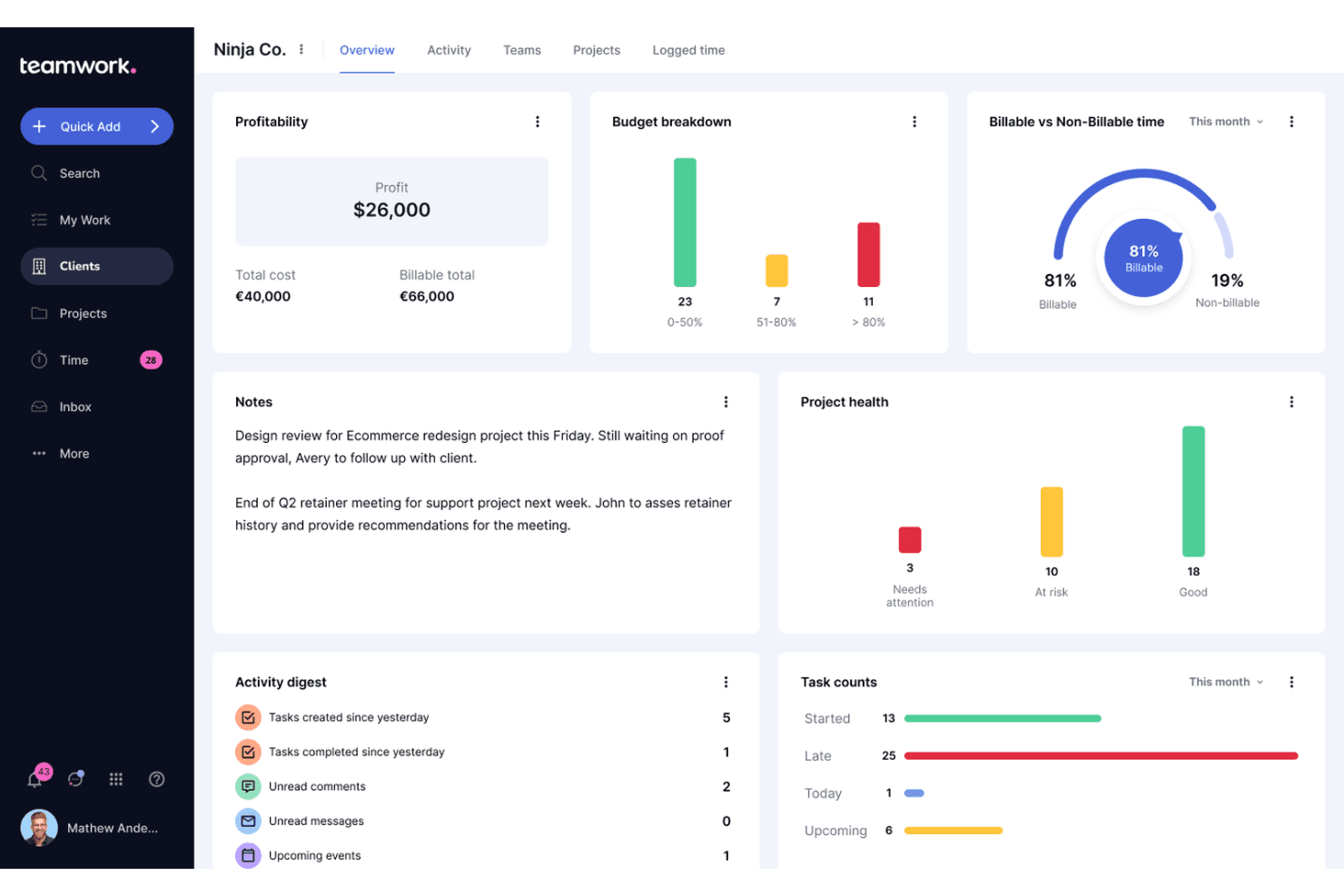
You’ll find Teamwork’s interface intuitive, making it easy to manage expenses without a steep learning curve. Teamwork also offers various automation templates to streamline your project management process. The responsive customer support further boosts its usability, ensuring you can quickly resolve any issues that arise.
Integrations
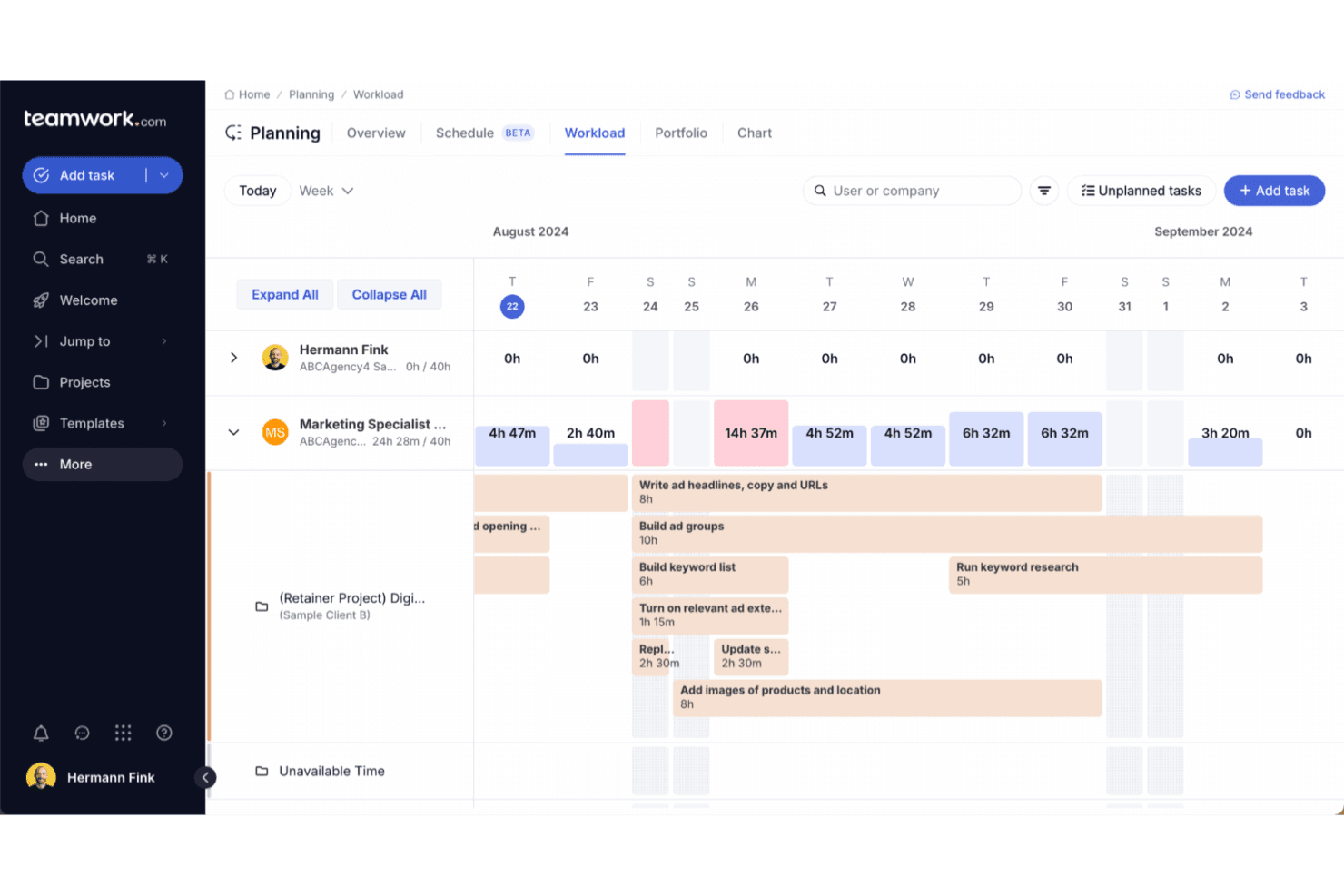
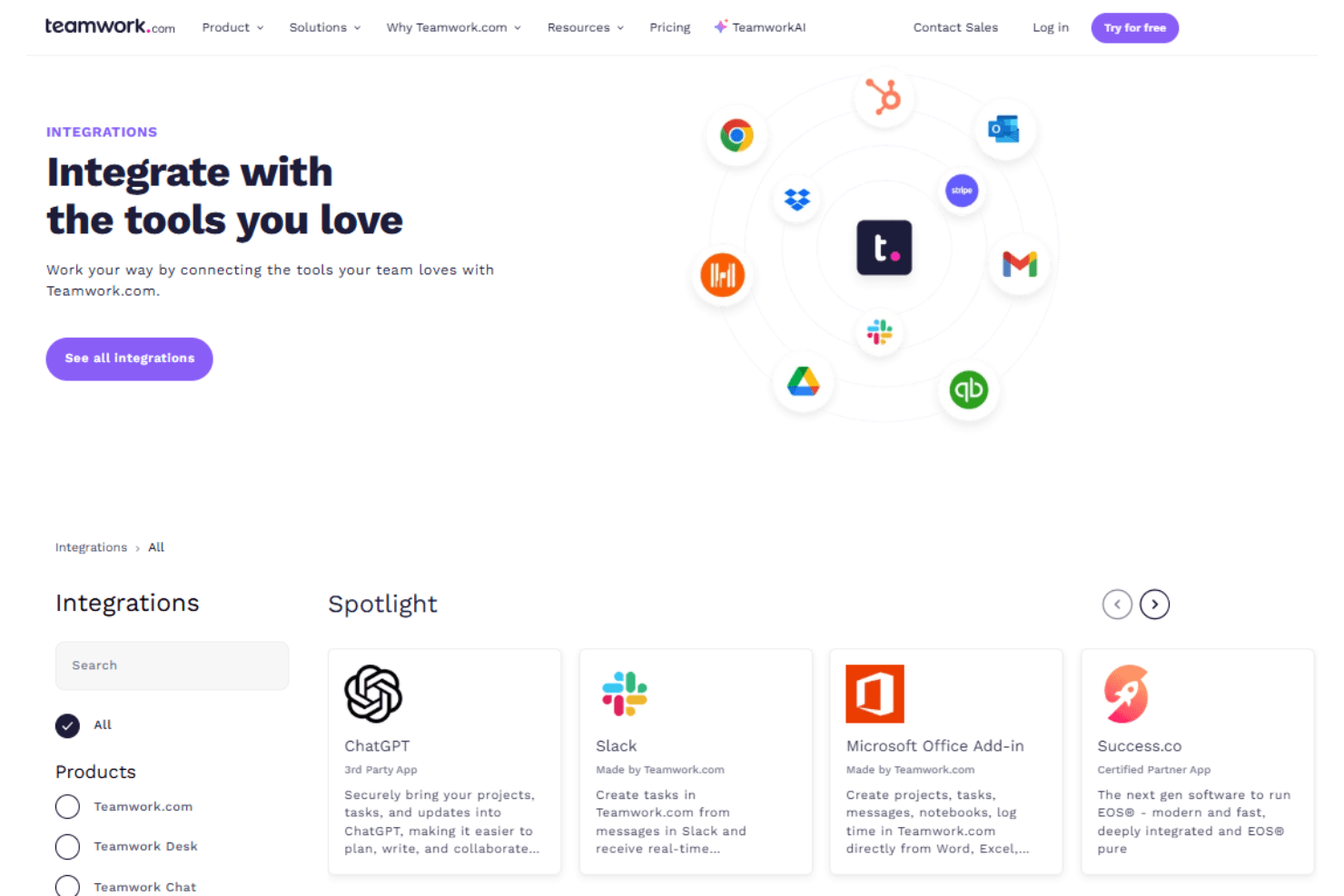
Teamwork integrates with Slack, Outlook, QuickBooks, Clockify, HubSpot, Toggl, Google Calendar, Google Drive, Dropbox, and Zapier. Teamwork also has an open API and connects with third-party integration tools like Zapier.
Teamwork.com Specs
- API: Yes
- Batch Permissions & Access: Yes
- Budgeting: No
- Calendar Management: Yes
- Collaboration Support: No
- Contact Management: Yes
- Contact Sharing: Yes
- Customer Management: No
- Dashboard: Yes
- Dashboards: No
- Data Export: Yes
- Data Import: Yes
- Data Visualization: Yes
- Dependency Tracking: No
- Document Sharing: No
- Expense Tracking: No
- External Integrations: Yes
- File Sharing: Yes
- Gantt Charts: Yes
- Kanban Boards: No
- Multi-User: Yes
- Notifications: Yes
- Project Management: Yes
- Resource Management: No
- Scheduling: Yes
- Task Scheduling/Tracking: Yes
- Third-Party Plugins/Add-Ons: Yes
- Time Management: Yes
- Travel Management: No
- Workflow Management: No


