

Harmony Review: Pros, Cons, Features and Pricing
Harmony stands out by offering intuitive features that simplify portfolio management, making it a preferred choice for teams seeking user-friendly software.

We review tools independently, and commissions help fund our testing. See our transparency policy, our methodology, or suggest a tool.
Harmony Portfolio Management is a portfolio management software for finance and FP&A teams that need to track, evaluate, and prioritize investments or projects across a single platform. I'd mainly consider it if you want clearer portfolio visibility and faster decision-support than something like Anaplan provides, without the extensive configuration and rollout time that enterprise platforms typically require.
Harmony Portfolio Management Evaluation Summary

0/5
- Pricing upon request
- Free demo available
Why Trust Our Software Recommendations
6,700+
Reviews
20
Industry experts
16+
Evaluation factors
14
Years
Our team has been testing and reviewing software since 2012. As finance leaders ourselves, we know how difficult—and important—it is to choose the right software.
For this guide, we evaluated tools using hands-on testing and independent research, scoring tools using our selection criteria.
Our reviews reflect our human editorial judgment, not a sales pitch.
Harmony Portfolio Management Overview
Harmony is a solid choice for small to mid-sized investment teams seeking intuitive portfolio management. If you’re unfamiliar with portfolio management software, the user interface and other features are well-suited for you.. Compared to other providers, it’s easier to use, though its customer support could improve. While its standout features aren't the most advanced, they deliver reliable performance for most needs. Harmony offers straightforward onboarding and affordable pricing, and is a perfect example of less is more!
Pros
- The intuitive interface makes it easy for your team to navigate and use.
- Customizable reporting fits your specific needs.
- Centralized account management simplifies your workflow.
Cons
- Customer support might not meet your expectations.
- It lacks some advanced features like cryptocurrency tracking and AI-powered analytics.
- Onboarding could be smoother for your team.
Is Harmony Portfolio Management Right For Your Needs?
Who Would be a Good Fit for Harmony Portfolio Management?
Harmony is ideal for small businesses and financial departments that need straightforward portfolio management. If your team values ease of use and customizable reporting, Harmony's interface makes it simple to manage accounts without a steep learning curve. Harmony’s centralized account management is a great fit for Investment management firms and financial advisors who prioritize user-friendly software. The software is also beneficial for tracking and decision-making.
- Small BusinessesHarmony helps your small business manage investments easily thanks to its user-friendly interface and customizable features.
- Investment FirmsYour firm benefits from Harmony's centralized account management, simplifying portfolio tracking and reporting.
- Financial AdvisorsAdvisors use Harmony’s portfolio tracker when managing multiple client portfolios, making it efficient and straightforward.
- Wealth Management TeamsHarmony supports your wealth management team with features that make balancing and reporting on client investments simple and effective.
- CFOsAs a CFO, you'll appreciate Harmony's customizable reports that align with your financial planning needs.
- Finance DepartmentsYour department can streamline investment tracking and reporting with Harmony's easy-to-navigate platform.
Who Would be a Bad Fit for Harmony Portfolio Management?
Harmony isn't ideal for large enterprises or tech-savvy teams needing advanced features. The software falls short if your work requires complex analytics, cryptocurrency support, or extensive automation. Industries like tech startups or departments with high data demands won't find its capabilities sufficient for their sophisticated needs. Advanced users who expect top-tier customer support might also find Harmony lacking in assistance.
- Large EnterprisesHarmony doesn’t have advanced analytics and automation, making it inadequate for large-scale operations that require scalability.
- Tech StartupsTech startups require cutting-edge features and flexibility that Harmony doesn't offer, which may hinder innovation.
- Data-Driven TeamsTeams relying on deep data insights will find Harmony's limited analytics capabilities insufficient.
- Advanced AnalystsIf you're an analyst expecting high-level features, Harmony's simplicity might not meet your complex requirements.
- High-Volume TradersHarmony lacks the speed and features necessary for managing high-frequency trades or brokerage operations efficiently.
- Customer Support-Dependent TeamsIf your team relies heavily on customer support, Harmony's support might not be robust enough to meet your needs.
- Cryptocurrency InvestorsHarmony does not support crypto asset tracking, making it unsuitable for portfolios that include digital assets.
How We Test & Score Tools
We’ve spent years building, refining, and improving our software testing and scoring system. The rubric is designed to capture the nuances of software selection and what makes a tool effective, focusing on critical aspects of the decision-making process.
Below, you can see exactly how our testing and scoring works across seven criteria. It allows us to provide an unbiased evaluation of the software based on core functionality, standout features, ease of use, onboarding, customer support, integrations, customer reviews, and value for money.
Core Functionality (25% of final scoring)
The starting point of our evaluation is always the core functionality of the tool. Does it have the basic features and functions that a user would expect to see? Are any of those core features locked to higher-tiered pricing plans? At its core, we expect a tool to stand up against the baseline capabilities of its competitors.
Standout Features (25% of final scoring)
Next, we evaluate uncommon standout features that go above and beyond the core functionality typically found in tools of its kind. A high score reflects specialized or unique features that make the product faster, more efficient, or offer additional value to the user.
We also evaluate how easy it is to integrate with other tools typically found in the tech stack to expand the functionality and utility of the software. Tools offering plentiful native integrations, 3rd party connections, and API access to build custom integrations score best.
Ease of Use (10% of final scoring)
We consider how quick and easy it is to execute the tasks defined in the core functionality using the tool. High scoring software is well designed, intuitive to use, offers mobile apps, provides templates, and makes relatively complex tasks seem simple.
Onboarding (10% of final scoring)
We know how important rapid team adoption is for a new platform, so we evaluate how easy it is to learn and use a tool with minimal training. We evaluate how quickly a team member can get set up and start using the tool with no experience. High scoring solutions indicate little or no support is required.
Customer Support (10% of final scoring)
We review how quick and easy it is to get unstuck and find help by phone, live chat, or knowledge base. Tools and companies that provide real-time support score best, while chatbots score worst.
Customer Reviews (10% of final scoring)
Beyond our own testing and evaluation, we consider the net promoter score from current and past customers. We review their likelihood, given the option, to choose the tool again for the core functionality. A high scoring software reflects a high net promoter score from current or past customers.
Value for Money (10% of final scoring)
Lastly, in consideration of all the other criteria, we review the average price of entry level plans against the core features and consider the value of the other evaluation criteria. Software that delivers more, for less, will score higher.
Core Features
Centralized Account Management: Harmony lets you manage all your accounts in one place, saving your team time and effort. You can easily track and update portfolios without jumping between systems.
Customizable Reporting: Your team can tailor reports to fit specific needs, enhancing your ability to analyze investments. It allows you to focus on the data that matters most to your work.
Performance Tracking: Harmony provides real-time performance metrics, helping you keep an eye on your investments. You can quickly assess how well your portfolios are doing.
Portfolio Rebalancing: Adjust your asset allocations easily with Harmony's rebalancing feature. It ensures your portfolios remain aligned with your financial goals.
Risk Assessment Tools: You can evaluate potential risks using Harmony's built-in tools to support informed decision-making. This feature helps you anticipate challenges before they arise.
User-Friendly Interface: Harmony's design makes it simple to navigate, so your team can focus on managing portfolios rather than learning new software. It's intuitive and straightforward to use.

Standout Features
Customizable Dashboards: Harmony's dashboards can be tailored to display the most relevant information for your team. This flexibility helps you prioritize what's important in your daily operations.
Automated Notifications: Set up alerts for key performance indicators, so you're instantly notified of significant changes. This feature keeps you informed without constant manual monitoring.
Ease of Use
Harmony is easy for your team to navigate, making it stand out among Portfolio Management Software. Its intuitive interface lets you quickly access essential features without a steep learning curve. You can customize dashboards and reports to meet your needs, streamlining your workflow. Users often praise its simplicity, which enhances productivity by allowing you to focus on managing portfolios rather than dealing with complex software.
Onboarding
Harmony's onboarding process is straightforward but could be smoother for new users. While you get basic tutorials and guides, the lack of personalized support might slow down your team's initial setup. Users often find the resources helpful, but they don't always address specific business needs. The time-to-value could be quicker if there were more tailored onboarding options. Overall, your team may need some patience to fully integrate Harmony into your workflow.
Customer Support
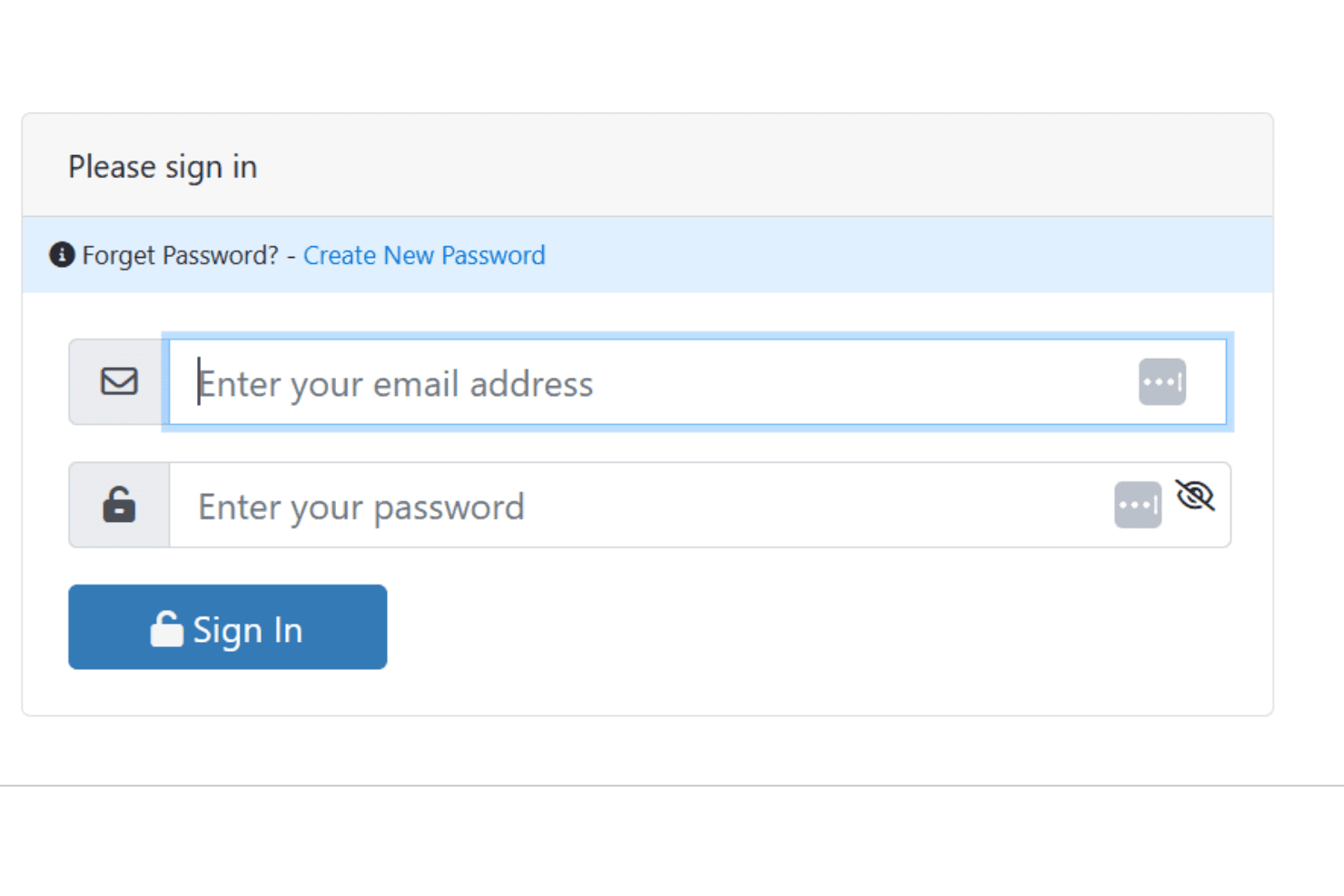
Harmony lacks quick and comprehensive customer support. While they offer basic support channels, users often find the response times slower than desired. Your team may face challenges if they need immediate help or personalized guidance. The support resources available are standard, but they don't always address specific user issues effectively.
Integrations
Harmony integrates with DocuSign, Outlook, Microsoft Dynamics, Charles River, Statpro, Morningstar, FactSet, Bloomberg, Raymond James, National Bank, Fidelity Investments (Fidelity Clearing Canada), Julius Bar, Interactive Brokers, Aviso, Salesforce, and more. Harmony also offers an API for custom integrations and connects with third-party integration tools.

Value for Money
Harmony pricing offers good value, balancing usability with essential features for small to mid-sized teams. Its pricing tiers accommodate various needs, though some users feel the cost could be lower for what’s offered. Harmony does not publicly disclose pricing. A free trial or demo is available, allowing your team to evaluate the software before making a purchase decision.
Harmony Portfolio Management Specs
- API: Yes
- Batch Permissions & Access: No
- Calendar Management: Yes
- Collaboration Support: Yes
- Contact Management: Yes
- Contact Sharing: No
- Customer Management: Yes
- Data Export: Yes
- Data Import: Yes
- Data Visualization: Yes
- Database: Yes
- Email Integration: Yes
- External Integrations: Yes
- File Transfer: Yes
- Multi-Account: Yes
- Password & Access Management: Yes
- Project Management: Yes
- Report & Compliance: Yes
- Resource Management: Yes
- Software Integration: Yes
- Task Scheduling/Tracking: Yes
- Time Management: Yes
- Timesheets: No
- Workflow Management: Yes
Harmony Portfolio Management FAQs
Harmony Portfolio Management Company Overview & History
Harmony, a product of Infinite Investment Systems, was launched in 2004. The company is headquartered in Toronto, Ontario, and focuses on providing investment management solutions across Canada. Harmony is known for its customizable portfolio management system, serving fund managers, institutional managers, and family offices. Infinite Investment Systems also offers products like Melody CRM and Data.iQ, enhancing their clients' operational efficiency.
Harmony Major Milestones
- 2004: Launch of Harmony Portfolio Management Software.
- 2021: Multiple partnership renewals/announcements
- 2022: New partnership with Solution Wealth Management
- 2024: Recognized as a Top 25 WealthTech Provider by Wealth Professional
- 2025: Recognized in Wealth Professional Canada's 5-Star WealthTech Providers