
UKG Review: Pros, Cons, Features, and Pricing
UKG excels in workforce planning by offering robust analytics and seamless integration, making it a top choice.

We review tools independently, and commissions help fund our testing. See our transparency policy, our methodology, or suggest a tool.
UKG is a human capital management (HCM) and payroll service provider that helps businesses organize their workforce effectively. It best serves large enterprises and industries such as healthcare and retail, where managing complex schedules and compliance is key. It also simplifies workforce management with integrated tools for accurate forecasting and planning.
UKG addresses pain points like scheduling inefficiencies and compliance challenges for human resources teams and managers. In this article, I'll cover UKG's features, pros and cons, use cases, and pricing to help you decide whether it aligns with your workforce planning and analysis needs.
UKG Evaluation Summary
4.4/5
- Pricing upon request
- Free demo available
Why Trust Our Software Recommendations
6,700+
Reviews
20
Industry experts
16+
Evaluation factors
14
Years
Our team has been testing and reviewing software since 2012. As finance leaders ourselves, we know how difficult—and important—it is to choose the right software.
For this guide, we evaluated tools using hands-on testing and independent research, scoring tools using our selection criteria.
Our reviews reflect our human editorial judgment, not a sales pitch.
UKG Overview
In my opinion, UKG offers a reliable all-in-one software with core HR management features. It outshines competitors, such as ADP and Workday, with its effective scheduling and compliance tools, making it ideal for large enterprises in sectors like healthcare and retail. However, onboarding could be smoother, and the interface might require some getting used to. If you're seeking a tool with solid support and worthwhile features, UKG is a strong choice.
Pros
- It offers effective scheduling tools that help your team manage complex shifts easily.
- The compliance features ensure your business stays within legal requirements.
- The analytics provide valuable insights to help you improve your workforce planning.
Cons
- The onboarding process may be lengthy for some users.
- You may find that the interface is not as intuitive as you would like.
- Some users report occasional delays in customer support response times.
Is UKG Right For Your Needs?
Who Would be a Good Fit for UKG?
UKG is perfect for large enterprises and businesses in healthcare and retail, where complex scheduling and compliance are necessary. If your team handles intricate workforce management tasks, UKG offers tools that simplify these processes. Its analytics help guide your strategic decisions, making it a solid choice for HR departments that require an HRIS system that can help them improve efficiency and maintain legal compliance.
- Healthcare IndustryUKG's scheduling features ensure your staff meet patient care needs efficiently.
- Retail SectorUKG can help your team handle fluctuating employee shifts with ease.
- Large EnterprisesThe software offers thorough analytics to help you manage extensive workforce data effectively.
- HR DepartmentsThe compliance tools will help you stay aligned with legal requirements.
- Manufacturing CompaniesUKG's workforce planning tools can optimize your production schedules.
Who Would be a Bad Fit for UKG?
UKG might not suit small businesses or startups with limited workforce and performance management needs. If your team requires a simple, straightforward tool without complex scheduling, UKG's extensive features might overwhelm you. Smaller teams that don't need intricate compliance or advanced analytics may find UKG's offerings excessive for basic requirements.
- Small StartupsUKG's comprehensive tools could be too complex for basic scheduling needs.
- Nonprofit OrganizationsIf your workforce management is minimal, UKG might offer more than you need.
- Small Retail ShopsYou might find UKG's features too elaborate for simple staff scheduling.
- Local Service ProvidersUKG's extensive compliance tools might not be relevant to your small team.
How We Test & Score Tools
We’ve spent years building, refining, and improving our software testing and scoring system. The rubric is designed to capture the nuances of software selection and what makes a tool effective, focusing on critical aspects of the decision-making process.
Below, you can see exactly how our testing and scoring works across seven criteria. It allows us to provide an unbiased evaluation of the software based on core functionality, standout features, ease of use, onboarding, customer support, integrations, customer reviews, and value for money.
Core Functionality (25% of final scoring)
The starting point of our evaluation is always the core functionality of the tool. Does it have the basic features and functions that a user would expect to see? Are any of those core features locked to higher-tiered pricing plans? At its core, we expect a tool to stand up against the baseline capabilities of its competitors.
Standout Features (25% of final scoring)
Next, we evaluate uncommon standout features that go above and beyond the core functionality typically found in tools of its kind. A high score reflects specialized or unique features that make the product faster, more efficient, or offer additional value to the user.
We also evaluate how easy it is to integrate with other tools typically found in the tech stack to expand the functionality and utility of the software. Tools offering plentiful native integrations, 3rd party connections, and API access to build custom integrations score best.
Ease of Use (10% of final scoring)
We consider how quick and easy it is to execute the tasks defined in the core functionality using the tool. High scoring software is well designed, intuitive to use, offers mobile apps, provides templates, and makes relatively complex tasks seem simple.
Onboarding (10% of final scoring)
We know how important rapid team adoption is for a new platform, so we evaluate how easy it is to learn and use a tool with minimal training. We evaluate how quickly a team member can get set up and start using the tool with no experience. High scoring solutions indicate little or no support is required.
Customer Support (10% of final scoring)
We review how quick and easy it is to get unstuck and find help by phone, live chat, or knowledge base. Tools and companies that provide real-time support score best, while chatbots score worst.
Customer Reviews (10% of final scoring)
Beyond our own testing and evaluation, we consider the net promoter score from current and past customers. We review their likelihood, given the option, to choose the tool again for the core functionality. A high scoring software reflects a high net promoter score from current or past customers.
Value for Money (10% of final scoring)
Lastly, in consideration of all the other criteria, we review the average price of entry level plans against the core features and consider the value of the other evaluation criteria. Software that delivers more, for less, will score higher.
Core Features
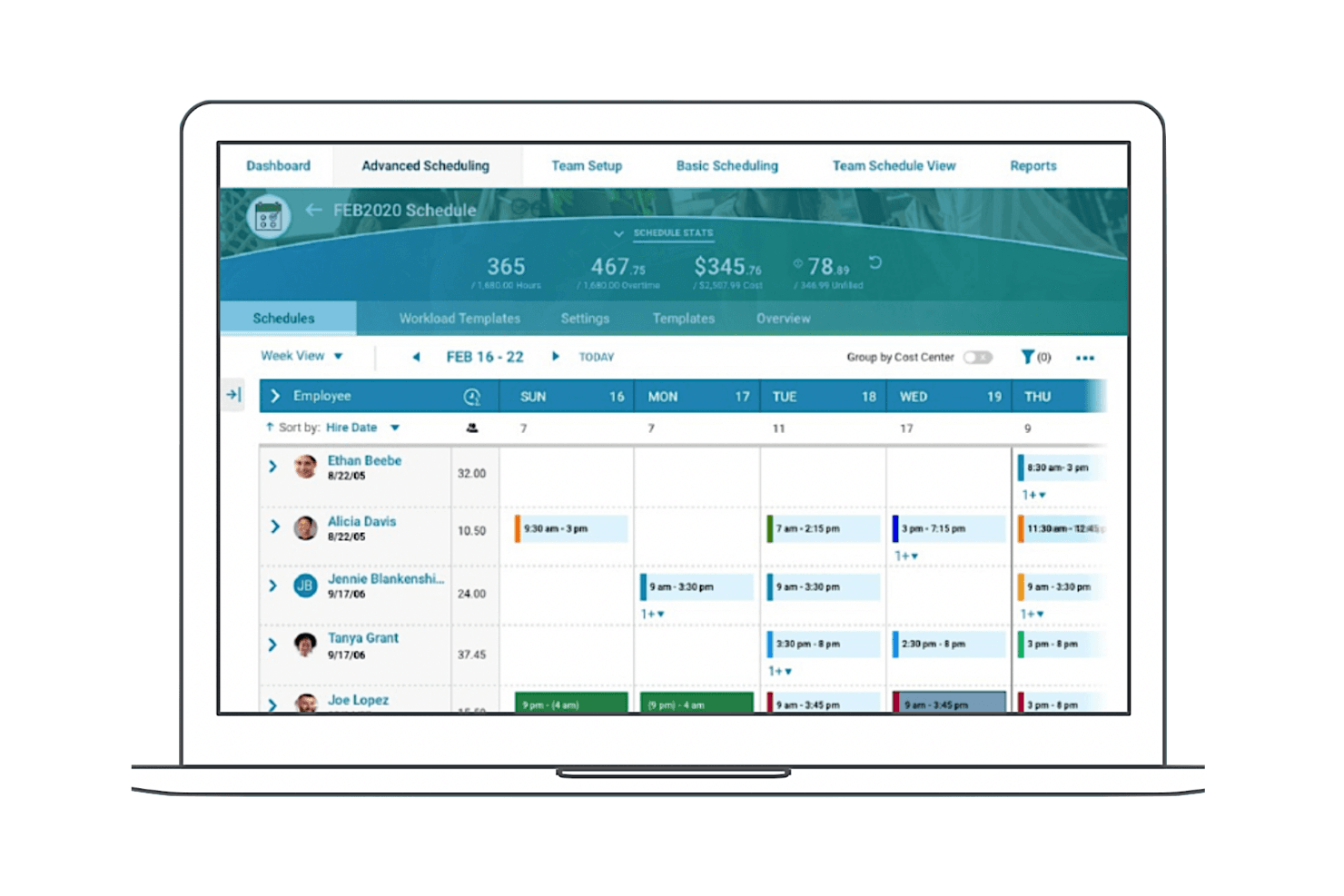
Scheduling Tools
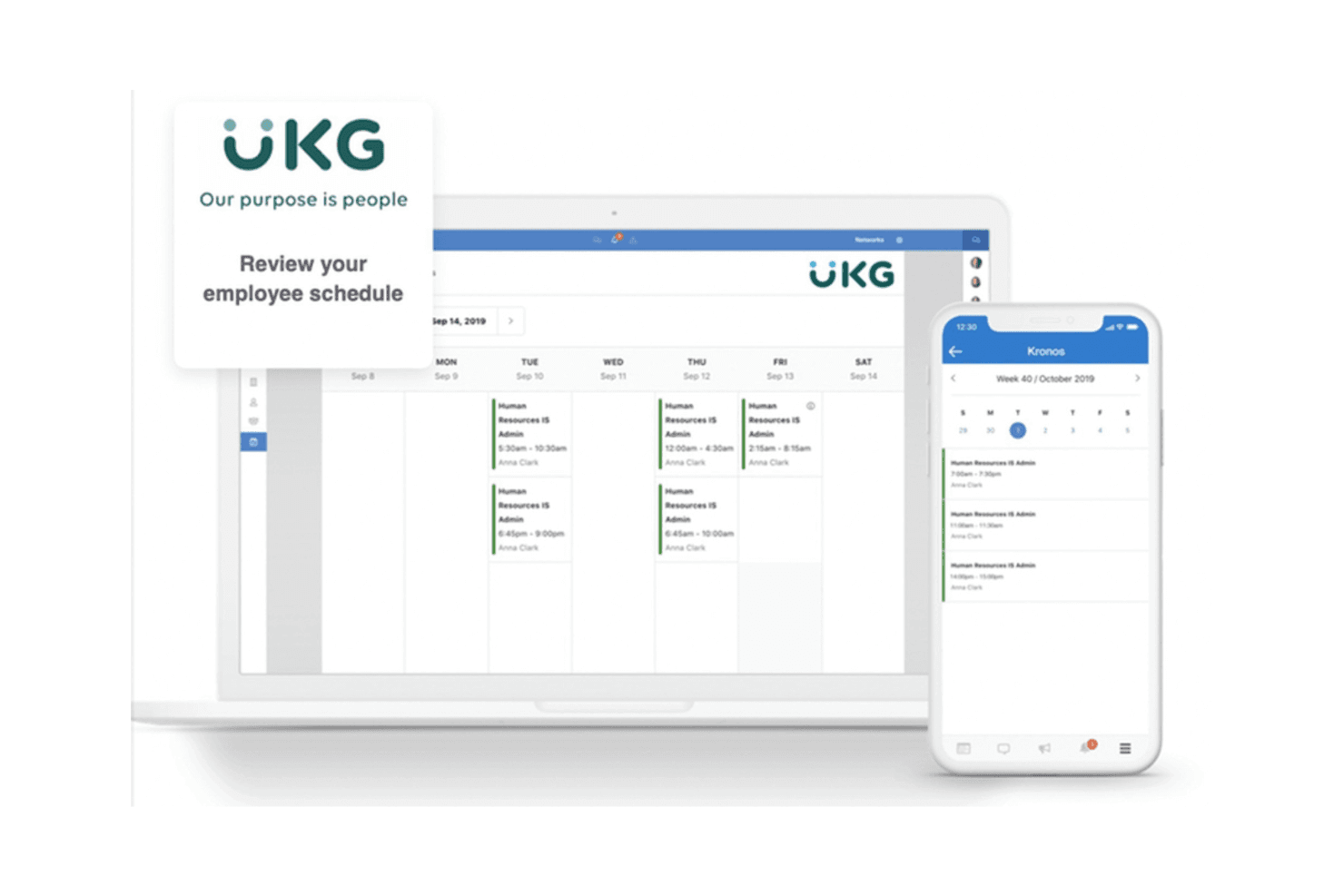
These tools help your team manage shifts efficiently, allowing for seamless adjustments and reducing scheduling conflicts. You can easily plan around availability and demand and add new hires when needed.
Compliance Management
UKG ensures your business adheres to regulations with automated alerts and real-time updates, helping you avoid costly compliance mistakes.
Analytics and Reporting
UKG gives you access to detailed employee data and custom reports on time management, payroll, and more, enabling you to make data-informed decisions.
Time Tracking
UKG's time-tracking feature allows you to accurately capture employee hours, letting you know when they clock in and out. This increases payroll accuracy and simplifies timesheet management.
Employee Self-Service
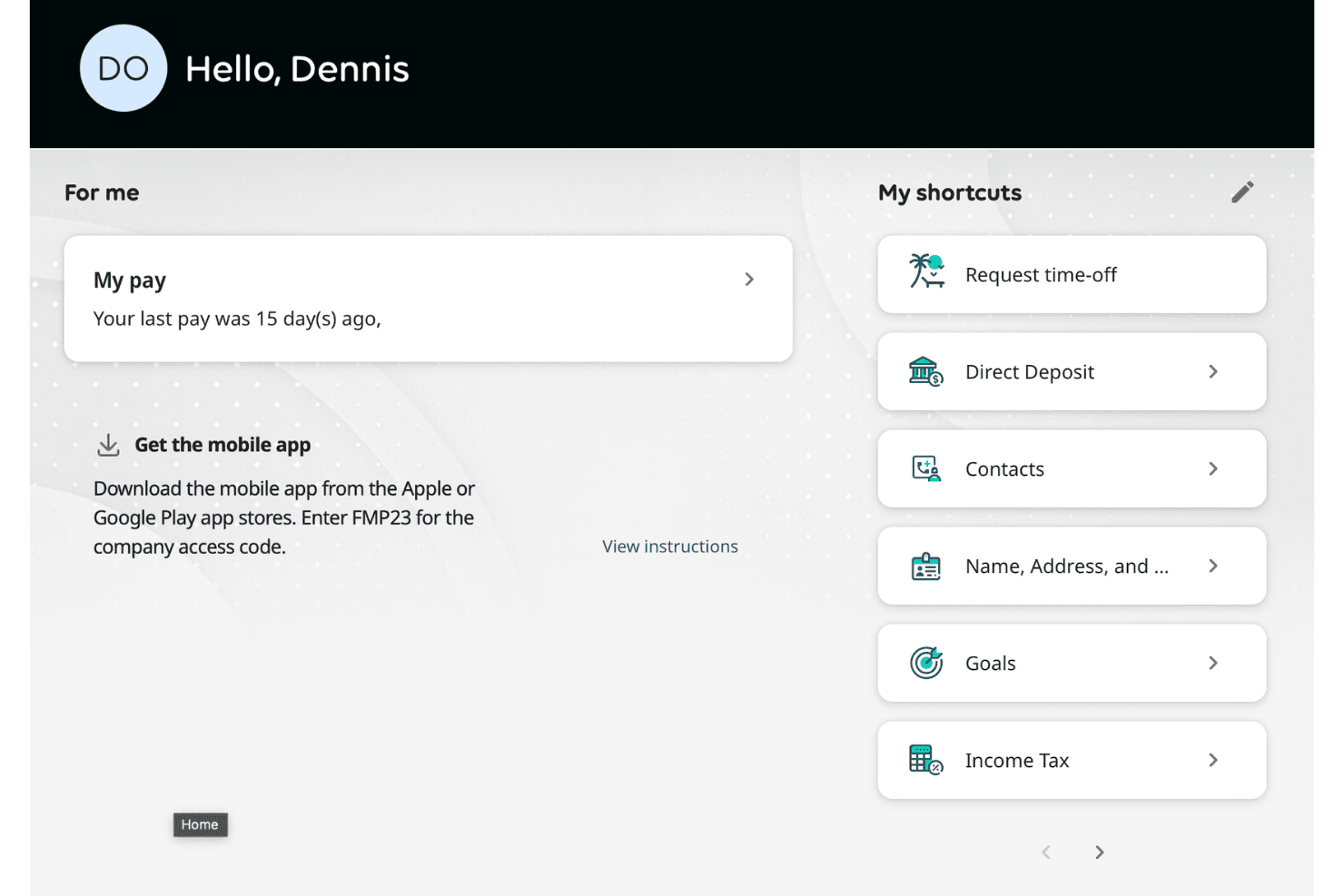
You can automate processes so that your staff can access schedules, request PTO, and update their information without guidance. This reduces administrative tasks for your HR team.
Forecasting Tools
UKG provides predictive insights into workforce needs, helping you allocate resources effectively. This means team members can anticipate and prepare for workforce changes.
Standout Features
Advanced Compliance Tools
UKG offers solutions with specialized compliance features, like real-time compliance tracking, that can adapt to location variations, ensuring your operations stay compliant with stringent regulations.
Comprehensive Analytics Dashboards
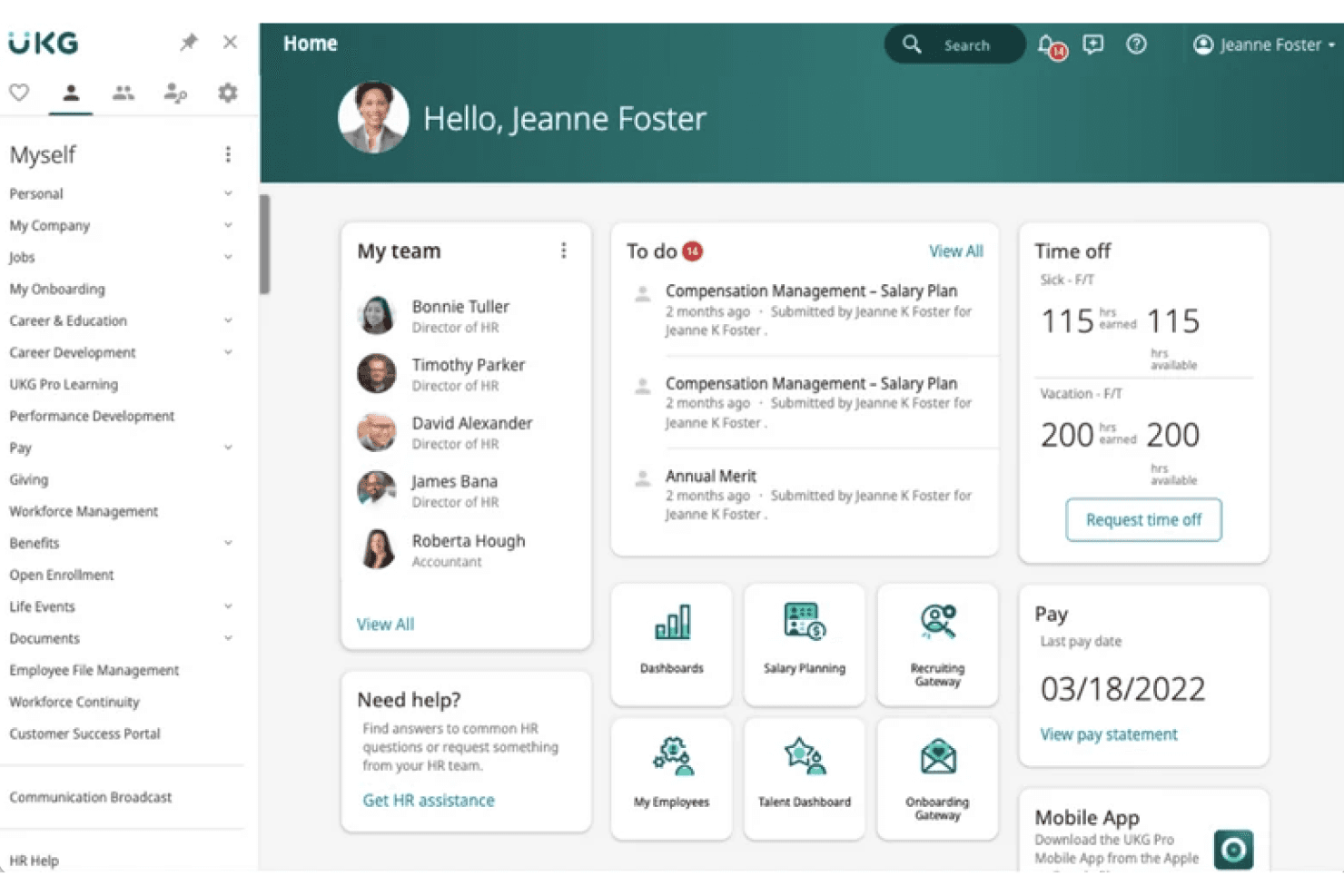
UKG's dashboards provide you with an intuitive view of workforce metrics, supporting strategic planning. They are also customizable, so you can tailor them to your business needs.
Ease of Use
UKG's interface is user-friendly for those familiar with workforce management, though it might take some time to get used to. Its extensive feature set can initially feel overwhelming, but once your team navigates the setup, its usability increases. The self-service options empower your employees by reducing HR workload. The platform's design aids in efficient task completion, despite the learning curve.
Onboarding
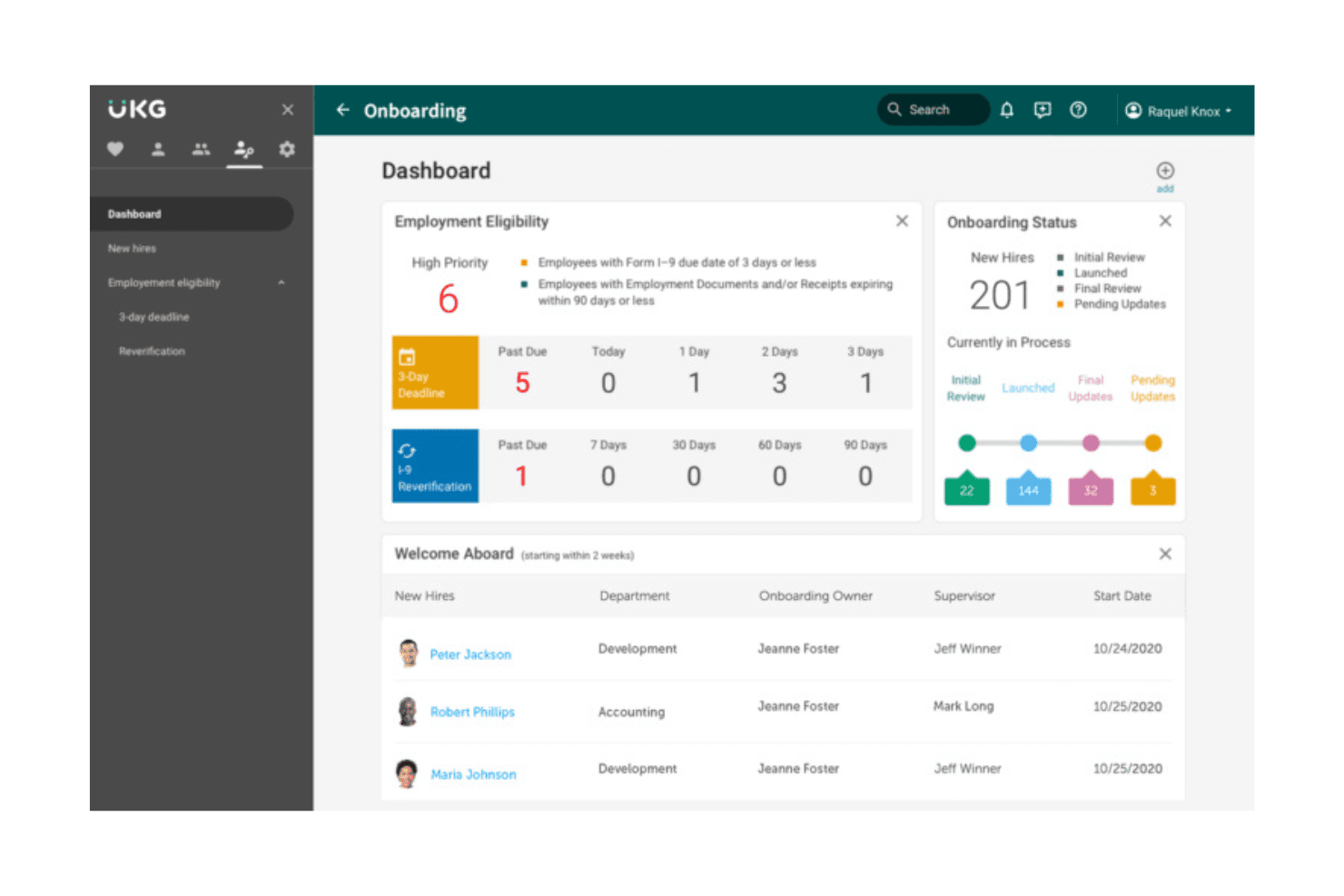
UKG's onboarding process can be lengthy, requiring time to fully integrate into your team's workflow. However, the available support resources, including a reference guide, tutorials, and customer service channels, help guide you through it. Users often find that once the initial setup is complete, the system becomes much easier to handle. Despite the initial complexity, the comprehensive onboarding ensures your team is well prepared to utilize the platform's features effectively.
Customer Support
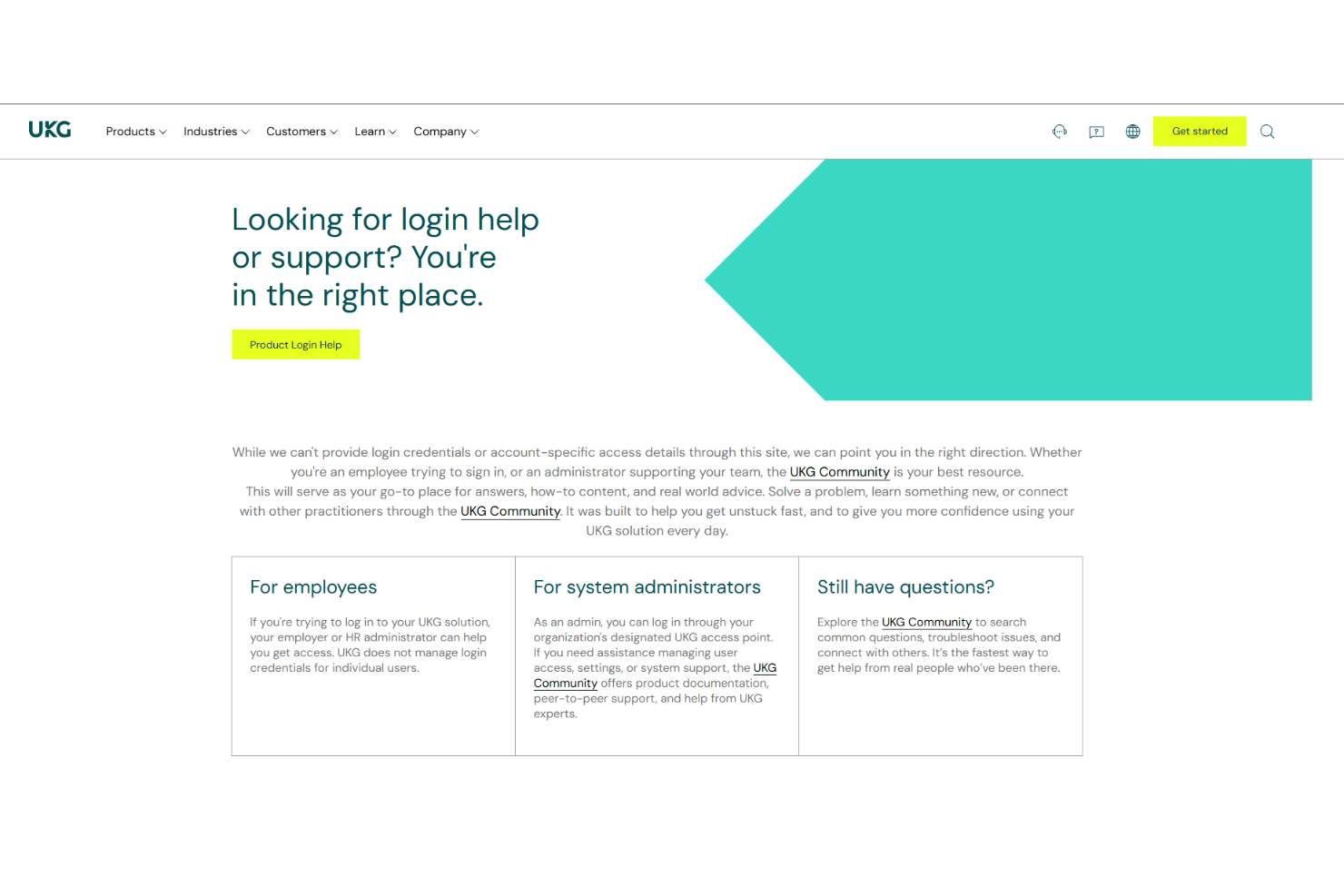
UKG provides reliable customer support, offering various channels such as email and phone assistance to address your team's concerns. The support team is generally responsive and knowledgeable, though initial response times may vary. The available resources, including community discussion threads and user guides, can also help you resolve issues independently.
Integrations
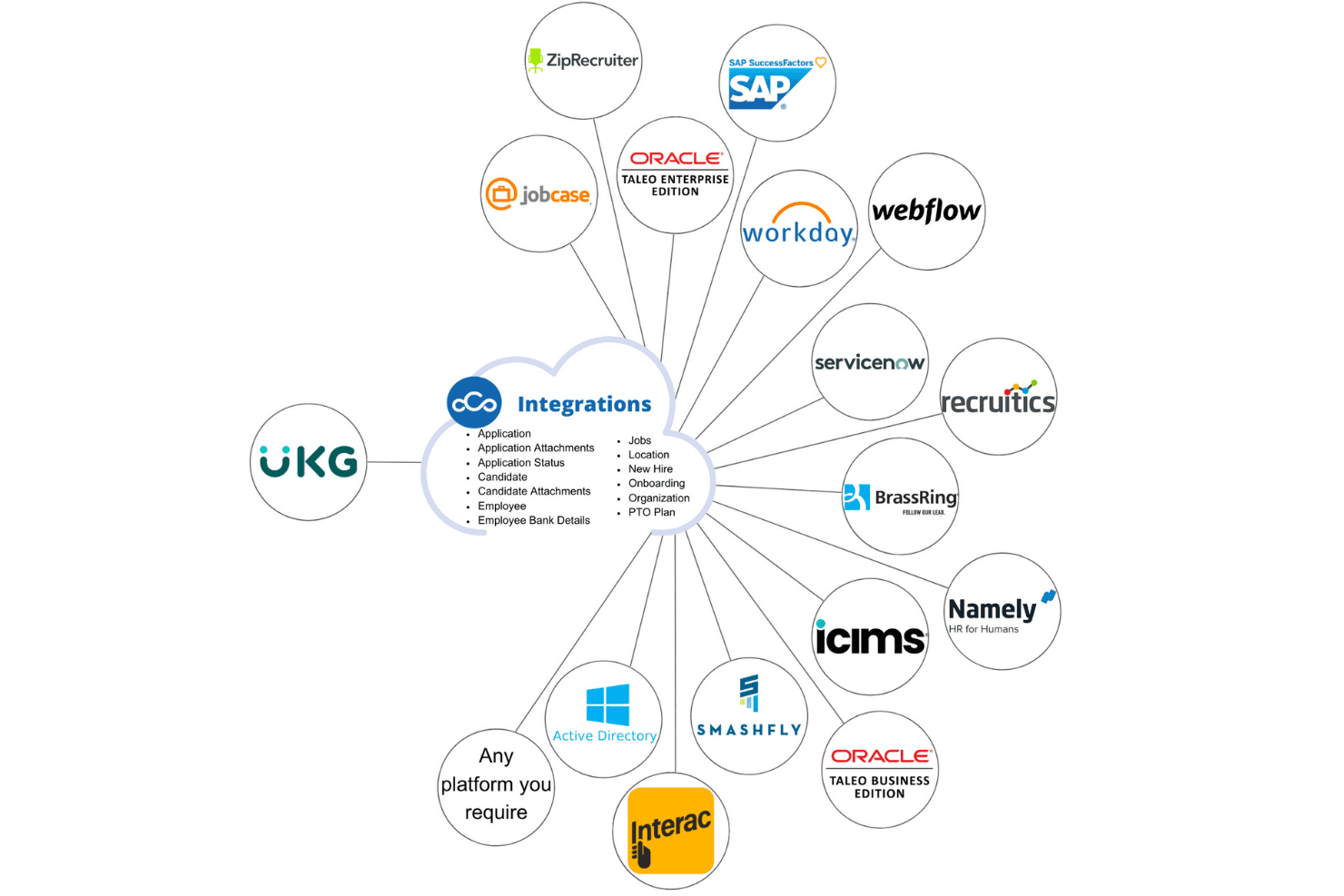
UKG integrates with platforms including Salesforce, IBM, NetSuite, Cangrade, Microsoft Teams, and Deltek Vantagepoint. UKG also offers an API for building custom integrations, allowing you to further tailor the platform to your needs.
Value for Money
UKG pricing offers UKG Ready plans that cater to various business needs, providing great value for larger enterprises with complex workforce requirements. The software also offers add-on modules for enhanced functionality. A demo is available, allowing you to evaluate the software before committing to a purchase. No public pricing is currently available. Reach out to the company for pricing details.
UKG Specs
- 2-Factor Authentication: Yes
- 360 Degree Feedback: Yes
- API: No
- Application Tracking: No
- Attendance Tracking: No
- Batch Permissions & Access: Yes
- Compliance Tracking: Yes
- Dashboard: Yes
- Data Export: Yes
- Data Import: Yes
- Data Visualization: Yes
- Employee Database: Yes
- Employee Engagement: No
- Employee Incentive Management: Yes
- Employee Onboarding: Yes
- Employee Training: Yes
- Expense Tracking: No
- External Integrations: Yes
- Feedback Management: Yes
- Multi-User: Yes
- Notifications: Yes
- Payroll: Yes
- Performance Appraisal: No
- Scheduling: No
- Time Management: Yes
- Timesheets: No
- Travel Management: Yes
- Vacation & Absence Calendar: No
UKG FAQs
UKG Company Overview & History
UKG stands for Ultimate Kronos Group, formed in 2020 following the merger of Ultimate Software and Kronos Incorporated. It has two headquarters in Weston, Florida, and Lowell, Massachusetts, employing over 15,000 people globally. UKG is known for its purpose-built HCM and payroll solutions, as well as its innovative work culture. Notable clients include major corporations across various industries, including Adidas and Celonis, benefiting from UKG's workforce management solutions.
UKG Major Milestones
- 2020: Formed through the merger of Ultimate Software and Kronos Incorporated.
- 2023: Achieved $1 billion in revenue for the first time.
- 2025: Won the title of Global Payroll Supplier of the Year from the Global Payroll Alliance for the second straight year.