

Maxio-arvostelu: hyvät ja huonot puolet, ominaisuudet ja hinnoittelu vuonna 2026
Maxio erottuu edukseen tehokkaalla laskutuksen automatisoinnillaan ja SaaS-yrityksille suunnatuilla ominaisuuksillaan, mutta se sopii ehkä parhaiten kasvuvaiheen yrityksille, jotka tarvitsevat edistyksellistä tulonhallintaa peruslaskutuksen sijaan.

We review tools independently, and commissions help fund our testing. See our transparency policy, our methodology, or suggest a tool.
Maxio is a billing software built specifically for B2B SaaS companies that need subscription billing, revenue recognition, and SaaS metrics reporting in one place. I'd consider it over Chargebee if your finance team needs stronger native support for deferred revenue, ARR/MRR tracking, and GAAP-compliant revenue recognition—rather than patching those capabilities together through third-party integrations.
Maxio Evaluation Summary
4.3/5
- From $599/month
- Free demo available
Miksi luottaa ohjelmistosuosituksiimme
6,700+
Reviews
20
Industry experts
16+
Evaluation factors
14
Years
Tiimimme on testannut ja arvioinut ohjelmistoja vuodesta 2012 lähtien. Talousjohtajina tiedämme itse, kuinka vaikeaa — ja tärkeää — oikean ohjelmiston valitseminen on.
Tätä opasta varten arvioimme työkaluja käytännön testauksen ja itsenäisen tutkimuksen avulla, pisteyttäen työkalut valintakriteeriemme perusteella.
Arvostelumme perustuvat inhimilliseen toimitukselliseen harkintaamme, eivät myyntipuheeseen.
Maxio Overview
Maxio offers advanced billing automation, granular revenue recognition, and strong SaaS integrations, making it a top choice for finance teams managing complex subscription models. Its interface is intuitive, and onboarding is straightforward for users familiar with SaaS finance. Pricing is competitive for mid-market and growth-stage companies, though smaller businesses may find it more than they need. Support is responsive, and API options enable custom workflows.
Compared to others, Maxio excels in handling multi-entity billing and compliance, but may feel overwhelming for simple invoicing needs. It’s best for organizations prioritizing scalability and detailed financial controls.
Pros
- Handles complex subscription and usage-based billing scenarios.
- Automates revenue recognition for GAAP and IFRS compliance.
- Offers multi-entity support for global or multi-brand businesses.
Cons
- Reporting customization is limited compared to some competitors.
- API documentation can be difficult for developers to navigate.
- Pricing may be high for small or early-stage companies.
Is Maxio Right For Your Needs?
Who Would be a Good Fit for Maxio?
Maxio is best suited for B2B SaaS companies and subscription-based businesses with recurring revenue and moderate-to-complex billing needs. It works well for organizations that need automated billing, revenue recognition, and SaaS metrics without the heavier implementation burden of more finance-centric systems. Its combination of billing automation, financial reporting, and integrations makes it especially valuable for growing companies that want to scale operations while maintaining visibility into performance.
- SaaS StartupsMaxio automates subscription billing and revenue recognition for SaaS models.
- Growing Mid-Market BusinessesCompanies scaling revenue operations benefit from automation without requiring a highly complex implementation.
- Finance DepartmentsFinance teams benefit from audit-ready revenue recognition and compliance tools.
- Multi-Entity Businesses (with higher tiers)Supports multi-entity billing and reporting, though typically in more advanced plans.
- Global SaaS OperationsSupports multi-currency billing and international payment workflows.
- Companies Focused on SaaS MetricsStrong reporting for metrics like MRR, ARR, cohorts, and revenue trends.
Who Would be a Bad Fit for Maxio?
Maxio is less suitable for businesses with simple billing needs or non-subscription models, as well as organizations that require deep ERP functionality or highly customized financial controls. It’s also not ideal for companies expecting a lightweight, plug-and-play invoicing tool or a full all-in-one system.
- Simple Billing NeedsOverkill for basic invoicing or low transaction volumes.
- FreelancersThe platform’s complexity is unnecessary for solo billing needs.
- Early-Stage StartupsPricing and features may exceed the needs of new ventures.
- Highly Regulated Enterprises with Complex Compliance NeedsMay require more finance-centric systems (e.g., deeper audit controls or customization).
- Highly Customized Enterprise Billing LogicMay hit limits compared to more configurable enterprise platforms.
- Manufacturing FirmsManufacturers with inventory and supply chain needs require different solutions.
How We Test & Score Tools
We’ve spent years building, refining, and improving our software testing and scoring system. The rubric is designed to capture the nuances of software selection and what makes a tool effective, focusing on critical aspects of the decision-making process.
Below, you can see exactly how our testing and scoring works across seven criteria. It allows us to provide an unbiased evaluation of the software based on core functionality, standout features, ease of use, onboarding, customer support, integrations, customer reviews, and value for money.
Core Functionality (25% of final scoring)
The starting point of our evaluation is always the core functionality of the tool. Does it have the basic features and functions that a user would expect to see? Are any of those core features locked to higher-tiered pricing plans? At its core, we expect a tool to stand up against the baseline capabilities of its competitors.
Standout Features (25% of final scoring)
Next, we evaluate uncommon standout features that go above and beyond the core functionality typically found in tools of its kind. A high score reflects specialized or unique features that make the product faster, more efficient, or offer additional value to the user.
We also evaluate how easy it is to integrate with other tools typically found in the tech stack to expand the functionality and utility of the software. Tools offering plentiful native integrations, 3rd party connections, and API access to build custom integrations score best.
Ease of Use (10% of final scoring)
We consider how quick and easy it is to execute the tasks defined in the core functionality using the tool. High scoring software is well designed, intuitive to use, offers mobile apps, provides templates, and makes relatively complex tasks seem simple.
Onboarding (10% of final scoring)
We know how important rapid team adoption is for a new platform, so we evaluate how easy it is to learn and use a tool with minimal training. We evaluate how quickly a team member can get set up and start using the tool with no experience. High scoring solutions indicate little or no support is required.
Customer Support (10% of final scoring)
We review how quick and easy it is to get unstuck and find help by phone, live chat, or knowledge base. Tools and companies that provide real-time support score best, while chatbots score worst.
Customer Reviews (10% of final scoring)
Beyond our own testing and evaluation, we consider the net promoter score from current and past customers. We review their likelihood, given the option, to choose the tool again for the core functionality. A high scoring software reflects a high net promoter score from current or past customers.
Value for Money (10% of final scoring)
Lastly, in consideration of all the other criteria, we review the average price of entry level plans against the core features and consider the value of the other evaluation criteria. Software that delivers more, for less, will score higher.
Core Features
Usage-Based Billing
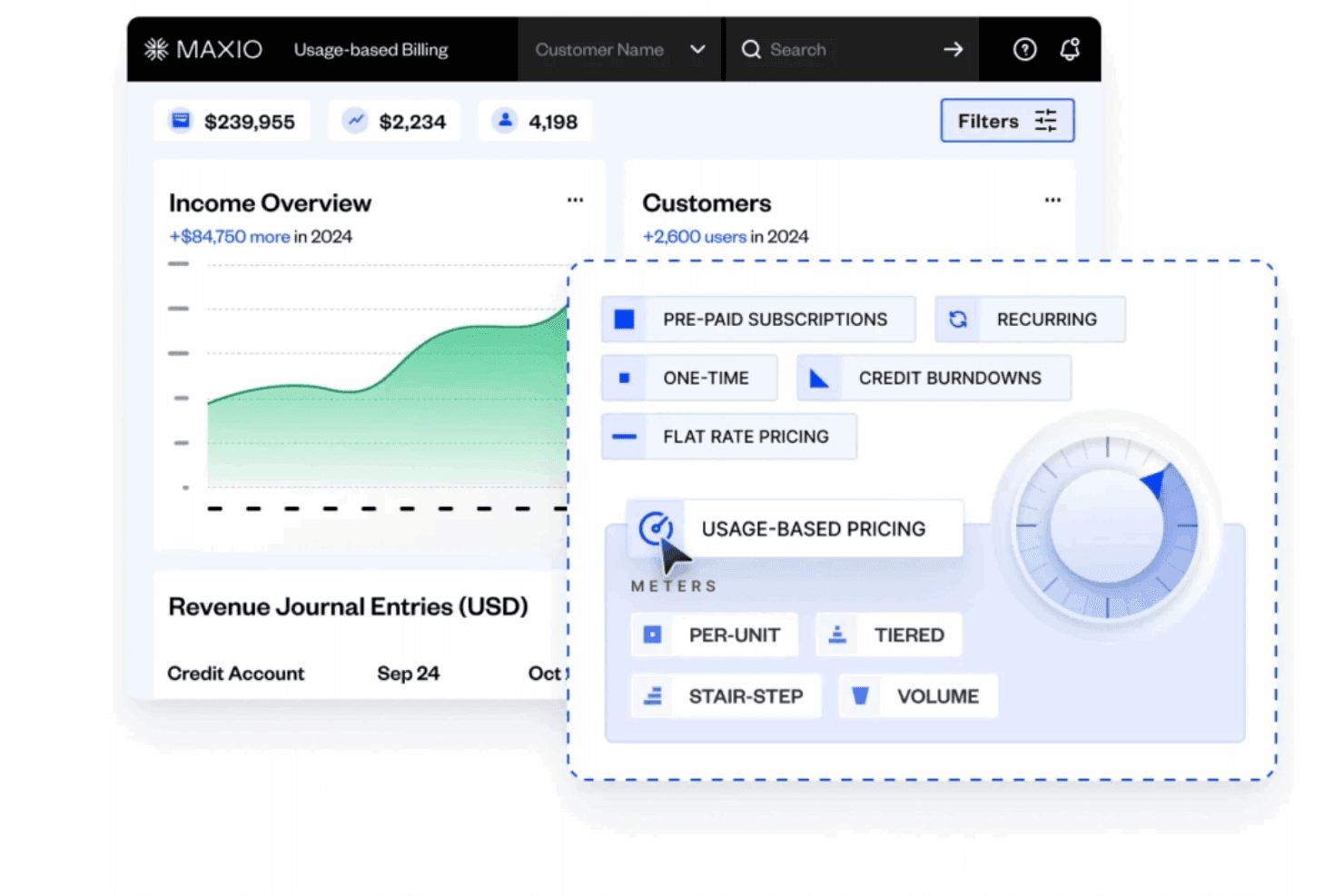
Supports metering, rating, and multiple pricing models for accurate, automated invoicing. Handles per unit, volume, tiered, and stairstep pricing without manual reconciliation.
Subscription Management
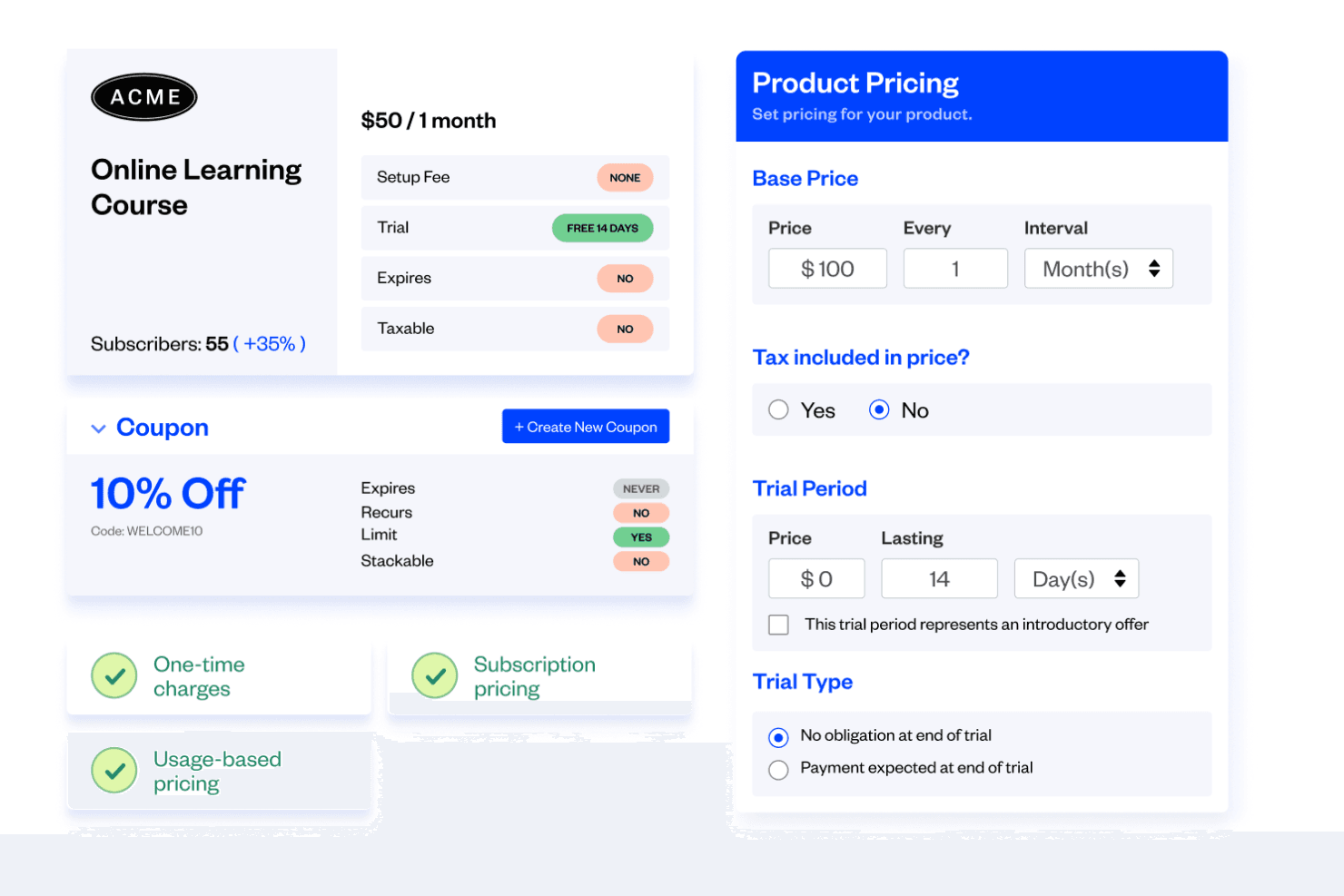
Lets you create, modify, and manage subscription plans and contracts in minutes. Enables setup fees, coupons, add-ons, and upsells for flexible billing.
Revenue Recognition
Automates revenue recognition schedules and calculations for GAAP and IFRS compliance. Offers custom rules and premade methods to fit your policies.
Financial Reporting
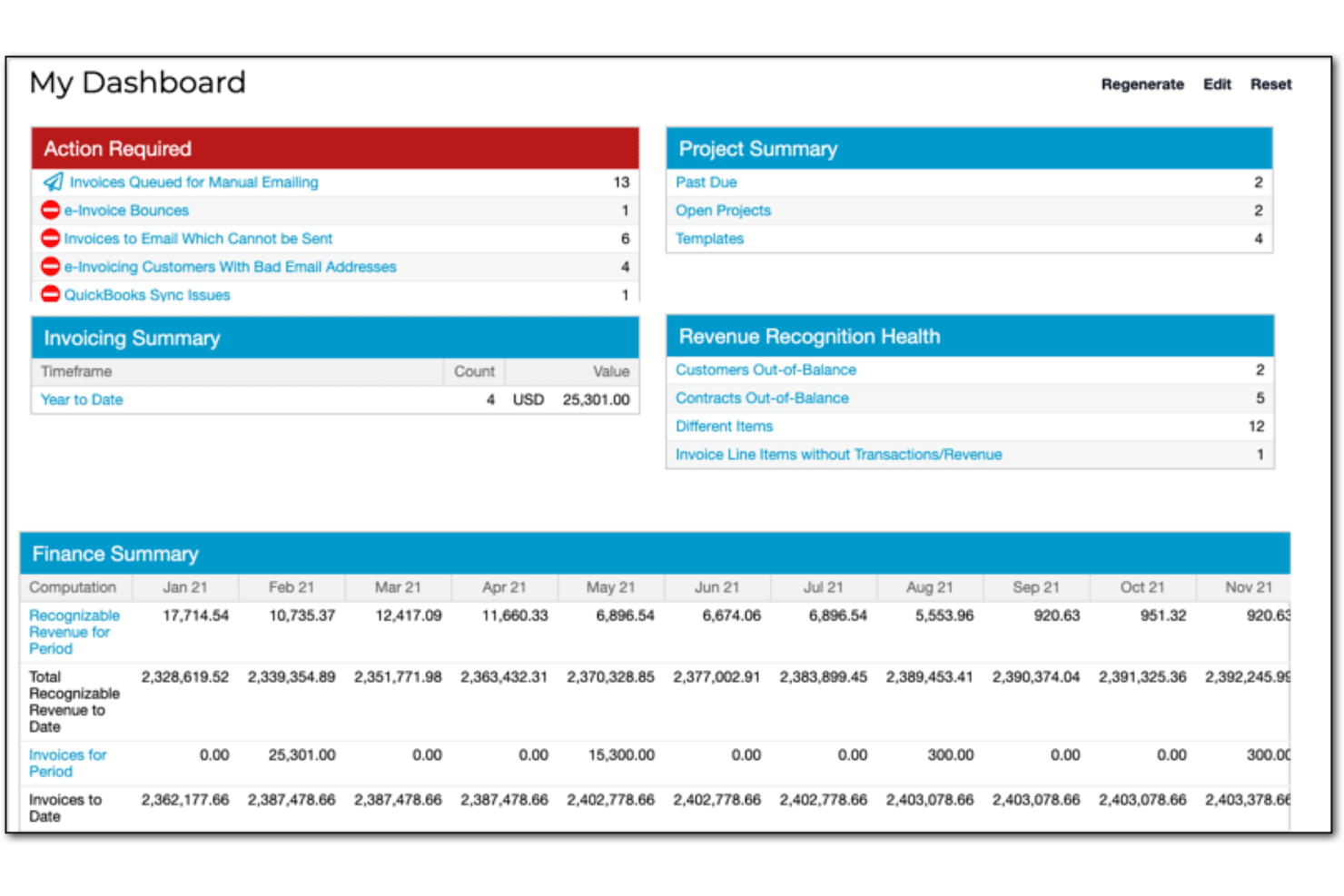
Provides custom dashboards and drill-down reports for real-time financial insights. Includes 30+ prebuilt reports like ARR summary and DSO.
Multi-Entity Support
Allows management of multiple business entities with unique catalogs and settings. Consolidates billing and reporting across global or multi-brand operations.
Self-Service Portals
Enables customers to manage subscriptions, pay invoices, and update billing details online. Reduces manual intervention and improves customer experience.
Ease of Use
Maxio’s interface is user-friendly, clean, and logically organized, making it approachable for finance professionals familiar with SaaS billing concepts. Users report that onboarding is straightforward, especially for teams with experience in subscription management. However, some find the depth of features and reporting options can be overwhelming at first. The platform’s guided setup, in-app help, and responsive support team help users navigate and optimize complex billing scenarios with confidence.
Integrations
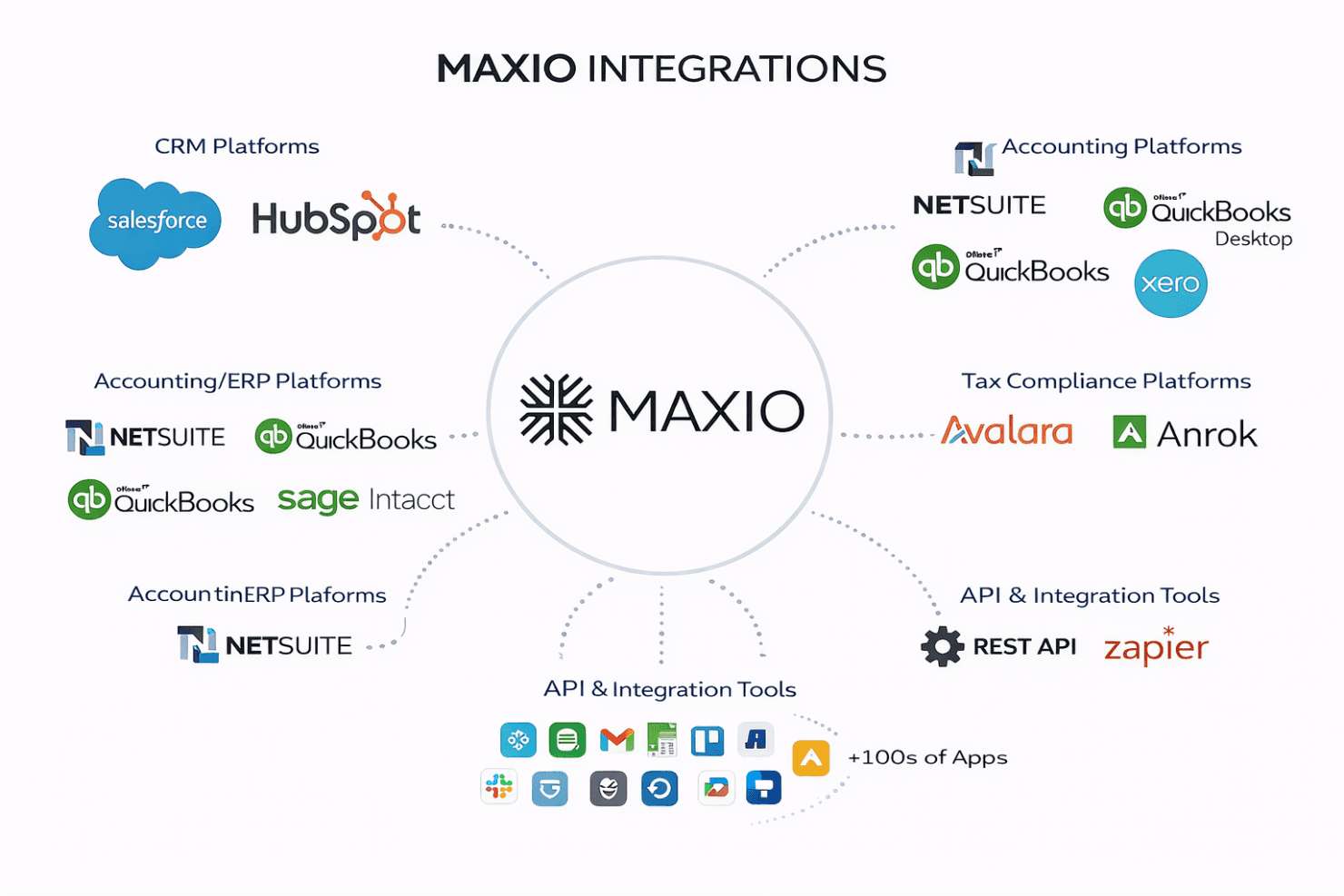
Maxio integrates with Salesforce, HubSpot, NetSuite, QuickBooks Online, QuickBooks Desktop, Xero, Sage Intacct, Avalara, Anrok, and Pipedrive, among others.
Maxio also offers a robust API and connects with third-party integration tools to extend its functionality.
Maxio Specs
- 2-Factor Authentication: Yes
- A/B Testing: Yes
- API: Yes
- Batch Permissions & Access: No
- BitCoin: No
- Budgeting: No
- Calendar Management: No
- Conversion Tracking: No
- Customer Management: Yes
- Dashboard: Yes
- Data Export: Yes
- Data Import: Yes
- Data Visualization: Yes
- External Integrations: Yes
- Forecasting: No
- Lead Management: No
- Lead Scoring: No
- Marketing Automation: No
- Multi-Currency: Yes
- Multi-User: Yes
- Notifications: Yes
- Password & Access Management: Yes
- PayPal: Yes
- Scheduling: No
- Stripe: Yes
- Third-Party Plugins/Add-Ons: Yes


