

ZarMoney-arvostelu: hyvät ja huonot puolet, ominaisuudet ja hinnoittelu
ZarMoney erottuu käyttäjäystävällisellä käyttöliittymällään ja kilpailukykyisellä hinnoittelullaan, mikä tekee siitä erinomaisen vaihtoehdon pienyrityksille, jotka etsivät luotettavia kirjanpitoratkaisuja.

We review tools independently, and commissions help fund our testing. See our transparency policy, our methodology, or suggest a tool.
ZarMoney is a cloud-based accounting software built for small and mid-sized businesses that need invoicing, inventory tracking, accounts payable and receivable, and multi-user access in one place. I'd consider it a stronger fit than QuickBooks if your team needs more granular user permission controls and real-time inventory management without the per-user pricing that makes QuickBooks expensive as your headcount grows.
ZarMoney Evaluation Summary

4.7/5
- From $20/month
- 30-day free trial + free demo available
Miksi luottaa ohjelmistosuosituksiimme
6,700+
Reviews
20
Industry experts
16+
Evaluation factors
14
Years
Tiimimme on testannut ja arvioinut ohjelmistoja vuodesta 2012 lähtien. Talousjohtajina tiedämme itse, kuinka vaikeaa — ja tärkeää — oikean ohjelmiston valitseminen on.
Tätä opasta varten arvioimme työkaluja käytännön testauksen ja itsenäisen tutkimuksen avulla, pisteyttäen työkalut valintakriteeriemme perusteella.
Arvostelumme perustuvat inhimilliseen toimitukselliseen harkintaamme, eivät myyntipuheeseen.
ZarMoney Overview
From my perspective, ZarMoney is a solid choice for any business looking for a reliable accounting platform. It offers core features and good customer support, which are essential for smooth financial management. The user interface is easy to navigate, and the platform's pricing is competitive, making it a cost-effective option. Onboarding is smooth, with a variety of resources to help you get started. Overall, if you're seeking a balanced solution with strong customer support and good value, ZarMoney is a great choice.
Pros
- ZarMoney's interface is easy to navigate.
- Your team can benefit from quick setup and onboarding.
- ZarMoney's customer support is responsive and helpful.
Cons
- You might find the reporting features less advanced compared to competitors.
- Your team may experience occasional software glitches.
- The available customization options may feel limited.
Is ZarMoney Right For Your Needs?
Who Would be a Good Fit for ZarMoney?
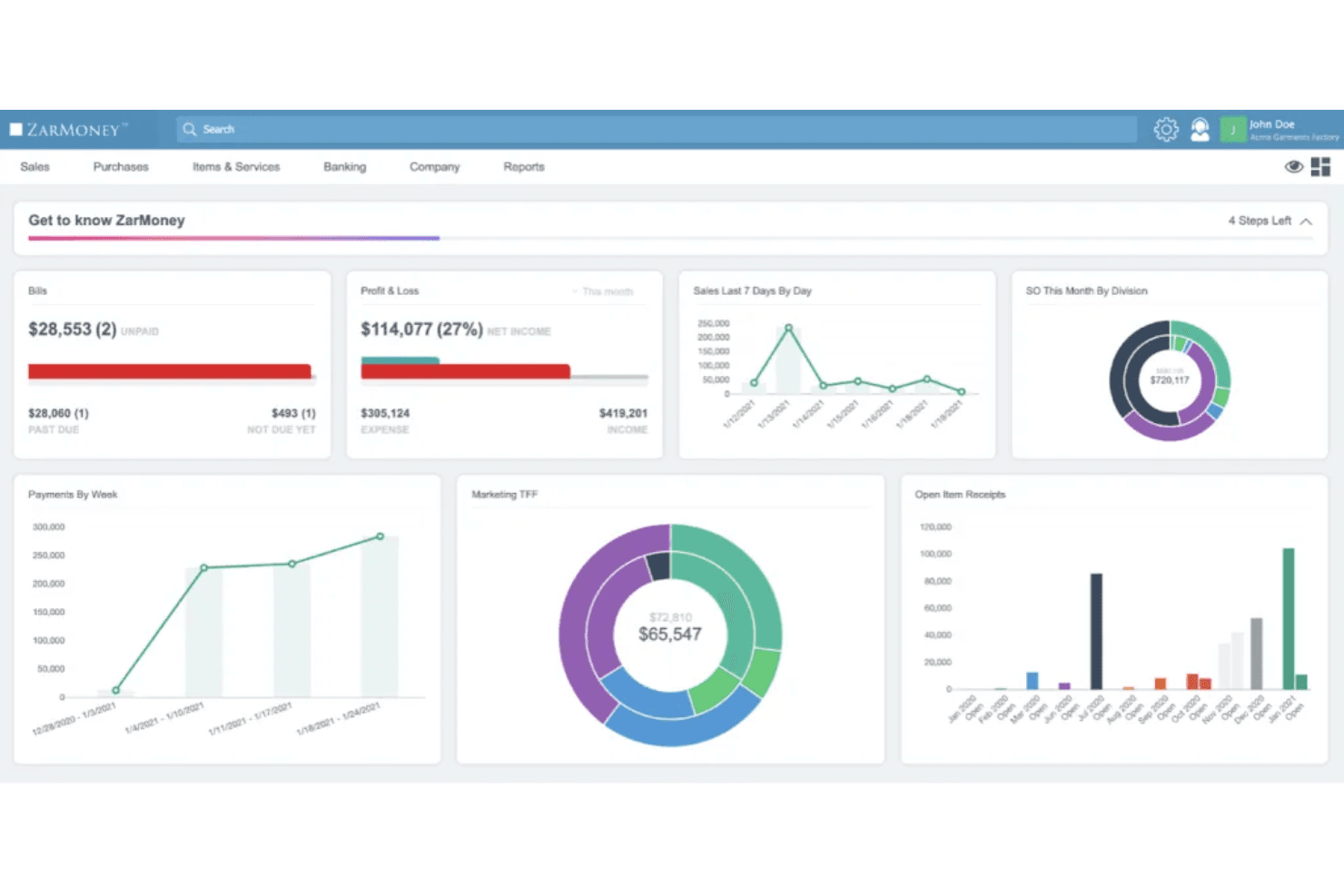
For business owners in industries such as retail, e-commerce, or legal services, ZarMoney could be a great fit. Its robust invoicing, payment processing, and inventory tracking features streamline financial tasks, making it ideal for businesses that need efficient bookkeeping and accounting solutions. The software's user-friendly interface and customizable dashboards allow your team to easily manage tasks and collaborate, enhancing productivity.
- Small BusinessesZarMoney's affordable pricing and extensive features make it a solid choice for small businesses looking to manage finances efficiently.
- Retail IndustryWith its inventory management and real-time tracking, ZarMoney is perfect for retail businesses that need to monitor stock levels.
- E-commerceFor online sellers, ZarMoney offers seamless invoicing and payment processing, making transactions smoother and more reliable.
- Legal FirmsThe software's robust accounts receivable management helps legal firms track payments and manage client billing.
- Remote TeamsZarMoney's mobile access and team collaboration tools enable remote teams to work effectively from anywhere.
- EnterprisesWith scalable features and advanced user permissions, ZarMoney supports large enterprises requiring detailed financial oversight and control.
Who Would be a Bad Fit for ZarMoney?
ZarMoney might not be suitable for businesses requiring advanced inventory management or complex financial forecasting. If your work involves intricate project accounting or extensive third-party integrations, you might find ZarMoney lacking. Its feature set is more aligned with straightforward bookkeeping and accounting tasks, and it may not support the detailed customization or specialized reporting some industries demand.
- Manufacturing CompaniesIf your team needs more robust inventory management, ZarMoney might fall short.
- Retail BusinessesZarMoney might not offer the comprehensive point of sale and inventory systems that retail businesses require.
- Nonprofit OrganizationsNonprofits needing specialized fund accounting and donor management might find ZarMoney’s features insufficient.
- FreelancersFreelancers might consider ZarMoney’s feature set too extensive and costly for simpler accounting needs.
How We Test & Score Tools
We’ve spent years building, refining, and improving our software testing and scoring system. The rubric is designed to capture the nuances of software selection and what makes a tool effective, focusing on critical aspects of the decision-making process.
Below, you can see exactly how our testing and scoring works across seven criteria. It allows us to provide an unbiased evaluation of the software based on core functionality, standout features, ease of use, onboarding, customer support, integrations, customer reviews, and value for money.
Core Functionality (25% of final scoring)
The starting point of our evaluation is always the core functionality of the tool. Does it have the basic features and functions that a user would expect to see? Are any of those core features locked to higher-tiered pricing plans? At its core, we expect a tool to stand up against the baseline capabilities of its competitors.
Standout Features (25% of final scoring)
Next, we evaluate uncommon standout features that go above and beyond the core functionality typically found in tools of its kind. A high score reflects specialized or unique features that make the product faster, more efficient, or offer additional value to the user.
We also evaluate how easy it is to integrate with other tools typically found in the tech stack to expand the functionality and utility of the software. Tools offering plentiful native integrations, 3rd party connections, and API access to build custom integrations score best.
Ease of Use (10% of final scoring)
We consider how quick and easy it is to execute the tasks defined in the core functionality using the tool. High scoring software is well designed, intuitive to use, offers mobile apps, provides templates, and makes relatively complex tasks seem simple.
Onboarding (10% of final scoring)
We know how important rapid team adoption is for a new platform, so we evaluate how easy it is to learn and use a tool with minimal training. We evaluate how quickly a team member can get set up and start using the tool with no experience. High scoring solutions indicate little or no support is required.
Customer Support (10% of final scoring)
We review how quick and easy it is to get unstuck and find help by phone, live chat, or knowledge base. Tools and companies that provide real-time support score best, while chatbots score worst.
Customer Reviews (10% of final scoring)
Beyond our own testing and evaluation, we consider the net promoter score from current and past customers. We review their likelihood, given the option, to choose the tool again for the core functionality. A high scoring software reflects a high net promoter score from current or past customers.
Value for Money (10% of final scoring)
Lastly, in consideration of all the other criteria, we review the average price of entry level plans against the core features and consider the value of the other evaluation criteria. Software that delivers more, for less, will score higher.
Core Features
- Invoicing and Payment Processing: You can create and send invoices swiftly and accept payments via credit cards or ACH, making sales order management hassle-free.
- Accounts Receivable Management: Keep your cash flow steady with customer statements, pre-payment options, and customizable payment terms.
- Accounts Payable Management: Track bills, manage expenses, and print checks with a purchase order system that easily converts to bills.
- Inventory and Order Management: Manage inventory levels and order statuses in real time, ensuring your operations run smoothly.
- Customizable Customer Management: Organize customer data with custom fields and manage credit limits with ease.
- Recurring Invoices: Automate billing and sales tax calculations for customers, ensuring you never miss a payment.

Ease of Use
ZarMoney scores well for ease of use, with an intuitive user interface and role-based access controls that are easy to configure. However, the multitude of options can feel overwhelming at first. The search function may leave you wanting, as it only supports data searches, making feature location tricky. Overall, ZarMoney's usability is strong, but there's room for refinement.
Integrations
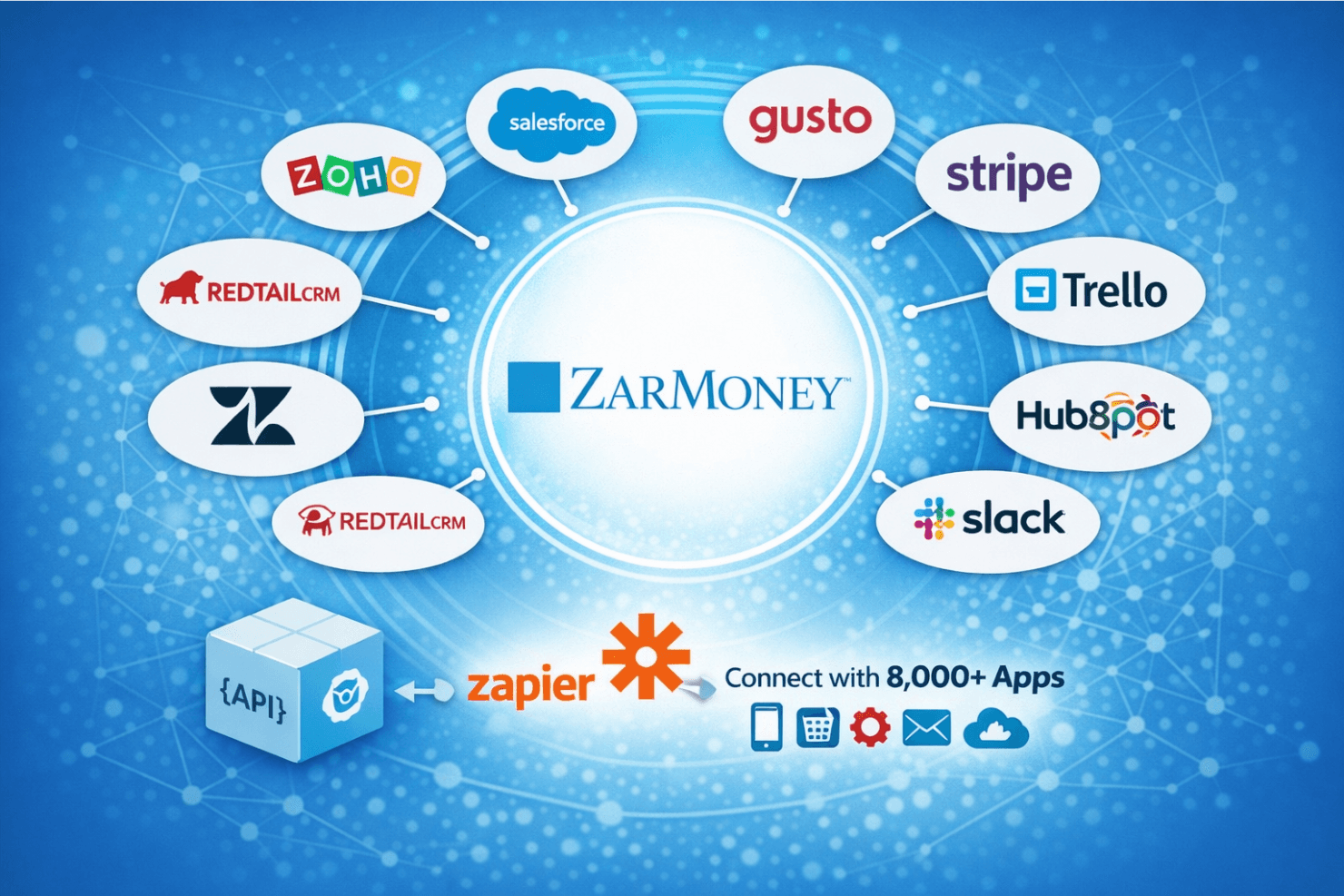
ZarMoney integrates with Zoho, Salesforce, Gusto, Stripe, Trello, HubSpot, Slack, Zendesk, Jira, and Redtail CRM.
ZarMoney also provides an API and connects with third-party integration tools like Zapier, enabling users to connect with over 8,000 applications without coding.
ZarMoney Specs
- 2-Factor Authentication: No
- Accounts Payable: Yes
- Accounts Receivable: Yes
- API: Yes
- Balance Sheet: Yes
- Billing/Invoicing: Yes
- BitCoin: No
- Budgeting: Yes
- Calendar Management: Yes
- Contact Management: Yes
- CRM Integration: Yes
- Customer Management: Yes
- Dashboard: Yes
- Data Export: Yes
- Data Import: Yes
- Data Visualization: Yes
- Expense Tracking: Yes
- External Integrations: Yes
- Forecasting: No
- General Account Ledger: No
- Inventory Tracking: Yes
- Multi-Currency: No
- Multi-User: Yes
- Notifications: Yes
- P&L: No
- PayPal: No
- Payroll: Yes
- SAP Integration: No
- Stripe: Yes
- Supplier Management: No
- Tax Management: Yes


