

Analyse de Priority : Avantages, Inconvénients, Fonctionnalités et Tarifs
Priority ERP se distingue par ses fonctionnalités étendues et ses performances rapides, ce qui en fait un concurrent de taille pour les moyennes et grandes entreprises recherchant des solutions ERP complètes.

Nous évaluons les outils indépendamment ; les commissions aident à financer nos tests. Consultez notre politique de transparence et notre méthodologie.
There are a bunch of benefits to adopting a dedicated ERP solution, namely improved operational efficiency and data visibility, which pave the way to better decision-making and streamlined business processes.
One platform that delivers on these benefits is Priority ERP, an ERP software designed to help CFOs and finance teams manage and streamline complex operations, reporting, and compliance from a single system. If you’re looking for a solution that balances flexibility, scalability, and cost, Priority ERP is worth considering as a modern alternative to traditional ERP systems.
In this review, you’ll find a clear breakdown of Priority ERP’s features, best and worst use cases, pros and cons, and pricing—so you can decide if it fits your organization’s financial and operational needs.
Priority Software Evaluation Summary
4.4/5
- Pricing available upon request
- Free demo available
Pourquoi faire confiance à nos recommandations de logiciels
6,700+
Reviews
20
Industry experts
16+
Evaluation factors
14
Years
Nos avis reflètent notre jugement indépendant — et non un argumentaire de vente. Découvrez comment nous restons transparents.
Pour ce guide, nous avons évalué les outils grâce à des tests pratiques et une recherche indépendante, en notant les outils selon nos critères de sélection.
Nos avis reflètent notre jugement éditorial humain, et non un argumentaire de vente.
Priority Software Overview
I think Priority ERP especially stands out for its clean interface, flexible modules, and exhaustive compliance tools. Its pricing is competitive, especially for mid-sized businesses that want customization without a steep learning curve. I’ve found that onboarding is smoother than most, and its integrations cover a wide range of business needs, with the overall functionality cementing it as a smart pick for teams prioritizing adaptability and growth. If you’re picking out an ERP for a fast-changing environment, then Priority ERP deserves serious consideration.
Pros
- Fast implementation compared to most ERP systems
- Strong AI-driven automation and reporting tools
- Highly customizable workflows for different industries
Cons
- Extensive customization can become complex.
- Some users report inconsistent customer support experiences.
- Priority might not meet certain regulatory requirements in some regions.
Is Priority Software Right For Your Needs?
Who Would be a Good Fit for Priority Software?
Priority ERP is a strong choice for organizations that need flexible, industry-specific ERP solutions and value rapid deployment with customizable workflows for their business operations. Its modular design and automation features make it especially appealing for mid-sized businesses and teams that want to adapt processes without heavy IT involvement. If your business operates in a regulated or fast-changing environment, you’ll likely appreciate the platform’s compliance tools and scalable architecture.
- Growing Mid-Sized CompaniesScalable modules and fast onboarding suit expanding teams and operations.
- Financial ServicesAutomated reporting and audit trails simplify compliance and month-end close.
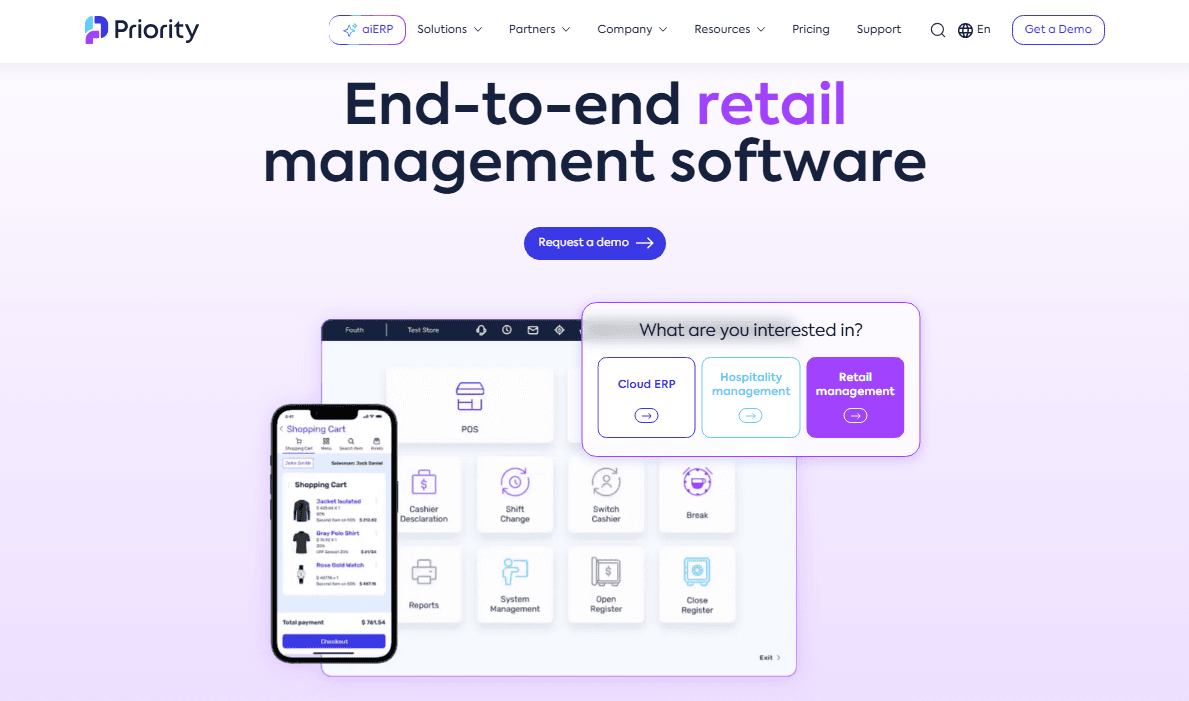
- Retail ChainsMulti-location management and POS integration are included out of the box.
- Field ServicesPriority ERP allows for seamless communication between site teams and headquarters.
- Wholesale DistributorsIts real-time inventory tracking and order management are highly effective.
- Manufacturing FirmsPriority ERP supports complex production planning and inventory management.
Who Would be a Bad Fit for Priority Software?
Priority ERP may not be the best option for organizations that have highly unique workflows, or need extensive third-party integrations beyond what’s offered. Very small businesses or those with extremely limited IT resources might find the platform’s capabilities more than they need, while enterprises with global, multi-entity operations may outgrow its current feature set.
- Highly Specialized IndustriesOrganizations with highly specialized workflows may find standard ERP configurations insufficient.
- Micro CompaniesThe platform’s depth and cost may exceed basic requirements.
- Small Companies Lacking IT ResourcesPriority’s complexity might overwhelm less technical companies.
- Large MultinationalsGlobal consolidation and multi-entity support are less robust than needed.
Comment nous testons et évaluons les outils
Nous avons passé des années à construire, affiner et améliorer notre système de test et d’évaluation des logiciels. Notre grille vise à saisir toute la subtilité de la sélection logicielle et les facteurs déterminant l’efficacité d’un outil, en mettant l’accent sur les aspects essentiels du processus de décision. Ci-dessous, vous pouvez voir exactement comment notre test et notre notation fonctionnent selon sept critères. Cela nous permet de fournir une évaluation impartiale des logiciels sur la base des fonctionnalités principales, des fonctionnalités distinctives, de la facilité d’utilisation, de la prise en main, du service client, des intégrations, des avis clients et du rapport qualité/prix.
Fonctionnalité principale (25 % de la note finale)
Le point de départ de notre évaluation est toujours la fonctionnalité principale de l’outil. Dispose-t-il des caractéristiques de base attendues ? Certaines de ces fonctions de base sont-elles réservées aux plans tarifaires supérieurs ? Fondamentalement, nous attendons d’un outil qu’il soit au moins l’égal de ses concurrents en capacités essentielles.
Fonctionnalités Distinctives (25 % de la note finale)
Ensuite, nous évaluons les fonctionnalités rares ou uniques, allant au-delà de la fonctionnalité principale habituellement trouvée dans ce type d’outil. Un score élevé traduit des fonctionnalités spécialisées ou innovantes qui rendent le produit plus rapide, plus efficace, ou apportent une valeur supplémentaire à l’utilisateur. Nous évaluons aussi la facilité d’intégration avec d’autres outils courants de l’écosystème technologique pour étendre les capacités du logiciel. Les outils offrant de nombreuses intégrations natives, des connexions tierces et un accès API pour des intégrations personnalisées obtiennent le meilleur score.
Facilité d’utilisation (10 % de la note finale)
Nous considérons la rapidité et la facilité d’exécution des tâches essentielles avec l’outil. Un logiciel bien conçu, intuitif, proposant des applications mobiles, des modèles et permettant de simplifier des tâches complexes obtient la meilleure note.
Prise en Main (10 % de la note finale)
Nous savons combien il est important d’adopter rapidement une nouvelle plateforme, c’est pourquoi nous évaluons la facilité d’apprentissage et d’utilisation du logiciel avec un minimum de formation. Nous évaluons la rapidité de mise en place d’un nouveau membre d’équipe sans expérience. Un outil ayant un bon score requiert peu voire aucun support pour la prise en main.
Service Client (10 % de la note finale)
Nous évaluons s’il est rapide et facile d’obtenir de l’aide ou de dépanner par téléphone, chat en direct ou base de connaissances. Les outils et entreprises offrant une assistance en temps réel obtiennent le meilleur score, tandis que les chatbots sont moins bien notés.
Avis Clients (10 % de la note finale)
Au-delà de nos propres tests et évaluations, nous prenons en compte le net promoter score fourni par les clients actuels et passés. Nous vérifions leur probabilité de recommander l’outil et d’en refaire le choix pour ses fonctionnalités principales. Un logiciel bien noté se traduit par un net promoter score élevé.
Rapport Qualité/Prix (10 % de la note finale)
Enfin, en tenant compte de tous les autres critères, nous comparons le prix moyen des plans d’entrée de gamme avec les fonctionnalités principales, et le rapport de valeur avec les autres critères d’évaluation. Les logiciels offrant plus pour moins obtiennent la meilleure note.
Core Features
AI-Driven Automation
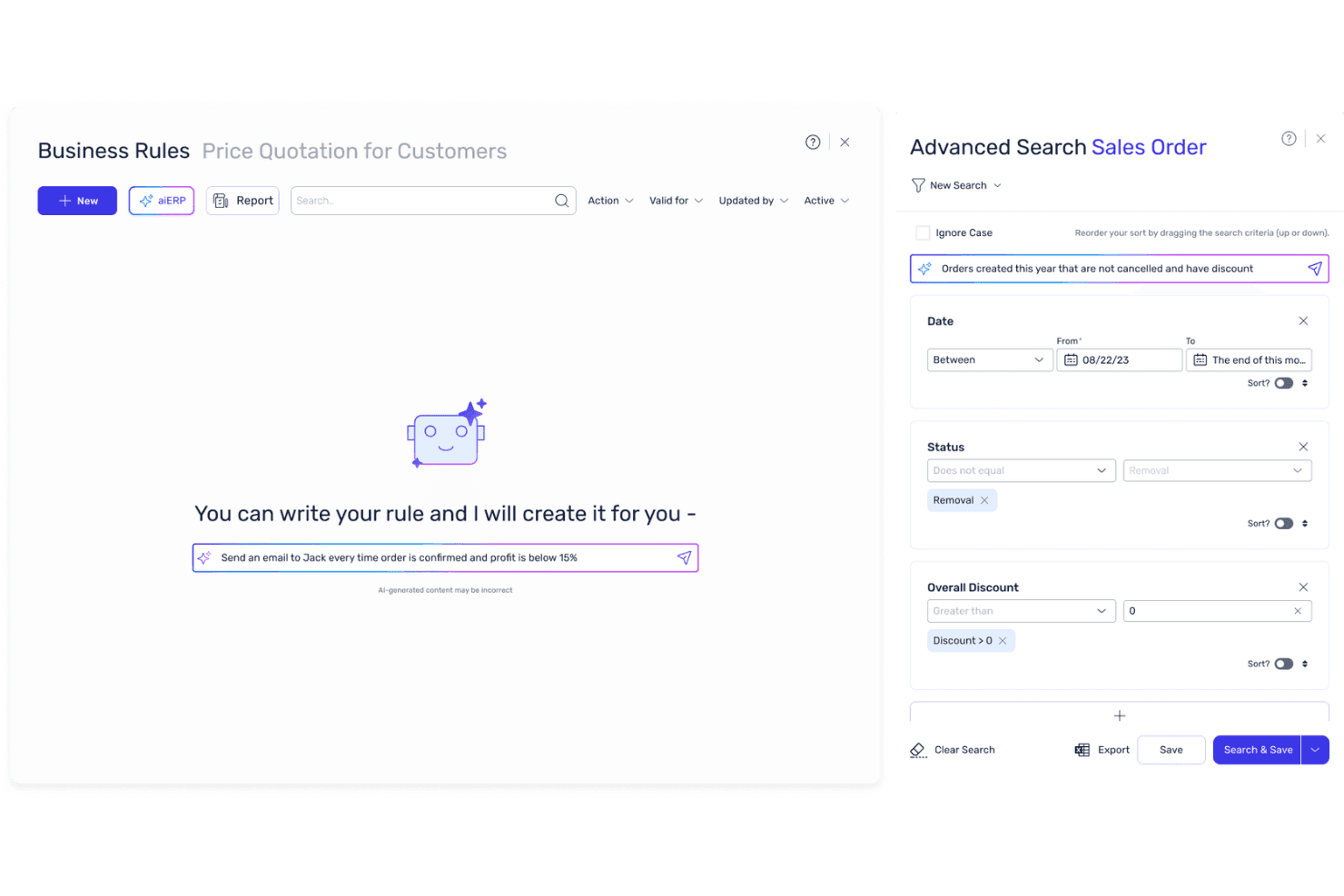
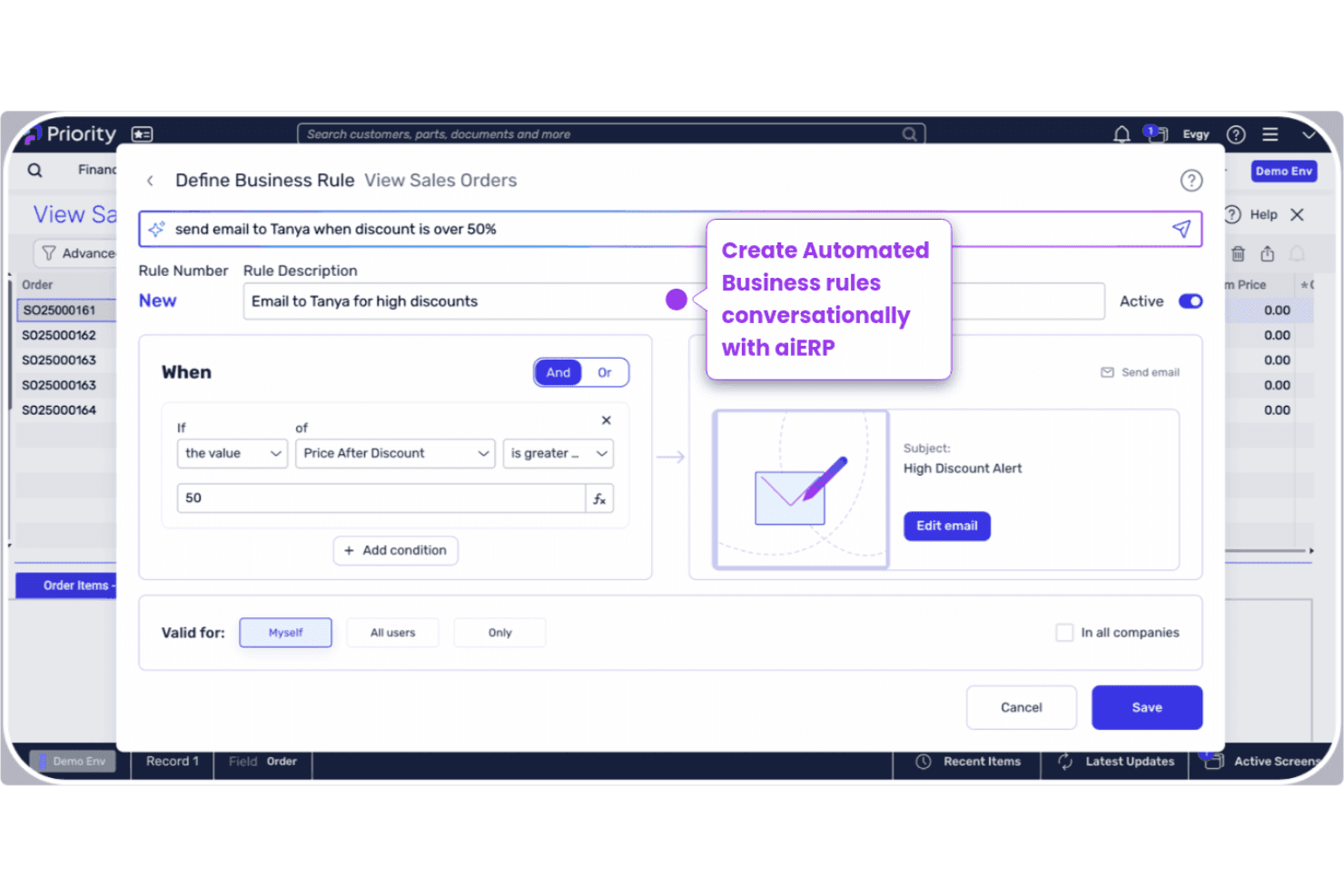
Priority’s aiERP suite uses machine learning to automate workflows, generate reports, and budgeting forecasts. Users can interact with the system in natural language for faster decision-making.
Financial Management
The platform offers real-time financial tracking, asset management, automated reporting, and audit trails. This helps finance teams close books faster and maintain compliance.
Native Warehouse Management System
The Native Warehouse Management System allows for real-time inventory tracking, order management, and delivery. This feature optimizes complex distribution and manufacturing needs.
CRM and Sales Management
Integrated CRM tools manage customer data, sales pipelines, and communications. Teams can track leads, automate follow-ups, and analyze sales performance.
Project Management
Priority includes tools for project planning, resource allocation, and progress tracking. This is useful for businesses managing multiple projects or client engagements.
Mobile Access
The dedicated mobile app lets users manage operations, field services, and all other ERP functions on the move. This ensures full visibility of your operations no matter where you are.
Standout Features
Built-In Compliance Tools
Priority ERP includes industry-specific compliance modules for healthcare, manufacturing, and finance. These tools automate regulatory reporting and help reduce audit risks.
Multi-Language and Localization
The platform supports multiple languages and local tax regulations out of the box. This makes it easier for global teams to operate in different regions without custom development.
Ease of Use
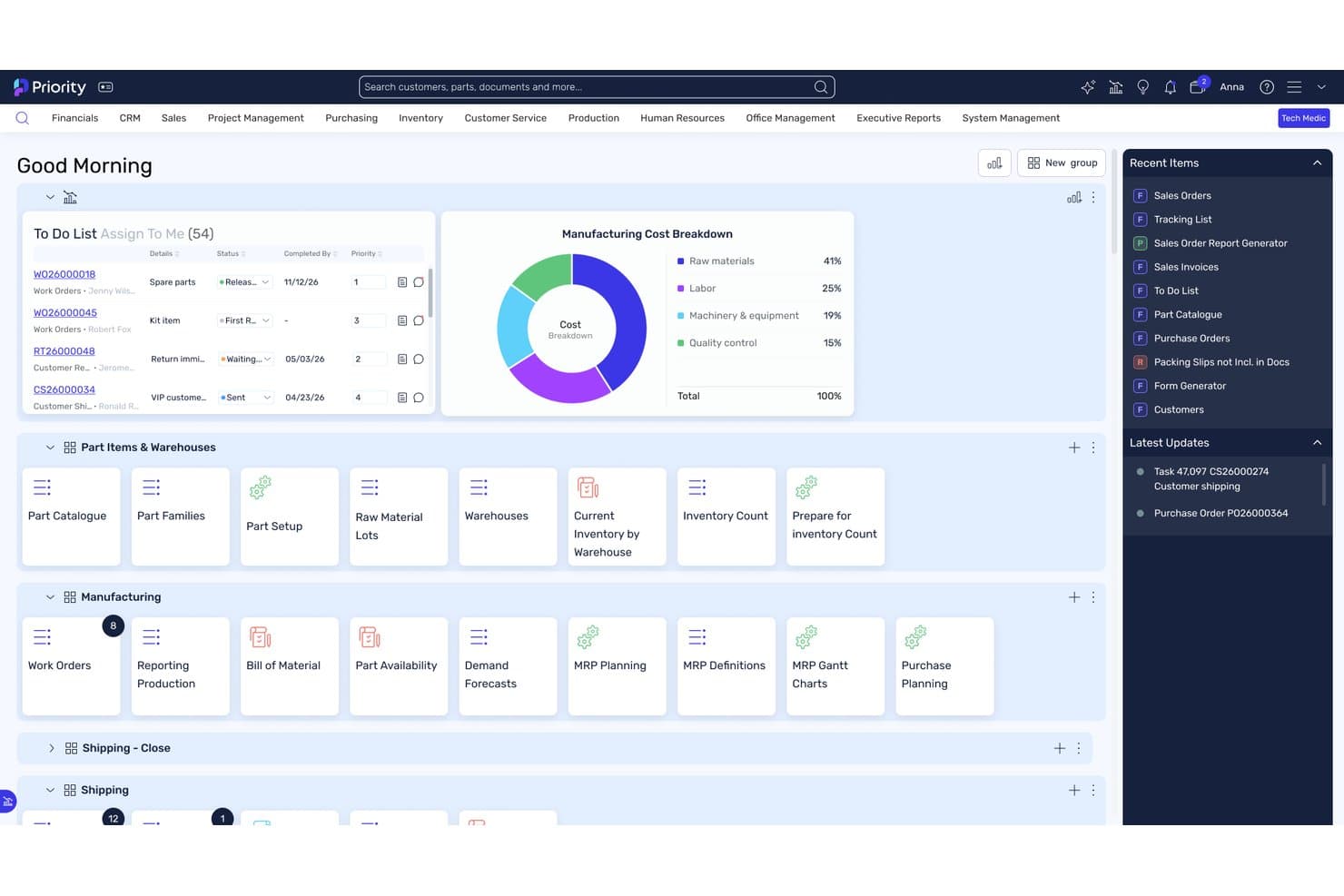
Priority ERP offers a clean, intuitive user interface that most experienced users pick up quickly, especially compared to many legacy ERP systems – however those new to ERP systems might find it too complex. The navigation is straightforward, and customizable dashboards let teams focus on what matters most. Users often mention that onboarding is faster than expected, with helpful in-app guidance and responsive support. While some advanced features require training, day-to-day tasks like reporting, approvals, and inventory checks are easy to manage without IT help.
Onboarding
Priority ERP’s onboarding stands out for its guided setup, clear documentation, and dedicated implementation support. The platform offers a mix of live training, webinars, and a searchable knowledge base, making it easier for new users to get up to speed. While complex setups may need extra help, most teams reach full adoption quickly. However, it should be noted that the timeline for onboarding varies by footprint; taking anywhere from a few weeks to a few months.
Customer Support
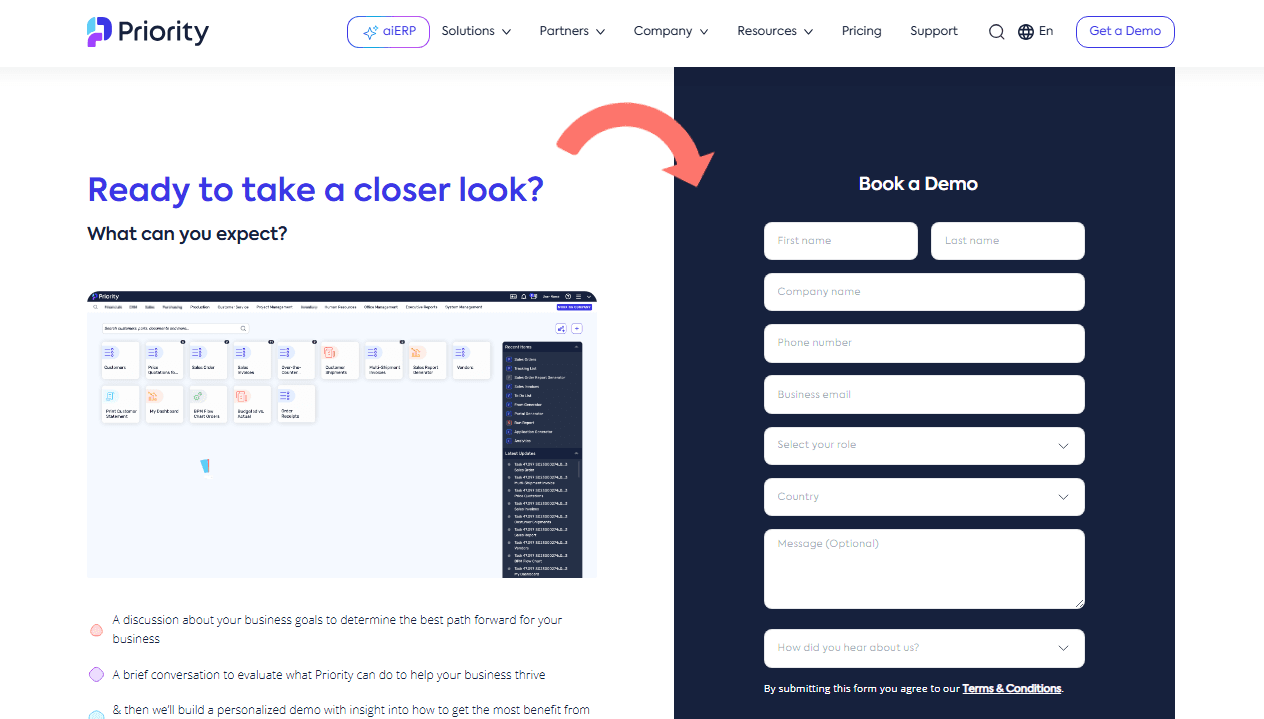
Priority ERP offers a range of support options, including phone, email, and a detailed help center. Many users praise the quick response times and knowledgeable support staff, especially during implementation and troubleshooting. However, some reviews mention inconsistent experiences with follow-up on complex issues. Overall, the support team is accessible and helpful for most day-to-day needs, and the online resources make it easy to find answers independently.
Integrations
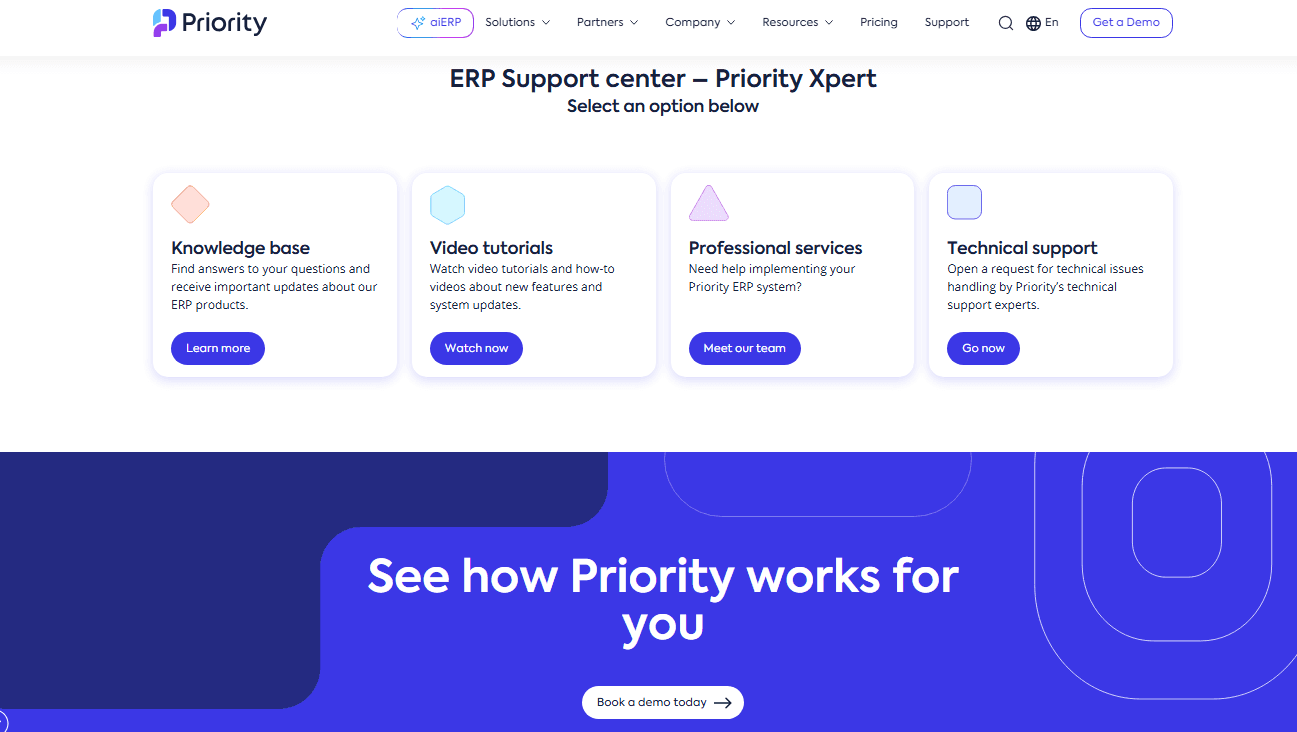
Priority ERP integrates with Salesforce, Microsoft Power BI, Magento, WooCommerce, AWS S3, Fireberry, and Zoho, among others.
Priority ERP also offers a robust API and connects with third-party integration tools like Zapier for custom workflows and additional connectivity.
Value for Money
Priority ERP is often seen as competitively priced for the features and flexibility it delivers, especially for mid-sized businesses. Users appreciate the modular pricing, which lets teams pay only for what they need, and the transparent cost structure with no hidden fees. The fast time to value also helps justify the investment.
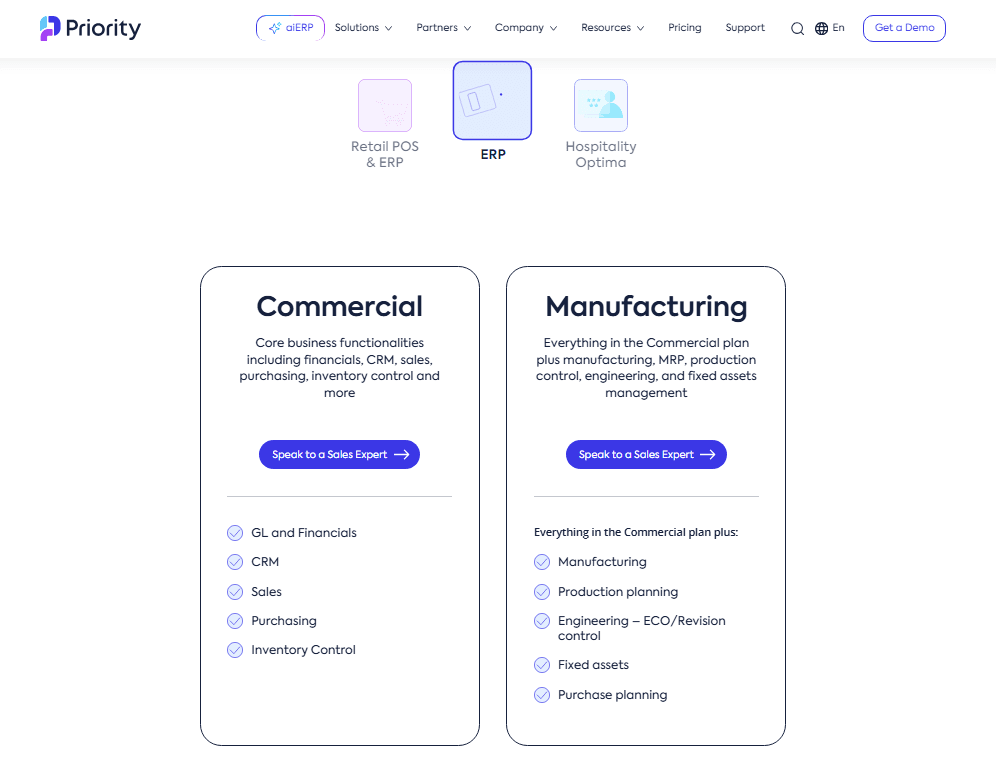
- Commercial ERP: Includes general ledger, financial tools, CRM, inventory control, and executive reports & analytics.
- Manufacturing ERP: Adds production planning, revision control, fixed assets, and purchase planning.
- POS Software: Standalone POS and commerce retail management software.
- All-in-one POS & ERP: Adds unified commerce, supply chain management, and business functionalities.
- Optima PMS: All-in-one hospitality management solutions for hotels and hotel chains.
Priority Software Specs
- Accounts Payable: Yes
- Accounts Receivable: Yes
- API: Yes
- Budgeting: Yes
- Calendar Management: Yes
- Compliance Tracking: Yes
- Customer Management: Yes
- Dashboard: Yes
- Data Export: Yes
- Data Import: Yes
- Data Visualization: Yes
- Expense Tracking: Yes
- External Integrations: Yes
- Financial Analysis: Yes
- Forecasting: Yes
- Inventory Tracking: Yes
- Multi-Currency: Yes
- Multi-User: Yes
- Notifications: Yes
- Order Management: Yes
- Payroll: Yes
- Project Management: Yes
- Purchase Orders: Yes
- Resource Management: Yes
- Scheduling: Yes
- Supplier Management: Yes
- Task Scheduling/Tracking: Yes
- Third-Party Plugins/Add-Ons: Yes
- Warehouse Management: Yes
- Workflow Management: Yes
Priority Software FAQs
Priority Software Company Overview & History
Priority Software is a global provider of cloud-based ERP, retail, and hospitality management solutions. The company is headquartered in Israel and serves over 15,000 customers worldwide, spanning more than 70 countries across a multitude of industries. Priority ERP owns and develops a suite of products, including its flagship aiERP platform and specialized solutions for retail and hospitality. Notable clients include Dejavoo, Nautilus Designs, TOA Hotel & Spa, Phillips Safety, and Orb Interiors. The company is recognized by Gartner and IDC for its innovation in AI-enabled ERP and is frequently featured in industry reports for its impact on SMBs and mid-market enterprises.
Priority Software Major Milestones
- 1986: Company founded in Israel.
- 2023: Launch of aiERP, embedding generative AI and machine learning into the core platform.
- 2024: Blackstone acquires a majority stake in Priority Software at a valuation of $800 million.
- 2025: Named a major player” in the AI-Enabled ERP market and ranked #1 ERP for SMBs by leading industry analysts.