

Avis sur Zendesk Sell : Avantages, inconvénients, fonctionnalités et tarifs expliqués
Zendesk Sell se distingue par ses outils CRM intuitifs, mais si vous avez besoin de fonctionnalités comptables avancées, il pourrait vous sembler insuffisant comparé à des solutions spécialisées.

Nous évaluons les outils indépendamment ; les commissions aident à financer nos tests. Consultez notre politique de transparence et notre méthodologie.
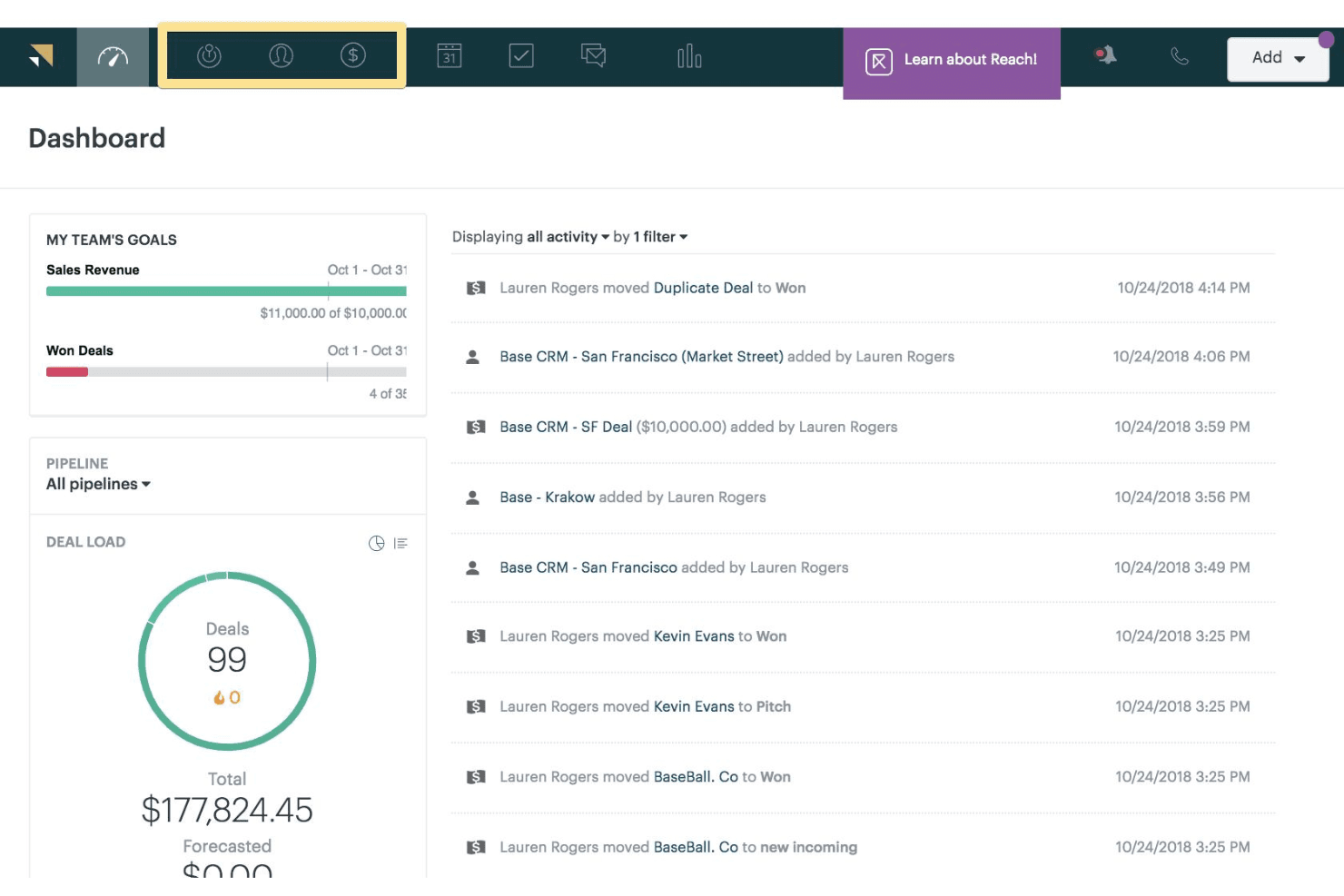
Zendesk Sell is an accounting CRM designed for sales teams that need pipeline visibility, contact management, and deal tracking without a heavy implementation. I'd look at it if your team is already running Zendesk for customer support and wants sales data tied directly to that customer history. That's where it pulls ahead of HubSpot CRM, which requires more configuration to connect support interactions and sales activity in the same view.
Zendesk Sell Evaluation Summary
4.4/5
- From $19/user/month (billed annually)
- 14-day free trial
Pourquoi faire confiance à nos recommandations de logiciels
6,700+
Reviews
20
Industry experts
16+
Evaluation factors
14
Years
Nos avis reflètent notre jugement indépendant — et non un argumentaire de vente. Découvrez comment nous restons transparents.
Pour ce guide, nous avons évalué les outils grâce à des tests pratiques et une recherche indépendante, en notant les outils selon nos critères de sélection.
Nos avis reflètent notre jugement éditorial humain, et non un argumentaire de vente.
Zendesk Sell Overview
When judging Zendesk Sell as accounting CRM software, I think its clean interface and easy onboarding make it a top pick for teams new to CRM tools. The customizable sales pipelines and strong integration options help finance teams connect customer data across platforms. Pricing is competitive, and support is responsive, but you might notice fewer advanced accounting features than some alternatives. If you're selecting a CRM for a mid-sized business that values usability and quick setup over deep accounting automation, Zendesk Sell is a smart choice. For example, its reporting tools are straightforward, but may not satisfy complex accounting needs.
Pros
- Clean, intuitive interface for managing sales pipelines
- Strong alignment between sales and support teams
- Mobile app supports on-the-go deal management
Cons
- Lacks advanced accounting and invoicing features
- Reporting tools are basic for complex finance needs
- Limited customization for accounting-specific workflows
Is Zendesk Sell Right For Your Needs?
Who Would be a Good Fit for Zendesk Sell?
Zendesk Sell is a good fit for teams that want a straightforward CRM to manage sales and client relationships without needing deep accounting automation. Its clean interface, mobile app, and strong sales-support alignment make it ideal for service-driven businesses, smaller finance teams, and small businesses that value quick onboarding. If your business needs to track deals, manage contacts, and collaborate between sales and finance, Zendesk Sell's feature set is likely to meet your needs across the entire sales process.
- Small Accounting FirmsZendesk Sell helps manage client pipelines and communications efficiently.
- Professional ServicesThe platform supports tracking client projects and sales activities.
- SaaS StartupsQuick onboarding and mobile access suit fast-moving teams.
- Sales DepartmentsSales pipeline tools and reporting keep team members organized and on target.
- Consulting AgenciesEasy collaboration between sales and support improves client handoffs.
- Real Estate TeamsContact management and deal tracking fit property sales cycles.
Who Would be a Bad Fit for Zendesk Sell?
Zendesk Sell is not the best choice for organizations that need advanced accounting features, deep financial reporting, or highly customized workflows. Large enterprises that require advanced analytics, finance-heavy industries, and teams with complex compliance needs may find its accounting capabilities too limited. If your business relies on detailed invoicing, multi-entity management, or granular financial analytics, you'll likely need a more specialized accounting CRM.
- Large EnterprisesZendesk Sell lacks advanced accounting and multi-entity support.
- Manufacturing CompaniesComplex inventory and order management are not supported.
- Nonprofit OrganizationsGrant tracking and donation management features are missing.
- Finance DepartmentsAdvanced reporting and accounting integrations are limited.
- E-commerce BusinessesNo built-in tools for order or payment processing.
- Healthcare ProvidersDoes not offer compliance or patient billing features.
Comment nous testons et évaluons les outils
Nous avons passé des années à construire, affiner et améliorer notre système de test et d’évaluation des logiciels. Notre grille vise à saisir toute la subtilité de la sélection logicielle et les facteurs déterminant l’efficacité d’un outil, en mettant l’accent sur les aspects essentiels du processus de décision. Ci-dessous, vous pouvez voir exactement comment notre test et notre notation fonctionnent selon sept critères. Cela nous permet de fournir une évaluation impartiale des logiciels sur la base des fonctionnalités principales, des fonctionnalités distinctives, de la facilité d’utilisation, de la prise en main, du service client, des intégrations, des avis clients et du rapport qualité/prix.
Fonctionnalité principale (25 % de la note finale)
Le point de départ de notre évaluation est toujours la fonctionnalité principale de l’outil. Dispose-t-il des caractéristiques de base attendues ? Certaines de ces fonctions de base sont-elles réservées aux plans tarifaires supérieurs ? Fondamentalement, nous attendons d’un outil qu’il soit au moins l’égal de ses concurrents en capacités essentielles.
Fonctionnalités Distinctives (25 % de la note finale)
Ensuite, nous évaluons les fonctionnalités rares ou uniques, allant au-delà de la fonctionnalité principale habituellement trouvée dans ce type d’outil. Un score élevé traduit des fonctionnalités spécialisées ou innovantes qui rendent le produit plus rapide, plus efficace, ou apportent une valeur supplémentaire à l’utilisateur. Nous évaluons aussi la facilité d’intégration avec d’autres outils courants de l’écosystème technologique pour étendre les capacités du logiciel. Les outils offrant de nombreuses intégrations natives, des connexions tierces et un accès API pour des intégrations personnalisées obtiennent le meilleur score.
Facilité d’utilisation (10 % de la note finale)
Nous considérons la rapidité et la facilité d’exécution des tâches essentielles avec l’outil. Un logiciel bien conçu, intuitif, proposant des applications mobiles, des modèles et permettant de simplifier des tâches complexes obtient la meilleure note.
Prise en Main (10 % de la note finale)
Nous savons combien il est important d’adopter rapidement une nouvelle plateforme, c’est pourquoi nous évaluons la facilité d’apprentissage et d’utilisation du logiciel avec un minimum de formation. Nous évaluons la rapidité de mise en place d’un nouveau membre d’équipe sans expérience. Un outil ayant un bon score requiert peu voire aucun support pour la prise en main.
Service Client (10 % de la note finale)
Nous évaluons s’il est rapide et facile d’obtenir de l’aide ou de dépanner par téléphone, chat en direct ou base de connaissances. Les outils et entreprises offrant une assistance en temps réel obtiennent le meilleur score, tandis que les chatbots sont moins bien notés.
Avis Clients (10 % de la note finale)
Au-delà de nos propres tests et évaluations, nous prenons en compte le net promoter score fourni par les clients actuels et passés. Nous vérifions leur probabilité de recommander l’outil et d’en refaire le choix pour ses fonctionnalités principales. Un logiciel bien noté se traduit par un net promoter score élevé.
Rapport Qualité/Prix (10 % de la note finale)
Enfin, en tenant compte de tous les autres critères, nous comparons le prix moyen des plans d’entrée de gamme avec les fonctionnalités principales, et le rapport de valeur avec les autres critères d’évaluation. Les logiciels offrant plus pour moins obtiennent la meilleure note.
Core Features
Sales Pipeline Management
Track deals through customizable stages with drag-and-drop controls and visualizes progress in real-time. Teams get clear pipeline visibility to prioritize leads and forecast revenue.
Contact and Account Management
Store, organize, and update customer data in one centralized workspace. Users access full communication history and key account details instantly, with support for custom fields.
Task and Activity Tracking
Assign, schedule, and monitor tasks tied to deals and clients across the sales process. Automated notifications keep team members on top of follow-ups and deadlines without manual effort.
Reporting and Analytics
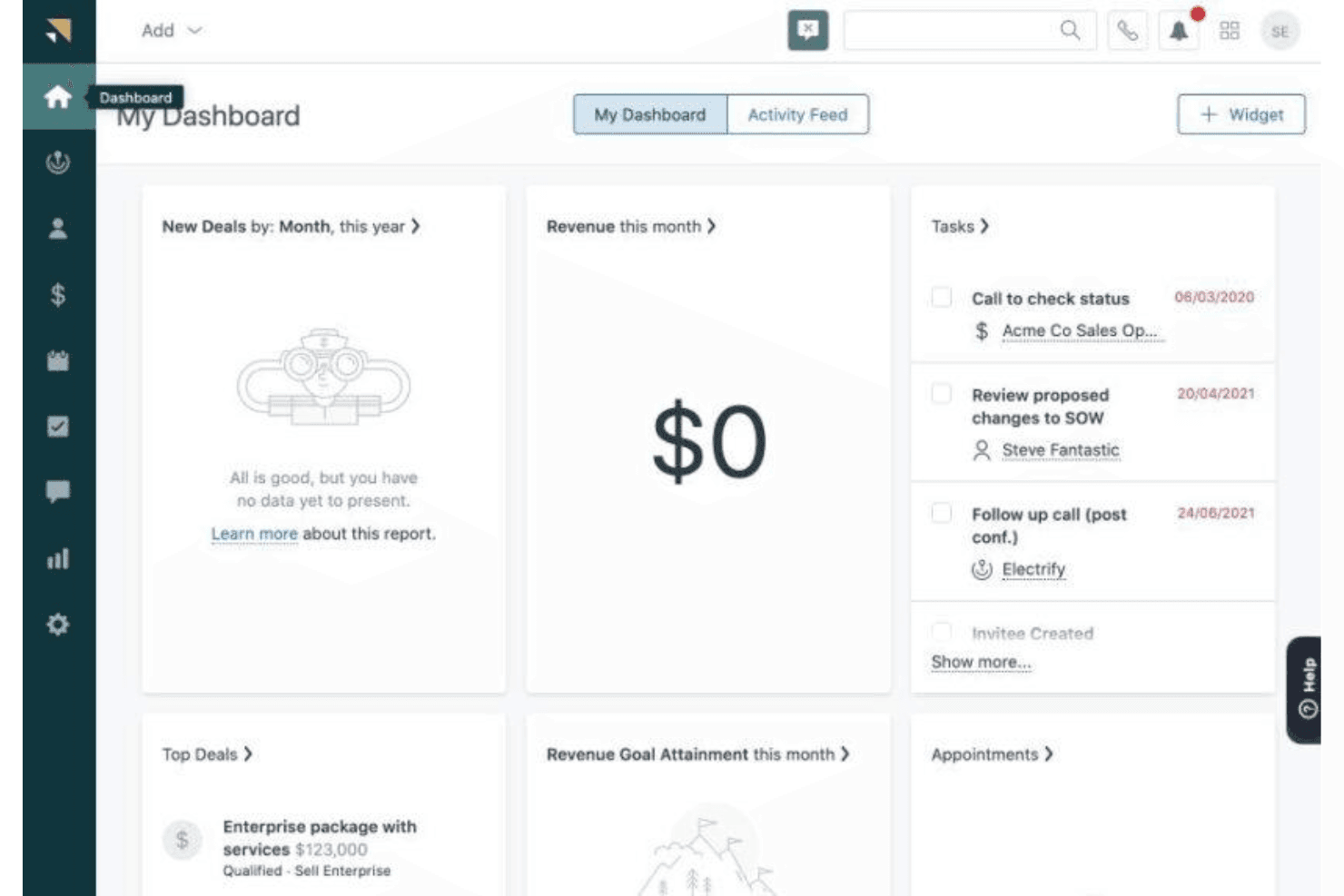
Generate sales reports and dashboards to monitor key metrics in real-time. The system surfaces insights into pipeline health and team productivity for smarter sales management.
Mobile CRM App
Access customer data, update deals, and log activities from anywhere via the mobile app. The app supports field-based sales reps and remote work scenarios with equal reliability.
Email Integration and Tracking
Send, receive, and track emails—including Outlook—directly within the CRM. Users can see when clients open messages and link all customer interactions to the right deals.
Ease of Use
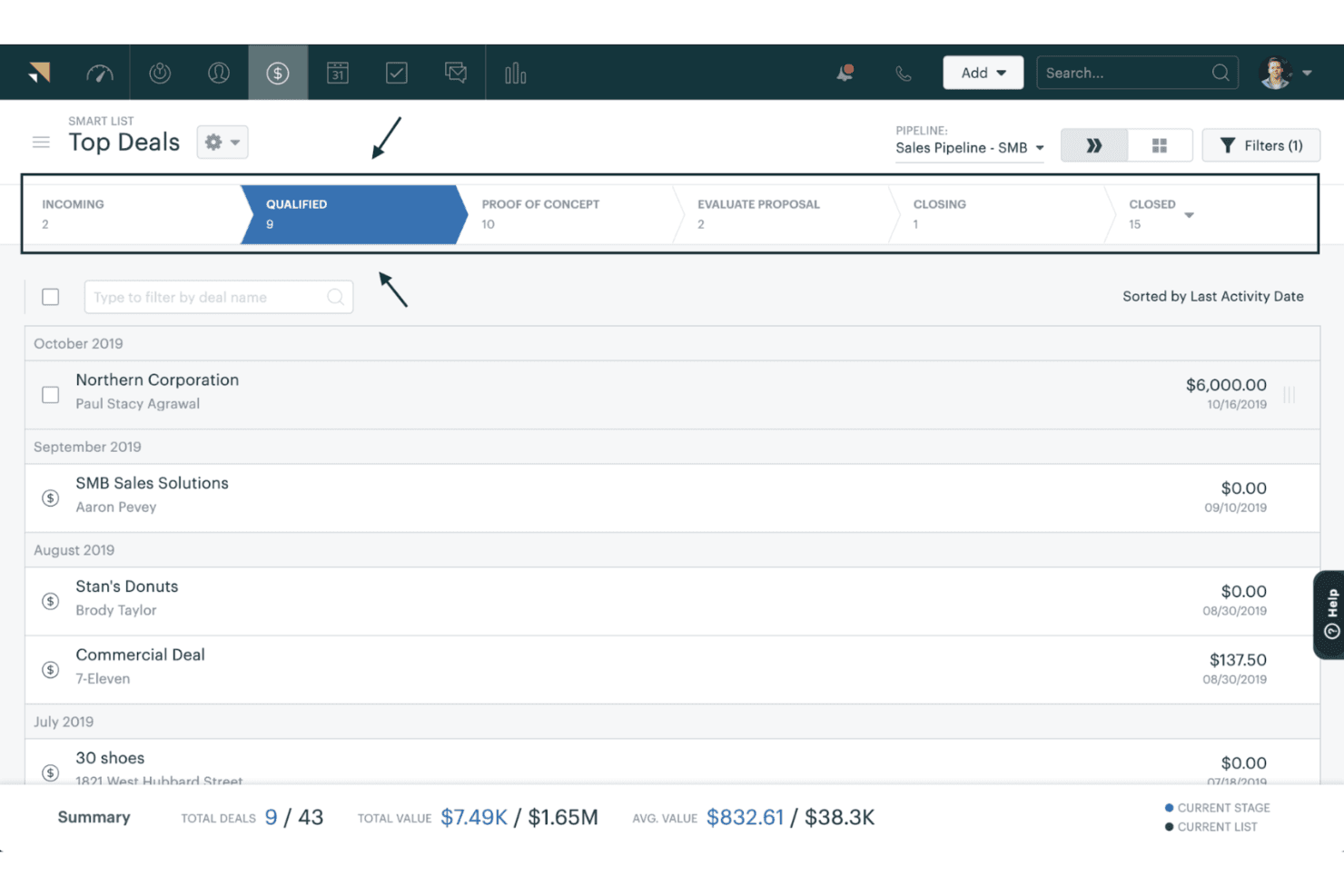
Zendesk Sell is one of the most user-friendly accounting CRM software options I've seen. The interface is clean, navigation is straightforward, and onboarding is quick—even for teams new to CRM tools. Users often mention how easy it is to manage contacts, track deals, and generate reports without extra training. The drag-and-drop pipeline builder, mobile app, and in-app guidance also help teams stay productive, making it a strong choice for small businesses and larger organizations alike that want simplicity and speed.
Integrations
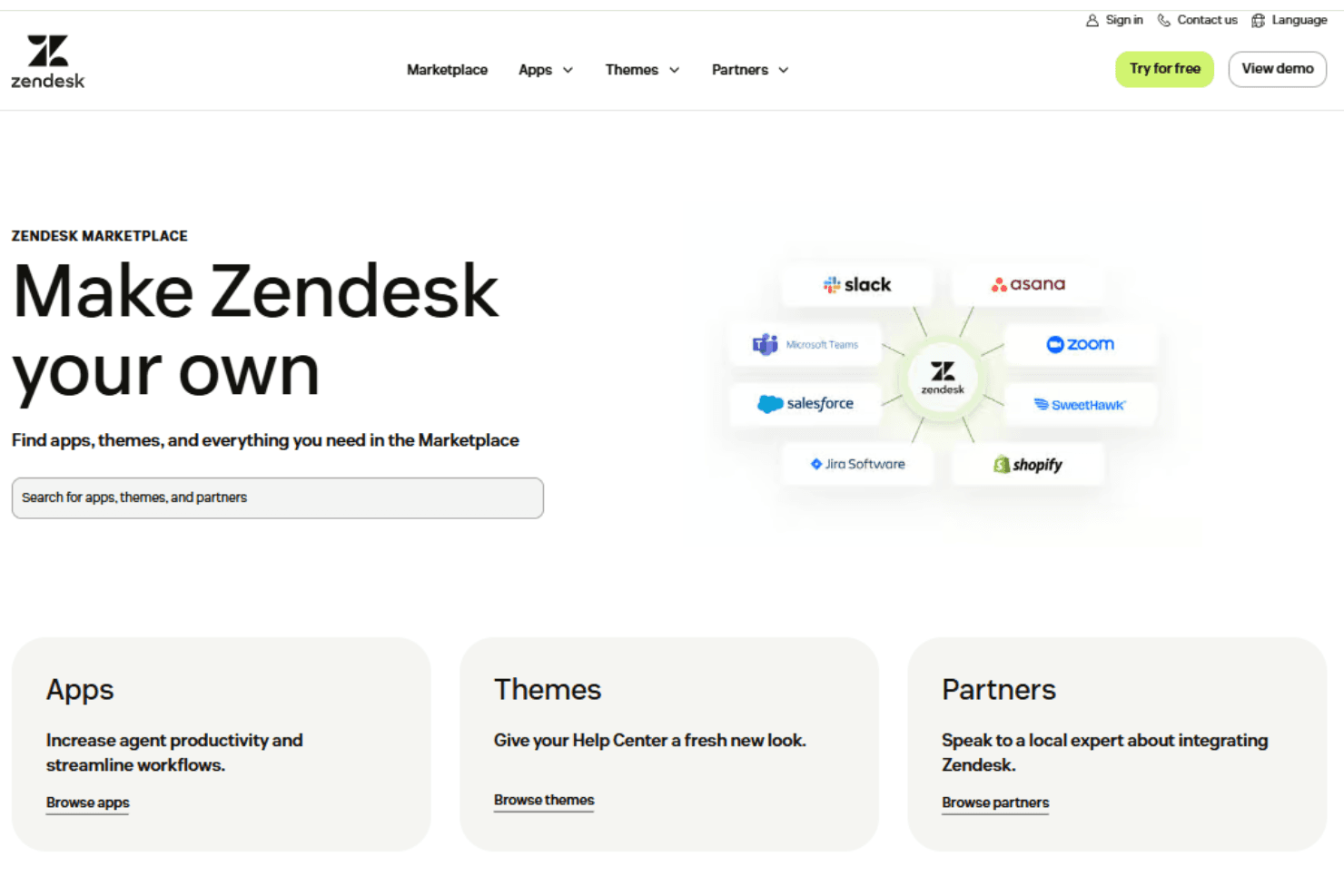
Zendesk Sell integrates with HubSpot, Salesforce, Pipedrive, Zoho CRM, Slack, Shopify, and Zapier, among others.
Zendesk Sell also offers a robust API and connects with third-party integration tools—for expanded functionality across email marketing, social media management, and more.
Zendesk Sell Specs
- 2-Factor Authentication: Yes
- API: Yes
- Calendar Management: Yes
- Call Tracking: Yes
- Campaign Management: Yes
- Click-to-Dial: Yes
- Contact Management: Yes
- Contact Sharing: Yes
- Custom Data Forms: Yes
- Customer Management: Yes
- Dashboard: Yes
- Data Export: Yes
- Data Import: Yes
- Data Visualization: Yes
- Email Integration: Yes
- External Integrations: Yes
- File Sharing: Yes
- File Transfer: Yes
- Google Apps Integration: Yes
- Lead Management: Yes
- Lead Scoring: Yes
- Marketing Automation: Yes
- Mobile App: Yes
- Multi-User: Yes
- Notifications: Yes
- Pipeline Management: Yes
- Sales Automation: Yes
- Scheduling: Yes
- Social-Media Integration: Yes
- Task Scheduling/Tracking: Yes
- Third-Party Plugins/Add-Ons: Yes


