

Beoordeling van Crunch: voor- en nadelen, functies & prijzen
Crunch valt op door zijn gebruiksvriendelijke interface en betaalbaarheid, waardoor het ideaal is voor kleine bedrijven en freelancers die op zoek zijn naar efficiënte boekhoudoplossingen.

We review tools independently, and commissions help fund our testing. See our transparency policy, our methodology, or suggest a tool.
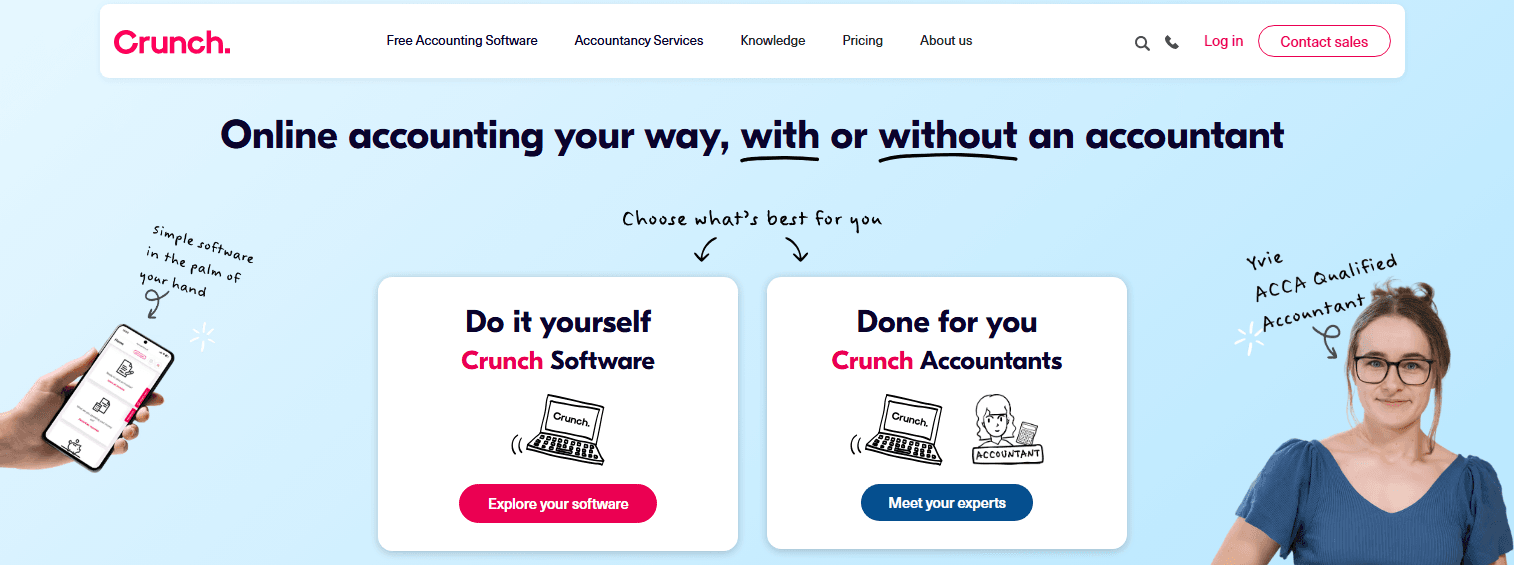
Crunch is an accounting software built for freelancers, contractors, and small business owners who need invoicing, expenses, payroll, and tax filing in one place. What sets it apart is optional access to a dedicated accountant team, built directly into the platform. If you're weighing it against something like FreeAgent, Crunch makes more sense when you want that accountant support layer included rather than managing a separate engagement alongside your software.
Crunch Evaluation Summary
4.4/5
- From £27/month + VAT p/m
- 14-day free trial
Waarom u onze softwareaanbevelingen kunt vertrouwen
6,700+
Reviews
20
Industry experts
16+
Evaluation factors
14
Years
Onze reviews weerspiegelen ons onafhankelijke oordeel — geen verkooppraatje. Ontdek hoe we transparant blijven.
Voor deze gids hebben we tools geëvalueerd met behulp van praktijktests en onafhankelijk onderzoek, waarbij we tools beoordeelden aan de hand van onze selectiecriteria.
Onze reviews weerspiegelen ons menselijke redactionele oordeel, geen verkooppraatje.
Crunch Overview
In my opinion, Crunch provides a solid foundation for small-to-medium-sized businesses looking for reliable accounting software. Its core features are robust enough to handle typical accounting needs, but don’t expect it to surprise you with any innovative standout features.
While it is fairly straightforward to use, some users might find the platform a bit clunky during initial setup. Customer support is competent, though not extraordinary. The onboarding process is adequate but could benefit from more personalized guidance.
If you’re considering Crunch, you’ll find it offers decent value for money, especially if your team requires straightforward accounting functionalities without paying for unnecessary extras.
However, if seamless integration and advanced features are critical for your operations, you might want to explore other options. Crunch is best suited for teams that prioritize cost-effectiveness and fundamental accounting tasks without the need for extensive customization or advanced support services.
Pros
- User-friendly interface
- Robust customer support to guide you through any challenges
- A range of accounting features that simplify your bookkeeping tasks
Cons
- Limited customization options
- Could be less intuitive for those unfamiliar with accounting tools
- Occasional glitches may disrupt your workflow
Is Crunch Right For Your Needs?
Who Would be a Good Fit for Crunch?
If you're a freelancer or a small business owner, Crunch could be a great fit for you. Its straightforward features cater to those who need to manage accounting without the complexity of larger systems. Features like automated invoicing, bank reconciliation, and expense tracking allow you to focus on other work, while the user-friendly interface makes adoption a breeze.
- FreelancersCrunch simplifies accounting for freelancers, offering automated invoicing and easy expense tracking.
- Small BusinessesSmall businesses benefit from Crunch's straightforward accounting features, which handle invoicing and help file tax returns.
- ConsultantsConsultants can use Crunch to manage their financial records with ease, thanks to its intuitive dashboard.
- StartupsStartups will appreciate Crunch's cost-effective solution for managing finances without needing a full-time traditional accountant.
- Remote WorkersRemote workers can track their expenses and invoices effortlessly with Crunch's mobile-friendly platform.
- Sole TradersSole traders find Crunch ideal for managing their own accounts, with features tailored to individual business needs.
Who Would be a Bad Fit for Crunch?
Large enterprises or businesses with complex accounting needs might not be the best fit for Crunch. The software is designed with small businesses and freelancers in mind, focusing on simplicity rather than extensive, customizable features. If your operations require advanced financial reporting, multi-currency support, or intricate inventory management, Crunch's feature set may fall short.
- Large EnterprisesCrunch lacks the robust, scalable features needed to manage the complexities of large-scale operations.
- Manufacturing SectorThe software doesn't support extensive inventory management, which is crucial for manufacturing businesses.
- Retail ChainsIf you need multi-location support and advanced point-of-sale integration, Crunch might not meet your requirements.
- Financial Services FirmsFirms that require detailed financial analytics and reporting may find Crunch's capabilities limited.
- NonprofitsCrunch doesn't offer specialized features for managing grants or fund accounting, which nonprofits often need.
- International BusinessesWithout multi-currency support, Crunch isn't ideal for businesses operating in multiple countries. I couldn't find specific details about Crunch's core and standout features. If you have any other questions or need further assistance, reach out to their sales team.
Crunch Specs
- 2-Factor Authentication: No
- Accounts Payable: Yes
- Accounts Receivable: Yes
- API: Yes
- Balance Sheet: Yes
- Billing/Invoicing: Yes
- BitCoin: No
- Budgeting: Yes
- Calendar Management: No
- Contact Management: No
- CRM Integration: No
- Customer Management: No
- Dashboard: Yes
- Data Export: Yes
- Data Import: Yes
- Data Visualization: Yes
- Expense Tracking: Yes
- External Integrations: No
- Forecasting: Yes
- General Account Ledger: Yes
- Inventory Tracking: No
- Multi-Currency: No
- Multi-User: Yes
- Notifications: Yes
- P&L: Yes
- PayPal: No
- Payroll: Yes
- SAP Integration: No
- Stripe: No
- Supplier Management: No
- Tax Management: Yes


