
TallyPrime-beoordeling: belangrijkste functies, plus- en minpunten en prijzen
TallyPrime onderscheidt zich door zijn eenvoud en betrouwbaarheid en is daardoor ideaal voor kleine tot middelgrote bedrijven die op zoek zijn naar een efficiënte ERP-oplossing zonder overweldigende complexiteit.

We review tools independently, and commissions help fund our testing. See our transparency policy, our methodology, or suggest a tool.
TallyPrime is a CFO ERP software built for small and mid-sized businesses that need integrated accounting, inventory, payroll, and compliance management without a drawn-out implementation. I'd consider it if your team wants more depth and structure than standalone accounting tools provide, but doesn't need the overhead that comes with deploying something like SAP Business One. It's a strong fit when your finance team needs real control over financials and reporting without leaning on a large IT team to keep things running.
TallyPrime Evaluation Summary
4.4/5
- From $630/year
- Free demo available
Waarom u onze softwareaanbevelingen kunt vertrouwen
6,700+
Reviews
20
Industry experts
16+
Evaluation factors
14
Years
Onze reviews weerspiegelen ons onafhankelijke oordeel — geen verkooppraatje. Ontdek hoe we transparant blijven.
Voor deze gids hebben we tools geëvalueerd met behulp van praktijktests en onafhankelijk onderzoek, waarbij we tools beoordeelden aan de hand van onze selectiecriteria.
Onze reviews weerspiegelen ons menselijke redactionele oordeel, geen verkooppraatje.
TallyPrime Overview
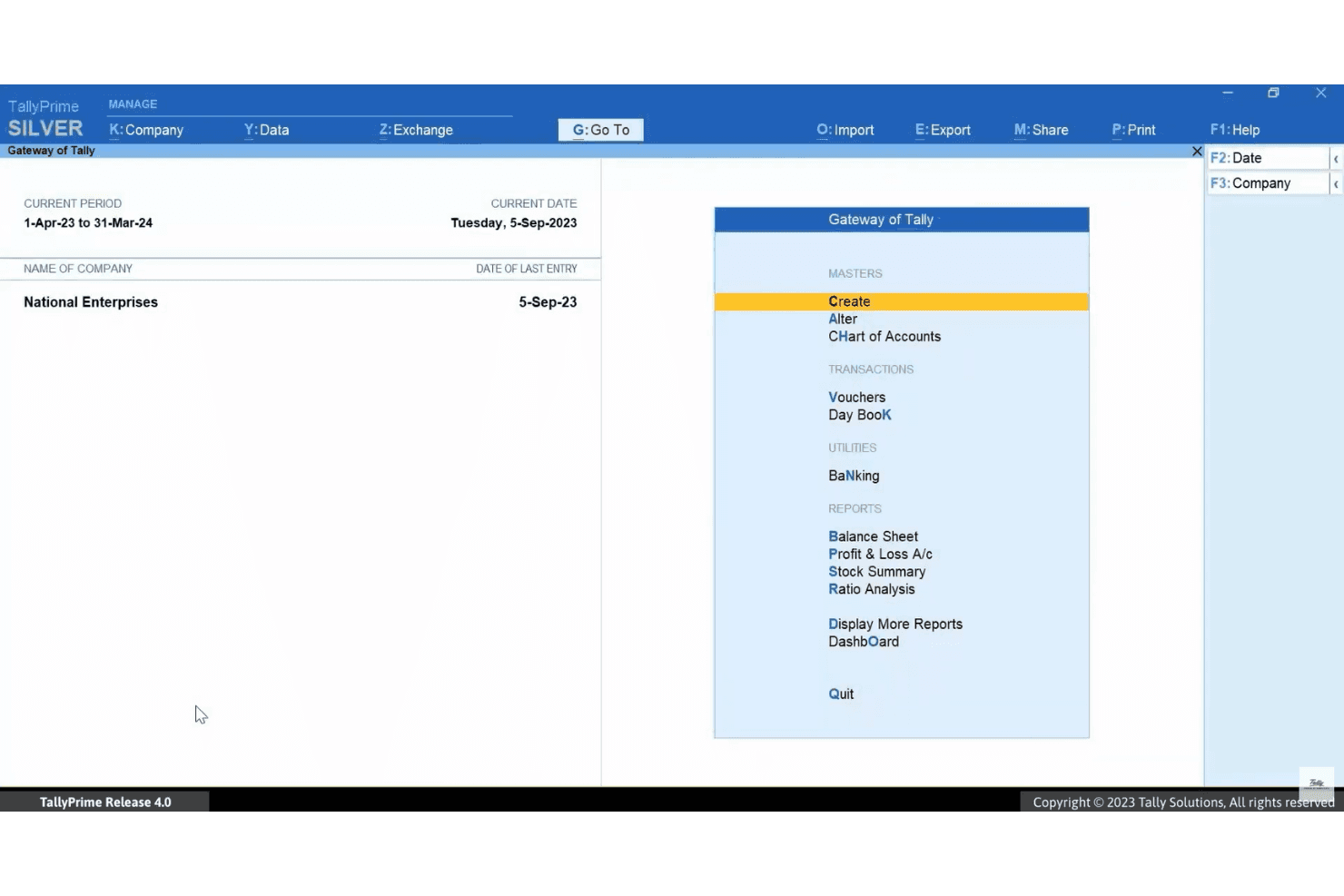
When evaluating TallyPrime as an ERP software, its intuitive interface and quick onboarding make it stand out for teams with limited IT resources. The pricing is transparent and accessible, especially for growing businesses. While its integrations and advanced automation are less extensive than some competitors, TallyPrime excels in core accounting, inventory, and compliance features.
If you’re selecting an ERP for a small or mid-sized business that values ease of use over deep customization, TallyPrime is a strong contender.
Pros
- Real-time, customizable business reports and dashboards
- Built-in GST, TDS, and compliance management features
- Handles high transaction volumes without performance issues
Cons
- Report and invoice formatting options are restricted
- Cloud access requires additional subscription or setup
- Limited advanced automation for complex workflows
Is TallyPrime Right For Your Needs?
Who Would be a Good Fit for TallyPrime?
TallyPrime is a strong choice for organizations that need reliable accounting, inventory, and compliance management without heavy IT overhead. It’s especially well-suited for businesses with straightforward operations, high transaction volumes, and a focus on Indian tax compliance.
Teams that value quick onboarding, real-time reporting, and local support will find TallyPrime’s feature set practical and accessible.
- BookkeepersAutomated voucher entry and reconciliation simplify bookkeeping tasks.
- Retail BusinessesTallyPrime’s inventory management and sales tracking make it a smart choice for retail operations.
- Manufacturing UnitsBasic production and inventory tracking features suit small manufacturers.
- Finance DepartmentsReal-time financial reporting and audit trails help finance teams stay compliant.
- Indian SMEsBuilt-in GST and TDS compliance tools address Indian regulatory needs.
- Distribution CompaniesIts batch tracking and order management features fit distribution workflows.
- Retail ChainsTallyPrime supports multi-location inventory and fast billing for retail operations.
Who Would be a Bad Fit for TallyPrime?
TallyPrime may not be the best option for organizations with complex, global, or highly customized ERP requirements. Businesses needing deep automation, advanced integrations, or industry-specific modules may find its capabilities limited. Companies with large, distributed teams or those operating outside India might also face challenges.
- HR DepartmentsNo native payroll or advanced HR management features.
- E-commerce PlatformsMinimal direct integrations with online sales channels.
- Project-BasedFirms No built-in project management or job costing modules.
- Global CorporationsLimited multi-currency and localization features hinder global operations.
- Large EnterprisesTallyPrime lacks advanced automation and scalability for large organizations.
- SaaS StartupsCloud access and API capabilities are limited compared to modern SaaS ERPs.
How We Test & Score Tools
We’ve spent years building, refining, and improving our software testing and scoring system. The rubric is designed to capture the nuances of software selection and what makes a tool effective, focusing on critical aspects of the decision-making process.
Below, you can see exactly how our testing and scoring works across seven criteria. It allows us to provide an unbiased evaluation of the software based on core functionality, standout features, ease of use, onboarding, customer support, integrations, customer reviews, and value for money.
Core Functionality (25% of final scoring)
The starting point of our evaluation is always the core functionality of the tool. Does it have the basic features and functions that a user would expect to see? Are any of those core features locked to higher-tiered pricing plans? At its core, we expect a tool to stand up against the baseline capabilities of its competitors.
Standout Features (25% of final scoring)
Next, we evaluate uncommon standout features that go above and beyond the core functionality typically found in tools of its kind. A high score reflects specialized or unique features that make the product faster, more efficient, or offer additional value to the user.
We also evaluate how easy it is to integrate with other tools typically found in the tech stack to expand the functionality and utility of the software. Tools offering plentiful native integrations, 3rd party connections, and API access to build custom integrations score best.
Ease of Use (10% of final scoring)
We consider how quick and easy it is to execute the tasks defined in the core functionality using the tool. High scoring software is well designed, intuitive to use, offers mobile apps, provides templates, and makes relatively complex tasks seem simple.
Onboarding (10% of final scoring)
We know how important rapid team adoption is for a new platform, so we evaluate how easy it is to learn and use a tool with minimal training. We evaluate how quickly a team member can get set up and start using the tool with no experience. High scoring solutions indicate little or no support is required.
Customer Support (10% of final scoring)
We review how quick and easy it is to get unstuck and find help by phone, live chat, or knowledge base. Tools and companies that provide real-time support score best, while chatbots score worst.
Customer Reviews (10% of final scoring)
Beyond our own testing and evaluation, we consider the net promoter score from current and past customers. We review their likelihood, given the option, to choose the tool again for the core functionality. A high scoring software reflects a high net promoter score from current or past customers.
Value for Money (10% of final scoring)
Lastly, in consideration of all the other criteria, we review the average price of entry level plans against the core features and consider the value of the other evaluation criteria. Software that delivers more, for less, will score higher.
Core Features
Accounting and Finance
Manage ledgers, vouchers, and financial statements with automated calculations. Users can generate balance sheets, profit and loss statements, and cash flow reports instantly.
Inventory Management
Track stock levels, batches, and item movements across multiple locations. Real-time inventory valuation helps prevent stockouts and overstocking.
GST and Tax Compliance
Automate GST, TDS, and other statutory calculations for Indian regulations. Built-in validation and reporting tools simplify filing and audits.
Invoicing and Billing
Create customizable invoices, receipts, and payment reminders. The system supports multi-format printing and e-invoicing for compliance.
Banking and Reconciliation
Automate bank transaction imports and reconcile statements with a few clicks. Users can detect mismatches and errors quickly.
Reporting and Dashboards
Access real-time business insights with customizable reports and dashboards. Drill-down features let users analyze data at the transaction level.
Ease of Use
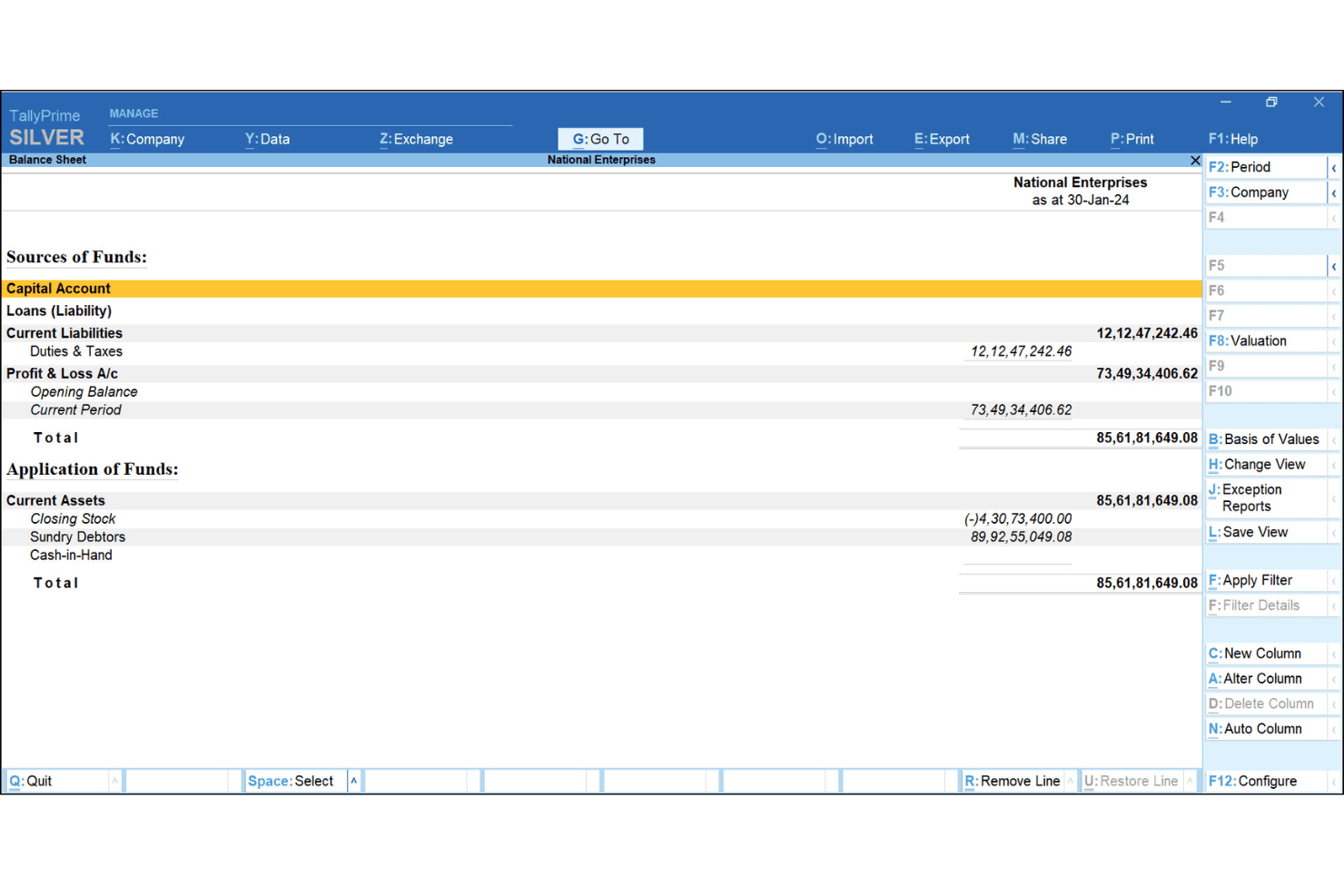
TallyPrime is widely recognized for its straightforward interface and minimal setup requirements, making it approachable for users without technical backgrounds. The Go To navigation and context-sensitive help reduce onboarding time and daily friction. Users often mention that routine tasks like voucher entry, report generation, and compliance checks are fast and intuitive.
While advanced features may require some exploration, most teams can manage core accounting and inventory functions with little training.
Integrations
TallyPrime integrates with tools like Microsoft Excel, payment gateways such as Razorpay and Paytm, and banking partners like ICICI Bank and HDFC Bank, among others.
TallyPrime also provides an API for custom integrations and supports connections with third-party tools through its integration framework.
TallyPrime Specs
- Accounts Payable: Yes
- Accounts Receivable: Yes
- API: Yes
- Batch Permissions & Access: Yes
- Budgeting: Yes
- Calendar Management: No
- Customer Management: Yes
- Dashboard: Yes
- Data Export: Yes
- Data Import: Yes
- Data Visualization: Yes
- Expense Tracking: No
- External Integrations: Yes
- Forecasting: No
- General Account Ledger: Yes
- Inventory Tracking: Yes
- Lead Management: No
- Lead Scoring: No
- Marketing Automation: Yes
- Multi-User: Yes
- Notifications: Yes
- Password & Access Management: No
- Payroll: Yes
- Project Management: No
- Scheduling: No
- Supplier Management: No
- Tax Management: Yes
- Third-Party Plugins/Add-Ons: No
- Travel Management: No