

Apache OFBiz Review: Pros, Cons, Features, and Pricing
Apache OFBiz shines in its flexibility and customization, making it ideal for businesses seeking tailored ERP solutions.

We review tools independently, and commissions help fund our testing. See our transparency policy, our methodology, or suggest a tool.
Apache OFBiz is an open-source CFO ERP software that covers financials, inventory, order management, and procurement in a single, fully customizable platform. It's worth a close look if your organization needs deep control over your ERP architecture without paying per-seat licensing fees. Compared to SAP Business One, Apache OFBiz gives your technical team far more flexibility to tailor workflows, data models, and integrations to your exact requirements—though you should expect to invest developer resources to configure and maintain it.
Apache OFBiz Evaluation Summary
4.1/5
- Pricing upon request
- Free plan available
Why Trust Our Software Recommendations
6,700+
Reviews
20
Industry experts
16+
Evaluation factors
14
Years
Our team has been testing and reviewing software since 2012. As finance leaders ourselves, we know how difficult—and important—it is to choose the right software.
For this guide, we evaluated tools using hands-on testing and independent research, scoring tools using our selection criteria.
Our reviews reflect our human editorial judgment, not a sales pitch.
Apache OFBiz Overview
Apache OFBiz is a versatile ERP software that excels in customization and flexibility, making it suitable for businesses with unique needs. It offers a broad range of features but might be complex for those seeking a straightforward setup. Its pricing is competitive, especially for small to medium enterprises that need tailored solutions.
While it may not be the most user-friendly option out there, its ability to adapt to specific business processes is impressive. It's best for tech-savvy teams or industries like retail and manufacturing that can leverage its full potential.
Pros
- Extensive customization options
- It's open-source, allowing your team to modify and enhance features as required
- Handles a wide range of business functions, from accounting to inventory management
- Handles a wide range of business functions, from accounting to inventory management
Cons
- The user interface can feel complex
- Onboarding can be time-consuming due to the need for customization and setup
- Customer support might not be as accessible compared to other ERP solutions
Is Apache OFBiz Right For Your Needs?
Who Would be a Good Fit for Apache OFBiz?
Apache OFBiz suits small to mid-sized businesses that need a customizable ERP solution. Industries like retail and manufacturing will benefit from its extensive inventory and order management features. Moreover, Apache OFBiz is open-source, which allows your tech-savvy team to tweak and enhance functionalities as needed.
- Retail industryApache OFBiz offers strong inventory management, making it an ideal solution for your retail operations.
- Manufacturing firmsIts order management capabilities can streamline your manufacturing processes.
- Tech-savvy teamsIf your team loves customizing software, Apache OFBiz's open-source nature is ideal.
- Small businessesYou can benefit from its affordability and flexibility.
- Finance departmentsThe integrated accounting features help your finance team keep track of all financial operations.
- E-commerce companiesApache OFBiz supports complex order and customer management for your online business.
Who Would be a Bad Fit for Apache OFBiz?
Apache OFBiz may not be ideal for large enterprises that require seamless integration with existing systems or those that need extensive customer support. If your team lacks technical expertise, the complexity of its interface and customization can be overwhelming. Its open-source nature means less structured support, which could be a challenge for businesses needing consistent assistance.
- Large enterprisesYou might struggle with integration and support for complex systems.
- Non-tech teamsWithout tech skills, your team could find the software's complexity challenging.
- Healthcare industryThe need for specialized, compliant features isn't well-met by Apache OFBiz.
- Fast-growing startupsYou might need faster onboarding and support than what's offered.
- Service-based businessesThe focus on inventory and order management doesn't suit the specific needs of a service business.
- Education sectorYour need for specialized educational features isn't addressed by Apache OFBiz.
How We Test & Score Tools
We’ve spent years building, refining, and improving our software testing and scoring system. The rubric is designed to capture the nuances of software selection and what makes a tool effective, focusing on critical aspects of the decision-making process.
Below, you can see exactly how our testing and scoring works across seven criteria. It allows us to provide an unbiased evaluation of the software based on core functionality, standout features, ease of use, onboarding, customer support, integrations, customer reviews, and value for money.
Core Functionality (25% of final scoring)
The starting point of our evaluation is always the core functionality of the tool. Does it have the basic features and functions that a user would expect to see? Are any of those core features locked to higher-tiered pricing plans? At its core, we expect a tool to stand up against the baseline capabilities of its competitors.
Standout Features (25% of final scoring)
Next, we evaluate uncommon standout features that go above and beyond the core functionality typically found in tools of its kind. A high score reflects specialized or unique features that make the product faster, more efficient, or offer additional value to the user.
We also evaluate how easy it is to integrate with other tools typically found in the tech stack to expand the functionality and utility of the software. Tools offering plentiful native integrations, 3rd party connections, and API access to build custom integrations score best.
Ease of Use (10% of final scoring)
We consider how quick and easy it is to execute the tasks defined in the core functionality using the tool. High scoring software is well designed, intuitive to use, offers mobile apps, provides templates, and makes relatively complex tasks seem simple.
Onboarding (10% of final scoring)
We know how important rapid team adoption is for a new platform, so we evaluate how easy it is to learn and use a tool with minimal training. We evaluate how quickly a team member can get set up and start using the tool with no experience. High scoring solutions indicate little or no support is required.
Customer Support (10% of final scoring)
We review how quick and easy it is to get unstuck and find help by phone, live chat, or knowledge base. Tools and companies that provide real-time support score best, while chatbots score worst.
Customer Reviews (10% of final scoring)
Beyond our own testing and evaluation, we consider the net promoter score from current and past customers. We review their likelihood, given the option, to choose the tool again for the core functionality. A high scoring software reflects a high net promoter score from current or past customers.
Value for Money (10% of final scoring)
Lastly, in consideration of all the other criteria, we review the average price of entry level plans against the core features and consider the value of the other evaluation criteria. Software that delivers more, for less, will score higher.
Core Features
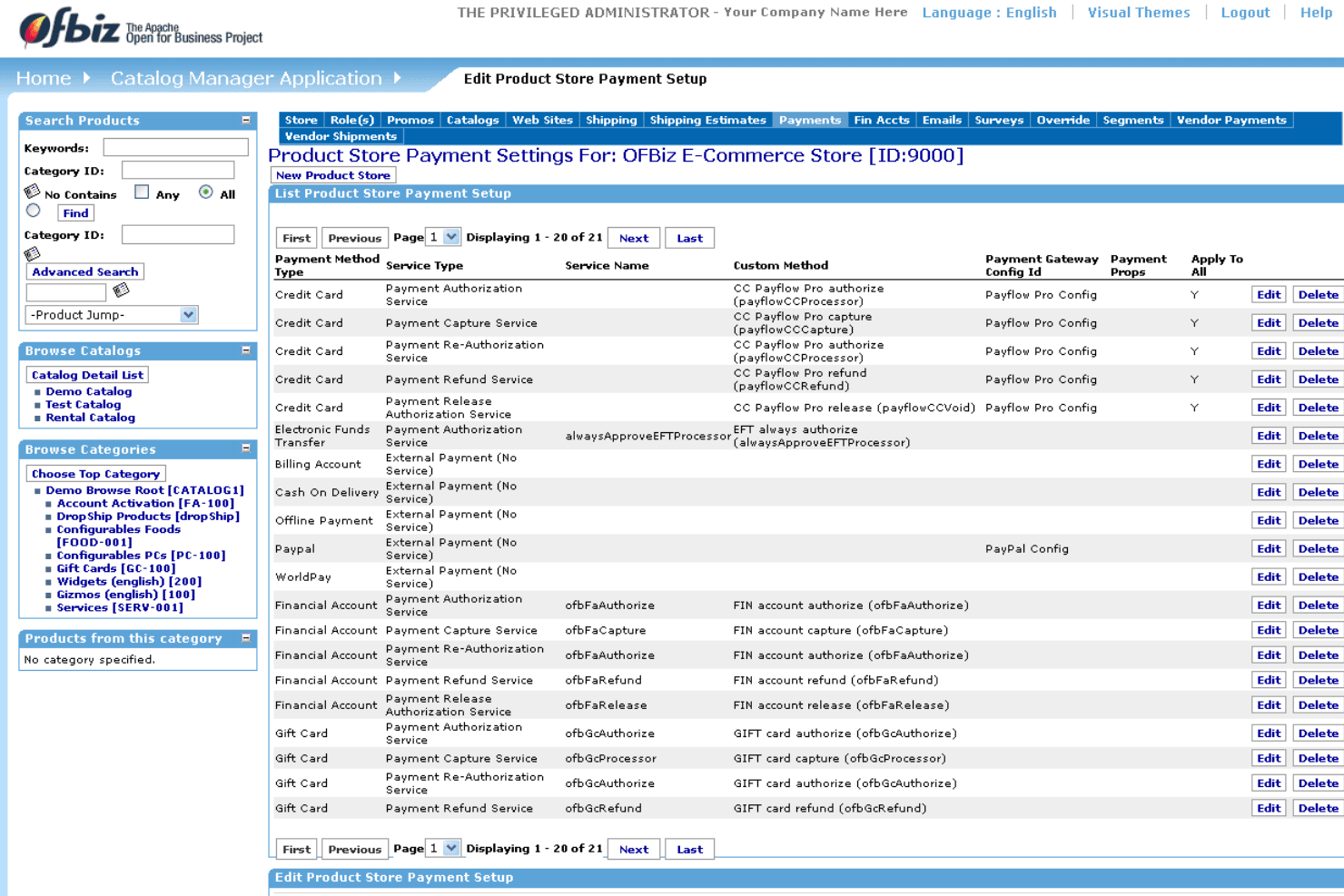
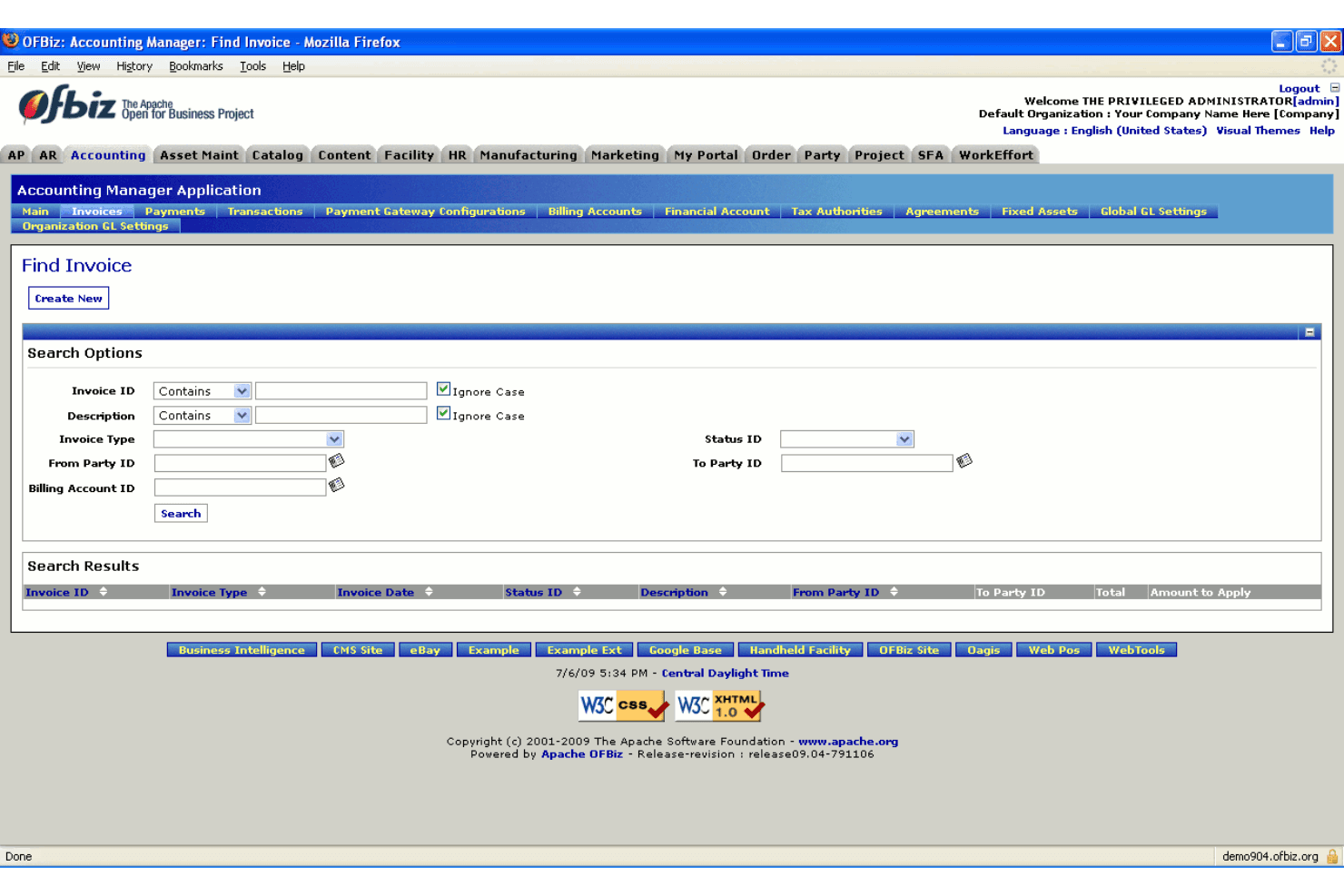
Accounting management: Apache OFBiz handles your financial operations with features like general ledger, accounts payable, and accounts receivable.
Order management: Streamline your order processing with features for order entry, shipment, and invoicing. It helps you maintain control over sales and distribution.
Inventory management: Keep track of your stock levels with real-time inventory tracking and control. Your team can manage supply chains and reduce overstock.
Product catalog management: Easily manage your product listings with options for categorization, pricing, and descriptions. It ensures your product information is always up-to-date.
Customer relationship management: Manage your customer interactions and data effectively. Your team can improve customer satisfaction with better insights and communication.
Human resources management: Handle employee records, payroll, and recruitment processes. It simplifies managing your workforce with integrated HR tools.
Standout Features
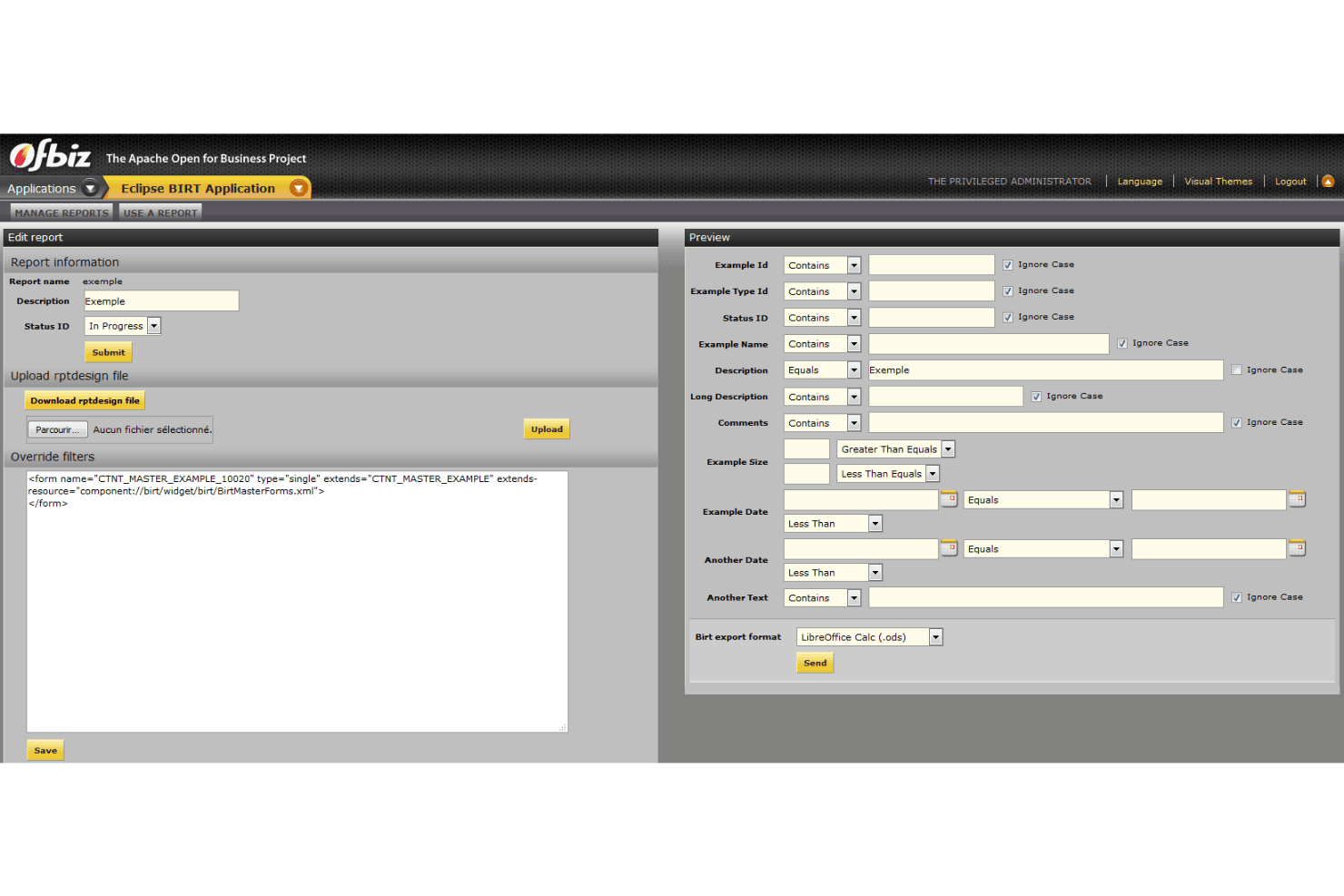
Customization flexibility: Apache OFBiz allows you to tailor the software to fit your specific business needs. Your team can modify features and functions to match unique processes.
Open-source nature: As an open-source platform, Apache OFBiz lets you access and modify the code. It gives you complete control over your ERP solution, allowing you to adapt it as your business evolves.
Ease of Use
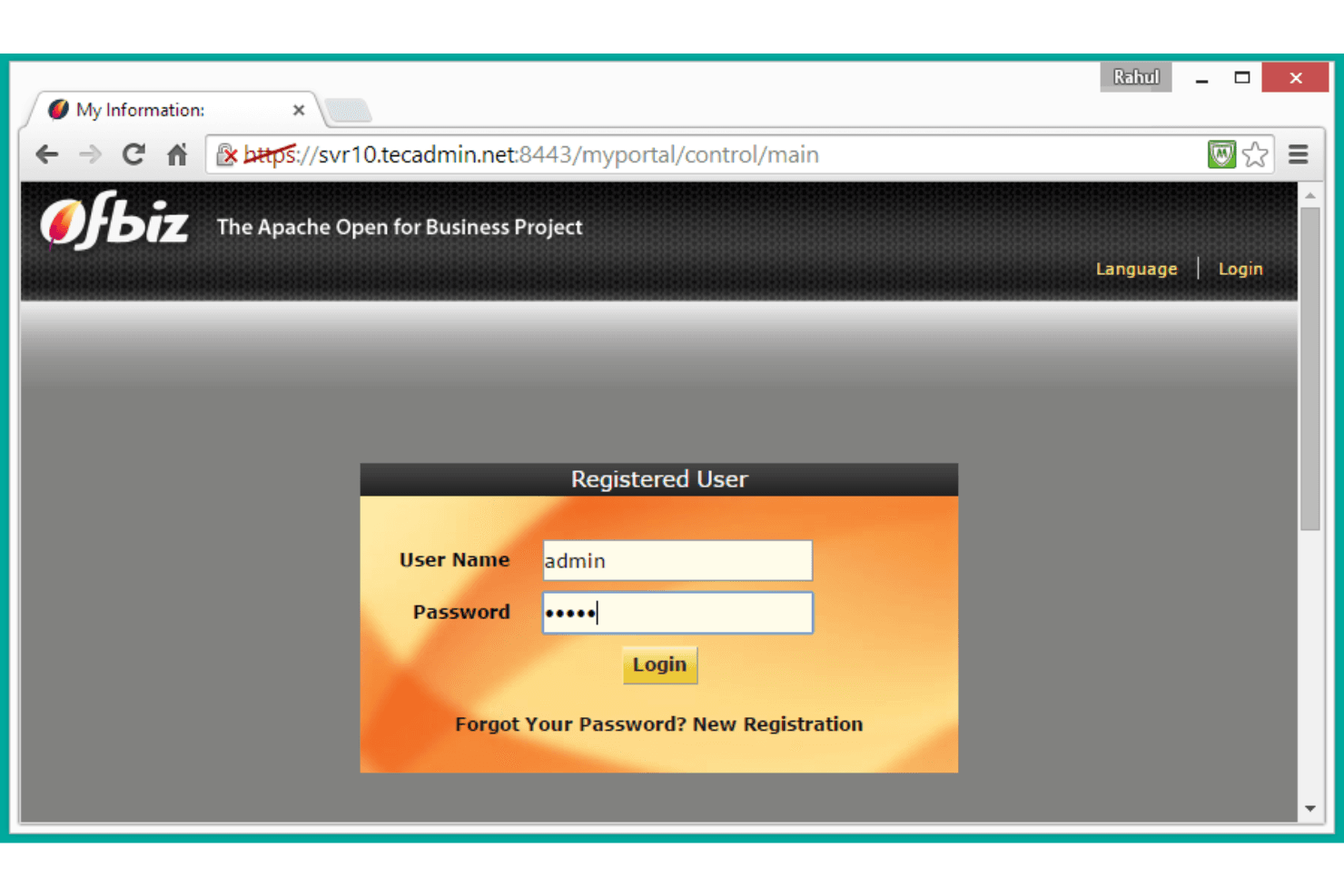
Apache OFBiz's complexity can be a hurdle for your team if they're not tech-savvy. Its interface isn't the most intuitive, requiring time to learn and navigate. Customizing the software to fit your needs may require effort, but it offers flexibility once you get the hang of it. Compared to other ERP solutions, it demands more from users in terms of setup and understanding, which might slow down initial productivity.
.png&w=3840&q=75)
Onboarding
Onboarding with Apache OFBiz can be challenging due to its complexity and customization options. Your team might face a steep learning curve, as resources and support aren't as structured. While the open-source community offers some guidance, it may not be enough for a quick setup. You'll need time and effort to unlock its full potential, which could delay achieving value. For teams lacking technical expertise, this might prove cumbersome and slow down implementation.
Customer Support
Apache OFBiz's customer support might not meet your expectations if you need immediate assistance. The open-source nature means you're relying on community forums and documentation more than direct support channels. For complex problems, the lack of structured support could be a significant drawback.
Integrations
Apache OFBiz integrates with e-commerce platforms, payment gateways, accounting software, CRM systems, inventory management tools, supply chain management systems, HR management systems, project management software, shipping and logistics services, and marketing automation tools.
Apache OFBiz also has an API for custom integrations and can connect with third-party integration tools.
Value for Money
Apache OFBiz offers good value for teams that need customizable ERP solutions without a hefty price tag. Its open-source nature means you can tailor it without licensing fees, making it appealing for budget-conscious businesses.
Apache OFBiz Specs
- A/B Testing: No
- API: Yes
- Collaboration Support: No
- Custom Data Forms: No
- Dashboard: No
- Dashboards: No
- Data Export: Yes
- Data Import: Yes
- Developer Tools: No
- External Integrations: Yes
- Feedback Management: No
- Gantt Charts: No
- Google Apps Integration: No
- Multi-User: Yes
- Notifications: No
- Prioritization: No
- Product Catalog: Yes
- Release Management: No
- Reports: Yes
- Resource Management: No
- Review Monitoring: No
- Roadmapping: No
- Scheduling: No
- Task Scheduling/Tracking: No
Apache OFBiz FAQs
Apache OFBiz Company Overview & History
Apache OFBiz (Open For Business) is an open-source ERP suite maintained by the Apache Software Foundation. Founded by David E. Jones and Andrew Zeneski in April 2001, it is designed to unify and automate business processes via a shared architecture and data model. OFBiz offers a comprehensive suite of modules, including accounting, inventory, CRM, e-commerce, manufacturing, and more, making it highly flexible and extensible.
Apache OFBiz Major Milestones
- 2001: Project initiated by David E. Jones and Andrew Zeneski.
- 2006: Graduated from the Apache Incubator and became a top-level project.