

Buildium Review: Pros, Cons, Features, and Pricing
Buildium stands out by offering scalable solutions for managing diverse property types, though its complexity may challenge smaller operations.

We review tools independently, and commissions help fund our testing. See our transparency policy, our methodology, or suggest a tool.
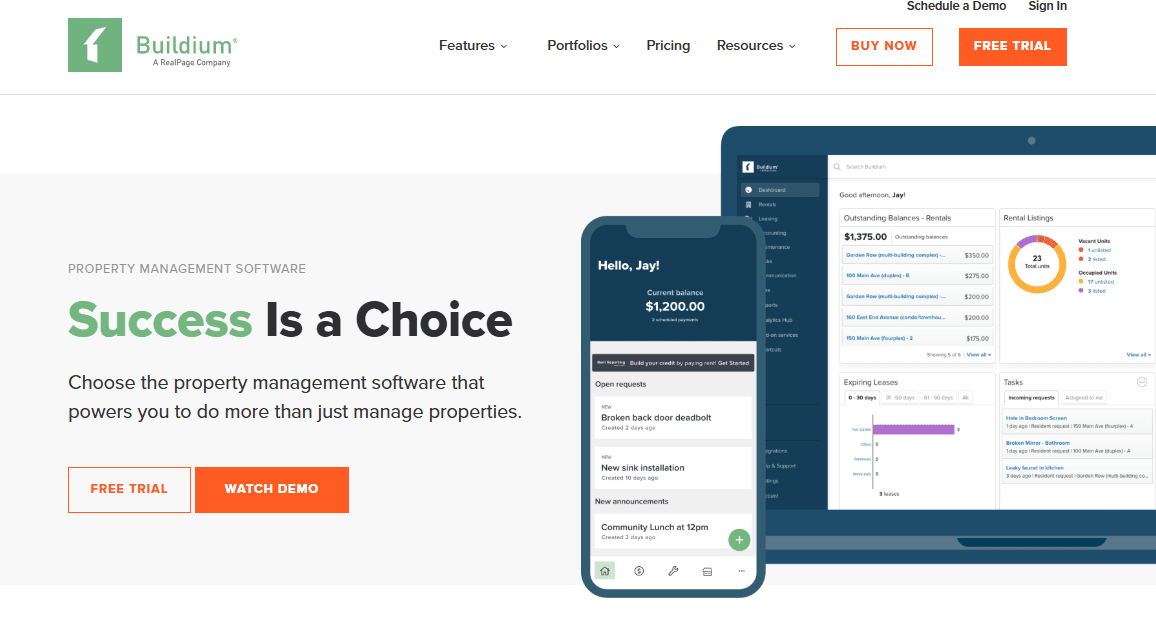
Buildium is a property management erp software built for residential property managers and community associations that need to run accounting, leasing, maintenance tracking, and tenant communication from one platform. I'd consider it a strong pick if you're managing a growing portfolio and want more accessibility than Yardi—without giving up the accounting depth and financial reporting that basic tools simply can't match.
Buildium Evaluation Summary
4.5/5
- From $62/month
- 14-day free trial
Why Trust Our Software Recommendations
6,700+
Reviews
20
Industry experts
16+
Evaluation factors
14
Years
Our team has been testing and reviewing software since 2012. As finance leaders ourselves, we know how difficult—and important—it is to choose the right software.
For this guide, we evaluated tools using hands-on testing and independent research, scoring tools using our selection criteria.
Our reviews reflect our human editorial judgment, not a sales pitch.
Buildium Overview
In my opinion, Buildium is a solid choice for property managers looking for a reliable ERP solution. It excels in core functionality and offers great value for money, making it ideal for medium-sized property management companies. Although the onboarding process and the customer support services offered could be more robust, the overall ease of use of the platform, combined with standout Buildium features such as the tenant communication tools, ultimately make it a strong contender in its category. Compared to competitors like AppFolio, RealPage, or DoorLoop, Buildium is more user-friendly but may lack some advanced modules. If your team needs a straightforward platform with solid workflows and automation, Buildium is worth considering for both HOAs and rental properties.
Pros
- You can easily manage tenant communications through its user-friendly interface.
- It offers strong accounting features that simplify financial tracking.
- Your team will find its property maintenance tools effective for everyday tasks.
Cons
- The onboarding process can be challenging for new users.
- Customer support isn't always as responsive as you'd like.
- Your team may find that it lacks some advanced customization options.
Is Buildium Right For Your Needs?
Who Would be a Good Fit for Buildium?
Buildium is a great fit for medium-sized property management firms and real estate teams that handle multiple rental properties. If your team needs efficient tenant communication and solid accounting features, Buildium can simplify your work by centralizing information in one dashboard. Its property maintenance requests and online portals make it ideal for teams managing diverse property types and associations. You'll appreciate its user-friendly interface, which helps streamline everyday tasks without overwhelming your team with unnecessary complexity. The tenant portal, EFT options, online payment processing, and credit card tools enhance operational efficiency for both rental listing workflows and HOA management.
- Property ManagersBuildium's tenant communication and maintenance tools make it a strong choice for managing multiple properties efficiently.
- Real Estate TeamsIts accounting features give your team a pleasant user experience by helping it track finances effectively, making it ideal for real estate operations.
- Medium-Sized FirmsThe software's feature set strikes a balance that suits firms that need robust property management without excessive complexity.
- Accounting DepartmentsBuildium's financial tools and integrations, including QuickBooks, simplify your accounting tasks.
- HOA ManagersIts tools for managing associations help you handle the unique needs of homeowner associations efficiently.
- Rental AgenciesWith Buildium, your agency can benefit from streamlined rent collection, tenant screening, and automated notifications.
Who Would be a Bad Fit for Buildium?
Buildium may not suit small property management companies or startups with limited resources, as its features might be overwhelming and more than you need. If your team requires advanced customization and highly responsive customer support, you might find Buildium lacking in both. Large enterprises that need deeply integrated systems might also struggle, as the software's capabilities may not meet their complex demands for scalability, API expansion, or custom workflows.
- Small StartupsBuildium's extensive features can overwhelm your small team, especially if you don't need all its capabilities.
- Large EnterprisesYour enterprise might need more advanced customization and integrations than Buildium offers.
- Highly Specialized FirmsIf your firm requires niche tools, Buildium's general approach might not meet your specific needs.
- Tech-Savvy TeamsTeams that demand cutting-edge tech solutions may find Buildium's interface and support less satisfying.
- Custom Workflow NeedsIf you need highly customized workflows, Buildium's standard options might not fit your requirements.
- Frequent Support NeedsIf your team relies heavily on a support team or requires extensive tech support, Buildium’s level of support may not meet your expectations.
How We Test & Score Tools
We’ve spent years building, refining, and improving our software testing and scoring system. The rubric is designed to capture the nuances of software selection and what makes a tool effective, focusing on critical aspects of the decision-making process.
Below, you can see exactly how our testing and scoring works across seven criteria. It allows us to provide an unbiased evaluation of the software based on core functionality, standout features, ease of use, onboarding, customer support, integrations, customer reviews, and value for money.
Core Functionality (25% of final scoring)
The starting point of our evaluation is always the core functionality of the tool. Does it have the basic features and functions that a user would expect to see? Are any of those core features locked to higher-tiered pricing plans? At its core, we expect a tool to stand up against the baseline capabilities of its competitors.
Standout Features (25% of final scoring)
Next, we evaluate uncommon standout features that go above and beyond the core functionality typically found in tools of its kind. A high score reflects specialized or unique features that make the product faster, more efficient, or offer additional value to the user.
We also evaluate how easy it is to integrate with other tools typically found in the tech stack to expand the functionality and utility of the software. Tools offering plentiful native integrations, 3rd party connections, and API access to build custom integrations score best.
Ease of Use (10% of final scoring)
We consider how quick and easy it is to execute the tasks defined in the core functionality using the tool. High scoring software is well designed, intuitive to use, offers mobile apps, provides templates, and makes relatively complex tasks seem simple.
Onboarding (10% of final scoring)
We know how important rapid team adoption is for a new platform, so we evaluate how easy it is to learn and use a tool with minimal training. We evaluate how quickly a team member can get set up and start using the tool with no experience. High scoring solutions indicate little or no support is required.
Customer Support (10% of final scoring)
We review how quick and easy it is to get unstuck and find help by phone, live chat, or knowledge base. Tools and companies that provide real-time support score best, while chatbots score worst.
Customer Reviews (10% of final scoring)
Beyond our own testing and evaluation, we consider the net promoter score from current and past customers. We review their likelihood, given the option, to choose the tool again for the core functionality. A high scoring software reflects a high net promoter score from current or past customers.
Value for Money (10% of final scoring)
Lastly, in consideration of all the other criteria, we review the average price of entry level plans against the core features and consider the value of the other evaluation criteria. Software that delivers more, for less, will score higher.
Core Features
Tenant Management: Buildium helps you manage tenant information, payments, rent payments, and communication all in one place.
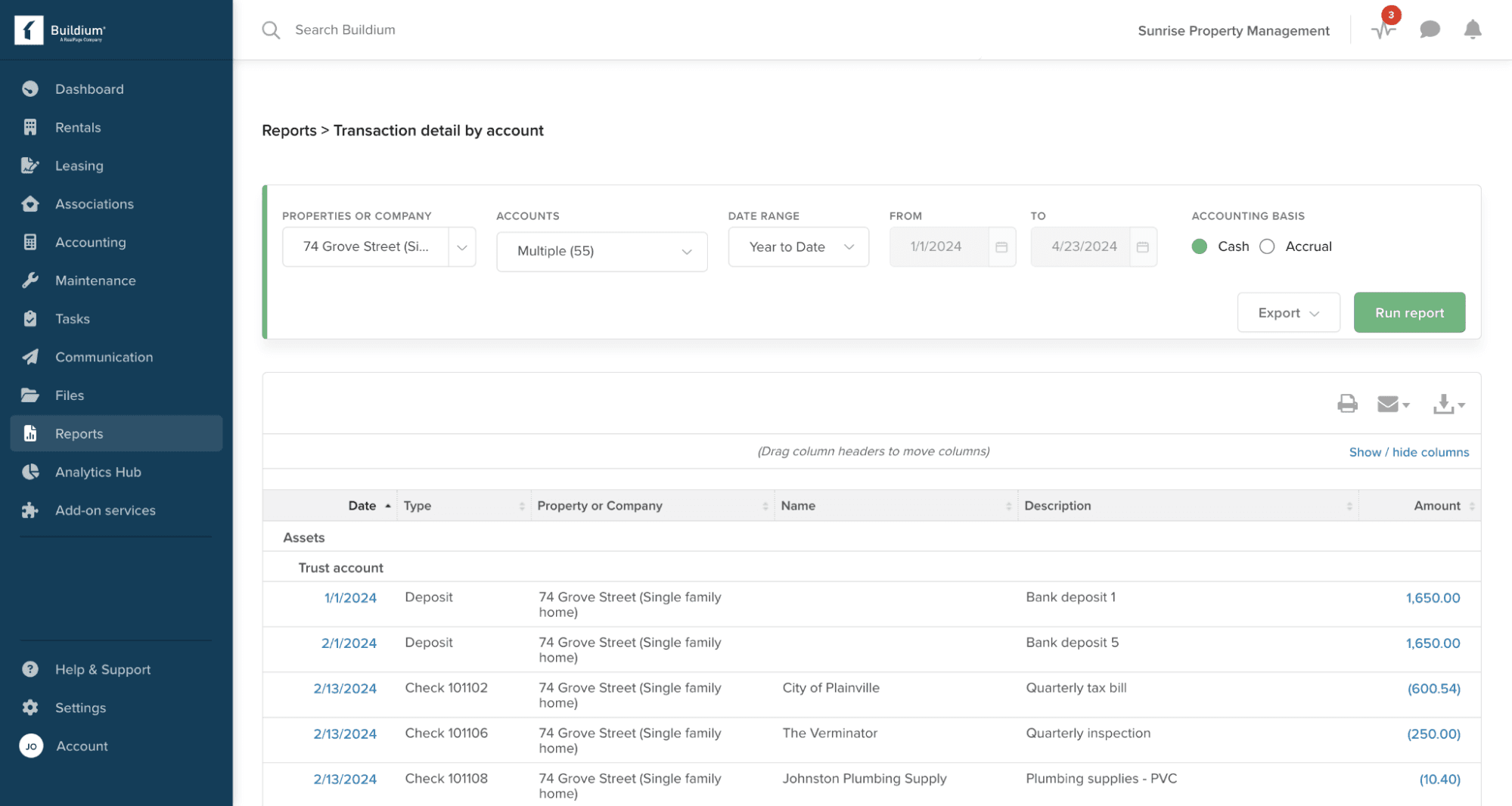
Accounting Tools: You can track income, expenses, security deposits, and generate real-time reports.
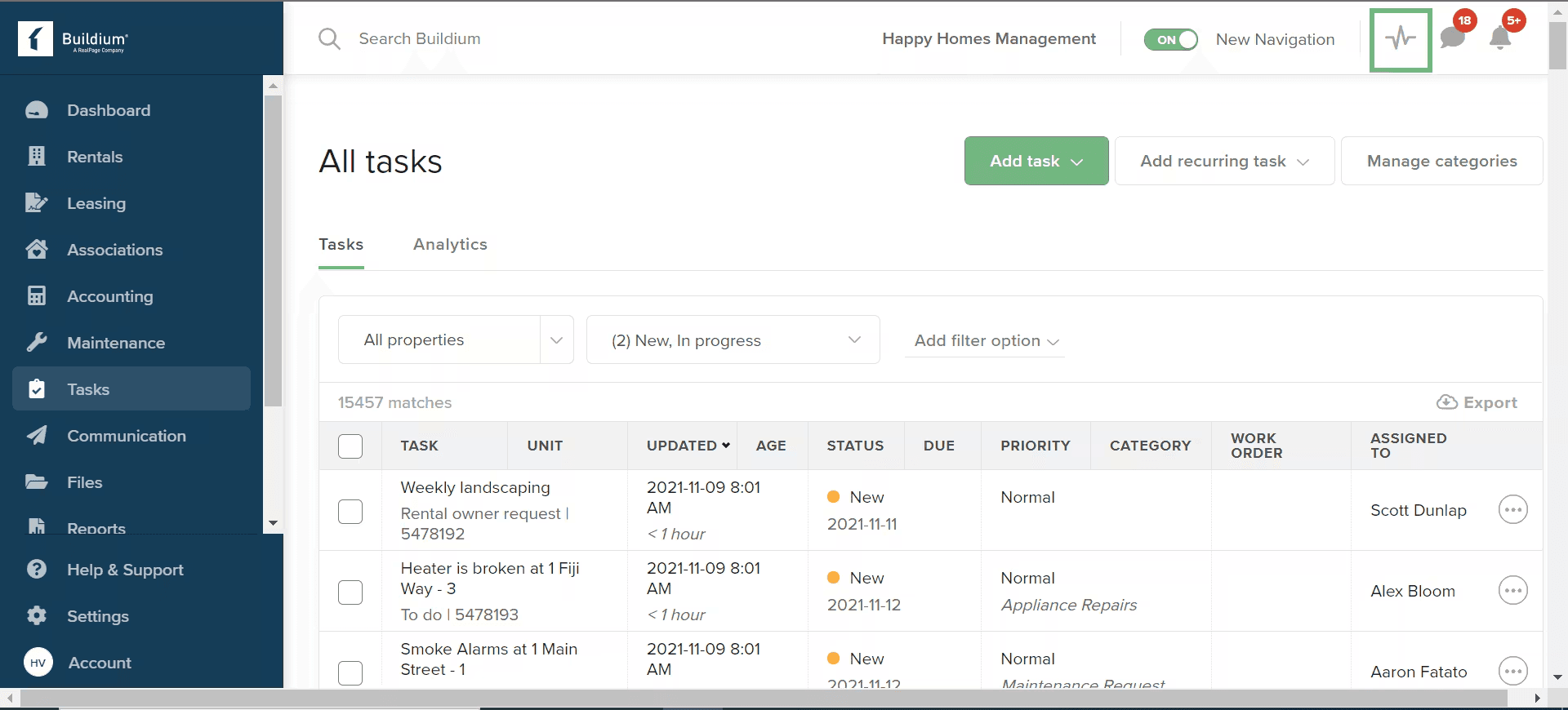
Maintenance Management: This feature allows you to track and manage work orders and property maintenance requests efficiently.
Lease Tracking: Buildium's lease tracking helps you stay on top of lease agreements and renewals.
Rent Collection: You can collect rent online through Buildium via EFT, credit card, and bank account transfers.
Document Storage: With Buildium, you can securely store and share documents, templates, and files related to your properties.
Ease of Use
Buildium is generally user-friendly, offering an intuitive interface that makes navigation simple for your team. While some users find the initial setup a bit challenging, the platform's layout and clear instructions help you get up to speed quickly. Its features are logically organized, so you can easily manage tenants, track finances, and handle maintenance tasks. Compared to other software, Buildium's usability stands out, making it a practical choice for property managers seeking efficiency without a steep learning curve.
Integrations
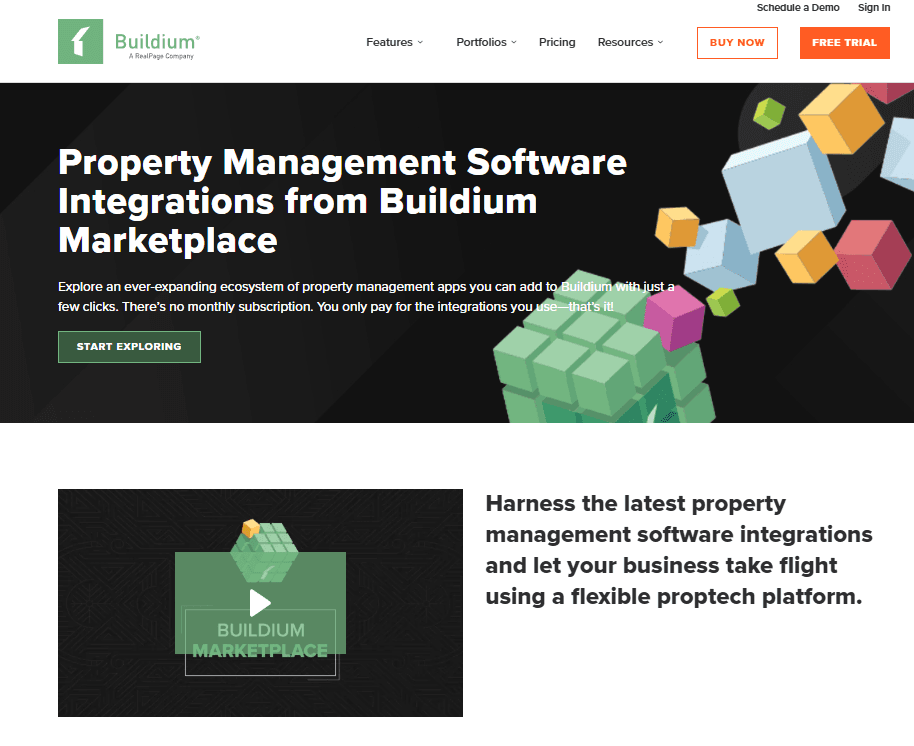
Buildium integrates with Propertymeld, Goodjuju, Propup, Rocket Station, Triple TiedOut, LeadSimple, VPM Solutions, CondoWorks, Upkeep Media, and ButterflyMX.
Buildium also has an Open API, allowing you to connect with third-party integration tools.
Buildium Specs
- API: Yes
- Budgeting: Yes
- Calendar Management: No
- Customer Management: Yes
- Dashboard: Yes
- Data Export: Yes
- Data Import: Yes
- Data Visualization: Yes
- External Integrations: Yes
- Forecasting: No
- Multi-User: Yes
- Notifications: Yes
- Scheduling: Yes
- Tax Management: Yes


