

Infor Review: Pros, Cons, Features, and Pricing
Infor stands out for its industry-specific solutions and flexible cloud deployment, but may be complex for smaller businesses. It’s best suited for organizations needing a tailored, scalable ERP.

We review tools independently, and commissions help fund our testing. See our transparency policy, our methodology, or suggest a tool.
Infor is a CFO ERP software built around industry-specific workflows for manufacturing, distribution, and healthcare organizations. I'd consider it if your finance team needs deep vertical functionality out of the box. Where SAP requires significant implementation effort to fit industry-specific processes, Infor's pre-built industry templates are already shaped around them. That makes it a stronger fit for CFOs who want faster time-to-value without sacrificing financial visibility or operational depth.
Infor Evaluation Summary
3.9/5
- Pricing upon request
- Free demo available
Why Trust Our Software Recommendations
6,700+
Reviews
20
Industry experts
16+
Evaluation factors
14
Years
Our team has been testing and reviewing software since 2012. As finance leaders ourselves, we know how difficult—and important—it is to choose the right software.
For this guide, we evaluated tools using hands-on testing and independent research, scoring tools using our selection criteria.
Our reviews reflect our human editorial judgment, not a sales pitch.
Infor Overview
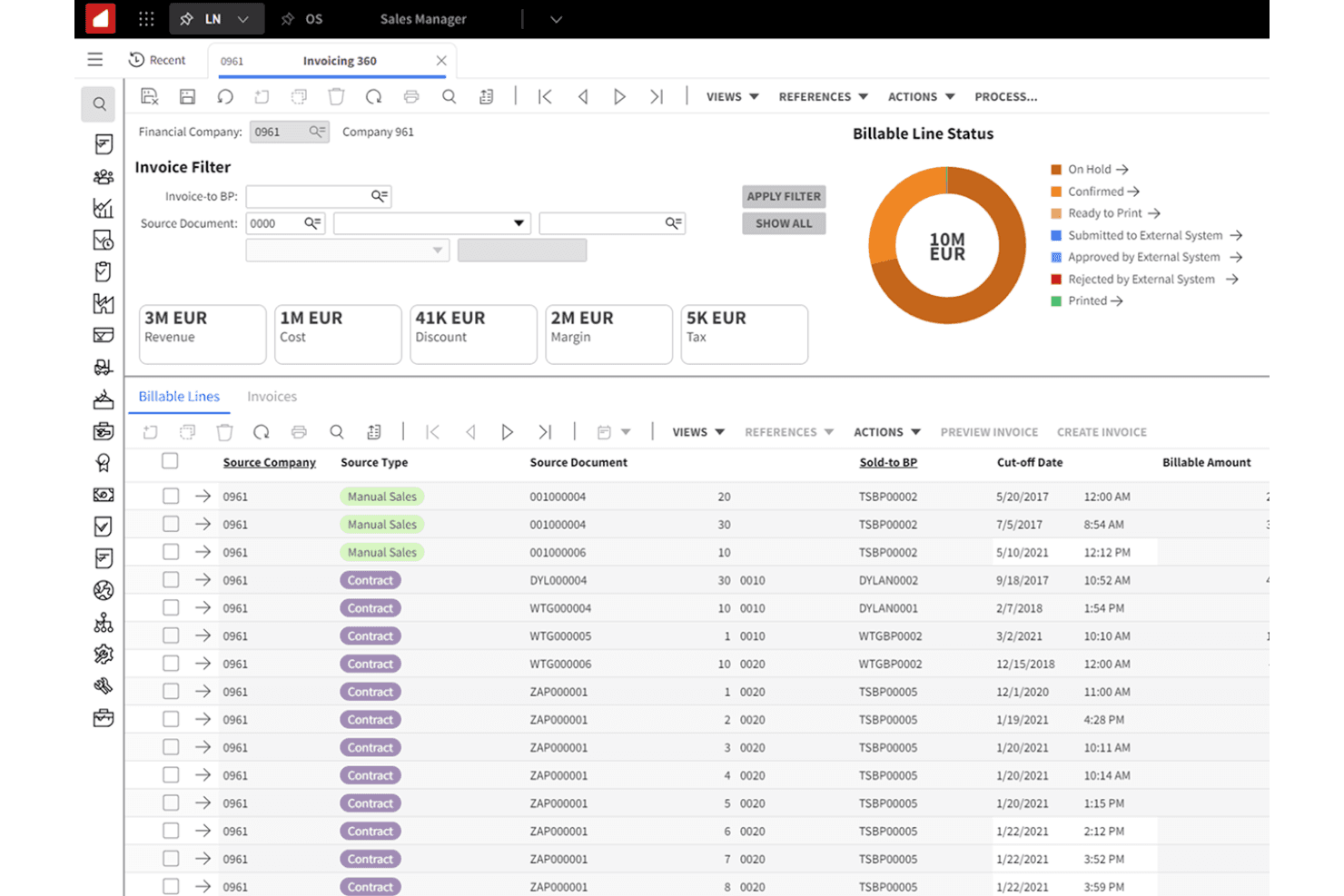
When judging Infor as an ERP software, its industry-specific modules and flexible deployment options set it apart for organizations with complex, regulated operations. The interface is modern but can feel dense, and onboarding may require more support than simpler tools. Integration options are strong, but some advanced features may require additional configuration.
Infor is best for finance teams selecting a scalable ERP that can adapt to unique workflows, such as manufacturing or healthcare, rather than those seeking a plug-and-play solution.
Pros
- Flexible cloud deployment and scalability options
- Strong analytics and real-time reporting capabilities
- Industry-specific modules for manufacturing, healthcare, and more
Cons
- Advanced features may require additional consulting fees
- Some users report slow performance with large data sets
- Complex setup and configuration for new users
Is Infor Right For Your Needs?
Who Would be a Good Fit for Infor?
Infor is best suited for organizations with complex, regulated operations or those needing deep industry-specific functionality. Its configurable modules, strong analytics, and scalable cloud options make it a strong choice for finance teams in sectors like manufacturing, healthcare, and distribution.
Larger enterprises and companies with multi-site operations will benefit from its advanced reporting and compliance tools, while departments managing intricate supply chains or asset-heavy environments can leverage its specialized features.
- Finance DepartmentsReal-time analytics and compliance tools aid financial oversight.
- Asset-Intensive IndustriesAsset management modules track maintenance, depreciation, and utilization.
- Distribution CompaniesAdvanced inventory and logistics features support high-volume operations.
- Multi-Site EnterprisesCentralized data and reporting tools help manage multiple locations.
- Healthcare ProvidersIt offers modules for patient management, billing, and healthcare compliance.
- Large Manufacturing FirmsInfor supports complex production workflows and regulatory compliance.
Who Would be a Bad Fit for Infor?
Infor may not suit smaller businesses, startups, or teams seeking a lightweight, plug-and-play ERP. Its complexity, setup requirements, and focus on industry-specific needs can be excessive for organizations with straightforward processes or limited IT resources. Companies with simple accounting needs or those prioritizing rapid onboarding may find it less practical than more basic ERP solutions.
- Teams With Limited ITExtensive configuration and support needs can strain small IT teams.
- Simple Service FirmsBasic service providers won’t use most advanced ERP features.
- Nonprofit OrganizationsIndustry modules and compliance tools may not align with nonprofit needs.
- FreelancersInfor’s features far exceed solo business requirements.
- Early-Stage StartupsSetup and cost are too high for lean, fast-moving teams.
- Small RetailersThe system’s complexity outweighs the needs of small stores.
How We Test & Score Tools
We’ve spent years building, refining, and improving our software testing and scoring system. The rubric is designed to capture the nuances of software selection and what makes a tool effective, focusing on critical aspects of the decision-making process.
Below, you can see exactly how our testing and scoring works across seven criteria. It allows us to provide an unbiased evaluation of the software based on core functionality, standout features, ease of use, onboarding, customer support, integrations, customer reviews, and value for money.
Core Functionality (25% of final scoring)
The starting point of our evaluation is always the core functionality of the tool. Does it have the basic features and functions that a user would expect to see? Are any of those core features locked to higher-tiered pricing plans? At its core, we expect a tool to stand up against the baseline capabilities of its competitors.
Standout Features (25% of final scoring)
Next, we evaluate uncommon standout features that go above and beyond the core functionality typically found in tools of its kind. A high score reflects specialized or unique features that make the product faster, more efficient, or offer additional value to the user.
We also evaluate how easy it is to integrate with other tools typically found in the tech stack to expand the functionality and utility of the software. Tools offering plentiful native integrations, 3rd party connections, and API access to build custom integrations score best.
Ease of Use (10% of final scoring)
We consider how quick and easy it is to execute the tasks defined in the core functionality using the tool. High scoring software is well designed, intuitive to use, offers mobile apps, provides templates, and makes relatively complex tasks seem simple.
Onboarding (10% of final scoring)
We know how important rapid team adoption is for a new platform, so we evaluate how easy it is to learn and use a tool with minimal training. We evaluate how quickly a team member can get set up and start using the tool with no experience. High scoring solutions indicate little or no support is required.
Customer Support (10% of final scoring)
We review how quick and easy it is to get unstuck and find help by phone, live chat, or knowledge base. Tools and companies that provide real-time support score best, while chatbots score worst.
Customer Reviews (10% of final scoring)
Beyond our own testing and evaluation, we consider the net promoter score from current and past customers. We review their likelihood, given the option, to choose the tool again for the core functionality. A high scoring software reflects a high net promoter score from current or past customers.
Value for Money (10% of final scoring)
Lastly, in consideration of all the other criteria, we review the average price of entry level plans against the core features and consider the value of the other evaluation criteria. Software that delivers more, for less, will score higher.
Core Features
Industry-Specific Suites
Infor offers tailored modules for manufacturing, healthcare, distribution, and more. These suites address unique regulatory and operational needs for each sector.
Advanced Analytics
Built-in analytics provide real-time dashboards and customizable reports. Users can track KPIs and trends across finance, operations, and supply chain.
Cloud Deployment Options
Infor supports multi-tenant and single-tenant cloud hosting. This flexibility lets organizations scale resources and manage data securely.
Financial Management
Comprehensive tools cover general ledger, accounts payable, receivable, and fixed assets. Automated workflows help ensure compliance and accurate reporting.
Supply Chain Management
Users can manage procurement, inventory, and logistics from a unified platform. Real-time visibility helps optimize stock levels and order fulfillment.
Asset Management
Track, maintain, and depreciate assets across locations. Preventive maintenance scheduling reduces downtime and extends asset life.
Ease of Use
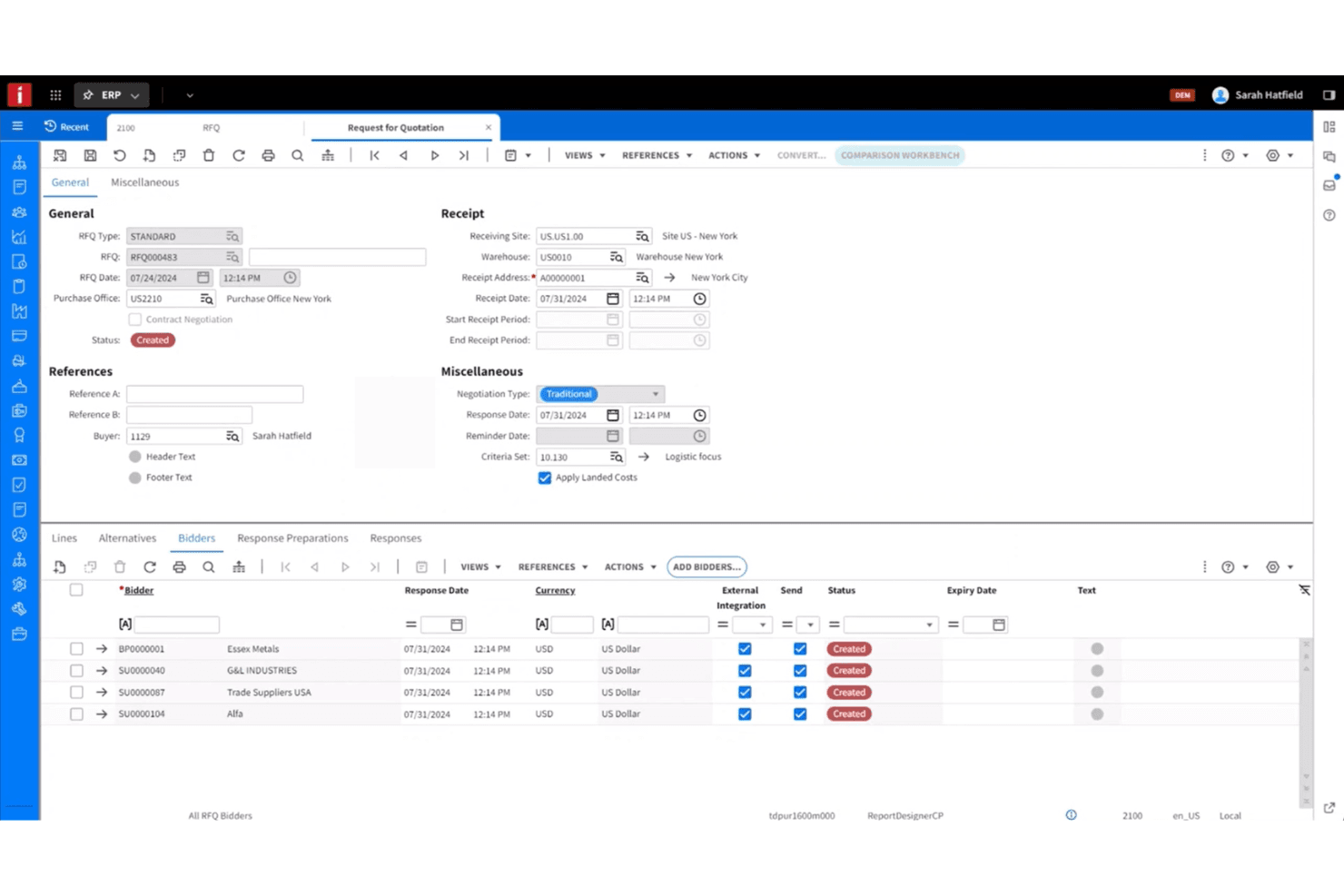
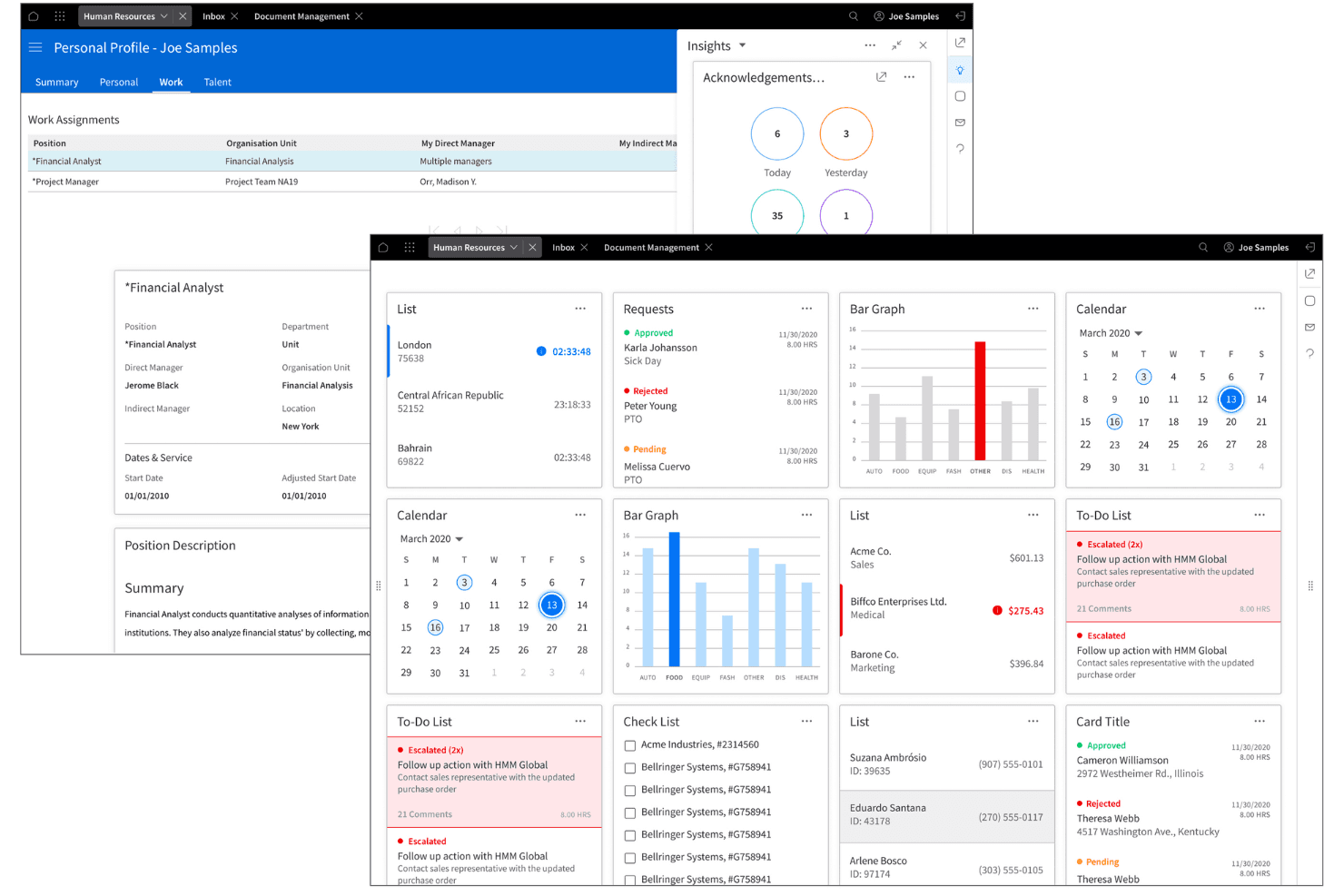
Infor offers a modern, visually organized interface, but its depth and configurability can feel overwhelming for new users or smaller teams. Many users note that navigating advanced modules and customizing workflows requires training and support.
While dashboards and reporting tools are intuitive once set up, the initial onboarding process is more involved than with simpler ERP systems. This makes Infor better suited to organizations with dedicated IT or finance resources.
Integrations
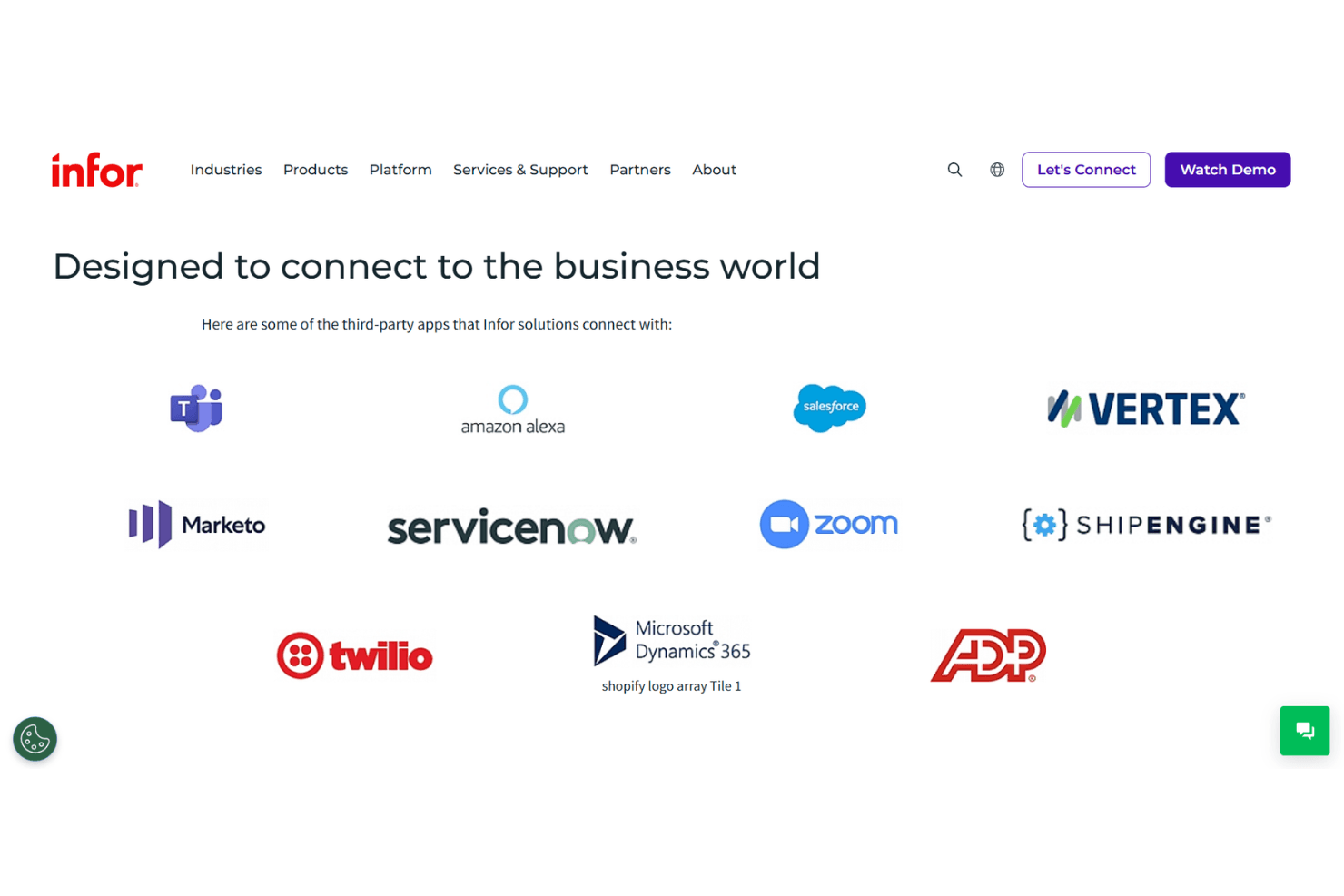
Infor integrates with Salesforce, Microsoft Office 365, Amazon Web Services, DocuSign, ADP, Avalara, IBM Cognos, Tableau, Workday, and SAP, among others.
Infor also offers a robust API and supports connections with third-party integration platforms for custom workflows.
Infor Specs
- Accounts Payable: Yes
- Accounts Receivable: Yes
- API: Yes
- Budgeting: Yes
- Calendar Management: Yes
- Compliance Tracking: Yes
- Customer Management: Yes
- Dashboard: Yes
- Data Export: Yes
- Data Import: Yes
- Data Visualization: Yes
- Expense Tracking: Yes
- External Integrations: Yes
- Financial Analysis: Yes
- Forecasting: Yes
- Inventory Tracking: Yes
- Multi-Currency: Yes
- Multi-User: Yes
- Notifications: Yes
- Order Management: Yes
- Payroll: No
- Project Management: Yes
- Purchase Orders: Yes
- Resource Management: Yes
- Scheduling: Yes
- Supplier Management: Yes
- Task Scheduling/Tracking: Yes
- Third-Party Plugins/Add-Ons: Yes
- Warehouse Management: Yes
- Workflow Management: Yes


