Xero vs. FreshBooks: Comparison & Expert Reviews for2026

VP Finance & FCCA with 15+ years scaling finance at high-growth SaaS companies.

We review tools independently, and commissions help fund our testing. See our transparency policy, our methodology, or suggest a tool.

If you’re stuck deciding between Xero and FreshBooks, you’re probably trying to find accounting software that doesn’t slow you down. You need something that handles invoicing, tracking, and reporting without adding complexity to your day. While both tools aim to streamline your finances, they take different approaches in features, pricing, and user experience.

I’ll walk you through a side-by-side comparison of Xero and FreshBooks to make your decision easier. You’ll learn their pros and cons, ideal use cases, pricing structures, security considerations, and how user-friendly each platform really is.

Xero
Customer rating

4.4/5

Pricing
  • 30-day free trial available
  • From $2.50/month

FreshBooks

Customer rating

4.5/5

Pricing
  • Free demo + 30-day free trial available
  • From $12/month (billed annually)

Why Trust Our Software Recommendations

6,700+

Reviews

20

Industry experts

16+

Evaluation factors

14

Years

Our team has been testing and reviewing software since 2012. As finance leaders ourselves, we know how difficult—and important—it is to choose the right software.

For this guide, we evaluated tools using hands-on testing and independent research, scoring tools using our selection criteria.

Our reviews reflect our human editorial judgment, not a sales pitch.

XeroFreshBooks
Free Trial30-day free trial availableFree demo + 30-day free trial available
PricingFrom $2.50/monthFrom $12/month (billed annually)

Xero vs. FreshBooks Pricing & Hidden Costs

Xero uses a tiered subscription model, with each plan unlocking more advanced features as you move up. You’ll find that some essentials—like multi-currency support or advanced analytics—are only available on higher tiers. FreshBooks also offers tiered plans, but its pricing is based on the number of billable clients, which can lead to higher costs as your client list grows. Both platforms may charge extra for add-ons, integrations, or exceeding usage limits, so it’s important to look beyond the base subscription.

To choose the right pricing model, start by mapping out your current and future needs—think about how many clients you serve, which features you’ll actually use, and how your business might scale. Review each vendor’s plan details and pay close attention to what’s included versus what’s considered an add-on. Reach out to sales or support with specific scenarios to clarify any gray areas, and ask for a detailed breakdown of potential extra charges.

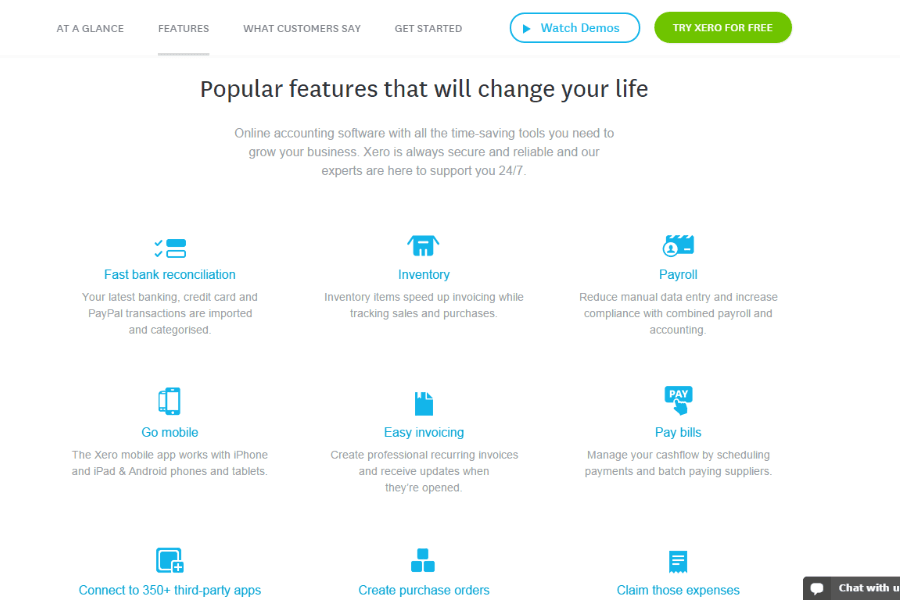
Both Xero and FreshBooks cover the core accounting essentials you’d expect, including invoicing, expense tracking, and basic financial reporting to help you stay on top of your business finances. They also offer cloud-based access, integrations, and tools for managing cash flow, making them solid all-in-one solutions for small businesses.

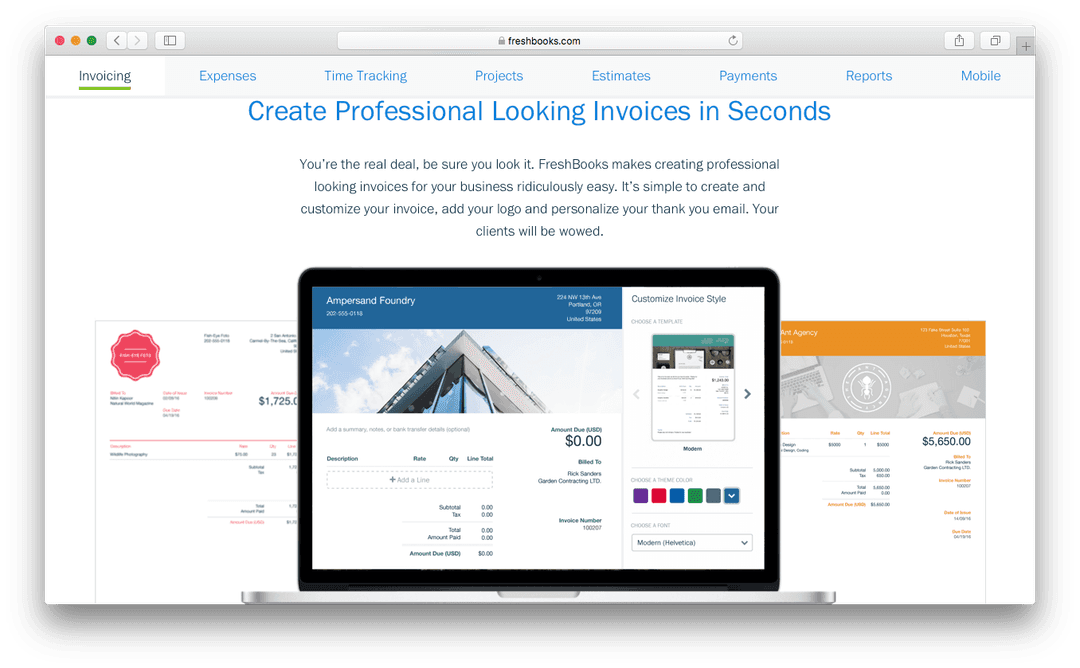
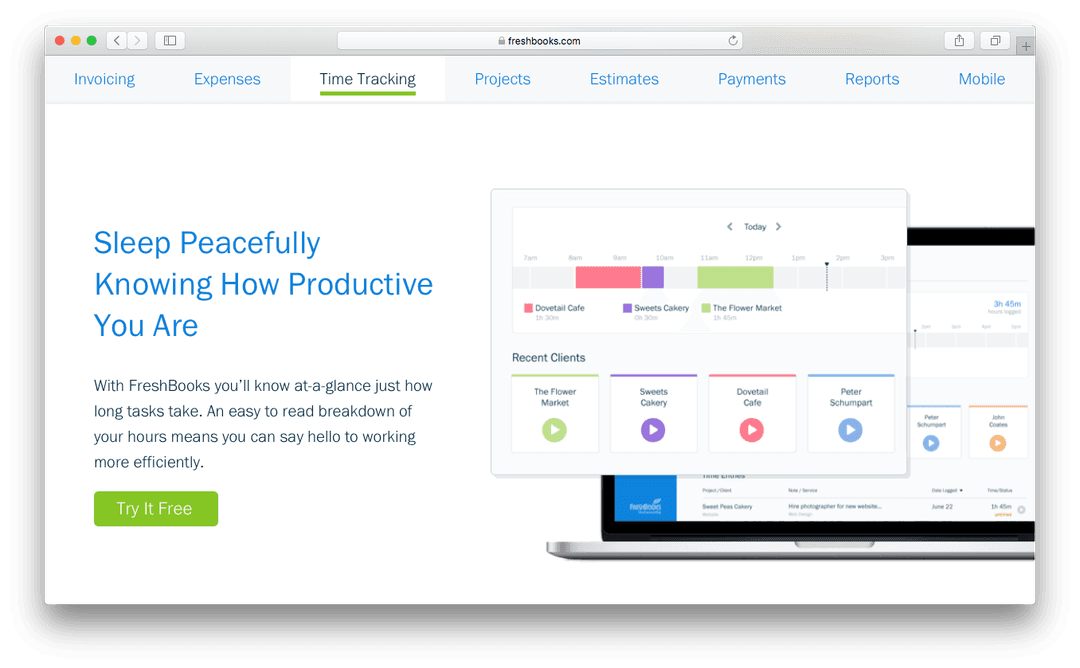
Where they differ is in their standout strengths. FreshBooks leans heavily into invoicing, time tracking, and client billing, making it especially useful for freelancers and service-based businesses that bill by the hour or project. In contrast, Xero stands out with more advanced accounting capabilities, like inventory tracking, purchase orders, and deeper financial management features, making it better suited for growing businesses with more complex needs.

XeroFreshBooks
2-Factor AuthenticationYesYes
Accounts PayableYesYes
Accounts ReceivableYesYes
APIYesYes
Balance SheetYesYes
Billing/InvoicingYesYes
BitCoinNoNo
BudgetingYesYes
Calendar ManagementNoNo
Contact ManagementNoNo
CRM IntegrationNoYes
Customer ManagementNoYes
DashboardYesYes
Data ExportYesYes
Data ImportYesYes
Data VisualizationYesYes
Expense TrackingNoYes
External IntegrationsNoYes
ForecastingYesNo
General Account LedgerYesYes
Inventory TrackingYesNo
Multi-CurrencyYesYes
Multi-UserYesNo
NotificationsNoYes
P&LNoYes
PayPalNoYes
PayrollYesYes
SAP IntegrationNoNo
StripeNoYes
Supplier ManagementNoNo
Tax ManagementYesYes

IntegrationXeroFreshBooks
HubSpot✅✅
Shopify✅✅
Gusto✅✅
Stripe✅✅
PayPal✅✅
Square✅✅
Expensify✅✅
Trello✅✅
API✅✅
Zapier✅✅

Both Xero and FreshBooks cover the most popular integrations, but Xero stands out with deeper payroll, expense, and project management connections. If your workflow relies on specialized tools or custom automation, Xero’s broader integration range and open API give you more flexibility to connect your accounting with the rest of your tech stack.

FactorXeroFreshBooks
Data EncryptionUses bank-grade encryption (256-bit SSL) for data in transit and at rest.Secures data with 256-bit SSL encryption both in transit and at rest.
Regulatory ComplianceSupports GDPR, SOC 2, and regional tax compliance requirements.Complies with GDPR and offers features to support tax compliance.
User Access ControlsOffers granular user permissions and audit trails for all activities.Provides customizable user roles and basic activity logs.
Uptime & BackupsGuarantees 99.9% uptime and performs automatic daily backups.Maintains high uptime and regular automated backups.
Two-Factor AuthenticationRequires two-factor authentication for all users.Offers optional two-factor authentication for added security.

Xero leads with more advanced compliance certifications and stricter access controls, making it a strong choice for teams with complex security needs. FreshBooks covers the essentials well, but Xero’s reliability and regulatory support stand out for organizations that need extra assurance.

FactorXeroFreshBooks
User InterfaceClean and modern, but menus can feel dense for new users.Simple, intuitive layout designed for quick navigation.
OnboardingOffers guided setup and in-app tutorials, but may require extra time for full configuration.Streamlined onboarding with step-by-step prompts and helpful tips.
Learning CurveSteeper learning curve due to advanced features and customization.Minimal learning curve—most users get comfortable quickly.
Customer Support24/7 online support and a detailed help center.Responsive support with live chat and a robust knowledge base.
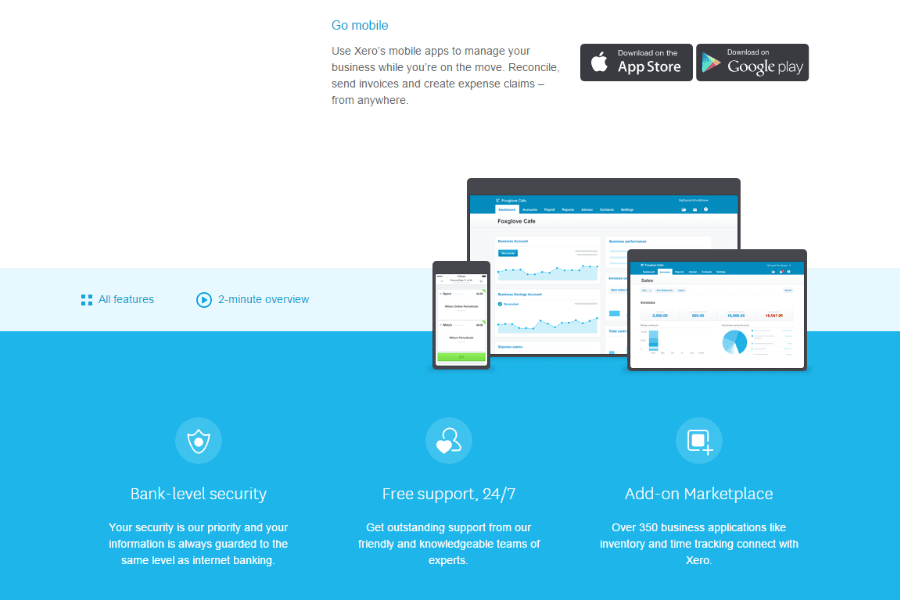
Mobile ExperienceFull-featured mobile app for managing finances on the go.Highly rated mobile app focused on invoicing and expense tracking.

FreshBooks is easier to pick up and use right away, while Xero’s depth means you’ll spend more time learning but gain more control. If you want a tool that’s friendly for non-accountants, FreshBooks shines, but Xero’s interface rewards users who need advanced options and are willing to invest in setup.

Who Should Use Xero, And Who Should Use FreshBooks?

Xero is best suited for small to mid-sized businesses that need more advanced accounting capabilities as they grow. If you’re managing inventory, working with a bookkeeper, or need detailed financial reporting and scalability, Xero gives you the depth to handle more complex operations. It’s a strong fit for businesses that want a full accounting system rather than just invoicing and basic tracking.

FreshBooks, on the other hand, is ideal if you’re a freelancer, solopreneur, or service-based small business owners focused on billing clients. If your priority is simple invoicing, time tracking, and getting paid faster without a steep learning curve, FreshBooks keeps things straightforward. It works especially well for users who value ease of use over advanced accounting features.

Automation FeaturesXero

Extensive automation for bank feeds, reconciliations, and workflows.

FreshBooks

Limited automation, mainly for recurring invoices.

Inventory ManagementXero

Built-in inventory tracking with stock updates and cost tracking.

FreshBooks

No native inventory management (requires integrations).

Invoicing LimitsXero

Invoice limits on the Starter plan. Unlimited for higher-tier plans.

FreshBooks

Unlimited and customized invoices on all plans, including Lite, Plus, and Premium.

Payroll IntegrationXero

Built-in payroll and deep integrations with payroll providers.

FreshBooks

No built-in payroll, limited third-party payroll options.

Project AccountingXero

Advanced project tracking with cost analysis and profitability insights.

FreshBooks

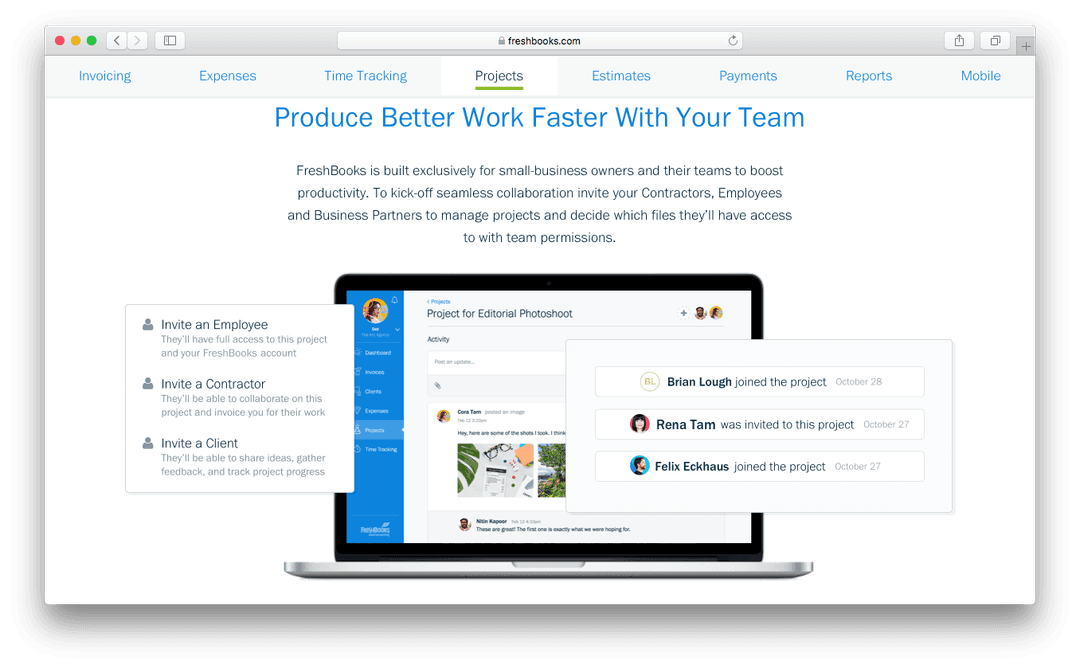
FreshBooks offers simple project tracking focused on time and client billing.

Reporting DepthXero

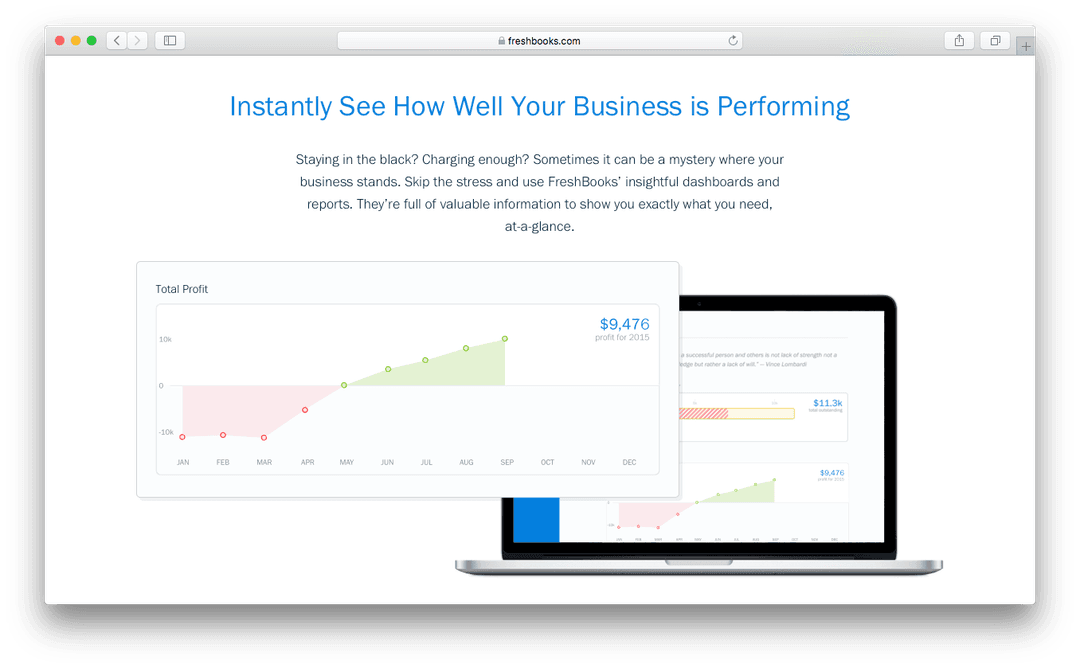
Advanced, customizable dashboards for financial management reports.

FreshBooks

Basic reporting functionality focused on invoicing and expenses.

Bank Reconciliation

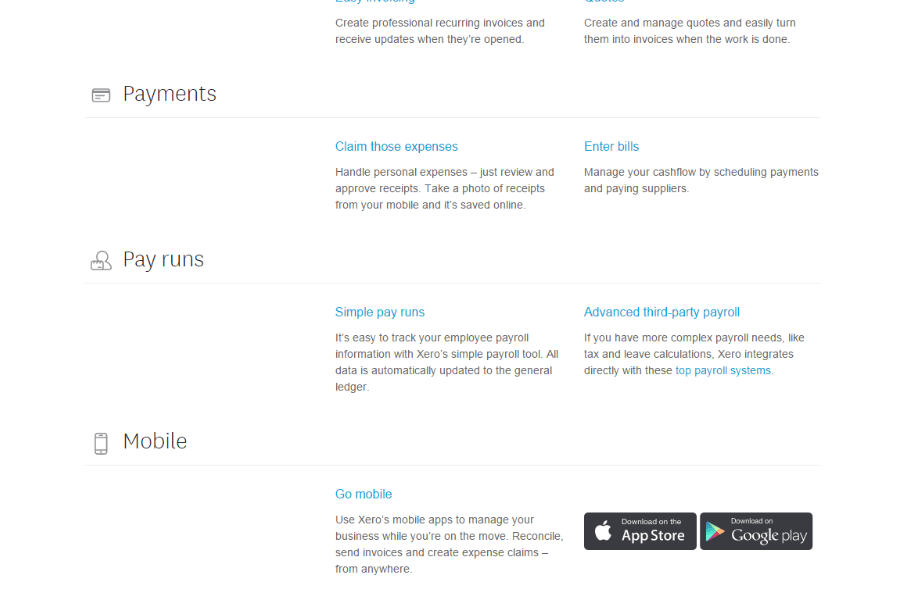
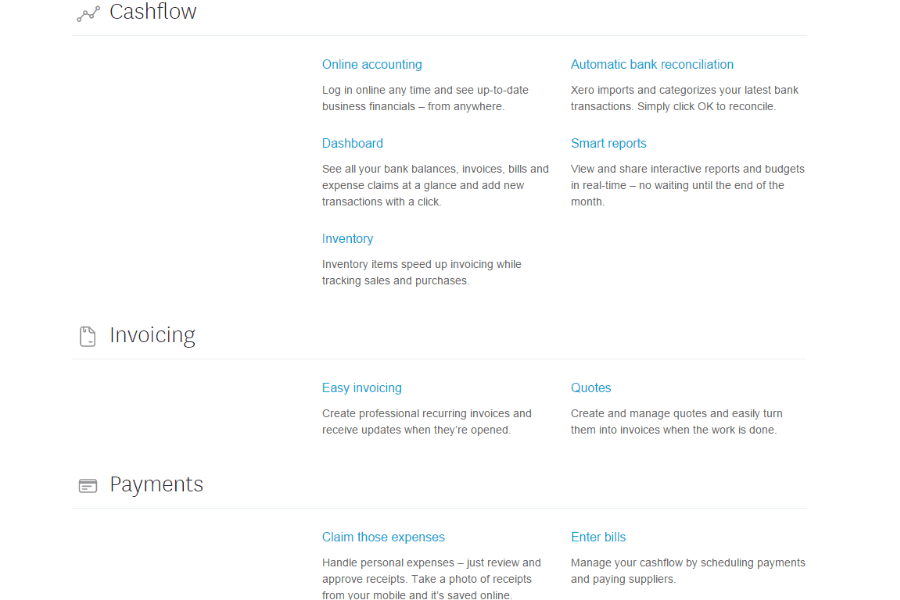
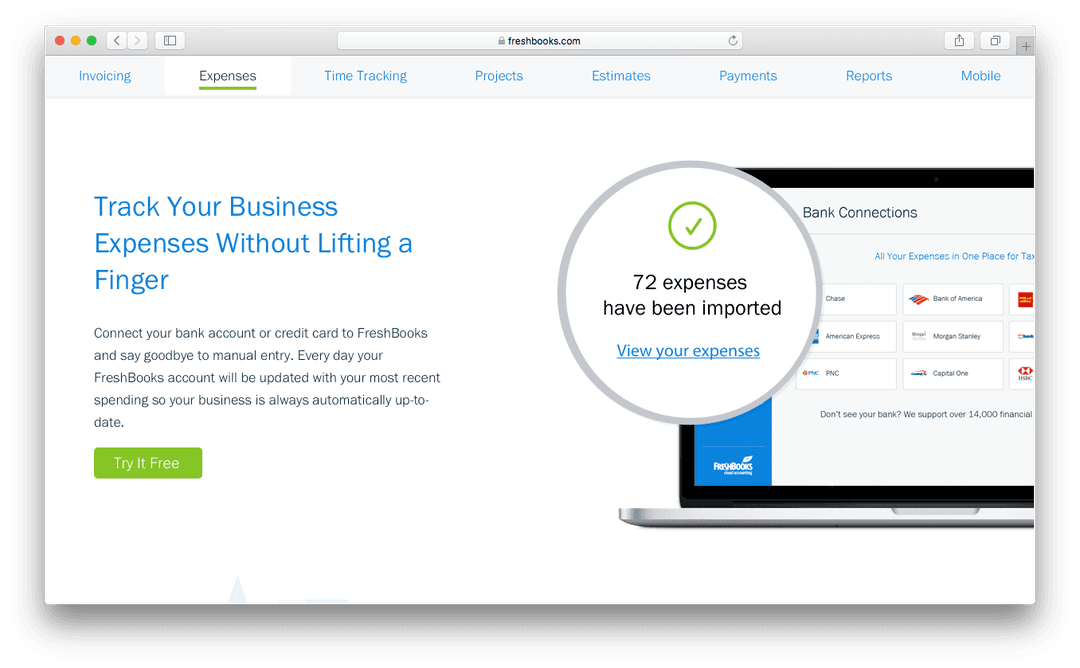
Each platform connects to your bank accounts and helps automate transaction matching and reconciliation.

Cloud-Based Access

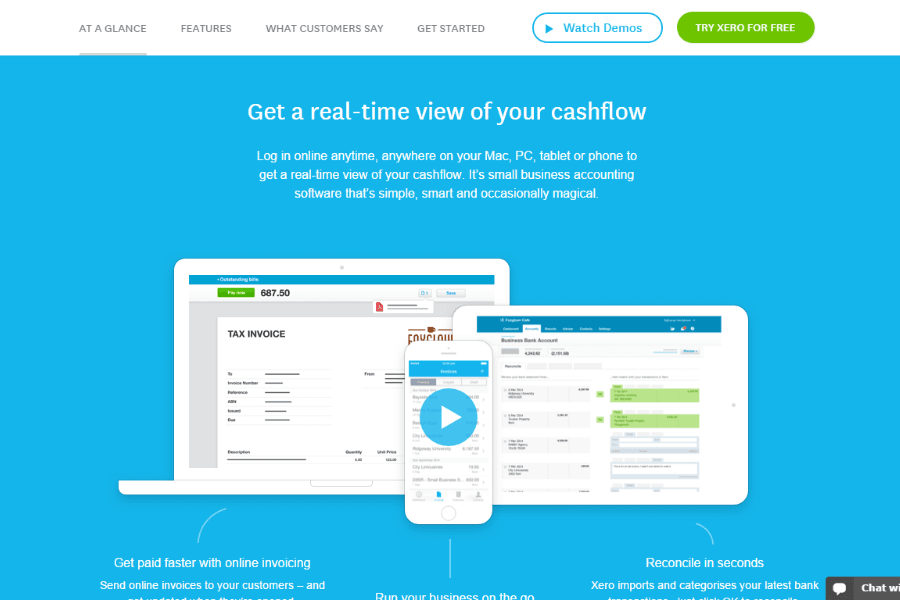
Both are fully cloud-based, letting you manage finances from anywhere with web and mobile apps.

Expense Tracking

Both allow you to capture, categorize, manage, and track expenses with receipt uploads and mobile entry.

Integration Support

Both connect with popular business tools like Stripe, PayPal, Shopify, and offer Zapier and API access.

Invoicing Tools

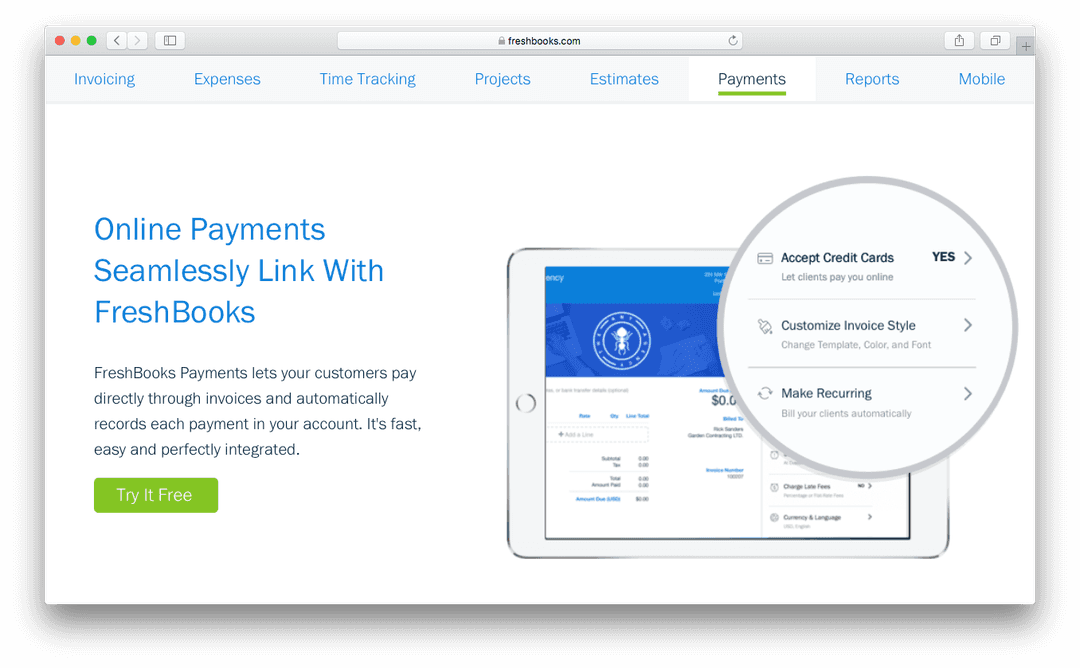
Each offers customizable invoicing, recurring billing, and online payment options for faster collections.