

XLSTAT Review: Pros, Cons, Features and Pricing
XLSTAT provides user-friendly, versatile statistical analysis tools that stand out for their ease of integration with Excel.

We review tools independently, and commissions help fund our testing. See our transparency policy, our methodology, or suggest a tool.
XLSTAT is a statistical analysis software that runs as an add-in inside Microsoft Excel, built for finance and analytics professionals who need advanced statistical modeling without leaving their spreadsheet environment. If your team already works in Excel and needs capabilities like regression, ANOVA, or predictive modeling, I'd consider XLSTAT before something like Minitab. Minitab requires you to work in a separate interface and export your data, while XLSTAT lets you run that same analysis directly on the data you're already working with.
XLSTAT Evaluation Summary
4.7/5
- From $380/year
- 14-day free trial
Why Trust Our Software Recommendations
6,700+
Reviews
20
Industry experts
16+
Evaluation factors
14
Years
Our team has been testing and reviewing software since 2012. As finance leaders ourselves, we know how difficult—and important—it is to choose the right software.
For this guide, we evaluated tools using hands-on testing and independent research, scoring tools using our selection criteria.
Our reviews reflect our human editorial judgment, not a sales pitch.
XLSTAT Overview
In my opinion, XLSTAT is a solid choice for teams needing detailed analysis tools from a trusted statistical software provider with deep Excel integration. It excels in offering a wide range of features and reliable customer support. However, its pricing might be a concern for smaller teams, as it can be on the higher side. Compared to other solutions, XLSTAT offers a smoother Excel integration but might lack some advanced features found in competitors like SPSS. It's best suited for academic researchers, finance analysts, and healthcare professionals who rely heavily on Excel for data analysis. If you're considering a tool that balances functionality with ease of use, XLSTAT should be on your list.
Pros
- You can easily integrate XLSTAT with Excel for seamless data analysis.
- It offers a wide range of statistical tools for diverse analysis needs.
- Your team will find the interface intuitive and user-friendly.
Cons
- You might find the software's advanced features lacking compared to competitors.
- It can be slow when handling large datasets.
- Some users report occasional bugs that affect performance.
Is XLSTAT Right For Your Needs?
Who Would be a Good Fit for XLSTAT?
XLSTAT is well-suited for academic researchers, finance analysts, and healthcare professionals who rely on Excel for data analysis. It offers a wide range of statistical tools that cater to diverse analysis needs, making it ideal for detailed data interpretation. Your team will appreciate the user-friendly interface, which simplifies complex statistical processes. If you're in a field that demands precise statistical analysis with seamless Excel integration, XLSTAT provides the functionality and ease of use you need.
- Academic ResearchXLSTAT's extensive statistical tools make it perfect for researchers needing in-depth data analysis.
- Finance DepartmentsYour finance team can benefit from its precise data analysis capabilities integrated with Excel.
- Healthcare AnalyticsXLSTAT offers tools that help analyze medical data effectively, which is crucial for healthcare professionals.
- Market ResearchYou can leverage XLSTAT's data analysis and simulation features to interpret consumer data and trends accurately.
- Small to Medium Enterprises (SMEs)SMEs will find XLSTAT's ease of use and Excel integration beneficial for day-to-day data analysis.
- Data Science TeamsData scientists can utilize XLSTAT's advanced statistical tools for comprehensive data modeling and interpretation.
Who Would be a Bad Fit for XLSTAT?
XLSTAT might not be ideal for large corporations needing advanced data visualization and integration with non-Excel platforms. If your team relies heavily on cloud-based solutions or requires real-time collaboration features, XLSTAT's capabilities may fall short. Its processing speed can be an issue for those handling massive datasets, making it less suitable for big data analytics. If you're in a fast-paced environment that demands cutting-edge analytics tools, you might find XLSTAT lacking.
- Big Data AnalyticsXLSTAT struggles with processing speed when handling massive datasets, which limits its effectiveness.
- Tech StartupsTech startups needing cutting-edge, cloud-based analytics tools might find XLSTAT's capabilities limited.
- Large EnterprisesLarge enterprises requiring advanced data visualization and integration with multiple platforms may find XLSTAT insufficient.
- Real-Time CollaborationTeams needing real-time collaboration tools might find that XLSTAT doesn't offer the necessary features.
- Non-Excel UsersIf your team doesn't use Excel, XLSTAT's integration focus won't be beneficial.
- Cloud-Based SolutionsCompanies relying on cloud-based analytics solutions might find XLSTAT's lack of cloud features a drawback.
How We Test & Score Tools
We’ve spent years building, refining, and improving our software testing and scoring system. The rubric is designed to capture the nuances of software selection and what makes a tool effective, focusing on critical aspects of the decision-making process.
Below, you can see exactly how our testing and scoring works across seven criteria. It allows us to provide an unbiased evaluation of the software based on core functionality, standout features, ease of use, onboarding, customer support, integrations, customer reviews, and value for money.
Core Functionality (25% of final scoring)
The starting point of our evaluation is always the core functionality of the tool. Does it have the basic features and functions that a user would expect to see? Are any of those core features locked to higher-tiered pricing plans? At its core, we expect a tool to stand up against the baseline capabilities of its competitors.
Standout Features (25% of final scoring)
Next, we evaluate uncommon standout features that go above and beyond the core functionality typically found in tools of its kind. A high score reflects specialized or unique features that make the product faster, more efficient, or offer additional value to the user.
We also evaluate how easy it is to integrate with other tools typically found in the tech stack to expand the functionality and utility of the software. Tools offering plentiful native integrations, 3rd party connections, and API access to build custom integrations score best.
Ease of Use (10% of final scoring)
We consider how quick and easy it is to execute the tasks defined in the core functionality using the tool. High scoring software is well designed, intuitive to use, offers mobile apps, provides templates, and makes relatively complex tasks seem simple.
Onboarding (10% of final scoring)
We know how important rapid team adoption is for a new platform, so we evaluate how easy it is to learn and use a tool with minimal training. We evaluate how quickly a team member can get set up and start using the tool with no experience. High scoring solutions indicate little or no support is required.
Customer Support (10% of final scoring)
We review how quick and easy it is to get unstuck and find help by phone, live chat, or knowledge base. Tools and companies that provide real-time support score best, while chatbots score worst.
Customer Reviews (10% of final scoring)
Beyond our own testing and evaluation, we consider the net promoter score from current and past customers. We review their likelihood, given the option, to choose the tool again for the core functionality. A high scoring software reflects a high net promoter score from current or past customers.
Value for Money (10% of final scoring)
Lastly, in consideration of all the other criteria, we review the average price of entry level plans against the core features and consider the value of the other evaluation criteria. Software that delivers more, for less, will score higher.
Core Features
Data Analysis Tools
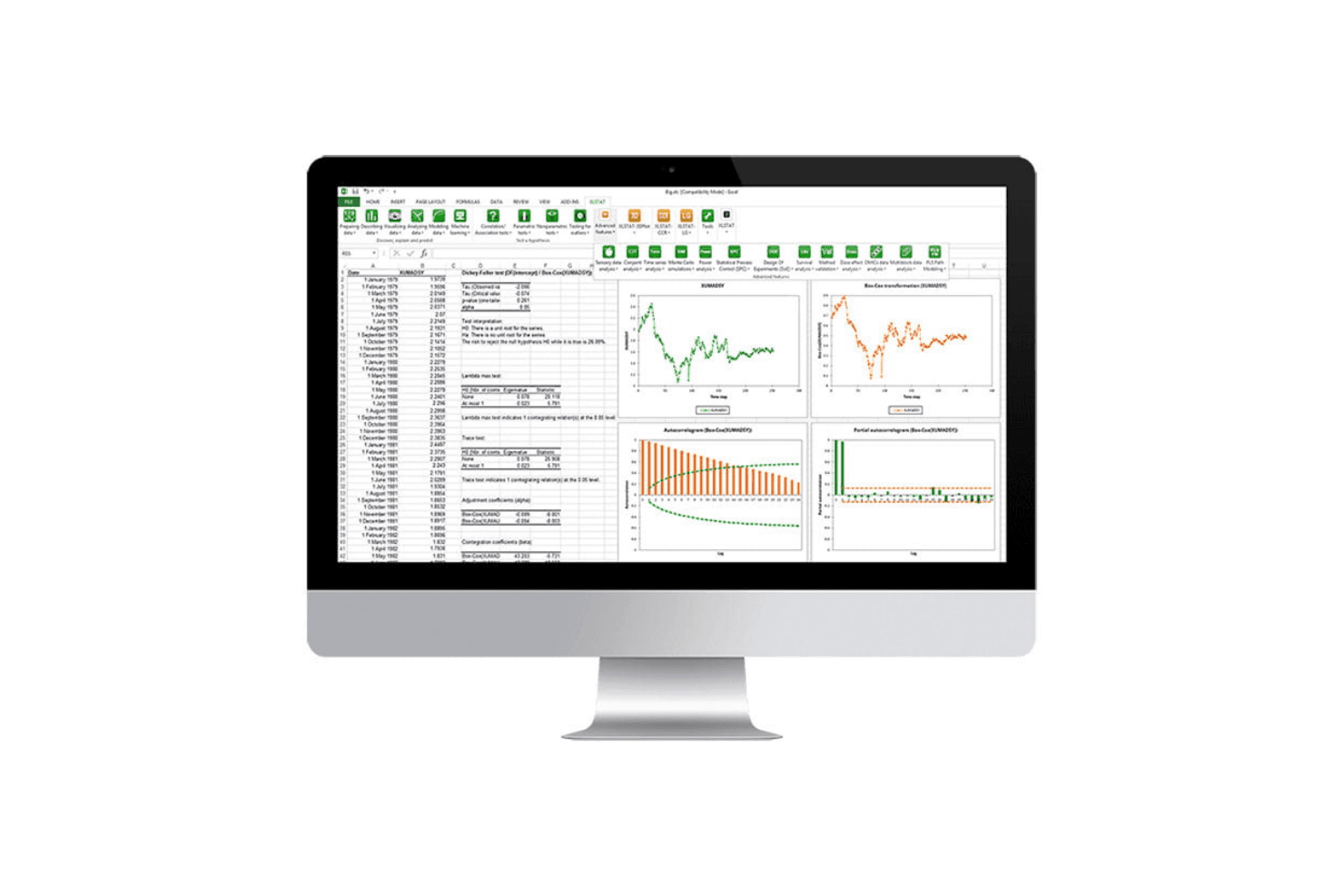
XLSTAT provides a robust set of tools for regression, correlation, and ANOVA. These tools help your team perform detailed statistical analyses efficiently.
Descriptive Statistics
You can summarize and visualize data using XLSTAT’s descriptive statistics tools, which generate clear graphs to help your team understand data distributions.
Hypothesis Testing
XLSTAT offers both parametric and nonparametric tests, allowing you to validate assumptions and make informed decisions.
Time Series Analysis
This feature lets you analyze time-based data trends and forecasts, making it invaluable for financial or sales data analysis.
Multivariate Analysis
XLSTAT uses advanced statistical algorithms to uncover relationships between multiple variables, making it easier to interpret complex datasets.
Survival Analysis
XLSTAT helps you analyze time-to-event data, which is crucial for research in fields like healthcare and clinical trials.
Standout Features
Excel Integration
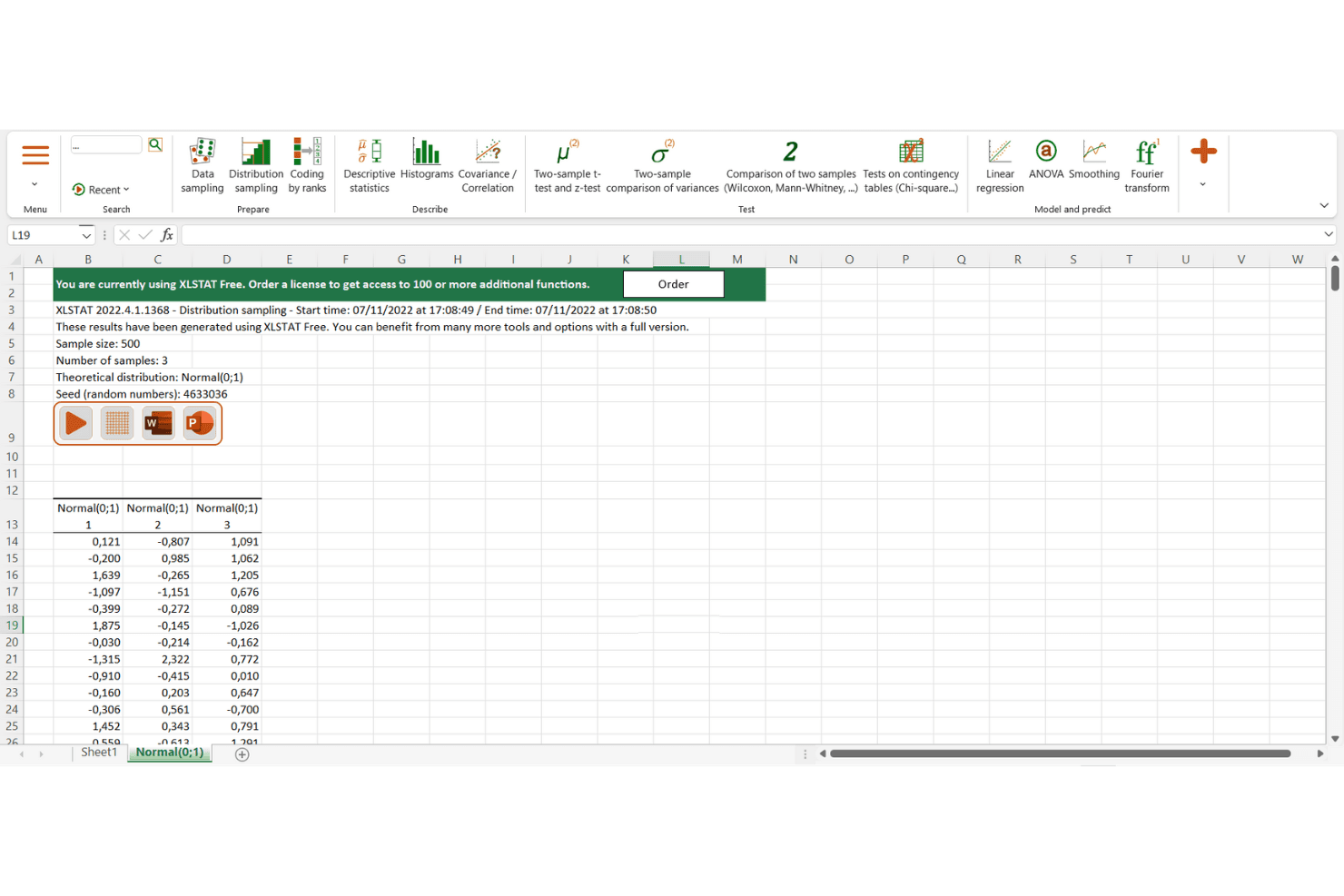
XLSTAT stands out with its seamless Excel integration, making it easy for your team to analyze data directly within spreadsheets.
Ease of Use
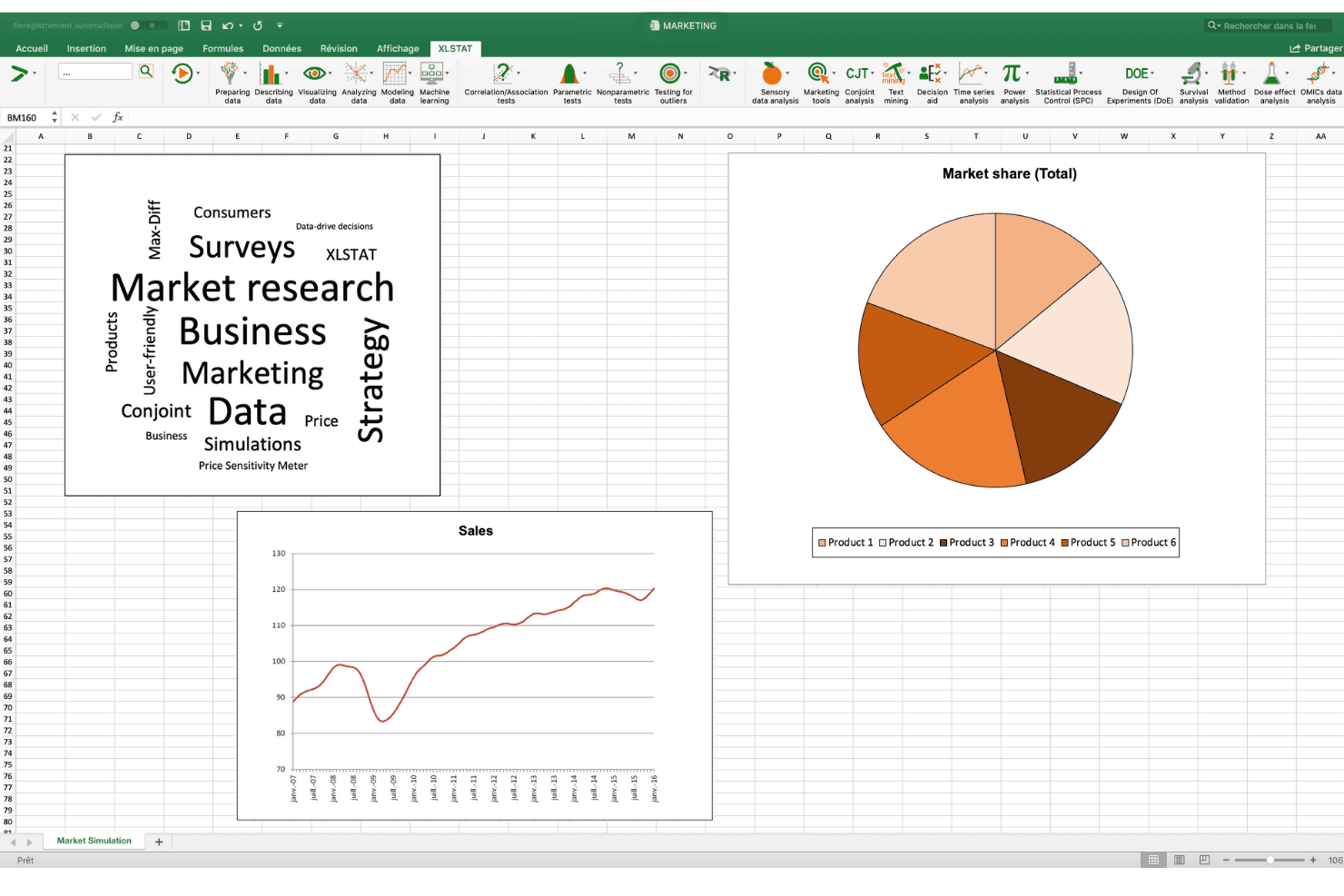
In my opinion, XLSTAT is quite user-friendly, especially for those familiar with Excel. The interface is intuitive, making it easy for your team to navigate and perform statistical analysis without a steep learning curve. The integration with Excel streamlines data handling, allowing you to work directly within spreadsheets. Users appreciate the straightforward setup and the ability to quickly access a wide range of statistical tools. This makes XLSTAT a convenient choice for teams looking for efficient data analysis.
Onboarding
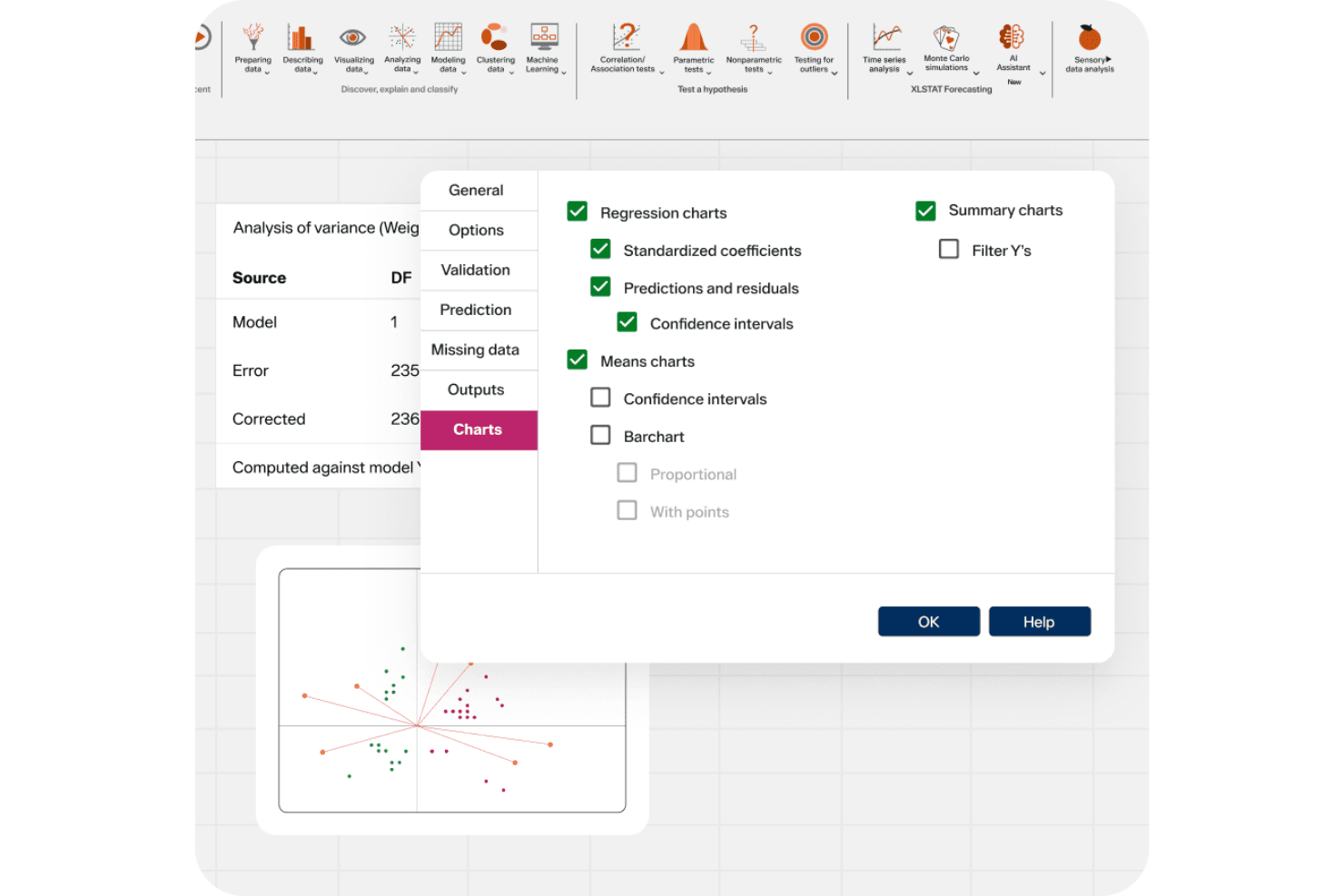
XLSTAT's onboarding experience is straightforward and efficient, helping your team get started quickly. The software offers comprehensive tutorials and user guides that ease the learning process. New users find the support resources helpful, providing clear instructions and troubleshooting tips. While some might wish for more interactive training sessions, the available materials still ensure you can achieve value without significant delays. This makes XLSTAT a practical choice for teams eager to dive into data analysis.
Customer Support
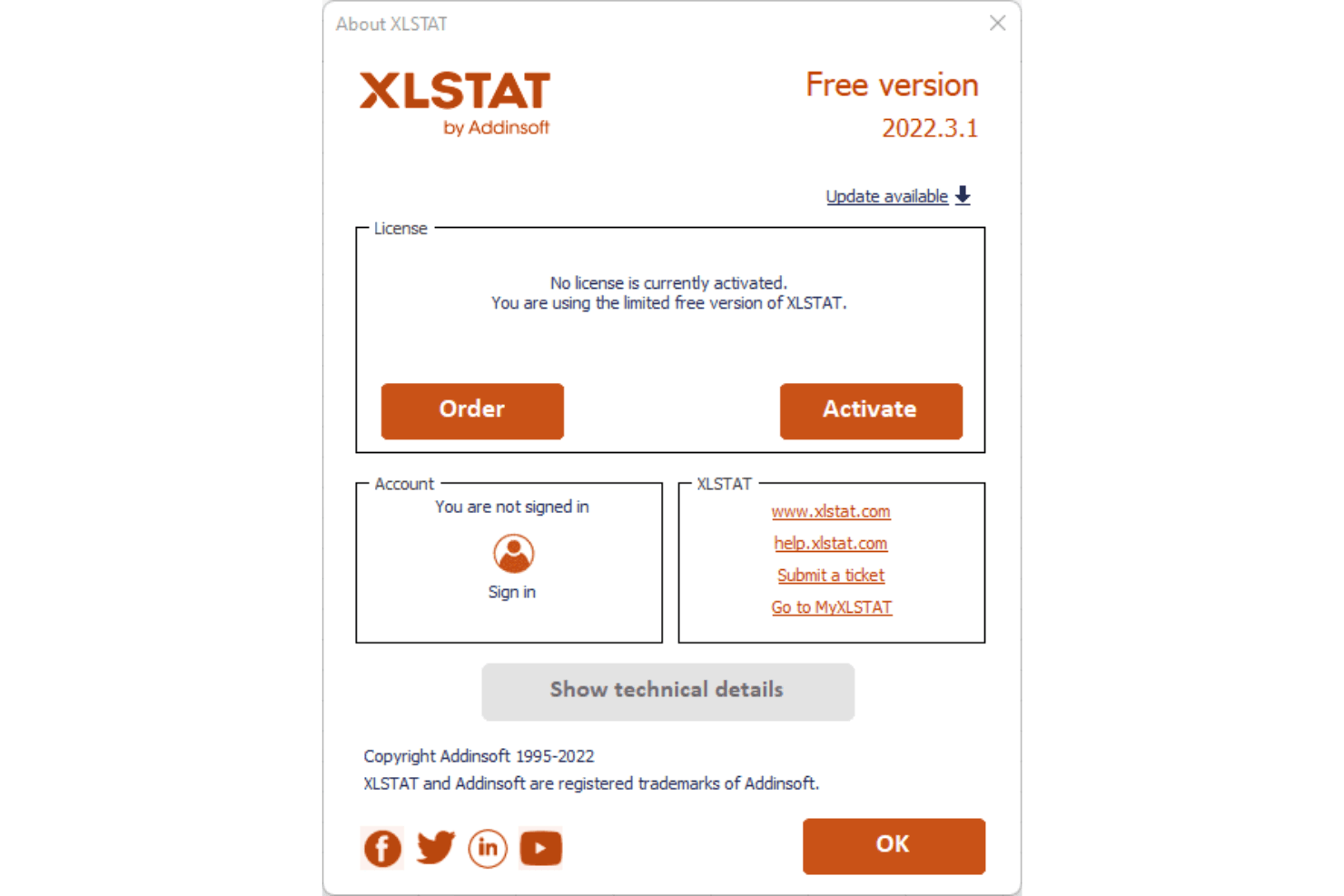
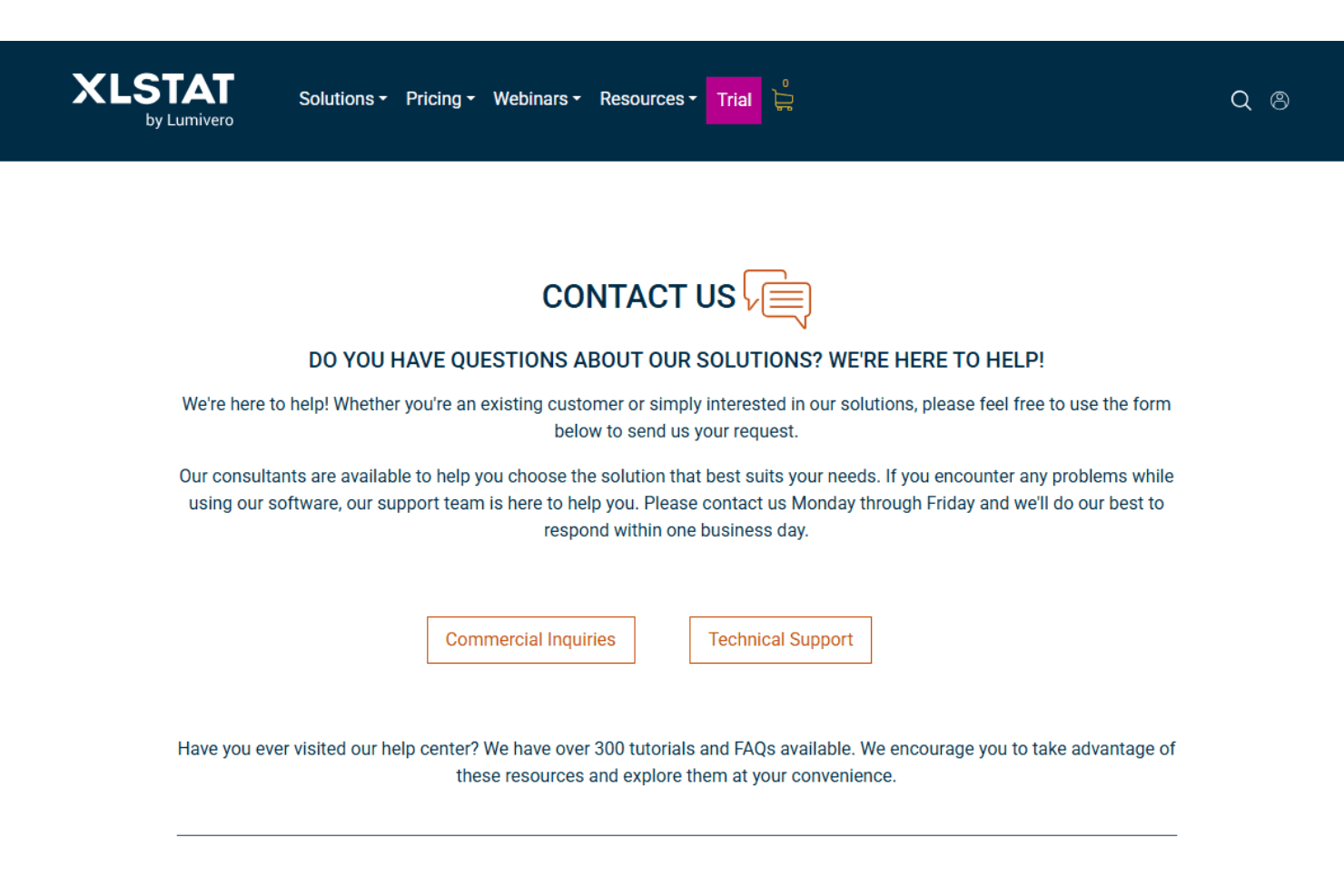
XLSTAT offers strong customer support, which users find responsive and helpful. Your team can access support through multiple channels like email and live chat, ensuring quick resolutions to issues. The support team is knowledgeable, providing effective solutions that enhance your experience with the software. While some users might prefer more personalized assistance, the existing resources are generally sufficient to address common concerns and keep your work on track.
Integrations
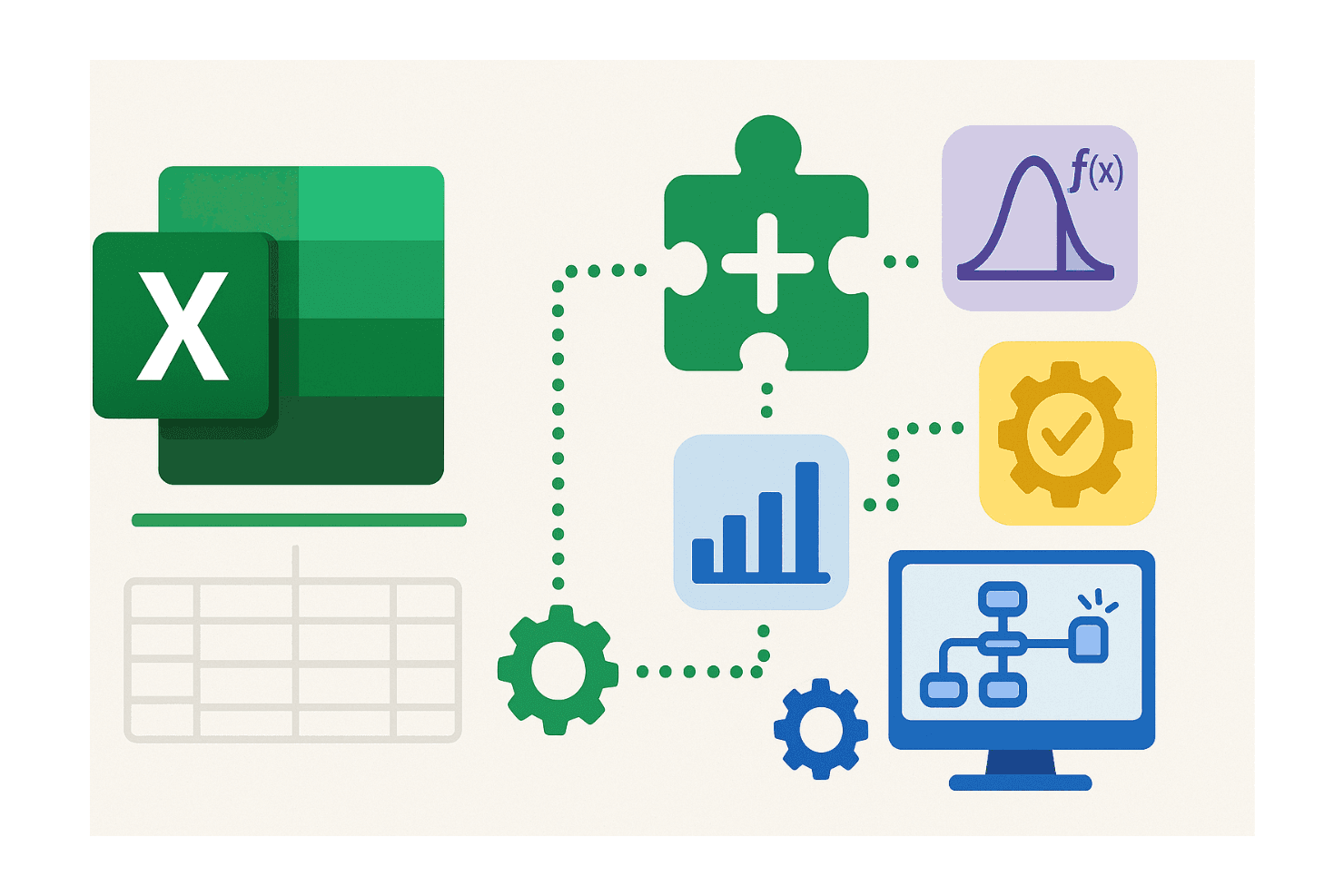
XLSTAT integrates with Microsoft Excel, R, and other tools. XLSTAT does not currently provide an API for custom integrations.
Value for Money
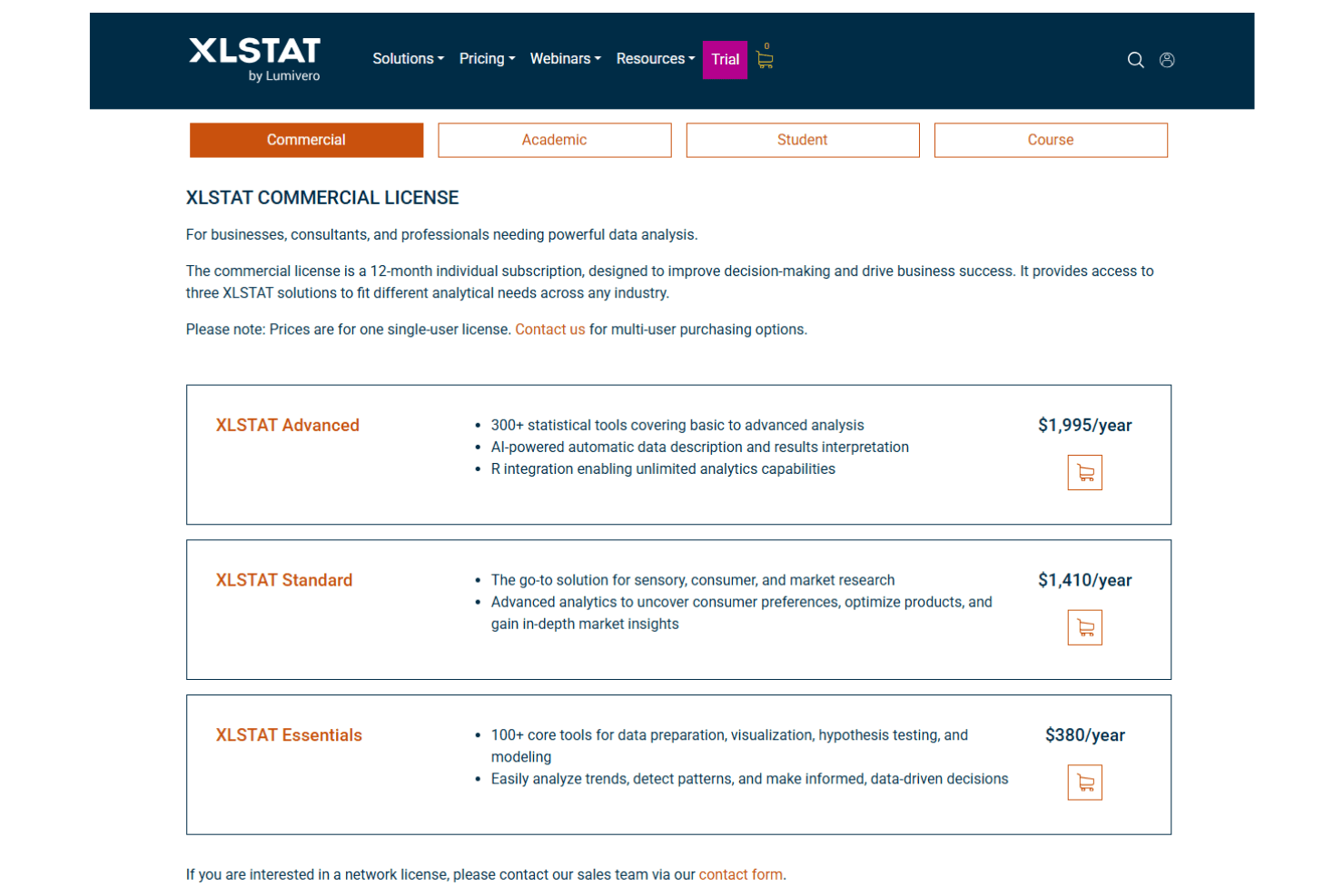
XLSTAT pricing is structured by user type, offering separate plans for commercial users, academics, students, and courses. All licenses are annual, single-user subscriptions, with discounted rates for academic and student users. Higher tiers unlock more advanced statistical tools, AI-powered analysis, and R integration. This makes XLSTAT a strong value for users who need powerful statistical analysis tailored to their field and budget.
- Commercial Essentials: $380 per year includes 100+ core tools for data preparation, visualization, hypothesis testing, and modeling.
- Commercial Standard: $1,410 per year includes advanced analytics for market, sensory, and consumer research.
- Commercial Advanced: $1,995 per year includes 300+ statistical tools, AI-powered interpretation, and R integration.
- Academic Essentials: $195 per year includes core statistical tools for research and data analysis.
- Academic Standard: $625 per year includes advanced analytics for academic research and market insights.
- Academic Advanced: $925 per year includes a full advanced toolset with AI-powered analysis and R integration.
- Student Advanced: $195 per year includes advanced statistical tools, AI-assisted interpretation, and R integration for coursework and research.
- Course Licenses: Custom pricing includes per-seat or concurrent options with volume discounts for classes, labs, and institutions.
XLSTAT Specs
- 2-Factor Authentication: Yes
- Accounts Payable: No
- Accounts Receivable: No
- API: No
- Balance Sheet: Yes
- Billing/Invoicing: No
- BitCoin: No
- Budgeting: No
- Calendar Management: No
- Contact Management: No
- CRM Integration: No
- Customer Management: No
- Dashboard: Yes
- Data Export: Yes
- Data Import: Yes
- Data Visualization: Yes
- Expense Tracking: No
- External Integrations: Yes
- Forecasting: Yes
- General Account Ledger: No
- Inventory Tracking: No
- Multi-Currency: No
- Multi-User: Yes
- Notifications: Yes
- P&L: No
- PayPal: No
- Payroll: No
- SAP Integration: No
- Stripe: No
- Supplier Management: No
- Tax Management: No
XLSTAT FAQs
XLSTAT Company Overview & History
XLSTAT is a statistical analysis add-on for Microsoft Excel that makes data analysis easier and faster for users around the world. It adds a set of tools to Excel so people can run advanced statistics and create charts without learning special software. XLSTAT is used by researchers, analysts, academics, and business professionals in more than 120 countries. The software runs inside Excel and offers many features to help users prepare, analyze, and report data. XLSTAT is known for being easy to use and able to handle both simple and complex analysis tasks.
XLSTAT Major Milestones
- 2000s: XLSTAT was first developed as a statistical add-on for Excel to help users perform data analysis without separate software.
- 2010s: The software grew in popularity and gained more advanced features for researchers and professionals.
- 2020s: XLSTAT added many new tools, including enhanced visualization and more statistical tests, expanding its use in business and science.
- 2025: XLSTAT released updates with AI-powered insights and a redesigned interface that help users get results faster and more clearly.