Zoho Books vs. QuickBooks Online: Comparison and Expert Reviews for 2026
Choosing between Zoho Books and QuickBooks Online can feel overwhelming when you’re trying to keep your finances accurate, compliant, and easy to manage. You want accounting software that fits your workflow, supports your team, and doesn’t create more headaches—especially when every dollar and deadline counts. Both tools promise to simplify your life, but they take different approaches to features, pricing, and support.
In this article, you’ll get a clear comparison of Zoho Books and QuickBooks Online, including their pros and cons, best-fit use cases, pricing, security, and usability. I’ll help you decide which solution makes the most sense for your business, so you can focus on what matters most.
Zoho CRM vs. QuickBooks: An Overview
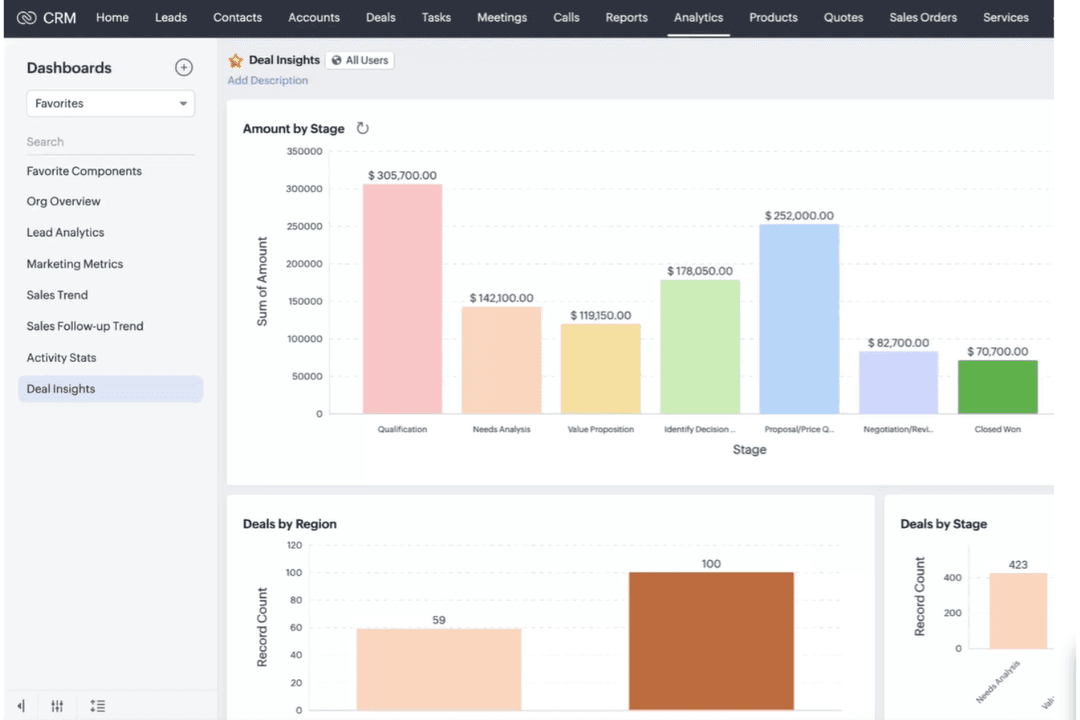
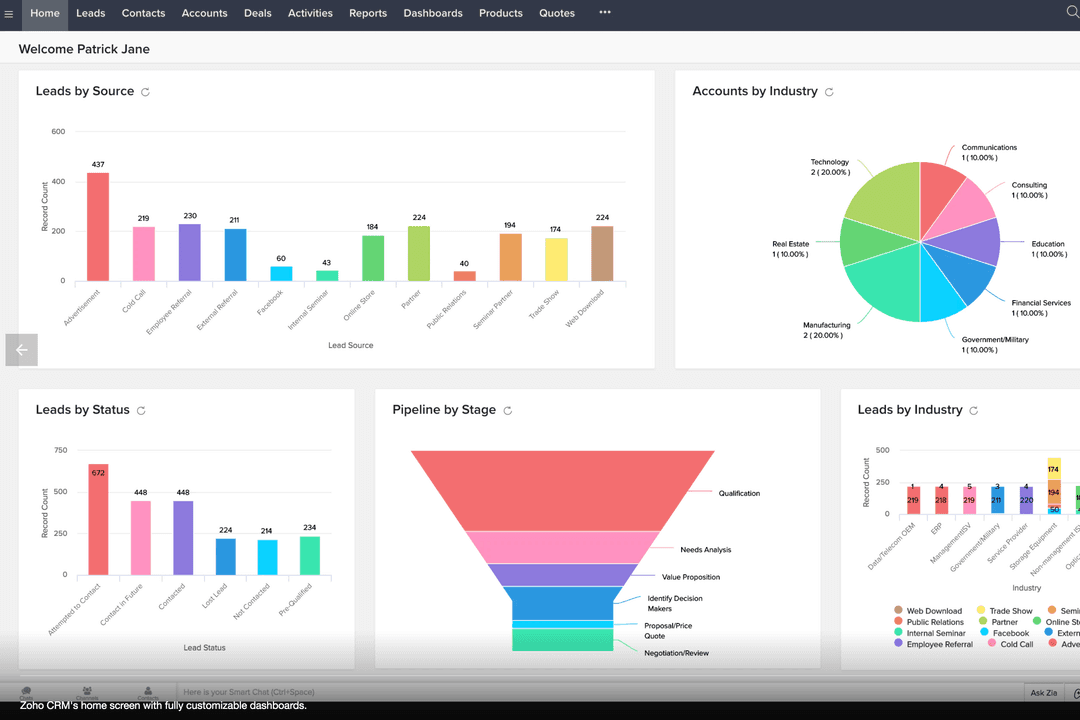
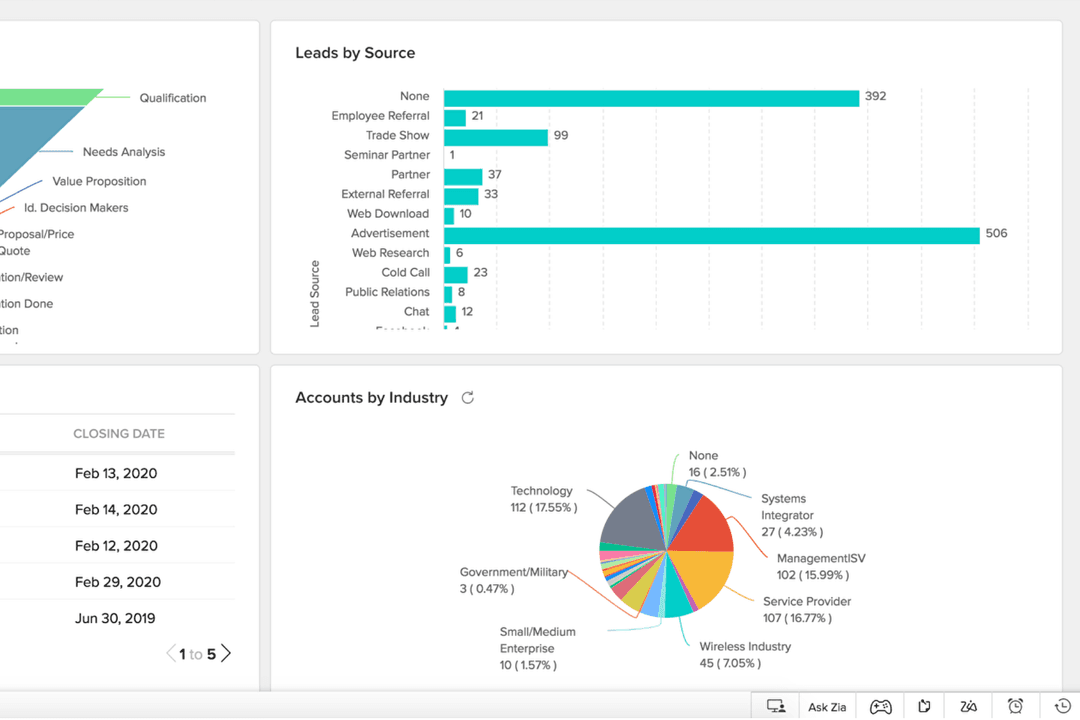
Zoho CRM
Read Zoho CRM ReviewOpens new windowQuickBooks
Read QuickBooks ReviewOpens new windowWhy Trust Our Software Reviews
We’ve been testing and reviewing financial software since 2023. As finance specialists ourselves, we know how critical and difficult it is to make the right decision when selecting software.
We invest in deep research to help our audience make better software purchasing decisions. We’ve tested more than 2,000 tools for different finance use cases and written over 1,000 comprehensive software reviews. Learn how we stay transparent & our software review methodology.
Zoho CRM vs. QuickBooks Pricing Comparison
| Zoho CRM | QuickBooks | |
|---|---|---|
| Free Trial | 15-day free trial + free plan available | 30-day free trial |
| Pricing | From $14/user/month (billed annually) | From $30/month |
Zoho Books vs. QuickBooks Pricing & Hidden Costs
Zoho Books uses a tiered subscription model, with different plans based on features and user limits. You may encounter extra charges for adding users or accessing advanced modules. QuickBooks also offers several tiered pricing plans, but often charges separately for payroll and expert tax help. Both providers also offer a free plan, though Zoho Books’ option is more robust if you’re a solopreneur or freelancer looking for more inclusions.
To choose the right pricing model, look beyond the base subscription and consider your team size, feature needs, and expected growth. Review each vendor’s add-on fees, integration costs, and support options. Ask for a detailed quote based on your actual usage and check if the vendor’s pricing structure will scale with your business without unexpected surprises. It would also be helpful to try their platforms for free (Zoho Books offers a 14-day free trial and QuickBooks offers a 30-day free trial).
Zoho CRM vs. QuickBooks Feature Comparison
Both Zoho Books and QuickBooks are cloud-based accounting platforms designed to help small businesses manage their finances end-to-end. They share key features like invoicing, expense tracking, bank reconciliation, and financial reporting, along with tools for managing accounts payable/receivable and preparing for taxes. These overlapping capabilities make either tool a solid choice for handling day-to-day bookkeeping and cash flow visibility.
Where they differ is in how they extend those basics. Zoho Books stands out with built-in time tracking and a native client portal, plus seamless integration with Zoho apps in its broader ecosystem—features that reduce reliance on add-ons. QuickBooks, on the other hand, differentiates with far more advanced reporting (100+ reports) and deeper scalability, along with a large app marketplace and robust payroll ecosystem for growing businesses.
| Zoho CRM | QuickBooks | |
|---|---|---|
| 2-Factor Authentication | ||
| API | ||
| Calendar Management | ||
| Contact Management | ||
| Customer Management | ||
| Dashboard | ||
| Data Export | ||
| Data Import | ||
| Data Visualization | ||
| External Integrations | ||
| Multi-User | ||
| Notifications |
Zoho Books vs. QuickBooks Integrations
| Integration | Zoho Books | QuickBooks |
|---|---|---|
| PayPal | ✅ | ✅ |
| Stripe | ✅ | ✅ |
| Shopify | ✅ | ✅ |
| G Suite (Google Workspace) | ✅ | ✅ |
| Zoho CRM | ✅ | ❌ |
| HubSpot | ✅ | ✅ |
| Square | ✅ | ✅ |
| TSheets (QuickBooks Time) | ❌ | ✅ |
| Avalara | ✅ | ✅ |
| Microsoft 365 | ✅ | ✅ |
| API | ✅ | ✅ |
| Zapier | ✅ | ✅ |
Zoho Books and QuickBooks both cover the most popular third-party integrations, but QuickBooks offers a broader range through the Intuit ecosystem, especially for payroll and time tracking. Both platforms support API and Zapier connections, so you can usually connect to the tools you rely on most.
Zoho Books vs. QuickBooks Security, Compliance & Reliability
| Factor | Zoho Books | QuickBooks |
|---|---|---|
| Data Encryption | Uses 256-bit SSL/TLS encryption for data in transit and encryption at rest. | Uses industry-standard SSL/TLS encryption for data in transit and encryption at rest. |
| Regulatory Compliance | Supports GDPR and complies with local tax regulations across multiple regions. | Supports GDPR and complies with tax and financial regulations across multiple regions, including but not limited to the U.S. and Canada. |
| Access Controls | Offers role-based access, audit trails, and user activity tracking. | Provides customizable user permissions, role-based access, and detailed activity logs. |
| Data Backups | Performs automated backups with disaster recovery measures in place. | Runs automatic backups with built-in redundancy and disaster recovery protocols. |
| Uptime & Reliability | Designed for high availability with consistent uptime performance. | Designed for high availability with reliable uptime and system status transparency. |
Both Zoho Books and QuickBooks offer strong security foundations, with encryption, access controls, and reliable backup systems built into their platforms. Zoho Books leans into global compliance flexibility and tight integration within its ecosystem, while QuickBooks stands out for its mature infrastructure, extensive audit capabilities, and long-standing reputation across a wide range of markets.
Zoho Books vs. QuickBooks Ease of Use
| Factor | Zoho Books | QuickBooks |
|---|---|---|
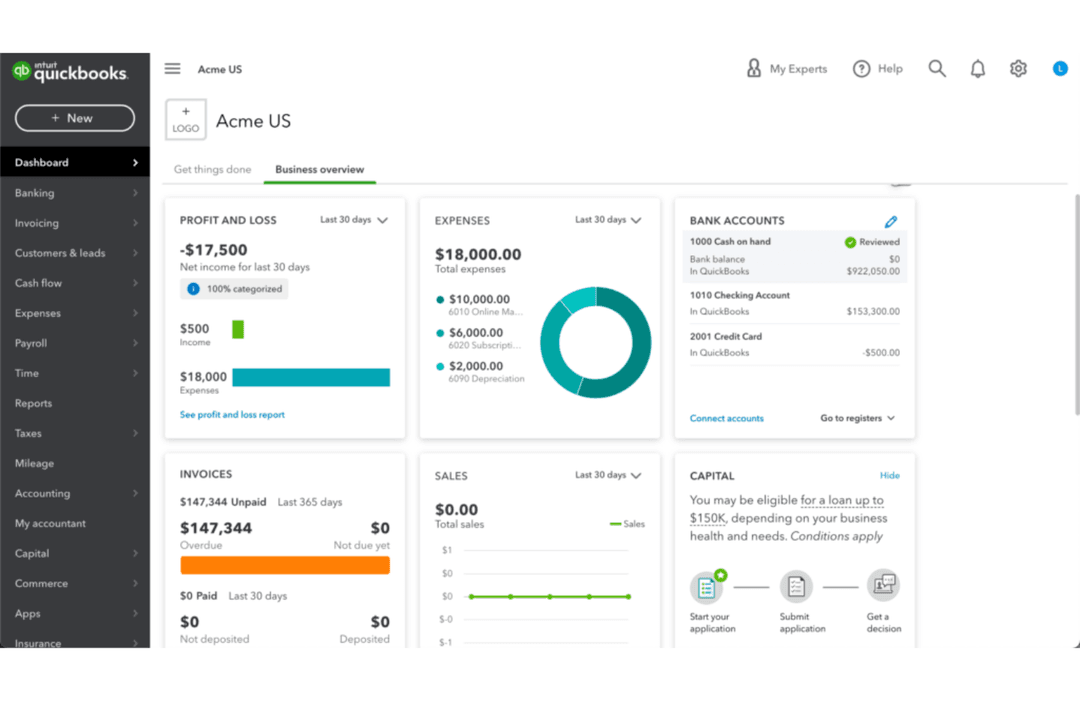
| User Interface | Features a clean, modern dashboard with intuitive navigation. | Offers a familiar, accountant-friendly layout with customizable menus. |
| Onboarding | Provides step-by-step setup guides and in-app tips for new users. | Includes interactive tutorials and a guided setup wizard. |
| Mobile Access | Mobile app (iOS and Android) is streamlined for invoicing, expenses, and approvals. | Mobile app (iOS and Android) covers most desktop features and syncs in real time. |
| Customer Support | Live chat, email, and phone support are available during business hours. | 24/7 support is available via chat and phone for most plans. |
| Customization | Allows flexible workflow automation and custom fields. | Supports custom reports and tailored dashboards. |
Both Zoho Books and QuickBooks are easy to use, but QuickBooks has a slight edge for users familiar with traditional accounting layouts and those needing round-the-clock support. Zoho Books stands out for its modern interface and flexible automation, while QuickBooks is praised for its comprehensive tutorials and robust mobile experience.
Zoho CRM vs QuickBooks: Pros & Cons
Zoho CRM
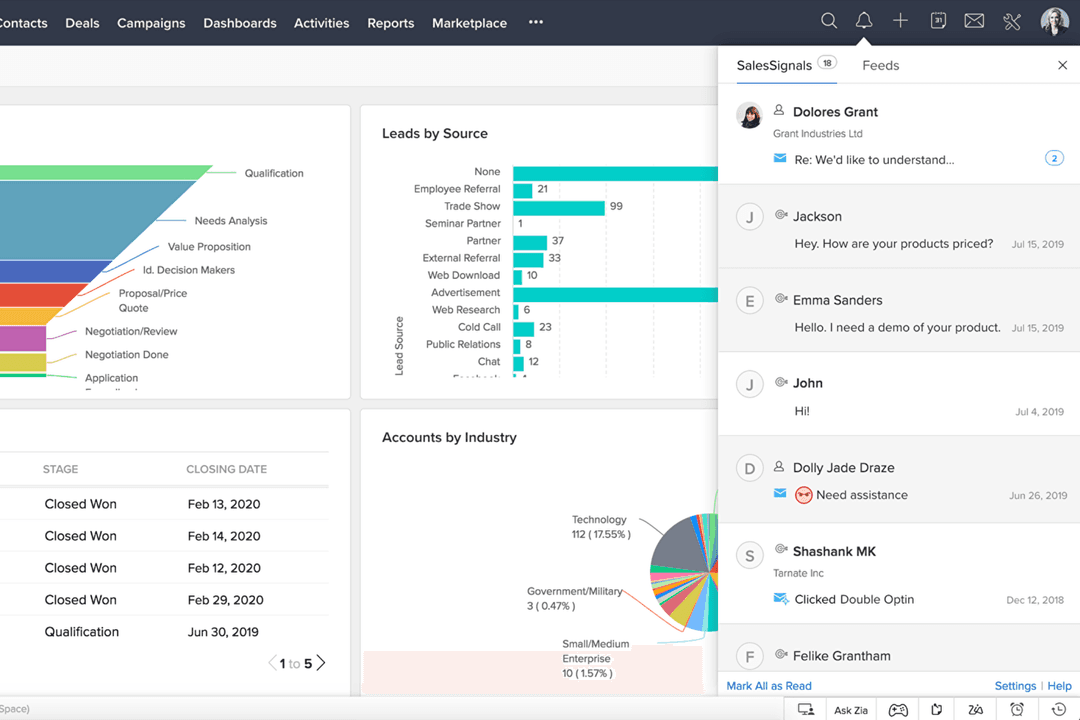
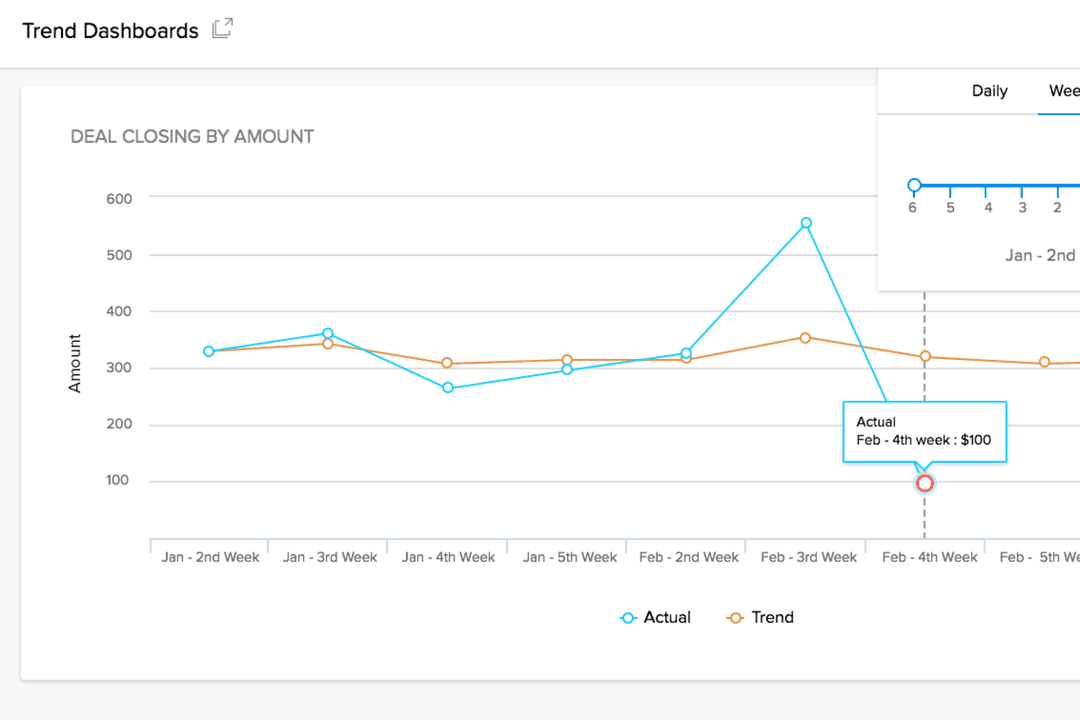
- You can easily track customer interactions with real-time dashboards.
- Your team benefits from its customizable dashboards for tailored insights.
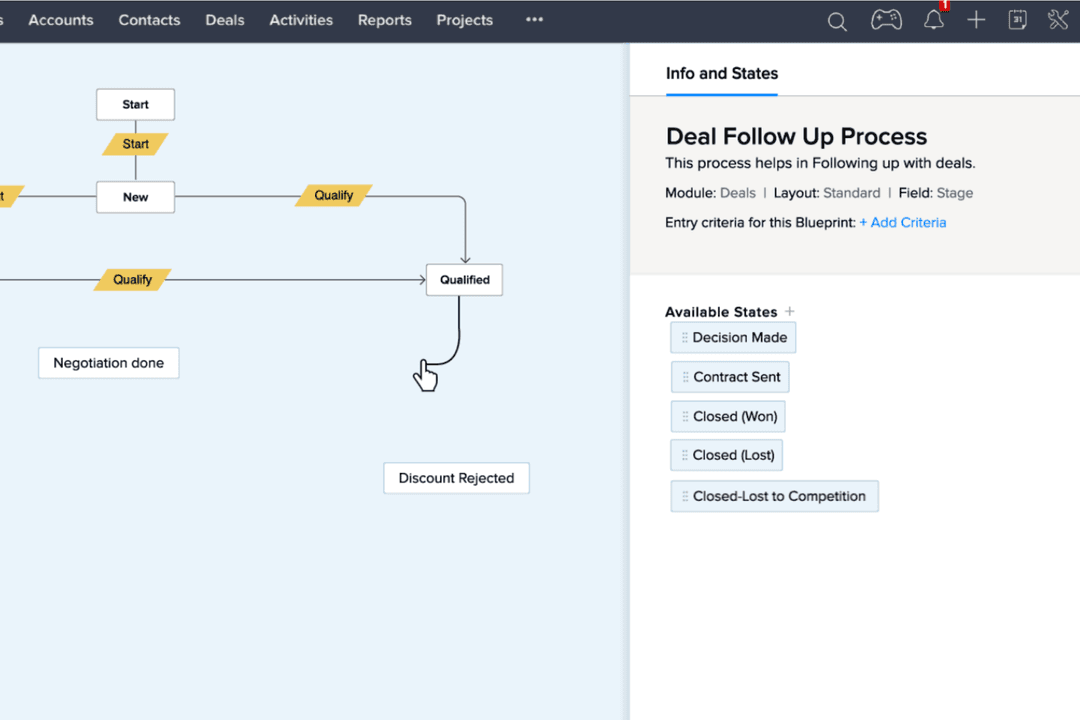
- It offers automation features that save time on repetitive tasks.
- Your team might find the customer support response time slower than expected.
- You may experience a steep learning curve during initial setup.
- It sometimes lacks advanced reporting features compared to competitors.
QuickBooks
- The mobile app lets you manage your finances on the go.
- You can easily track expenses and income, making financial management straightforward.
- It offers comprehensive reporting tools that help you understand your business's financial health.
- You’ll hit limits if you manage multiple business entities.
- Doesn't accommodate businesses needing high accounting customization.
- The interface can feel clunky when switching between views.
Best Use Cases for Zoho CRM and QuickBooks
Zoho CRM
- Retail Businesses Zoho CRM helps you manage customer relationships with ease through its intuitive sales tracking features.
- Service Industries Your team can automate routine tasks, freeing up time to focus on client interactions.
- Small Businesses Zoho CRM offers cost-effective solutions that fit your budget while providing essential CRM functionalities.
- Sales Teams With customizable dashboards, your sales team gets insights tailored to their specific needs.
- Marketing Departments Automated marketing tools in Zoho CRM help your team nurture leads effectively.
- Consulting Firms Track and manage client interactions efficiently with Zoho CRM's comprehensive customer data management.
QuickBooks
- Small Businesses QuickBooks offers an easy-to-use interface perfect for small business owners needing efficient financial management.
- Freelancers The software provides essential tools for freelancers to track income and expenses without needing extensive accounting knowledge.
- Retail Stores With features like inventory tracking, QuickBooks helps retail businesses manage stock levels and sales efficiently.
- Startups QuickBooks supports startups with limited budgets by offering essential accounting functionalities without overwhelming complexity.
- Nonprofits The reporting capabilities in QuickBooks help nonprofits maintain transparency and accountability in their financial dealings.
- Accountants QuickBooks' extensive reporting and financial analysis tools make it a valuable asset for accountants managing multiple clients.
Who Should Use Zoho Books, and Who Should Use QuickBooks?
Zoho Books is a strong fit for small businesses, freelancers, and startups—especially those already using the Zoho ecosystem or operating internationally. It’s particularly appealing for teams that want an affordable, streamlined accounting solution with built-in automation and client collaboration features. Businesses with simpler accounting needs and a focus on efficiency will find it more than sufficient.
QuickBooks is better suited for growing businesses that need deeper accounting functionality, scalability, and a wide range of integrations. It works well for companies with more complex financial workflows, such as inventory-heavy operations or those requiring advanced reporting and payroll. Its flexibility and extensive ecosystem make it a reliable choice across many industries and regions.
Differences Between Zoho CRM and QuickBooks
| Zoho CRM | QuickBooks | |
|---|---|---|
| Automation | Strong workflow automation and custom rules for transactions. | Basic automation, focused on recurring invoices and reminders. |
| Integration Ecosystem | Deep integration with the Zoho suite (CRM, Inventory, Projects, etc.). | Large third-party app marketplace with hundreds of integrations. |
| Inventory Management | Basic inventory features, best when paired with Zoho Inventory. | More advanced built-in inventory tracking (especially in higher tiers). |
| Payroll Integration | Limited payroll options, mostly via third-party add-ons. | Built-in payroll management (as an optional add-on) with advanced features and direct integration. |
| User Interface | Modern, minimal design with easy navigation. | Traditional, accountant-focused layout with customizable menus. |
| Read Zoho CRM ReviewOpens new window | Read QuickBooks ReviewOpens new window |
Similarities Between Zoho CRM and QuickBooks
| Bank Reconciliation | Both tools automate bank feeds and make it easy to match transactions for accurate reconciliations. |
|---|---|
| Expense Tracking | Each platform lets you capture, categorize, and report expenses, including receipt uploads and approvals for easy financial management. |
| Invoicing | Both offer customizable invoicing, recurring billing, and payment reminders to help you get paid faster. |
| Mobile Access | Both offer mobile apps that allow users to manage finances, send invoices, and track expenses on the go. |
| Reporting | Each provides a wide range of financial reports, including profit and loss, balance sheet, and cash flow. |
| Read Zoho CRM ReviewOpens new window Read QuickBooks ReviewOpens new window | |