
Odoo-anmeldelse: Fordele, ulemper, funktioner & priser
Odoo tilbyder en omfattende pakke af forretningsapps, der kan tilpasses dit teams unikke behov, hvilket gør løsningen til et oplagt valg blandt ERP-softwareløsninger.

We review tools independently, and commissions help fund our testing. See our transparency policy, our methodology, or suggest a tool.
Odoo is a modular CFO ERP software built for finance teams that need accounting, procurement, inventory, and operations management in one connected platform. I'd consider it if you need something more affordable and customizable than NetSuite, without sacrificing the financial controls and reporting depth that mid-market organizations actually need. It's a strong fit if your team is outgrowing entry-level tools but isn't ready—or willing—to take on the cost and complexity of a legacy enterprise ERP.
Odoo Evaluation Summary
4.2/5
- From $8.95/user/month (billed annually)
- Free plan available
Why Trust Our Software Recommendations
6,700+
Reviews
20
Industry experts
16+
Evaluation factors
14
Years
Our team has been testing and reviewing software since 2012. As finance leaders ourselves, we know how difficult—and important—it is to choose the right software.
For this guide, we evaluated tools using hands-on testing and independent research, scoring tools using our selection criteria.
Our reviews reflect our human editorial judgment, not a sales pitch.
Odoo Overview
What makes Odoo stand out is its modular design and high level of customization. You can build the system around your specific needs, adding apps as your business grows. This flexibility is great for companies that don’t fit neatly into one-size-fits-all software. While the platform can be complex without technical support, its broad capabilities, integrations, and competitive pricing make it a strong option for growing businesses.
Pros
- You can customize Odoo to fit your team's specific needs.
- It offers a wide range of modules for different business functions.
- All Odoo apps are natively integrated, reducing data silos.
Cons
- Your team might find the initial setup a bit complex.
- For some setups, Odoo can be resource-intensive.
- Some third-party apps or modules may lack polish or support.
Is Odoo Right For Your Needs?
Who Would be a Good Fit for Odoo?
Odoo is a great fit for small to medium-sized businesses in industries like retail, manufacturing, and services where you need a flexible and customizable ERP software. If your team values the ability to tailor modules to specific business operations, Odoo's extensive range of applications can efficiently meet those needs. Its user-friendly interface makes it ideal for teams that want to streamline their workflow without extensive training.
- Retail BusinessesOdoo's inventory and sales modules streamline your operations, helping you manage stock efficiently.
- Manufacturing CompaniesYou’ll benefit from Odoo’s production planning and quality control features to optimize your processes.
- Service ProvidersOdoo's project management and CRM tools help you manage client relationships and projects seamlessly.
- Ecommerce StoresYou can integrate Odoo with your online platforms to manage orders and customer interactions effectively.
- Finance TeamsOdoo’s accounting features allow you to track financial performance and automate routine tasks easily.
- Human Resources DepartmentsOdoo’s HR tools enable you to manage employee records, payroll, and recruitment in one place.
Who Would be a Bad Fit for Odoo?
Odoo might not suit large enterprise with highly complex and specialized processes that require extensive customization and dedicated support. If your team relies on rapid response times from customer support or needs highly specialized features not covered by Odoo’s modules, you might face challenges. Additionally, businesses with limited IT resources might struggle with the initial setup and maintenance.
- Large EnterprisesOdoo may fall short in handling extensive customization and complex processes required by large enterprises.
- Highly Regulated IndustriesIndustries needing specific compliance features might find Odoo lacking in built-in regulatory tools.
- Tech-averse TeamsIf your team isn’t tech-savvy, the initial setup and configuration might be overwhelming.
- Specialized ManufacturingHighly specialized manufacturers might find Odoo’s production modules too generic for their needs.
- Healthcare ProvidersHealthcare providers may struggle with Odoo’s lack of specific healthcare management features.
- Government AgenciesGovernment agencies needing specialized reporting and compliance features might find Odoo insufficient.
Core Features
Accounting Management
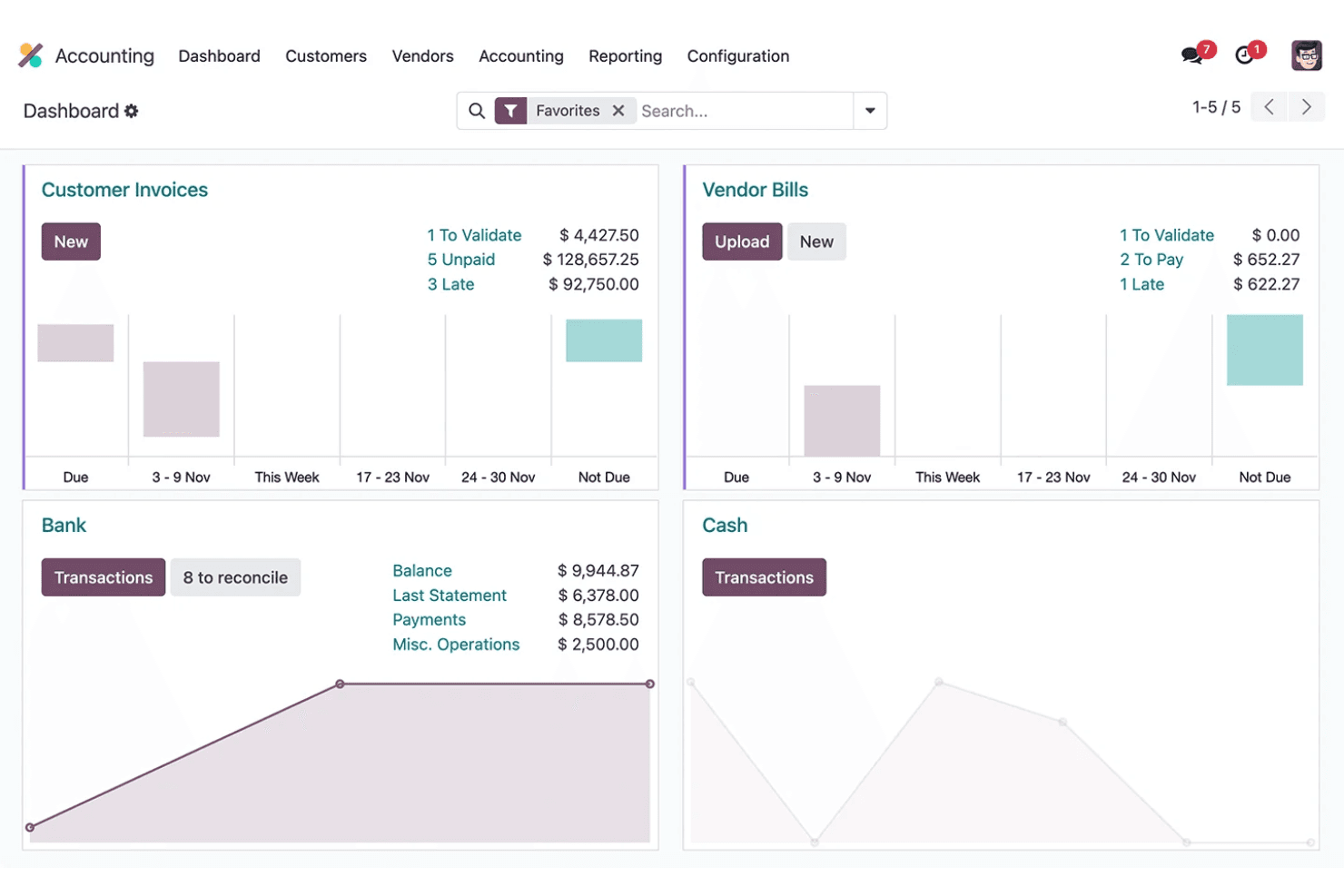
Odoo's accounting software features automate your invoicing, billing, and financial reporting, helping you stay on top of your finances. It stands out for its ability to integrate with other modules for seamless financial operations.
Inventory Management
With Odoo, you can track stock levels, manage warehouses, and automate restocking. This feature helps you maintain optimal inventory levels and reduce waste.
Sales Management
Odoo’s sales module allows you to manage your sales pipeline, track leads, and close deals efficiently. It integrates with CRM to enhance your sales team's productivity.
Human Resources Management
You can handle employee records, payroll, and recruitment processes with Odoo's HR tools. It simplifies HR tasks, allowing your team to focus on strategic initiatives.
Project Management
Odoo’s project management feature lets you plan, track, and collaborate on projects in real-time. It helps your team meet deadlines and improve project outcomes.
Manufacturing Management
This feature supports production planning, work orders, and quality control. It ensures your manufacturing processes are efficient and meet quality standards.
E-commerce Integration
With Odoo, businesses can merge their online stores, maintaining a constant synchronization between inventory and sales.
Ease of Use
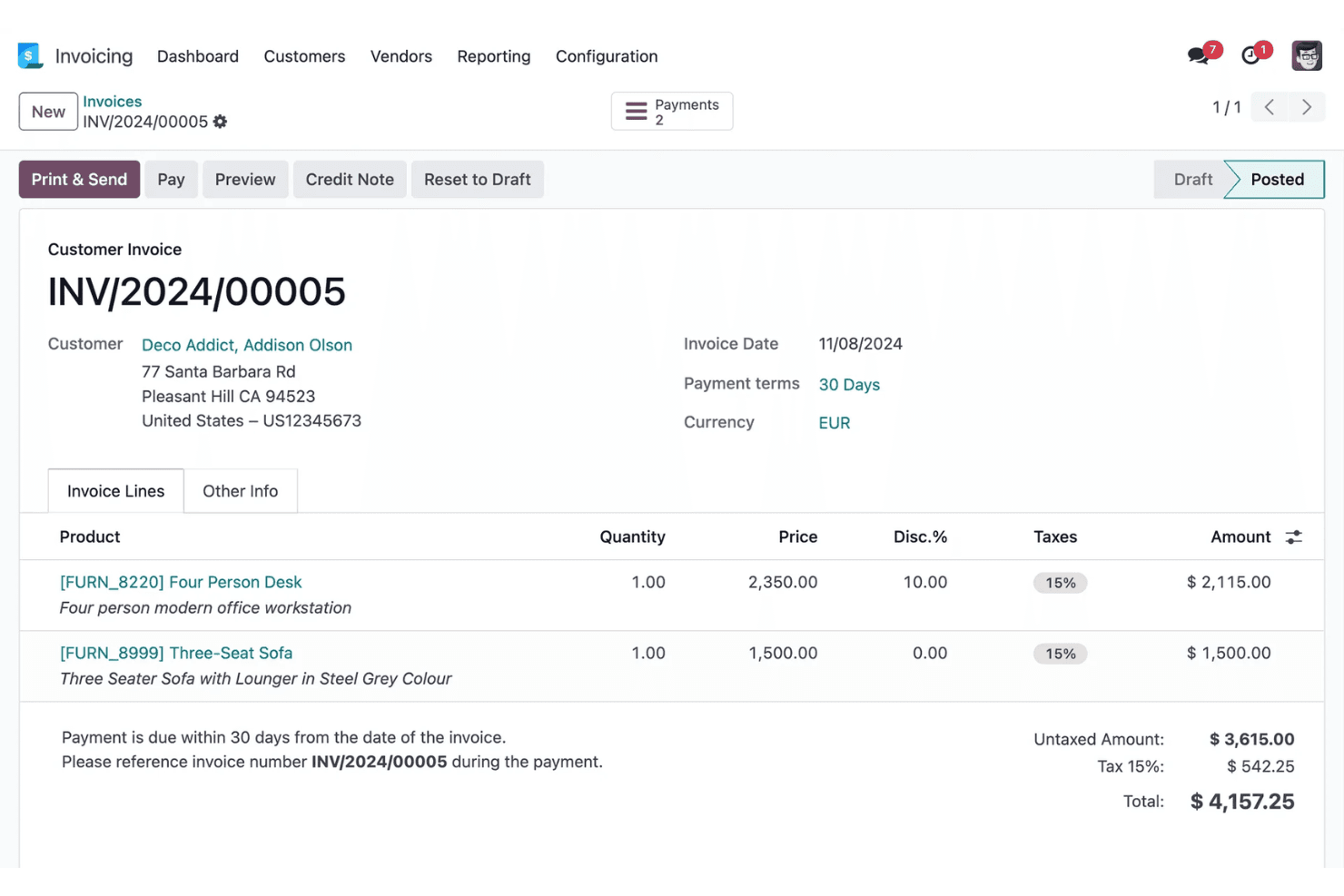
Odoo offers a clean and intuitive interface with drag-and-drop functionality. However, given the platform’s vast capabilities, some users might experience a steep learning curve. While the initial setup might be complex, once configured, Odoo's system simplifies your daily tasks with its seamless integration across functions.
Integrations
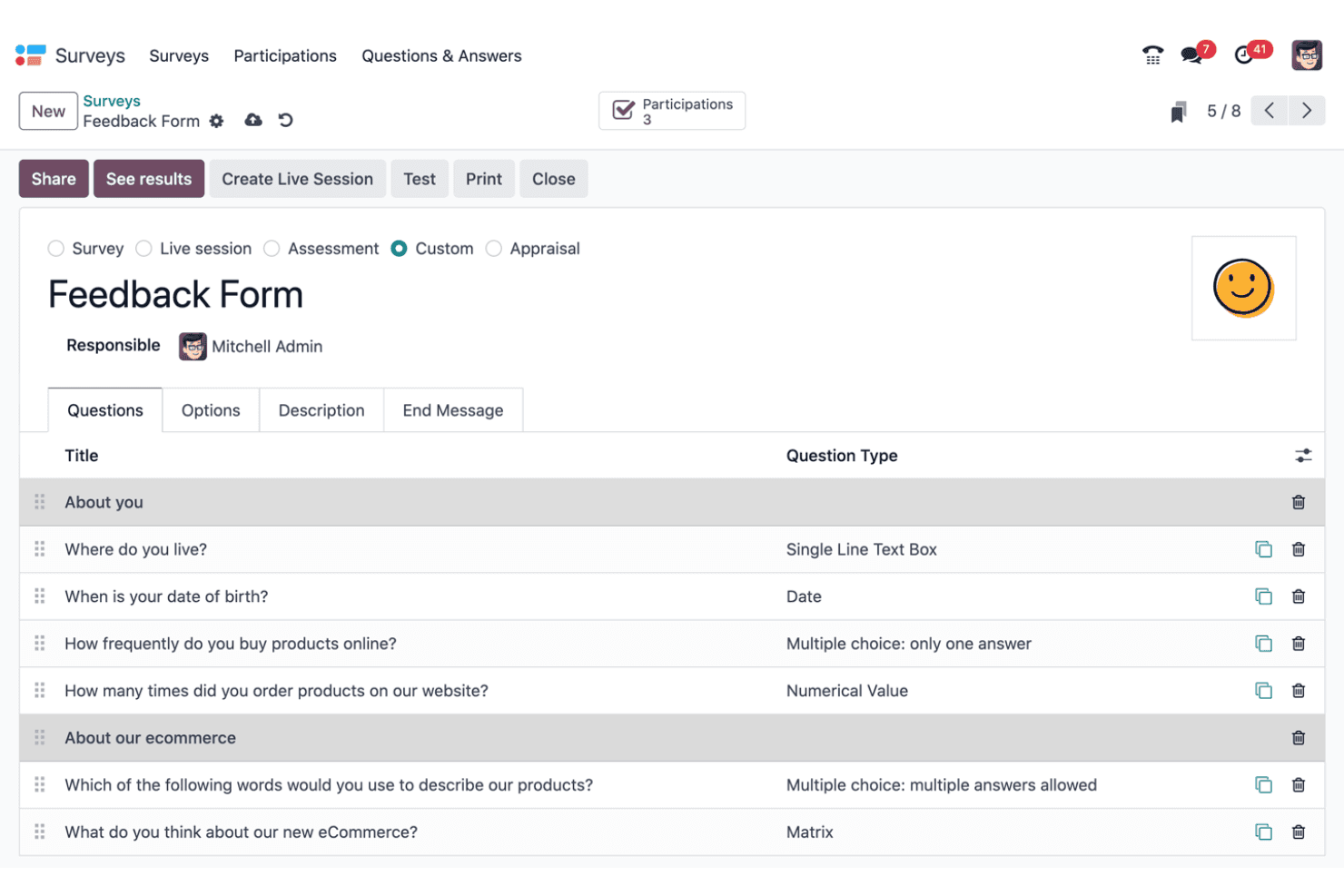
All Odoo apps are natively integrated. Third-party integrations must be paid for and include a range of apps, such as Tap Payment Acquirer, Pipedrive, Website Google reCAPTCHA, Zendesk, Zoho, QuickBooks, and Freshdesk.

Odoo Specs
- 360 Degree Feedback: Yes
- API: Yes
- Attendance Tracking: Yes
- Batch Permissions & Access: Yes
- Budgeting: Yes
- Calendar Management: Yes
- Dashboard: Yes
- Data Export: Yes
- Data Import: Yes
- Data Visualization: Yes
- Employee Database: Yes
- Employee Engagement: Yes
- Employee Incentive Management: Yes
- Employee Onboarding: Yes
- Expense Tracking: Yes
- External Integrations: Yes
- Feedback Management: Yes
- Forecasting: Yes
- Multi-Currency: Yes
- Multi-User: Yes
- Notifications: Yes
- Scheduling: Yes
- Timesheets: Yes
- Travel Management: Yes
- Vacation & Absence Calendar: Yes
Odoo FAQs
Hvad er det næste?
Klar til at styrke dine kompetencer som finansprofessionel? Tilmeld dig vores gratis nyhedsbrev for ekspertråd, vejledninger og indsigter fra finansledere, der former teknologibranchen.