

TaxJar Testbericht: Vorteile, Nachteile, Funktionen und Preise
TaxJar vereinfacht die Einhaltung von Umsatzsteuerpflichten mit benutzerfreundlichen Funktionen und ist damit eine Top-Wahl für Unternehmen, die eine effiziente Steuerverwaltung suchen.

Wir bewerten Tools unabhängig; Provisionen helfen, unsere Tests zu finanzieren. Siehe unsere Transparenzrichtlinie und unsere Methodik.
TaxJar is a corporate tax software built around sales tax automation for businesses selling across multiple states or jurisdictions. It's worth considering when your team needs to track nexus, calculate rates, and file returns without managing that complexity manually. I'd suggest it over Avalara if you're a mid-market or growing business—TaxJar is faster to implement and doesn't require the same enterprise-level setup to start generating accurate, automated filings.
TaxJar Evaluation Summary
4.6/5
- From $39/month
- 30-day free trial available
Warum Sie unseren Software-Empfehlungen vertrauen können
6,700+
Reviews
20
Industry experts
16+
Evaluation factors
14
Years
Unsere Bewertungen spiegeln unser unabhängiges Urteilsvermögen wider – keine Verkaufsstrategie. Erfahren Sie, wie wir transparent bleiben.
Für diesen Leitfaden haben wir Tools mithilfe von praktischen Tests und unabhängiger Recherche bewertet und dabei unsere Bewertungskriterien angewendet.
Unsere Bewertungen spiegeln unser menschliches redaktionelles Urteilsvermögen wider, keine Verkaufsstrategie.
TaxJar Overview
TaxJar is a solid choice for businesses needing efficient sales tax management. Its core features are reliable, and the platform is easy to use, making it accessible for teams across various industries. TaxJar excels in automating sales tax calculations and filings, which can save your team significant time and reduce errors.
Although its customer support could be improved, the overall value for money is commendable. TaxJar is particularly well-suited for e-commerce businesses dealing with complex tax jurisdictions.
Pros
- Automates sales tax calculations
- User-friendly interface
- Reliable support for multi-state tax filings
Cons
- Customer support response time can be slow
- Additional resources required for more complex tax scenarios
- Onboarding process could be smoother for larger teams with complex needs
Is TaxJar Right For Your Needs?
Who Would be a Good Fit for TaxJar?
TaxJar is ideal for e-commerce businesses and online retailers that handle sales across multiple states. If your team needs automated sales tax calculations and filings, TaxJar can simplify your tax compliance. It's also a good fit for accounting teams in businesses that experience frequent sales tax changes.
- E-commerce businessesTaxJar automates sales tax calculations, making it easy for your team to manage taxes across various states.
- Online retailersYour team will find TaxJar's multi-state filing support perfect for handling complex tax jurisdictions.
- Accounting departmentsTaxJar simplifies tax compliance, allowing your team to focus on other important financial tasks.
- Finance teamsThe platform's ease of use helps your team quickly navigate and manage sales tax obligations.
- Mid-sized companiesTaxJar's scalability ensures it can grow with your business, adapting to increasing tax complexity.
- Multi-state operationsYour business will benefit from TaxJar's reliable support for managing diverse state tax requirements.
Who Would be a Bad Fit for TaxJar?
TaxJar might not be ideal for small businesses with simple tax needs or those operating in a single state, as its advanced features might be more than what's necessary. If your business doesn't require multi-state tax management or automated filings, you might find TaxJar's offerings excessive for your needs. Additionally, companies with highly specialized or niche tax requirements may find that TaxJar lacks the customization they need.
- Small businessesIf your team handles simple, single-state tax needs, TaxJar's features might be more than you need.
- Single-state operationsYour work won't benefit from TaxJar's multi-state capabilities if you're only dealing with one state's tax laws.
- Highly specialized tax needsIf your industry requires niche tax solutions, TaxJar may lack the specific customization your team needs.
- FreelancersTaxJar's advanced features are excessive for individuals managing straightforward tax situations.
- Nonprofit organizationsYour team might find TaxJar unnecessary if you're exempt from most sales tax obligations.
- Startups with limited salesIf your startup has minimal sales tax complexity, you might not need TaxJar's full range of features.
Wie wir Tools testen und bewerten
Wir haben jahrelang daran gearbeitet, unser System zur Softwarebewertung zu entwickeln, zu verfeinern und stetig zu verbessern. Der Bewertungsleitfaden wurde entworfen, um die Feinheiten der Softwareauswahl und die Qualitätskriterien eines effektiven Tools präzise zu erfassen, mit Fokus auf entscheidende Aspekte im Auswahlprozess. Im Folgenden sehen Sie genau, wie unsere Prüfungen und Bewertungen nach sieben Kriterien funktioniert. So können wir eine objektive Bewertung der Software auf Grundlage der Kernfunktionalitäten, herausragenden Eigenschaften, Benutzerfreundlichkeit, Einführung, Kundensupport, Integrationen, Kundenbewertungen sowie Preis-Leistungs-Verhältnis bieten.
Kernfunktionalität (25 % der Gesamtbewertung)
Der Ausgangspunkt unserer Bewertung ist immer die Kernfunktionalität des Tools. Verfügt es über die grundlegenden Features und Funktionen, die ein Nutzer erwarten würde? Sind einige dieser Kernfunktionen auf höherpreisige Tarife beschränkt? Im Kern erwarten wir, dass ein Tool mit den Basisfunktionen seiner Wettbewerber mithalten kann.
Herausragende Funktionen (25 % der Gesamtbewertung)
Im nächsten Schritt bewerten wir ungewöhnliche, herausragende Funktionen, die über die üblichen Kernfunktionen vergleichbarer Tools hinausgehen. Eine hohe Punktzahl erhält, wer spezialisierte oder einzigartige Funktionen bietet, die das Produkt schneller, effizienter oder besonders wertvoll für den Nutzer machen. Wir prüfen auch, wie einfach sich das Tool mit anderen Programmen des typischen Tech-Stacks integrieren lässt, um den Funktionsumfang und die Nützlichkeit der Software zu erweitern. Vielseitige native Integrationen, Drittanbieter-Anbindungen sowie API-Zugänge für individuelle Integrationen schneiden am besten ab.
Benutzerfreundlichkeit (10 % der Gesamtbewertung)
Wir bewerten, wie schnell und einfach sich die wichtigsten Aufgaben im Tool erledigen lassen. Hoch bewertete Software ist gut gestaltet, intuitiv bedienbar, bietet mobile Apps, Vorlagen und macht selbst komplexere Aufgaben handhabbar.
Einführung (10 % der Gesamtbewertung)
Wir wissen, wie wichtig eine rasche Teamakzeptanz bei neuen Plattformen ist. Deshalb prüfen wir, wie einfach sich ein Tool mit minimalem Trainingsaufwand erlernen und bedienen lässt. Wir bewerten auch, wie schnell ein Teammitglied ohne vorherige Erfahrung startklar ist. Hoch bewertete Lösungen benötigen wenig oder gar keinen Support.
Kundensupport (10 % der Gesamtbewertung)
Wir prüfen, wie leicht und schnell Sie mit Telefon, Live-Chat oder Wissensdatenbank Hilfe erhalten können. Tools und Unternehmen, die Echtzeit-Support bieten, erzielen die besten Ergebnisse, während Chatbots am schlechtesten abschneiden.
Kundenbewertungen (10 % der Gesamtbewertung)
Neben unseren eigenen Tests berücksichtigen wir den Net-Promoter-Score aktueller und ehemaliger Kunden. Wir prüfen, wie wahrscheinlich sie sich erneut für das Tool entscheiden würden, basierend auf der Kernfunktionalität. Hoch bewertete Software spiegelt einen hohen Net-Promoter-Score wider.
Preis-Leistungs-Verhältnis (10 % der Gesamtbewertung)
Abschließend vergleichen wir alle Kriterien und bewerten den Durchschnittspreis der Einstiegstarife im Verhältnis zu den Kernfunktionen und dem Nutzen der weiteren Bewertungskriterien. Software, die mehr für weniger bietet, erhält die besten Bewertungen.
Core Features
Automated calculations: TaxJar automatically calculates sales tax based on the latest tax rates, saving your team time and reducing errors.
Filing and remittance: Your team can automate tax filing and remittance, ensuring timely submissions and compliance with state requirements. This feature simplifies your tax management process.
Sales tax reports: TaxJar provides detailed sales tax reports, giving you a clear view of your tax obligations. These reports help your team make informed financial decisions.
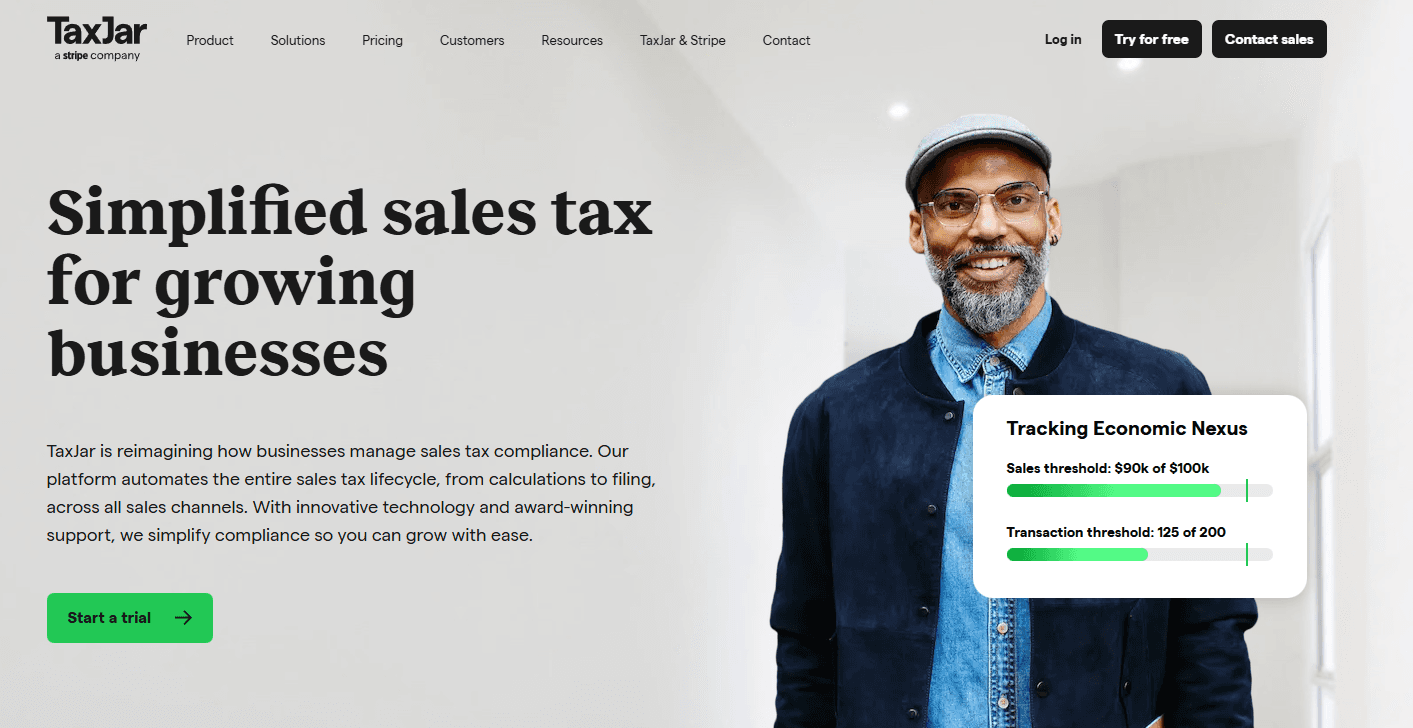
Nexus tracking: TaxJar tracks your sales activities to determine where you have tax obligations.
Exemption management: This feature helps you easily manage tax exemptions to ensure accurate customer charges.
Local tax support: TaxJar covers local tax jurisdictions, ensuring your team doesn't miss any tax requirements. That’s exactly why it's ideal for businesses operating in multiple locations.

Ease of Use
TaxJar is remarkably user-friendly, making it a breeze for your team to manage sales tax. Its intuitive interface lets you navigate features like automated filings and detailed reports effortlessly.
Compared to other tax software, TaxJar stands out for its simplicity and efficiency, allowing your team to focus on core tasks without getting bogged down in complexities. With straightforward setup and clear instructions, your team can quickly get up to speed and start benefiting from its features.

Integrations
TaxJar integrates with Shopify, WooCommerce, Amazon, Magento, BigCommerce, Squarespace, Walmart, Etsy, QuickBooks, and Xero.
TaxJar also offers an API, allowing you to connect with third-party integration tools for customized solutions.

TaxJar Specs
- 2-Factor Authentication: No
- A/B Testing: No
- Analytics: No
- API: Yes
- BitCoin: No
- Conversion Tracking: Yes
- Dashboard: Yes
- Data Export: Yes
- Data Import: Yes
- Data Visualization: No
- Design Templates: No
- External Integrations: Yes
- Inventory Tracking: No
- Keyword Tracking: No
- Marketing Automation: No
- Multi-User: No
- Notifications: Yes
- Order Management: No
- Payment Gateway Integration: No
- Payment Processor: Yes
- PayPal: No
- Product Catalog: Yes
- Review Monitoring: Yes
- SAP Integration: No
- Scheduling: Yes
- Stripe: No
- Third-Party Plugins/Add-Ons: Yes


