
SAP ERP-beoordeling: voor- en nadelen, functies & prijzen
SAP ERP helpt bedrijven hun financiën, toeleveringsketen, activiteiten, inkoop en bedrijfsprocessen te beheren met hulpmiddelen voor bedrijfsresourceplanning die zijn ontwikkeld voor complexe organisaties.

We review tools independently, and commissions help fund our testing. See our transparency policy, our methodology, or suggest a tool.
SAP ERP is a CFO ERP software for large enterprises running financial operations across multiple legal entities, currencies, and regulatory environments. If you're evaluating it against NetSuite, SAP is the stronger choice once your operations have outgrown a mid-market platform. It goes deeper on global consolidation, compliance reporting, and integration across finance, procurement, and supply chain. This review covers SAP's core features, pricing structure, and who it's realistically a good fit for.
SAP ERP Evaluation Summary
4.4/5
- Pricing upon request
- Free demo available
Waarom u onze softwareaanbevelingen kunt vertrouwen
6,700+
Reviews
20
Industry experts
16+
Evaluation factors
14
Years
Onze reviews weerspiegelen ons onafhankelijke oordeel — geen verkooppraatje. Ontdek hoe we transparant blijven.
Voor deze gids hebben we tools geëvalueerd met behulp van praktijktests en onafhankelijk onderzoek, waarbij we tools beoordeelden aan de hand van onze selectiecriteria.
Onze reviews weerspiegelen ons menselijke redactionele oordeel, geen verkooppraatje.
SAP ERP Overview
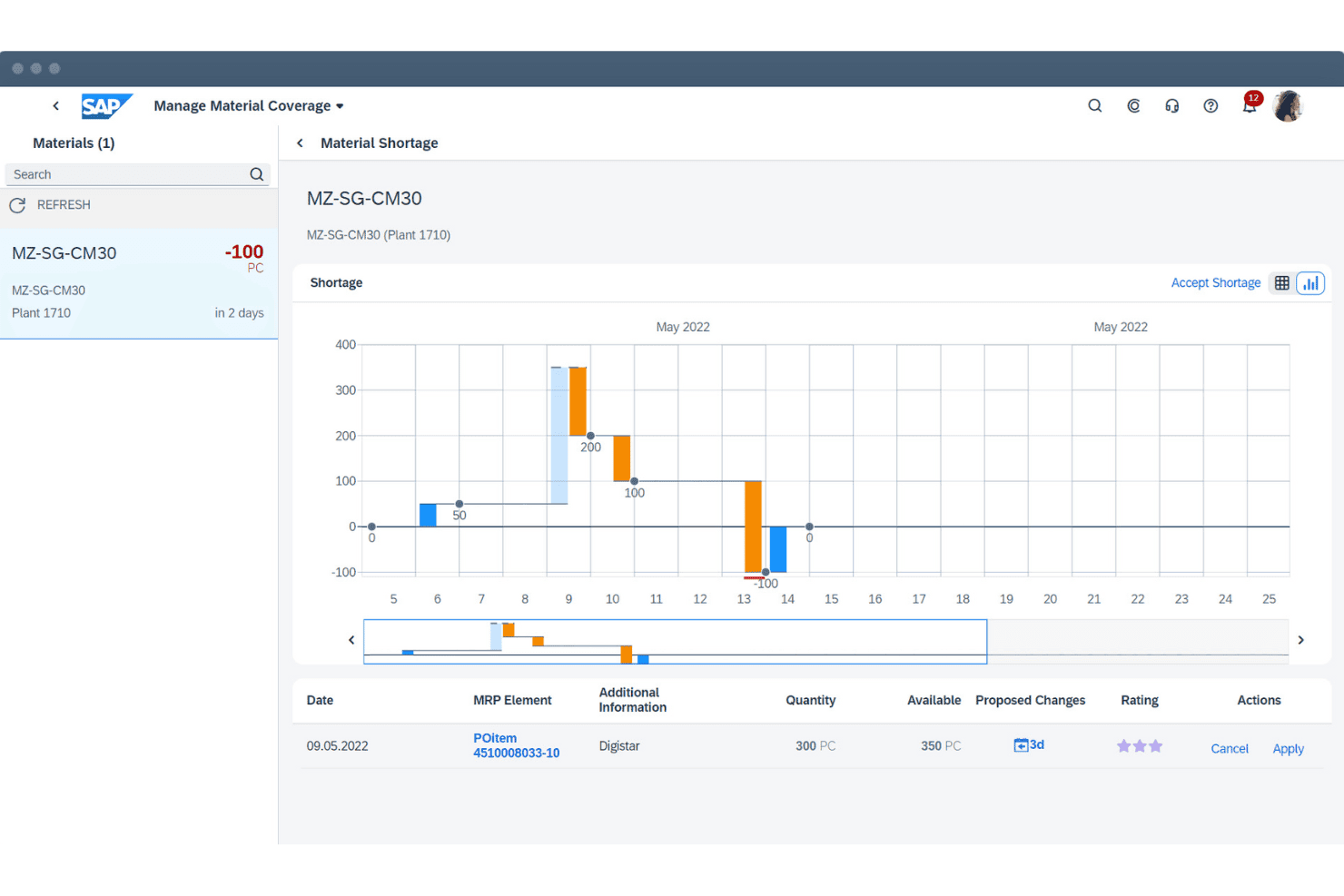
In my opinion, SAP ERP stands out as one of the most powerful ERP platforms on the market, especially for large enterprises with complex workflows. It delivers deep functionality across finance, supply chain, procurement, and compliance—far beyond what mid-market solutions can offer. That said, the interface isn’t the most intuitive, and onboarding takes time and solid training. It’s not the easiest system to implement, but once it’s up and running, it’s incredibly reliable and scalable.
Compared to competitors, SAP’s strength lies in its depth and customization, not simplicity. It’s best for large organizations with dedicated IT teams that need granular control and are willing to invest in long-term efficiency.
Pros
- It integrates complex business processes, making it ideal for large enterprises.
- The software provides robust data analytics tools for informed decision-making.
- SAP ERP offers a unified view of operations, enhancing collaboration across departments.
Cons
- The system can be complex, requiring extensive training for users.
- Customization can be time-consuming and requires technical expertise.
- Some users find the interface less intuitive compared to other ERP solutions.
Is SAP ERP Right For Your Needs?
Who Would be a Good Fit for SAP ERP?
SAP ERP is a great fit for large enterprises in industries like manufacturing, retail, and finance, where managing complex workflows is critical. Your team will benefit from its ability to integrate diverse business processes, providing a comprehensive view across departments. If you’re in a sector that deals with vast data and needs robust analytics for decision-making, SAP ERP’s advanced tools can support your goals effectively.
- Manufacturing IndustrySAP ERP’s ability to integrate supply chain and production data ensures efficient operations.
- Retail SectorIt helps manage inventory and sales data seamlessly, improving customer service.
- Finance DepartmentsThe software offers robust financial reporting and data analytics for better decision-making.
- Large EnterprisesIts scalability supports complex workflows and large-scale operations.
- Data-Driven TeamsAdvanced analytics tools make it ideal for teams needing deep data insights.
- Multi-Departmental OrganizationsSAP ERP provides a unified view of operations, enhancing interdepartmental collaboration.
Who Would be a Bad Fit for SAP ERP?
Small businesses or startups with limited resources may find SAP ERP overwhelming due to its complexity and the extensive training required. If your team lacks technical expertise or requires a simple, user-friendly interface, SAP ERP might not suit your needs. Additionally, organizations that don’t need the depth of analytics and data integration SAP ERP offers might not see a return on investment.
- Small StartupsThe complexity and cost may far exceed the needs and resources of small startups.
- Simple OperationsBusinesses with straightforward processes won’t benefit from its advanced features.
- Limited IT SupportWithout strong IT support, onboarding and customization can be challenging.
- Budget-Conscious FirmsThe investment in SAP ERP may not be justifiable for those with tight budgets.
- Non-Data-Driven TeamsTeams that don’t rely heavily on data analytics won’t fully utilize its capabilities.
- FreelancersIndependent professionals won’t need the extensive features and scalability it offers.
How We Test & Score Tools
We’ve spent years building, refining, and improving our software testing and scoring system. The rubric is designed to capture the nuances of software selection and what makes a tool effective, focusing on critical aspects of the decision-making process.
Below, you can see exactly how our testing and scoring works across seven criteria. It allows us to provide an unbiased evaluation of the software based on core functionality, standout features, ease of use, onboarding, customer support, integrations, customer reviews, and value for money.
Core Functionality (25% of final scoring)
The starting point of our evaluation is always the core functionality of the tool. Does it have the basic features and functions that a user would expect to see? Are any of those core features locked to higher-tiered pricing plans? At its core, we expect a tool to stand up against the baseline capabilities of its competitors.
Standout Features (25% of final scoring)
Next, we evaluate uncommon standout features that go above and beyond the core functionality typically found in tools of its kind. A high score reflects specialized or unique features that make the product faster, more efficient, or offer additional value to the user.
We also evaluate how easy it is to integrate with other tools typically found in the tech stack to expand the functionality and utility of the software. Tools offering plentiful native integrations, 3rd party connections, and API access to build custom integrations score best.
Ease of Use (10% of final scoring)
We consider how quick and easy it is to execute the tasks defined in the core functionality using the tool. High scoring software is well designed, intuitive to use, offers mobile apps, provides templates, and makes relatively complex tasks seem simple.
Onboarding (10% of final scoring)
We know how important rapid team adoption is for a new platform, so we evaluate how easy it is to learn and use a tool with minimal training. We evaluate how quickly a team member can get set up and start using the tool with no experience. High scoring solutions indicate little or no support is required.
Customer Support (10% of final scoring)
We review how quick and easy it is to get unstuck and find help by phone, live chat, or knowledge base. Tools and companies that provide real-time support score best, while chatbots score worst.
Customer Reviews (10% of final scoring)
Beyond our own testing and evaluation, we consider the net promoter score from current and past customers. We review their likelihood, given the option, to choose the tool again for the core functionality. A high scoring software reflects a high net promoter score from current or past customers.
Value for Money (10% of final scoring)
Lastly, in consideration of all the other criteria, we review the average price of entry level plans against the core features and consider the value of the other evaluation criteria. Software that delivers more, for less, will score higher.
Core Features
Financial Management
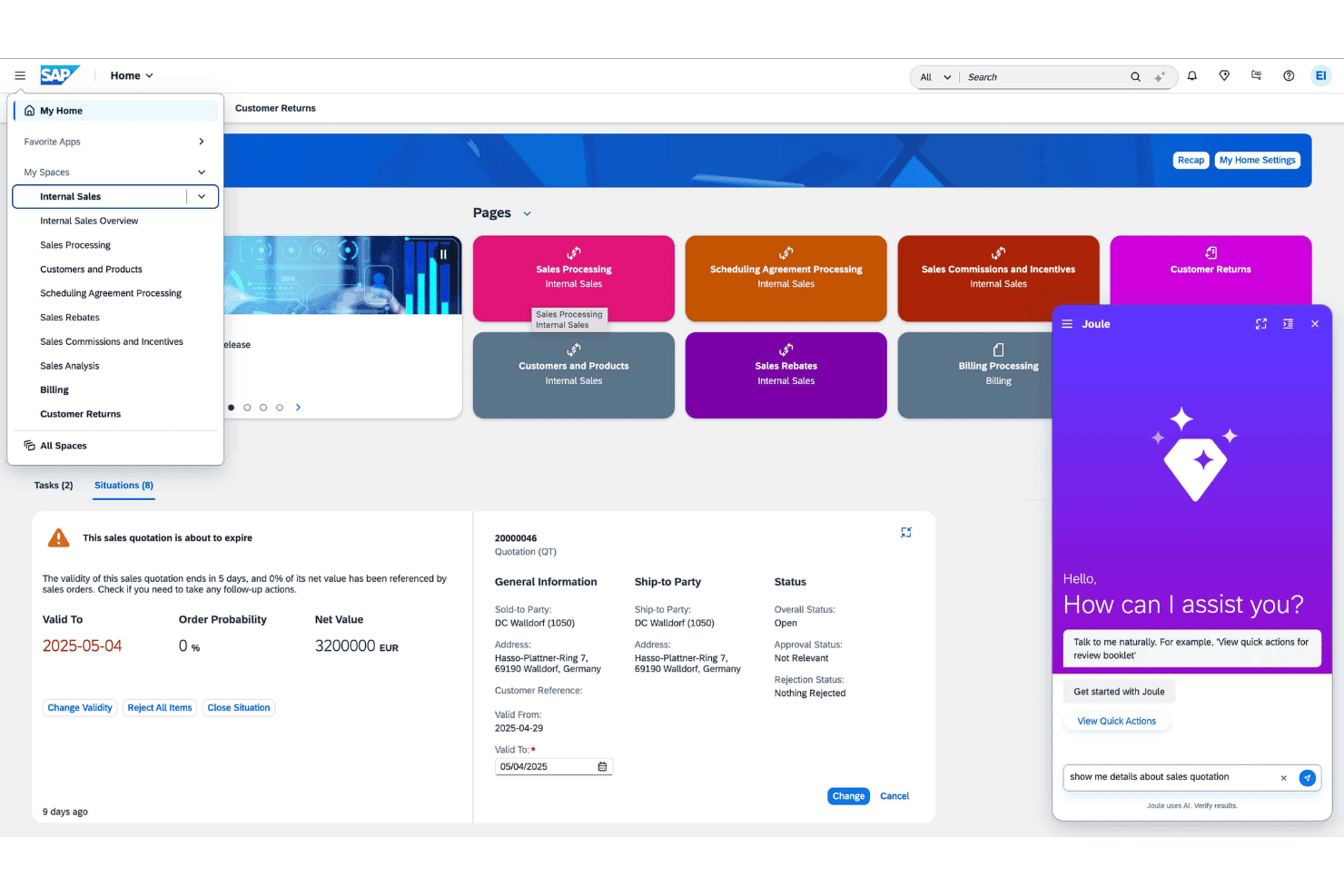
SAP ERP offers comprehensive financial tools that help your team manage accounting, reporting, and compliance efficiently. It stands out with its robust financial analytics, ensuring accurate financial insights.
Supply Chain Management
This feature integrates your supply chain processes, from procurement to delivery. It enhances visibility and efficiency across your supply chain operations.
Human Capital Management
Manage your workforce effectively with tools for payroll, performance management, and employee data. SAP ERP's HCM provides a centralized platform for all HR needs.
Production Planning
Plan and control your production processes with precision. This feature helps optimize manufacturing operations by aligning production schedules with demand forecasts.
Sales and Distribution
Streamline your sales processes from order entry to delivery. It offers tools to manage customer orders, pricing, and billing efficiently.
Inventory Management
Keep track of your inventory levels and optimize stock holding. SAP ERP's inventory tools ensure you maintain the right balance of stock to meet demand.
Ease of Use
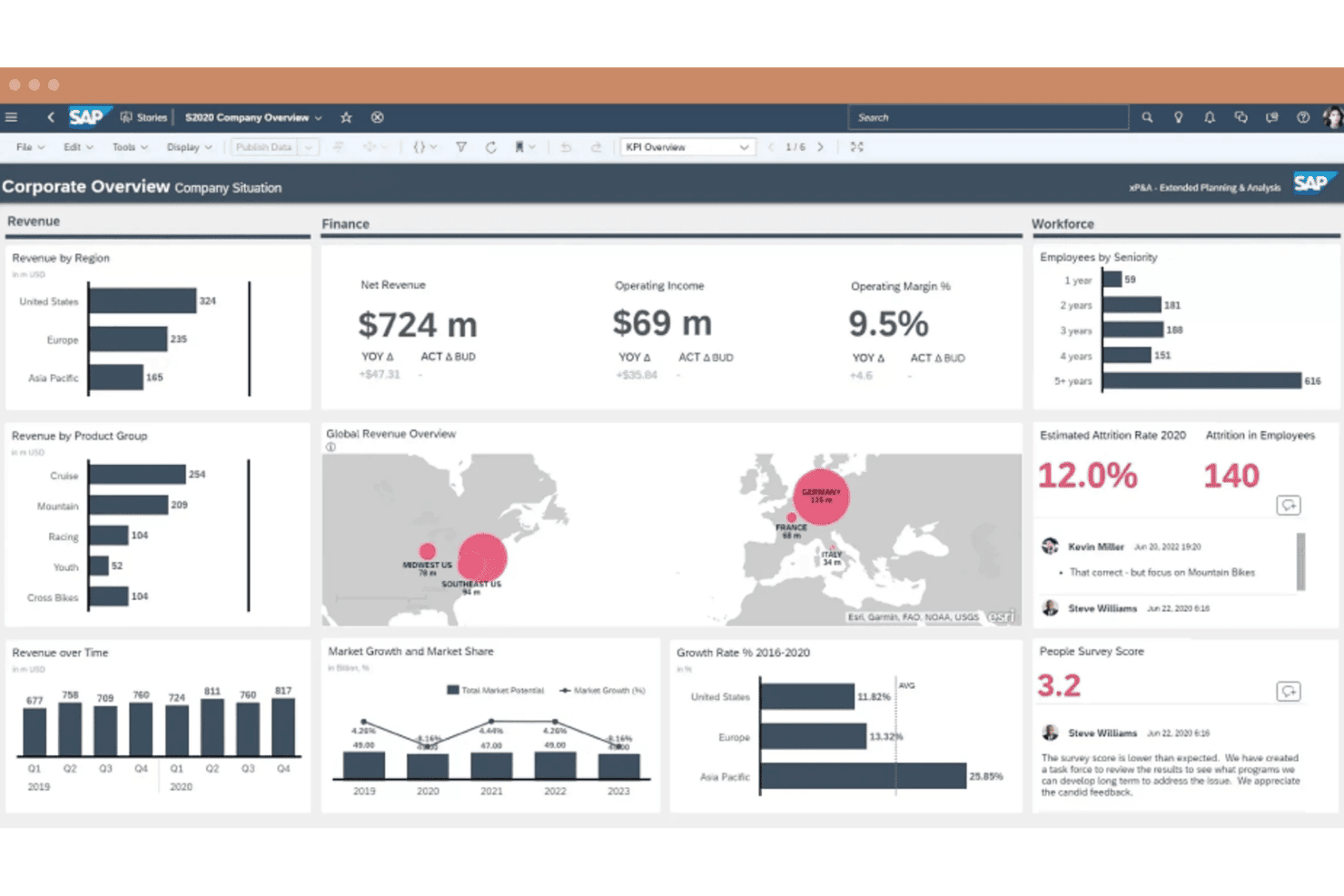
SAP ERP can be complex and challenging to navigate, especially for new users. Its extensive features require a steep learning curve and substantial training for your team. While it offers powerful tools, the interface may not feel intuitive compared to simpler ERP solutions. If your team lacks technical expertise, you might find the setup and customization demanding. However, once familiar, users appreciate the depth of control and insights it offers.
Integrations
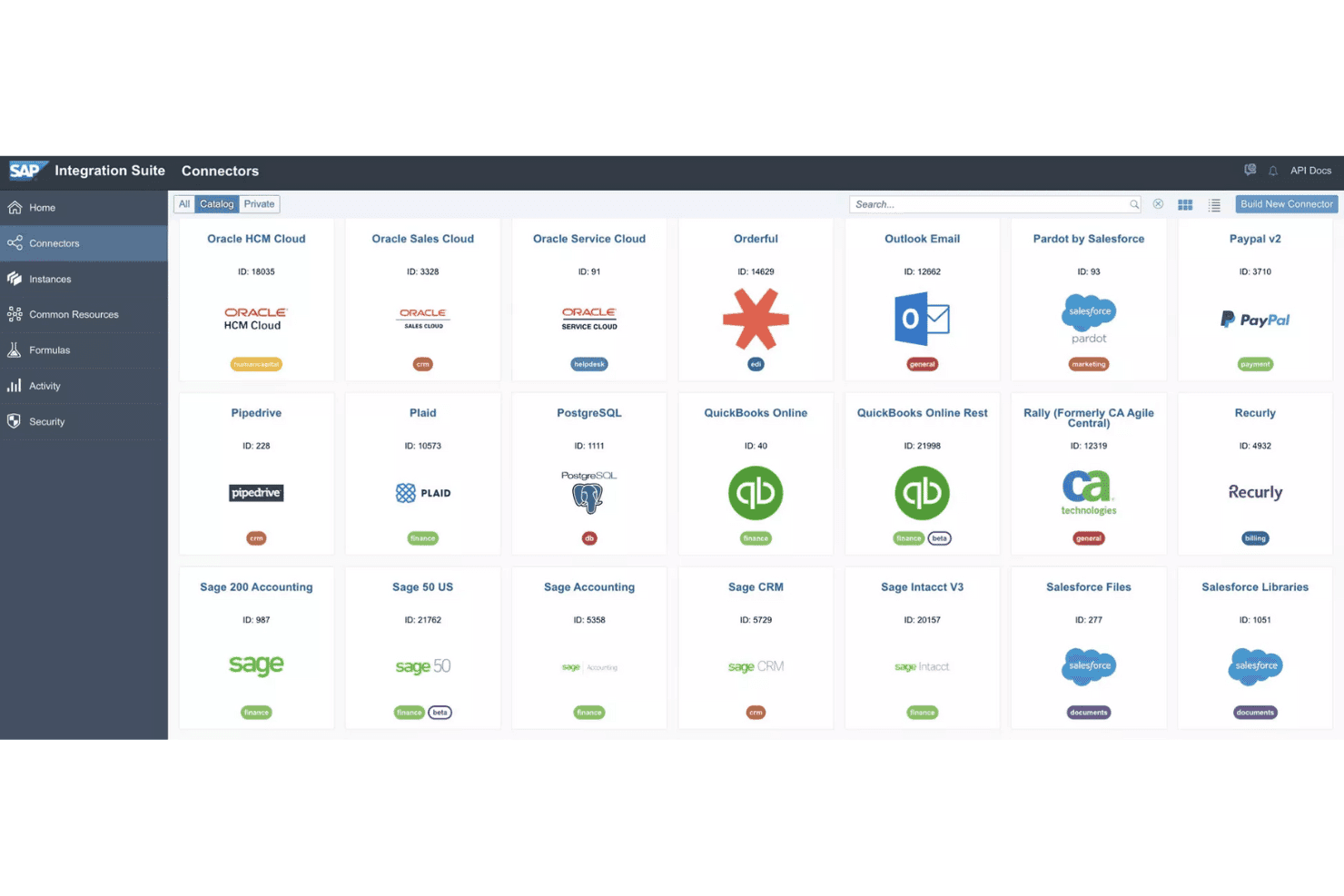
Integrations include SAP Business Accelerator Hub, SAP Cloud for Customer, SAP Commerce Cloud, SOLIDWORKS, Aras Innovator, Oracle Agile, Google Cloud Connector, ADP Tax Credits, Atlassian Jira, Australian Taxation Office, SAP S/4HANA, and SAP ECC.
SAP ERP Specs
- Accounts Payable: Yes
- Accounts Receivable: Yes
- API: Yes
- Budgeting: Yes
- Calendar Management: Yes
- Compliance Tracking: Yes
- Customer Management: Yes
- Dashboard: Yes
- Data Export: Yes
- Data Import: Yes
- Data Visualization: Yes
- Expense Tracking: No
- External Integrations: Yes
- Financial Analysis: Yes
- Forecasting: No
- Inventory Tracking: No
- Multi-Currency: Yes
- Multi-User: Yes
- Notifications: No
- Order Management: No
- Payroll: No
- Project Management: Yes
- Purchase Orders: No
- Resource Management: Yes
- Scheduling: No
- Supplier Management: Yes
- Task Scheduling/Tracking: Yes
- Third-Party Plugins/Add-Ons: Yes
- Warehouse Management: No
- Workflow Management: Yes


