Dext vs. Ramp: Comparison and Expert Reviews for 2026
Manual receipt chasing, disconnected expense tools, and slow bookkeeping reviews can quietly drain a finance team’s time. For CFOs and accounting leaders, the bigger question is whether you need better bookkeeping automation or tighter control over company spending.
For teams comparing AI bookkeeping software, Dext and Ramp represent two very different approaches. Dext focuses on document capture, data extraction, bookkeeping automation, and practice oversight, while Ramp combines corporate cards, expense management, accounts payable, procurement, and spend controls.
In this comparison, I’ll assess their features, pricing, usability, security, strengths, limitations, and best-fit use cases so you can see which approach better matches your finance operations.
Dext vs. Ramp: An Overview
Why Trust Our Software Reviews
We’ve been testing and reviewing financial software since 2023. As finance specialists ourselves, we know how critical and difficult it is to make the right decision when selecting software.
We invest in deep research to help our audience make better software purchasing decisions. We’ve tested more than 2,000 tools for different finance use cases and written over 1,000 comprehensive software reviews. Learn how we stay transparent & our software review methodology.
Dext vs. Ramp Pricing Comparison
| Dext | Ramp | |
|---|---|---|
| Free Trial | 14-day free trial | Free plan available |
| Pricing | Pricing upon request | From $15/user/month |
Dext vs. Ramp Pricing & Hidden Costs
Dext uses separate subscription structures for businesses and accounting practices, with costs generally scaling by document and user capacity, client count, and optional tools. Additional expenses may come from advanced extraction, AI Assist, Data Health & Insights, Commerce Lite, or extra storage. Meanwhile, Ramp uses a tiered model that scales by users, team size, and feature requirements, with advanced accounting automation, procurement, global capabilities, and enterprise services reserved for higher tiers or add-ons. Payment fees, foreign exchange costs, and implementation services may also increase the total cost.
Choosing between the two largely comes down to what drives your usage. Dext may be easier to justify when document processing and bookkeeping volume are the main considerations, while Ramp may offer better value when its cards, expense management, accounts payable, procurement, and spend controls can replace multiple finance tools.
Dext vs. Ramp Feature Comparison
| Dext | Ramp | |
|---|---|---|
| 2-Factor Authentication | ||
| API | ||
| Approval Workflows | ||
| Audit Trail | ||
| Balance Sheet | ||
| Billing/Invoicing | ||
| Budgeting | ||
| CRM Integration | ||
| Calendar Management | ||
| Compliance Tracking | ||
| Contact Management | ||
| Custom Reports | ||
| Customer Management | ||
| Dashboard | ||
| Data Export | ||
| Data Import | ||
| Data Visualization | ||
| Document Management | ||
| Expense Tracking | ||
| External Integrations | ||
| Forecasting | ||
| Inventory Tracking | ||
| Multi-Currency | ||
| Multi-User | ||
| Notifications | ||
| P&L | ||
| Risk Assessment | ||
| SAP Integration | ||
| Scheduling | ||
| Supplier Management | ||
| Workflow Management |
Dext vs. Ramp Integrations
| Integration | Dext | Ramp |
|---|---|---|
| QuickBooks Online | ✅ | ✅ |
| Xero | ✅ | ✅ |
| FreeAgent | ✅ | ❌ |
| NetSuite | ❌ | ✅ |
| Gusto | ✅ | ✅ |
| Microsoft Teams | ❌ | ✅ |
| Zoho Books | ✅ | ✅ |
| KashFlow | ✅ | ❌ |
| API | ✅¹ | ✅ |
| Zapier | ✅ | ❌ |
¹ Product-specific APIs
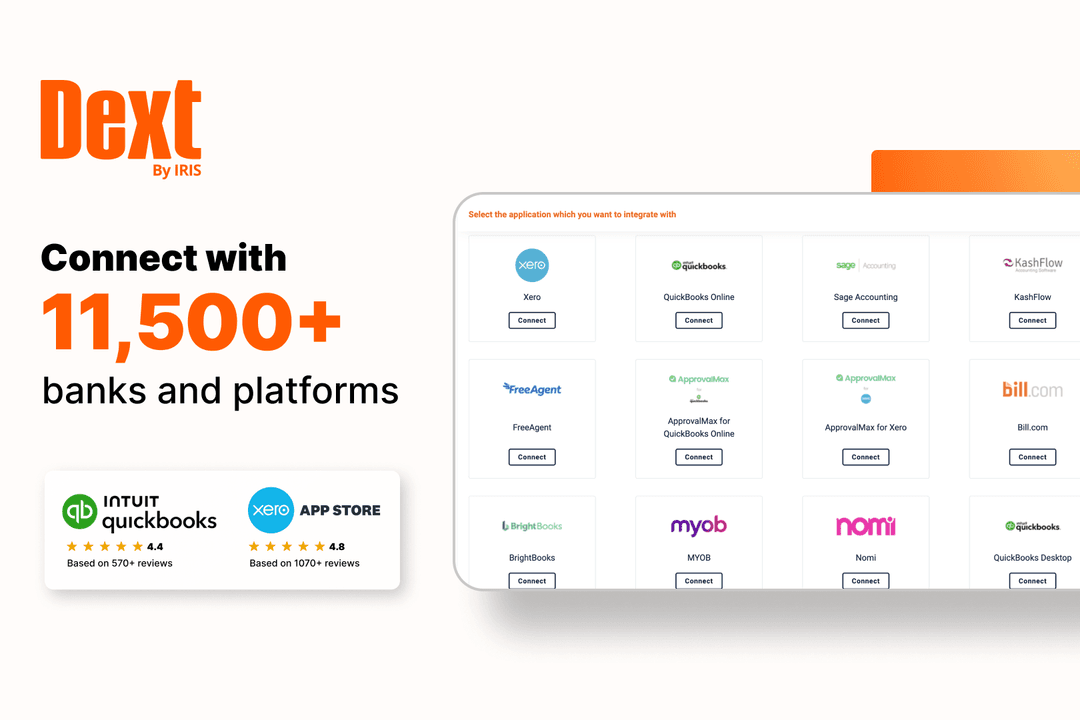
Both Dext and Ramp support broad integration ecosystems, but their connectivity reflects different product priorities. Dext focuses on publishing and automating bookkeeping data across accounting platforms, while Ramp spans accounting and ERP, payroll, procurement, productivity, travel, and broader finance operations. Overall, Dext provides more bookkeeping-focused connectivity, whereas Ramp offers a wider ecosystem for company-wide financial workflows.
Dext vs. Ramp Security, Compliance & Reliability
| Factor | Dext | Ramp |
|---|---|---|
| Certifications & Privacy | Certified under ISO/IEC 27001:2022 and ISO 9001:2015, with GDPR-compliant data processing and published security documentation. | Undergoes annual ISO 27001, SOC 1, SOC 2, and PCI audits to validate its security and compliance controls. |
| Encryption & Data Protection | Uses encryption, secure information-transfer controls, cloud-security safeguards, and role-based internal access to protect financial data. | Encrypts data at rest and in transit, follows PCI requirements for card information, and monitors accounts for suspicious activity. |
| Access & Authentication | Supports user roles, permissions, SSO, passkeys, and 2FA through an authenticator app, SMS, or email. | Provides customizable roles, SSO and SAML authentication, MFA, SCIM provisioning, sign-in controls, and audit logs. |
| Payments & Financial Controls | For eligible UK customers using Xero, Dext Payments uses safeguarded funds, supplier verification, approval controls, payment limits, and fraud-risk warnings. | Uses configurable card limits, merchant and category restrictions, approval workflows, automated policy enforcement, and fraud monitoring to control company spending. |
| Reliability & Continuity | Reports 99.97% uptime and publishes a live status page, alongside documented backup, capacity-management, business-continuity, and disaster-recovery controls. | Uses continuous monitoring and incident-response processes, although its public materials provide less detail on formal uptime commitments and continuity controls. |
Both Dext and Ramp provide strong encryption, access controls, and external compliance assurance. Dext offers greater transparency around uptime and continuity while protecting document and payment workflows, whereas Ramp provides broader card, identity, and spend-control safeguards. The better fit depends on whether your priority is secure bookkeeping automation or company-wide financial governance.
Dext vs. Ramp Ease of Use
| Factor | Dext | Ramp |
|---|---|---|
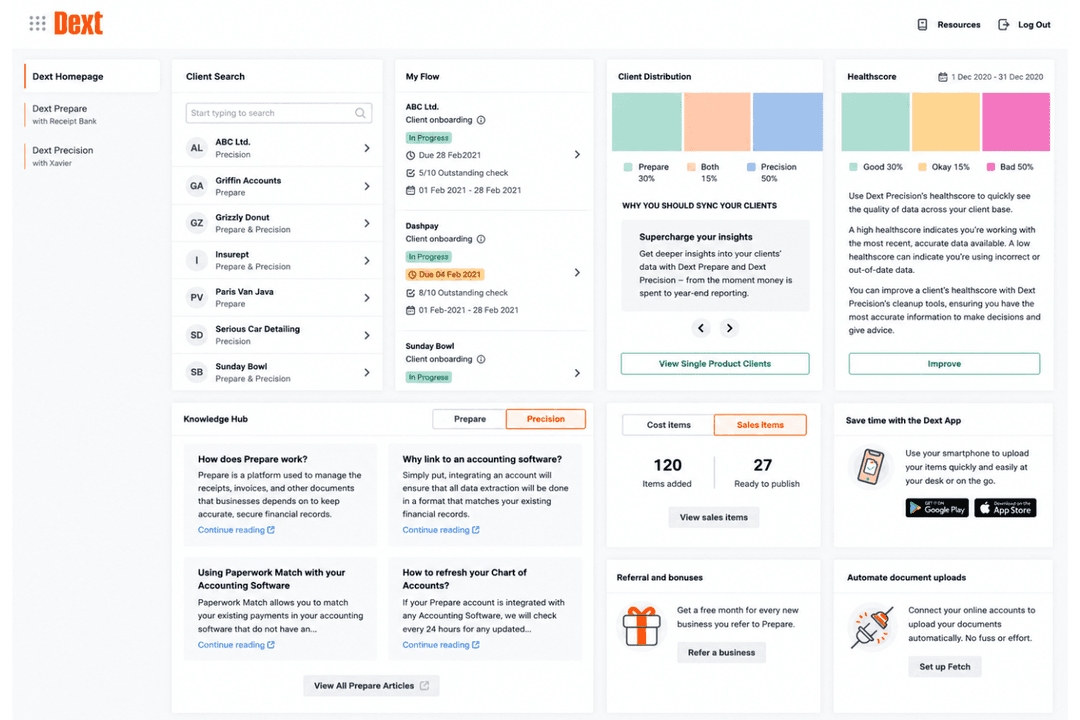
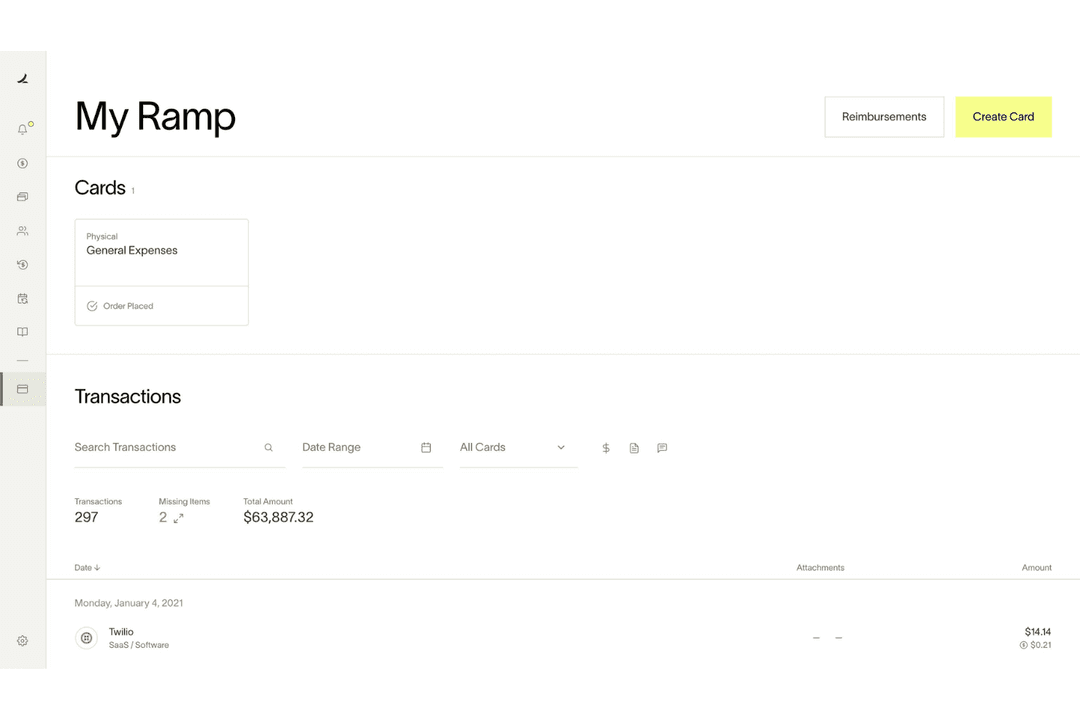
| User Interface | Dedicated business and practice dashboards organize document capture, expenses, publishing, client activity, and bookkeeping workflows, although the wider feature set can take time to learn. | A clean, employee-friendly interface brings cards, expenses, approvals, travel, bills, and spend reporting into a unified workflow. |
| Onboarding | Automated checklists, product tours, videos, and role-based guidance support setup, while advanced permissions, approval rules, and practice workflows require additional configuration. | Guided account setup helps teams issue cards, invite employees, connect accounting software, and establish initial policies, although larger rollouts may require more planning. |
| Setup & Configuration | Core receipt and invoice capture is quick to adopt, while firms can gradually configure Supplier Rules, Auto-Publish, ledger connections, client assignments, and team controls. | Finance teams can configure card limits, expense policies, approval chains, accounting rules, and integrations, but complex multi-entity or procurement workflows may take longer to implement. |
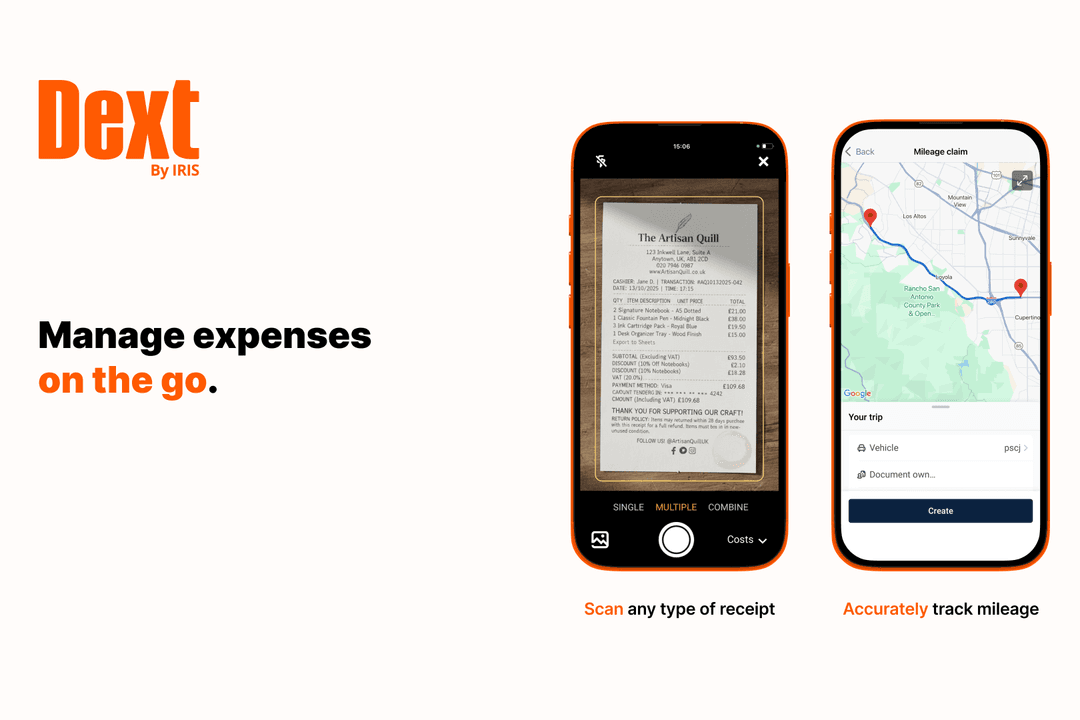
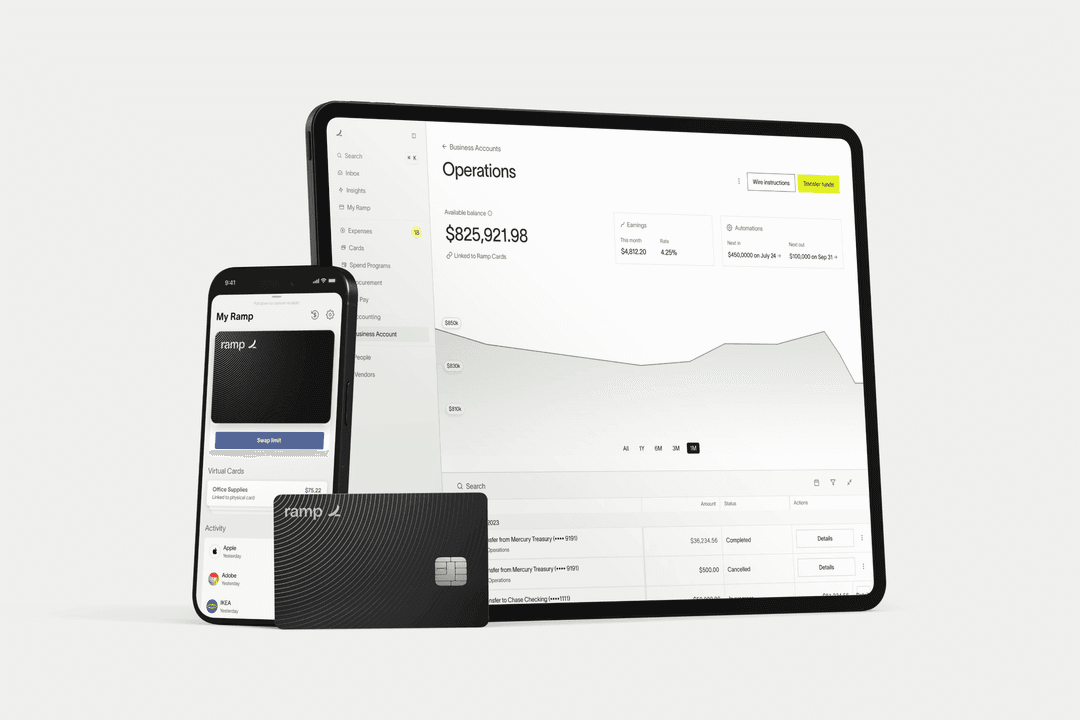
| Mobile & Workflow Experience | Native iOS and Android apps support receipt capture, expense claims, mileage tracking, and client submissions, while web-based controls handle approvals and automate bookkeeping. | Employees can submit receipts and expenses through the mobile app, SMS, Slack, or web, while managers can review approvals and manage cards remotely. |
| Customer Support | Provides 24/5 human support, Fin AI assistance, an extensive Help Centre, and plan-dependent access to training, account managers, and customer success guidance. | Offers self-service documentation, chat-based support, and onboarding resources, with dedicated account management and priority support available on higher-tier plans. |
From an ease-of-use perspective, Dext leans into an accounting-focused experience, with guided setup, mobile receipt capture, and structured workflows for document processing, publishing, and client oversight. Meanwhile, Ramp offers a broader but more configurable environment, bringing cards, expenses, approvals, travel, bills, and spend controls into the same system, which can require more initial setup for policies, roles, and integrations. Accounting firms and document-heavy finance teams may find Dext more natural to adopt, while companies looking for an employee-friendly way to manage spending across the organization may prefer Ramp’s wider operational scope.
Dext vs Ramp: Pros & Cons
Dext
- Proprietary AI and automation rules reduce manual bookkeeping across high document volumes.
- Practice Advanced adds smart workflows, team controls, and firm-wide performance visibility.
- Data Health & Insights helps Xero and QuickBooks Online users catch and fix errors faster.
- Plans, allowances, and overage charges can make pricing difficult to predict.
- Firms may still spend time chasing clients for missing receipts and invoices.
- Fetch, Sage Line 50, and complex ecommerce setups offer more limited automation.
Ramp
- AI-driven spend controls reduce manual finance and approval work.
- Unlimited virtual cards simplify secure employee and vendor spending.
- Broad integrations connect finance, HR, travel, and procurement systems.
- No native accounts receivable workflow for broader financial operations management.
- Advanced automation and ERP integrations require higher-tier paid plans.
- Administrative setup becomes complex across large multi-entity organizations.
Best Use Cases for Dext and Ramp
Dext
- Accounting Firms Multi-client dashboards, automation rules, workflows, and data-quality tools help firms manage more client work without adding the same amount of manual processing.
- Small and Mid-Sized Businesses Receipt capture, automated extraction, and expense workflows reduce the time internal teams spend entering and organizing bookkeeping data.
- Multi-Entity Businesses and Franchises Consistent rules, centralized document collection, and accounting integrations support businesses managing several entities, branches, or locations.
- Retail and Ecommerce Businesses Dext helps process supplier invoices, employee expenses, and ecommerce sales data for businesses with relatively straightforward online selling setups.
- Real Estate and Construction Businesses Mobile capture and expense approvals make it easier to collect receipts and invoices from properties, job sites, employees, and contractors.
- Hospitality and Wellness Businesses Businesses handling frequent supplier bills and staff expenses can use Dext to keep documents organized and move data into their bookkeeping software faster.
Ramp
- Tech Startups Ramp's automation and real-time controls support rapid scaling and distributed teams.
- Mid-Sized SaaS Companies AI-driven expense management and approval workflows help control recurring software, travel, and operational spending.
- Finance Departments Centralized spend visibility, accounting automation, and audit trails simplify financial oversight and month-end close processes.
- Multi-Entity Organizations Shared spend controls and centralized workflows help manage budgets, approvals, and payments across multiple entities.
- Procurement-Focused Teams Integrated procurement, vendor management, and approval workflows reduce operational friction across purchasing processes.
- Distributed & Remote Teams Mobile approvals, virtual cards, receipt capture, and Slack-based workflows support employees working from anywhere.
Who Should Use Dext, and Who Should Use Ramp?
Dext is best suited to accountants, bookkeepers, and finance teams that need reliable document capture, invoice processing, expense management, and bookkeeping automation. It is particularly useful for accounting firms, small and mid-sized businesses, and teams handling high document volumes or complex categorization across multiple clients or entities.
Meanwhile, Ramp is a better fit for fast-growing companies and tech-forward finance teams that want centralized control over company-wide spending. Its corporate cards, procurement workflows, travel management, AI-driven expense reviews, and real-time reporting make it especially useful for startups, mid-sized SaaS companies, multi-entity organizations, procurement teams, and distributed workforces with complex approval needs.
Differences Between Dext and Ramp
| Dext | Ramp | |
|---|---|---|
| Accounting Ecosystem | Connects with more than 36 accounting platforms, giving accounting practices and businesses broader publishing flexibility. | Connects spend data with accounting and ERP systems, with more advanced ERP and multi-entity capabilities available on higher tiers. |
| Core Focus | Automates document capture, data extraction, categorization, and publishing for bookkeeping and accounting workflows. | Manages company spending across corporate cards, expenses, accounts payable, procurement, travel, and reimbursements. |
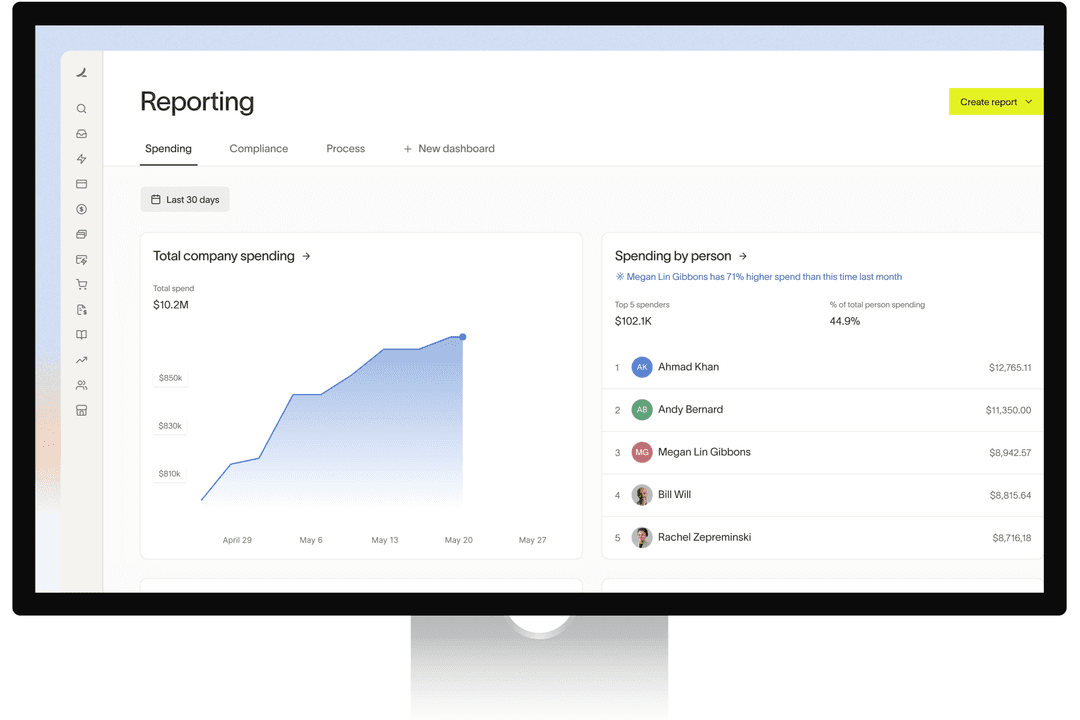
| Practice and Operational Oversight | Practice Advanced provides client assignments, bookkeeping deadlines, smart workflows, team controls, and practice reporting, while the Data Health & Insights add-on provides Health Scores and data-quality checks. | Provides company-wide visibility into budgets, vendors, transactions, policy compliance, and spend across teams and entities. |
| Primary Users | Built mainly for accountants, bookkeepers, accounting practices, and finance teams managing document-heavy bookkeeping. | Designed for internal finance teams and employees managing company-wide purchasing, expenses, cards, and approvals. |
| Spend Control | Primarily processes financial documents and expense claims after spending occurs, with approval controls before items are published. | Controls spending before and after purchases through card limits, policy rules, spend requests, approval workflows, and automated reviews. |
| Visit DextOpens new window | Read Ramp ReviewOpens new window |
Similarities Between Dext and Ramp
| AI-Assisted Coding | Both use AI, accounting rules, and previous transaction data to categorize expenses, complete accounting fields, and prepare records for review or publishing. |
|---|---|
| Access and Security | Both provide user roles, permission controls, authentication safeguards, encryption, and audit visibility to protect financial data and control team access. |
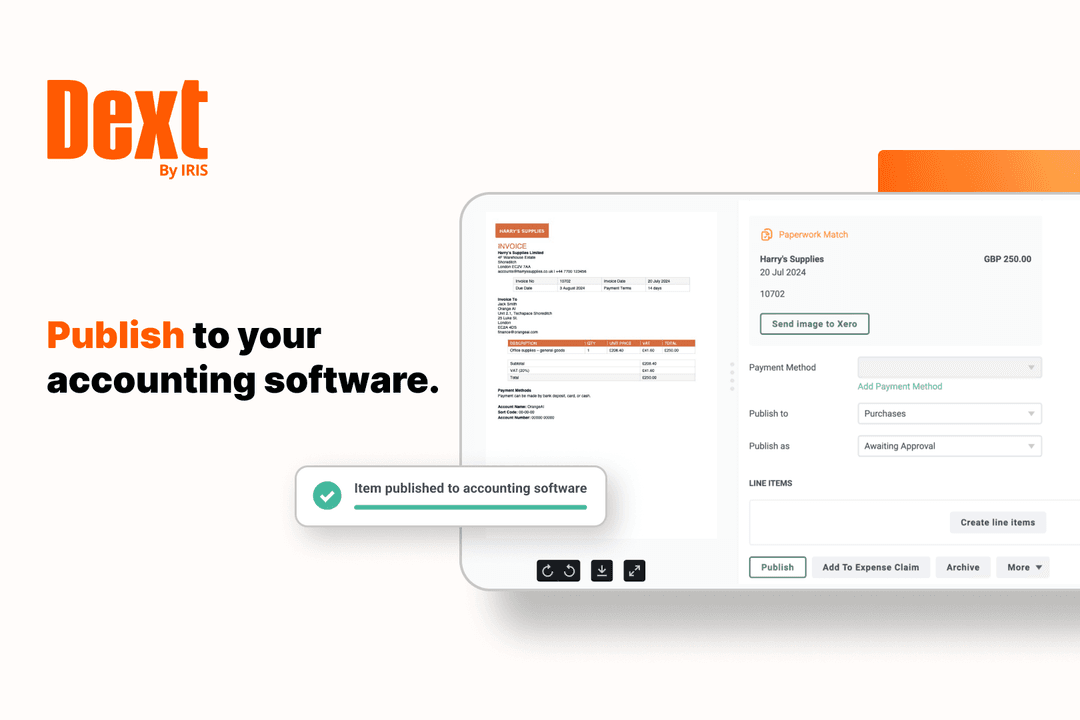
| Accounting Sync | Both connect approved financial data with accounting systems, helping teams keep transaction records current without repeatedly entering the same information. |
| Approval Workflows | Both support configurable approval steps that route expenses or financial documents to the appropriate reviewers before they are finalized. |
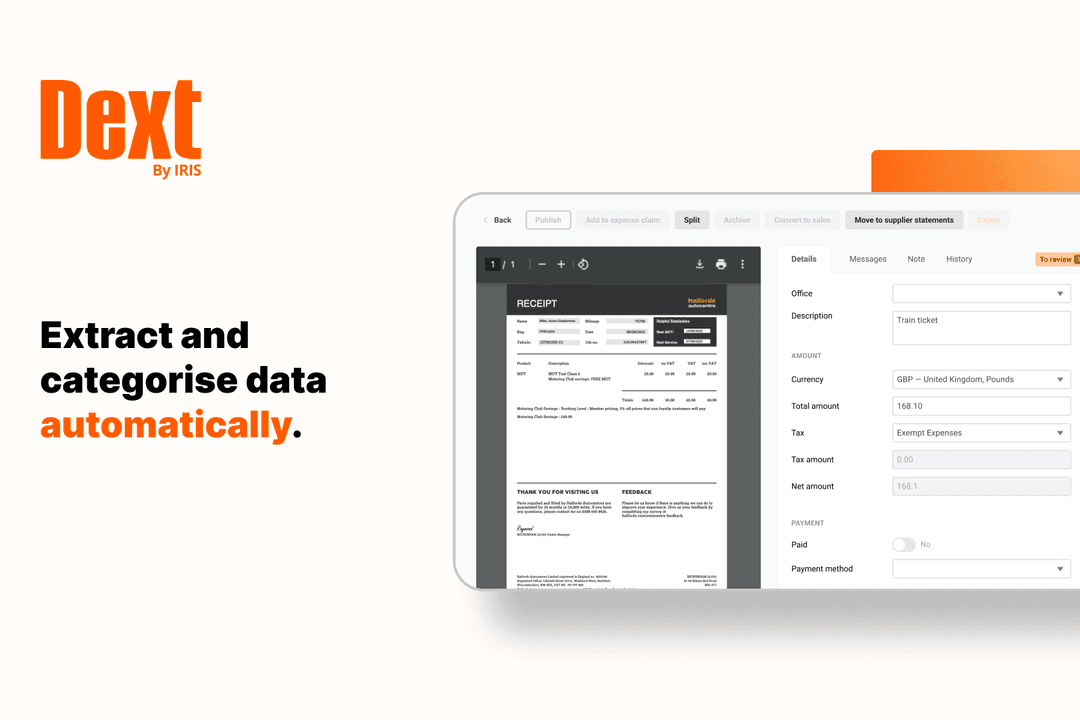
| Document Capture | Both let users submit receipts and invoices digitally, then extract transaction details such as supplier, date, amount, tax, and payment information to reduce manual entry. |
| Visit DextOpens new window Read Ramp ReviewOpens new window | |