
DoorLoop Review: Pros, Cons, Features, and Pricing
DoorLoop excels with its user-friendly interface and tailored features, making it a standout choice for property managers seeking efficient accounting solutions.

We review tools independently, and commissions help fund our testing. See our transparency policy, our methodology, or suggest a tool.
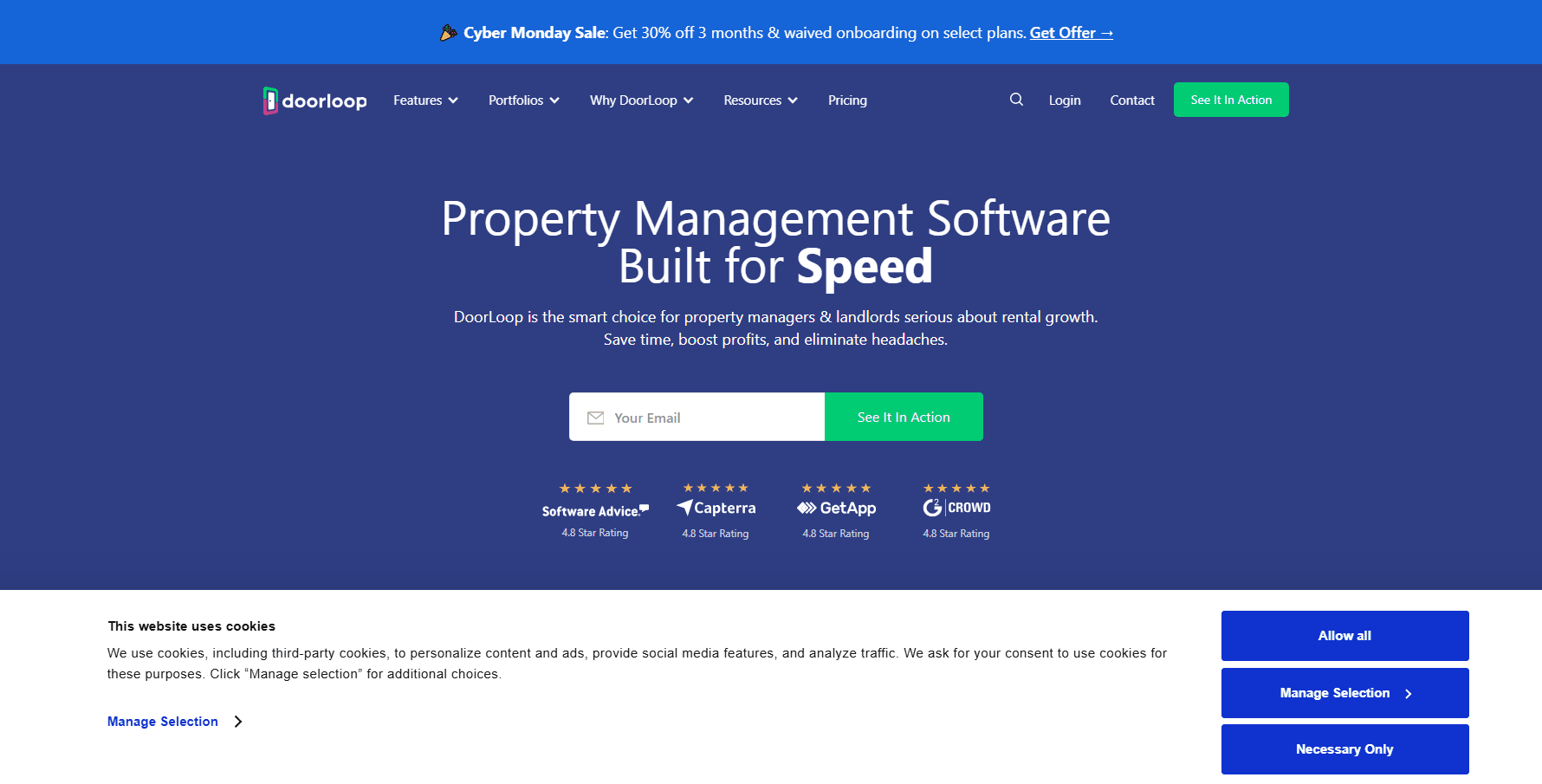
DoorLoop is an accounting software built for property managers and landlords who need to track rent, expenses, and financials across a portfolio. It covers bank reconciliation, owner reporting, and lease accounting in one place. I'd take it seriously if you've outgrown spreadsheets but find something like AppFolio more complex than your portfolio size actually warrants—DoorLoop gives you the core accounting functionality without the heavier implementation lift.
DoorLoop Evaluation Summary
4.8/5
- From $69/month
- Free demo available
Why Trust Our Software Recommendations
6,700+
Reviews
20
Industry experts
16+
Evaluation factors
14
Years
Our team has been testing and reviewing software since 2012. As finance leaders ourselves, we know how difficult—and important—it is to choose the right software.
For this guide, we evaluated tools using hands-on testing and independent research, scoring tools using our selection criteria.
Our reviews reflect our human editorial judgment, not a sales pitch.
DoorLoop Overview
In my opinion, DoorLoop is a solid choice for property managers who want easy-to-use software that integrates smoothly with connected bank accounts. Its standout features, user-friendly design, and supportive customer support make it an appealing option. That said, it may not offer the depth some larger enterprises require. It is best suited for small to medium-sized property management companies, real estate investors, and new property operators. These users typically prioritize ease of use, real-time workflow visibility, and effective onboarding. User reviews also suggest that DoorLoop delivers excellent value, especially for those focused on rent collection and owner portal automation.
Pros
- The intuitive interface simplifies property management tasks.
- Strong customer support ensures you get help when needed.
- Onboarding is effective, making it easy to get started quickly.
Cons
- It lacks advanced features that larger enterprises require.
- Some users find the customization options limited for specific needs.
- Occasional bugs may require attention.
Is DoorLoop Right For Your Needs?
Who Would be a Good Fit for DoorLoop?
DoorLoop is a good fit for small to medium-sized property management companies, landlords, and real estate teams. If your team manages rental property portfolios, DoorLoop's intuitive interface, real-time dashboard, and robust support make managing tasks like rent collection, maintenance requests, tenant management, and tenant communication easier.
Its integration stack makes it easier for your accounting team to handle bookkeeping, online payments, rent payments, late fee tracking, and cash flow visibility. If you value quick onboarding and need a tool that automates daily workflow to streamline property management operations, DoorLoop could be a strong choice for your business.
- Property ManagersDoorLoop simplifies rent collection, tenant portal management, and maintenance tracking with automated work orders.
- Real Estate TeamsWith features built specifically for real estate, your team can streamline new property onboarding, tenant communication, referrals, and renter coordination effectively.
- Small BusinessesIf you run a small business in property management, DoorLoop offers the functions you need without overwhelming complexity.
- LandlordsFor landlords managing multiple units, DoorLoop helps keep track of leases, online rent payments, maintenance requests, and tenant screening.
- Accounting DepartmentsDoorLoop's integration with QuickBooks makes it a smart choice for accounting departments handling property bookkeeping and rent collection.
- Tenant CoordinatorsTenant coordinators can benefit from DoorLoop's real-time tenant management, tenant communication, and mobile app-based workflow tracking.
Who Would be a Bad Fit for DoorLoop?
DoorLoop might not be ideal for large enterprises needing advanced customization, complex accounting features, and enterprise-grade property management software functions. If your team requires deep analytical tools, complex reporting, or highly specialized real estate workflows, you might find DoorLoop lacking. Industries that demand intricate financial reporting or have unique accounting needs could struggle with its simplicity.
- Large CorporationsLarge corporations needing advanced customization, highly complex workflows, and deep analytics might find DoorLoop too simplistic.
- Manufacturing CompaniesManufacturing companies requiring specialized accounting features for inventory and production might not benefit from this software.
- Financial AnalystsFinancial analysts needing deep analytics, forecasting, and advanced financial modeling will find it lacking.
- Custom Software NeedsIf your business needs custom software solutions, DoorLoop's limited customization options could be a drawback.
- Advanced ReportingBusinesses needing advanced financial reporting might find this tool's reporting capabilities insufficient.
- Complex Tax NeedsCompanies with complex tax needs might find that DoorLoop doesn't offer the specialized features necessary for their tax management.
How We Test & Score Tools
We’ve spent years building, refining, and improving our software testing and scoring system. The rubric is designed to capture the nuances of software selection and what makes a tool effective, focusing on critical aspects of the decision-making process.
Below, you can see exactly how our testing and scoring works across seven criteria. It allows us to provide an unbiased evaluation of the software based on core functionality, standout features, ease of use, onboarding, customer support, integrations, customer reviews, and value for money.
Core Functionality (25% of final scoring)
The starting point of our evaluation is always the core functionality of the tool. Does it have the basic features and functions that a user would expect to see? Are any of those core features locked to higher-tiered pricing plans? At its core, we expect a tool to stand up against the baseline capabilities of its competitors.
Standout Features (25% of final scoring)
Next, we evaluate uncommon standout features that go above and beyond the core functionality typically found in tools of its kind. A high score reflects specialized or unique features that make the product faster, more efficient, or offer additional value to the user.
We also evaluate how easy it is to integrate with other tools typically found in the tech stack to expand the functionality and utility of the software. Tools offering plentiful native integrations, 3rd party connections, and API access to build custom integrations score best.
Ease of Use (10% of final scoring)
We consider how quick and easy it is to execute the tasks defined in the core functionality using the tool. High scoring software is well designed, intuitive to use, offers mobile apps, provides templates, and makes relatively complex tasks seem simple.
Onboarding (10% of final scoring)
We know how important rapid team adoption is for a new platform, so we evaluate how easy it is to learn and use a tool with minimal training. We evaluate how quickly a team member can get set up and start using the tool with no experience. High scoring solutions indicate little or no support is required.
Customer Support (10% of final scoring)
We review how quick and easy it is to get unstuck and find help by phone, live chat, or knowledge base. Tools and companies that provide real-time support score best, while chatbots score worst.
Customer Reviews (10% of final scoring)
Beyond our own testing and evaluation, we consider the net promoter score from current and past customers. We review their likelihood, given the option, to choose the tool again for the core functionality. A high scoring software reflects a high net promoter score from current or past customers.
Value for Money (10% of final scoring)
Lastly, in consideration of all the other criteria, we review the average price of entry level plans against the core features and consider the value of the other evaluation criteria. Software that delivers more, for less, will score higher.
Core Features
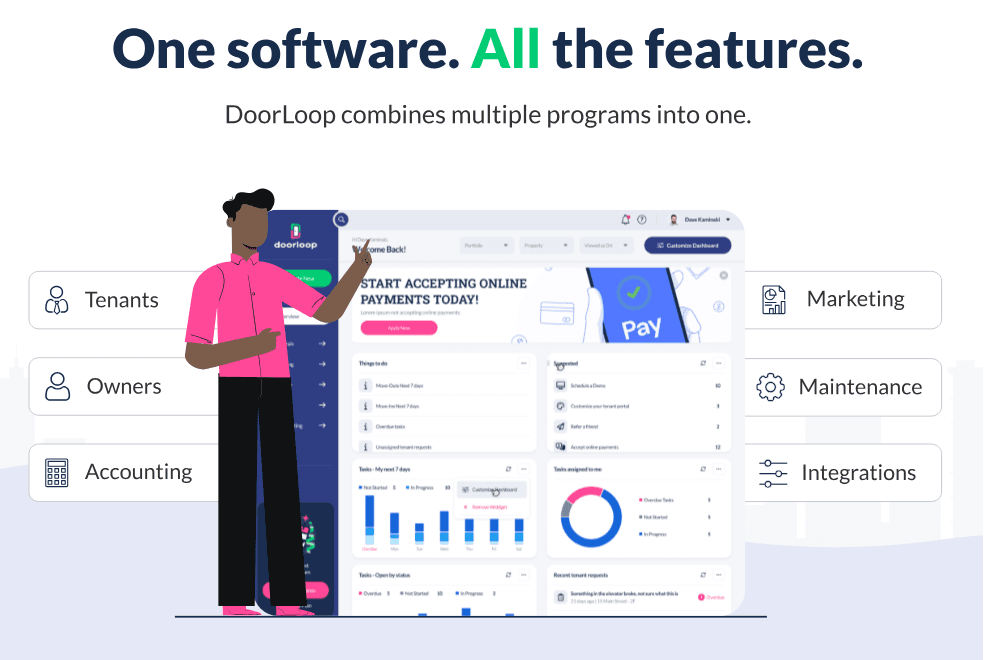
Tenant Management: DoorLoop helps you efficiently manage leases, payments, maintenance requests, and work orders all in one property management software dashboard.
Rent Collection: It automates rent collection and allows tenants to collect rent through online payments, credit cards, and direct bank account options.
Maintenance Tracking: Keep tabs on maintenance requests and work orders with ease. This feature ensures your rental property stays in top condition without hassle.
Financial Reporting: Generate essential financial reports tied to cash flow, rent collection, and bookkeeping to support better financial decisions.
Lease Management: Simplify your lease workflow using templates, automated reminders, and tenant portal access.
Expense Tracking: Track and categorize expenses efficiently to maintain financial clarity across properties.
Ease of Use
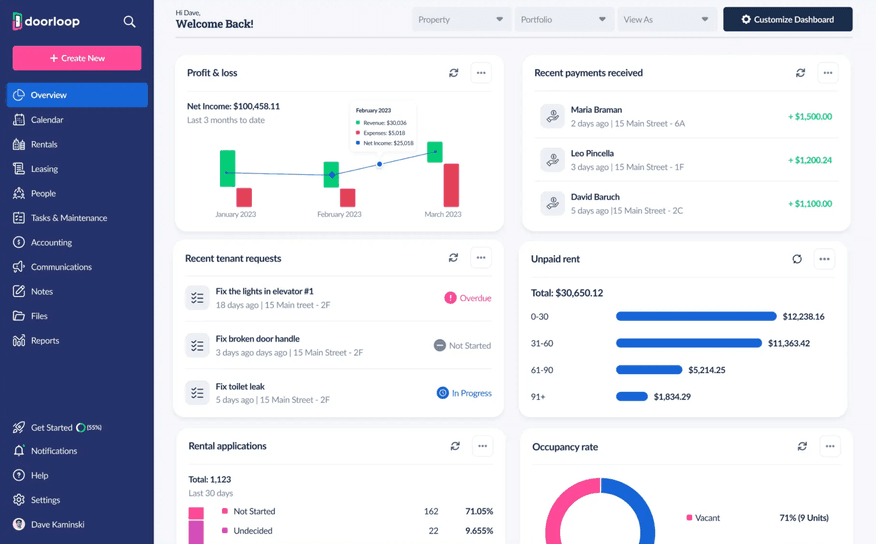
DoorLoop is user-friendly and designed with ease of use in mind, making it easy for your team to adapt quickly. Its intuitive dashboard, simple workflow design, and real-time updates mean you won't spend hours on training. Users frequently note in DoorLoop reviews that everyday tasks such as lease management, tenant screening, and online payments are easy to manage.
Integrations
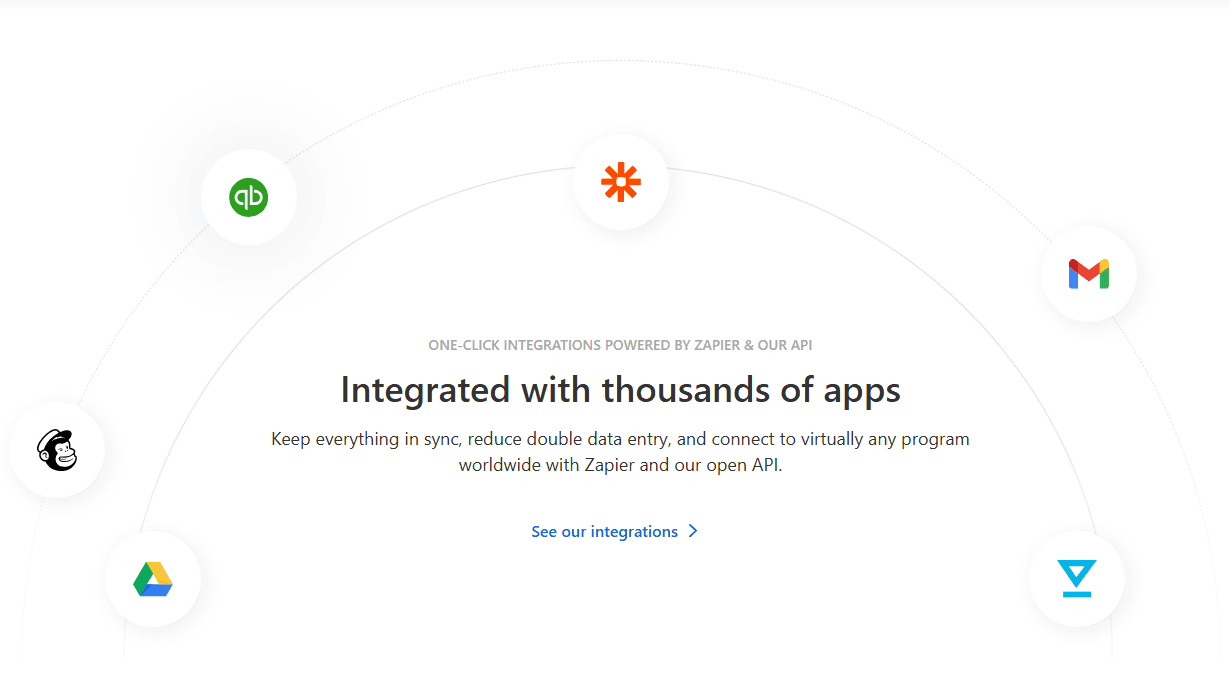
DoorLoop offers built-in integration with QuickBooks and Zapier integration with popular tools such as Expensify, FreshBooks, Pipedrive, Salesforce, Asana, Trello, and Wrike.
DoorLoop also offers an open API and connects with thousands of apps via Zapier for even broader integration options.
DoorLoop Specs
- 2-Factor Authentication: Yes
- Accounts Payable: Yes
- Accounts Receivable: Yes
- API: Yes
- Balance Sheet: Yes
- Billing/Invoicing: Yes
- BitCoin: No
- Budgeting: Yes
- Calendar Management: Yes
- Contact Management: Yes
- CRM Integration: Yes
- Customer Management: Yes
- Dashboard: Yes
- Data Export: Yes
- Data Import: Yes
- Data Visualization: Yes
- Expense Tracking: Yes
- External Integrations: Yes
- Forecasting: Yes
- General Account Ledger: Yes
- Inventory Tracking: Yes
- Multi-Currency: Yes
- Multi-User: Yes
- Notifications: Yes
- P&L: Yes
- PayPal: Yes
- Payroll: No
- SAP Integration: No
- Stripe: Yes
- Supplier Management: Yes
- Tax Management: Yes