
JOBPOWER Review: Pros, Cons, Features, and Pricing
JOBPOWER excels with its construction-focused accounting features, making it a top choice for contractors seeking specialized financial management.

We review tools independently, and commissions help fund our testing. See our transparency policy, our methodology, or suggest a tool.
JOBPOWER is an accounting software built specifically for contractors, covering job costing, payroll, and general ledger in a single system. It's worth considering if your team manages construction projects and needs cost tracking tied directly to your books—not bolted on after the fact. I'd choose it over something like QuickBooks if job costing accuracy is your priority. JOBPOWER is purpose-built for contractor accounting, not adapted from a general-purpose tool.
JOBPOWER Evaluation Summary
3.5/5
- Pricing upon request
- Free demo available
Why Trust Our Software Recommendations
6,700+
Reviews
20
Industry experts
16+
Evaluation factors
14
Years
Our team has been testing and reviewing software since 2012. As finance leaders ourselves, we know how difficult—and important—it is to choose the right software.
For this guide, we evaluated tools using hands-on testing and independent research, scoring tools using our selection criteria.
Our reviews reflect our human editorial judgment, not a sales pitch.
JOBPOWER Overview
JOBPOWER is a solid choice for construction businesses needing specialized accounting solutions. Its standout features, like project management integration, are a boon for contractors. However, its pricing might seem steep for smaller firms, and the onboarding process could be smoother.
Compared to others, JOBPOWER excels in customer support, making it a reliable option if your team values responsive assistance. If you’re in construction and need robust accounting features, JOBPOWER is worth considering despite the higher cost.
Pros
- Offers specialized features for construction accounting.
- Provides excellent customer support that helps your team quickly resolve issues.
- Integrates project management tools for better job tracking.
Cons
- The user interface can feel outdated compared to modern software.
- Onboarding can be a bit challenging for new users.
- Limited customization options might not fit your team's specific needs.
Is JOBPOWER Right For Your Needs?
Who Would be a Good Fit for JOBPOWER?
JOBPOWER is ideal for construction companies that need specialized accounting features. Its project management tools make tracking jobs easier, which is crucial for contractors. If your team values responsive customer support to resolve issues quickly, JOBPOWER stands out. For teams focused on construction accounting, it offers the right tools to manage projects and finances efficiently.
- Construction FirmsJOBPOWER excels in providing tools tailored for managing construction projects and accounting.
- ContractorsIts project management integration helps contractors track job costs and timelines effectively.
- Small to Mid-sized BusinessesThese businesses benefit from JOBPOWER’s focused features without needing overly complex systems.
- Project ManagersThe software’s job tracking capabilities support project managers in overseeing construction projects.
- Accounting DepartmentsSpecialized accounting features help your team handle construction-specific financial tasks.
- Customer Support-Focused TeamsIf your team needs quick issue resolution, JOBPOWER’s strong support is a major advantage.
Who Would be a Bad Fit for JOBPOWER?
JOBPOWER might not suit tech startups or industries outside construction needing modern, flexible accounting software. Its interface feels dated, making it less appealing for teams wanting sleek, user-friendly systems. If your business requires extensive customization or operates in a field with unique accounting needs, JOBPOWER's limited customization options could be a drawback.
- Tech StartupsThe outdated interface doesn’t align with the modern, dynamic needs of tech environments.
- Retail BusinessesRetailers might find JOBPOWER lacking in features tailored to inventory and sales tracking.
- Large EnterprisesBig companies that need complex, customizable solutions may find JOBPOWER too limited.
- Non-Construction IndustriesIndustries outside construction will not benefit from its focused construction features.
- Highly Customizable NeedsBusinesses that need extensive customization may struggle with JOBPOWER's limited options.
- Modern Interface SeekersTeams valuing cutting-edge, intuitive interfaces might find JOBPOWER's design lacking.
How We Test & Score Tools
We’ve spent years building, refining, and improving our software testing and scoring system. The rubric is designed to capture the nuances of software selection and what makes a tool effective, focusing on critical aspects of the decision-making process.
Below, you can see exactly how our testing and scoring works across seven criteria. It allows us to provide an unbiased evaluation of the software based on core functionality, standout features, ease of use, onboarding, customer support, integrations, customer reviews, and value for money.
Core Functionality (25% of final scoring)
The starting point of our evaluation is always the core functionality of the tool. Does it have the basic features and functions that a user would expect to see? Are any of those core features locked to higher-tiered pricing plans? At its core, we expect a tool to stand up against the baseline capabilities of its competitors.
Standout Features (25% of final scoring)
Next, we evaluate uncommon standout features that go above and beyond the core functionality typically found in tools of its kind. A high score reflects specialized or unique features that make the product faster, more efficient, or offer additional value to the user.
We also evaluate how easy it is to integrate with other tools typically found in the tech stack to expand the functionality and utility of the software. Tools offering plentiful native integrations, 3rd party connections, and API access to build custom integrations score best.
Ease of Use (10% of final scoring)
We consider how quick and easy it is to execute the tasks defined in the core functionality using the tool. High scoring software is well designed, intuitive to use, offers mobile apps, provides templates, and makes relatively complex tasks seem simple.
Onboarding (10% of final scoring)
We know how important rapid team adoption is for a new platform, so we evaluate how easy it is to learn and use a tool with minimal training. We evaluate how quickly a team member can get set up and start using the tool with no experience. High scoring solutions indicate little or no support is required.
Customer Support (10% of final scoring)
We review how quick and easy it is to get unstuck and find help by phone, live chat, or knowledge base. Tools and companies that provide real-time support score best, while chatbots score worst.
Customer Reviews (10% of final scoring)
Beyond our own testing and evaluation, we consider the net promoter score from current and past customers. We review their likelihood, given the option, to choose the tool again for the core functionality. A high scoring software reflects a high net promoter score from current or past customers.
Value for Money (10% of final scoring)
Lastly, in consideration of all the other criteria, we review the average price of entry level plans against the core features and consider the value of the other evaluation criteria. Software that delivers more, for less, will score higher.
Core Features
Job Costing System: This feature helps your team track expenses and purchase orders on each project, ensuring you stay on budget. It provides customizable reports for better financial management.
Accounts Payable: Manage your bills and payments efficiently with this feature. It helps you keep track of what you owe and when payments are due.
Accounts Receivable: Keep tabs on your invoices and incoming payments. This feature ensures you know which clients owe money and helps manage cash flow.
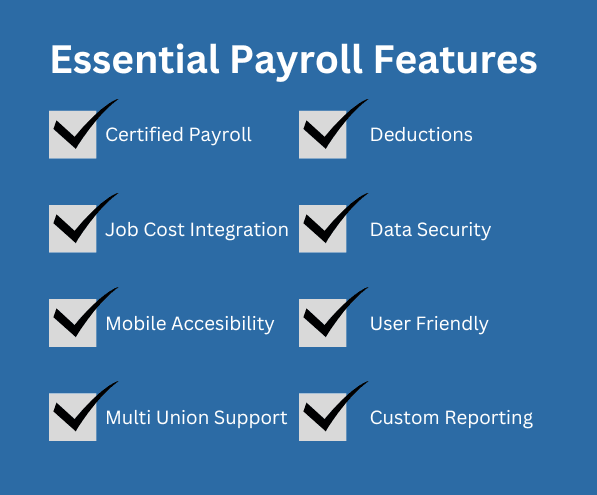
Payroll Management: Simplify paying your crew with integrated payroll features. It automatically calculates wages, taxes, and deductions.
General Ledger: JOBPOWER’s General Ledger provides a CPA‑recommended audit trail, organizes all financial data in one place, automates postings and billings, and keeps your ledgers balanced.
Financial Reporting: Generate detailed reports to understand your financial performance. These reports help in making informed business decisions.
Manage Subcontracts and Subcontractors: Track payments and change orders, and store all related construction documents efficiently.
Ease of Use
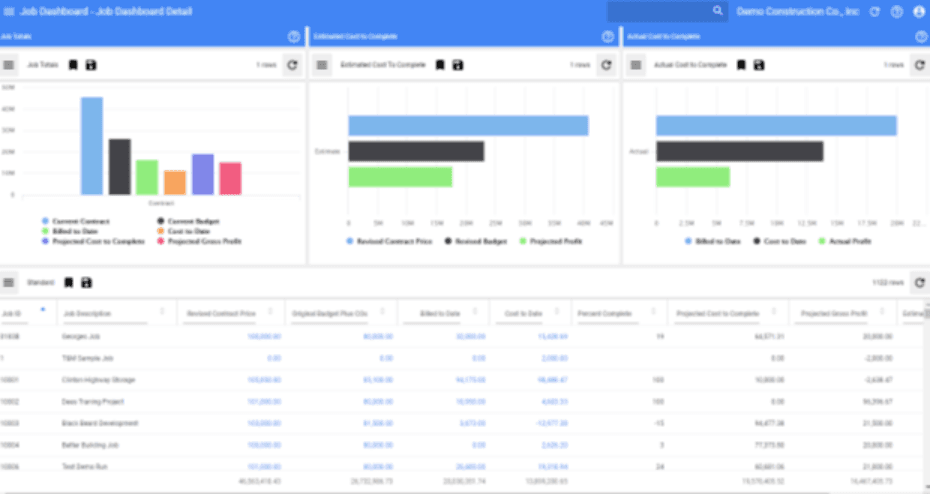
JOBPOWER's ease of use can be a mixed bag for some users. While it offers specialized features for construction accounting, the dashboard feels dated and may require a learning curve for new users.
Your team might find navigating its menus less intuitive than with more modern software. However, once you get the hang of it, the specific functionalities tailored for construction make it a valuable tool for managing projects and finances efficiently.
Integrations
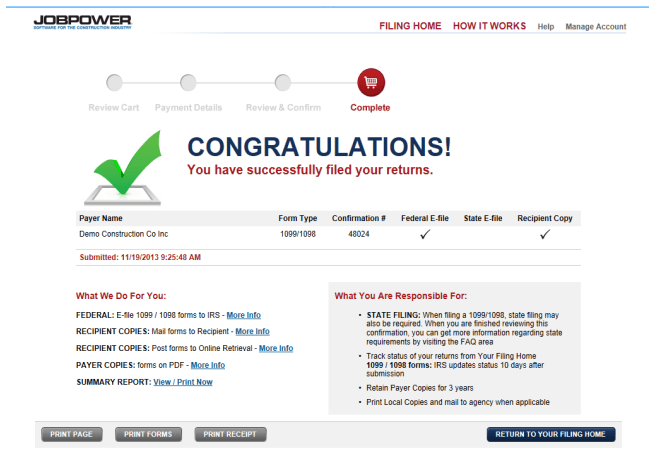
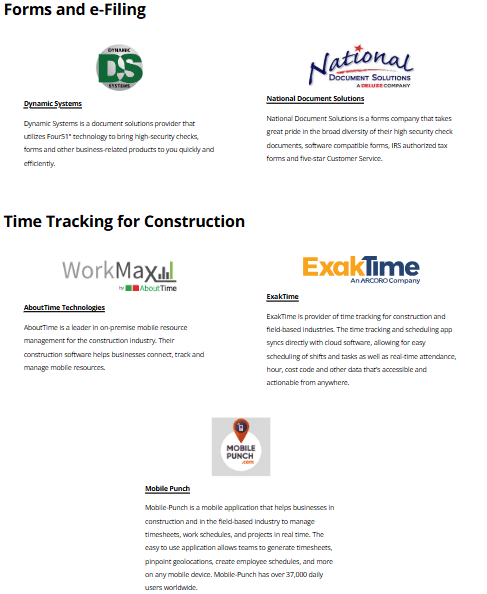
JOBPOWER integrates with Dynamic Systems, National Document Solutions, AboutTime Technologies, ExakTime, Mobile Punch, ConEst Software Systems, Vision InfoSoft, VirtualBoss, Creative Information Systems, and Builder Software Tools.
Based on the available information, JOBPOWER does not provide an API or integrate with third-party integration tools.
JOBPOWER Specs
- 2-Factor Authentication: Yes
- Accounts Payable: Yes
- Accounts Receivable: Yes
- API: Yes
- Balance Sheet: Yes
- Billing/Invoicing: Yes
- BitCoin: No
- Budgeting: Yes
- Calendar Management: No
- Contact Management: Yes
- CRM Integration: Yes
- Customer Management: No
- Dashboard: No
- Data Export: Yes
- Data Import: Yes
- Data Visualization: Yes
- Expense Tracking: Yes
- External Integrations: Yes
- Forecasting: Yes
- General Account Ledger: No
- Inventory Tracking: No
- Multi-Currency: No
- Multi-User: No
- Notifications: No
- P&L: No
- PayPal: No
- Payroll: No
- SAP Integration: No
- Stripe: No
- Supplier Management: No
- Tax Management: No