

MRPeasy Review: Pros, Cons, Features and Pricing
MRPeasy stands out as an affordable, user-friendly ERP solution, perfect for small manufacturers needing strong production planning and inventory management.

We review tools independently, and commissions help fund our testing. See our transparency policy, our methodology, or suggest a tool.
MRPeasy is a CFO ERP software built for small and mid-sized manufacturers. It covers production planning, inventory tracking, procurement, and financial reporting in one system. I'd consider it if your operations have outgrown spreadsheets but you don't need the complexity of a platform like NetSuite. MRPeasy delivers core ERP functionality without the lengthy implementation timeline or enterprise-level cost.
MRPeasy Evaluation Summary
4.5/5
- From $49/user/month
- 30-day free trial
Why Trust Our Software Recommendations
6,700+
Reviews
20
Industry experts
16+
Evaluation factors
14
Years
Our team has been testing and reviewing software since 2012. As finance leaders ourselves, we know how difficult—and important—it is to choose the right software.
For this guide, we evaluated tools using hands-on testing and independent research, scoring tools using our selection criteria.
Our reviews reflect our human editorial judgment, not a sales pitch.
MRPeasy Overview
In my opinion, MRPeasy excels as a cost-effective ERP solution for small manufacturers. Its standout features of production planning and inventory management make it a strong contender for those sectors, though it may not match the depth of features found in pricier, larger-scale ERP systems. It's best suited for businesses that value straightforward implementation, automation, and practical functionality over extensive customization. While onboarding could be smoother, the overall user experience is intuitive, the learning curve is manageable, and the pricing is attractive for budget-conscious teams. If your team needs a solid ERP or MRP system without overwhelming complexity, MRPeasy is worth considering.
Pros
- Your team will find production planning straightforward and efficient.
- Inventory management is intuitive and easy to navigate.
- The user interface is clean and simple for quick adoption.
Cons
- User reviews suggest your team might find onboarding could be quicker.
- Advanced features are limited compared to larger ERP systems.
- Customization options are fewer than some competitors.
Is MRPeasy Right For Your Needs?
Who Would be a Good Fit for MRPeasy?
MRPeasy suits small to mid-sized manufacturers needing efficient production planning and inventory management. It's a good fit for industries including electronics, apparel, and food processing, where straightforward operations are crucial. Your team will appreciate its user-friendly interface and practical features without the complexity of larger ERP systems. I think it's ideal if your business values ease of use and needs a solution that won't overwhelm your operations.
- Small ManufacturersMRPeasy offers production planning and manufacturing order management that fit small-scale operations perfectly.
- Electronics IndustryYour team will benefit from its precise inventory management, crucial for electronics manufacturing.
- Apparel CompaniesManage production schedules and stock levels smoothly, aligning with your industry's fast-paced needs.
- Food ProcessingTrack purchase orders and manage production activities and procurement efficiently to maintain quality and safety.
- Operations TeamsYour shop floor team will find the intuitive interface makes daily management tasks straightforward and efficient.
- Production ManagersWith its planning and inventory functionality, MRPeasy simplifies your scheduling and resource allocation tasks.
Who Would be a Bad Fit for MRPeasy?
MRPeasy may not suit large enterprises needing extensive customization and advanced features. If your manufacturing company relies on complex processes and detailed integrations, this MRP software might feel limited. Industries such as aerospace or pharmaceuticals, where compliance and intricate workflows are crucial, might find MRPeasy lacking. Your manufacturing business might need more advanced capabilities than what MRPeasy offers.
- Large EnterprisesYour team will miss advanced customizations and features needed for complex operations.
- Aerospace IndustryMRPeasy lacks the in-depth compliance and traceability features your industry demands.
- Pharmaceutical CompaniesIt doesn't offer the detailed documentation and validation processes your work requires.
- Financial DepartmentsYour team might find the financial features too basic for complex accounting needs.
- R&D CentersThe software doesn't support the intricate project management your research requires.
- Custom ManufacturingMRPeasy might not handle the detailed customizations your operations need.
How We Test & Score Tools
We’ve spent years building, refining, and improving our software testing and scoring system. The rubric is designed to capture the nuances of software selection and what makes a tool effective, focusing on critical aspects of the decision-making process.
Below, you can see exactly how our testing and scoring works across seven criteria. It allows us to provide an unbiased evaluation of the software based on core functionality, standout features, ease of use, onboarding, customer support, integrations, customer reviews, and value for money.
Core Functionality (25% of final scoring)
The starting point of our evaluation is always the core functionality of the tool. Does it have the basic features and functions that a user would expect to see? Are any of those core features locked to higher-tiered pricing plans? At its core, we expect a tool to stand up against the baseline capabilities of its competitors.
Standout Features (25% of final scoring)
Next, we evaluate uncommon standout features that go above and beyond the core functionality typically found in tools of its kind. A high score reflects specialized or unique features that make the product faster, more efficient, or offer additional value to the user.
We also evaluate how easy it is to integrate with other tools typically found in the tech stack to expand the functionality and utility of the software. Tools offering plentiful native integrations, 3rd party connections, and API access to build custom integrations score best.
Ease of Use (10% of final scoring)
We consider how quick and easy it is to execute the tasks defined in the core functionality using the tool. High scoring software is well designed, intuitive to use, offers mobile apps, provides templates, and makes relatively complex tasks seem simple.
Onboarding (10% of final scoring)
We know how important rapid team adoption is for a new platform, so we evaluate how easy it is to learn and use a tool with minimal training. We evaluate how quickly a team member can get set up and start using the tool with no experience. High scoring solutions indicate little or no support is required.
Customer Support (10% of final scoring)
We review how quick and easy it is to get unstuck and find help by phone, live chat, or knowledge base. Tools and companies that provide real-time support score best, while chatbots score worst.
Customer Reviews (10% of final scoring)
Beyond our own testing and evaluation, we consider the net promoter score from current and past customers. We review their likelihood, given the option, to choose the tool again for the core functionality. A high scoring software reflects a high net promoter score from current or past customers.
Value for Money (10% of final scoring)
Lastly, in consideration of all the other criteria, we review the average price of entry level plans against the core features and consider the value of the other evaluation criteria. Software that delivers more, for less, will score higher.
Core Features
Production Planning: Plan and schedule your production efficiently with MRPeasy's intuitive tools. Your team can easily manage tasks and resources, enhancing productivity and lead times.
Inventory Management: Track inventory levels with precision, helping you avoid stockouts and overstocking. It's simple for your team to keep everything in order.
Order Management: Handle customer orders from start to finish, ensuring timely fulfillment. This feature keeps your sales and production in sync.
Purchasing Management: Manage purchases with ease, from order creation to receipt. Your team can maintain supply chain efficiency effortlessly.
Reporting Tools: Generate detailed reports to analyze your operations. These insights help your team make informed decisions quickly.
Quality Management: Ensure product quality with built-in checks and controls. Your team can maintain high standards consistently.
Ease of Use
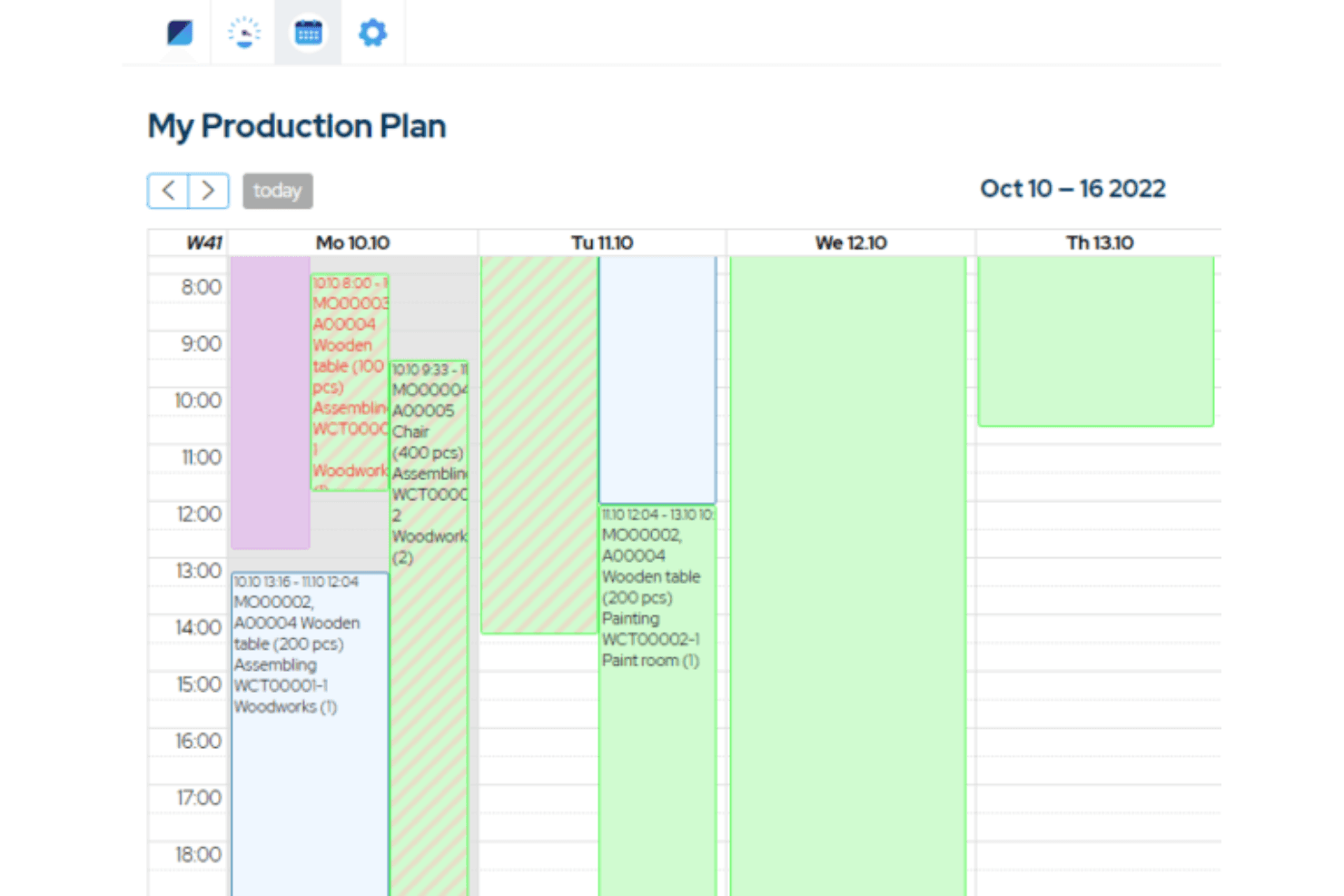
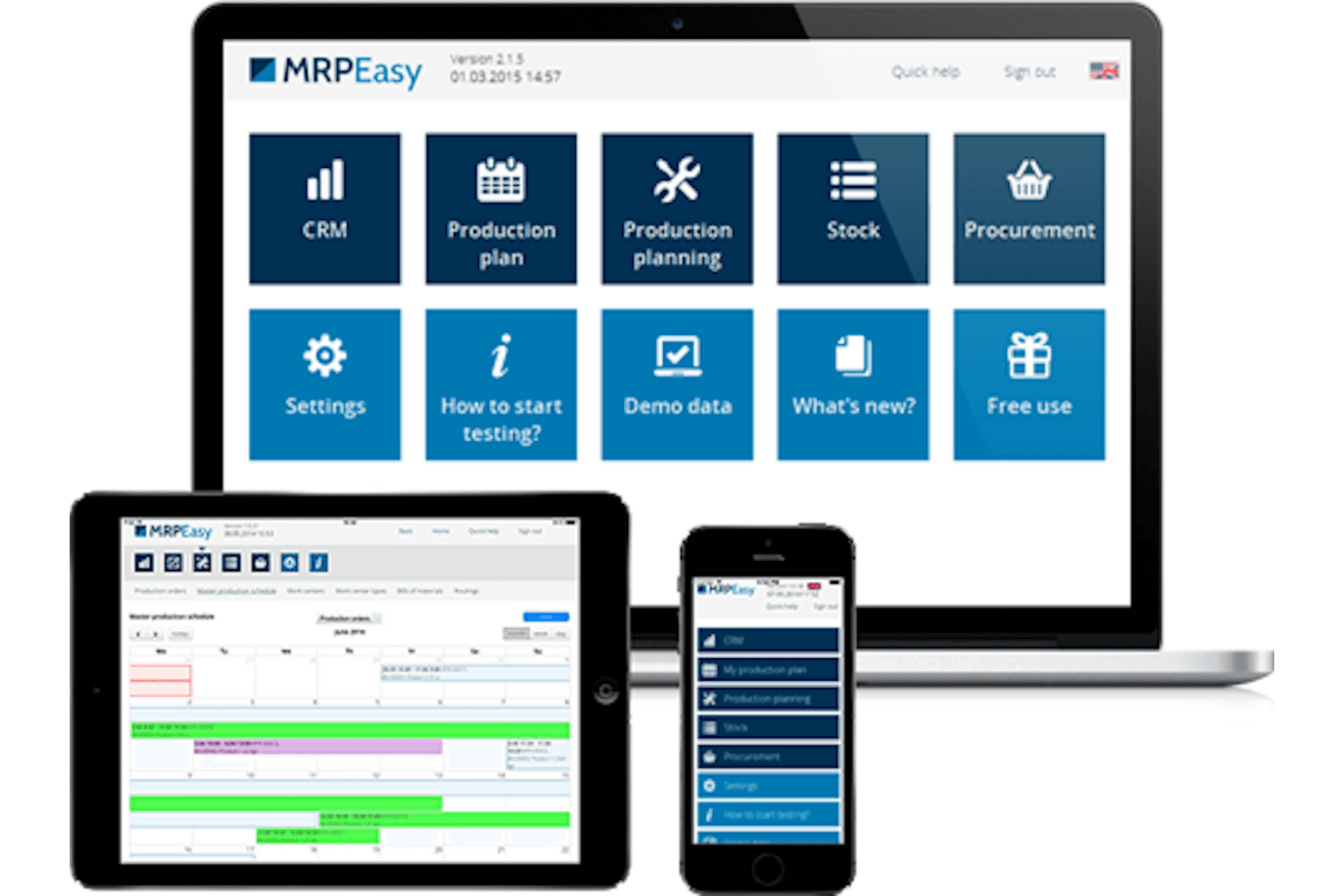
MRPeasy stands out for its user-friendly interface, making it easy for your team to navigate and use daily. The clean design and straightforward layout reduce the learning curve, allowing your team to focus on their work rather than the software. Features such as production planning and inventory management are intuitive, ensuring that even those new to ERP systems can catch on quickly. This ease of use means less time spent on training and more time on productive tasks.
Integrations
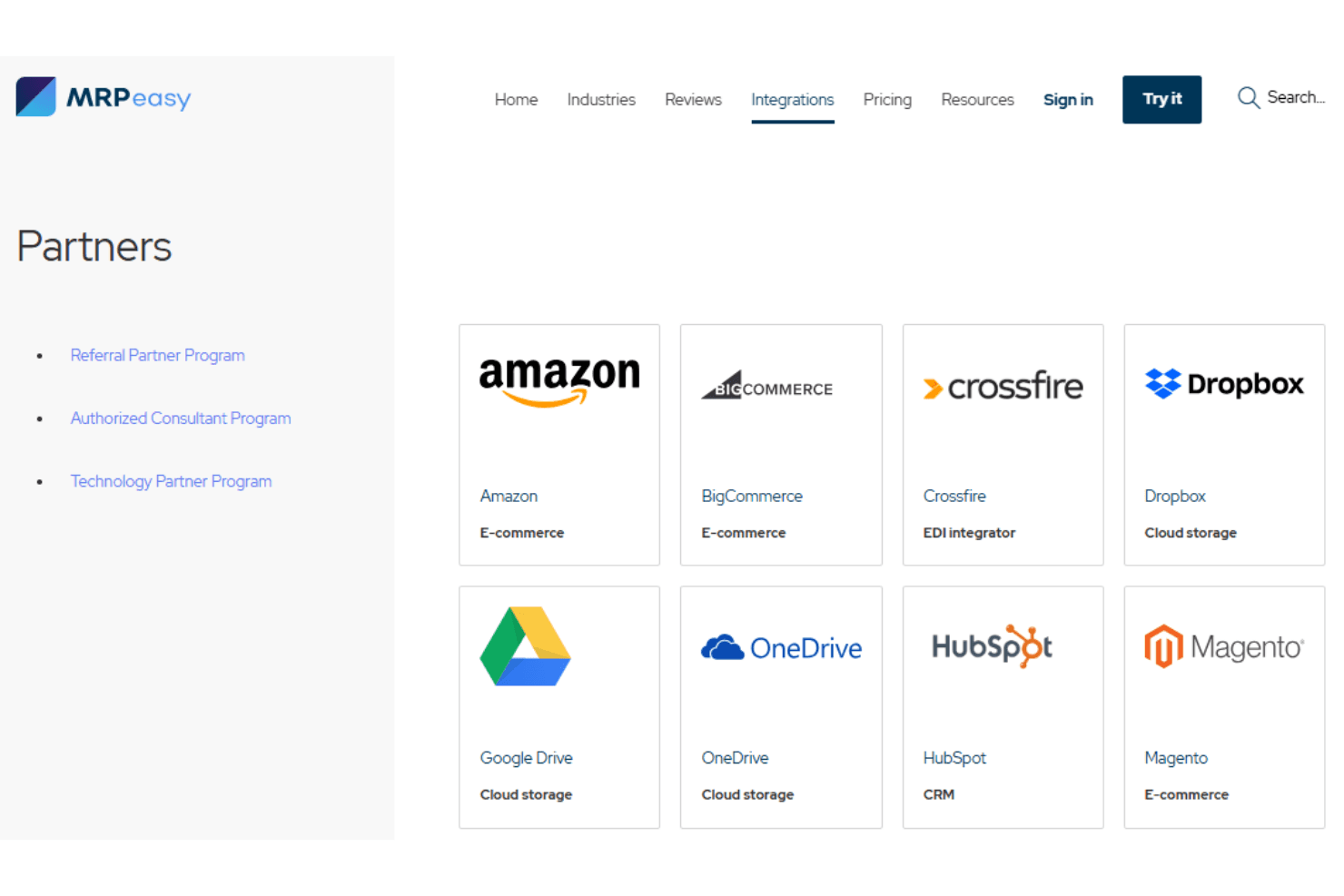
MRPeasy integrates with Amazon, BigCommerce, Google Drive, Magento, QuickBooks Online, Shopify, WooCommerce, Xero, and CRMs including Salesforce and HubSpot.
MRPeasy also offers full API accessibility for paid Unlimited accounts and connects with third-party integration tools, such as Zapier.
New Product Updates from MRPeasy
MRPeasy Adds Stocktake for Physical Inventory Counts
MRPeasy has added a Stocktake feature that makes it easier to plan, conduct, and document physical inventory counts. This helps teams maintain more accurate stock data and streamline count workflows. Highlights include:
- Stocktake Planning: Prepare and organize physical inventory counts.
- Full Warehouse Counts: Count inventory across an entire warehouse.
- Cycle Counts: Run recurring counts for selected inventory items.
- Count Documentation: Record and document completed stocktakes.
- Professional Edition: Access Stocktake starting with MRPeasy’s Professional edition.
Visit MRPeasy’s official site for more details.
MRPeasy Expands REST API v2 With New Data Endpoints
MRPeasy expands REST API v2 with new endpoints for reports, dashboard widgets, workstations, routings, inventory, and settings. These updates make more operational data available through the API. Highlights include:
- Reports: Adds endpoints for goods shipped, customer orders, and stock engagement data.
- Dashboard: Returns values from dashboard widgets.
- Production Resources: Adds access to workstations, workstation groups, and routings.
- Stock and Settings: Adds endpoints for inventory, critical on-hand, product groups, units, and parameters.
Visit MRPeasy’s official site for more details.
MRPeasy Specs
- Accounts Payable: Yes
- Accounts Receivable: Yes
- API: Yes
- Budgeting: Yes
- Calendar Management: Yes
- Compliance Tracking: Yes
- Customer Management: Yes
- Dashboard: Yes
- Data Export: Yes
- Data Import: Yes
- Data Visualization: Yes
- Expense Tracking: Yes
- External Integrations: Yes
- Financial Analysis: Yes
- Forecasting: Yes
- Inventory Tracking: Yes
- Multi-Currency: Yes
- Multi-User: Yes
- Notifications: Yes
- Order Management: Yes
- Payroll: No
- Project Management: Yes
- Purchase Orders: Yes
- Resource Management: Yes
- Scheduling: Yes
- Supplier Management: Yes
- Task Scheduling/Tracking: Yes
- Third-Party Plugins/Add-Ons: Yes
- Warehouse Management: Yes
- Workflow Management: Yes


