

Phocas Business Intelligence and Financial Analysis Review For 2026
Phocas excels in delivering intuitive data analytics, empowering your team with actionable insights that drive better financial decisions.

We review tools independently, and commissions help fund our testing. See our transparency policy, our methodology, or suggest a tool.
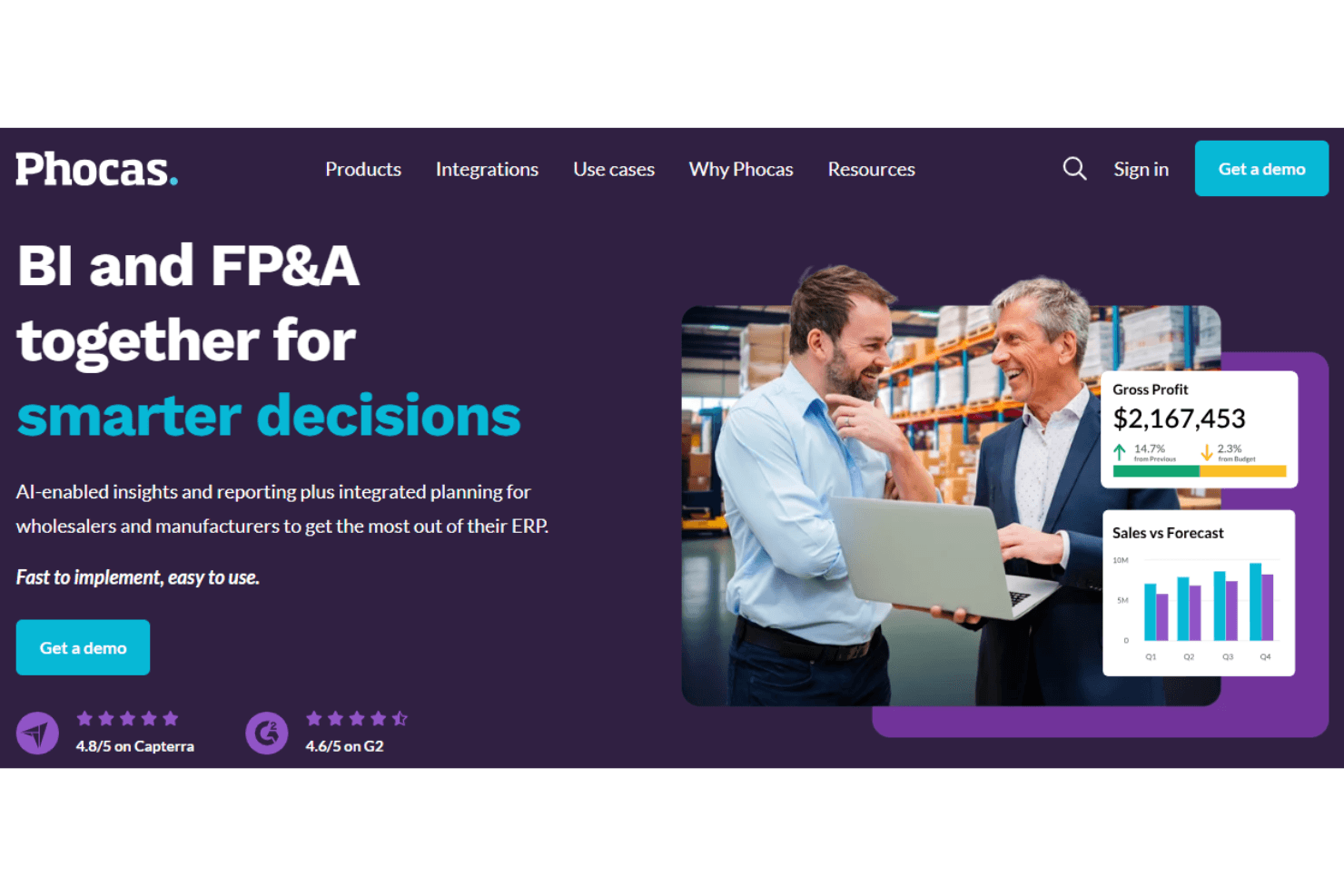
Phocas is a financial analytics software built for mid-market companies that need to connect financial and operational data without leaning on IT or a dedicated data team. It covers budgeting, forecasting, and reporting in one place, pulling directly from your ERP. I'd consider it if your finance team wants more than what Power BI offers out of the box—Phocas is purpose-built for finance workflows, so you're not starting from a blank canvas every time you need a meaningful report.
Phocas Evaluation Summary
4.6/5
- Pricing upon request
- Free demo available
Why Trust Our Software Recommendations
6,700+
Reviews
20
Industry experts
16+
Evaluation factors
14
Years
Our team has been testing and reviewing software since 2012. As finance leaders ourselves, we know how difficult—and important—it is to choose the right software.
For this guide, we evaluated tools using hands-on testing and independent research, scoring tools using our selection criteria.
Our reviews reflect our human editorial judgment, not a sales pitch.
Phocas Overview
Phocas is a strong choice for manufacturing and distribution businesses looking to turn complex financial data into clear, actionable insights. Its intuitive interface, customizable dashboards, and real-time analytics make it easier for teams to work with data, even without deep technical expertise.
However, what sets Phocas software apart is its focus on ease of use and responsive customer support, helping users get value quickly. While the onboarding process could be a bit more seamless, the overall experience is smooth once you're up and running.
For mid-sized to large companies aiming to improve data-driven decision-making, Phocas is a reliable and user-friendly option.
Pros
- It integrates smoothly with a range of ERP systems, keeping your data connected and up to date.
- Drill-down tools, such as sales analysis and financial performance, make it easy to explore data sources in detail and uncover deeper insights.
- Mobile access lets your team stay connected to key dashboards while on the go.
Cons
- It lacks advanced forecasting and analytics features compared to some other business intelligence tools.
- Customizing more complex reports may require extra training or support.
- Some users feel that the initial setup requires more time and effort than expected.
Is Phocas Right For Your Needs?
Who Would be a Good Fit for Phocas?
Phocas is ideal for financial analysts and FP&A teams who need clear data visualization to drive business-level decisions and KPIs. It's perfect for mid-sized businesses looking for real-time insights without a steep learning curve. Overall, Phocas's customizable dashboards and intuitive interface make it a strong BI tool for those who want quick access to essential data.
- Manufacturing CompaniesPhocas excels in providing advanced analytics tools that help you optimize production and inventory management.
- Distribution BusinessesIt offers your team intuitive data visualization, simplifying logistics and supply chain decisions.
- FP&A TeamsThe software’s real-time data capabilities and reporting tools empower you to make informed strategic decisions quickly, regardless of company size.
- Mid-Sized BusinessesPhocas provides detailed insights without overwhelming your team members, making it a great fit for fast scaling mid-market businesses.
Who Would be a Bad Fit for Phocas?
Phocas might not be the best fit for small businesses with limited resources or teams looking for a quick, plug-and-play solution. Its initial setup and onboarding may require more time and effort than smaller teams can afford. Additionally, those needing highly specialized industry-specific features, like advanced security or patient access, might find Phocas's general approach lacking in depth for niche requirements.
- Small StartupsPhocas' detailed features can be overwhelming for a small team with limited data needs or self-service options.
- Highly Specialized IndustriesIf your industry requires niche-specific analytics, Phocas' general features might not meet your unique needs.
- Budget-Conscious TeamsIf budget constraints are your top priority, Phocas' value might not align with your financial limitations.
- Short-Term ProjectsFor quick, temporary projects, the time investment in Phocas setup may not be justified.
- Non-Financial RolesRoles outside of finance may find Phocas' analytics too focused and not relevant for their day-to-day tasks.
How We Test & Score Tools
We’ve spent years building, refining, and improving our software testing and scoring system. The rubric is designed to capture the nuances of software selection and what makes a tool effective, focusing on critical aspects of the decision-making process.
Below, you can see exactly how our testing and scoring works across seven criteria. It allows us to provide an unbiased evaluation of the software based on core functionality, standout features, ease of use, onboarding, customer support, integrations, customer reviews, and value for money.
Core Functionality (25% of final scoring)
The starting point of our evaluation is always the core functionality of the tool. Does it have the basic features and functions that a user would expect to see? Are any of those core features locked to higher-tiered pricing plans? At its core, we expect a tool to stand up against the baseline capabilities of its competitors.
Standout Features (25% of final scoring)
Next, we evaluate uncommon standout features that go above and beyond the core functionality typically found in tools of its kind. A high score reflects specialized or unique features that make the product faster, more efficient, or offer additional value to the user.
We also evaluate how easy it is to integrate with other tools typically found in the tech stack to expand the functionality and utility of the software. Tools offering plentiful native integrations, 3rd party connections, and API access to build custom integrations score best.
Ease of Use (10% of final scoring)
We consider how quick and easy it is to execute the tasks defined in the core functionality using the tool. High scoring software is well designed, intuitive to use, offers mobile apps, provides templates, and makes relatively complex tasks seem simple.
Onboarding (10% of final scoring)
We know how important rapid team adoption is for a new platform, so we evaluate how easy it is to learn and use a tool with minimal training. We evaluate how quickly a team member can get set up and start using the tool with no experience. High scoring solutions indicate little or no support is required.
Customer Support (10% of final scoring)
We review how quick and easy it is to get unstuck and find help by phone, live chat, or knowledge base. Tools and companies that provide real-time support score best, while chatbots score worst.
Customer Reviews (10% of final scoring)
Beyond our own testing and evaluation, we consider the net promoter score from current and past customers. We review their likelihood, given the option, to choose the tool again for the core functionality. A high scoring software reflects a high net promoter score from current or past customers.
Value for Money (10% of final scoring)
Lastly, in consideration of all the other criteria, we review the average price of entry level plans against the core features and consider the value of the other evaluation criteria. Software that delivers more, for less, will score higher.
Core Features
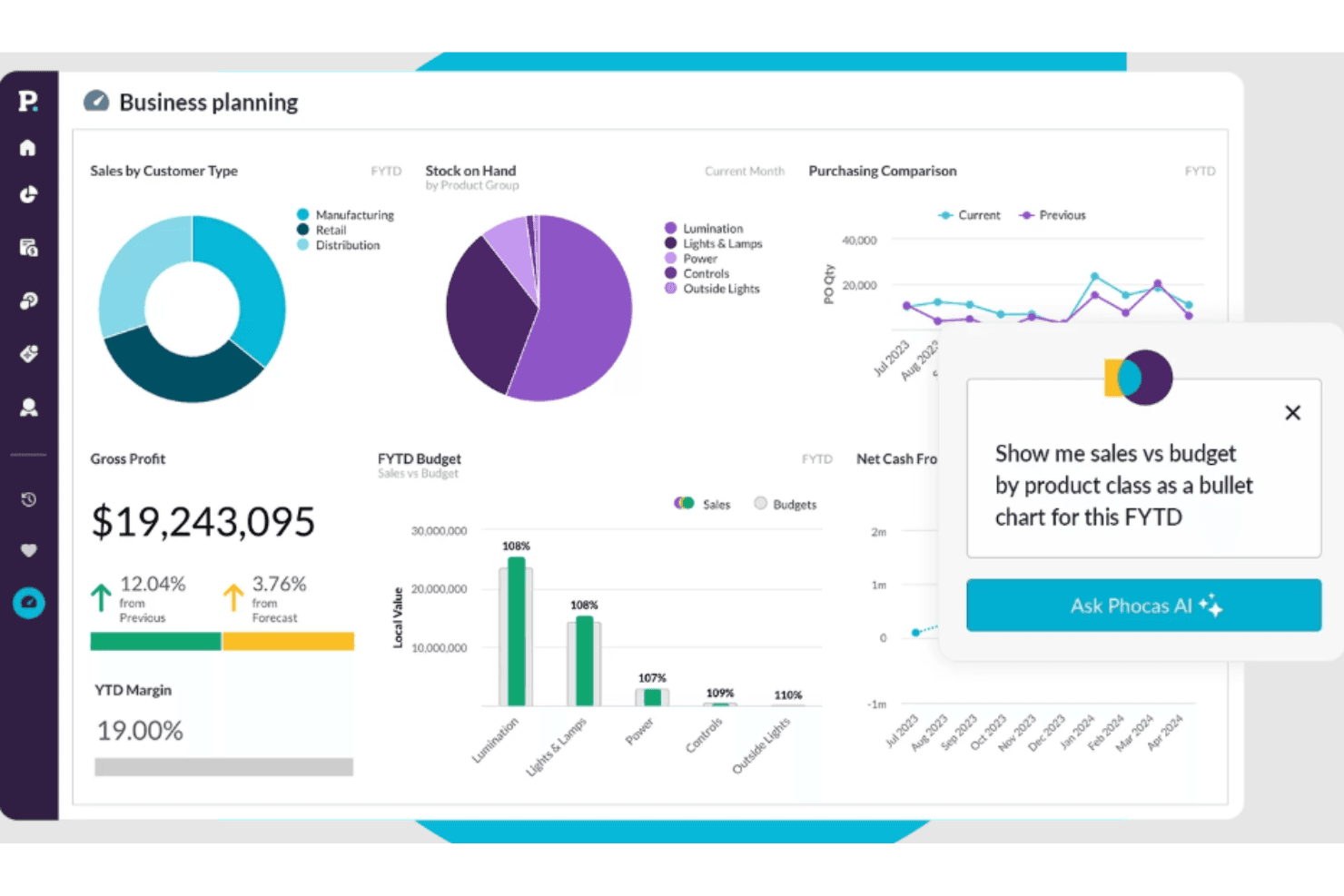
Customizable Dashboards: You can tailor dashboards to fit your specific data needs, providing quick access to the most relevant information. With this feature, Phocas helps your team stay focused on key metrics.
Real-Time Analytics: Phocas offers real-time data processing, allowing end users to make informed decisions instantly. This ensures you're always working with the most up-to-date information.
Data Visualization: With clear and intuitive visuals, Phocas turns complex data into easy-to-understand graphs and chart formats. As a result, you can help your team quickly grasp insights without delving into raw data.
Drill-Down Functionality: You can explore data in depth by drilling down into specific areas for detailed analysis, giving your team a deeper understanding of trends and anomalies.
Financial Reporting: Phocas streamlines your financial reporting with automated, accurate reports, saving time and reducing errors in your financial processes.
User-Friendly Interface: The software's intuitive design makes navigation and operation straightforward for your team. This reduces the learning curve and boosts productivity.

Ease of Use
Phocas is known for its user-friendly interface, making it simple for your team to navigate and utilize its features effectively. The platform’s intuitive design reduces the learning curve, allowing business users with limited technical skills to access and analyze data efficiently.
Additionally, its customizable dashboards and clear data visualizations ensure you can quickly find and understand the information you need. Compared to other tools, Phocas prioritizes ease of use, enabling your team to focus on decision-making rather than software complexity.
Integrations
Phocas integrates natively with Epicor, Infor, Microsoft, MYOB, NetSuite, Sage, SAP, Khaos Control, MAM Software, and Salesforce. The software also offers API and connects with third-party integration tools like Zapier.

Phocas Specs
- 2-Factor Authentication: Yes
- Accounts Payable: Yes
- Accounts Receivable: Yes
- API: Yes
- Audit Trail: No
- Balance Sheet: Yes
- Billing/Invoicing: No
- Budgeting: Yes
- Calendar Management: No
- Comparative Reporting: No
- Compliance Tracking: No
- CRM Integration: Yes
- Custom Reports: No
- Dashboard: Yes
- Dashboards: No
- Data Export: Yes
- Data Import: Yes
- Data Mining: No
- Data Visualization: Yes
- Document Comparison: No
- Expense Tracking: No
- External Integrations: Yes
- Financial Analysis: Yes
- Forecasting: Yes
- General Account Ledger: Yes
- Multi-Currency: Yes
- Multi-User: Yes
- Notifications: No
- P&L: Yes
- Payroll: No
- Process Reporting: Yes
- Risk Assessment: No
- SAP Integration: Yes
- Scenario Planning: No
- Scheduling: No
- Tax Management: No
- Visualization: No
- Workflow Management: No
Phocas FAQs
What's Next?
Ready to compound your abilities as a finance professional? Subscribe to our free newsletter for expert advice, guides, and insights from finance leaders shaping the tech industry.