

Reseña de SoftLedger: Ventajas, Desventajas, Características y Precios
SoftLedger destaca por ofrecer datos financieros en tiempo real y una API flexible, lo que lo hace ideal para empresas en crecimiento que necesitan soluciones personalizables.

Revisamos las herramientas de forma independiente, y las comisiones ayudan a financiar nuestras pruebas. Consulta nuestra política de transparencia, nuestra metodología o sugiere una herramienta.
SoftLedger is a cloud-based general ledger software built for businesses managing multiple entities, subsidiaries, or investment portfolios that need real-time financial consolidation. I'd consider it if your organization has outgrown QuickBooks but doesn't want the lengthy implementation—or the price tag—that comes with NetSuite. SoftLedger gives finance teams multi-entity consolidation, multi-currency support, and an API-first architecture in a platform that's genuinely faster to deploy than most enterprise ERP alternatives.
SoftLedger Evaluation Summary
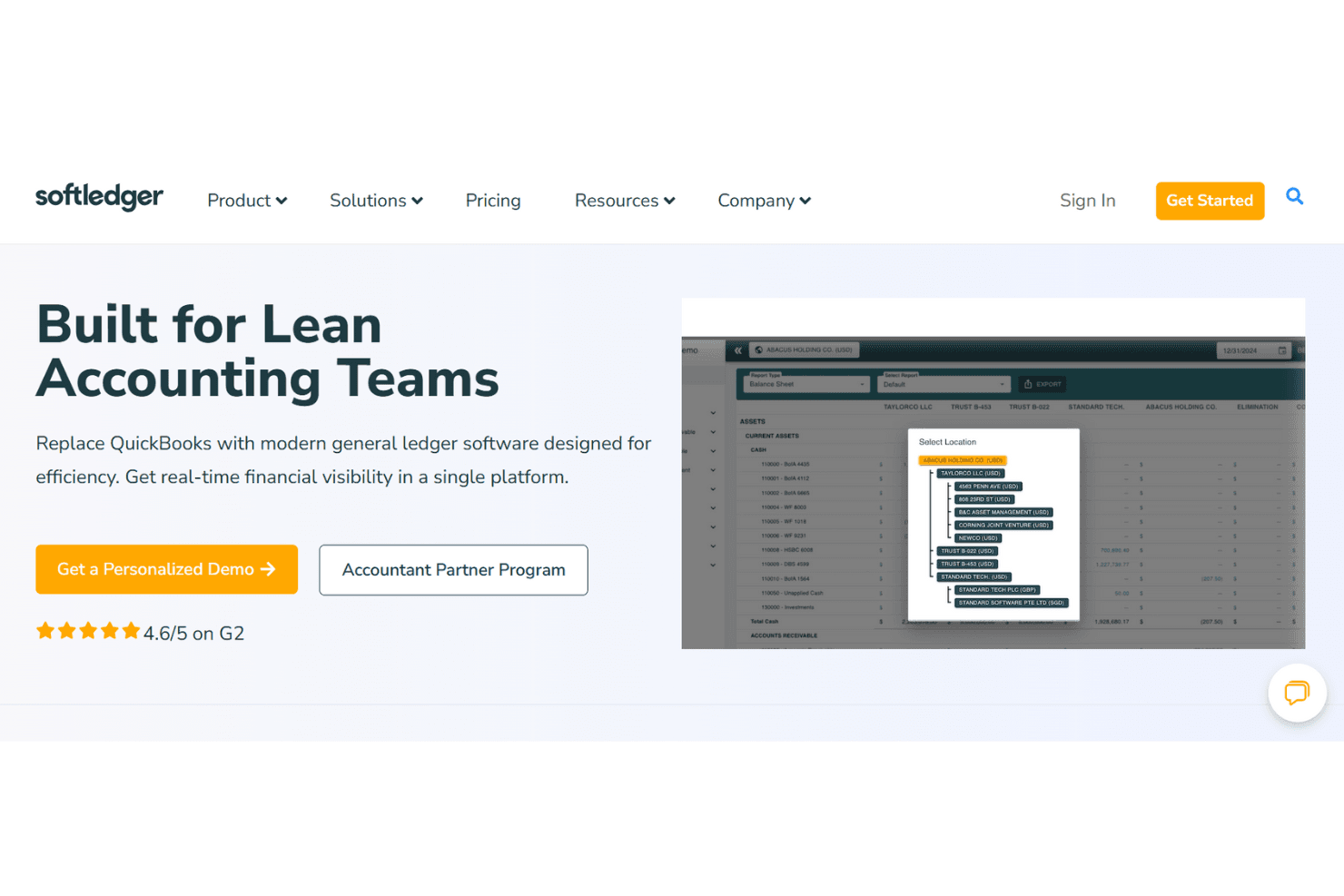
4.6/5
- Pricing upon request
- Free demo available
Por qué confiar en nuestras recomendaciones de software
6,700+
Reviews
20
Industry experts
16+
Evaluation factors
14
Years
Nuestras reseñas reflejan nuestro criterio independiente, no un discurso de ventas. Descubra cómo mantenemos la transparencia.
Para esta guía, evaluamos las herramientas mediante pruebas prácticas e investigación independiente, puntuando las herramientas según nuestros criterios de selección.
Nuestras reseñas reflejan nuestro criterio editorial humano, no un discurso de ventas.
SoftLedger Overview
In my opinion, SoftLedger is an excellent choice for teams needing strong multi-entity management and cryptocurrency accounting capabilities. Its ease of use and effective onboarding process are notable, ensuring your team can quickly adapt and utilize its features. Compared to other accounting software, such as Sage Intacct, SoftLedger shines with its flexibility and modern interface, making it suitable for tech-savvy users and businesses dealing with complex financial structures. However, its pricing might be on the higher side for smaller businesses. This software is best suited for healthcare organizations, crypto businesses, and teams in the financial industry looking for a comprehensive solution that integrates well with other systems and apps. If your team values detailed reporting and cryptocurrency tracking, SoftLedger could be a worthwhile investment.
Pros
- You can easily manage multiple entities and currencies.
- Your team will appreciate the straightforward user interface.
- You get real-time financial data for better decision-making.
Cons
- Your work might be disrupted by occasional system glitches.
- You could face challenges with limited customization options.
- Your team may be overwhelmed with its advanced tools.
Is SoftLedger Right For Your Needs?
Who Would be a Good Fit for SoftLedger?
SoftLedger is ideal for businesses with complex financial operations, especially those managing multiple entities or needing real-time financial insights. Its multi-entity general ledger and automation functions are perfect for organizations seeking efficiency in financial reporting and consolidation. If you handle digital assets, require strong cash management tools, or need seamless integration with other platforms, SoftLedger's capabilities in these areas make it a strong contender for your financial management needs.
- Financial ServicesSoftLedger's real-time financial reporting and multi-entity management are excellent for financial institutions needing accurate and timely insights.
- Healthcare OrganizationsIts multi-currency support and automation help healthcare providers manage complex billing and financial operations efficiently.
- Real Estate CompaniesWith its consolidation accounting system and integration capabilities, SoftLedger aids real estate firms in managing diverse financial assets.
- NonprofitsThe software's tailored solutions and robust reporting tools assist nonprofits in maintaining transparency and compliance.
- Crypto BusinessesSoftLedger's digital asset management supports cryptocurrency accounting, making it ideal for businesses in this emerging market.
- Global EnterprisesIts scalability and multi-currency features benefit global companies dealing with complex cross-border financial operations.
Who Would be a Bad Fit for SoftLedger?
SoftLedger might not suit small businesses or startups with limited accounting needs due to its extensive capabilities, which could be overwhelming. Its advanced functionalities might also be excessive for industries that don't require intricate financial reporting, multi-entity accounting, or inventory management. If your work primarily involves simple bookkeeping or you need a straightforward, low-cost solution, SoftLedger's capabilities could be more than you need.
- Small BusinessesIf you run a small business with basic accounting needs, SoftLedger's advanced options might be too complex and costly.
- StartupsFor startups with limited budgets, the extensive capabilities of SoftLedger could be unnecessary and financially burdensome.
- FreelancersFreelancers needing simple invoicing and expense tracking might find SoftLedger's comprehensive suite too expansive.
- Construction CompaniesIndustries like construction, which often require specialized project accounting processes, may not find SoftLedger's general financial tools adequately tailored.
Cómo probamos y puntuamos las herramientas
Hemos dedicado años a construir, perfeccionar y mejorar nuestro sistema de evaluación y puntuación de software. La rúbrica está diseñada para capturar los matices de la selección de software y lo que hace que una herramienta sea efectiva, enfocándose en los aspectos críticos del proceso de toma de decisiones. A continuación, puedes ver exactamente cómo funcionan nuestras pruebas y puntuación en siete criterios. Esto nos permite proporcionar una evaluación imparcial del software basada en la funcionalidad principal, características destacadas, facilidad de uso, onboarding, atención al cliente, integraciones, opiniones de clientes y relación calidad-precio.
Funcionalidad principal (25% de la puntuación final)
Nuestro punto de partida siempre es la funcionalidad principal de la herramienta. ¿Tiene las funciones básicas que un usuario esperaría ver? ¿Alguna de estas características principales está limitada a planes de precios superiores? En esencia, esperamos que una herramienta esté a la altura de las capacidades básicas de sus competidores.
Características destacadas (25% de la puntuación final)
A continuación, evaluamos las características únicas y sobresalientes que van más allá de la funcionalidad principal normalmente encontrada en herramientas de este tipo. Una puntuación alta refleja funciones especializadas o únicas que hacen el producto más rápido, eficiente o que aportan valor adicional al usuario. También evaluamos lo fácil que es integrarse con otras herramientas que normalmente forman parte del stack tecnológico para ampliar la funcionalidad y utilidad del software. Las herramientas que ofrecen numerosas integraciones nativas, conexiones con terceros y acceso API para crear integraciones personalizadas obtienen la mejor puntuación.
Facilidad de uso (10% de la puntuación final)
Consideramos cuán rápido y fácil es ejecutar las tareas definidas en la funcionalidad principal usando la herramienta. El software que obtiene la puntuación más alta está bien diseñado, es intuitivo, ofrece aplicaciones móviles, proporciona plantillas y hace que tareas relativamente complejas parezcan simples.
Onboarding (10% de la puntuación final)
Sabemos lo importante que es una adopción rápida del equipo para una nueva plataforma, por lo que evaluamos cuán sencillo es aprender y utilizar una herramienta con una formación mínima. Analizamos lo rápido que un miembro del equipo puede configurarse y empezar a usar la herramienta sin experiencia previa. Las soluciones con alta puntuación indican que se requiere poco o ningún soporte.
Atención al cliente (10% de la puntuación final)
Revisamos cuán rápido y sencillo es salir de un atasco y encontrar ayuda por teléfono, chat en vivo o base de conocimiento. Las herramientas y empresas que proporcionan soporte en tiempo real obtienen la mejor puntuación, mientras que los chatbots obtienen la peor.
Opiniones de clientes (10% de la puntuación final)
Además de nuestras propias pruebas y evaluaciones, consideramos el net promoter score de clientes actuales y anteriores. Revisamos la probabilidad de que, de tener la opción, elijan nuevamente la herramienta por su funcionalidad principal. Un software con alta puntuación refleja un alto net promoter score de clientes presentes o pasados.
Relación calidad-precio (10% de la puntuación final)
Por último, considerando todos los demás criterios, revisamos el precio medio de los planes de entrada frente a las funciones principales y analizamos el valor de los demás criterios de evaluación. El software que ofrece más por menos obtiene una puntuación superior.
Core Features
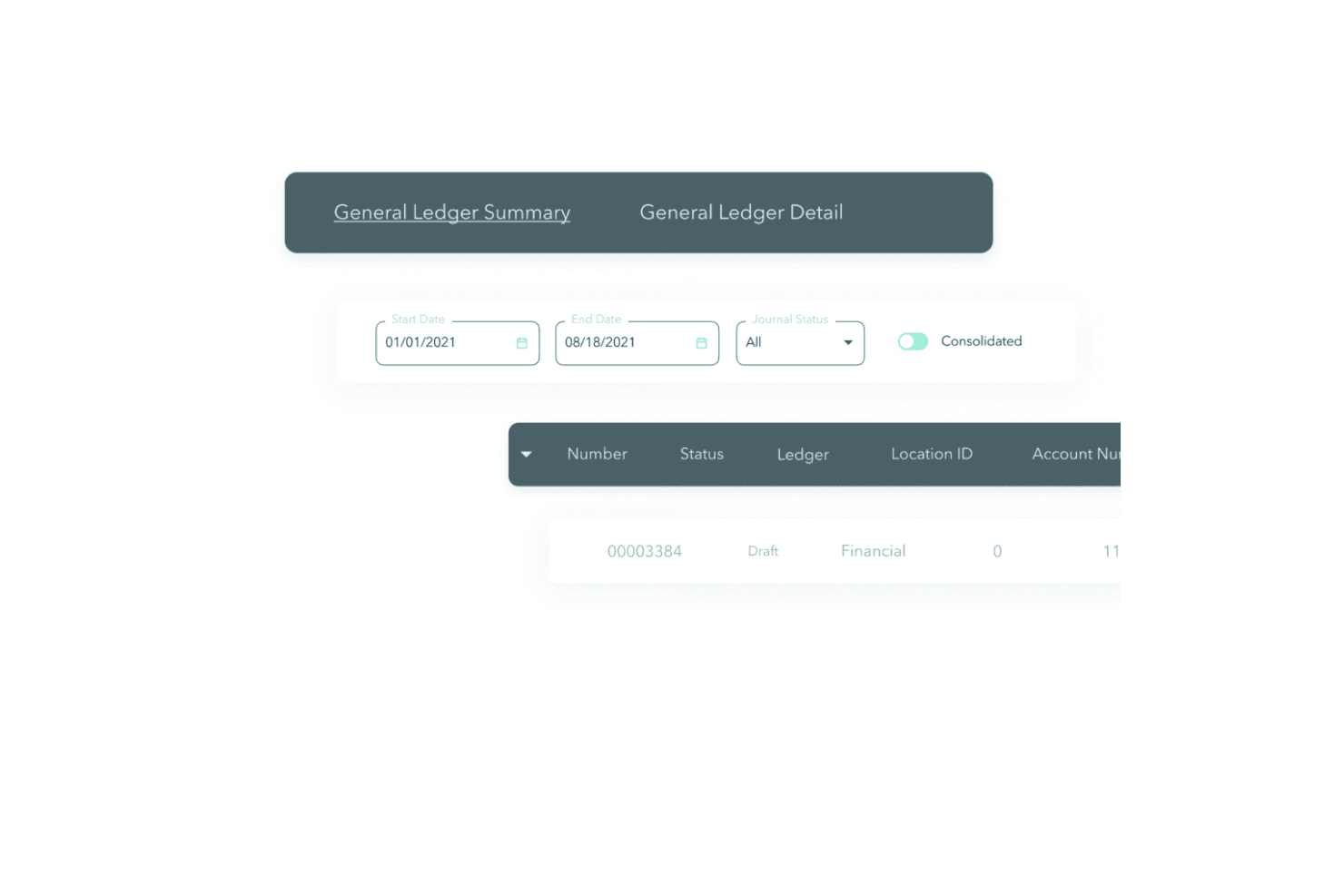
General Ledger: SoftLedger's general ledger lets you manage all your financial data and journal entries in one place. It automatically updates records, giving you up-to-date insights into your finances.
Accounts Payable: You can easily track and manage your bills with SoftLedger's accounts payable tool, helping you avoid late fees by organizing your payment schedules.
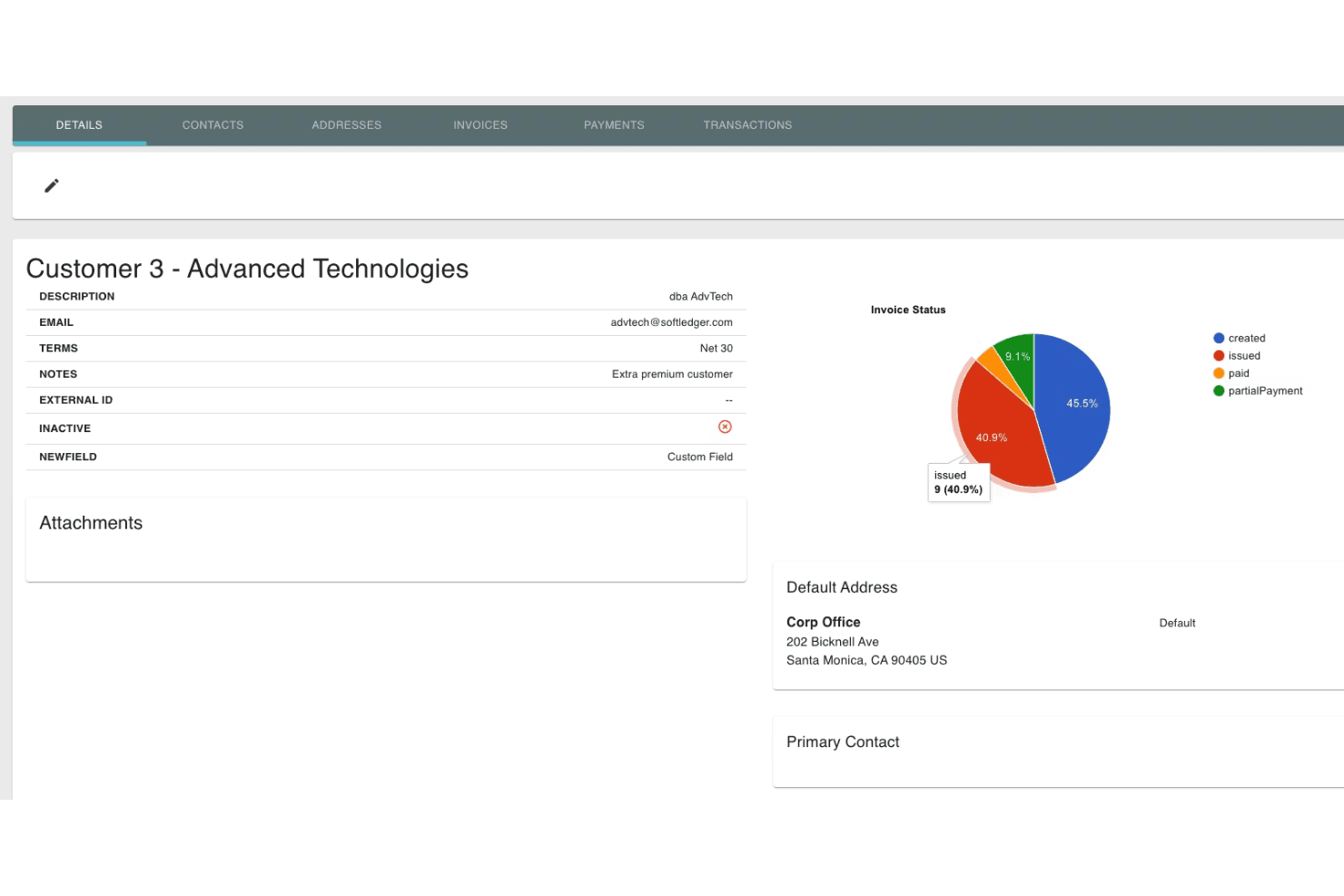
Accounts Receivable: The software allows you to manage your incoming payments, ensuring you get paid on time. It also offers tools for invoicing and tracking customer payments.
Expense Management: SoftLedger helps you keep track of your expenses, making it easier to analyze spending. You can categorize expenses and monitor them against your budget.
Fixed Asset Management: Keep a detailed record of your fixed assets, including depreciation schedules, which ensures you always know their value and status.
Financial Reporting: Generate comprehensive reports to understand your financial health. You can customize reports and dashboards to focus on the metrics that matter most to your business, including cash flow.
Ease of Use
SoftLedger's interface is generally user-friendly. While some users have found the navigation challenging, with more complex functions and modules not being immediately intuitive, the software's detailed customer support can assist you in overcoming these hurdles. Despite any challenges, once you are familiar with it, the full feature set can greatly aid your team in managing financial tasks effectively.
Integrations
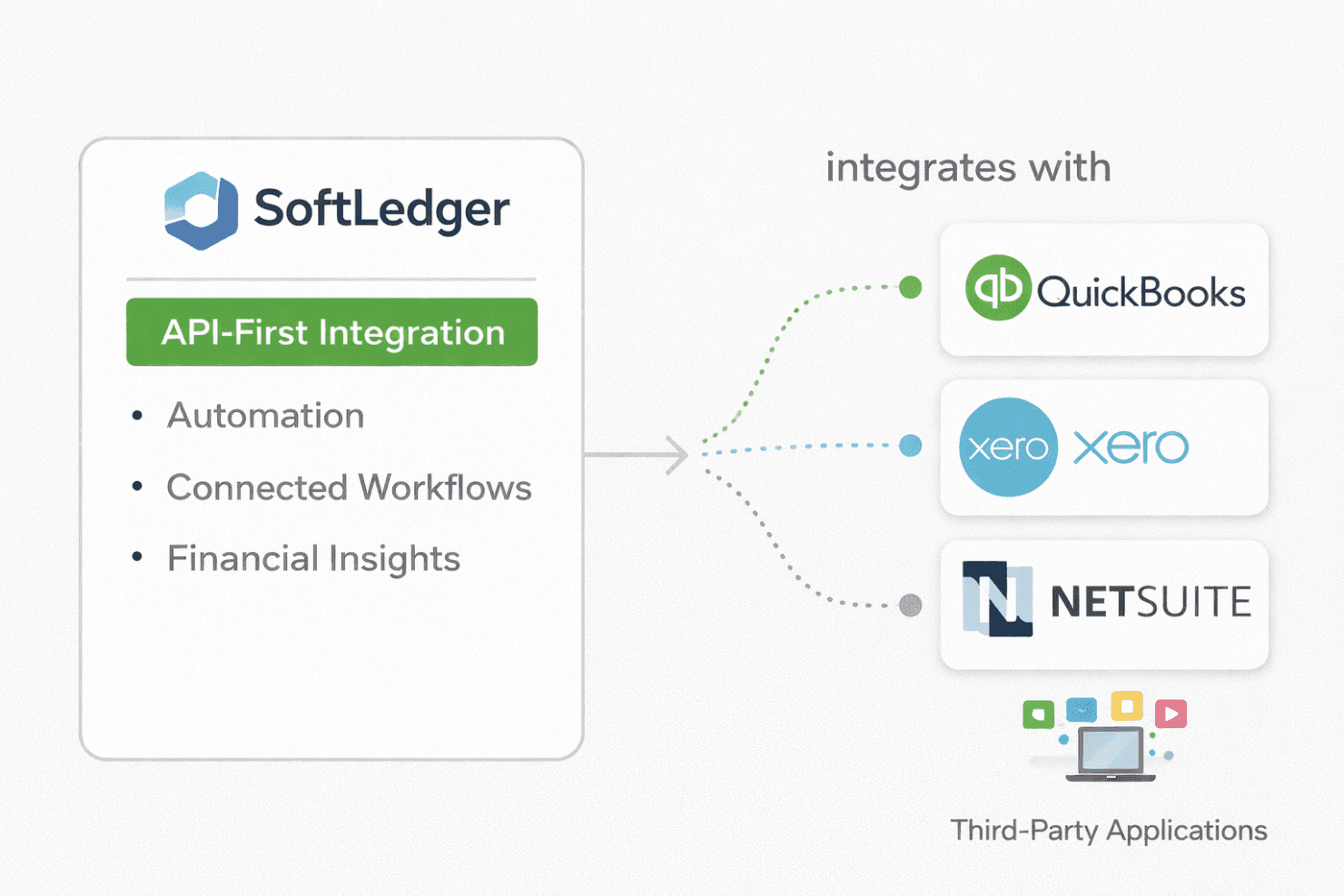
SoftLedger integrates with QuickBooks, Xero, and NetSuite.
In addition, SoftLedger's API-first approach enables integration with third-party applications, allowing for automation, connected workflows, and enhanced financial insights.
SoftLedger Specs
- 2-Factor Authentication: No
- Accounts Payable: Yes
- Accounts Receivable: Yes
- API: Yes
- Balance Sheet: Yes
- Billing/Invoicing: Yes
- BitCoin: Yes
- Budgeting: Yes
- Calendar Management: No
- Contact Management: Yes
- CRM Integration: Yes
- Customer Management: Yes
- Dashboard: Yes
- Data Export: Yes
- Data Import: Yes
- Data Visualization: Yes
- Expense Tracking: Yes
- External Integrations: Yes
- Forecasting: Yes
- General Account Ledger: Yes
- Inventory Tracking: Yes
- Multi-Currency: Yes
- Multi-User: Yes
- Notifications: Yes
- P&L: Yes
- PayPal: Yes
- Payroll: Yes
- SAP Integration: No
- Stripe: Yes
- Supplier Management: Yes
- Tax Management: No


