

Sage Construction Management (formerly Corecon) Review: Pros, Cons, Features, and Pricing
Corecon excels with its robust project management features, making it ideal for construction professionals seeking comprehensive accounting integration.

We review tools independently, and commissions help fund our testing. See our transparency policy, our methodology, or suggest a tool.
Sage Construction Management (formerly Corecon) is an accounting software designed to manage construction projects, offering features such as project management, job costing, and scheduling. It's an ERP that is best suited for construction firms, contractors, and project managers who require detailed project oversight. Sage Construction Management helps construction businesses stay on budget and on schedule.
Sage Construction Management addresses common pain points, such as poor visibility into projects and uncontrolled spending. In this article, I'll cover Sage Construction Management's features, pros and cons, use cases, pricing, and more, so you can decide if this software aligns with your project management and financial tracking needs and goals.
Sage Evaluation Summary
4.1/5
- Pricing upon request
- 30-day free trial
Why Trust Our Software Recommendations
6,700+
Reviews
20
Industry experts
16+
Evaluation factors
14
Years
Our team has been testing and reviewing software since 2012. As finance leaders ourselves, we know how difficult—and important—it is to choose the right software.
For this guide, we evaluated tools using hands-on testing and independent research, scoring tools using our selection criteria.
Our reviews reflect our human editorial judgment, not a sales pitch.
Sage Overview
From my viewpoint, Sage Construction Management offers a solid solution for construction accounting needs, especially for small to medium-sized enterprises. Its standout modules, like project management and task tracking, are particularly useful. However, the interface could be more intuitive, as some users might find it a bit challenging to navigate initially.
The customer support is commendable, and users often praise its responsiveness. While it provides good value for money, the pricing might be steep for smaller real estate startups. Sage Construction Management is best suited for teams looking for an integrated accounting and project management tool that requires minimal customization. If you're seeking a straightforward construction accounting solution with added project management capabilities, this might be a suitable option for your team.
Pros
- Manage projects easily once you master the interface.
- Offers robust reporting tools to track projects effectively.
- Comprehensive project management features improve your team's workflow.
Cons
- New project management software users face a steep learning curve.
- Occasional technical issues and bugs can disrupt workflow.
- It can be costly, particularly for smaller teams or businesses.
Is Sage Right For Your Needs?
Who Would be a Good Fit for Sage?
If you're in construction, Sage Construction Management is a solid all-in-one choice for managing projects from start to finish. The software suits mid-sized contractors and larger developers thanks to its key features, including lead tracking, bid management, and project organization. Sage Construction Management's integration with Sage Intacct and QuickBooks helps streamline your financial processes, making it easier to manage budgets and expenses effectively.
- Small ContractorsSage Construction Management's lead tracking and bid management features help small but growing contractors efficiently manage their projects and bids.
- Mid-Sized DevelopersThe software's project organization and collaboration tools are ideal for developers needing to coordinate multiple projects and make data-driven decisions.
- Construction FirmsSage Construction Management's integration with financial tools helps construction companies manage budgets and expenses.
- SubcontractorsFor subcontractors, Sage Construction Management offers essential project management features at an acceptable price.
- Project ManagersWith document sharing and mobile app access, this construction management software enables project managers to oversee projects efficiently from anywhere.
- Accounting DepartmentsSage Construction Management's compatibility with accounting software like QuickBooks offers custom reports and seamless financial management for accounting teams.
Who Would be a Bad Fit for Sage?
Sage Construction Management might not be the best choice for small startups with limited budgets and simple project needs. Its extensive feature set and focus on construction and engineering industries can be overwhelming for teams that don't require such specialized tools. If your work involves basic accounting without the complexity of project management or industry-specific needs, Sage Construction Management could be more than you need, leading to unnecessary costs and complexity.
- Small StartupsIf you're a small startup, Sage Construction Management's extensive features might be overkill and not cost-effective for your basic needs.
- Retail IndustryRetail businesses focusing on point-of-sale systems and inventory management won't find use in this construction project management software.
- FreelancersFreelancers handling simple projects may find Sage Construction Management's comprehensive project management capabilities unnecessary and expensive.
- Basic AccountingFor basic bookkeeping, Sage Construction Management's complex project management features are more than required, complicating straightforward accounting tasks.
- Non-Construction IndustriesIndustries outside construction might not benefit from Sage Construction Management's construction-centric functionalities.
- Single-Department TeamsSingle-department teams without complex project management needs might find Sage Construction Management's features excessive and hard to justify financially.
How We Test & Score Tools
We’ve spent years building, refining, and improving our software testing and scoring system. The rubric is designed to capture the nuances of software selection and what makes a tool effective, focusing on critical aspects of the decision-making process.
Below, you can see exactly how our testing and scoring works across seven criteria. It allows us to provide an unbiased evaluation of the software based on core functionality, standout features, ease of use, onboarding, customer support, integrations, customer reviews, and value for money.
Core Functionality (25% of final scoring)
The starting point of our evaluation is always the core functionality of the tool. Does it have the basic features and functions that a user would expect to see? Are any of those core features locked to higher-tiered pricing plans? At its core, we expect a tool to stand up against the baseline capabilities of its competitors.
Standout Features (25% of final scoring)
Next, we evaluate uncommon standout features that go above and beyond the core functionality typically found in tools of its kind. A high score reflects specialized or unique features that make the product faster, more efficient, or offer additional value to the user.
We also evaluate how easy it is to integrate with other tools typically found in the tech stack to expand the functionality and utility of the software. Tools offering plentiful native integrations, 3rd party connections, and API access to build custom integrations score best.
Ease of Use (10% of final scoring)
We consider how quick and easy it is to execute the tasks defined in the core functionality using the tool. High scoring software is well designed, intuitive to use, offers mobile apps, provides templates, and makes relatively complex tasks seem simple.
Onboarding (10% of final scoring)
We know how important rapid team adoption is for a new platform, so we evaluate how easy it is to learn and use a tool with minimal training. We evaluate how quickly a team member can get set up and start using the tool with no experience. High scoring solutions indicate little or no support is required.
Customer Support (10% of final scoring)
We review how quick and easy it is to get unstuck and find help by phone, live chat, or knowledge base. Tools and companies that provide real-time support score best, while chatbots score worst.
Customer Reviews (10% of final scoring)
Beyond our own testing and evaluation, we consider the net promoter score from current and past customers. We review their likelihood, given the option, to choose the tool again for the core functionality. A high scoring software reflects a high net promoter score from current or past customers.
Value for Money (10% of final scoring)
Lastly, in consideration of all the other criteria, we review the average price of entry level plans against the core features and consider the value of the other evaluation criteria. Software that delivers more, for less, will score higher.
Core Features
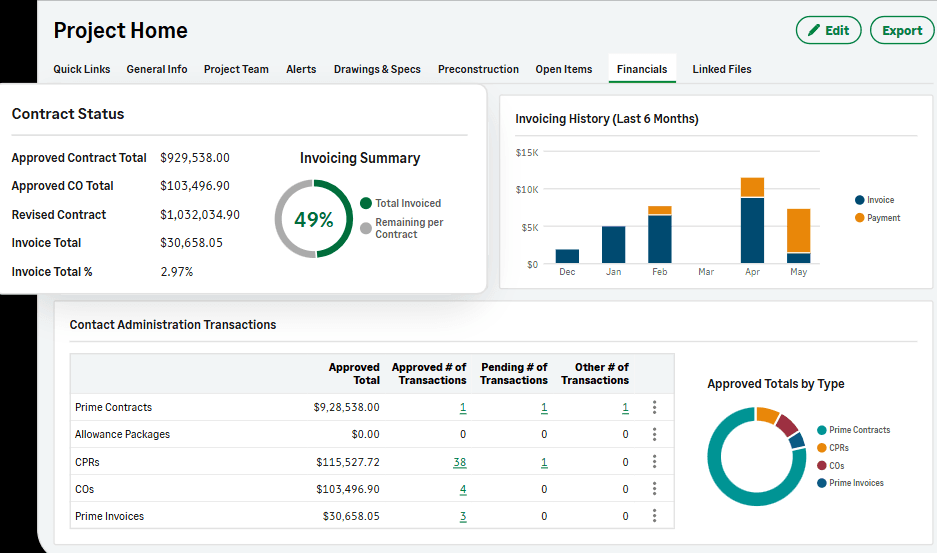
Budget Management: Sage Construction Management helps you keep your projects financially on track by allowing you to set, monitor, and adjust budgets with ease. It gives you a clear view of where your resources are going and helps prevent overspending.
Project Tracking: With Sage Construction Management, you can track project progress in real time, ensuring your team meets deadlines and stays aligned with project goals. It offers a manageable way to keep everyone updated on the status of various tasks.
Financial Reporting: Sage Construction Management generates detailed financial reports that provide insights into your project's financial health. These reports help you make informed decisions by presenting data in a clear and concise manner.
Invoicing: Simplify your billing process with Sage Construction Management's invoicing feature, which helps you create, send, and track invoices efficiently. It ensures that you get paid on time without the hassle of manual calculations.
Time Tracking: Track your team's time on different tasks to ensure accurate billing and productivity assessment. Sage Construction Management provides an easy way to log hours worked and analyze time spent on projects.
Cost Control: Keep your project costs under control by monitoring expenses and comparing them against your budget. This feature helps you identify cost overruns and take corrective action promptly.
Ease of Use
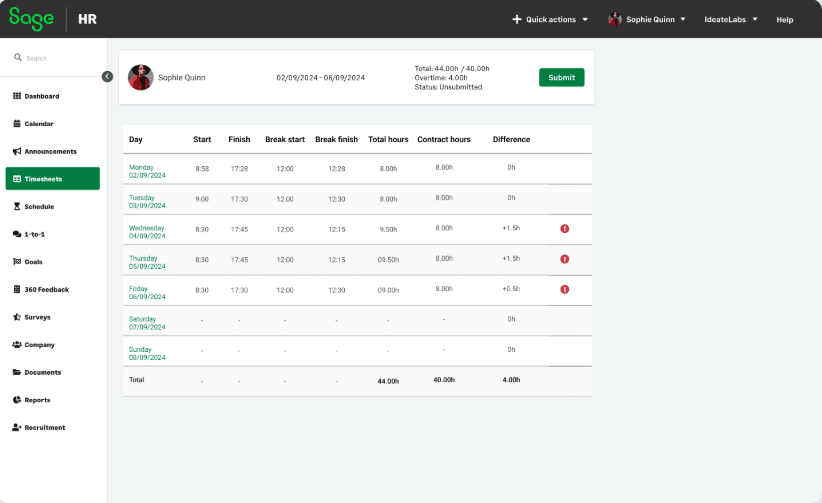
Sage Construction Management's user interface can be difficult to navigate at first, as it isn't very intuitive compared to other accounting software. Users often find themselves overwhelmed by the number of features and the complexity of the dashboard. However, the software provides detailed customer support to help you and your team get accustomed to its functionalities. If you're patient and ready to invest time in learning, Sage Construction Management offers an extensive feature set that can ultimately benefit your accounting needs.
Integrations
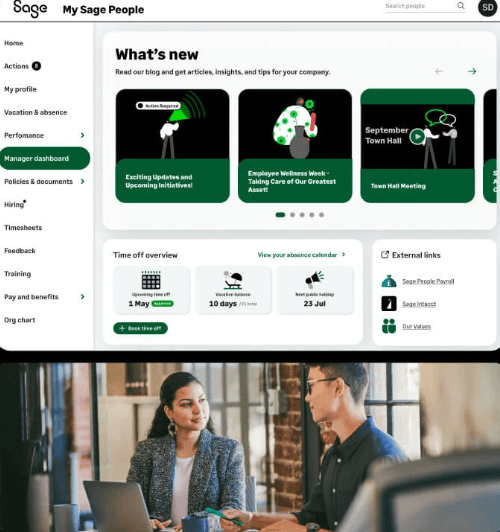
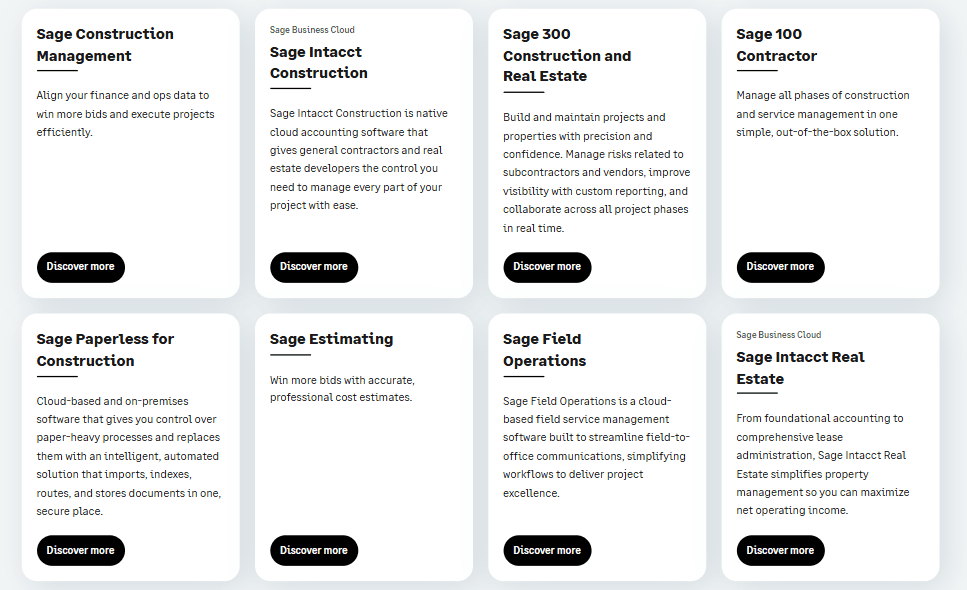
Sage Construction Management integrates with Sage Intacct Construction, Sage 100 Contractor, Sage 300 CRE, QuickBooks, and other accounting software for efficient data syncing.
Sage Construction Management also provides API access for custom integrations and can connect with third-party software providers.
Sage Specs
- 2-Factor Authentication: Yes
- Accounts Payable: Yes
- Accounts Receivable: Yes
- API: Yes
- Balance Sheet: Yes
- Billing/Invoicing: Yes
- BitCoin: No
- Budgeting: Yes
- Calendar Management: No
- Contact Management: Yes
- CRM Integration: Yes
- Customer Management: No
- Dashboard: No
- Data Export: Yes
- Data Import: Yes
- Data Visualization: Yes
- Expense Tracking: Yes
- External Integrations: Yes
- Forecasting: Yes
- General Account Ledger: No
- Inventory Tracking: No
- Multi-Currency: No
- Multi-User: No
- Notifications: No
- P&L: No
- PayPal: No
- Payroll: No
- SAP Integration: No
- Stripe: No
- Supplier Management: No
- Tax Management: No


