

Genius ERP Review: Pros, Cons, Features, and Pricing
Genius ERP brings manufacturing-focused ERP management into one platform, from production planning and inventory tracking to job costing, purchasing, and shop floor operations.

We review tools independently, and commissions help fund our testing. See our transparency policy, our methodology, or suggest a tool.
Genius ERP is a CFO ERP software built specifically for custom and make-to-order manufacturers that need end-to-end visibility across production, job costing, and financials. I'd consider it if you're running a mid-sized manufacturing operation and want tighter control over cost tracking and production planning than a generalist tool like SAP Business One provides—without the lengthy implementation and configuration that comes with it.
Genius ERP Evaluation Summary
4.3/5
- Pricing upon request
- Free demo available
Why Trust Our Software Recommendations
6,700+
Reviews
20
Industry experts
16+
Evaluation factors
14
Years
Our team has been testing and reviewing software since 2012. As finance leaders ourselves, we know how difficult—and important—it is to choose the right software.
For this guide, we evaluated tools using hands-on testing and independent research, scoring tools using our selection criteria.
Our reviews reflect our human editorial judgment, not a sales pitch.
Genius ERP Overview
If you’re judging ERP software systems for custom manufacturing, I think Genius ERP deserves a close look. Its built-in quoting, scheduling, and engineering tools outperform most generic ERPs for job shops and make-to-order environments. The interface is straightforward, and onboarding is smoother than most. Pricing is transparent, and support is responsive, though integrations are more limited than some competitors.
I’d suggest Genius ERP is best for manufacturers who want deep production control without endless customization. If you’re comparing options, the tool stands out for its focus on real manufacturing needs, not just generic business processes.
Pros
- Responsive support and hands-on onboarding services
- Strong quoting, scheduling, and job costing features
- Purpose-built for custom and engineer-to-order manufacturing
Cons
- Limited training resources for self-learning
- Advanced analytics can be complex for some users
- Fewer third-party integrations than some competitors
Is Genius ERP Right For Your Needs?
Who Would be a Good Fit for Genius ERP?
Genius ERP is a strong choice for manufacturers and project-driven businesses that need deep control over production, quoting, and engineering workflows. Its features are tailored for teams managing complex, custom jobs and those who value hands-on onboarding and responsive support.
If your business relies on engineer-to-order or make-to-order processes, you’ll find Genius ERP’s built-in tools and industry focus a real advantage.
- CFOs in ManufacturingReal-time costing and inventory visibility help manage margins and cash flow.
- Project-Based TeamsIntegrated project management features support job tracking and delivery.
- Production ManagersDetailed scheduling and shop floor control help manage resources and deadlines.
- Small to Mid-Sized FirmsThe platform’s pricing and onboarding suit growing manufacturers with limited IT.
- Engineer-to-Order ShopsIts engineering and BOM management tools support complex, unique builds.
- Custom ManufacturersGenius ERP is designed for custom manufacturing with built-in quoting and job costing.
Who Would be a Bad Fit for Genius ERP?
Genius ERP isn’t ideal for businesses outside manufacturing or those needing extensive integrations and advanced analytics. If your operations are standardized, high-volume, or require broad third-party app support, you’ll likely find Genius ERP’s focus too narrow. Teams looking for self-serve training or highly flexible workflows may also want to look elsewhere.
- IT DepartmentsFew customization options and limited API support restrict IT flexibility.
- Data AnalystsAdvanced analytics are limited and can be difficult to use.
- Service-Based FirmsNo support for non-manufacturing workflows or service delivery.
- Large EnterprisesLimited scalability and integrations may not meet enterprise IT needs.
- Retail ChainsIt doesn’t support retail POS or multi-location inventory management.
- High-Volume DistributorsGenius ERP lacks features for large-scale distribution and logistics.
How We Test & Score Tools
We’ve spent years building, refining, and improving our software testing and scoring system. The rubric is designed to capture the nuances of software selection and what makes a tool effective, focusing on critical aspects of the decision-making process.
Below, you can see exactly how our testing and scoring works across seven criteria. It allows us to provide an unbiased evaluation of the software based on core functionality, standout features, ease of use, onboarding, customer support, integrations, customer reviews, and value for money.
Core Functionality (25% of final scoring)
The starting point of our evaluation is always the core functionality of the tool. Does it have the basic features and functions that a user would expect to see? Are any of those core features locked to higher-tiered pricing plans? At its core, we expect a tool to stand up against the baseline capabilities of its competitors.
Standout Features (25% of final scoring)
Next, we evaluate uncommon standout features that go above and beyond the core functionality typically found in tools of its kind. A high score reflects specialized or unique features that make the product faster, more efficient, or offer additional value to the user.
We also evaluate how easy it is to integrate with other tools typically found in the tech stack to expand the functionality and utility of the software. Tools offering plentiful native integrations, 3rd party connections, and API access to build custom integrations score best.
Ease of Use (10% of final scoring)
We consider how quick and easy it is to execute the tasks defined in the core functionality using the tool. High scoring software is well designed, intuitive to use, offers mobile apps, provides templates, and makes relatively complex tasks seem simple.
Onboarding (10% of final scoring)
We know how important rapid team adoption is for a new platform, so we evaluate how easy it is to learn and use a tool with minimal training. We evaluate how quickly a team member can get set up and start using the tool with no experience. High scoring solutions indicate little or no support is required.
Customer Support (10% of final scoring)
We review how quick and easy it is to get unstuck and find help by phone, live chat, or knowledge base. Tools and companies that provide real-time support score best, while chatbots score worst.
Customer Reviews (10% of final scoring)
Beyond our own testing and evaluation, we consider the net promoter score from current and past customers. We review their likelihood, given the option, to choose the tool again for the core functionality. A high scoring software reflects a high net promoter score from current or past customers.
Value for Money (10% of final scoring)
Lastly, in consideration of all the other criteria, we review the average price of entry level plans against the core features and consider the value of the other evaluation criteria. Software that delivers more, for less, will score higher.
Core Features
Quoting and Estimating
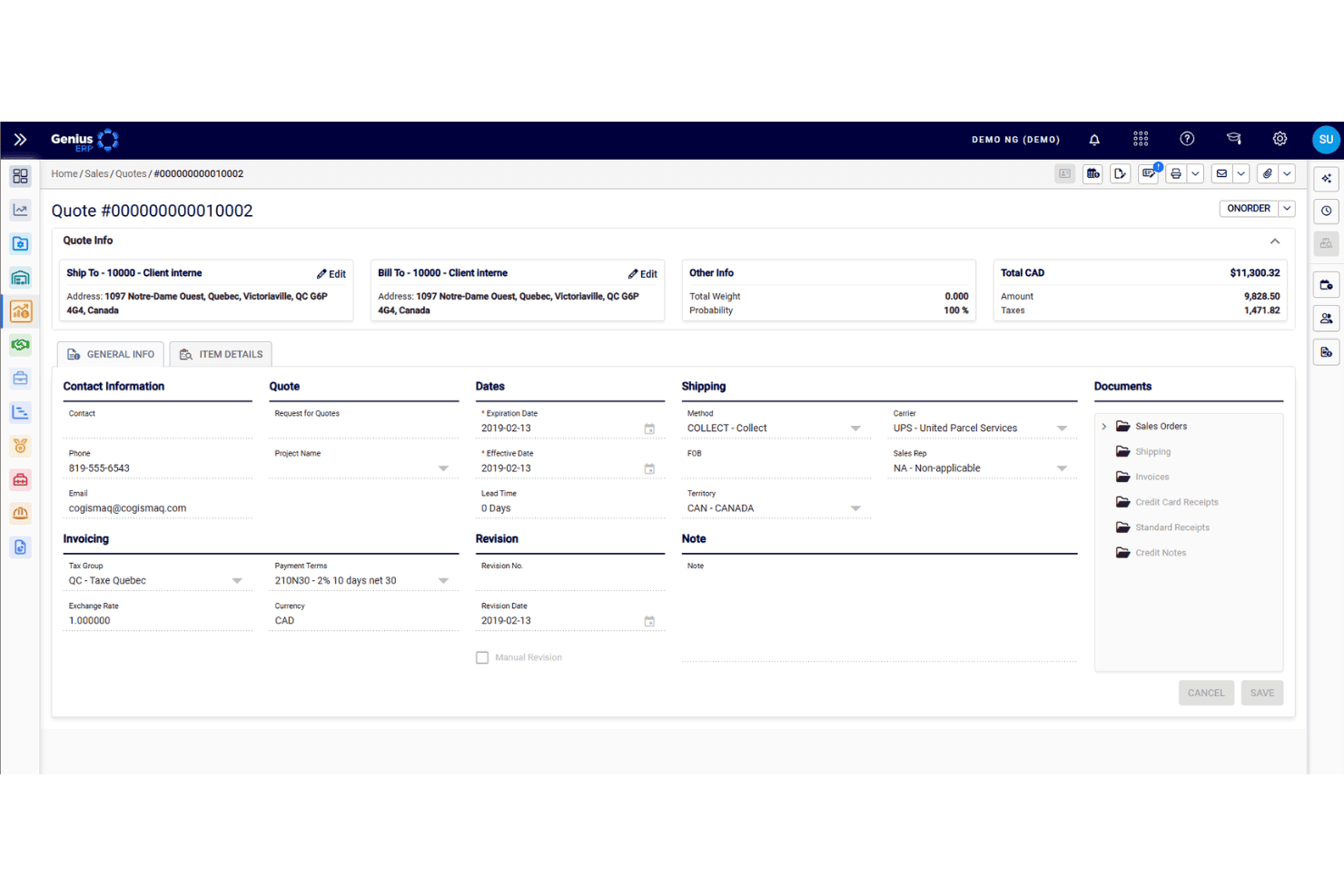
Generate detailed quotes based on real-time costs and production data. This helps teams win jobs and protect margins.
Production Planning
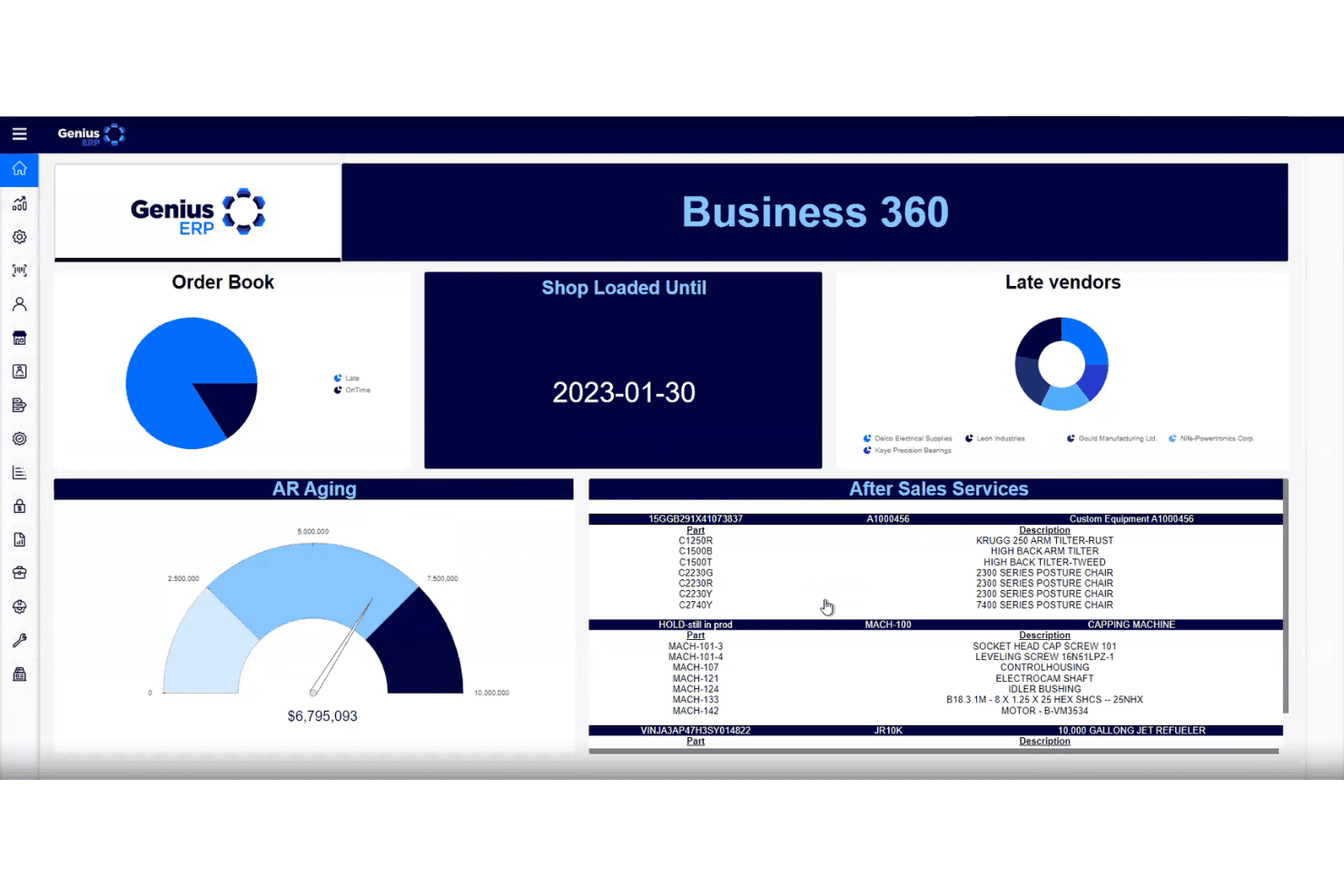
Schedule jobs, allocate resources, and track progress on the shop floor. Visual dashboards make bottlenecks and delays easy to spot.
Inventory Management
Monitor raw materials, WIP, and finished goods in one place. Automated reorder points help prevent stockouts and overstock.
Engineering and BOM Management
Create, manage, and update bills of materials for custom jobs. Integrated CAD tools connect engineering directly to production.
Job Costing
Track labor, materials, and overhead for every project in real time. This gives CFOs and managers instant insight into profitability.
Project Management
Plan, assign, and monitor tasks across departments for each order. Built-in Gantt charts and progress tracking keep teams aligned.
Standout Features
CAD2BOM Integration
This feature lets you import CAD drawings directly into Genius ERP to automatically generate bills of materials. It eliminates manual data entry and speeds up the transition from engineering to production.
Hands-On Implementation Support
Genius ERP offers dedicated onboarding specialists who guide your team through setup and training. This reduces downtime and helps users get the most out of the system from day one.
Ease of Use
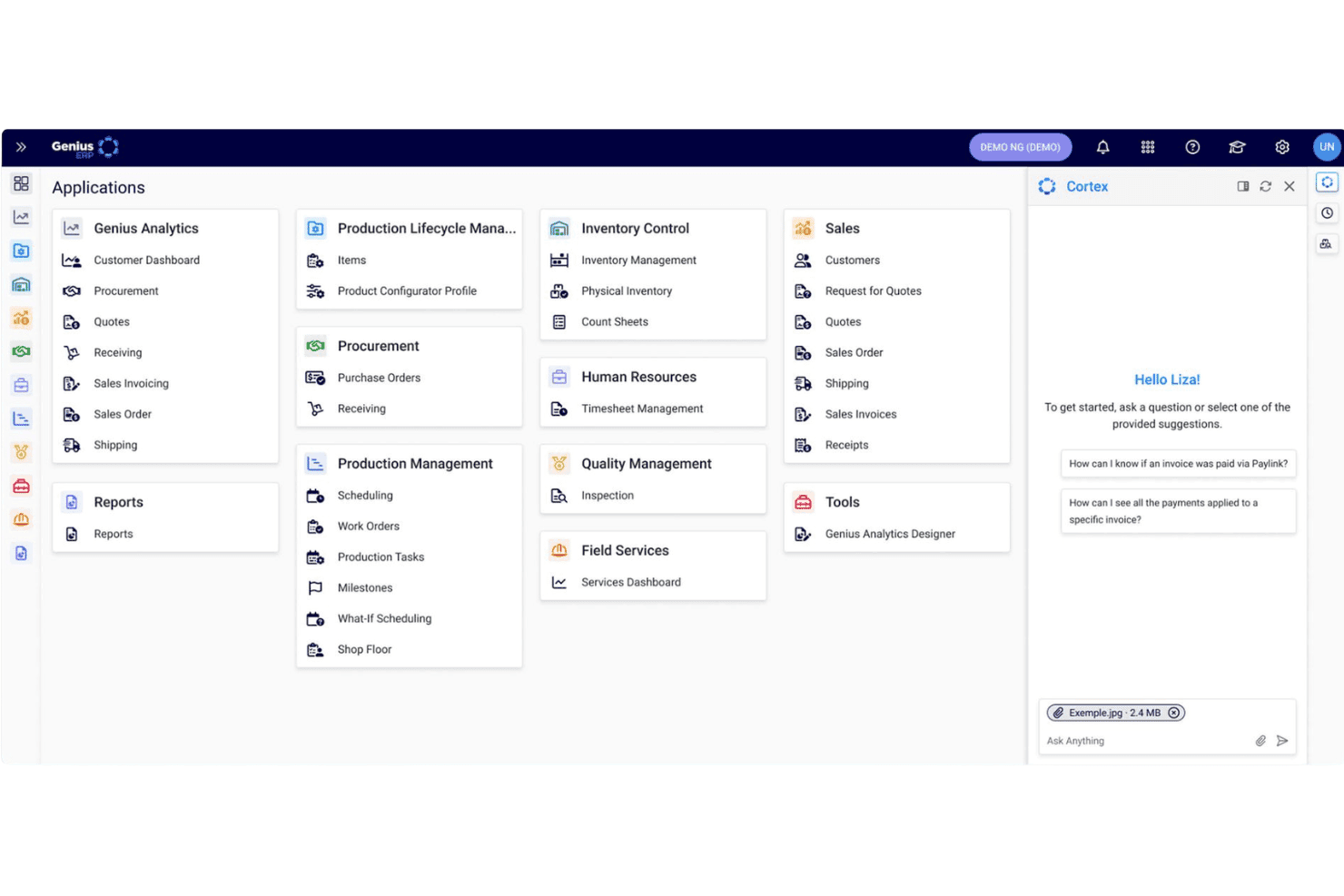
Genius ERP is more approachable than most ERP software systems built for manufacturers, thanks to its clean interface and guided workflows. Users mention that onboarding is smoother due to dedicated support and clear documentation.
Navigation is straightforward, with dashboards and menus tailored to production and job management. While some advanced features require training, most teams can get up and running quickly without heavy IT involvement.
Onboarding
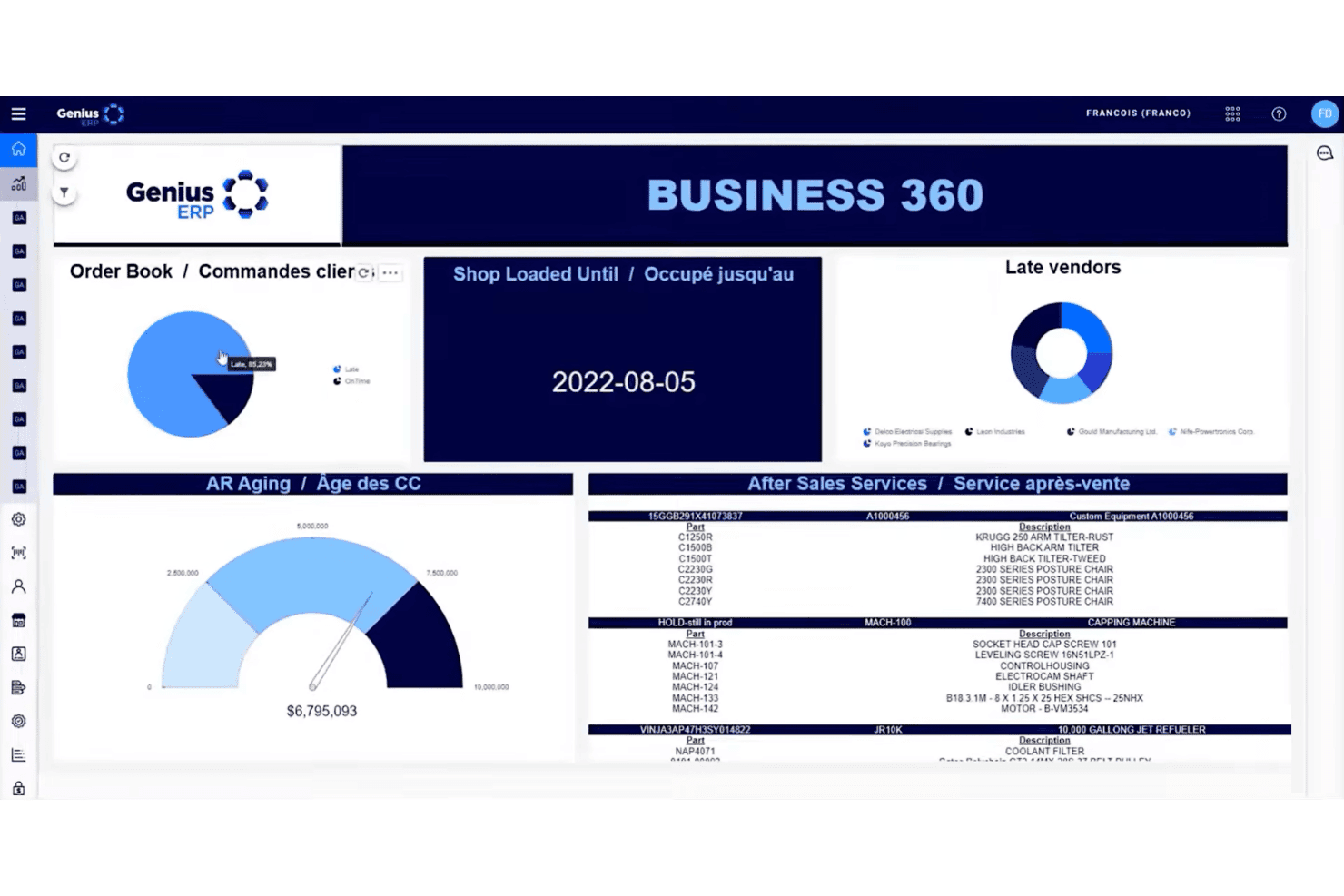
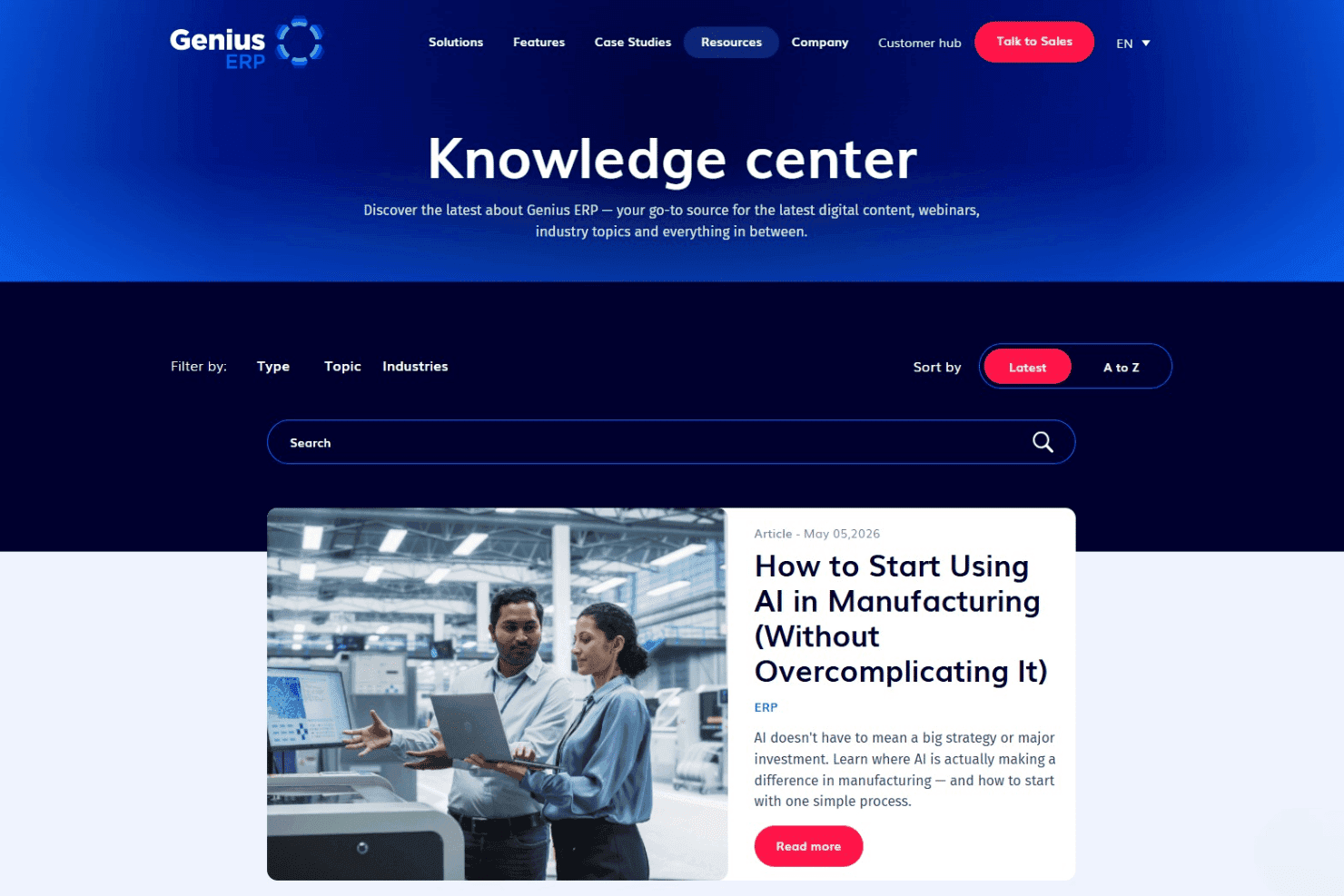
Genius ERP stands out for its hands-on onboarding, pairing new users with dedicated specialists who guide setup and training. Users appreciate the personalized approach and responsive support, which helps teams reach full adoption faster. The onboarding process includes tailored walkthroughs, live assistance, and access to a knowledge base, though some users wish for more self-serve training options.
Overall, the onboarding experience reduces friction and accelerates time to value for most manufacturing teams.
Customer Support
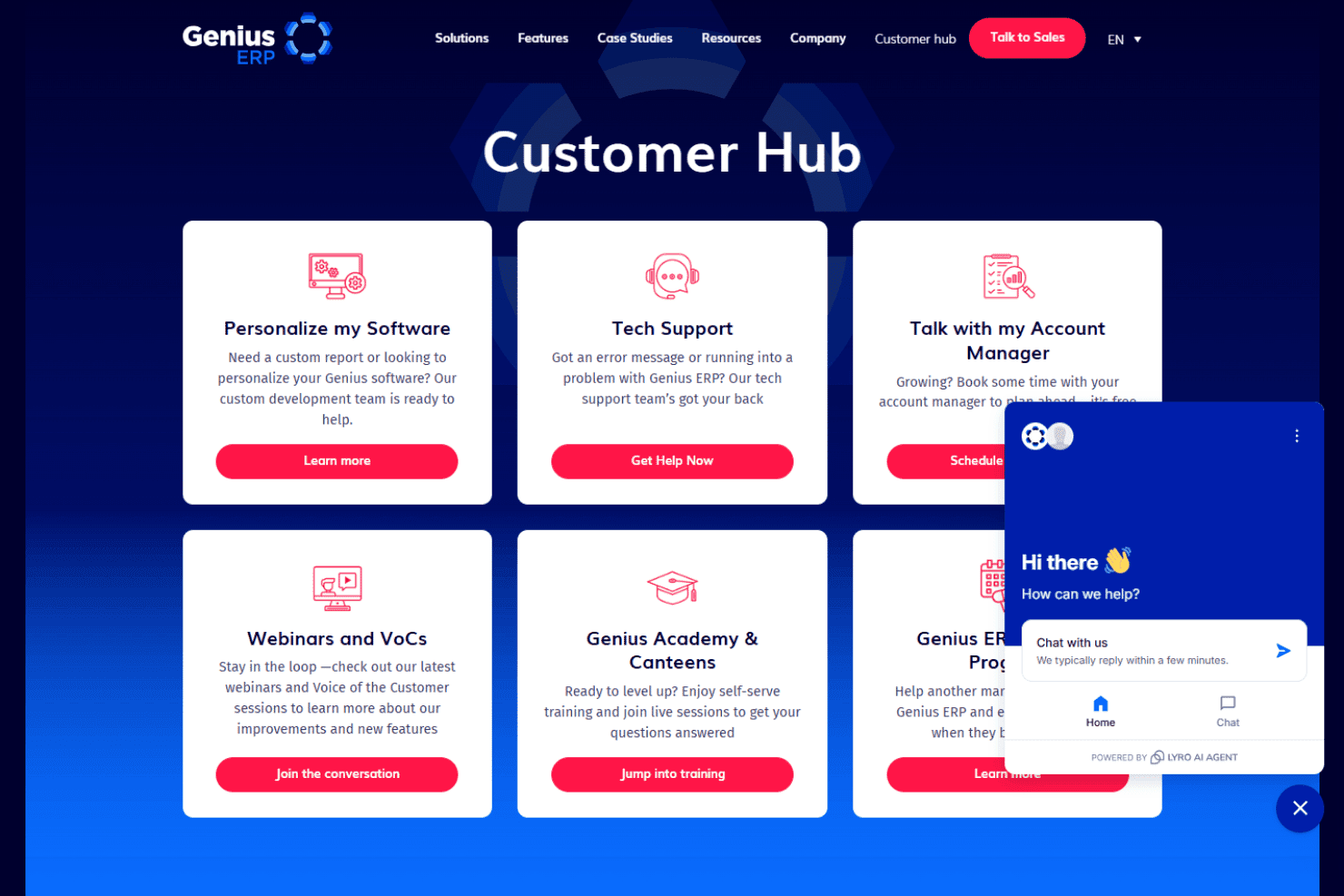
Genius ERP earns high marks for its responsive and knowledgeable customer support team, with users often highlighting quick turnaround times and helpful guidance. Support is available through phone, email, and a ticketing system, making it easy to get help when issues arise.
Many users value the direct access to specialists who understand manufacturing workflows, though some mention a desire for more extensive online resources. Overall, support is a clear strength for Genius ERP users.
Integrations
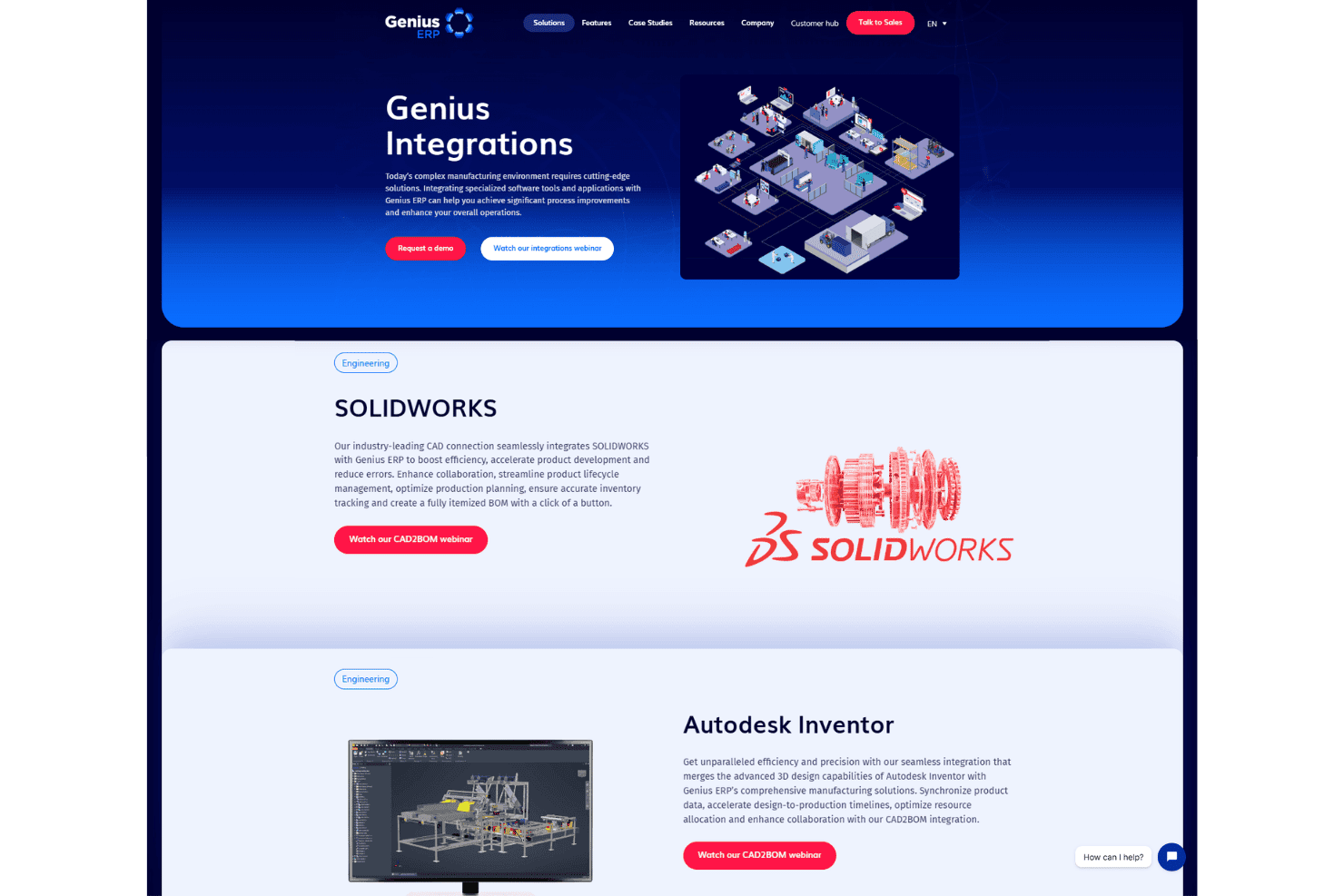
Genius ERP integrates with CAD2BOM, QuickBooks, SolidWorks, Microsoft Excel, Microsoft Outlook, Sage 50, Sage 300, AutoCAD, Pervasive SQL, and Genius Analytics.
Genius ERP also offers a REST API for custom integrations but does not connect with third-party integration tools like Zapier.
Value for Money
Genius ERP offers strong value for custom manufacturers that need quoting, production, inventory, and job costing in one manufacturing-focused system. Users often highlight the platform’s industry-specific workflows and CAD-to-BOM capabilities as worthwhile for reducing manual processes.
Pricing is quote-based, with a DIY ERP pricing calculator available for budgeting and implementation planning.
- Custom Pricing: Quote-based pricing tailored to company size, number of users, deployment type, manufacturing workflows, implementation scope, and required modules. Includes access to the ERP pricing calculator for estimating implementation and ownership costs
Genius ERP Specs
- 2-Factor Authentication: No
- Accounts Payable: Yes
- Accounts Receivable: Yes
- API: Yes
- Balance Sheet: Yes
- Billing/Invoicing: Yes
- BitCoin: No
- Budgeting: Yes
- Calendar Management: Yes
- Contact Management: Yes
- CRM Integration: Yes
- Customer Management: Yes
- Dashboard: Yes
- Data Export: Yes
- Data Import: Yes
- Data Visualization: No
- Expense Tracking: Yes
- External Integrations: Yes
- Forecasting: Yes
- General Account Ledger: Yes
- Inventory Tracking: Yes
- Multi-Currency: Yes
- Multi-User: Yes
- Notifications: Yes
- P&L: Yes
- PayPal: No
- Payroll: No
- SAP Integration: No
- Stripe: No
- Supplier Management: Yes
- Tax Management: Yes
Genius ERP FAQs
Genius ERP Company Overview & History
Genius ERP is a manufacturing-focused ERP software provider headquartered in Quebec City, Canada, specializing in solutions for small to mid-sized manufacturers across North America.
The company is known for its industry-specific expertise, hands-on implementation approach, and support team with real-world manufacturing experience. Notable clients include Thorburn Flex, Loos Machine & Automation, Machitech, Jennison Manufacturing, Marathon Equipment, QTG, and Raglan Industries.
Genius ERP Major Milestones
- 1992: Genius Solutions is founded in Quebec, Canada.
- 2006: Launches the Genius ERP platform focused on custom manufacturers and engineer-to-order businesses.
- 2015: Expands its North American customer base with manufacturing-specific ERP solutions and workflow automation tools.
- 2022: Featured in multiple manufacturing case studies highlighting digital transformation and operational efficiency improvements for growing manufacturers.