

LeanLaw Review: Pros, Cons, Features, and Pricing
LeanLaw excels with a user-friendly interface and seamless QuickBooks integration, making it a top choice for small law firms seeking efficient billing and time tracking.

We review tools independently, and commissions help fund our testing. See our transparency policy, our methodology, or suggest a tool.
LeanLaw is an accounting software built specifically for law firms that need to manage time tracking, billing, trust accounting, and financial reporting in one place. I'd consider it if your firm runs on QuickBooks Online and wants deeper accounting integration than a general legal practice tool like Clio provides. Where Clio prioritizes case and client management, LeanLaw is built around the financial side of running a firm—making it a stronger fit for finance-focused users who need clean, audit-ready books without patching together separate systems.
LeanLaw Evaluation Summary

0/5
- From $55/user/month
- 14-day free trial
Why Trust Our Software Recommendations
6,700+
Reviews
20
Industry experts
16+
Evaluation factors
14
Years
Our team has been testing and reviewing software since 2012. As finance leaders ourselves, we know how difficult—and important—it is to choose the right software.
For this guide, we evaluated tools using hands-on testing and independent research, scoring tools using our selection criteria.
Our reviews reflect our human editorial judgment, not a sales pitch.
LeanLaw Overview
In my opinion, LeanLaw is a standout accounting software for legal professionals, offering seamless QuickBooks Online integration, intuitive legal billing software tools, and advanced timekeeping features. It's excellent for small to mid-sized law firms and mid-sized law firms seeking efficient financial management and improved profitability. While its onboarding and customer support could use slight improvements, LeanLaw's user-friendly user interface, customizable dashboard, and strong value for money make it a compelling option. Compared to other legal accounting solutions, it excels in simplicity, real-time reporting, and practice management capabilities, though it may not suit large firms with complex needs. If your team prioritizes straightforward billing, time tracking, and accounts receivable management, LeanLaw is worth considering.
Pros
- The billing process is intuitive and easy to manage.
- It offers excellent time tracking tailored for legal tasks.
- Your team will appreciate the user-friendly interface.
Cons
- Customer support response times can be slower than expected.
- It lacks advanced features for larger firms with complex needs.
- Occasional hiccups can mar the onboarding process.
Is LeanLaw Right For Your Needs?
Who Would be a Good Fit for LeanLaw?
LeanLaw suits small to mid-sized law firms and solo practitioners who need efficient billing and the ability to track time within their legal services environment. If your team often struggles with managing invoices, expense tracking, and tracking billable hours, LeanLaw’s intuitive interface, timekeeping features, and seamless QuickBooks Online integration will simplify these tasks. It’s perfect for legal professionals at a small firm seeking straightforward financial management without unnecessary complexity. LeanLaw’s focus on legal-specific features like trust accounting, case management support, and client portal access makes it a top-notch choice for those in the legal industry looking for a tailored, cloud-based solution.
- Small Law FirmsLeanLaw is ideal for small law firms that need simple, effective billing, expense tracking, and time tracking software.
- Solo PractitionersSolo practitioners can benefit from LeanLaw’s user-friendly tools designed for legal billing, time entry, and calendar view scheduling, which makes for a practical user interface.
- Legal AssistantsLegal assistants will find that LeanLaw’s intuitive interface helps manage tasks efficiently across workflows and case management support.
- Family LawFamily law practices can leverage LeanLaw’s specialized features for accurate trust accounting and accounts receivable tracking.
- Estate PlanningEstate planning professionals will appreciate LeanLaw’s straightforward financial management, automation tools, and client portal access.
- Boutique FirmsYour boutique CPA firm can use LeanLaw’s efficient billing, timekeeping, and practice management tools to enhance productivity and profitability.
Who Would be a Bad Fit for LeanLaw?
LeanLaw might not suit large law firms or corporations with complex accounting needs. If your team requires advanced features for handling diverse financial operations, corporate-level accounting system controls, or extensive client management, LeanLaw’s simple focus on legal billing and timesheet management could be limiting. Large-scale operations often need more robust customization, enterprise dashboards, and reporting capabilities, which LeanLaw doesn’t prioritize. For those handling intricate financial tasks or requiring extensive integrations beyond QuickBooks Online, LeanLaw’s integrations may not be as intuitive as some competitors.
- Large CorporationsLarge corporations may find LeanLaw lacking in advanced financial reporting, enterprise accounting system features, and workflow automation designed for efficient practice management.
- Complex AccountingTeams needing complex accounting solutions will find LeanLaw’s simplicity insufficient despite its strong legal billing focus.
- Multi-Department FirmsFirms with multiple departments might require more robust integration and customizable workflows than LeanLaw offers.
- Corporate LawCorporate law practices often need broader accounting software tools and advanced dashboards than LeanLaw provides.
- International FirmsInternational firms could find LeanLaw’s cloud-based capabilities limited for global financial operations.
- Enterprise-Level FirmsEnterprise-level firms may need more advanced automation, workflows, and accounting system controls than LeanLaw’s focused offering.
How We Test & Score Tools
We’ve spent years building, refining, and improving our software testing and scoring system. The rubric is designed to capture the nuances of software selection and what makes a tool effective, focusing on critical aspects of the decision-making process.
Below, you can see exactly how our testing and scoring works across seven criteria. It allows us to provide an unbiased evaluation of the software based on core functionality, standout features, ease of use, onboarding, customer support, integrations, customer reviews, and value for money.
Core Functionality (25% of final scoring)
The starting point of our evaluation is always the core functionality of the tool. Does it have the basic features and functions that a user would expect to see? Are any of those core features locked to higher-tiered pricing plans? At its core, we expect a tool to stand up against the baseline capabilities of its competitors.
Standout Features (25% of final scoring)
Next, we evaluate uncommon standout features that go above and beyond the core functionality typically found in tools of its kind. A high score reflects specialized or unique features that make the product faster, more efficient, or offer additional value to the user.
We also evaluate how easy it is to integrate with other tools typically found in the tech stack to expand the functionality and utility of the software. Tools offering plentiful native integrations, 3rd party connections, and API access to build custom integrations score best.
Ease of Use (10% of final scoring)
We consider how quick and easy it is to execute the tasks defined in the core functionality using the tool. High scoring software is well designed, intuitive to use, offers mobile apps, provides templates, and makes relatively complex tasks seem simple.
Onboarding (10% of final scoring)
We know how important rapid team adoption is for a new platform, so we evaluate how easy it is to learn and use a tool with minimal training. We evaluate how quickly a team member can get set up and start using the tool with no experience. High scoring solutions indicate little or no support is required.
Customer Support (10% of final scoring)
We review how quick and easy it is to get unstuck and find help by phone, live chat, or knowledge base. Tools and companies that provide real-time support score best, while chatbots score worst.
Customer Reviews (10% of final scoring)
Beyond our own testing and evaluation, we consider the net promoter score from current and past customers. We review their likelihood, given the option, to choose the tool again for the core functionality. A high scoring software reflects a high net promoter score from current or past customers.
Value for Money (10% of final scoring)
Lastly, in consideration of all the other criteria, we review the average price of entry level plans against the core features and consider the value of the other evaluation criteria. Software that delivers more, for less, will score higher.
Core Features
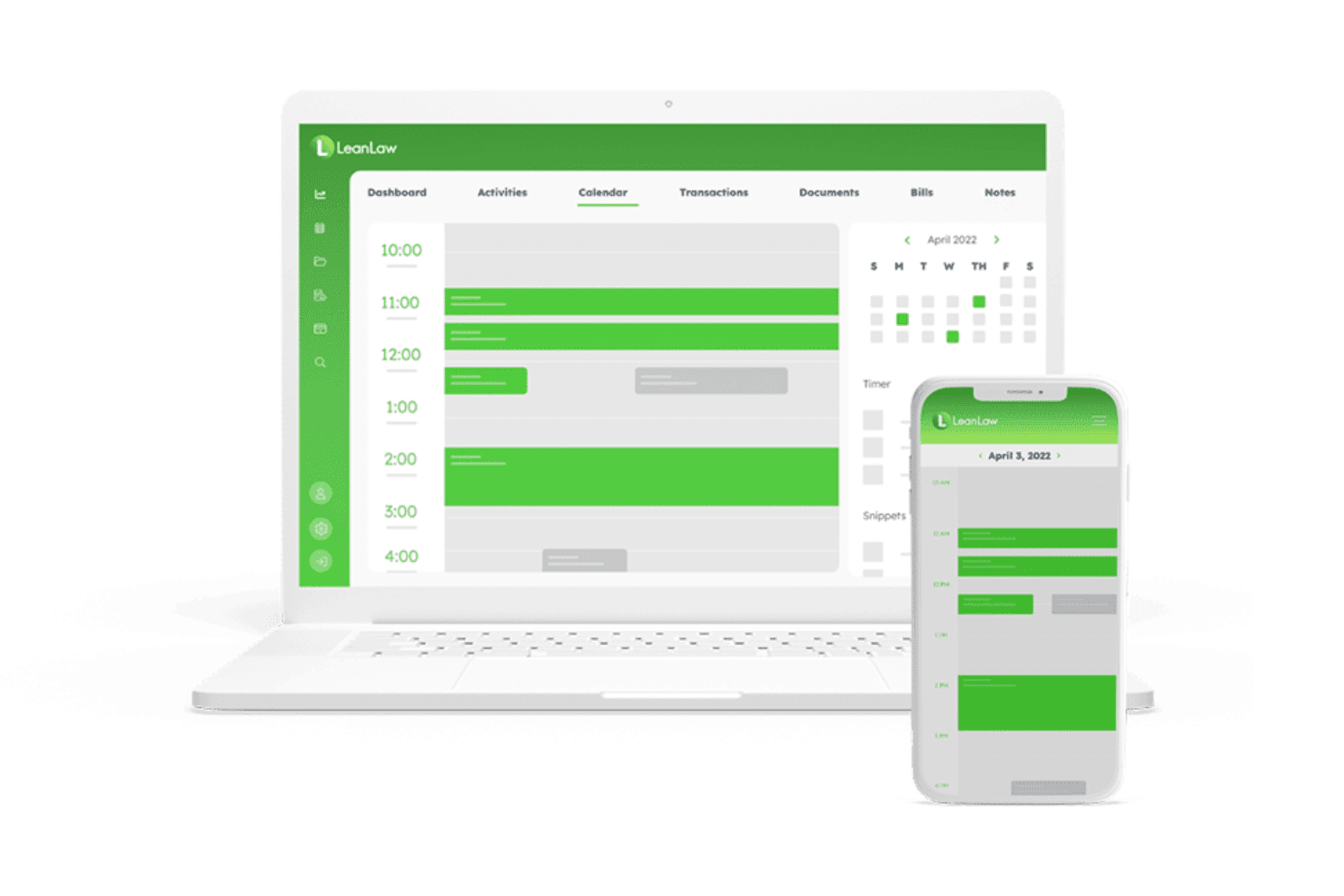
Time Tracking: LeanLaw lets you track billable hours easily with its intuitive timekeeping tools, timers, and time entry support. Your team can log time directly from any device in real time, ensuring accuracy and efficiency.
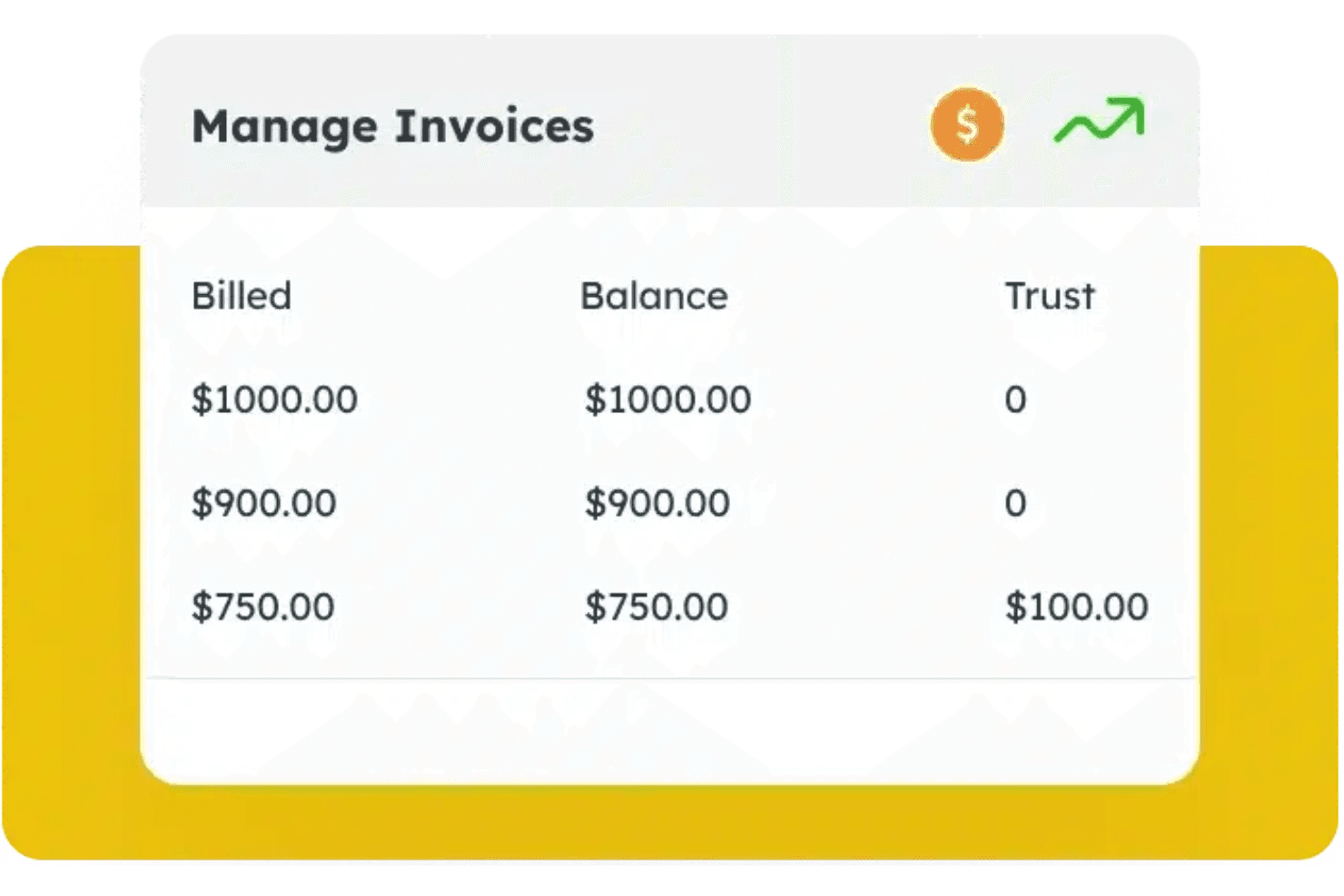
Billing Management: You’ll find the billing process straightforward with LeanLaw's automated invoicing system. It simplifies the creation and management of invoices, streamlining workflows and improving accounts receivable management.
Expense Tracking: LeanLaw helps you keep track of expenses related to cases or clients. You can quickly categorize and report expenses for better financial management and improved profitability analysis.
Trust Accounting: LeanLaw offers specialized trust accounting features for legal firms. It ensures compliance and accurate handling of client funds, vital for law firms and legal services providers.
Reporting: With LeanLaw’s reporting tools and customizable dashboard, you can generate detailed financial reports. These insights help you make informed decisions about your firm’s finances.
Client Portal: LeanLaw provides a client portal for easy communication and document sharing. Clients can view invoices, manage payments, and interact with your law practice securely.
Standout Features
Legal-Specific Billing: LeanLaw’s billing is tailored specifically for legal professionals, offering features like LEDES billing, legal billing software compliance, and customizable templates. This specialization ensures your firm meets industry standards effortlessly.
QuickBooks Integration: LeanLaw integrates seamlessly with QuickBooks Online, a standout feature for legal accounting. Many legal teams use QuickBooks, and with LeanLaw, they will find it easy to synchronize financial data, reducing manual entry and errors through automation.
Ease of Use
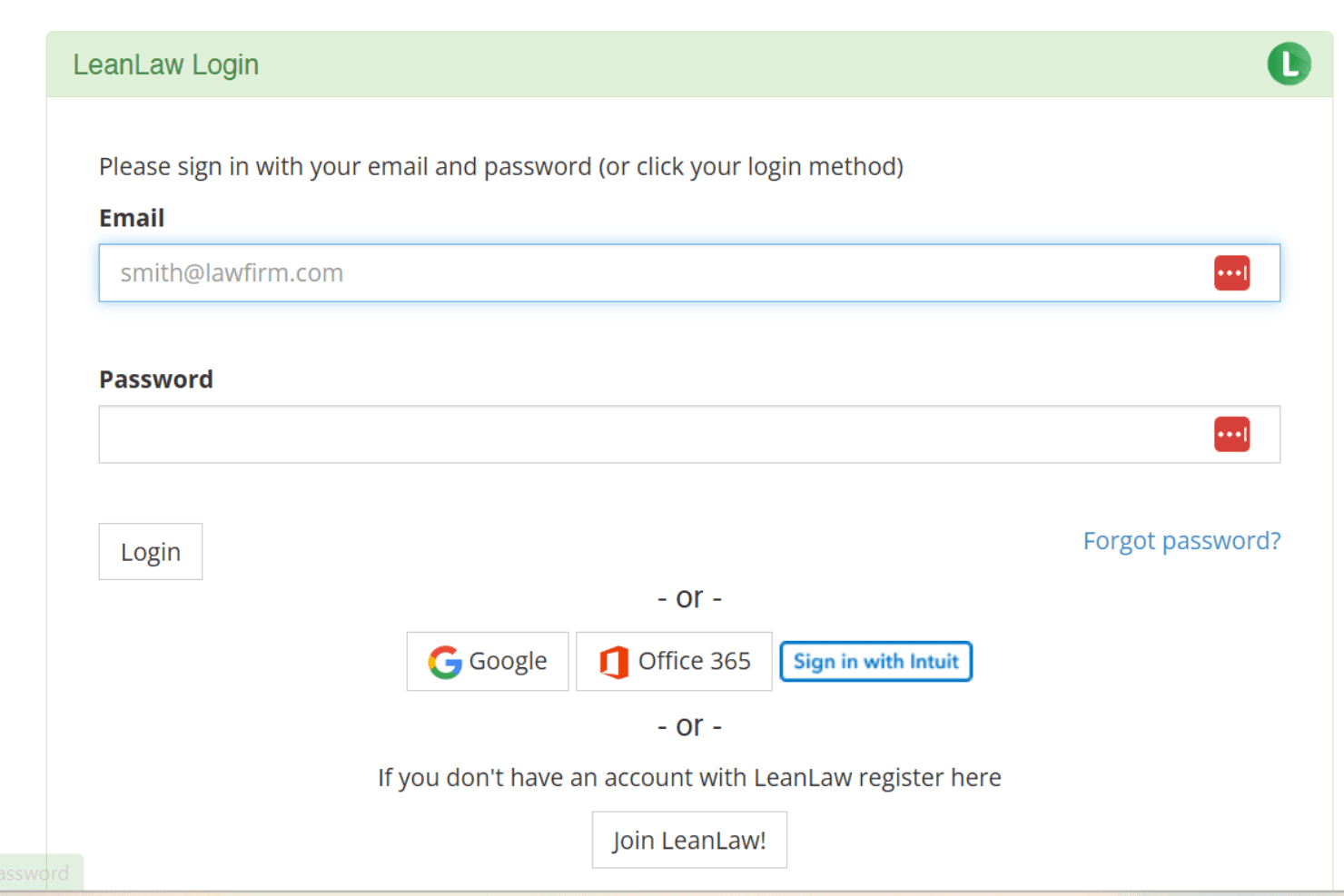
LeanLaw is very user-friendly, making it easy for your team to dive right in without extensive training. Its clean user interface and intuitive navigation simplify tasks like billing and time tracking. Compared to other accounting software, LeanLaw’s straightforward design ensures you won't waste time searching for features. User reviews highlight its simplicity and efficiency, particularly in legal settings, where quick access to financial tools is crucial for daily operations.

Onboarding
LeanLaw’s onboarding process is straightforward, but some users find it could be smoother. While the initial setup is simple, your team might encounter occasional hiccups. LeanLaw provides helpful resources like tutorials and support to guide you, but response times may vary. Compared to other accounting software, LeanLaw’s time to value is decent, but there’s room for improvement in making the transition seamless for new users, especially during initial dashboard setup and workflow configuration.
Customer Support
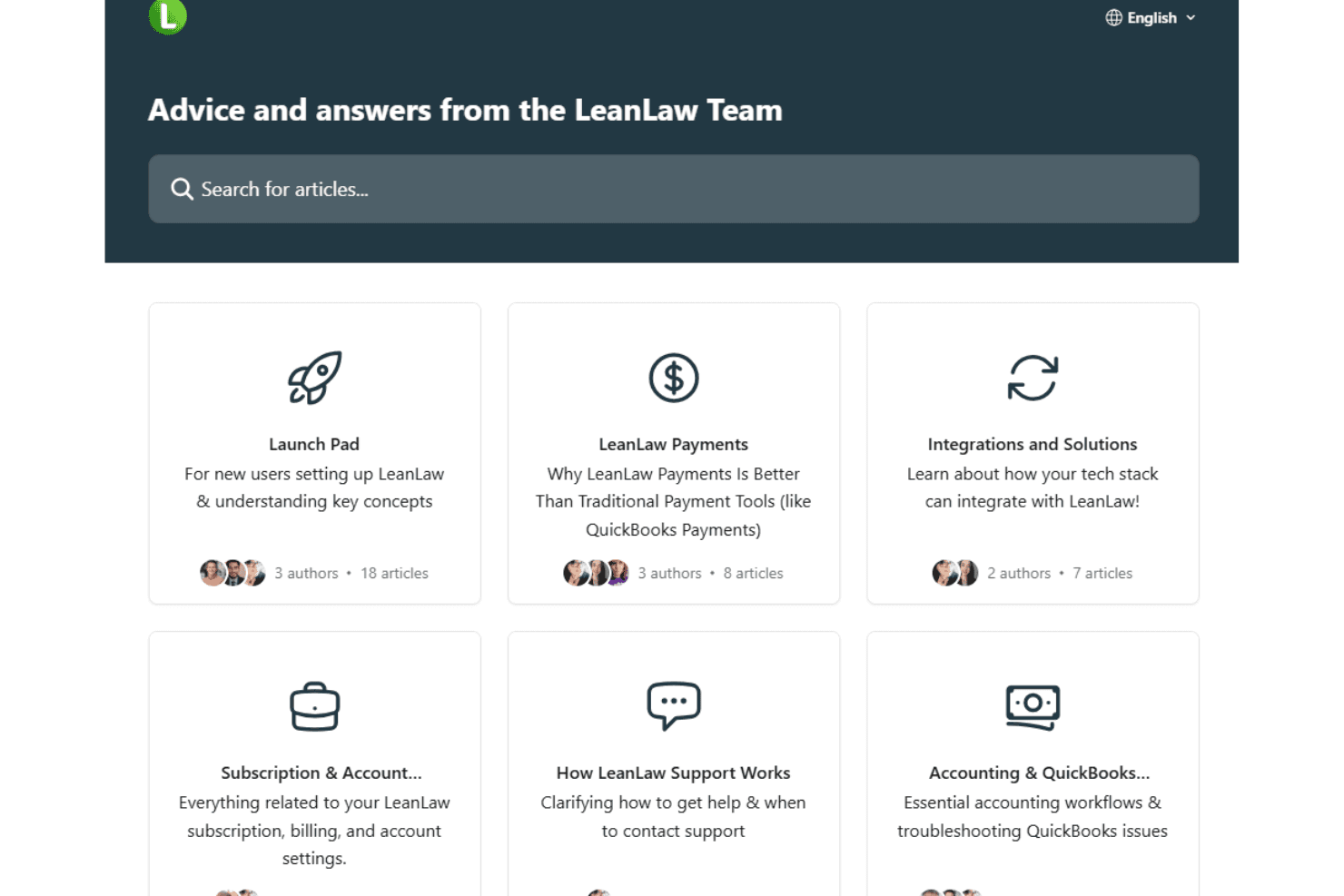
LeanLaw offers decent customer support, but some users report slower response times. You can reach out via email and phone, but immediate assistance isn't always guaranteed. LeanLaw provides a knowledge base and tutorials that help your team troubleshoot common issues independently. Compared to other accounting solutions, the available support is helpful, but there's room for improvement in responsiveness and availability to ensure your support team gets timely assistance when needed.
Integrations
LeanLaw integrates with QuickBooks Online, NetDocuments, Confido Legal, and Billables.ai. LeanLaw also offers an API to enable custom integrations and connects with various third-party tools to enhance its functionality.

Value for Money
LeanLaw offers good value for money, with pricing that reflects its capabilities in fixed-fee legal billing and time tracking. Users appreciate the balance between cost and the specialized features it provides for law firms. LeanLaw offers a free trial, allowing your team to evaluate the software before purchasing. Here is some information on its pricing:
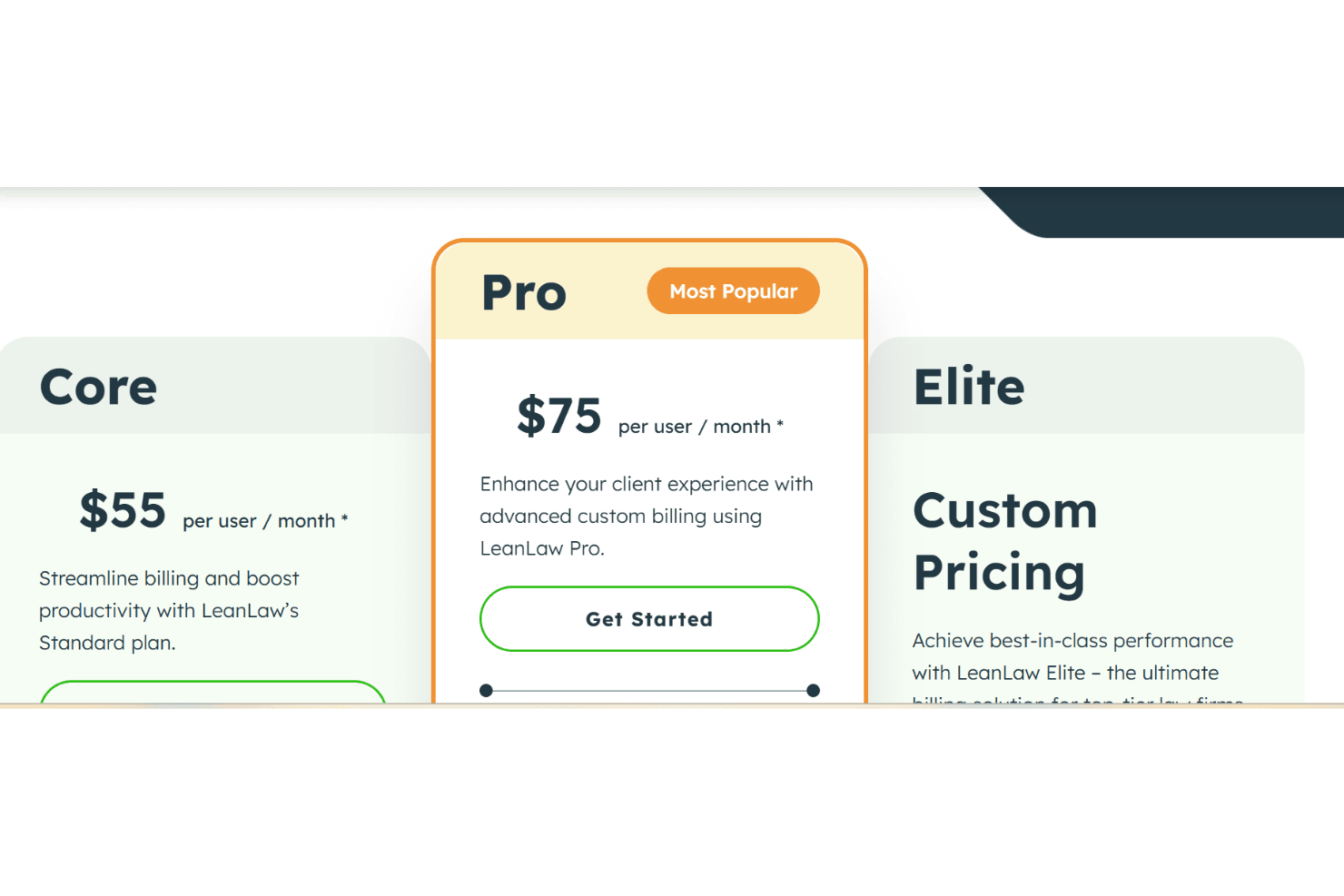
- Core: For $55 per user per month, you can streamline billing and boost productivity with LeanLaw’s standard plan.
- Pro: For $75 per user per month, you can enhance your client experience with advanced custom billing using LeanLaw Pro.
- Elite: Achieve best-in-class performance for top-tier law firms. Pricing for this plan is available on request.
LeanLaw Specs
- 2-Factor Authentication: No
- API: Yes
- Approval Workflows: Yes
- Audit Trail: No
- Calendar Management: No
- Compliance Tracking: No
- Contract Management: No
- Custom Reports: Yes
- Customer Management: Yes
- Data Export: Yes
- Data Import: Yes
- Document Management: Yes
- External Integrations: Yes
- Multi-User: Yes
- NDA Management: No
- Notifications: Yes
- Policy Management: No
- Scheduling: No
- Workflow Management: Yes
LeanLaw FAQs
LeanLaw Company Overview & History
LeanLaw, headquartered in Boise, Idaho, is a cloud-based software company. The company focuses on improving law firms’ efficiency and profitability by modernizing financial workflows. LeanLaw offers tailored solutions for trust accounting, billing, matter management, and time tracking. LeanLaw positions itself as a purpose-built financial operating system for law firms, designed by legal and financial professionals to reduce overhead and enhance collaboration.
LeanLaw Major Milestones
- 2015: LeanLaw was founded with the vision of streamlining law firm financial operations.
- 2016: The LeanLaw product was launched, delivering integrated billing and trust accounting solutions for law firms.
- 2023: Raised $4 million in Series A funding, led by FINTOP Capital, to enhance financial workflows for legal technology.