
Rippling Review: Pros, Cons, Features, and Pricing Explained


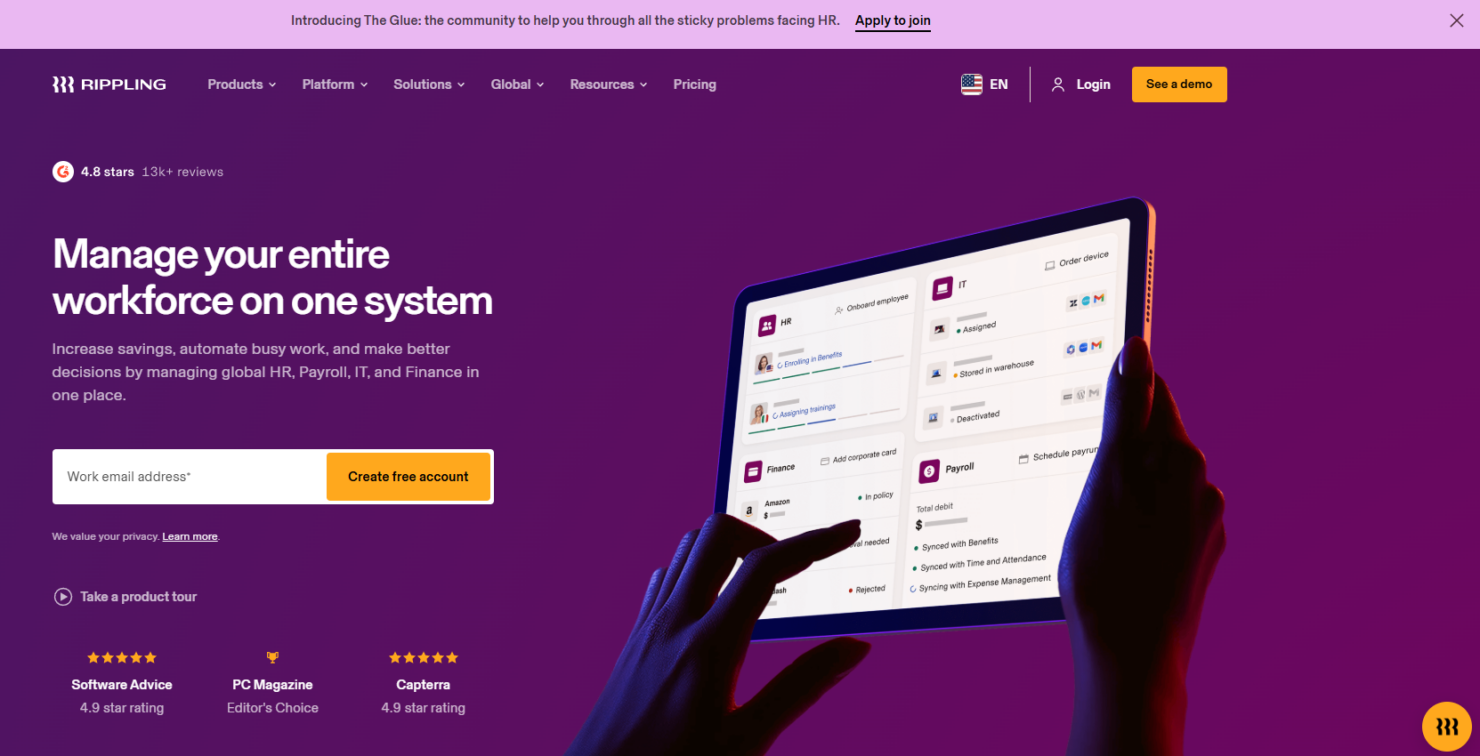
Rippling is an all-in-one HRIS and ERP software designed to centralize human resources, IT management, and finance operations for growing businesses. For CFOs navigating fragmented data, manual processes, and compliance risks, Rippling offers a unified solution that automates workflows and connects core business functions.
This review covers Rippling’s features, use cases, pros and cons, and pricing, helping you assess whether this ERP system can address your organization’s operational and reporting challenges.
Rippling Evaluation Summary
- Pricing upon request
- Free demo available
Why Trust Our Software Reviews
We’ve been testing and reviewing financial software since 2023. As finance specialists ourselves, we know how critical and difficult it is to make the right decision when selecting software.
We invest in deep research to help our audience make better software purchasing decisions. We’ve tested more than 2,000 tools for different finance use cases and written over 1,000 comprehensive software reviews. Learn how we stay transparent & our software review methodology.
Rippling Overview
When judging ERP software, Rippling impresses with its unified HR system, IT, and finance modules, intuitive interface, and deep automation. Its modular pricing lets you select only what you need, and integrations cover most business apps.
Compared to others, onboarding is faster and support is responsive, but advanced finance features may lag for complex enterprises. If you’re determining the best fit for a tech-forward, mid-sized company seeking automation and easy scaling, Rippling is a strong contender. For example, IT provisioning and payroll sync in one workflow is rare at this price point.
pros
-
Fast onboarding and responsive customer support
-
Modular pricing allows you to select only needed features
-
Automates HR, IT, and finance workflows in one platform
cons
-
Pricing can be high for smaller organizations
-
Reporting customization can be restrictive for some users
-
Advanced finance features are limited for complex needs
Is Rippling Right For Your Needs?
Who Would be a Good Fit for Rippling?
Rippling is best suited for tech-forward, mid-sized businesses and fast-growing companies that need to automate HR processes, IT, and finance processes in one place. Its modular approach, workflow automation, and unified data make it ideal for organizations with distributed teams, compliance needs, or frequent onboarding. Companies with lean HR or IT departments, or those focused on scalability, will benefit from Rippling’s ability to centralize employee data, manage permissions, automate device management, and streamline payroll.
-
Tech Startups
Rippling automates onboarding, payroll, and device provisioning for rapid growth.
-
Remote-First Teams
Centralized HR and IT tools support distributed workforces seamlessly.
-
Professional Services
Automated compliance and payroll simplify multi-state or global operations.
-
Healthcare Practices
Integrated HR and benefits management help meet strict regulatory needs.
-
Finance Departments
Unified payroll, expense, and time tracking reduce manual reconciliation.
-
HR Managers
Automated workflows and centralized data ease administrative burdens.
Who Would be a Bad Fit for Rippling?
Rippling may not suit organizations with highly complex finance needs, legacy ERP requirements, or those seeking deep industry-specific modules. Large enterprises with custom reporting demands or manufacturers needing advanced inventory and supply chain management may find Rippling’s finance and operations features lacking. Companies with minimal HR or IT needs, or those prioritizing deep customization, may also find better fits elsewhere.
-
Large Enterprises
Rippling lacks advanced finance and custom reporting for complex structures.
-
Manufacturing Firms
No built-in inventory or supply chain management modules.
-
Retail Chains
Limited POS and inventory integration for high-volume retail operations.
-
Nonprofits
May not support specialized grant tracking or fund accounting.
-
Construction Companies
No project-based accounting or field operations management.
-
Small Local Businesses
Pricing and feature set may exceed simple HR tasks or payroll needs.
How We Test & Score Tools
We’ve spent years building, refining, and improving our software testing and scoring system. The rubric is designed to capture the nuances of software selection and what makes a tool effective, focusing on critical aspects of the decision-making process.
Below, you can see exactly how our testing and scoring works across seven criteria. It allows us to provide an unbiased evaluation of the software based on core functionality, standout features, ease of use, onboarding, customer support, integrations, customer reviews, and value for money.
Core Functionality (25% of final scoring)
The starting point of our evaluation is always the core functionality of the tool. Does it have the basic features and functions that a user would expect to see? Are any of those core features locked to higher-tiered pricing plans? At its core, we expect a tool to stand up against the baseline capabilities of its competitors.
Standout Features (25% of final scoring)
Next, we evaluate uncommon standout features that go above and beyond the core functionality typically found in tools of its kind. A high score reflects specialized or unique features that make the product faster, more efficient, or offer additional value to the user.
We also evaluate how easy it is to integrate with other tools typically found in the tech stack to expand the functionality and utility of the software. Tools offering plentiful native integrations, 3rd party connections, and API access to build custom integrations score best.
Ease of Use (10% of final scoring)
We consider how quick and easy it is to execute the tasks defined in the core functionality using the tool. High scoring software is well designed, intuitive to use, offers mobile apps, provides templates, and makes relatively complex tasks seem simple.
Onboarding (10% of final scoring)
We know how important rapid team adoption is for a new platform, so we evaluate how easy it is to learn and use a tool with minimal training. We evaluate how quickly a team member can get set up and start using the tool with no experience. High scoring solutions indicate little or no support is required.
Customer Support (10% of final scoring)
We review how quick and easy it is to get unstuck and find help by phone, live chat, or knowledge base. Tools and companies that provide real-time support score best, while chatbots score worst.
Customer Reviews (10% of final scoring)
Beyond our own testing and evaluation, we consider the net promoter score from current and past customers. We review their likelihood, given the option, to choose the tool again for the core functionality. A high scoring software reflects a high net promoter score from current or past customers.
Value for Money (10% of final scoring)
Lastly, in consideration of all the other criteria, we review the average price of entry level plans against the core features and consider the value of the other evaluation criteria. Software that delivers more, for less, will score higher.
Core Features
Unified HR Management
Manage onboarding, benefits, time off. performance, and compliance from a single dashboard. All employee data is centralized for easy access and reporting.
Global Payroll
Run payroll for employees and contractors worldwide in minutes. Supports multi-currency payments and local compliance.
IT Device and Access Management
Automate device provisioning and manage app access for new hires. Enforce security policies and track hardware from the same platform.
Spend Management
Control corporate cards, expenses, procurement, and pay stubs in one place. Real-time visibility into company spending helps prevent budget overruns.
Workflow Automation
Trigger complex workflows using any data point across HR, IT, and finance. Automate onboarding, offboarding, and policy enforcement without manual steps.
Custom App Studio
Build custom workflows and applications with no code required. Tailor processes to unique business needs without relying on external developers.
Standout Features
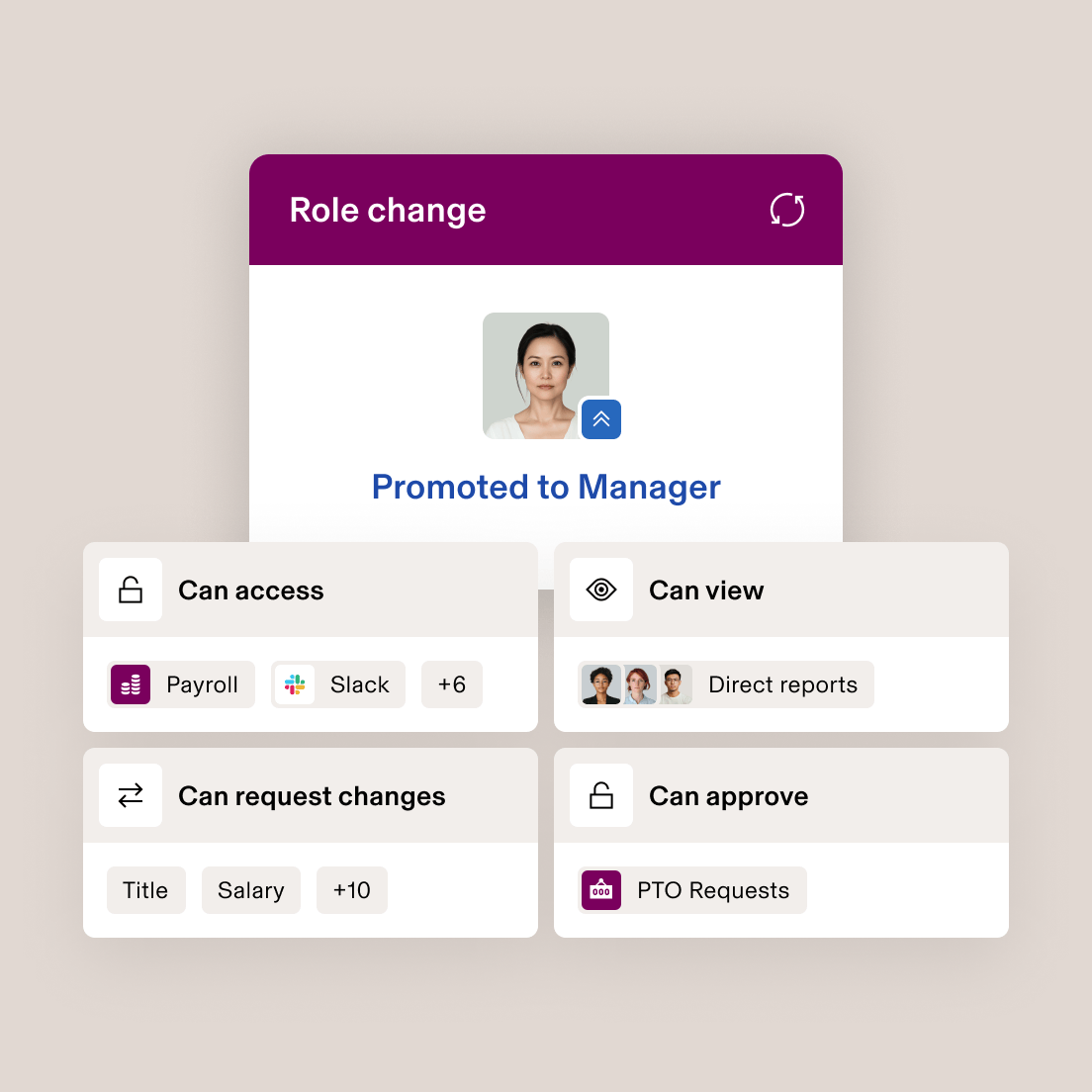
Policy Management Engine
Rippling’s policy engine lets you set granular rules for everything. You can automate enforcement based on role, location, or department, reducing manual oversight and compliance risk.
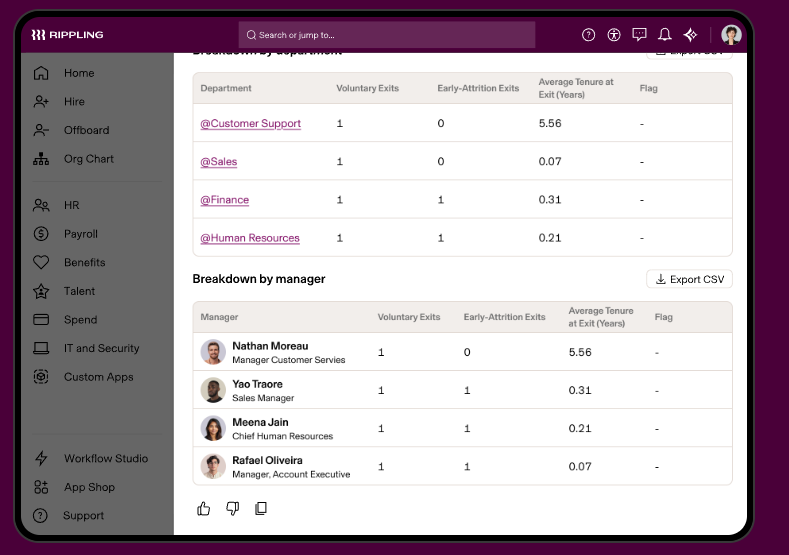
Unified Analytics Dashboard
The analytics dashboard pulls data from HR, IT, and finance into one customizable view. Users can build cross-functional reports—like headcount vs. spend—without exporting data to external tools.
Ease of Use
Rippling is widely recognized for its clean, user-friendly interface and logical navigation, making it approachable for both finance and HR teams. Users often highlight how quickly they can onboard employees, automate workflows, and access reports without extensive training.
The platform’s guided setup, in-app help, and centralized dashboard reduce friction, especially for organizations new to ERP Software Systems. However, some users note that advanced features may require extra configuration to fully leverage.
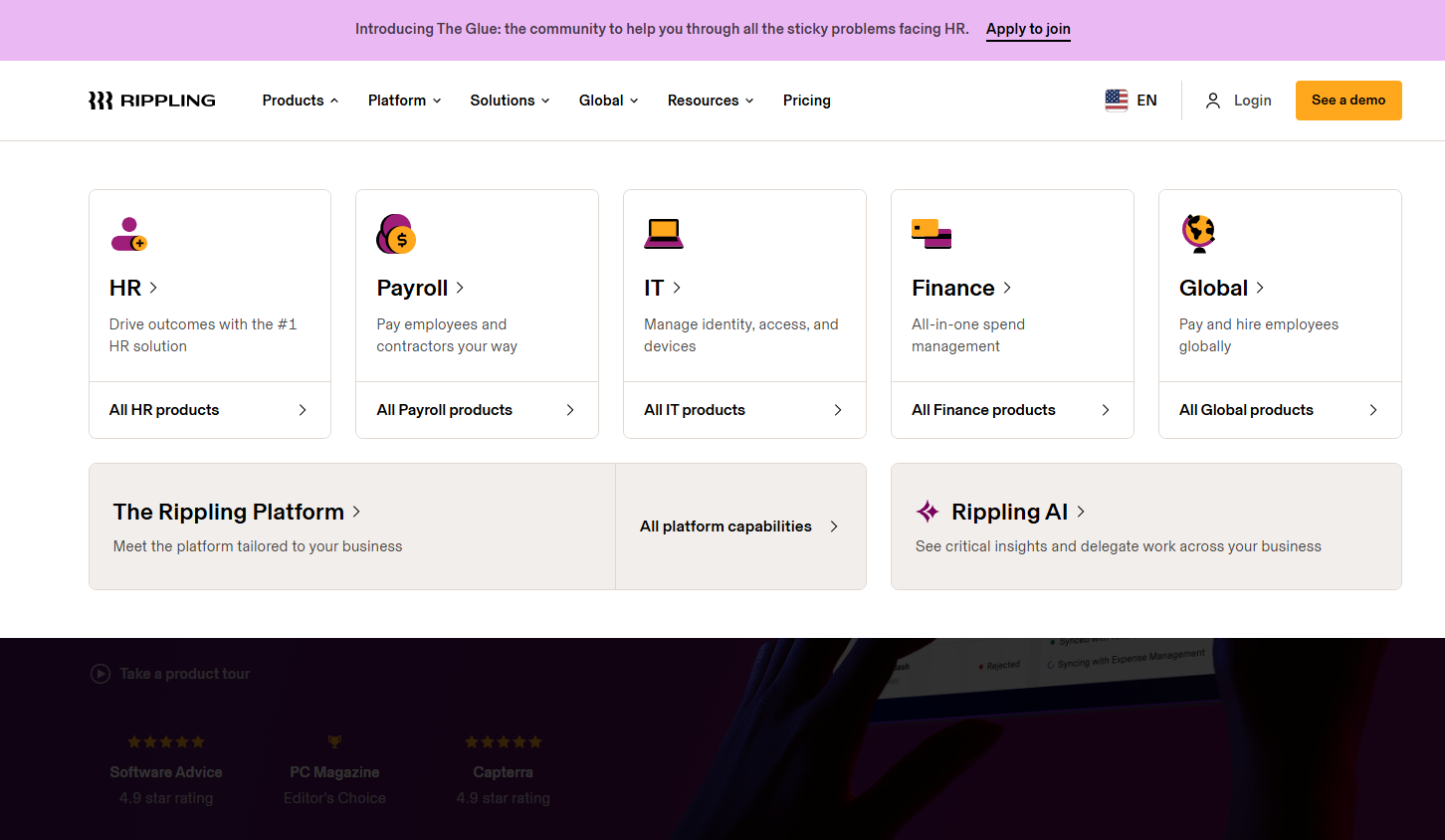
Onboarding
Rippling’s onboarding experience is frequently praised for its speed and clarity, with many users reporting that setup takes hours, not days. The platform guides new users through step-by-step workflows for adding employees, configuring payroll, and setting up devices — entirely avoiding a learning curve.
Extensive help articles, live chat, and onboarding specialists are available, ensuring questions are addressed quickly. This focus on guided setup and responsive support helps teams realize value from Rippling faster than with most ERP Software Systems.
Customer Support
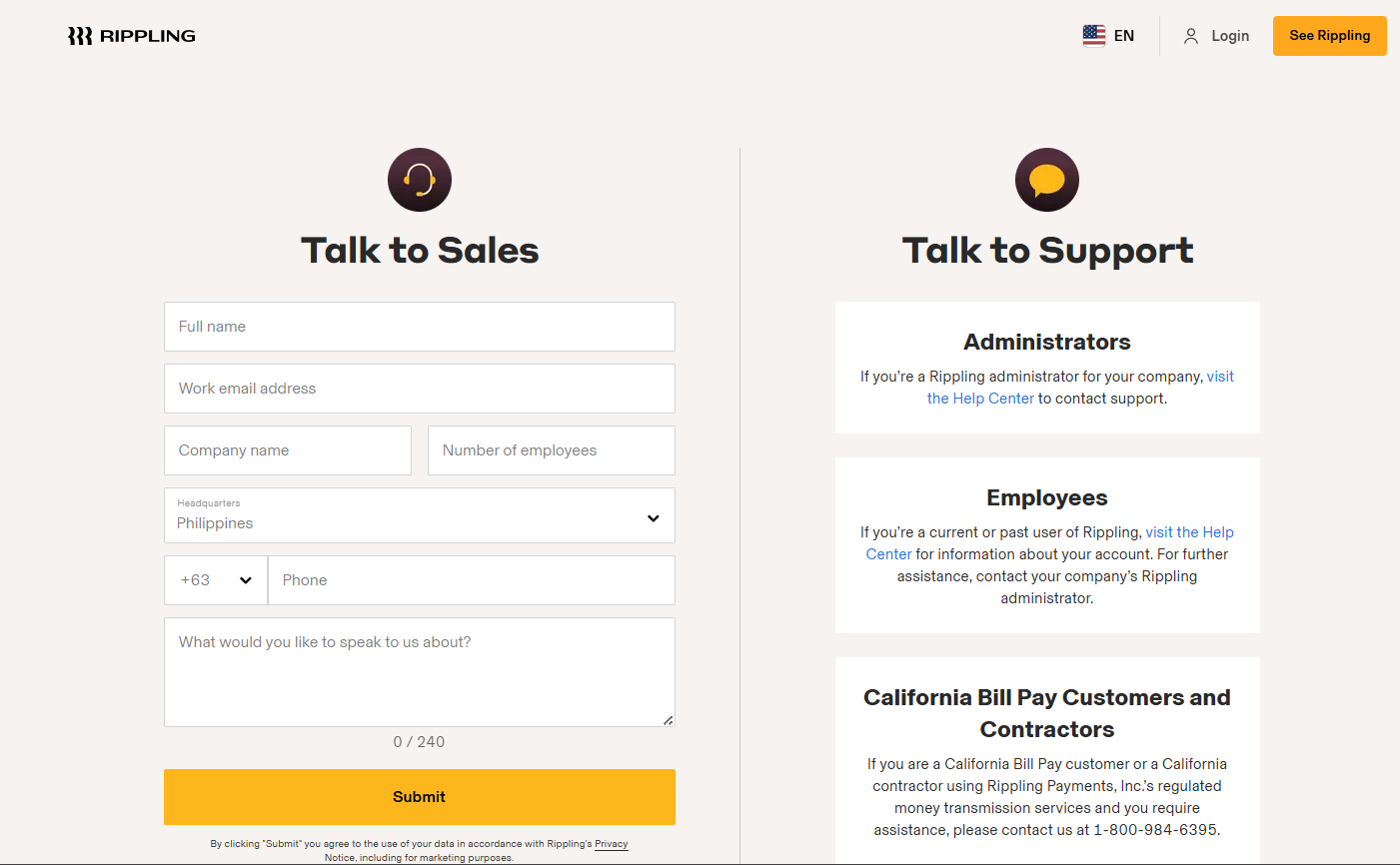
Rippling’s customer support team receives positive feedback for their responsiveness and knowledgeable staff, especially during onboarding and urgent issues. Users appreciate the availability of live chat, email, and a detailed help center, which help resolve most questions quickly.
While some users mention occasional delays during peak periods, the majority find support agents helpful and solutions-oriented. The combination of multiple support channels and clear documentation makes Rippling’s assistance reliable for most ERP Software Systems users.
Integrations
Rippling integrates with Slack, Google Workspace, Microsoft 365, Jira, Zoom, HubSpot, SentinelOne, and Notion, among others.
Rippling also offers an open API and supports custom integrations, allowing you to connect with third-party tools and build your own integrations as needed.

Value for Money
Rippling is often seen as a premium solution, but users feel its modular pricing and breadth of features justify the investment, especially for growing businesses. The ability to pay only for needed modules, combined with automation and unified data, delivers strong value for teams seeking to centralize HR, IT, and finance operations. Pricing isn’t transparent and a custom quote is required, though a free trial is available to assess the features before committing.
- Core Platform: Includes employee management and core HR tools.
- Payroll Module: Adds payroll processing and tax filing.
- Benefits Administration Module: Enables benefits management, enrollment, and compliance.
- Device Management Module: Adds device provisioning and app access controls.
- Expense Management Module: Offers expense tracking, bill pay, and corporate cards.
- Custom Modules: Optional add-ons for advanced analytics, global payroll, and more.

New Product Updates from Rippling

Rippling Adds New Device Buyback Feature
Rippling has introduced Device Buyback in its Inventory Management system, providing IT teams with a streamlined way to securely dispose of and recycle old hardware while benefiting financially. This update aims to simplify the hardware lifecycle management process. Here's what to expect in this update:
- Real-Time Device Valuation: View instant resale values for eligible devices stored in Rippling’s U.S. warehouses.
- Bulk Device Processing: Select and sell multiple devices in a single transaction for faster buyback workflows.
- Automated Offboarding: Rippling handles unenrollment from MDM, Apple Business Manager, and Microsoft Entra.
- Certified Secure Wiping: All devices undergo compliant data destruction with downloadable certificates.
- Invoice Credits: Buyback proceeds are automatically applied to upcoming Rippling invoices.
- Reuse or Recycling: Devices are refurbished for resale or responsibly recycled to eliminate waste.
Visit Rippling's official site for more details.
 for more details.
Rippling Rolls Out New AI and Collaboration Features
Rippling's latest updates deliver smarter automation, efficient communication, and improved data visibility across the Rippling platform. These help HR and IT teams save time on manual work while maintaining accuracy and compliance. Here are the details of the updates:
- AI Application Review: Automates candidate screening and ranking to speed up hiring decisions.
- Rippling Chat: Simplifies collaboration by letting teams take actions and access data using natural language.
- Enhanced Dashboards: Expands reporting capabilities for HR, payroll, and IT management.
Visit Rippling's official site for more details.

Rippling Launches Self-Serve Payroll for Startups
Rippling has introduced a revolutionary self-serve payroll solution, specifically designed to cater to startups. This new feature empowers startup founders by enabling them to effortlessly set up and manage payroll processes without the need for lengthy sales calls. Here are the details of the update.
- Self-Serve Payroll Setup: Founders can independently set up and launch their payroll systems in just minutes, ensuring a swift start to managing their financials.
- Automated Compliance Management: The platform automates compliance tasks, reducing the risk of errors and ensuring regulatory adherence.
- Unified Onboarding and Taxes: It provides a consolidated platform that simplifies the onboarding process and tax management, offering startups a comprehensive payroll solution.
Visit Rippling's official site for more details.

Rippling Strengthens Identity and Access Management
Rippling IT has significantly enhanced its Identity & Access Management (IAM) platform, offering users a more cohesive and automated experience. These updates leverage real-time employee and device data to streamline permissions and security tasks. Here are the new updates:
- Centralized Third-Party Access App: This new app allows better integration management, improving oversight and control.
- Dynamic Supergroups: It offers saved groups, integration attributes, and access previews, enhancing organizational management.
- Unified Drift Detection: Detect and resolve discrepancies quickly with one-click solutions, improving system integrity.
- Bulk Operations: Streamlined processes for hiring, transitions, and termination, which enhance HR efficiency.
Visit Rippling's official site for more details.
Rippling Specs
- 2-Factor Authentication
- 360 Degree Feedback
- API
- Application Tracking
- Attendance Tracking
- Batch Permissions & Access
- Compliance Tracking
- Dashboard
- Data Export
- Data Import
- Data Visualization
- Employee Database
- Employee Engagement
- Employee Incentive Management
- Employee Onboarding
- Employee Training
- Expense Tracking
- External Integrations
- Feedback Management
- Multi-User
- Notifications
- Payroll
- Performance Appraisal
- Scheduling
- Time Management
- Timesheets
- Travel Management
- Vacation & Absence Calendar
Rippling FAQs
How does rippling handle multi-entity or multi-subsidiary management?
Can rippling accommodate global payroll and international employees?
What data security measures does rippling have in place?
How customizable are rippling’s workflows and reporting tools?
What level of support is available for implementation and ongoing use?
How does rippling help with regulatory compliance and audit readiness?
Can rippling integrate with our existing accounting or ERP systems?
What is the typical implementation timeline for rippling?
Rippling Company Overview & History
Rippling is a workforce management platform headquartered in San Francisco, California, with additional offices in New York, Austin, London, Dublin, Bengaluru, and Sydney. Founded in 2016 by Parker Conrad, Rippling unifies HR, IT, and finance operations for businesses of all sizes. The company employs over 6,000 people and is known for its strong commitment to R&D and innovative work culture.
Rippling Major Milestones
- 2016: Company founded by Parker Conrad in San Francisco.
- 2017: Official launch of the Rippling platform.
- 2021: Expanded global presence with new offices in Dublin and other international locations.
- 2024: Reached a valuation of $16.8 billion and surpassed 6,000 employees.
- 2025: Reported $570 million in revenue and continued rapid growth in customer base and product offerings.