



Xero vs. FreshBooks: Comparison & Expert Reviews for2026


If you’re stuck deciding between Xero and FreshBooks, you’re probably trying to find accounting software that doesn’t slow you down. You need something that handles invoicing, tracking, and reporting without adding complexity to your day. While both tools aim to streamline your finances, they take different approaches in features, pricing, and user experience.
I’ll walk you through a side-by-side comparison of Xero and FreshBooks to make your decision easier. You’ll learn their pros and cons, ideal use cases, pricing structures, security considerations, and how user-friendly each platform really is.
Xero vs. FreshBooks: An Overview
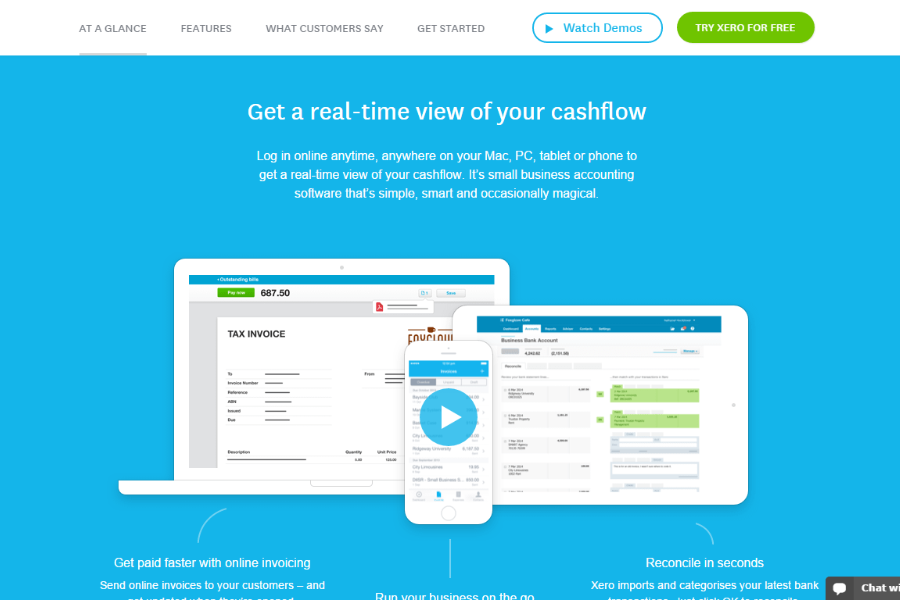
Xero

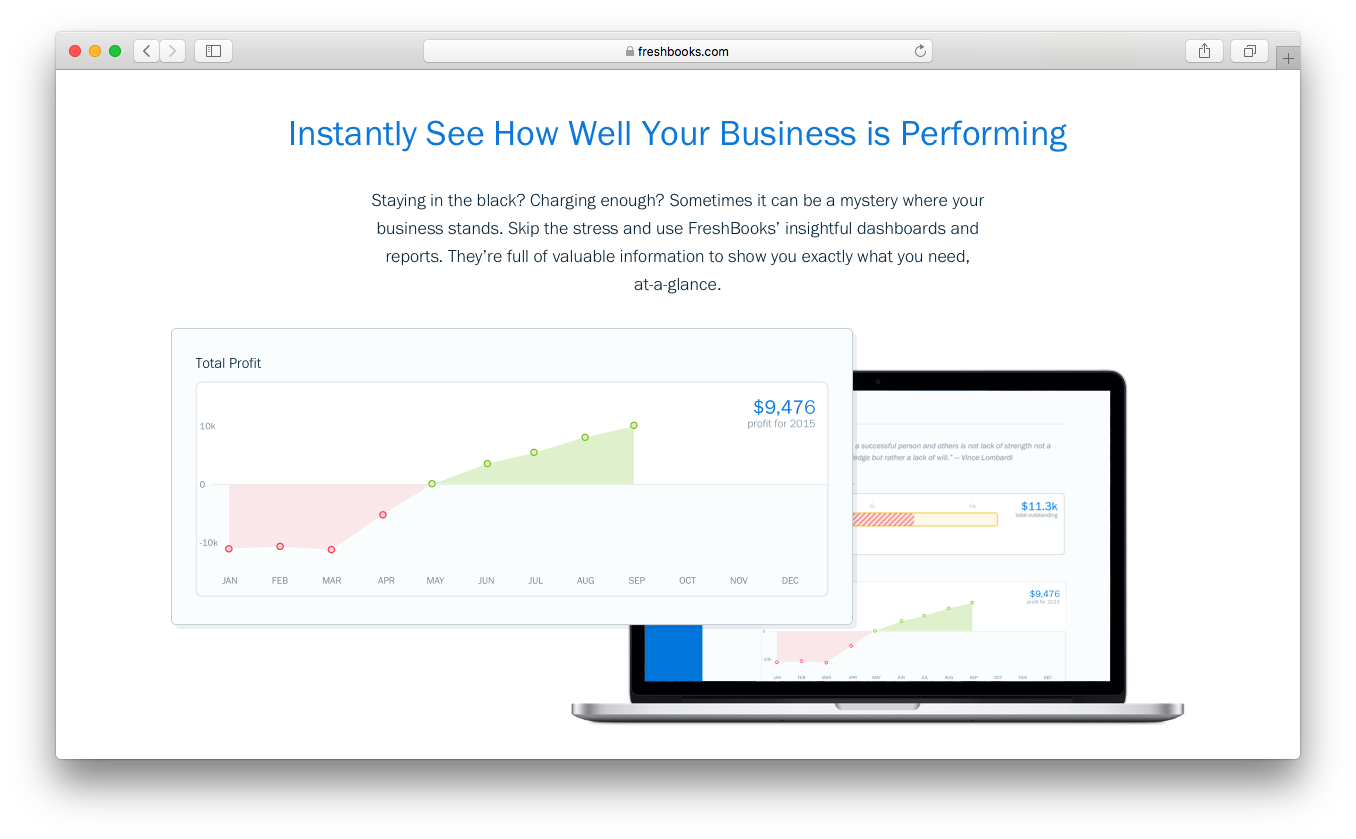
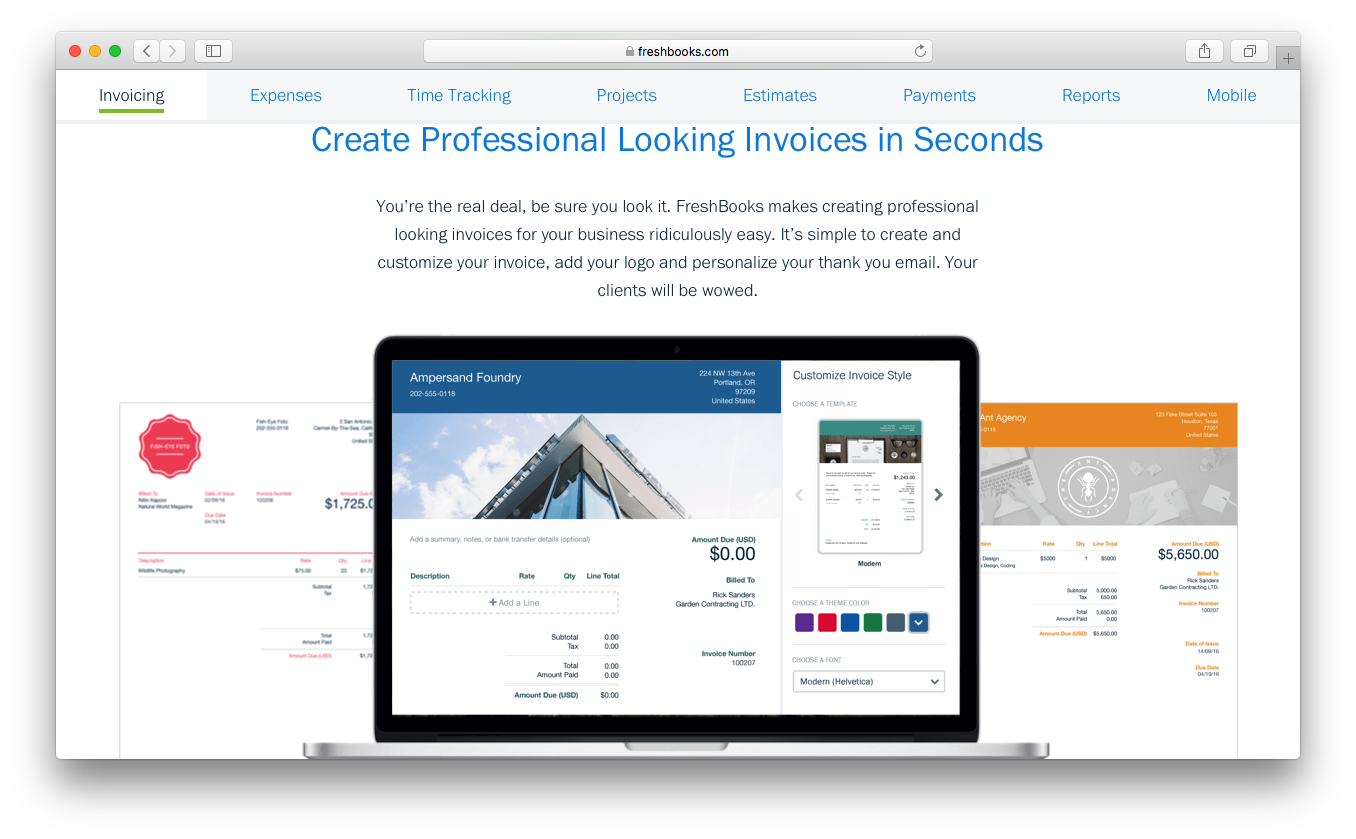
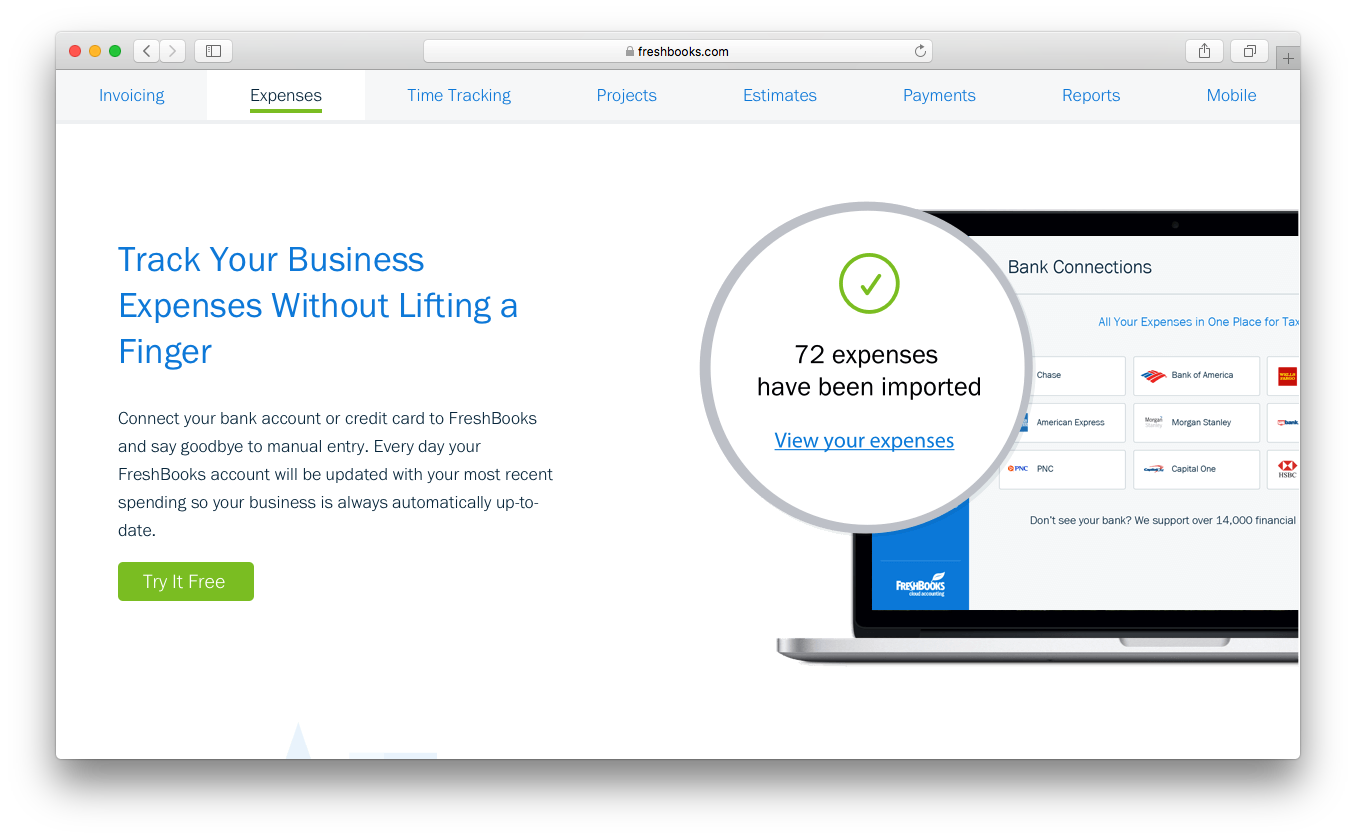
FreshBooks

Why Trust Our Software Reviews
We’ve been testing and reviewing financial software since 2023. As finance specialists ourselves, we know how critical and difficult it is to make the right decision when selecting software.
We invest in deep research to help our audience make better software purchasing decisions. We’ve tested more than 2,000 tools for different finance use cases and written over 1,000 comprehensive software reviews. Learn how we stay transparent & our software review methodology.
Xero vs. FreshBooks Pricing Comparison
| Xero | FreshBooks | |
|---|---|---|
| Free Trial | 30-day free trial available | 30-day free trial |
| Pricing | From $7/month | From $6.90/month |
Xero vs. FreshBooks Pricing & Hidden Costs
Xero uses a tiered subscription model, with each plan unlocking more advanced features as you move up. You’ll find that some essentials—like multi-currency support or advanced analytics—are only available on higher tiers. FreshBooks also offers tiered plans, but its pricing is based on the number of billable clients, which can lead to higher costs as your client list grows. Both platforms may charge extra for add-ons, integrations, or exceeding usage limits, so it’s important to look beyond the base subscription.
To choose the right pricing model, start by mapping out your current and future needs—think about how many clients you serve, which features you’ll actually use, and how your business might scale. Review each vendor’s plan details and pay close attention to what’s included versus what’s considered an add-on. Reach out to sales or support with specific scenarios to clarify any gray areas, and ask for a detailed breakdown of potential extra charges.
Xero vs. FreshBooks Feature Comparison
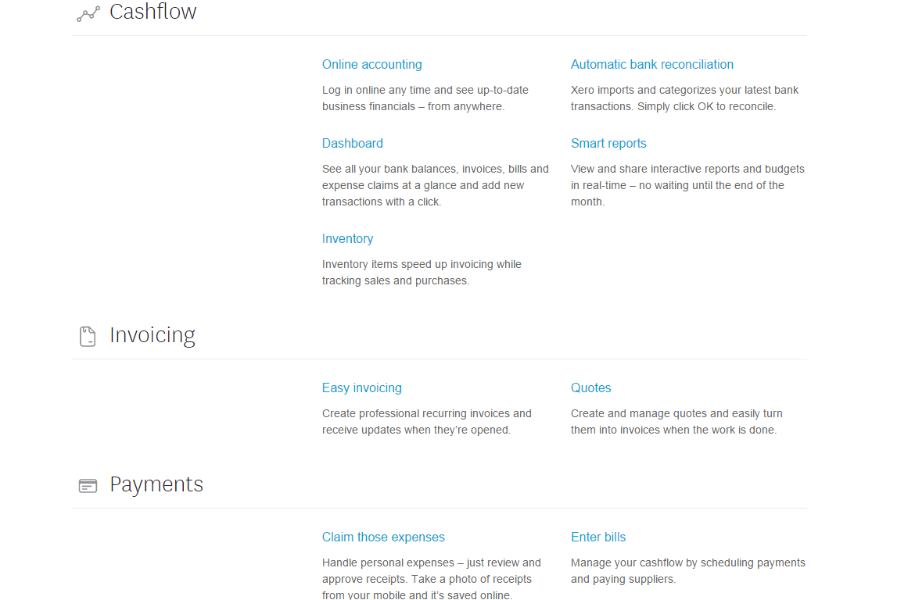
Both Xero and FreshBooks cover the core accounting essentials you’d expect, including invoicing, expense tracking, and basic financial reporting to help you stay on top of your business finances. They also offer cloud-based access, integrations, and tools for managing cash flow, making them solid all-in-one solutions for small businesses.
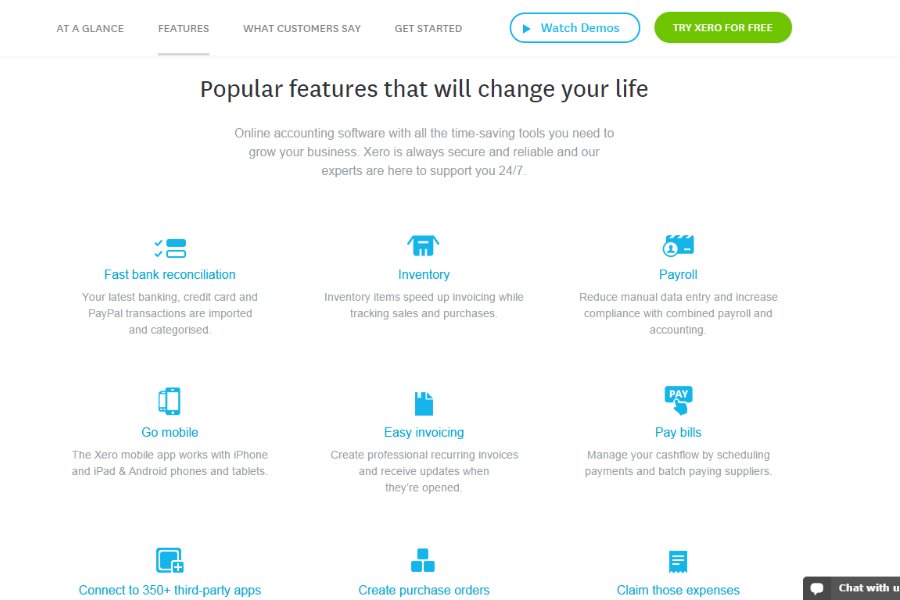
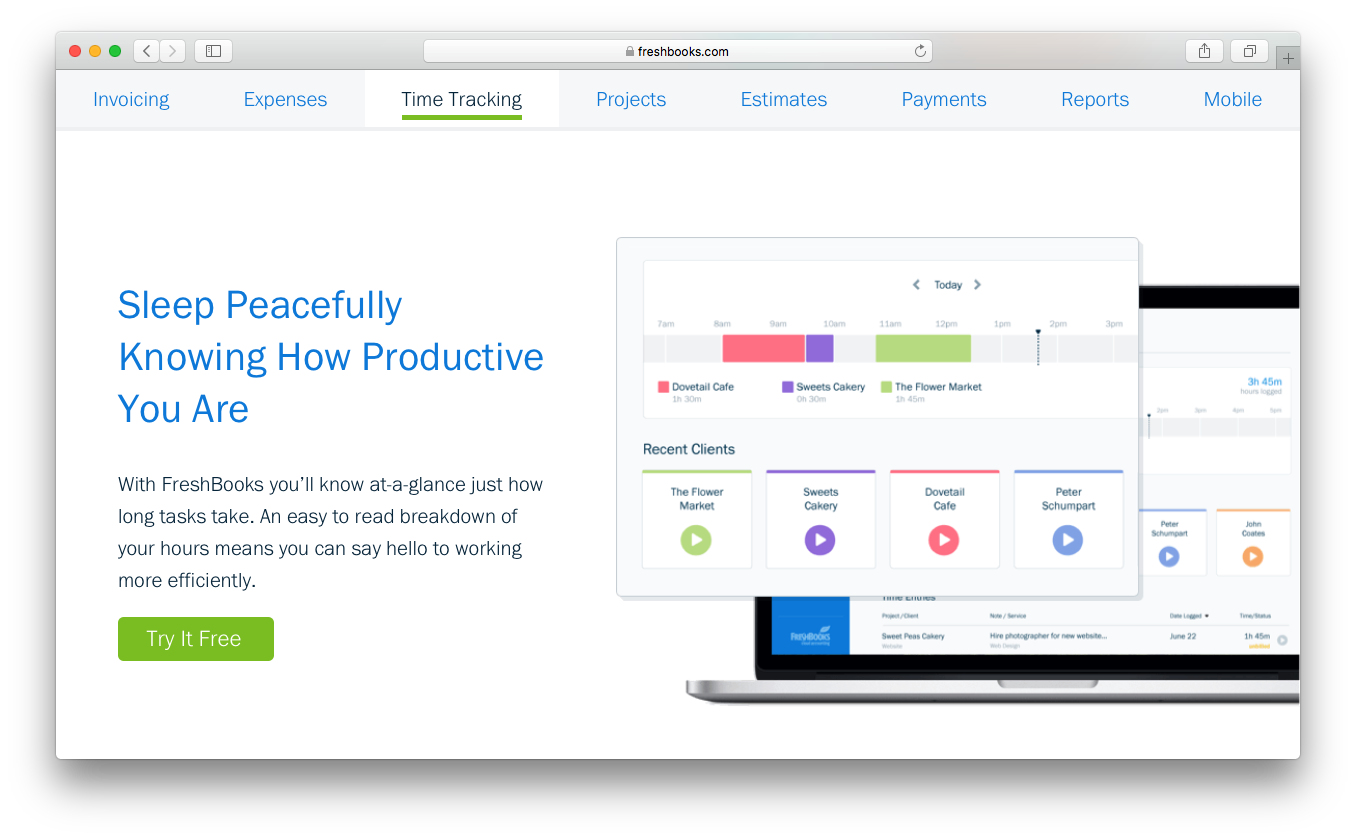
Where they differ is in their standout strengths. FreshBooks leans heavily into invoicing, time tracking, and client billing, making it especially useful for freelancers and service-based businesses that bill by the hour or project. In contrast, Xero stands out with more advanced accounting capabilities, like inventory tracking, purchase orders, and deeper financial management features, making it better suited for growing businesses with more complex needs.
| Xero | FreshBooks | |
|---|---|---|
| 2-Factor Authentication | ||
| API | ||
| Accounts Payable | ||
| Accounts Receivable | ||
| Balance Sheet | ||
| Billing/Invoicing | ||
| BitCoin | ||
| Budgeting | ||
| CRM Integration | ||
| Calendar Management | ||
| Contact Management | ||
| Customer Management | ||
| Dashboard | ||
| Data Export | ||
| Data Import | ||
| Data Visualization | ||
| Expense Tracking | ||
| External Integrations | ||
| Forecasting | ||
| General Account Ledger | ||
| Inventory Tracking | ||
| Multi-Currency | ||
| Multi-User | ||
| Notifications | ||
| P&L | ||
| PayPal | ||
| Payroll | ||
| SAP Integration | ||
| Stripe | ||
| Supplier Management | ||
| Tax Management |
Xero vs. FreshBooks Integrations
| Integration | Xero | FreshBooks |
| HubSpot | ✅ | ✅ |
| Shopify | ✅ | ✅ |
| Gusto | ✅ | ✅ |
| Stripe | ✅ | ✅ |
| PayPal | ✅ | ✅ |
| Square | ✅ | ✅ |
| Expensify | ✅ | ✅ |
| Trello | ✅ | ✅ |
| API | ✅ | ✅ |
| Zapier | ✅ | ✅ |
Both Xero and FreshBooks cover the most popular integrations, but Xero stands out with deeper payroll, expense, and project management connections. If your workflow relies on specialized tools or custom automation, Xero’s broader integration range and open API give you more flexibility to connect your accounting with the rest of your tech stack.
Xero vs. FreshBooks Security, Compliance & Reliability
| Factor | Xero | FreshBooks |
| Data Encryption | Uses bank-grade encryption (256-bit SSL) for data in transit and at rest. | Secures data with 256-bit SSL encryption both in transit and at rest. |
| Regulatory Compliance | Supports GDPR, SOC 2, and regional tax compliance requirements. | Complies with GDPR and offers features to support tax compliance. |
| User Access Controls | Offers granular user permissions and audit trails for all activities. | Provides customizable user roles and basic activity logs. |
| Uptime & Backups | Guarantees 99.9% uptime and performs automatic daily backups. | Maintains high uptime and regular automated backups. |
| Two-Factor Authentication | Requires two-factor authentication for all users. | Offers optional two-factor authentication for added security. |
Xero leads with more advanced compliance certifications and stricter access controls, making it a strong choice for teams with complex security needs. FreshBooks covers the essentials well, but Xero’s reliability and regulatory support stand out for organizations that need extra assurance.
Xero vs. FreshBooks Ease of Use
| Factor | Xero | FreshBooks |
| User Interface | Clean and modern, but menus can feel dense for new users. | Simple, intuitive layout designed for quick navigation. |
| Onboarding | Offers guided setup and in-app tutorials, but may require extra time for full configuration. | Streamlined onboarding with step-by-step prompts and helpful tips. |
| Learning Curve | Steeper learning curve due to advanced features and customization. | Minimal learning curve—most users get comfortable quickly. |
| Customer Support | 24/7 online support and a detailed help center. | Responsive support with live chat and a robust knowledge base. |
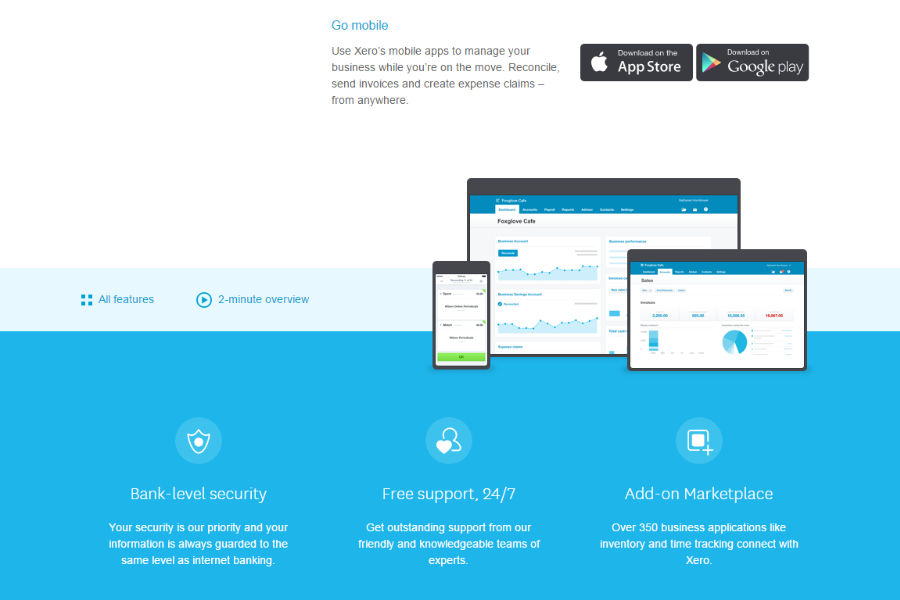
| Mobile Experience | Full-featured mobile app for managing finances on the go. | Highly rated mobile app focused on invoicing and expense tracking. |
FreshBooks is easier to pick up and use right away, while Xero’s depth means you’ll spend more time learning but gain more control. If you want a tool that’s friendly for non-accountants, FreshBooks shines, but Xero’s interface rewards users who need advanced options and are willing to invest in setup.
Xero vs FreshBooks: Pros & Cons
Xero
- Xero's intuitive interface makes managing finances easy for you and your team.
- Its robust reporting tools give you clear insights into your business's financial health.
- Automatic bank feeds save you time by reducing manual data entry.
- Invoice and report customization options are restrictive.
- Some users report occasional lag in customer support response times.
- Advanced features may require additional training for effective use.
FreshBooks
- You’ll find the invoicing feature easy to use and customize.
- Its customer support is responsive and helpful.
- The interface is intuitive, making navigation simple for your team.
- FreshBooks lacks advanced accounting features for complex needs.
- Some users find reporting options limited compared to alternatives.
- You might experience occasional syncing issues with bank accounts.
Best Use Cases for Xero and FreshBooks
Xero
- Small Businesses Xero’s intuitive interface and reporting tools make managing finances straightforward for your small team.
- Freelancers You’ll love the invoicing features that simplify billing and help you get paid faster.
- Retail Shops Automatic bank feeds and inventory tracking save you time and reduce manual errors.
- Consultants Xero’s expense tracking and project management features keep your client work organized.
- Nonprofits Its budgeting tools and reporting capabilities help you manage funds and demonstrate accountability.
- Startups Xero’s scalability and comprehensive financial insights support your growth and decision-making.
FreshBooks
- Freelancers FreshBooks's easy invoicing and expense/mileage tracking help you manage your finances efficiently.
- Small Agencies Your team will benefit from FreshBooks's user-friendly interface and responsive support.
- Consultants Use FreshBooks to streamline billing and time tracking for your consulting work.
- Graphic Designers You can customize invoices to reflect your brand's unique style and professionalism.
- Ecommerce Businesses FreshBooks simplifies cash flow for your ecommerce operations, keeping things manageable.
- Solo Entrepreneurs The software’s financial management tools, like double-entry accounting and accounts payable, let you focus on growing your business effectively.
Who Should Use Xero, And Who Should Use FreshBooks?
Xero is best suited for small to mid-sized businesses that need more advanced accounting capabilities as they grow. If you’re managing inventory, working with a bookkeeper, or need detailed financial reporting and scalability, Xero gives you the depth to handle more complex operations. It’s a strong fit for businesses that want a full accounting system rather than just invoicing and basic tracking.
FreshBooks, on the other hand, is ideal if you’re a freelancer, solopreneur, or service-based small business owners focused on billing clients. If your priority is simple invoicing, time tracking, and getting paid faster without a steep learning curve, FreshBooks keeps things straightforward. It works especially well for users who value ease of use over advanced accounting features.
Differences Between Xero and FreshBooks
| Xero | FreshBooks | |
|---|---|---|
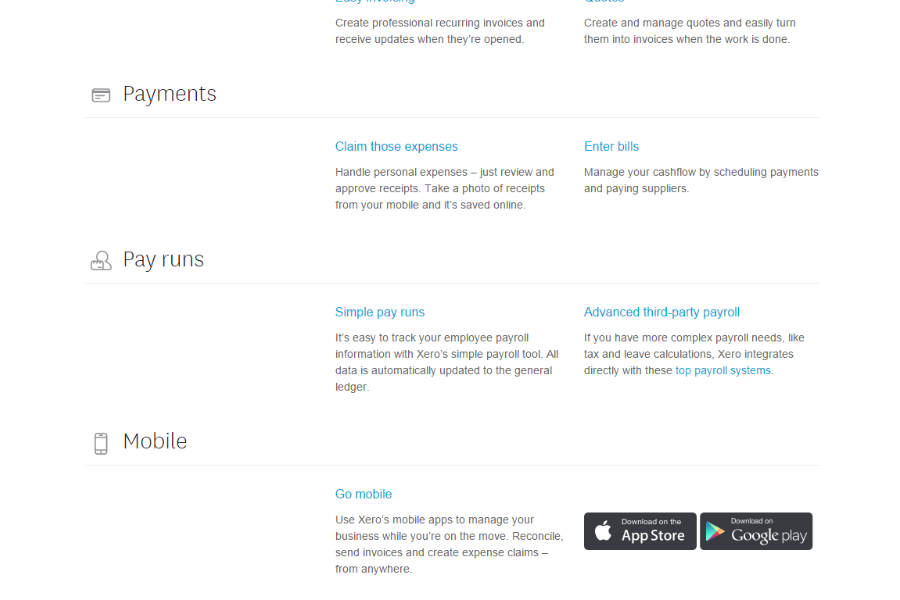
| Automation Features | Extensive automation for bank feeds, reconciliations, and workflows. | Limited automation, mainly for recurring invoices. |
| Inventory Management | Built-in inventory tracking with stock updates and cost tracking. | No native inventory management (requires integrations). |
| Invoicing Limits | Invoice limits on the Starter plan. Unlimited for higher-tier plans. | Unlimited and customized invoices on all plans, including Lite, Plus, and Premium. |
| Payroll Integration | Built-in payroll and deep integrations with payroll providers. | No built-in payroll, limited third-party payroll options. |
| Read Xero ReviewOpens new window | Read FreshBooks ReviewOpens new window | |
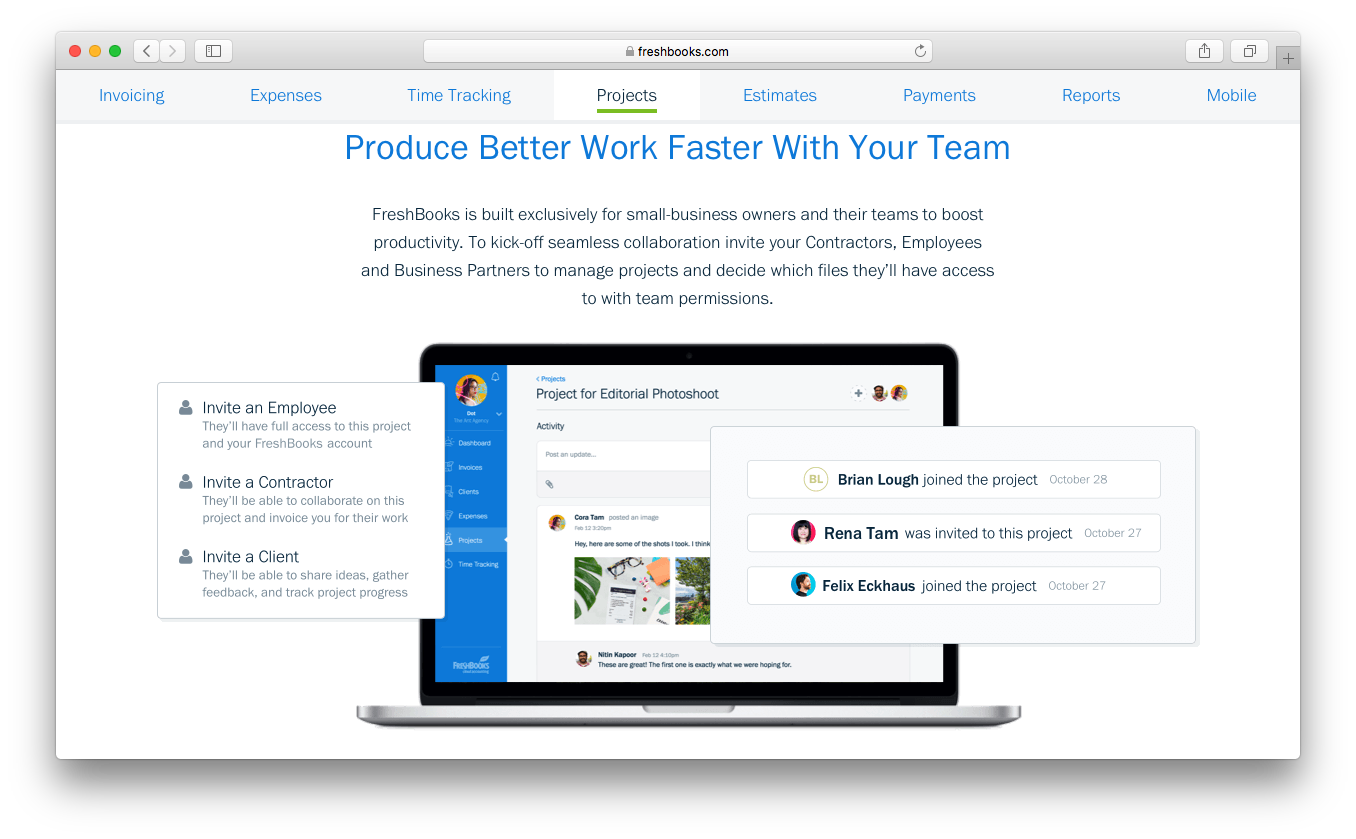
| Project Accounting | Advanced project tracking with cost analysis and profitability insights. | FreshBooks offers simple project tracking focused on time and client billing. |
| Reporting Depth | Advanced, customizable dashboards for financial management reports. | Basic reporting functionality focused on invoicing and expenses. |
| Read Xero ReviewOpens new window | Read FreshBooks ReviewOpens new window |
Similarities Between Xero and FreshBooks
| Bank Reconciliation | Each platform connects to your bank accounts and helps automate transaction matching and reconciliation. |
|---|---|
| Cloud-Based Access | Both are fully cloud-based, letting you manage finances from anywhere with web and mobile apps. |
| Expense Tracking | Both allow you to capture, categorize, manage, and track expenses with receipt uploads and mobile entry. |
| Integration Support | Both connect with popular business tools like Stripe, PayPal, Shopify, and offer Zapier and API access. |
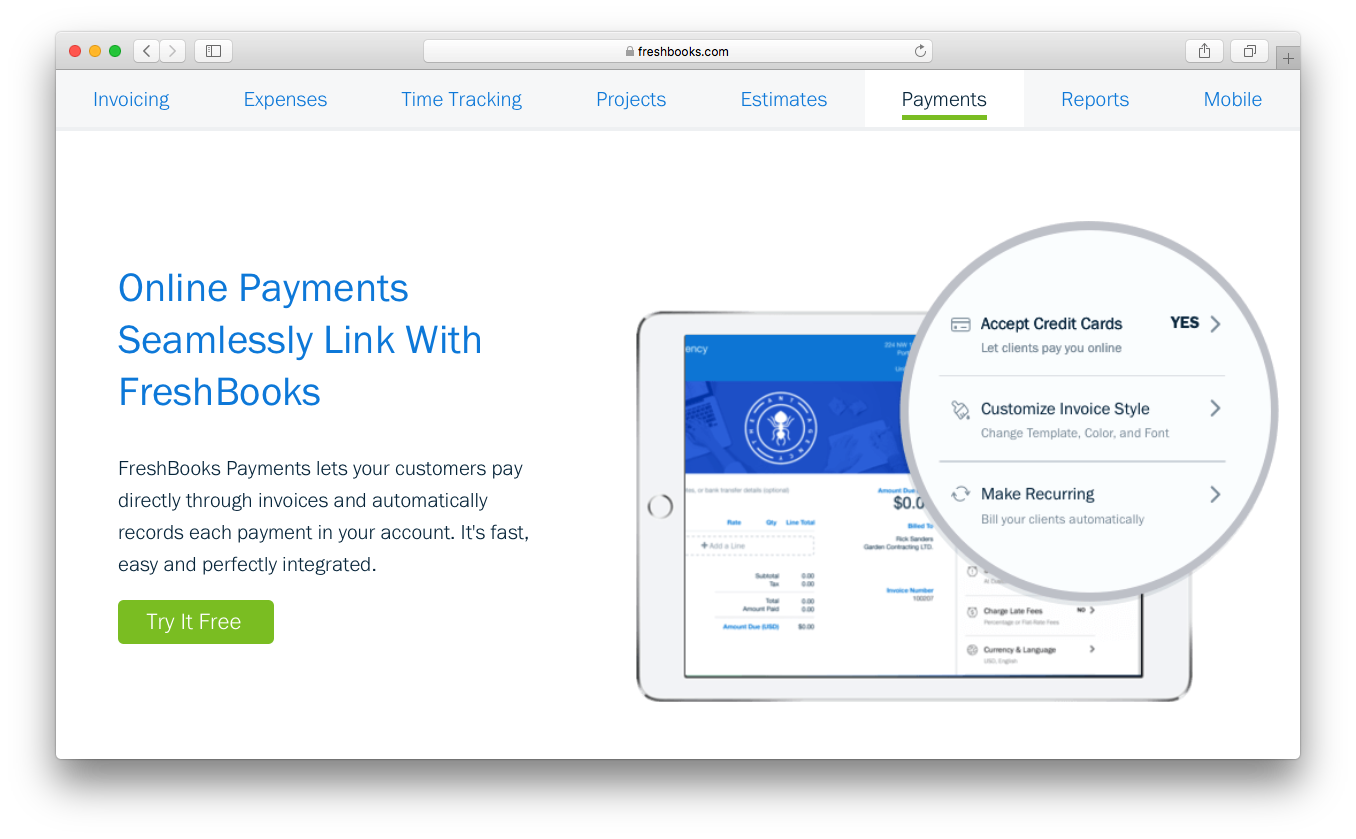
| Invoicing Tools | Each offers customizable invoicing, recurring billing, and online payment options for faster collections. |
| Read Xero ReviewOpens new window Read FreshBooks ReviewOpens new window | |