



Xero vs. Sage Intacct: Comparison and Expert Reviews for 2026


Choosing the right accounting software can feel overwhelming when you’re juggling finances, invoices, and compliance all at once. You might be wondering whether Xero’s modern simplicity or Sage’s depth and legacy features better fit your business. Both tools aim to streamline your accounting, but they differ in usability, flexibility, and overall approach.
In this article, I’ll break down Xero vs. Sage in a clear, practical way—covering their pros and cons, ideal use cases, pricing, security, and ease of use so you can confidently decide which platform works best for you.
Xero vs. Sage Intacct: An Overview
Xero

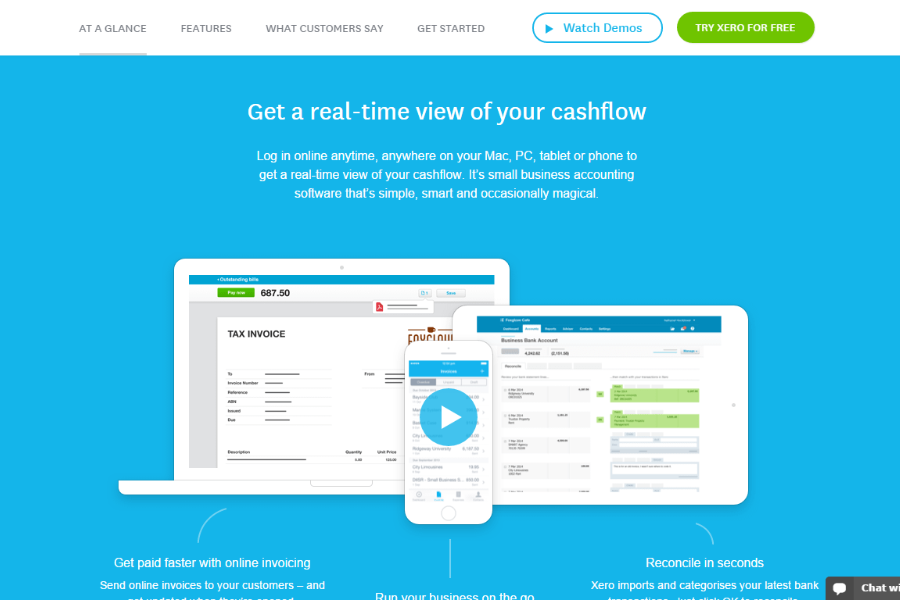
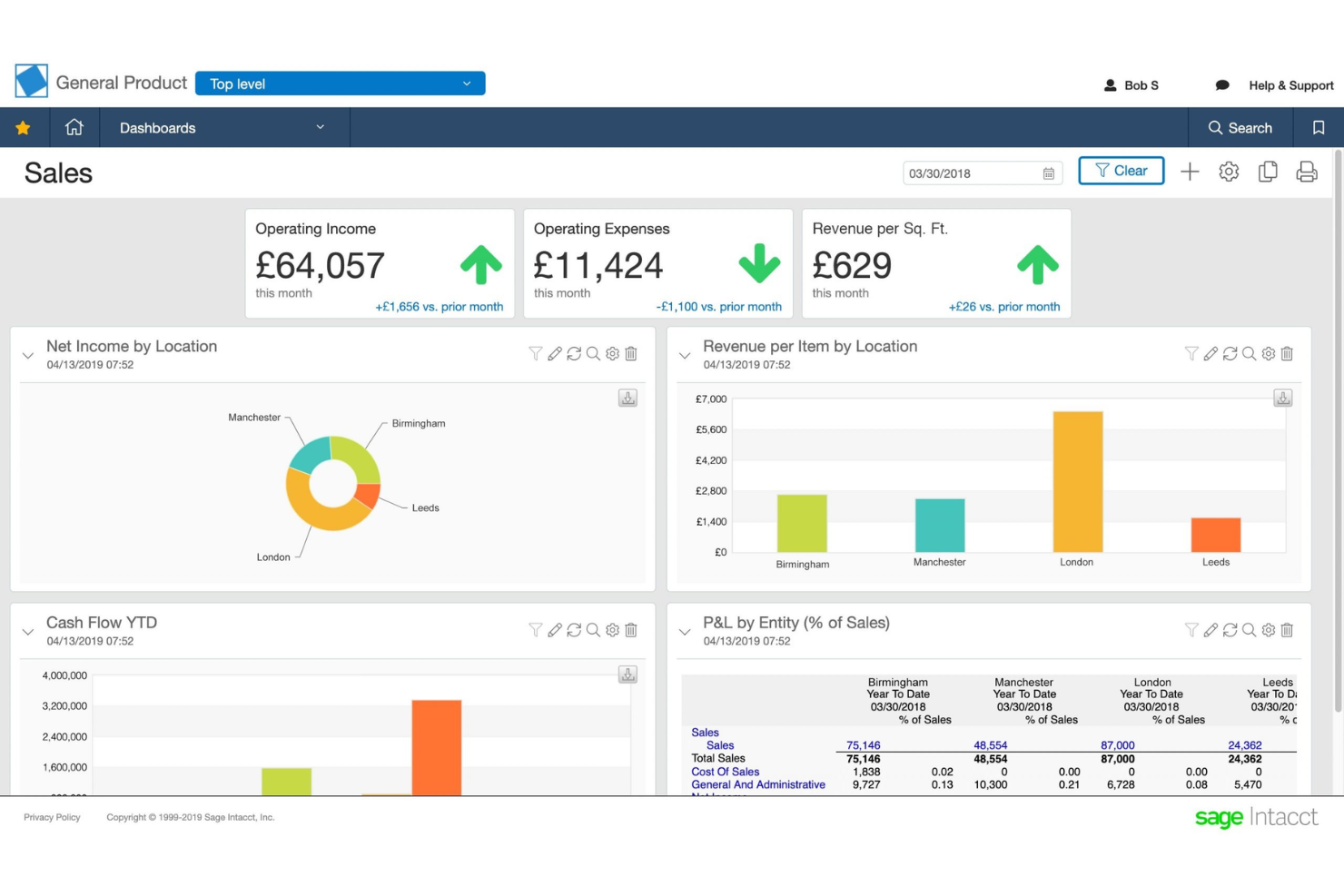
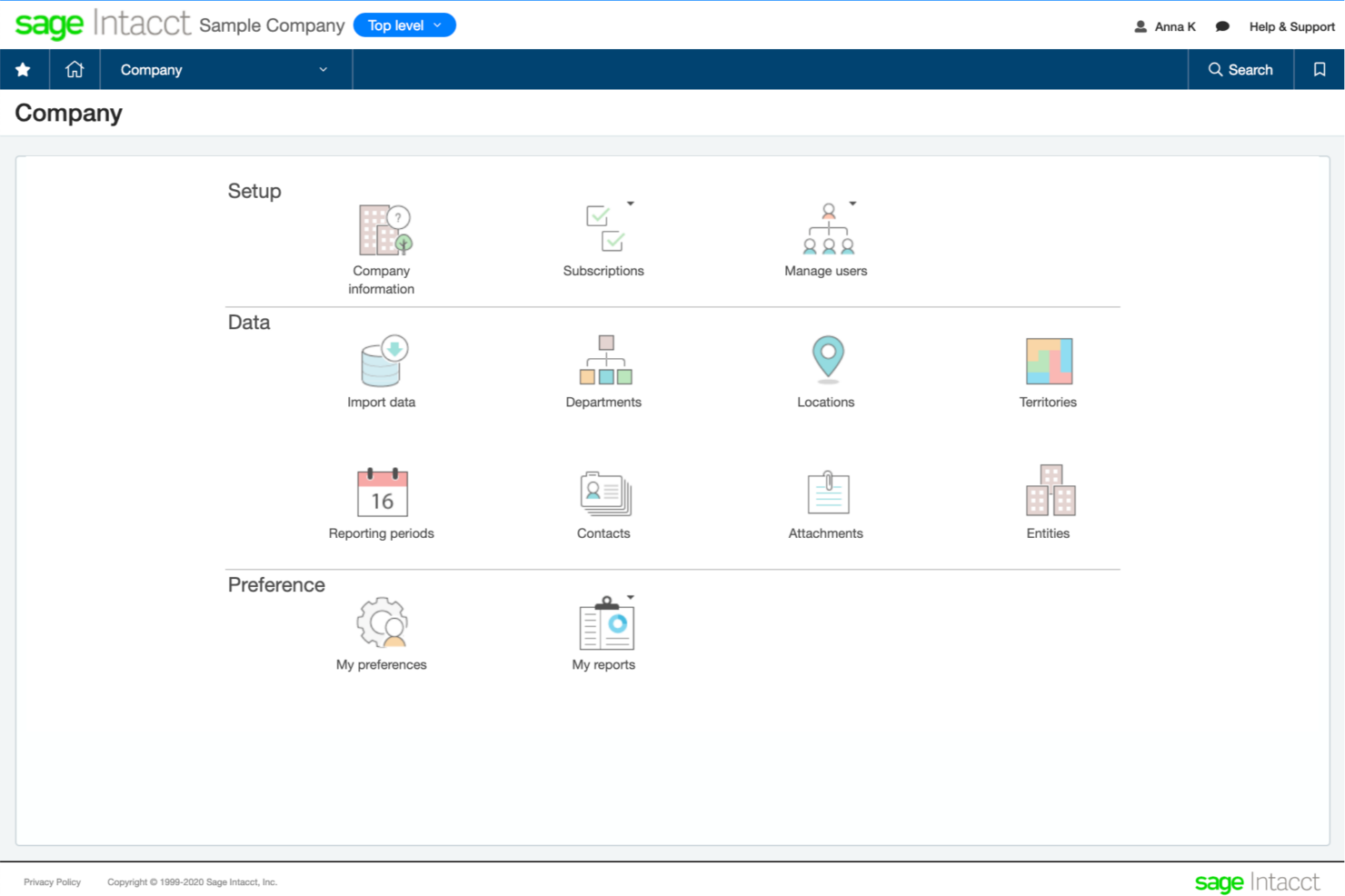
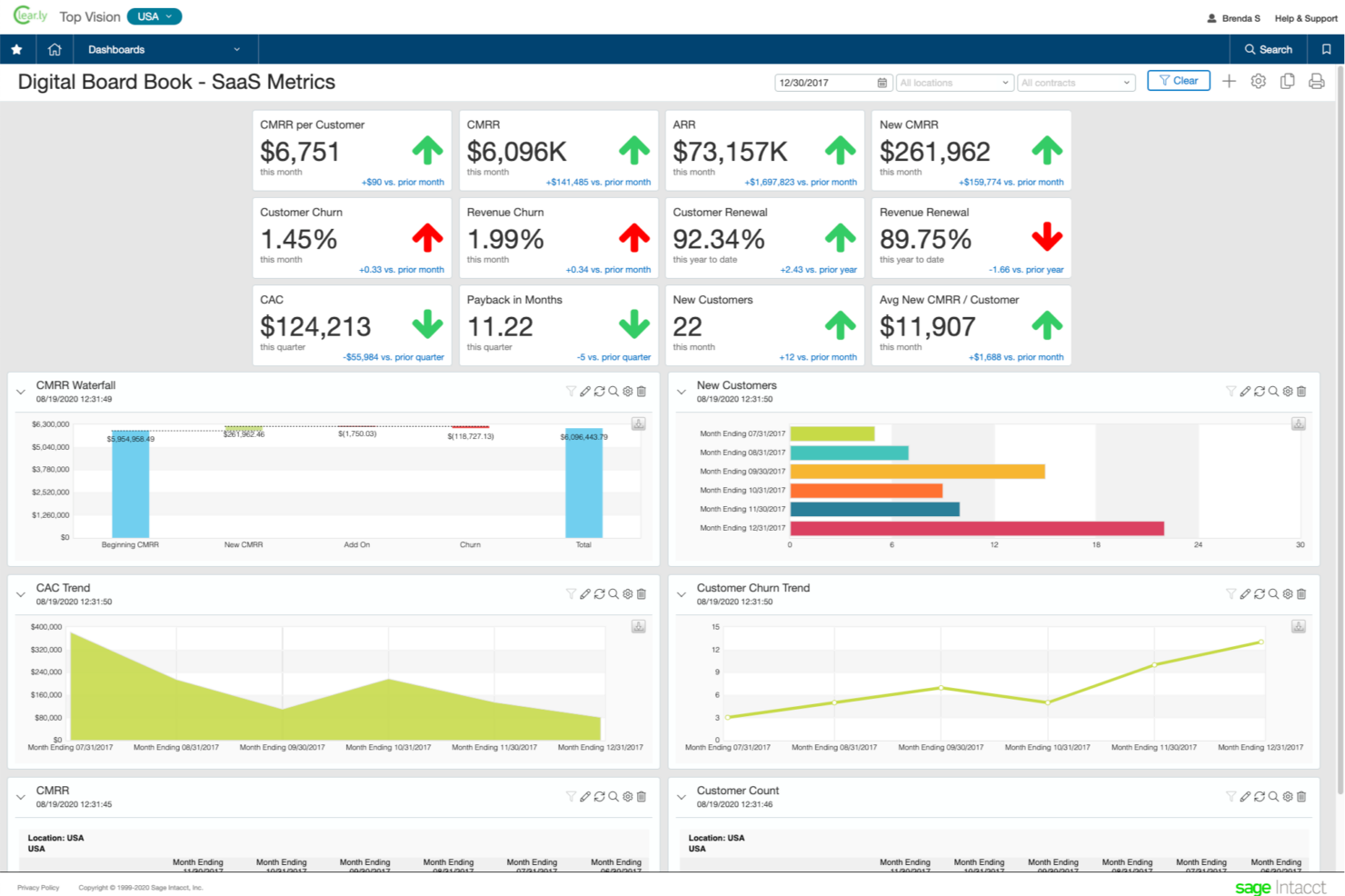
Sage Intacct
Why Trust Our Software Reviews
We’ve been testing and reviewing financial software since 2023. As finance specialists ourselves, we know how critical and difficult it is to make the right decision when selecting software.
We invest in deep research to help our audience make better software purchasing decisions. We’ve tested more than 2,000 tools for different finance use cases and written over 1,000 comprehensive software reviews. Learn how we stay transparent & our software review methodology.
Xero vs. Sage Intacct Pricing Comparison
| Xero | Sage Intacct | |
|---|---|---|
| Free Trial | 30-day free trial available | Not available |
| Pricing | From $7/month | Pricing upon request |
Xero vs. Sage Intacct Pricing & Hidden Costs
Xero uses a subscription-based pricing model with three tiers, each offering different levels of features and user access. You’ll find that add-ons for claim expenses or project tracking can increase your monthly costs. Sage offers a range of plans as well, but its pricing can vary depending on whether you choose a cloud or desktop solution, the number of users, and any industry-specific modules you add.
To choose the right vendor, map out your current and future needs—think about the number of users, required features, and any industry-specific workflows. Ask each provider for a detailed breakdown of what’s included in each plan and clarify costs for add-ons, support, and upgrades. Reviewing contract terms and speaking with customer support can help you spot hidden fees and avoid surprises as your business grows.
Xero vs. Sage Intacct Feature Comparison
Both Xero and Sage cover the key features you’d expect from a modern accounting system. They allow you to handle invoicing, expense tracking, bank reconciliation, payroll, and financial reporting, giving you a centralized view of your business finances. These shared features make either platform capable of managing day-to-day bookkeeping, automating routine tasks, and helping you stay on top of cash flow.
Where they differ is in how they approach those capabilities. Xero stands out for its fully cloud-based design, intuitive interface, and extensive third-party app ecosystem that lets you customize workflows and automate processes at scale. Sage, on the other hand, differentiates itself with stronger built-in compliance, structured workflows, and deeper reporting and payroll features that appeal to businesses with more complex accounting or regulatory needs.
| Xero | Sage Intacct | |
|---|---|---|
| 2-Factor Authentication | ||
| API | ||
| Accounts Payable | ||
| Accounts Receivable | ||
| Balance Sheet | ||
| Billing/Invoicing | ||
| BitCoin | ||
| Budgeting | ||
| CRM Integration | ||
| Calendar Management | ||
| Contact Management | ||
| Customer Management | ||
| Dashboard | ||
| Data Export | ||
| Data Import | ||
| Data Visualization | ||
| Expense Tracking | ||
| External Integrations | ||
| Forecasting | ||
| General Account Ledger | ||
| Inventory Tracking | ||
| Multi-Currency | ||
| Multi-User | ||
| Notifications | ||
| P&L | ||
| PayPal | ||
| Payroll | ||
| SAP Integration | ||
| Stripe | ||
| Supplier Management | ||
| Tax Management |
Xero vs. Sage Intacct Integrations
| Integration | Xero | Sage |
| HubSpot | ✅ | ✅ |
| Shopify | ✅ | ✅ |
| PayPal | ✅ | ✅ |
| Stripe | ✅ | ✅ |
| Gusto | ✅ | ✅ |
| Expensify | ✅ | ✅ |
| Salesforce | ✅ | ✅ |
| ADP | ❌ | ✅ |
| Avalara | ✅ | ✅ |
| QuickBooks Payroll | ❌ | ✅ |
| API | ✅ | ✅ |
| Zapier | ✅ | ✅ |
Xero and Sage Intacct both provide strong integration capabilities through their APIs and Zapier support. However, Xero generally offers a wider range of native integrations thanks to its large app marketplace and developer-friendly ecosystem. Sage’s native integrations and API are equally robust but tend to be more structured and better suited for complex or enterprise environments.
Xero vs. Sage Intacct Security, Compliance & Reliability
| Factor | Xero | Sage |
| Data Encryption | Uses bank-grade encryption for data in transit and at rest. | Provides end-to-end encryption and secure data centers. |
| Regulatory Compliance | Supports GDPR, Making Tax Digital (UK), and other local standards. | Offers compliance with GDPR, SOX, and industry-specific regulations. |
| User Access Controls | Customizable user roles and two-step authentication. | Advanced permissions, audit trails, and multi-factor authentication. |
| Uptime & Backups | 99.9% uptime guarantee and automatic daily backups. | High availability with regular backups and disaster recovery plans. |
Both Xero and Sage Intacct deliver strong security and compliance, but Sage edges ahead with more granular controls and broader regulatory coverage. Xero’s strengths lie in its simple, transparent security features and reliable uptime, while Sage appeals to organizations with complex compliance needs and a preference for detailed access management.
Xero vs. Sage Intacct Ease of Use
| Factor | Xero | Sage |
| User Interface | Clean, modern dashboard with intuitive navigation and visual cues. | Traditional layout with more menus and customization options. |
| Onboarding | Guided setup, helpful tooltips, and a robust online help center. | Step-by-step wizards, but a steeper learning curve for new users. |
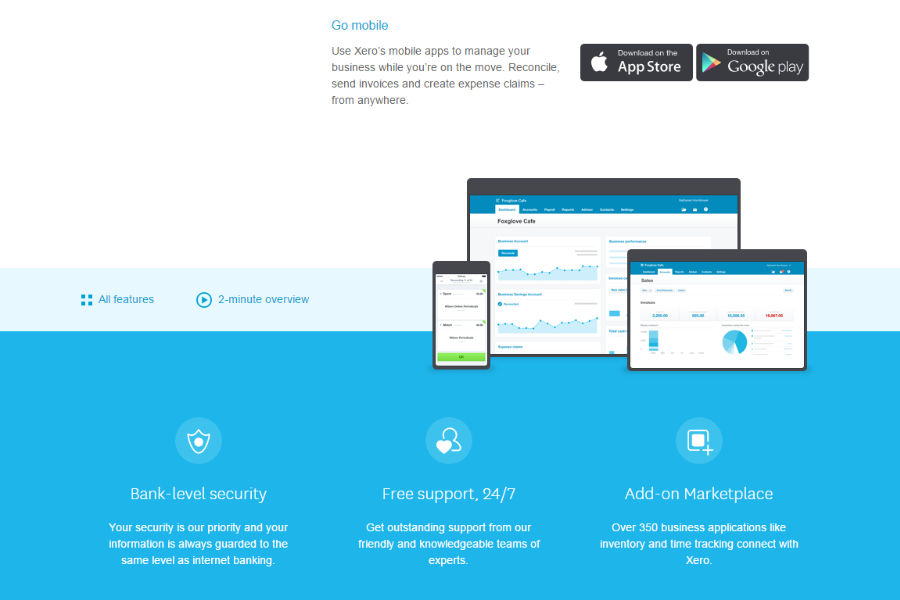
| Mobile Access | Full-featured mobile app for managing tasks on the go. | Mobile app available, but with more limited functionality. |
| Customer Support | 24/7 online support and a large user community. | Phone, chat, and email support with dedicated account managers. |
Xero is easier to pick up and more user-friendly for day-to-day tasks, while Sage offers more customization but requires more time to master. Xero’s strengths are its approachable interface and mobile experience, while Sage stands out for users who want hands-on support and advanced configuration options.
Xero vs Sage Intacct: Pros & Cons
Xero
- Xero's intuitive interface makes managing finances easy for you and your team.
- Its robust reporting tools give you clear insights into your business's financial health.
- Automatic bank feeds save you time by reducing manual data entry.
- Invoice and report customization options are restrictive.
- Some users report occasional lag in customer support response times.
- Advanced features may require additional training for effective use.
Sage Intacct
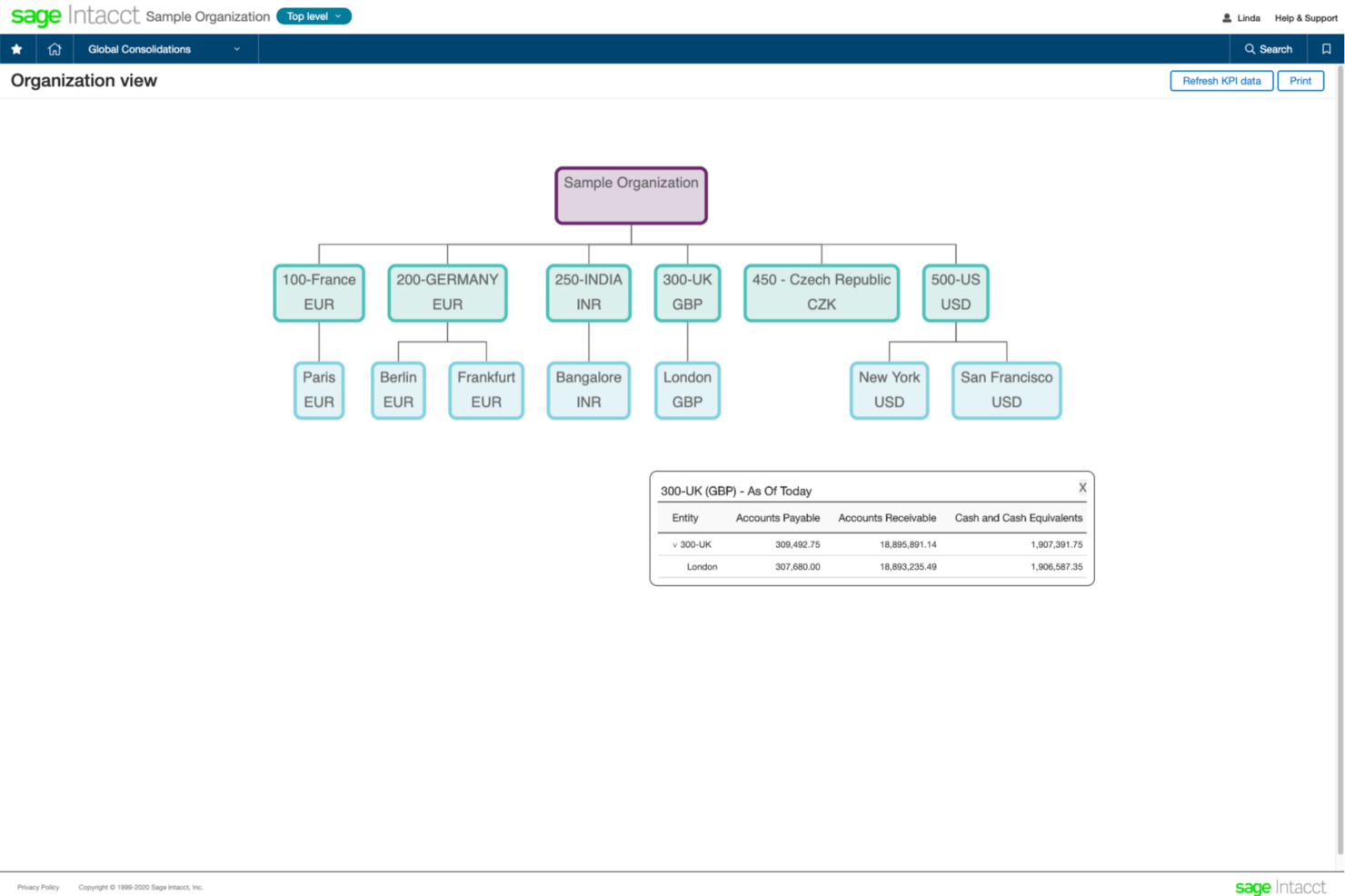
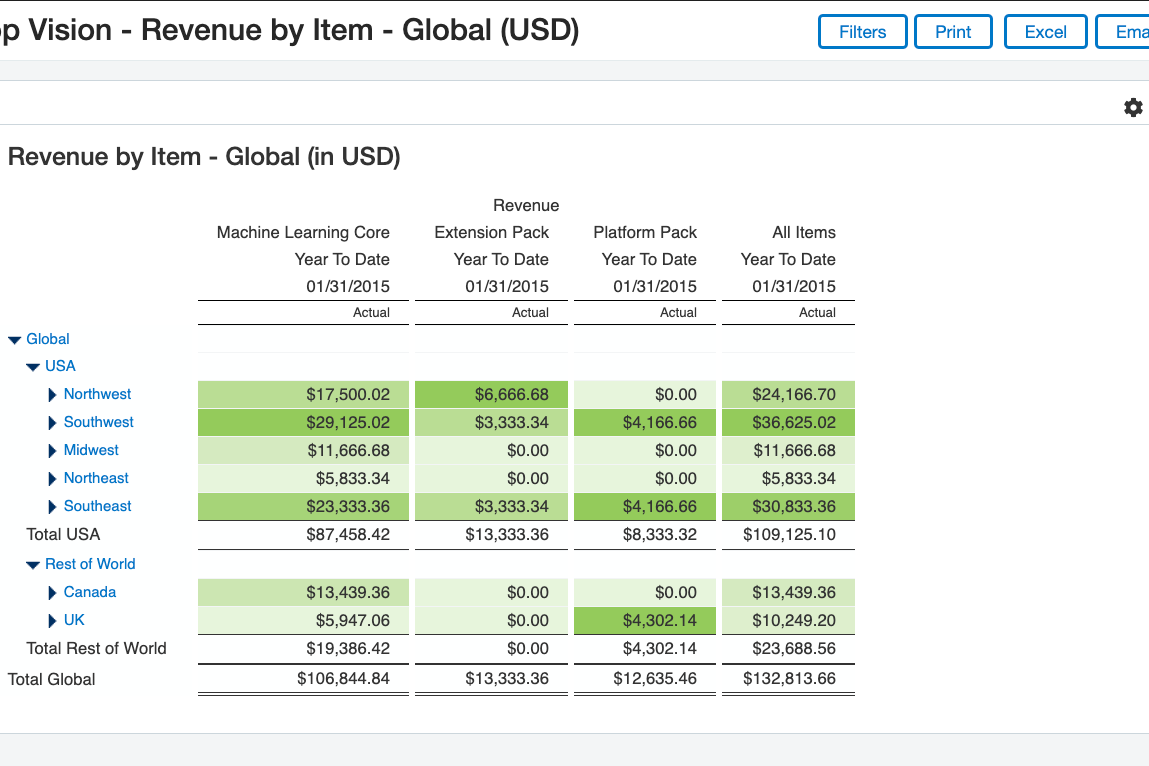
- Supports advanced dimensional reporting and consolidations
- Offers real-time dashboards and customizable financial reports
- Automates complex workflows for multi-entity organizations
- Revenue recognition controls can be less flexible than peers
- Some dashboard features feel outdated or limited
- Pricing is higher than many mid-market alternatives
Best Use Cases for Xero and Sage Intacct
Xero
- Small Businesses Xero’s intuitive interface and reporting tools make managing finances straightforward for your small team.
- Freelancers You’ll love the invoicing features that simplify billing and help you get paid faster.
- Retail Shops Automatic bank feeds and inventory tracking save you time and reduce manual errors.
- Consultants Xero’s expense tracking and project management features keep your client work organized.
- Nonprofits Its budgeting tools and reporting capabilities help you manage funds and demonstrate accountability.
- Startups Xero’s scalability and comprehensive financial insights support your growth and decision-making.
Sage Intacct
- Mid-Size Enterprises Scales with growing transaction volumes and complex reporting requirements.
- Professional Services Enables project accounting, time tracking, and resource management for service firms.
- Nonprofit Organizations Provides fund accounting, grant tracking, and donor reporting capabilities.
- SaaS Companies Offers subscription billing, revenue recognition, and ASC 606 compliance tools.
- Healthcare Providers Supports HIPAA compliance and detailed cost tracking for healthcare finance teams.
- Multi-Entity Organizations Handles consolidations, intercompany transactions, and currency conversions with automation.
Who Should Use Xero, and Who Should Use Sage Intacct?
Xero is best suited for small business owners and mid-sized organizations, startups, and freelancers who want an intuitive, fully cloud-based accounting solution that’s easy to set up and scale. If you value a clean user interface, strong automation, and access to a wide ecosystem of integrations, Xero is a strong fit—especially for teams without dedicated accounting expertise who still need powerful financial tools.
Sage, on the other hand, is better aligned with growing businesses, established companies, and organizations with more complex accounting, financial management, or compliance requirements. If you need advanced features, like reporting, industry-specific capabilities, or tighter control over financial processes—particularly in regulated environments—Sage offers the depth and structure to support those needs, even if it comes with a steeper learning curve.
Differences Between Xero and Sage Intacct
| Xero | Sage Intacct | |
|---|---|---|
| Automation | Built-in automation for invoicing, bank feeds, and reminders. | Advanced automation available, but setup is more complex. |
| Deployment Options | Cloud-based only, accessible from any device. | Offers both cloud and desktop solutions for flexible access. |
| Inventory Management | Basic inventory tracking included in higher-tier plans. | More advanced inventory management with deeper control and reporting. |
| Payroll | Built-in payroll in select regions or via integrations. | Native payroll features with more advanced compliance and tax handling. |
| Read Xero ReviewOpens new window | Read Sage Intacct ReviewOpens new window | |
| Reporting | Standard financial data reports with easy customization. | Advanced, industry-specific reporting and analytics tools. |
| Scalability | Best for small businesses and mid-sized organizations as they grow. | Better suited for medium-sized businesses and larger enterprises with complex needs. |
| Read Xero ReviewOpens new window | Read Sage Intacct ReviewOpens new window |
Similarities Between Xero and Sage Intacct
| Core Accounting | Both offer full double-entry accounting, general ledger, and bank reconciliation for accurate bookkeeping. |
|---|---|
| Expense Tracking | Each platform lets you capture, categorize, and manage expenses to maintain accurate financial records. |
| Invoicing | Both allow you to create, send, and track invoices, including recurring billing and payment reminders. |
| Mobile App | Each provides mobile apps (iOS and Android) so you can manage finances, capture receipts, and monitor cash flow on the go. |
| Multi-Currency Support | Both support transactions in multiple currencies with automatic exchange rate updates. |
| Read Xero ReviewOpens new window Read Sage Intacct ReviewOpens new window | |