



BILL vs. Ramp: Comparison and Expert Reviews for 2026



Modern finance teams need more than simple expense tracking—they need visibility, automation, approval controls, and connected financial management software workflows. BILL and Ramp both promise to centralize finance operations, but they prioritize different areas of spend management and automation.
In this comparison, I walk through how BILL and Ramp stack up across AP and AR workflows, corporate cards, automation, integrations, pricing, usability, and scalability so you can confidently choose the better fit for your business.
BILL vs. Ramp: An Overview
Ramp
Why Trust Our Software Recommendations
Our team has been testing and reviewing software since 2012. As finance leaders ourselves, we know how difficult—and important—it is to choose the right software.
For this guide, we evaluated tools using hands-on testing and independent research, scoring tools using our selection criteria.
Our reviews reflect our human editorial judgment, not a sales pitch.
BILL vs. Ramp Pricing Comparison
| BILL | Ramp | |
|---|---|---|
| Free Trial | Free plan + free demo available | Free plan + free demo available |
| Pricing | From$49/user/month | From $15/user/month |
BILL vs. Ramp Pricing & Hidden Costs
BILL and Ramp take noticeably different approaches to pricing. BILL primarily uses subscription-based pricing for its AP and AR platform, though it also offers a free Spend & Expense product with corporate cards, budgeting, reimbursements, and spend controls. Businesses should still expect transaction fees for ACH payments, checks, wires, and expedited payment options, while more advanced workflows and integrations are reserved for higher-tier plans.
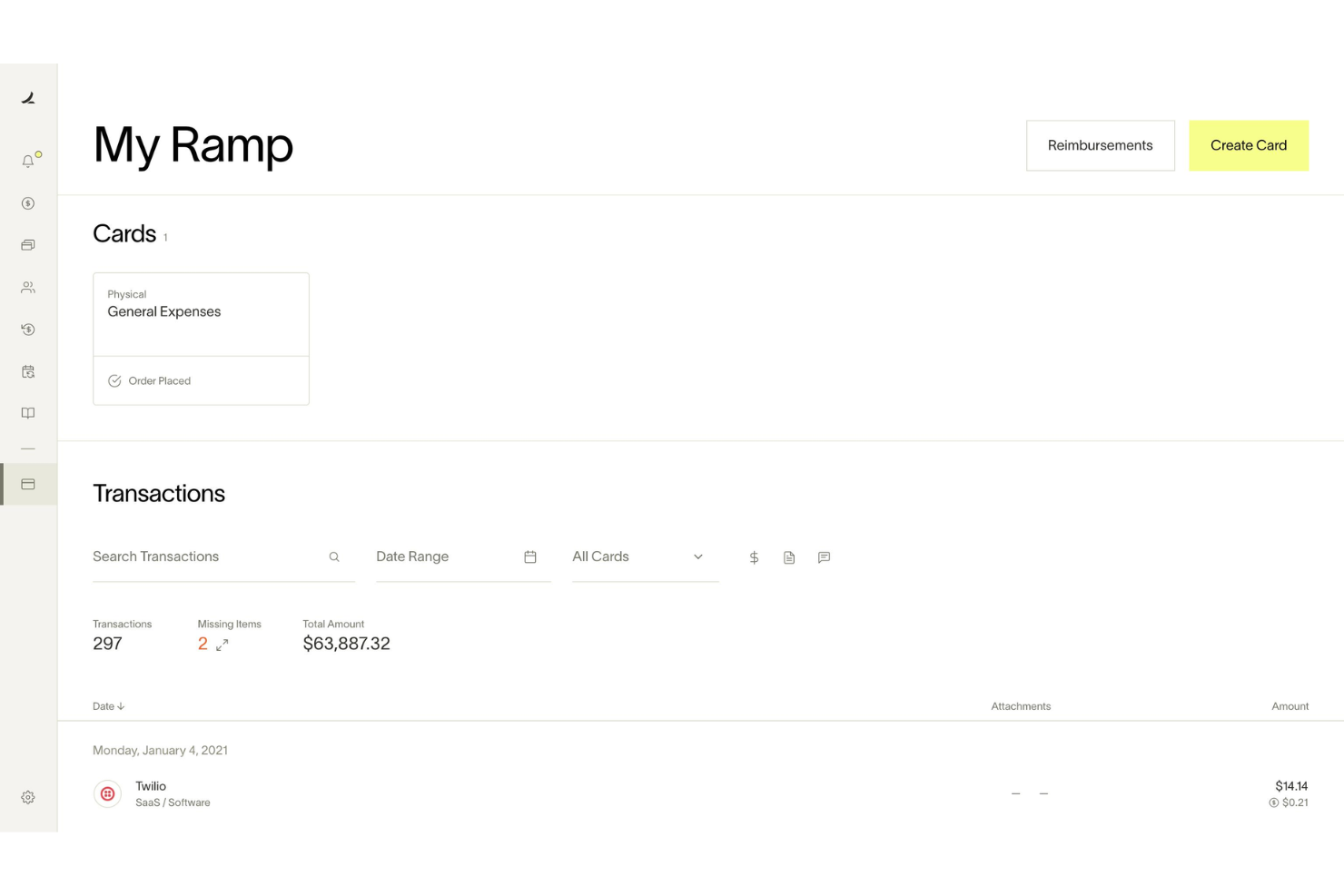
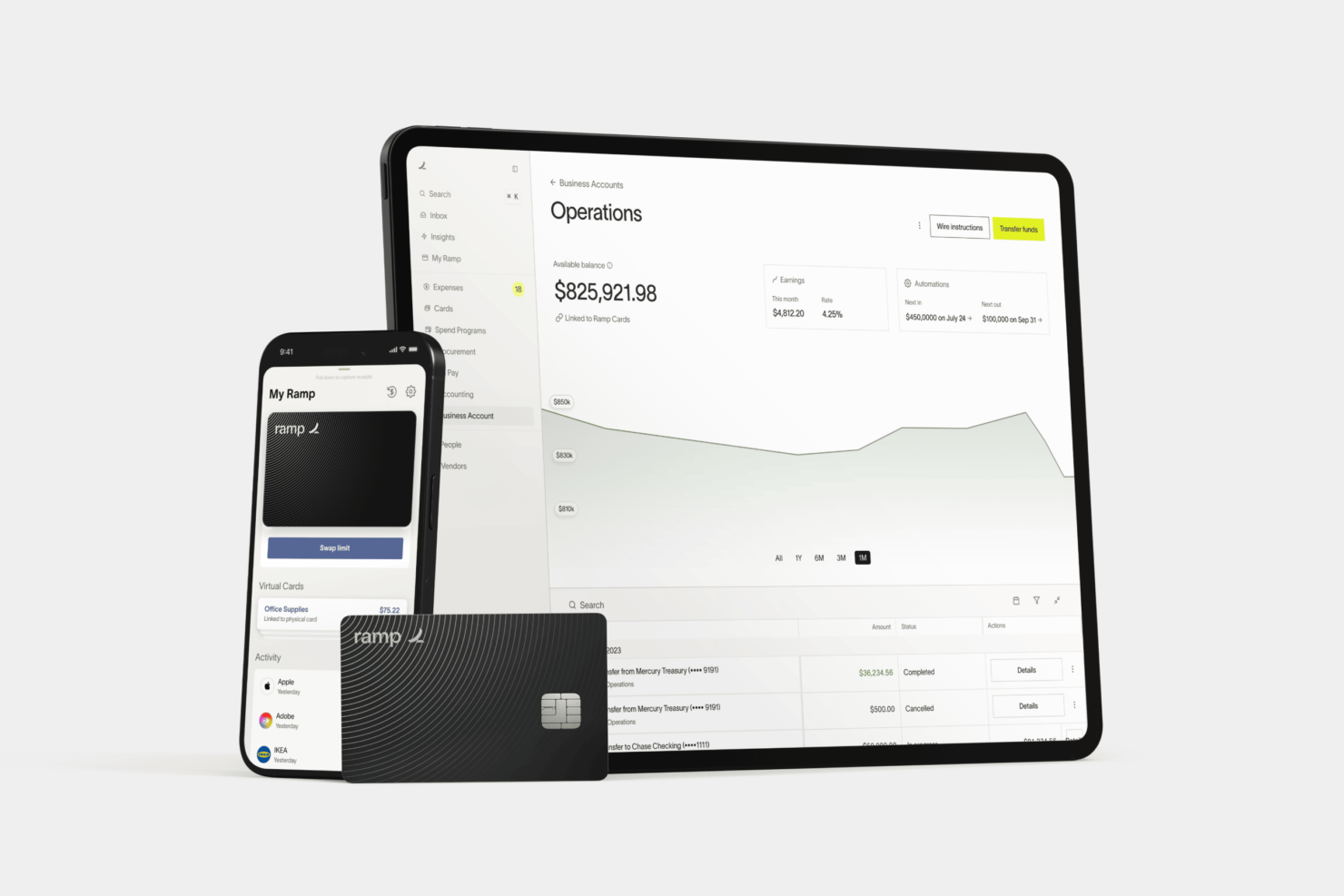
Ramp takes a freemium-style approach built around corporate cards and spend management. Its Free plan includes expense management, approvals, AP tools, accounting integrations, and unlimited cards at no software cost, while Plus and Enterprise add per-user pricing, platform fees, deeper automation, ERP integrations, and procurement features. Ramp also charges transaction-based fees for certain Bill Pay workflows, wires, expedited payments, and check services.
To choose the right pricing model, I’d look closely at your payment volume, number of users, accounting complexity, and which automation features you’ll realistically use long term. Both platforms can become more expensive as transaction volume and operational complexity grow, so it’s important to evaluate not just subscription pricing, but also payment fees, implementation needs, and tier-based feature limitations before committing.
BILL vs. Ramp Feature Comparison
BILL and Ramp overlap heavily in core finance operations functionality. Both platforms offer AP automation, expense management, approval workflows, corporate cards, reimbursements, accounting integrations, vendor payments, and real-time spend visibility designed to reduce manual finance work. They also both use AI for tasks like invoice OCR, receipt matching, transaction coding, approval routing, and accounting automation.
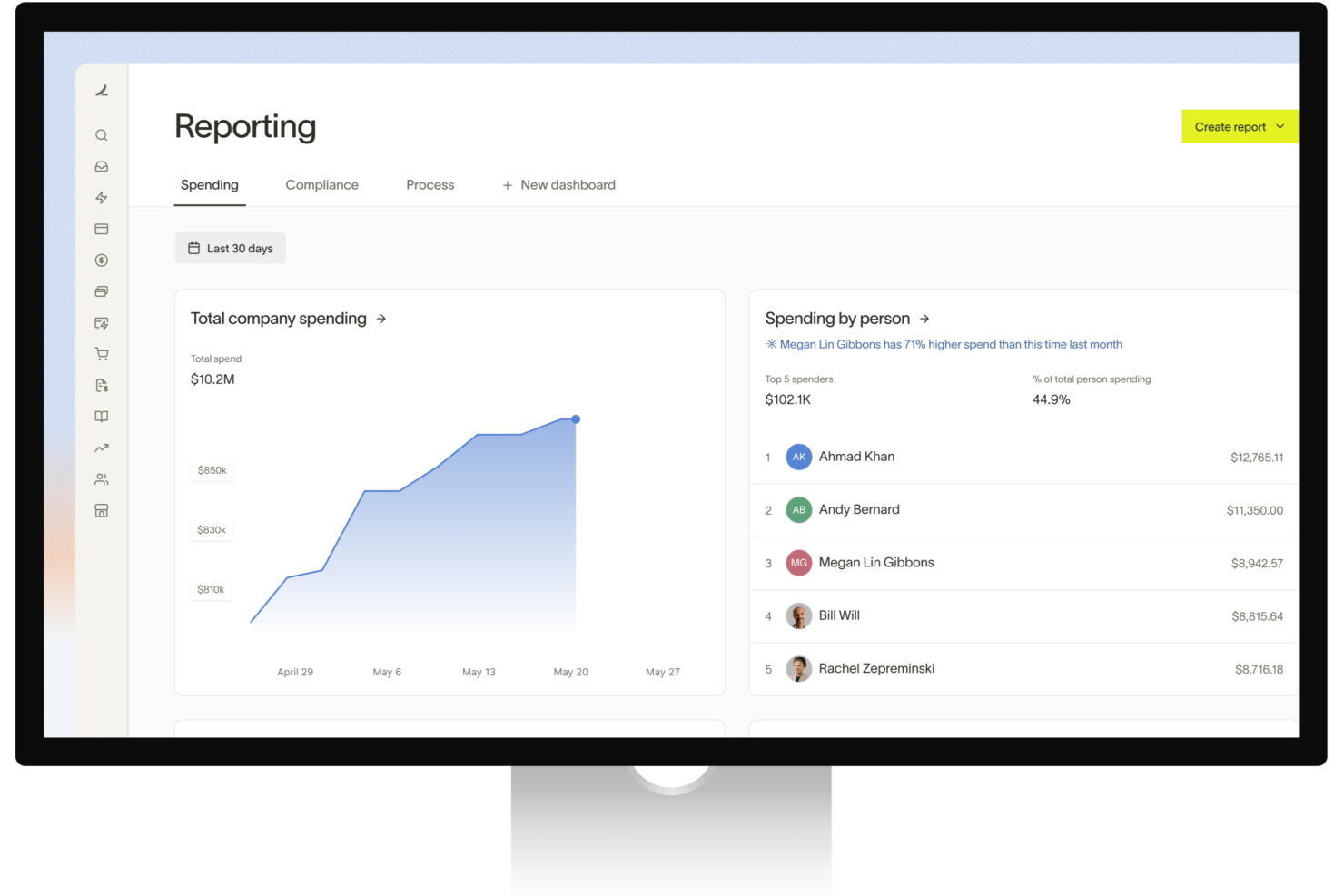
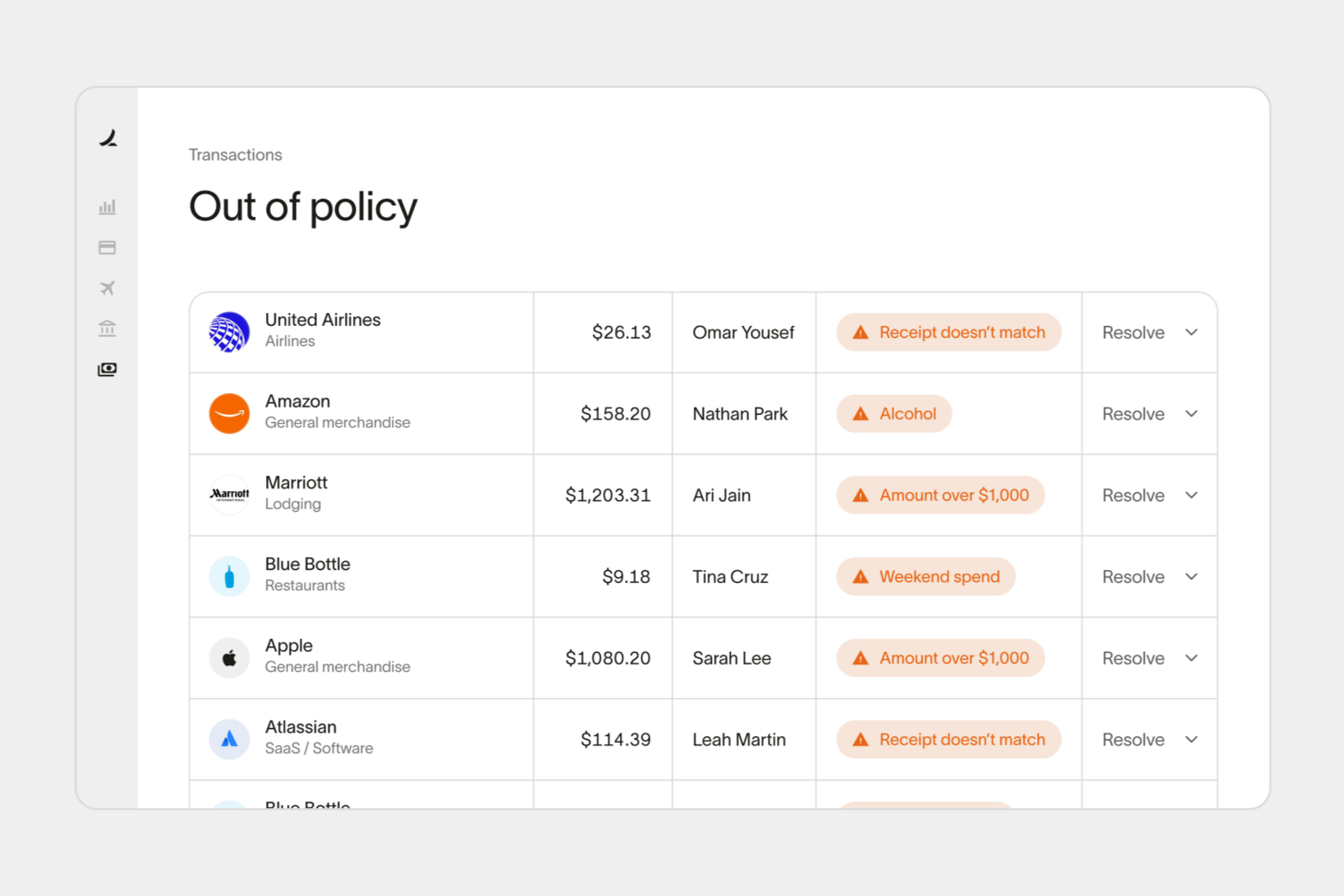
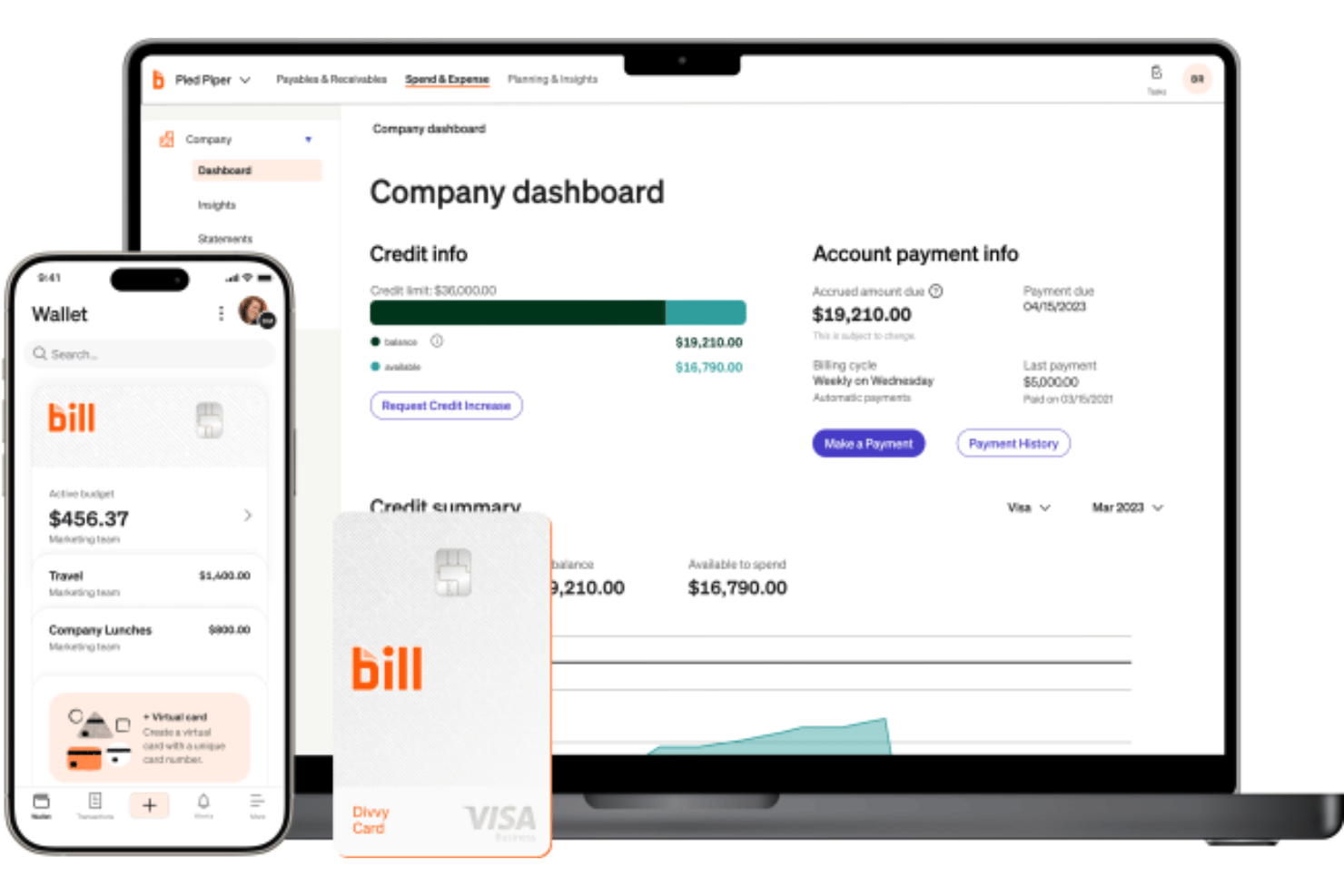
They diverge in platform focus and AI strategy: BILL emphasizes accounting-first AP and AR workflows with AI agents for invoice coding, W-9 collection, payment automation, and transaction categorization, alongside the BILL Divvy Card ecosystem for corporate cards, rewards, flexible credit models, and budget-based spend controls. Ramp, meanwhile, focuses more heavily on broader spend management with integrated travel, treasury tools, and AI features like Policy Agent, Reporting Agent, and Price Intelligence to optimize company-wide spending.
| BILL | Ramp | |
|---|---|---|
| 2-Factor Authentication | ||
| API | ||
| Balance Sheet | ||
| Billing/Invoicing | ||
| Budgeting | ||
| CRM Integration | ||
| Calendar Management | ||
| Contact Management | ||
| Customer Management | ||
| Dashboard | ||
| Data Export | ||
| Data Import | ||
| Data Visualization | ||
| Expense Tracking | ||
| External Integrations | ||
| Forecasting | ||
| Inventory Tracking | ||
| Multi-Currency | ||
| Multi-User | ||
| Notifications | ||
| P&L | ||
| SAP Integration | ||
| Supplier Management |
BILL vs. Ramp Integrations
| Integration | BILL | Ramp |
|---|---|---|
| QuickBooks Online | ✅ | ✅ |
| Xero | ✅ | ✅ |
| NetSuite | ✅ | ✅ |
| Sage Intacct | ✅ | ✅ |
| Microsoft Dynamics 365 | ✅ | ✅ |
| Expensify | ❌ | ❌ |
| Slack | ✅ | ✅ |
| Google Workspace | ✅ | ✅ |
| API | ✅ | ✅ |
| Zapier | ❌ | ❌ |
Both BILL and Ramp integrate with major accounting platforms like QuickBooks, Xero, NetSuite, Sage Intacct, and Microsoft Dynamics 365, along with API access for custom workflows. However, Ramp generally offers a broader integration ecosystem with 200+ integrations across accounting, HR, productivity, travel, procurement, and banking tools, while BILL’s integration ecosystem is more focused on accounting, ERP, payments, and operational finance workflows.
BILL vs. Ramp Security, Compliance & Reliability
| Factor | BILL | Ramp |
|---|---|---|
| Data Encryption | Uses encryption at rest and TLS encryption in transit for financial data. | Uses encryption at rest and in transit with tokenized card security. |
| Regulatory Compliance | SOC 1 Type II, SOC 2 Type II, PCI DSS, and HIPAA safeguards for eligible healthcare workflows. | SOC 1, SOC 2 Type II, PCI DSS, ISO 27001, and FedRAMP-aligned controls. |
| Access Controls | Supports role-based permissions, approval controls, and mandatory MFA for sensitive access. | Supports role-based permissions, MFA, SSO, SCIM, and passkeys. |
| Fraud Protection | Includes advanced payment protections, vendor validation, fraud monitoring, and secure payment masking. | Offers transaction monitoring, virtual cards, spend controls, and fraud protections. |
| Infrastructure & Reliability | Uses redundant AWS-based infrastructure with secure backups and payment-network protections. | Uses cloud-based infrastructure with enterprise security controls and audit logging. |
Both BILL and Ramp provide strong security foundations for modern finance operations, including encryption, fraud monitoring, role-based access controls, and major compliance certifications.
BILL stands out for features tied closely to secure payment operations, including Positive Pay protections, vendor validation, payment masking, and HIPAA safeguards for eligible healthcare workflows. Ramp, meanwhile, offers a broader enterprise security stack with features like SSO, SCIM, passkeys, audit logging, and FedRAMP-aligned controls layered across its wider finance operations platform.
BILL vs. Ramp Ease of Use
| Factor | BILL | Ramp |
|---|---|---|
| User Interface | Clean finance-focused interface built around AP, AR, approvals, and payment workflows. | Modern, streamlined interface designed for fast spend management and employee usability. |
| Onboarding | Offers self-serve onboarding plus guided implementation, training sessions, and onboarding support. | Provides lightweight employee onboarding with setup guides, training resources, and implementation support for larger deployments. |
| Support | Offers live chat, phone support, onboarding assistance, and a detailed help center. | Provides phone, chat, AI-assisted help, training resources, and priority support on higher tiers. |
| Workflow Customization | Strong approval routing, accounting workflows, and finance-focused customization options. | Easy-to-configure spend controls, approvals, and automation workflows for broader finance operations. |
| Mobile Experience | Mobile app supports approvals, payments, expense management, and transaction visibility. | Mobile app is optimized for card management, approvals, receipts, and employee expense tasks. |
In my experience, BILL feels more tailored for finance and accounting operations with deeper AP- and approval-focused workflows, while Ramp prioritizes a faster, more streamlined employee experience around cards, expenses, and spend management. Which platform feels easier to use will largely depend on whether your team is more accounting-driven or spend-management-focused.
BILL vs Ramp: Pros & Cons
BILL
- Built for finance and accounting teams managing AP, AR, spend controls, and payment operations at scale.
- Combines approvals, payments, invoicing, expense management, and corporate cards in one centralized financial workflow.
- Strong accounting integrations streamline AP and AR financial workflows.
- ERP syncs sometimes require manual troubleshooting or cleanup.
- Reporting customization feels limited for complex organizational requirements.
- Transaction and international payment fees can be higher than others.
Ramp
- AI-driven spend controls reduce manual finance and approval work.
- Unlimited virtual cards simplify secure employee and vendor spending.
- Broad integrations connect finance, HR, travel, and procurement systems.
- No native accounts receivable workflow for broader financial operations management.
- Advanced automation and ERP integrations require higher-tier paid plans.
- Administrative setup becomes complex across large multi-entity organizations.
Best Use Cases for BILL and Ramp
BILL
- Midsize Businesses BILL’s automation and approval workflows help growing companies scale financial operations without adopting a full ERP system.
- Accounting & Finance Teams Deep accounting integrations and centralized workflows simplify reconciliations, approvals, and month-end financial management.
- Nonprofits Audit trails, approval controls, and digital payment workflows support stronger financial accountability and compliance oversight.
- Multi-Entity Organizations Centralized controls and shared workflows help finance teams manage subsidiaries, locations, or multiple business units more efficiently.
- Professional Service Firms Recurring vendor payments, invoice management, and streamlined approvals help service-based businesses reduce administrative overhead.
- Businesses with Complex Approval Workflows Custom approval routing and role-based permissions improve oversight for organizations with layered financial approval structures.
Ramp
- Tech Startups Ramp's automation and real-time controls support rapid scaling and distributed teams.
- Mid-Sized SaaS Companies AI-driven expense management and approval workflows help control recurring software, travel, and operational spending.
- Finance Departments Centralized spend visibility, accounting automation, and audit trails simplify financial oversight and month-end close processes.
- Multi-Entity Organizations Shared spend controls and centralized workflows help manage budgets, approvals, and payments across multiple entities.
- Procurement-Focused Teams Integrated procurement, vendor management, and approval workflows reduce operational friction across purchasing processes.
- Distributed & Remote Teams Mobile approvals, virtual cards, receipt capture, and Slack-based workflows support employees working from anywhere.
Who Should Use BILL, and Who Should Use Ramp?
BILL is a strong fit for growing businesses that need tighter control over AP, AR, spend management, approvals, forecasting, and broader financial operations without replacing their existing accounting system or ERP. From my perspective, it works especially well if your finance team manages increasing operational complexity, whether that’s recurring vendor payments, multi-step approvals, procurement workflows, or multi-entity oversight.
While BILL has strong foundations in AP automation, the platform extends well beyond bill pay into a broader financial operations ecosystem, making it ideal for SMBs and lower mid-market organizations.
Ramp is the better choice if you want a highly modern, spend-centric finance platform with strong corporate card management, procurement, travel, reimbursements, and AI-driven operational automation. I think it fits especially well for fast-growing and tech-forward organizations that want to centralize company-wide spending and streamline employee financial workflows in one platform.
Teams prioritizing real-time spend visibility, employee usability, and operational automation across cards, expenses, approvals, and reporting will likely find Ramp more compelling.
Differences Between BILL and Ramp
| BILL | Ramp | |
|---|---|---|
| AI Capabilities | AI agents focused on invoice coding, W-9 collection, transaction automation, fraud detection, and touchless AP workflows. | AI tools emphasize spend intelligence, policy enforcement, reporting, and procurement insights. |
| Accounts Receivable | Includes native AR and invoicing functionality for incoming payments and collections. | Primarily focused on outgoing company spend rather than AR workflows. |
| Multi-Entity Management | Strong multi-entity AP, AR, and approval management for growing finance teams. | Multi-entity support exists but is more tightly tied to enterprise-tier configurations. |
| Platform Focus | Finance operations platform centered around AP, AR, spend, and accounting workflows. | Spend-management-first platform combining cards, expenses, procurement, travel, and AP. |
| Visit BILLOpens new window | Read Ramp ReviewOpens new window | |
| Procurement & Travel | Offers procurement and integrated travel management tied closely to AP and spend workflows. | Puts more emphasis on making company-wide purchasing, travel, and spend management faster and easier for employees and operations teams. |
| Workflow Automation | Strong finance-focused approval routing and accounting workflow customization. | Automation focuses more on spend controls, policies, and operational efficiency. |
| Visit BILLOpens new window | Read Ramp ReviewOpens new window |
Similarities Between BILL and Ramp
| AP Automation | Both platforms automate invoice capture, approval routing, vendor payments, and accounting workflows to reduce manual AP tasks. |
|---|---|
| API Access | Both platforms offer APIs for custom integrations, workflow automation, and connecting with broader finance systems. |
| Corporate Cards | Both offer corporate cards with spend controls, virtual cards, and transaction visibility for employee spending. |
| Expense Management | Each platform supports expense tracking, reimbursements, receipt capture, and spend categorization workflows. |
| Visit BILLOpens new window Read Ramp ReviewOpens new window | |
| Mobile Access | Both offer mobile apps that support approvals, expense management, receipt capture, and transaction monitoring. |
| Real-Time Visibility | Both provide live dashboards and reporting tools for monitoring spend, payments, approvals, and financial activity. |
| Visit BILLOpens new window Read Ramp ReviewOpens new window | |