

Cash App Taxes Review: Pros, Cons, Features, and Pricing
Cash App Taxes stands out for its user-friendly interface and free filing options, making it a top choice for budget-conscious filers.

We review tools independently, and commissions help fund our testing. See our transparency policy, our methodology, or suggest a tool.
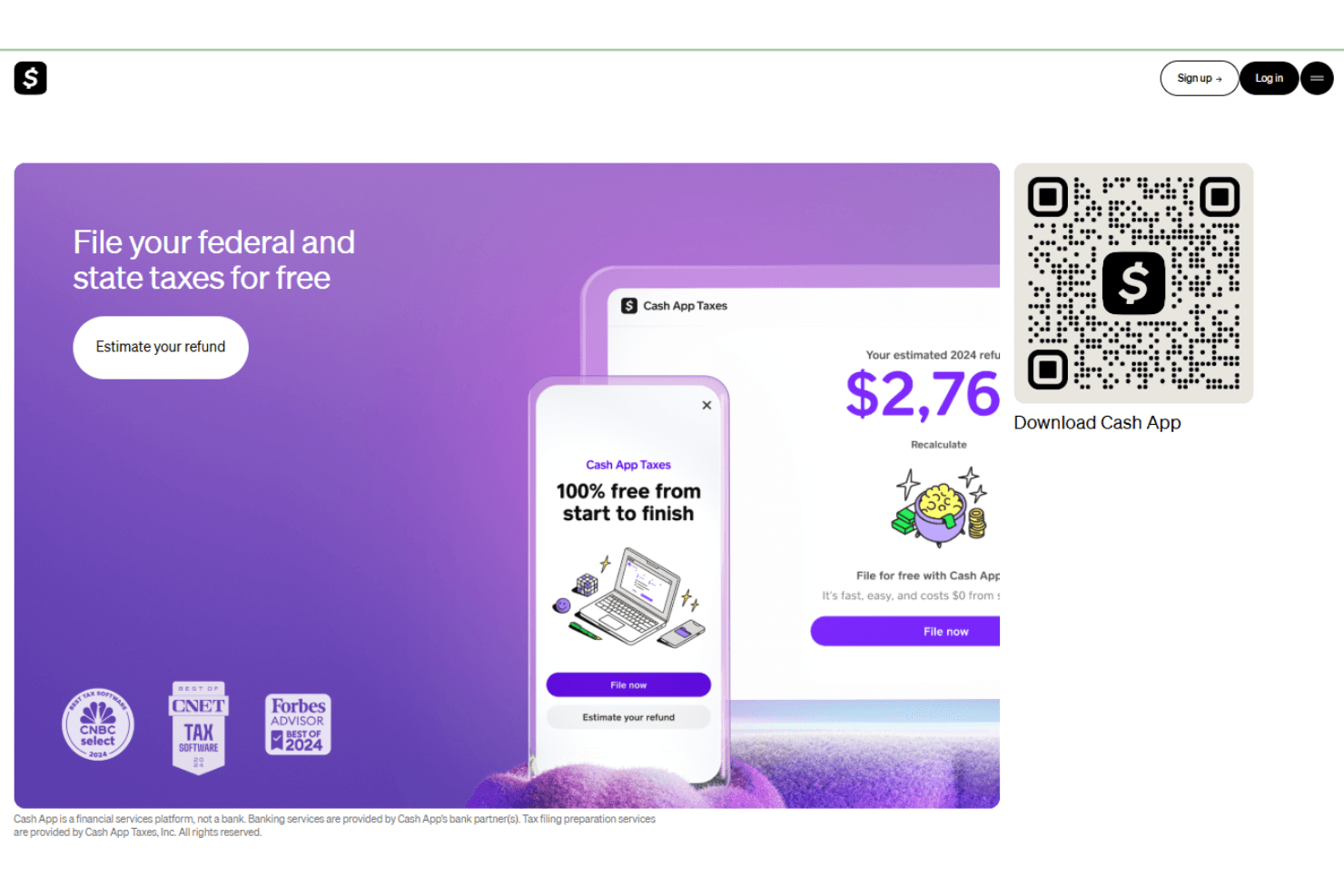
Cash App Taxes is a free tax software for individuals who need to file federal and state returns without paying a fee to do it. I'd consider it if you're filing a straightforward return and want to avoid TurboTax's tiered pricing model, which frequently pushes you toward paid plans to access forms that Cash App Taxes includes at no cost.
Cash App Taxes Evaluation Summary
0/5
- Free to use
Why Trust Our Software Recommendations
6,700+
Reviews
20
Industry experts
16+
Evaluation factors
14
Years
Our team has been testing and reviewing software since 2012. As finance leaders ourselves, we know how difficult—and important—it is to choose the right software.
For this guide, we evaluated tools using hands-on testing and independent research, scoring tools using our selection criteria.
Our reviews reflect our human editorial judgment, not a sales pitch.
Cash App Taxes Overview
In my opinion, Cash App Taxes is a solid choice for those seeking a free and straightforward tax filing solution, especially if you're already a Cash App user with a Cash App account. It excels in ease of use and provides an uncomplicated filing process without upselling. However, its customer support and feature set don't quite match up to some of the more established competitors like TurboTax or H&R Block, which offer more robust support and advanced features for complex tax situations or previous years. This makes Cash App Taxes most suitable for individuals with simple tax needs who value cost-effectiveness and a user-friendly interface over extensive tax advice or specialized tax professionals.
Pros
- It's easy to use, making it accessible for those without a tax background.
- The support team is responsive and helpful with queries.
- It offers free filing options that are ideal for budget-conscious teams.
Cons
- The software can lack some advanced features needed by larger organizations.
- It may not integrate well with other financial systems your team uses.
- Some users find the interface less intuitive compared to other tax software.
Is Cash App Taxes Right For Your Needs?
Who Would be a Good Fit for Cash App Taxes?
Cash App Taxes works well for individuals and small businesses that need a user-friendly platform for filing taxes. If your team values simplicity and cost-effectiveness, this tool offers free filing options that are hard to beat. It's particularly suited for freelancers or self-employed users who don't have complex tax situations and need straightforward tax filing without extra bells and whistles, especially during peak tax season.
- FreelancersCash App Taxes simplifies tax filing for freelancers with straightforward income, allowing you to focus more on your work rather than navigating complex tax forms.
- Small BusinessesIf your team runs a small business, you'll find the easy-to-use interface perfect for managing your taxes efficiently, especially when tracking state tax or federal returns.
- Budget-Conscious UsersFor those looking to save on tax filing costs, the free tax filing options are ideal for tight budgets.
- New Tax FilersIf you're new to filing taxes, the intuitive design makes it easy to navigate without prior experience.
- Self-Employed IndividualsSelf-employed individuals will appreciate the simplicity, allowing them to manage taxes without needing a tax professional or external tax filing service.
- StudentsStudents with straightforward tax situations can file easily, benefiting from the free service without added complexities.
Who Would be a Bad Fit for Cash App Taxes?
Cash App Taxes isn't suitable for large corporations or industries with complex tax needs. If your team requires advanced features, integrations with existing financial systems, or handles multi-state tax filings, this software may fall short. Large accounting departments needing detailed reporting, forecasting, or compliance tools will find the platform lacks the necessary depth and functionality for their intricate requirements.
- Large CorporationsYour team will find the software lacks the advanced features needed for handling complex corporate tax structures or multiple state filings.
- Multi-State FilersIf your business operates in multiple states, Cash App Taxes might not handle the intricate tax rules you face, especially regarding state tax returns.
- Accounting DepartmentsFor departments needing detailed tax reporting or extensive datasets, the software falls short in providing comprehensive analytical tools.
- Complex Tax NeedsThose with complicated tax situations may find the software lacking in necessary customization and advanced options.
- Financial InstitutionsFinancial institutions need robust compliance features that Cash App Taxes doesn't offer.
- International BusinessesIf your business deals with international tax matters, the software doesn't support the complexities involved, especially where bitcoin or foreign income reporting is relevant.
How We Test & Score Tools
We’ve spent years building, refining, and improving our software testing and scoring system. The rubric is designed to capture the nuances of software selection and what makes a tool effective, focusing on critical aspects of the decision-making process.
Below, you can see exactly how our testing and scoring works across seven criteria. It allows us to provide an unbiased evaluation of the software based on core functionality, standout features, ease of use, onboarding, customer support, integrations, customer reviews, and value for money.
Core Functionality (25% of final scoring)
The starting point of our evaluation is always the core functionality of the tool. Does it have the basic features and functions that a user would expect to see? Are any of those core features locked to higher-tiered pricing plans? At its core, we expect a tool to stand up against the baseline capabilities of its competitors.
Standout Features (25% of final scoring)
Next, we evaluate uncommon standout features that go above and beyond the core functionality typically found in tools of its kind. A high score reflects specialized or unique features that make the product faster, more efficient, or offer additional value to the user.
We also evaluate how easy it is to integrate with other tools typically found in the tech stack to expand the functionality and utility of the software. Tools offering plentiful native integrations, 3rd party connections, and API access to build custom integrations score best.
Ease of Use (10% of final scoring)
We consider how quick and easy it is to execute the tasks defined in the core functionality using the tool. High scoring software is well designed, intuitive to use, offers mobile apps, provides templates, and makes relatively complex tasks seem simple.
Onboarding (10% of final scoring)
We know how important rapid team adoption is for a new platform, so we evaluate how easy it is to learn and use a tool with minimal training. We evaluate how quickly a team member can get set up and start using the tool with no experience. High scoring solutions indicate little or no support is required.
Customer Support (10% of final scoring)
We review how quick and easy it is to get unstuck and find help by phone, live chat, or knowledge base. Tools and companies that provide real-time support score best, while chatbots score worst.
Customer Reviews (10% of final scoring)
Beyond our own testing and evaluation, we consider the net promoter score from current and past customers. We review their likelihood, given the option, to choose the tool again for the core functionality. A high scoring software reflects a high net promoter score from current or past customers.
Value for Money (10% of final scoring)
Lastly, in consideration of all the other criteria, we review the average price of entry level plans against the core features and consider the value of the other evaluation criteria. Software that delivers more, for less, will score higher.
Core Features
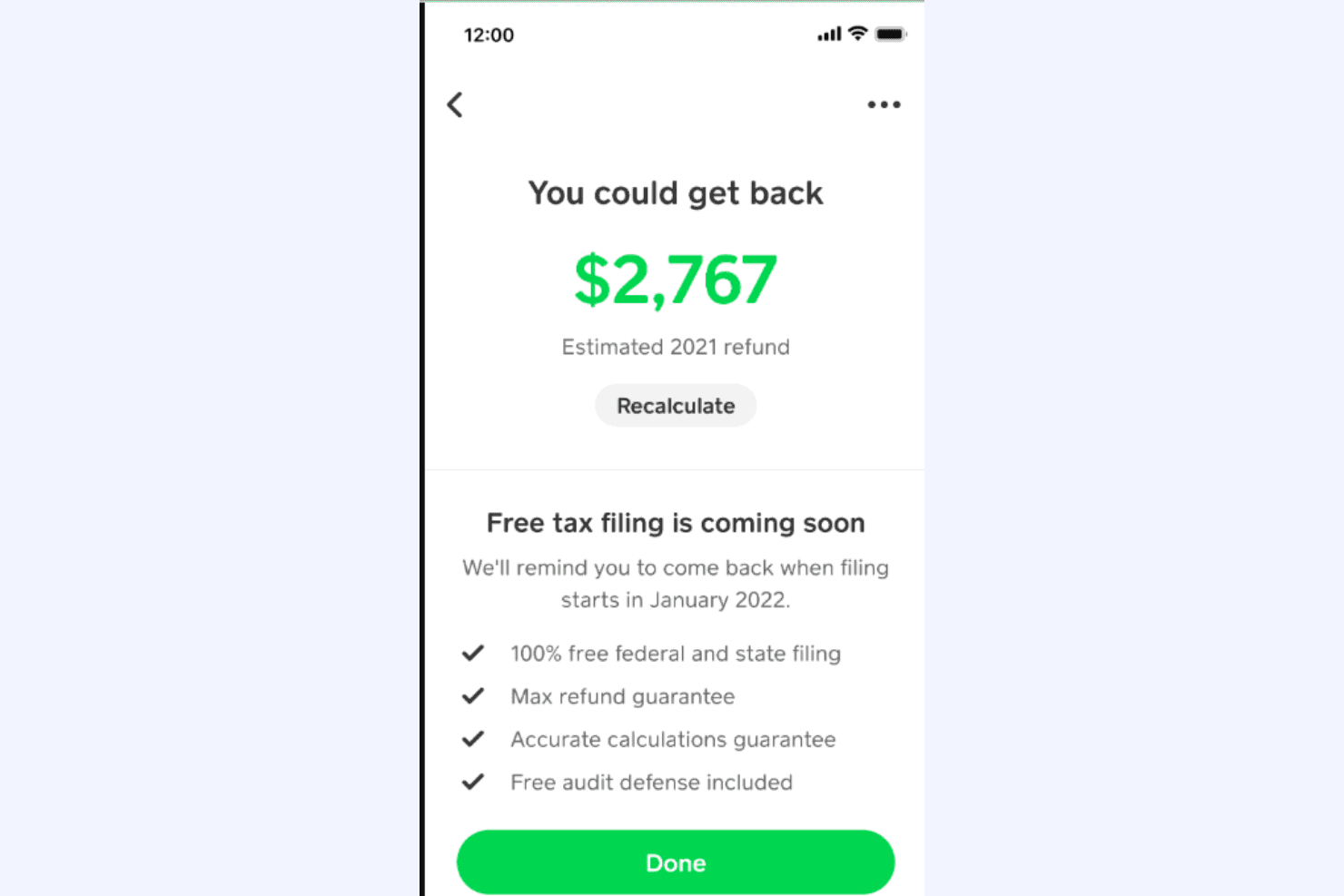
Free Filing Options: Cash App Taxes offers free federal and state tax filing, making it a cost-effective choice for individuals and small businesses. You can file without worrying about hidden fees or limitations across the tax year.
User-Friendly Interface: The platform is easy to navigate, even if you're not tech-savvy. It guides you through the tax filing process step-by-step, helping ensure accurate calculations.
Basic Tax Calculations: The software handles standard tax calculations, ensuring accuracy in your filings. It helps you make sure you’re not missing out on potential deductions on your income tax return.
Simple Data Import: You can import data from previous tax returns, saving time and reducing manual entry.
E-file Support: Cash App Taxes lets you e-file your taxes directly to the IRS, making the submission process quick and efficient.
Customer Support: The platform provides responsive support to help you with any questions during the filing process, though phone number support is limited.
Standout Features
Free Audit Defense: Cash App Taxes includes free audit defense, which is rare among free tax software and competitors like FreeTaxUSA.
Mobile Accessibility: The software is accessible via a mobile app, allowing you to file taxes on the go and receive your tax refund more conveniently through direct deposit to your bank account.

Ease of Use
Cash App Taxes stands out for its user-friendly design, making it a breeze for anyone to file taxes. The straightforward interface guides you step-by-step, minimizing the chance of mistakes. You’ll appreciate how easy it is to import past data and e-file directly. Users often highlight the intuitive navigation, which requires little to no learning curve. If simplicity is what your team values, this software provides a hassle-free experience that gets the job done without unnecessary complications.
.png&w=3840&q=75)
Onboarding
Cash App Taxes offers a smooth onboarding experience that quickly gets you up and running. The platform provides clear instructions and helpful prompts, making it easy for your team to start filing without confusion. New users benefit from accessible support and resources, ensuring questions are answered promptly. The intuitive setup minimizes time-to-value, allowing you to focus on filing rather than learning the software. If your work requires quick adoption, this tool delivers an efficient onboarding process.
.png&w=3840&q=75)
Customer Support
Cash App Taxes provides reliable customer support, ensuring your team gets the help needed during tax season. The support channels are responsive, addressing queries promptly and efficiently. Users appreciate the availability of knowledgeable assistance, which eases the stress of filing taxes. Whether through chat or email, the support team is ready to guide you through any issues. If your work involves frequent questions, you'll find this level of support reassuring and effective in resolving concerns quickly.
.png&w=3840&q=75)
Integrations
Users access this software through the Cash App mobile app or web interface. Cash App Taxes does not integrate with accounting platforms.
Cash App Taxes does not have a public API or support third-party integration, as it is a standalone consumer tax filing product.
Value for Money
Cash App Taxes offers its tax filing services for free, which is a standout feature compared to other tax software that typically comes with various pricing tiers. Users appreciate the cost-effective approach, especially since the service covers both state and federal tax filings at no charge. This makes it an attractive option for individuals seeking a budget-friendly solution without sacrificing quality.
.png&w=3840&q=75)
Cash App Taxes Specs
- Accounts Payable: No
- Accounts Receivable: No
- API: Yes
- Balance Sheet: No
- Billing/Invoicing: No
- Budgeting: No
- Calendar Management: No
- CRM Integration: No
- Dashboard: No
- Data Export: No
- Data Import: Yes
- Data Visualization: No
- Expense Tracking: No
- External Integrations: No
- Forecasting: No
- General Account Ledger: No
- Multi-Currency: No
- Multi-User: No
- Notifications: Yes
- P&L: No
- Payroll: No
- Scheduling: No
- Tax Management: No
Cash App Taxes FAQs
Cash App Taxes Company Overview & History
Cash App Taxes is a tax filing service integrated within the Cash App ecosystem. It was established after Square (now Block, Inc.) acquired Credit Karma Tax in late 2020 and rebranded it as Cash App Taxes in 2021. The service offers free federal and state tax filing, making it accessible for users with various tax needs. Cash App, the parent company, is headquartered in San Francisco, California. Due to its online focus, Cash App Taxes lacks in-person support, but it continues to improve its features to cater to user needs.
Cash App Taxes Major Milestones
2021: Square acquires Credit Karma Tax and rebrands it as Cash App Taxes.
2021: Launch of Cash App Taxes as part of the Cash App ecosystem, offering free tax filing services.
2024: The company reports filing 12 million returns for free.