

Ignition Review: Pros, Cons, Features, and Pricing
Ignition stands out by automating contracts, billing, and payment collection in a single platform.

We review tools independently, and commissions help fund our testing. See our transparency policy, our methodology, or suggest a tool.
Ignition is an accounting practice management software built for accounting firms that need to handle client proposals, engagement letters, and billing inside one connected workflow. I'd consider it over Karbon if payment collection is a real priority for your firm—Ignition has built-in automated billing tied directly to accepted proposals, so you're not stitching together a separate invoicing tool on top of your practice management setup.
Ignition Evaluation Summary
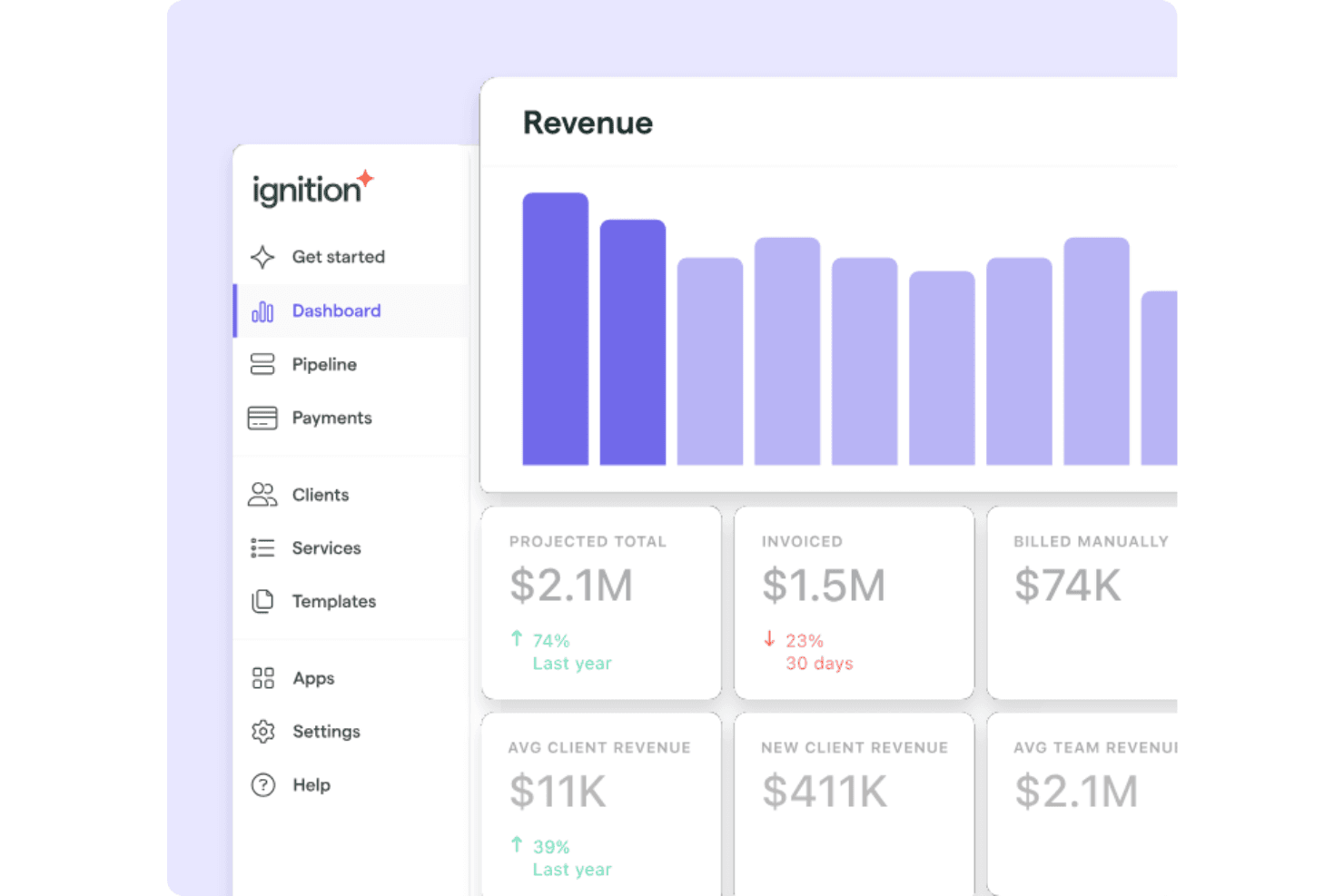
4.7/5
- From $39/month
- 14-day free trial + free demo available
Why Trust Our Software Recommendations
6,700+
Reviews
20
Industry experts
16+
Evaluation factors
14
Years
Our team has been testing and reviewing software since 2012. As finance leaders ourselves, we know how difficult—and important—it is to choose the right software.
For this guide, we evaluated tools using hands-on testing and independent research, scoring tools using our selection criteria.
Our reviews reflect our human editorial judgment, not a sales pitch.
Ignition Overview
In my opinion, Ignition is a game changer for businesses needing accounts receivable, contract management, and payment processing tools in one place. It excels with standout features such as AI-assisted price insights and a user-friendly interface, making it especially suitable for medium to large enterprises. While it provides good value for money, its third-party integrations might not be as extensive as those of some competitors, such as Karbon. Your team will find it particularly effective if you prioritize ease of use, an efficient client engagement process, and innovative features over extensive customization options. For environments that require smooth collaboration between finance and sales, Ignition offers a compelling option.
Pros
- You can easily automate billing and collections.
- Its range of automated tools can boost your team's efficiency.
- The interface is user-friendly and intuitive.
Cons
- Your team might find onboarding challenging.
- It lacks extensive customization options.
- Some advanced features can be confusing.
Is Ignition Right For Your Needs?
Who Would be a Good Fit for Ignition?
Ignition is particularly suited to medium and large-sized firms in accounting and service-based industries where transaction complexity is high. Finance teams benefit from its automated billing and collections, including direct debit, ACH, and credit card payments, which reduce manual workload, while its range of tools improves efficiency across collections and finance operations. If your team values a user-friendly interface and innovative features, Ignition is a great match.
- Retail IndustryIgnition helps retail businesses manage large volumes of transactions with ease.
- Manufacturing FirmsManufacturing firms benefit from Ignition's ability to handle complex billing cycles.
- Finance DepartmentsFinance teams will find value in Ignition's automation of routine tasks.
- Collections TeamsCollections teams appreciate Ignition's efficient tracking of outstanding invoices and helpful notifications.
- Medium-Sized EnterprisesMedium-sized enterprises will benefit from Ignition's scalability and user-friendly interface.
- Sales OperationsSales operations teams can enhance collaboration using Ignition's integrated tools.
Who Would be a Bad Fit for Ignition?
Ignition might not suit small businesses or startups with limited transactions, as its advanced features can be overwhelming. If your team requires extensive customization options, Ignition's platform may fall short. Additionally, businesses that rely on deep integrations with specialized software could find Ignition lacking. Those looking for a straightforward, out-of-the-box solution with a gentle learning curve may want to look elsewhere.
- Small BusinessesSmall businesses may find Ignition's features too complex for their simple needs.
- StartupsStartups might struggle with Ignition's learning curve and advanced functionalities.
- High Customization NeedsIf your business has extensive customization requirements, Ignition's limited options might not satisfy your requirements.
- Niche IndustriesBusinesses in niche industries may find that Ignition doesn't integrate with their specialized software.
- Basic Accounting TasksIf you're only handling basic accounting tasks, Ignition's capabilities may be more than you need.
- Limited Tech ResourcesTeams with limited technical resources may find Ignition's setup and learning process challenging.
How We Test & Score Tools
We’ve spent years building, refining, and improving our software testing and scoring system. The rubric is designed to capture the nuances of software selection and what makes a tool effective, focusing on critical aspects of the decision-making process.
Below, you can see exactly how our testing and scoring works across seven criteria. It allows us to provide an unbiased evaluation of the software based on core functionality, standout features, ease of use, onboarding, customer support, integrations, customer reviews, and value for money.
Core Functionality (25% of final scoring)
The starting point of our evaluation is always the core functionality of the tool. Does it have the basic features and functions that a user would expect to see? Are any of those core features locked to higher-tiered pricing plans? At its core, we expect a tool to stand up against the baseline capabilities of its competitors.
Standout Features (25% of final scoring)
Next, we evaluate uncommon standout features that go above and beyond the core functionality typically found in tools of its kind. A high score reflects specialized or unique features that make the product faster, more efficient, or offer additional value to the user.
We also evaluate how easy it is to integrate with other tools typically found in the tech stack to expand the functionality and utility of the software. Tools offering plentiful native integrations, 3rd party connections, and API access to build custom integrations score best.
Ease of Use (10% of final scoring)
We consider how quick and easy it is to execute the tasks defined in the core functionality using the tool. High scoring software is well designed, intuitive to use, offers mobile apps, provides templates, and makes relatively complex tasks seem simple.
Onboarding (10% of final scoring)
We know how important rapid team adoption is for a new platform, so we evaluate how easy it is to learn and use a tool with minimal training. We evaluate how quickly a team member can get set up and start using the tool with no experience. High scoring solutions indicate little or no support is required.
Customer Support (10% of final scoring)
We review how quick and easy it is to get unstuck and find help by phone, live chat, or knowledge base. Tools and companies that provide real-time support score best, while chatbots score worst.
Customer Reviews (10% of final scoring)
Beyond our own testing and evaluation, we consider the net promoter score from current and past customers. We review their likelihood, given the option, to choose the tool again for the core functionality. A high scoring software reflects a high net promoter score from current or past customers.
Value for Money (10% of final scoring)
Lastly, in consideration of all the other criteria, we review the average price of entry level plans against the core features and consider the value of the other evaluation criteria. Software that delivers more, for less, will score higher.
Core Features
Automated Billing: Automate your billing processes with Ignition, including recurring billing, upfront payments, and one-off invoices, to reduce manual entry and errors. This helps your team save time and enhance accuracy.
Invoice Tracking: Track invoices in real time to understand the status of every payment. This feature helps you manage cash flow efficiently and avoid late payments.
Payment Reminders: Set up automatic payment reminders to keep your clients on track. This reduces the hassle of manual follow-ups and improves collection rates.
Reporting Tools: Generate customizable reports to gain insight into your accounts receivable performance, helping teams make informed decisions with clear data.
Secure Customer Payments: Give your clients access to a secure online payment link to view and pay invoices via Stripe. This convenience boosts client satisfaction and speeds up payments.
Flexible Payment Management: Manage customer billing structures and terms with ease to minimize risk and keep track of payments effectively.
Ease of Use
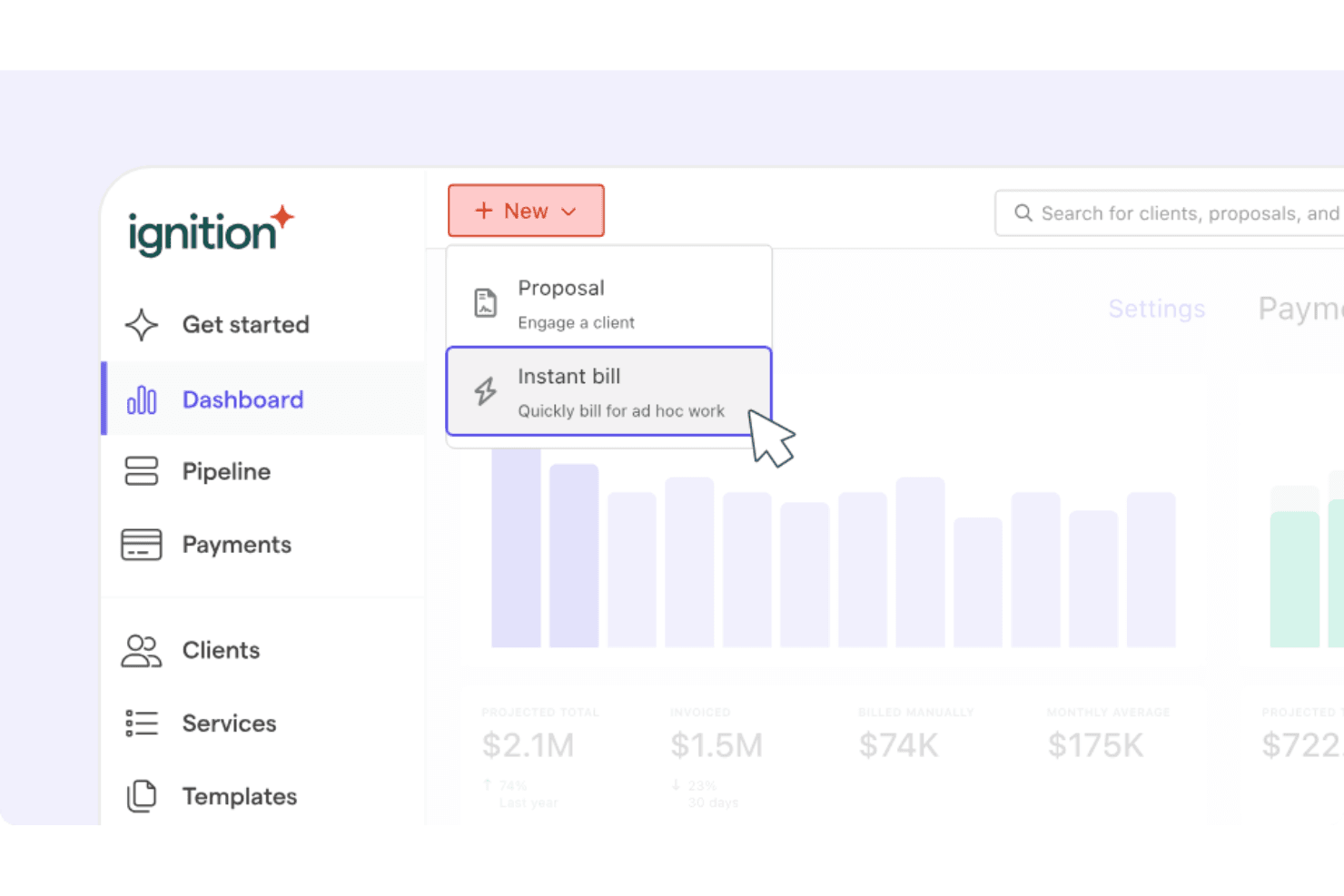
Ignition is user-friendly, making it easy for your team to adapt quickly. The intuitive interface means less time spent on training and more on productive work. Users appreciate the straightforward navigation, which simplifies invoice and payment management. Compared to many other options, Ignition offers an accessible experience that doesn't overwhelm, allowing your team to focus on essential tasks without getting distracted by complex menus or functions.
Integrations
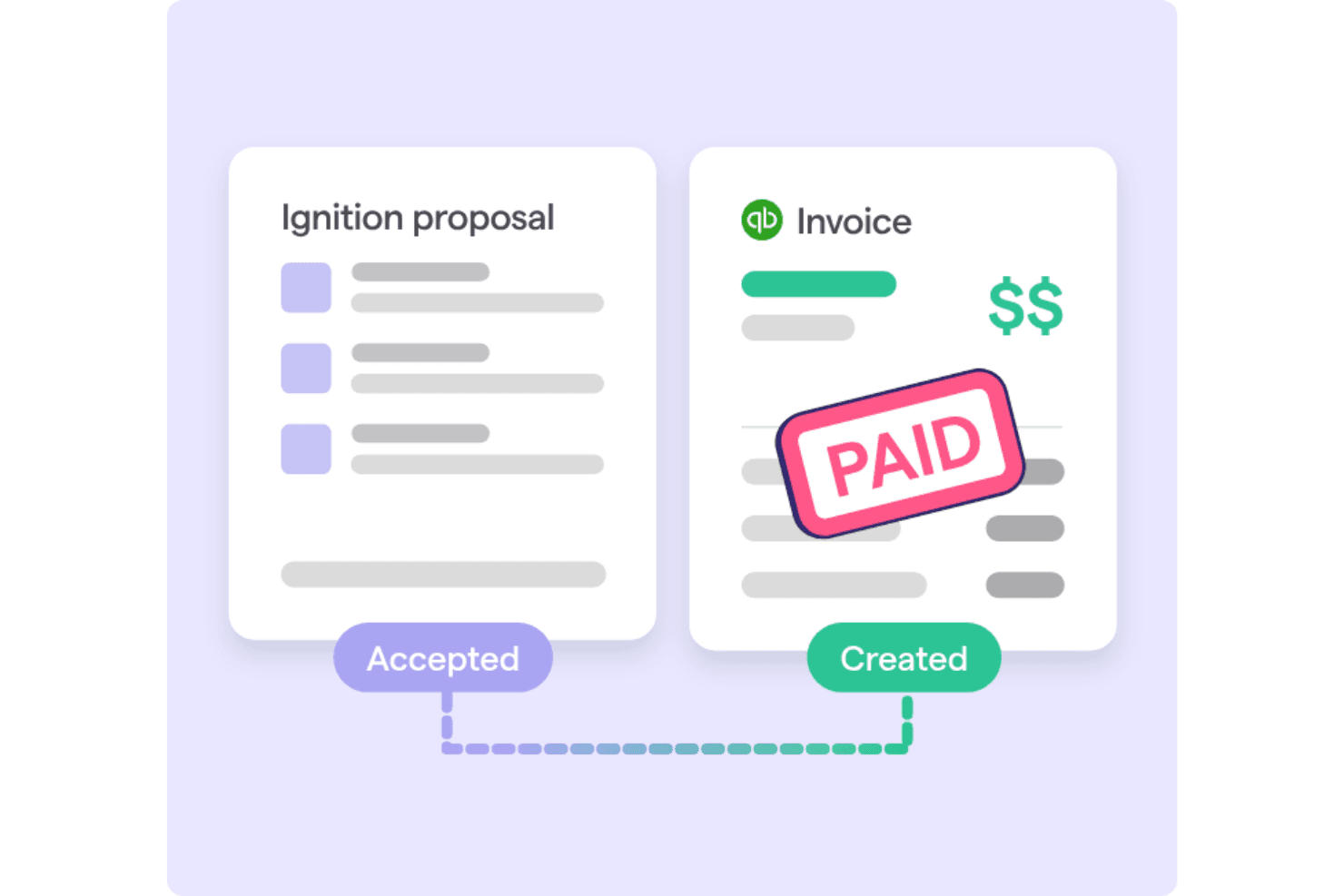
Ignition integrates with a range of tools and popular CRMs, such as Asana, Zapier, ClickUp, Monday, Wrike, Productboard, Jira, and Salesforce, as well as accounting platforms such as Xero and QuickBooks Online. Ignition also provides an API for custom integrations and connects with third-party integration tools.

Ignition Specs
- A/B Testing: Yes
- API: Yes
- Collaboration Support: Yes
- Custom Data Forms: Yes
- Dashboard: Yes
- Dashboards: Yes
- Data Export: Yes
- Data Import: Yes
- Developer Tools: Yes
- External Integrations: Yes
- Feedback Management: Yes
- Gantt Charts: Yes
- Google Apps Integration: Yes
- Multi-User: Yes
- Notifications: Yes
- Prioritization: Yes
- Product Catalog: Yes
- Release Management: Yes
- Reports: Yes
- Resource Management: Yes
- Review Monitoring: Yes
- Roadmapping: Yes
- Scheduling: Yes
- Task Scheduling/Tracking: Yes


