
Moneydance Review: Pros, Cons, Features, and Pricing
Moneydance excels with its offline functionality and robust support for multiple currencies, making it a standout choice for international users.

We review tools independently, and commissions help fund our testing. See our transparency policy, our methodology, or suggest a tool.
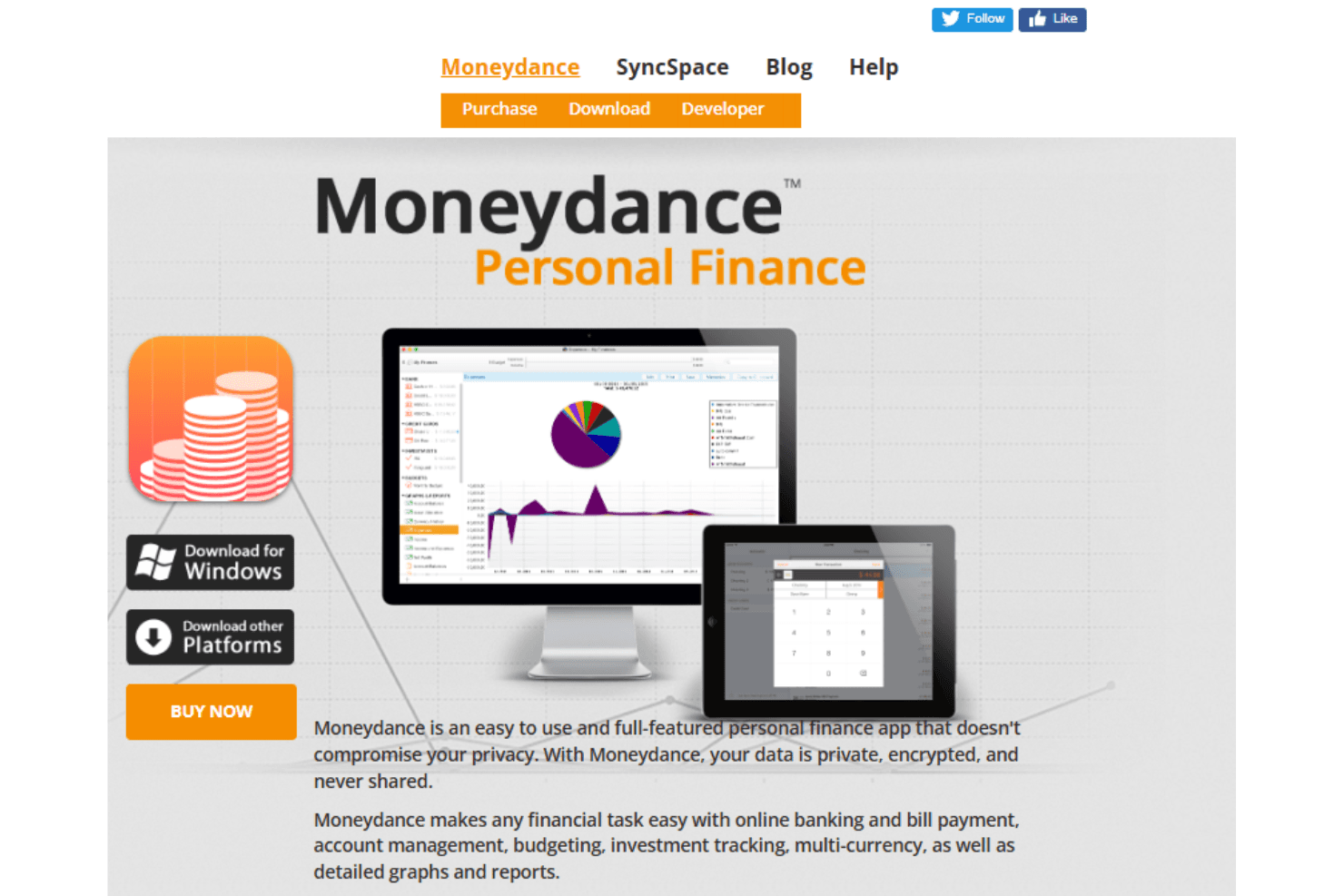
Moneydance is a budgeting and planning software for individuals who want to manage bank accounts, track spending, and monitor investments in one place. If you've been using Quicken but want to avoid the annual subscription fee, Moneydance is worth considering. It covers similar ground with a one-time purchase and keeps your financial data stored locally on your device.
Moneydance Evaluation Summary
0/5
- From $9/month
- Free plan available
Why Trust Our Software Recommendations
6,700+
Reviews
20
Industry experts
16+
Evaluation factors
14
Years
Our team has been testing and reviewing software since 2012. As finance leaders ourselves, we know how difficult—and important—it is to choose the right software.
For this guide, we evaluated tools using hands-on testing and independent research, scoring tools using our selection criteria.
Our reviews reflect our human editorial judgment, not a sales pitch.
Moneydance Overview
In my opinion, Moneydance is a solid choice for individuals and small businesses looking for reliable personal finance software with offline capability. Its strongest appeal lies in privacy-focused money management, multi-currency handling, and net worth tracking across bank accounts, credit card accounts, and investment accounts. Compared with alternatives from Intuit, such as Quicken or QuickBooks, Moneydance offers fewer cloud integrations but greater control over financial data. Its affordable pricing model and money-back guarantee add to its appeal for cautious buyers, though users needing automation or deep third-party integrations may want to look elsewhere.
Pros
- You can manage finances offline, which is great if your internet access is spotty.
- Its strong multi-currency support helps you complete international transactions.
- The interface is straightforward, making it easy for you to navigate.
Cons
- It lacks advanced automation features found in other tools.
- Onboarding can be a bit tricky for first-time users.
- The software doesn't offer as many integrations as some competitors.
Is Moneydance Right For Your Needs?
Who Would be a Good Fit for Moneydance?
Moneydance is a strong fit for small business owners and freelancers who want offline financial management without sacrificing core functionality. If you manage credit cards, investment accounts, and cash flow manually and value privacy over cloud convenience, Moneydance offers dependable budgeting tools, investment tracking, and cost basis calculations. It’s also well-suited for those working across multiple currencies.
- Small BusinessesMoneydance offers straightforward financial management tools for tracking expenses, bills, and account balances.
- FreelancersAs a freelancer, you’ll appreciate the offline access, simple checkbook interface, and mobile app support on iOS and Android.
- International ConsultantsWith built-in support for multiple currencies and exchange rates, Moneydance is ideal for consultants managing cross-border finances.
- NonprofitsMoneydance’s offline design and budgeting tools suit nonprofits that prioritize data control and simplicity.
- Personal Finance UsersFor personal finance enthusiasts, Moneydance offers clear graphs, net worth tracking, and practical budgeting tools.
- Remote WorkersIf privacy matters to you while working remotely, Moneydance’s offline-first design keeps financial data local to your device.
Who Would be a Bad Fit for Moneydance?
Moneydance isn’t ideal for large corporations or teams requiring real-time collaboration, advanced automation, or deep integrations with financial institutions. Businesses that rely on cloud-based workflows, instant syncing, or advanced bill pay systems may find their offline focus limiting.
- Large CorporationsMoneydance lacks the automation and integrations that large enterprises expect.
- Tech StartupsStartups dependent on cloud tools and real-time syncing may find Moneydance restrictive.
- Finance DepartmentsFinance teams needing collaborative workflows and automation may find the tool too manual.
- Retail ChainsRetail businesses requiring inventory and POS integration won’t benefit from Moneydance’s feature set.
- Project Management TeamsTeams needing integrated project budgeting across platforms will find Moneydance insufficient.
- Enterprise SolutionsEnterprises seeking comprehensive finance management platforms with advanced integrations should look elsewhere.
How We Test & Score Tools
We’ve spent years building, refining, and improving our software testing and scoring system. The rubric is designed to capture the nuances of software selection and what makes a tool effective, focusing on critical aspects of the decision-making process.
Below, you can see exactly how our testing and scoring works across seven criteria. It allows us to provide an unbiased evaluation of the software based on core functionality, standout features, ease of use, onboarding, customer support, integrations, customer reviews, and value for money.
Core Functionality (25% of final scoring)
The starting point of our evaluation is always the core functionality of the tool. Does it have the basic features and functions that a user would expect to see? Are any of those core features locked to higher-tiered pricing plans? At its core, we expect a tool to stand up against the baseline capabilities of its competitors.
Standout Features (25% of final scoring)
Next, we evaluate uncommon standout features that go above and beyond the core functionality typically found in tools of its kind. A high score reflects specialized or unique features that make the product faster, more efficient, or offer additional value to the user.
We also evaluate how easy it is to integrate with other tools typically found in the tech stack to expand the functionality and utility of the software. Tools offering plentiful native integrations, 3rd party connections, and API access to build custom integrations score best.
Ease of Use (10% of final scoring)
We consider how quick and easy it is to execute the tasks defined in the core functionality using the tool. High scoring software is well designed, intuitive to use, offers mobile apps, provides templates, and makes relatively complex tasks seem simple.
Onboarding (10% of final scoring)
We know how important rapid team adoption is for a new platform, so we evaluate how easy it is to learn and use a tool with minimal training. We evaluate how quickly a team member can get set up and start using the tool with no experience. High scoring solutions indicate little or no support is required.
Customer Support (10% of final scoring)
We review how quick and easy it is to get unstuck and find help by phone, live chat, or knowledge base. Tools and companies that provide real-time support score best, while chatbots score worst.
Customer Reviews (10% of final scoring)
Beyond our own testing and evaluation, we consider the net promoter score from current and past customers. We review their likelihood, given the option, to choose the tool again for the core functionality. A high scoring software reflects a high net promoter score from current or past customers.
Value for Money (10% of final scoring)
Lastly, in consideration of all the other criteria, we review the average price of entry level plans against the core features and consider the value of the other evaluation criteria. Software that delivers more, for less, will score higher.
Core Features
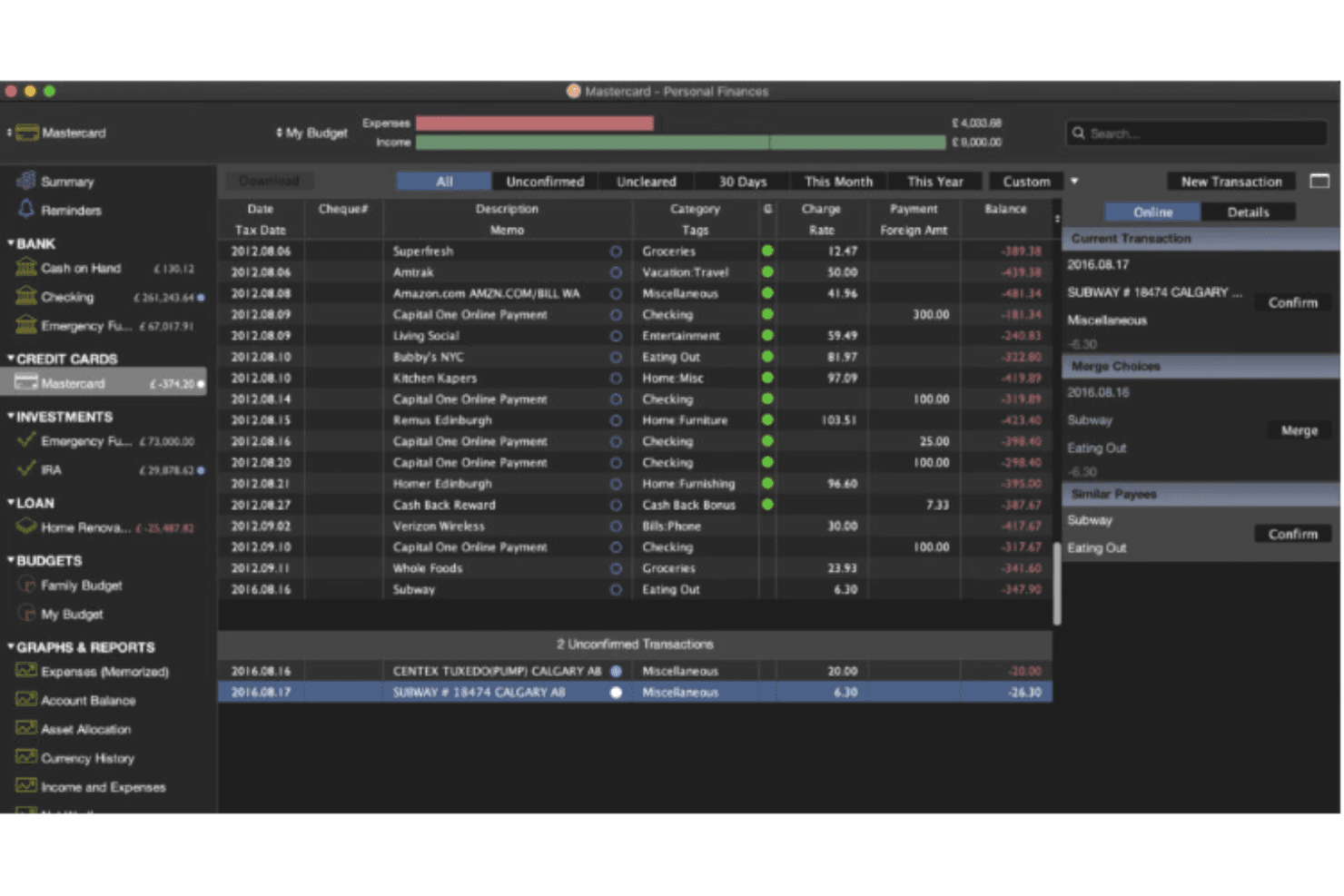
Expense Tracking: Track expenses across bank accounts and credit cards using a familiar checkbook register.
Budgeting Tools: Create budgets, manage categories, and monitor spending trends.
Multi-Currency Support: Handle multiple currencies with automatic exchange rate updates.
Account Register: Maintain detailed records of transactions and account balances.
Reporting: Generate reports with customizable graphs to analyze financial data and net worth.
Bill Payment Reminders: Schedule reminders for bills and due dates to avoid missed payments.
Standout Features
Offline Access: Moneydance works offline, letting you manage your finances without internet dependency. This is perfect for users who value privacy and data control.
Investment Tracking: You can track your investments and monitor their performance over time. This feature helps you make informed decisions about your financial future.
Ease of Use
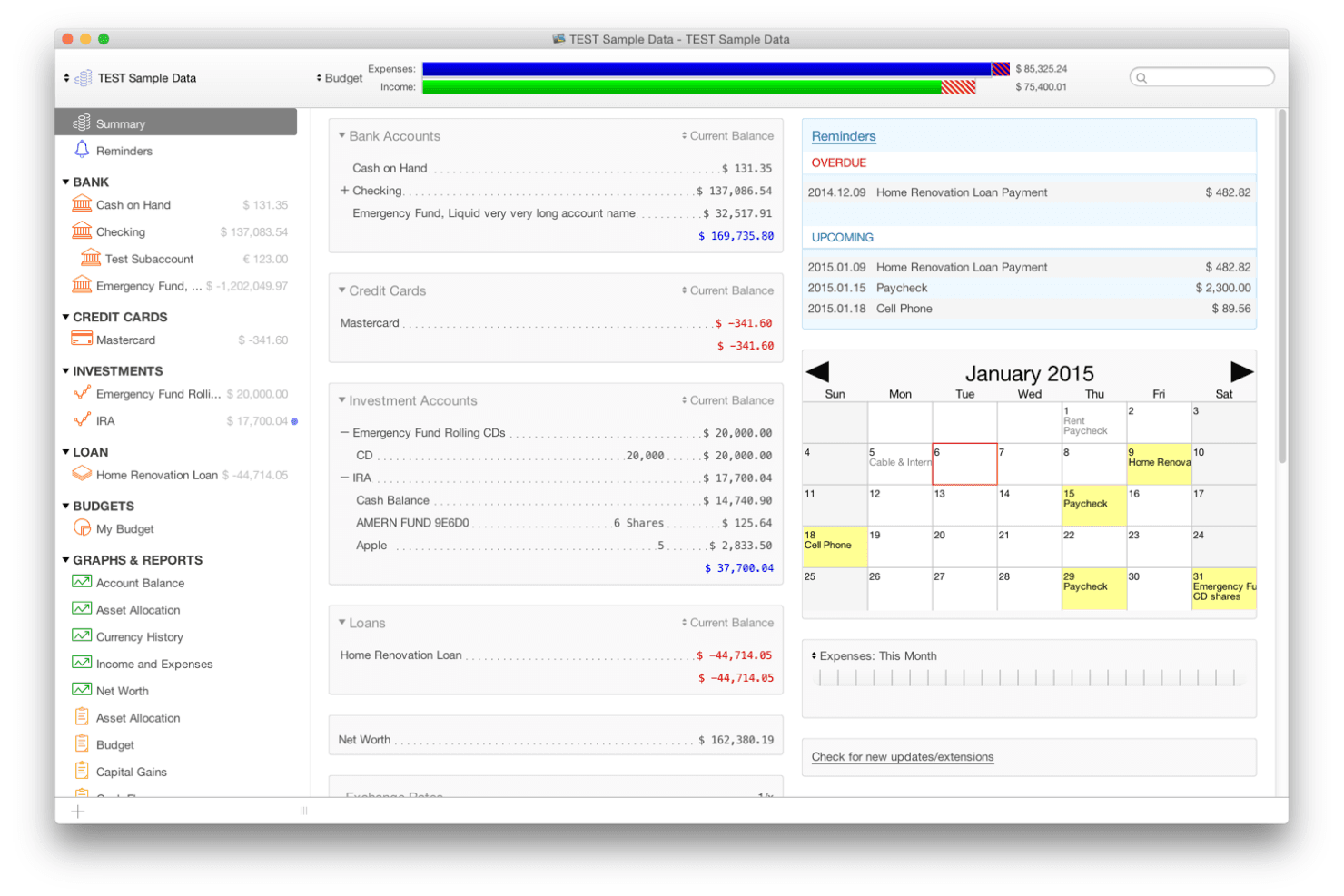
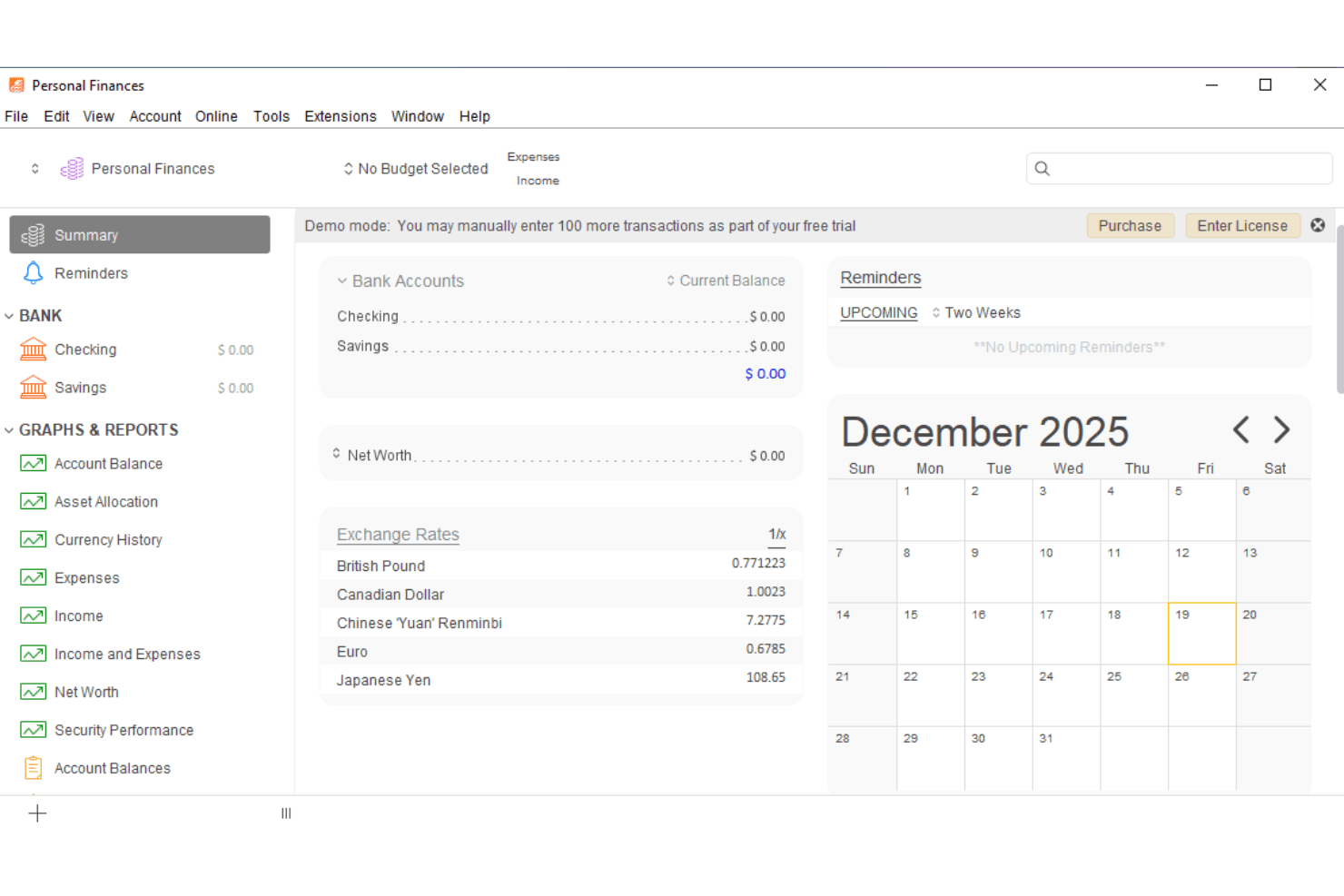
Moneydance balances ease of use with depth. While new users may need time to adjust to its sidebar navigation and setup, experienced users appreciate the clarity of its registers, graphs, and investment tracking tools. Compared with Quicken, it offers fewer features but a cleaner, less cluttered experience.
Onboarding
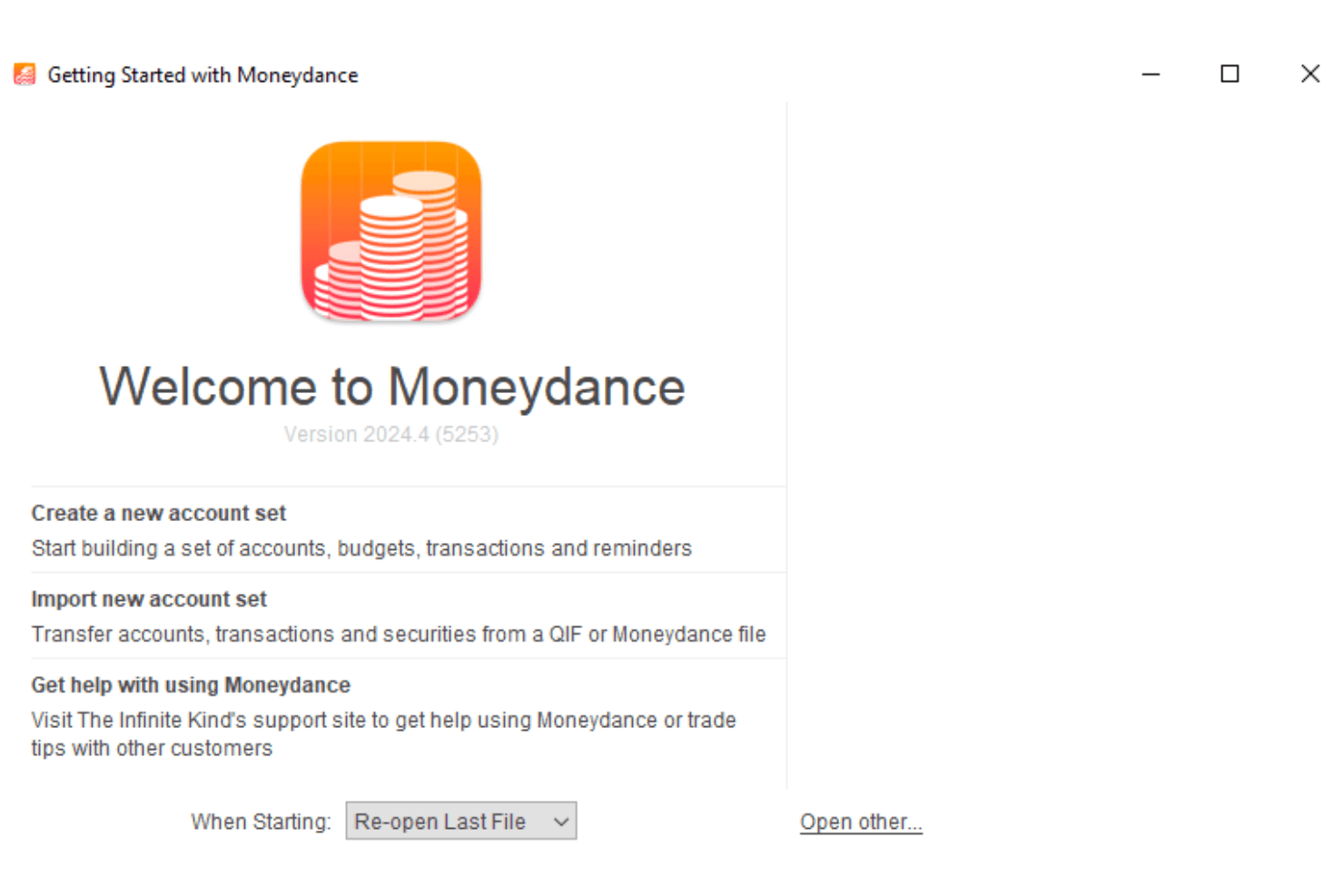
Moneydance’s onboarding process is functional but not highly guided. New users may rely on documentation and forums rather than on in-app tutorials. Import tools for QIF files and Excel help resources assist users in migrating from other personal finance apps, easing the transition over time.
Customer Support
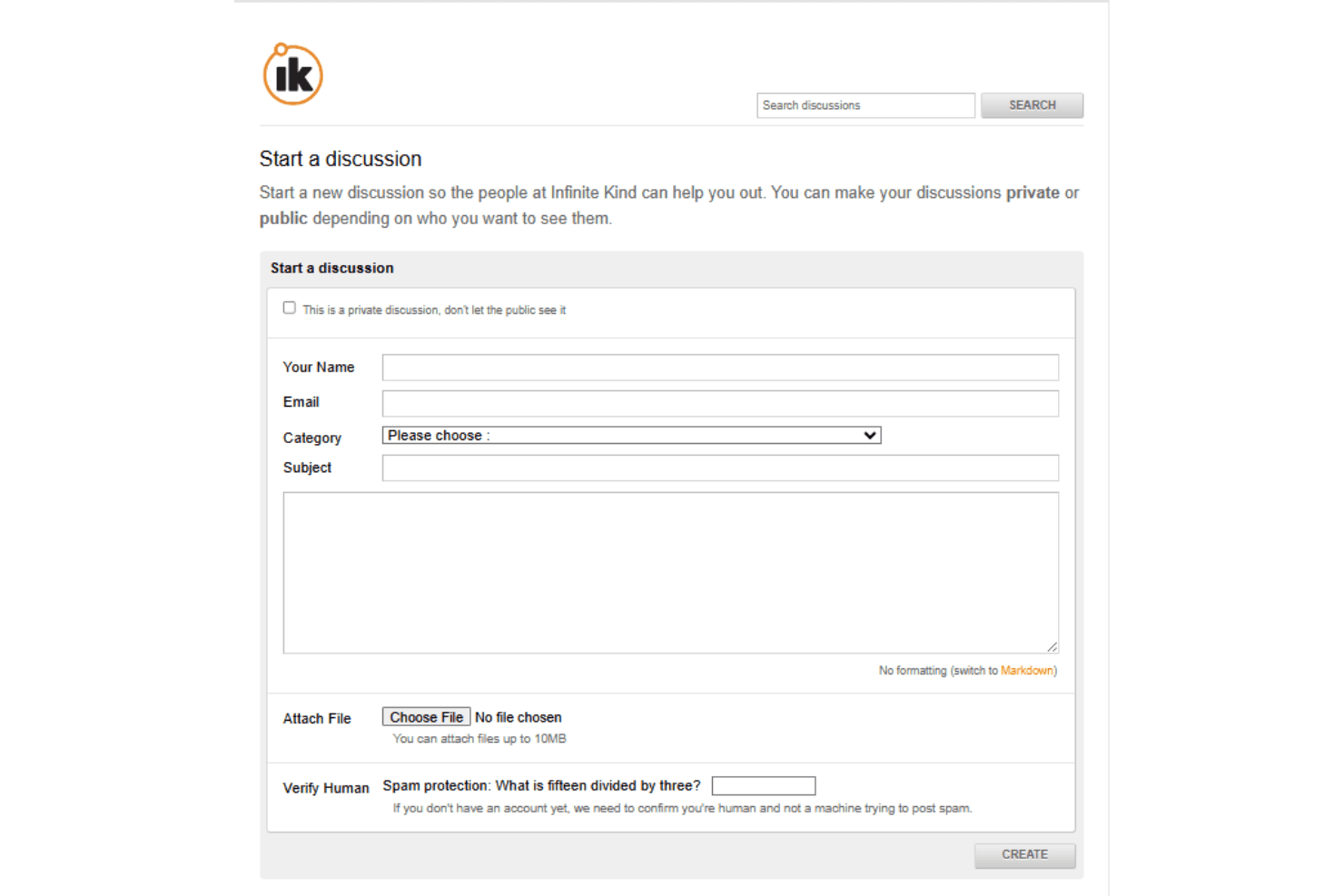
Moneydance provides customer support via email and community forums run by The Infinite Kind. While it lacks live chat or phone support, responses are generally thorough. Users accustomed to instant support from larger platforms like Intuit may notice the difference, but the support quality is solid.
Integrations
Moneydance integrates with Plaid and Moneydance+, allowing you to connect your accounts for seamless financial tracking and updates.
Moneydance also has an API, which lets you connect with third-party integration tools to enhance its functionality.
Value for Money
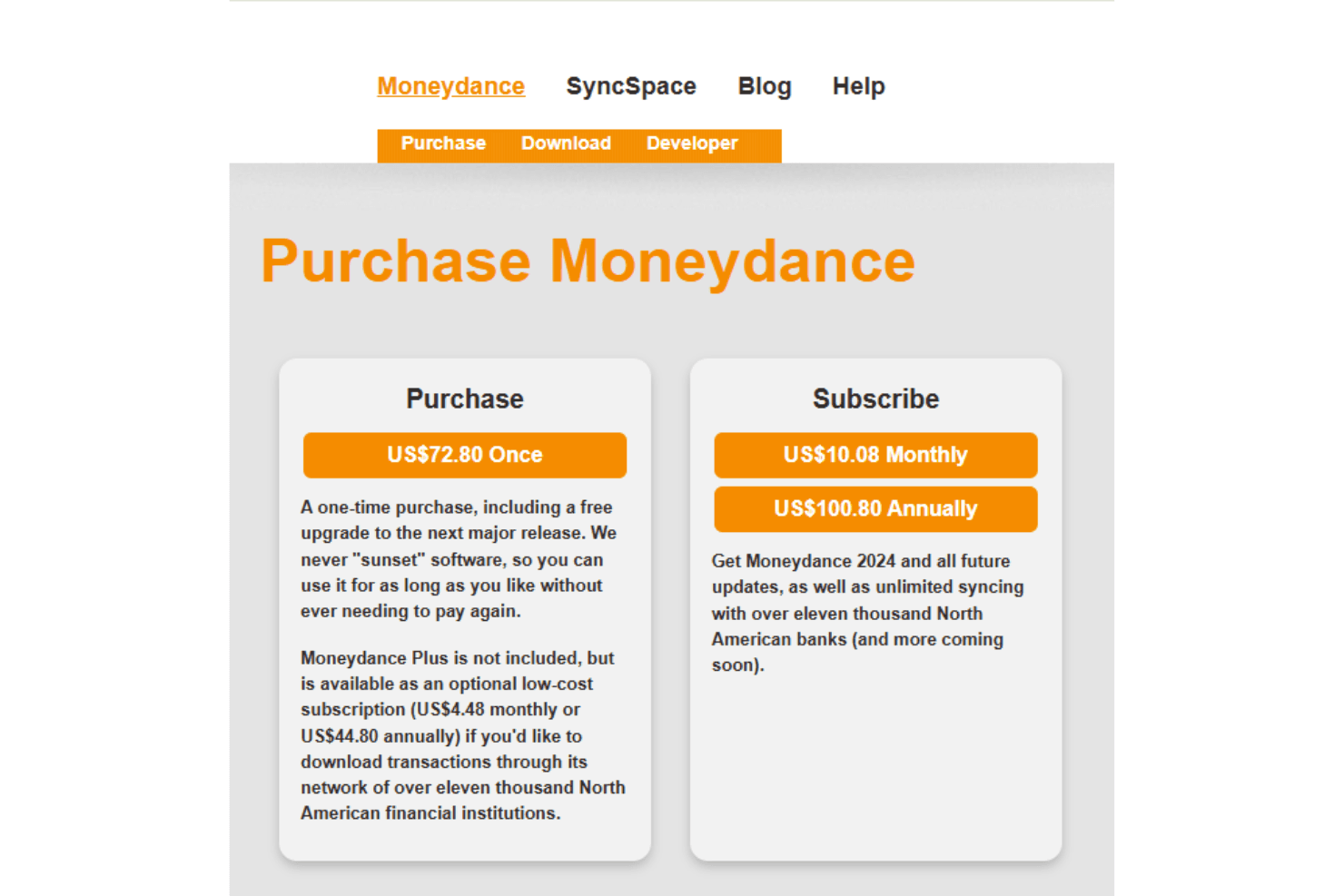
Moneydance offers good value with its one-time purchase model, allowing you to use the software indefinitely without recurring costs. If you want to test it out first, there's a 14-day free trial of Moneydance+ available, which is a useful way to evaluate the software before committing.
- One-Time Purchase: US$72.80 for unlimited use, including a free upgrade to the next major release.
- Moneydance+: For US$4.48 per month or US$44.80 per year, you can access this optional subscription for enhanced features like syncing with over 11,000 banks.
- Subscription Model: Costs US$10.08 per month or US$100.80 per year and includes the latest version plus all future updates and unlimited bank syncing.
Moneydance Specs
- 2-Factor Authentication: Yes
- Accounts Payable: Yes
- Accounts Receivable: Yes
- API: Yes
- Audit Trail: Yes
- Balance Sheet: Yes
- Billing/Invoicing: Yes
- Budgeting: Yes
- Calendar Management: Yes
- Comparative Reporting: Yes
- Compliance Tracking: Yes
- CRM Integration: Yes
- Custom Reports: Yes
- Dashboard: Yes
- Dashboards: Yes
- Data Export: Yes
- Data Import: Yes
- Data Mining: Yes
- Data Visualization: Yes
- Document Comparison: Yes
- Expense Tracking: Yes
- External Integrations: Yes
- Financial Analysis: Yes
- Forecasting: Yes
- General Account Ledger: Yes
- Multi-Currency: Yes
- Multi-User: Yes
- Notifications: Yes
- P&L: Yes
- Payroll: Yes
- Process Reporting: Yes
- Risk Assessment: Yes
- SAP Integration: Yes
- Scenario Planning: Yes
- Scheduling: Yes
- Tax Management: Yes
- Visualization: Yes
- Workflow Management: Yes
Moneydance FAQs
Moneydance Company Overview & History
Moneydance is a personal finance management application developed by The Infinite Kind, a software company based in Edinburgh, United Kingdom. First released in 1997, Moneydance has become a long-standing personal finance solution for individuals and small businesses. It supports Windows, Mac, Linux, iOS, and Android through desktop and mobile app offerings, and is known for its double-entry bookkeeping system, online banking support via OFX, and strong offline-first approach to money management.
Moneydance Major Milestones
- 1997: Moneydance was first released, marking its entry into the personal finance software market.
- 2007: The Infinite Kind, the current developer, took over the development of Moneydance.
- 2025: Released newer versions with performance enhancements, improved syncing, and updated exchange rate handling.