


QuickBooks Workforce vs. Gusto: Detailed Comparison and Expert Reviews 2026



If you’re running payroll for your business, you already know it’s one of those tasks that has to be done right every single time. Employees expect to be paid accurately and on time, taxes need to be filed correctly, and compliance rules never seem to stop changing. One small mistake can mean frustrated employees, penalties, or hours spent fixing issues you didn’t realize were there.
The problem is that payroll software is supposed to make this easier, but choosing the right one can feel overwhelming. If you’ve narrowed your options down to QuickBooks Worforce (formerly QuickBooks Payroll) and Gusto, you’re likely trying to answer a few key questions: Which one will actually save you time? Which one handles taxes and compliance more reliably? And which one fits the way your business already manages accounting, employees, and benefits?
In this guide, I break down the two platforms so you can see clearly how they compare for your unique payroll needs.
QuickBooks Workforce vs. Gusto: An Overview
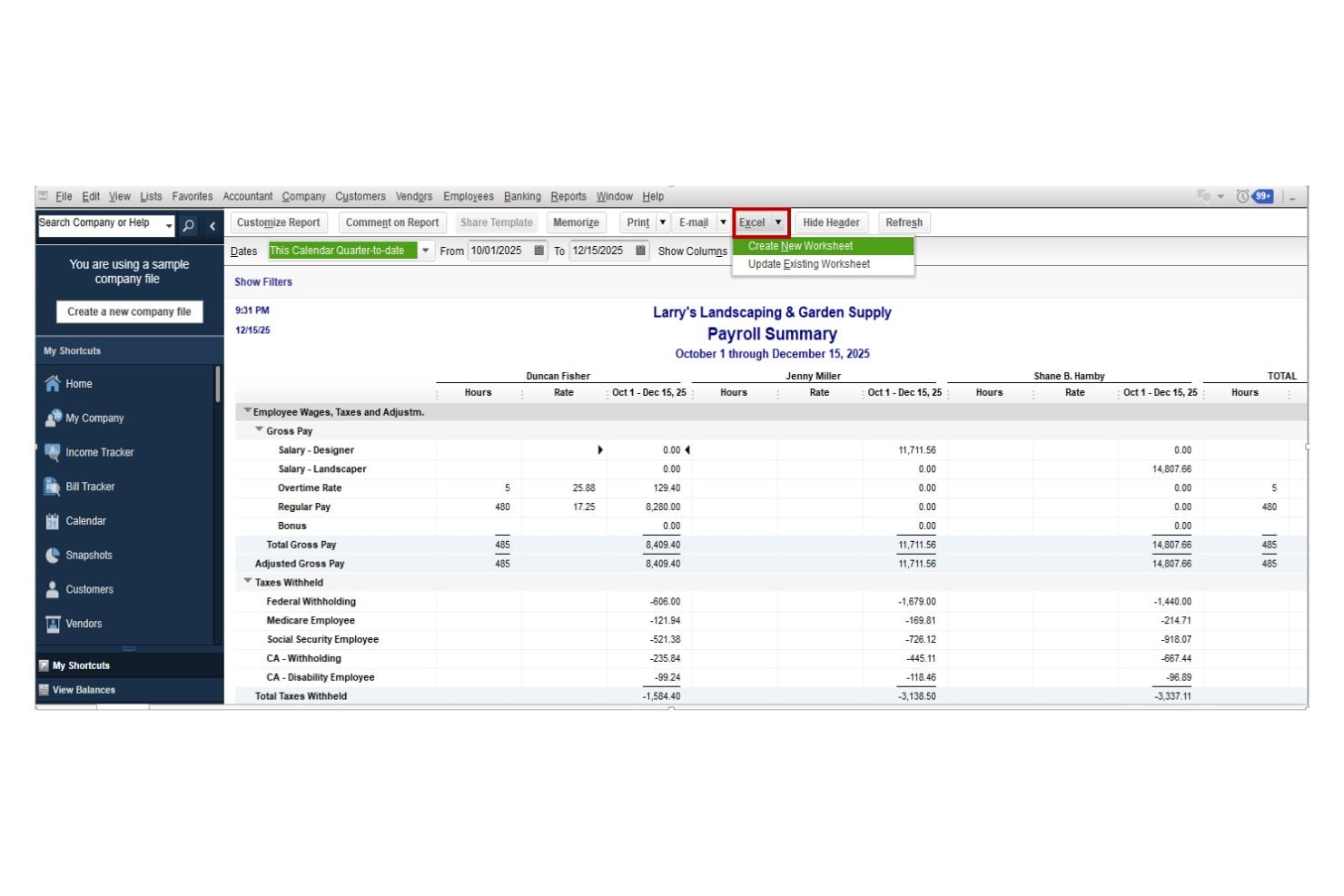
QuickBooks Workforce
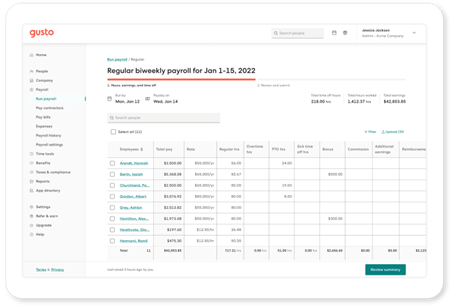
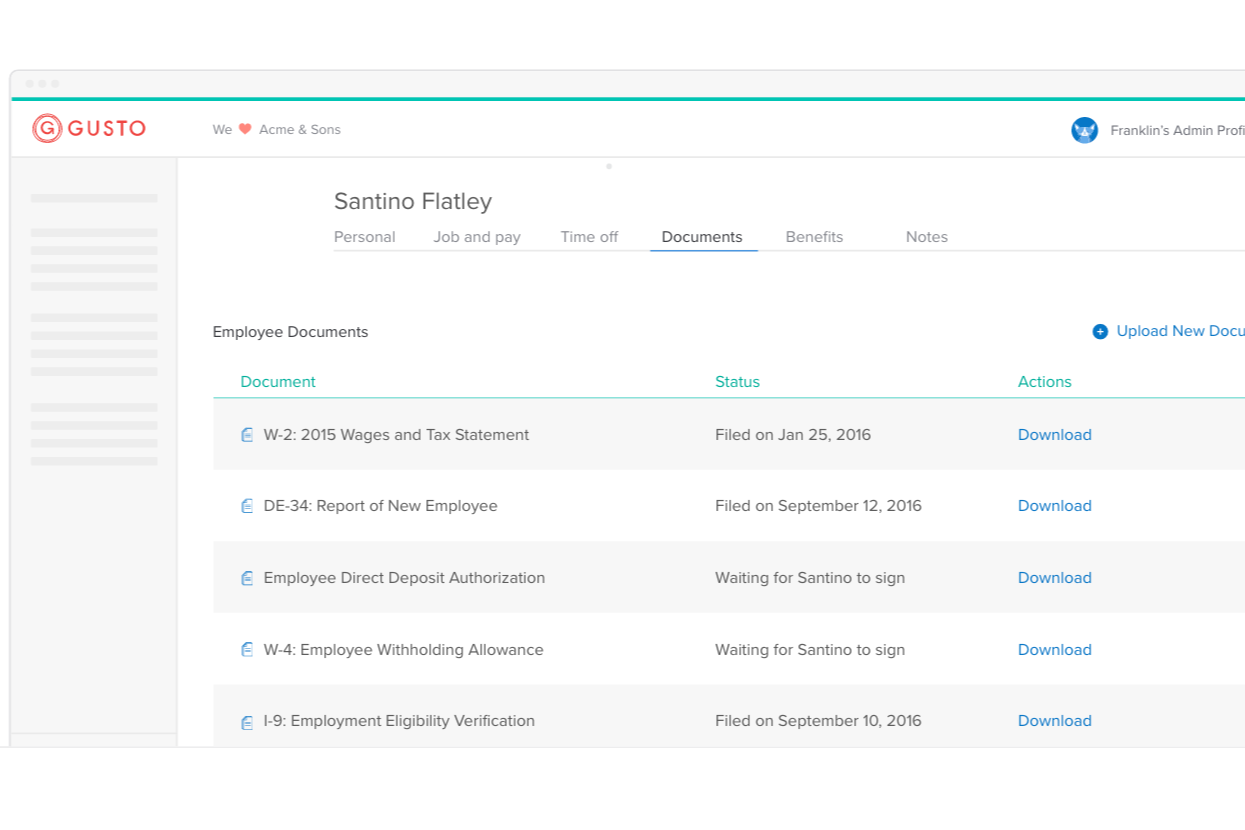
Gusto
Why Trust Our Software Recommendations
Our team has been testing and reviewing software since 2012. As finance leaders ourselves, we know how difficult—and important—it is to choose the right software.
For this guide, we evaluated tools using hands-on testing and independent research, scoring tools using our selection criteria.
Our reviews reflect our human editorial judgment, not a sales pitch.
QuickBooks Workforce vs. Gusto Pricing Comparison
| QuickBooks Workforce | Gusto | |
|---|---|---|
| Free Trial | 30-day free trial | Free demo available |
| Pricing | From $88/month | From $49/month + $6/month/user |
QuickBooks Workforce vs. Gusto Pricing & Hidden Costs
QuickBooks Workforce uses a tiered subscription model, with each level unlocking more features like multi-currency support, prioritized support, and time tracking. You can pay for their payroll software as a standalone product or buy a package with their accounting software. Gusto also offers tiered plans, but bundles more HR and benefits features into its higher tiers.
To choose the right pricing model, map out your payroll needs for the next year. List must-have features, estimate your employee count, and consider how often you’ll need support or compliance help. Ask each vendor for a detailed breakdown of all potential fees, including those for scaling up or adding new services.
QuickBooks Workforce vs. Gusto Feature Comparison
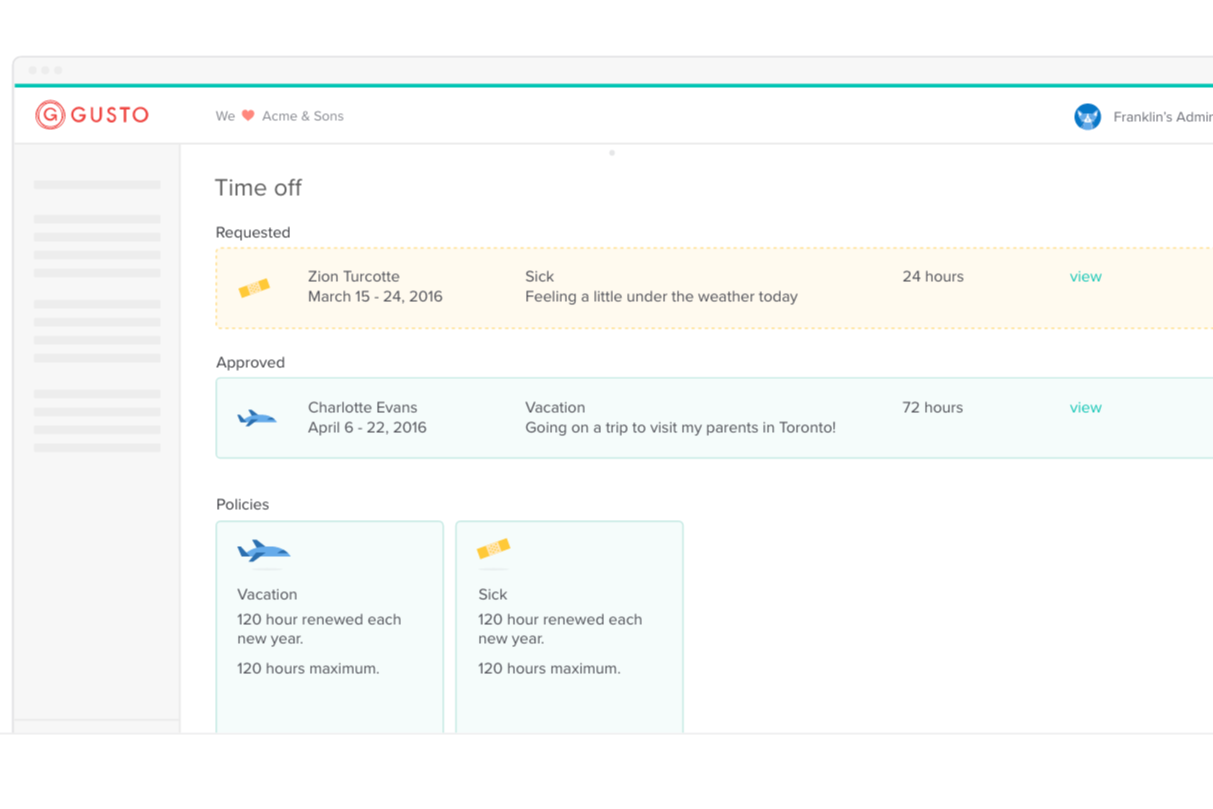
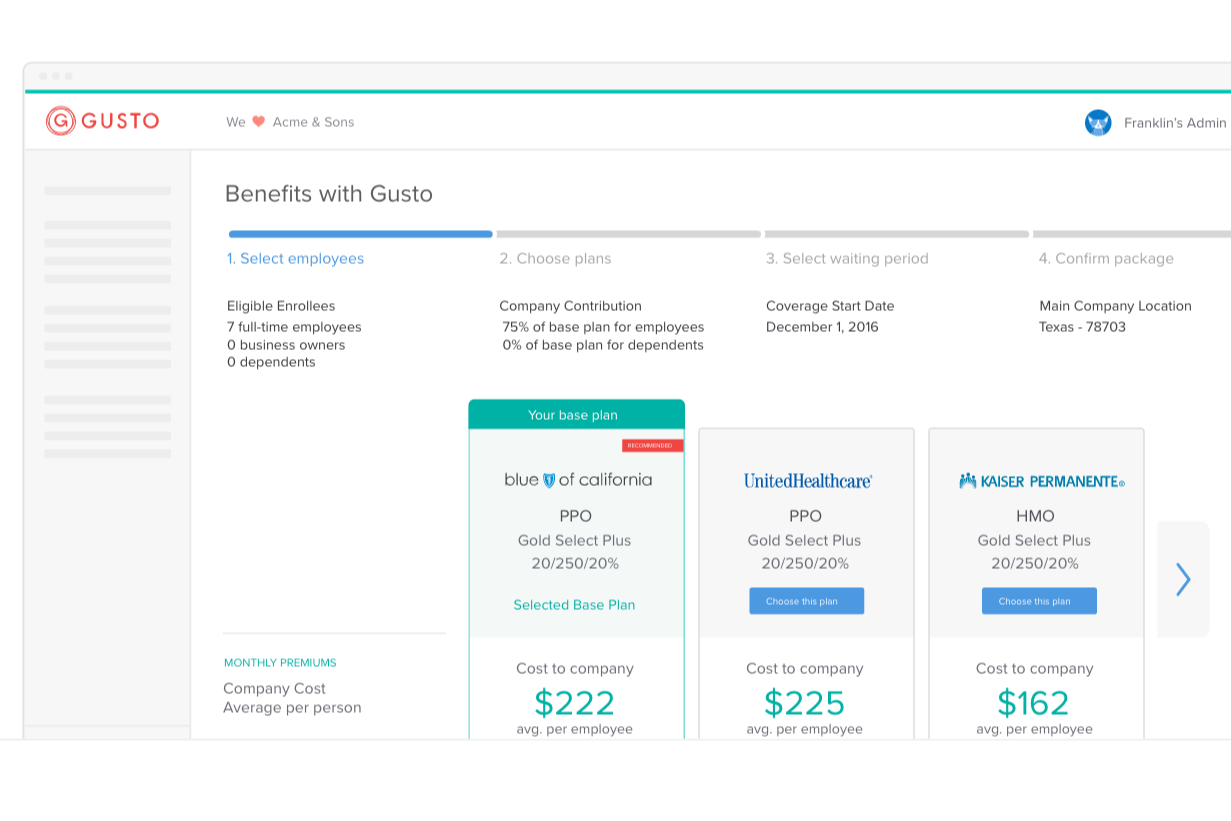
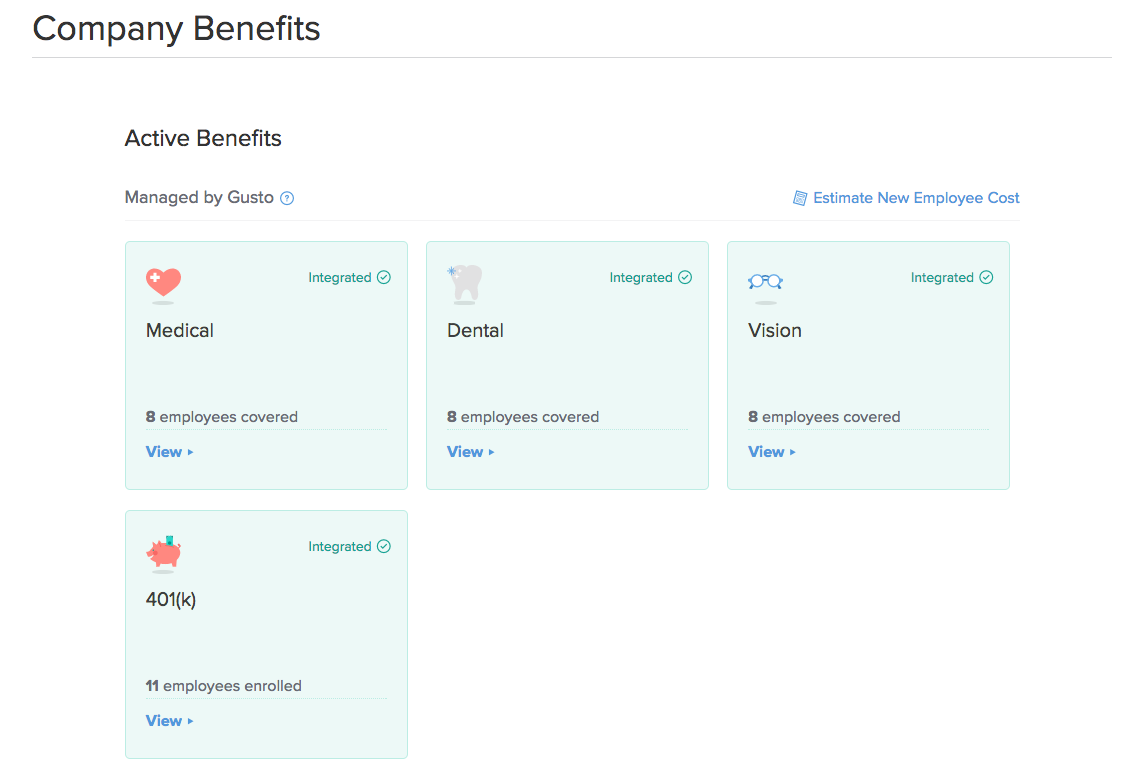
QuickBooks Payroll’s automated tax calculations and direct integration with QuickBooks accounting help you run payroll and keep your books accurate with minimal manual effort. Gusto stands out with easy employee onboarding and built-in benefits management, making it simple to handle new hires and keep your team supported every pay cycle.
| QuickBooks Workforce | Gusto | |
|---|---|---|
| API | ||
| Application Tracking | ||
| Approval Workflows | ||
| Attendance Tracking | ||
| Budgeting | ||
| Calendar Management | ||
| Compliance Tracking | ||
| Dashboard | ||
| Data Export | ||
| Data Import | ||
| Data Visualization | ||
| Employee Database | ||
| Employee Incentive Management | ||
| Employee Onboarding | ||
| Expense Tracking | ||
| External Integrations | ||
| Feedback Management | ||
| Forecasting | ||
| Multi-Currency | ||
| Multi-User | ||
| Notifications | ||
| Payroll | ||
| Scheduling | ||
| Tax Management | ||
| Time Management | ||
| Timesheets | ||
| Travel Management | ||
| Vacation & Absence Calendar |
QuickBooks Workforce vs. Gusto Integrations
| Integration | QuickBooks Workforce | Gusto |
|---|---|---|
| QuickBooks Online | ✅ | ✅ |
| Xero | ❌ | ✅ |
| FreshBooks | ❌ | ✅ |
| TSheets (QuickBooks Time) | ✅ | ❌ |
| Expensify | ✅ | ✅ |
| Deputy | ✅ | ✅ |
| Clover | ✅ | ❌ |
| Shopify | ✅ | ✅ |
| API | ✅ | ✅ |
| Zapier | ✅ | ❌ |
Both platforms cover the basics, but Gusto offers a wider range of third-party integrations, especially for accounting and HR tools outside the Intuit ecosystem. QuickBooks Workforce has a good selection of third-party integrations, but its biggest strength is its easy connections within the Intuit ecosystem. If you already use QuickBooks Online for accounting or QuickBooks Time for time tracking, payroll data syncs automatically with minimal setup.
QuickBooks Workforce vs. Gusto Security, Compliance '& Reliability
| Factor | QuickBooks Workforce | Gusto |
|---|---|---|
| Data Encryption | Uses 256-bit SSL encryption to protect sensitive payroll and employee information. | Secures data with bank-level encryption and regular security audits. |
| Regulatory Compliance | Intuit maintains certifications and compliance standards such as SOC 1, SOC 2, ISO 27001, and PCI DSS, demonstrating adherence to recognized security and data protection frameworks. | Gusto maintains SOC 1 and SOC 2 reports, follows HIPAA security guidelines for benefits data, and uses ongoing security testing and monitoring to maintain compliance. |
| Access Controls | Offers customizable user permissions and role-based access. | Provides granular permissions and two-factor authentication. |
| Uptime & Reliability | Runs on Intuit’s cloud infrastructure with high availability and continuous monitoring to maintain reliable payroll processing. | Uses cloud infrastructure with continuous monitoring and security testing to maintain service availability and stability. |
| Audit Trails | Tracks all payroll changes and user actions for compliance audits. | Logs every payroll action and change for easy auditability. |
Both QuickBooks Workforce and Gusto provide strong security protections for handling sensitive payroll and employee data. QuickBooks Workforce benefits from Intuit’s broader security program, including compliance with frameworks like SOC 1, SOC 2, ISO 27001, and PCI DSS. Gusto also maintains robust protections, including SOC 1 and SOC 2 compliance, and regular security testing. In practice, both platforms offer a high level of security and reliability for most small and mid-sized businesses.
QuickBooks Workforce vs. Gusto Ease of Use
| Factor | QuickBooks Workforce | Gusto |
|---|---|---|
| User Interface | Features a familiar, accounting-focused dashboard with clear navigation. | Offers a modern, intuitive interface designed for quick payroll runs. |
| Onboarding | Provides step-by-step setup with helpful tooltips for new users. | Delivers guided onboarding and easy employee self-service setup. |
| Support Access | Includes in-app chat and phone support during business hours. | Offers responsive chat, email, and phone support with extended hours. |
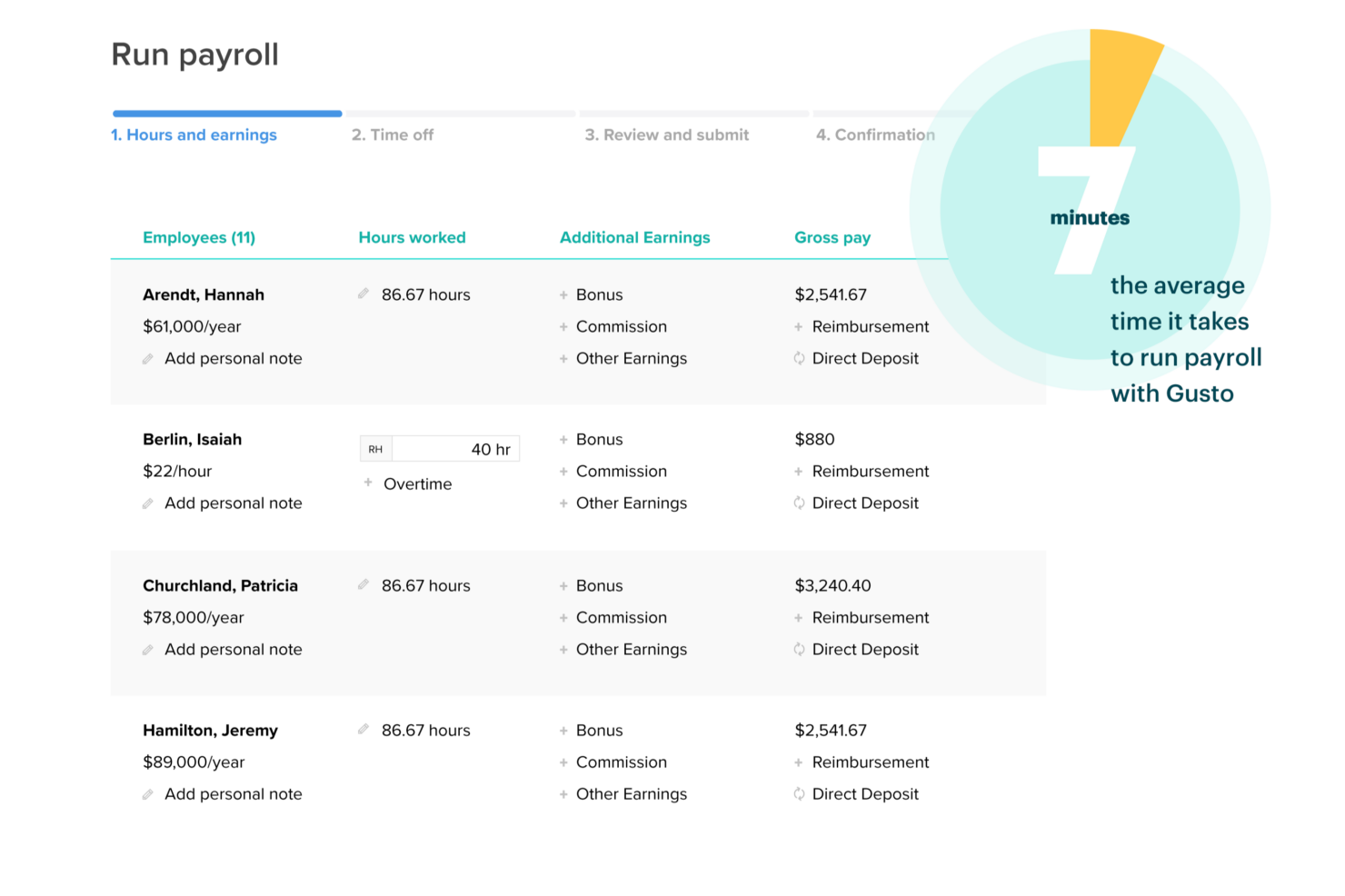
| Payroll Processing | Automates recurring payroll and tax filings with minimal clicks. | Streamlines payroll with simple workflows and visual progress bars. |
| Mobile Experience | Payroll tasks can be managed from a mobile browser, though some payroll features may be limited within the mobile app itself. | Mobile-friendly platform allows payroll tasks and employee access from most devices. |
Both platforms are relatively easy to use, but they cater to slightly different audiences. QuickBooks Workforce feels most intuitive if you already use QuickBooks for accounting, since payroll tools are built directly into the same ecosystem. Gusto tends to feel more beginner-friendly thanks to its clean interface, guided onboarding, and simplified workflows, making it especially approachable for teams that are new to payroll software.
QuickBooks Workforce vs Gusto: Pros & Cons
QuickBooks Workforce
- User-friendly interface designed for easy setup and management, even without extensive accounting experience.
- Automated payroll calculations and tax filings help reduce manual work.
- Clear payroll workflows and task tracking make pay runs easier to manage.
- Customer support experiences can vary, particularly during complex payroll issues.
- Best suited for those already using QuickBooks Online; otherwise, it may feel restrictive.
- May not suit complex payroll scenarios that require high customization.
Gusto
- Well-organized dashboard makes it easy for finance teams to onboard quickly.
- The platform streamlines payroll processing with automatic calculations, direct deposits, and end-to-end tax filing.
- Simplifies benefits management by offering integrated access to health insurance, 401(k) plans, and commuter benefit.
- While support is generally helpful, users may experience delays in response during peak periods.
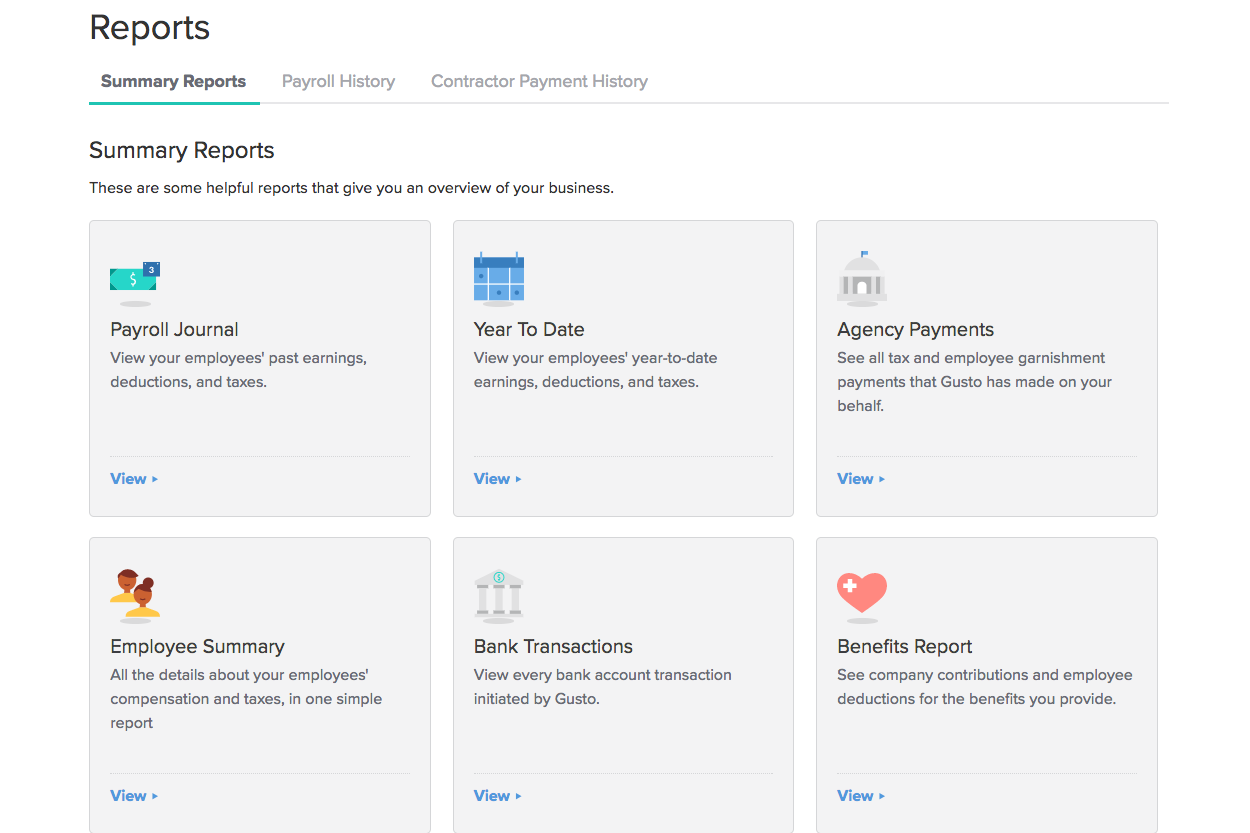
- Reporting lacks the customization and depth of data analytics required for larger corporations and enterprises.
- Limited flexibility for tailoring workflows, fields, or integrations.
Best Use Cases for QuickBooks Workforce and Gusto
QuickBooks Workforce
- Small Businesses Using QuickBooks Online If you’re already running your books in QuickBooks Online, adding payroll keeps everything synced in one system. Payroll expenses, tax payments, and reports flow directly into your accounting without manual reconciliation.
- Businesses Without a Dedicated HR Team QuickBooks Workforce’s guided setup, automated tax filings, and employee self-service tools make it manageable for small teams that don’t have in-house payroll or HR specialists.
- Employers Who Want Automated Tax Handling Companies that prefer payroll taxes calculated, filed, and paid automatically will benefit from full-service payroll options and tax penalty protection on higher tiers.
- Companies With Employees and Contractors Businesses with mixed workforces can pay W-2 employees and 1099 contractors in the same system, with built-in 1099 e-file support.
- Growing Businesses That Need Faster Payroll Companies with tighter payroll timelines can take advantage of next-day or same-day direct deposit options to ensure employees are paid on time.
- QuickBooks Desktop Users Who Want Payroll Add-On Businesses using QuickBooks Desktop can add payroll services designed specifically for that environment.
Gusto
- Small Businesses Gusto simplifies full-service payroll and benefits management, making it ideal for small teams with limited HR resources.
- Tech Startups Its automated features and ease of use help tech startups focus on development rather than administrative tasks.
- Retail Companies The software's ability to handle multiple employee types suits retail businesses with diverse workforces.
- Remote Teams Gusto’s online platform makes managing remote employees’ payroll and benefits hassle-free.
- HR Departments The software’s automation, intuitive workflows, and centralized employee data management help streamline several HR core tasks.
- Nonprofits With its straightforward interface, Gusto aids nonprofits in efficiently managing limited resources.
Who Should Use QuickBooks Workforce, and Who Should Use Gusto?
QuickBooks Workforce is a natural fit for finance teams already using QuickBooks for accounting, especially in small to midsize businesses that want tight integration with the QuickBooks ecosystem and straightforward payroll runs. That said, you don’t have to use QuickBooks accounting to use QuickBooks Workforce—it’s also available as a standalone payroll subscription if you simply want payroll processing without the bookkeeping software.
You may prefer Gusto if you want a payroll platform that’s especially easy to learn and includes more built-in HR features. Gusto’s clean interface, guided onboarding, and strong employee self-service tools make it a good option if you’re setting up payroll for the first time or want a payroll system that doubles as a comprehensive HR platform.
Differences Between QuickBooks Workforce and Gusto
| QuickBooks Workforce | Gusto | |
|---|---|---|
| Accounting Integration | Deep, native integration with QuickBooks accounting software. | Integrates with multiple accounting platforms, including Xero and FreshBooks. |
| Automation | Automates payroll runs and tax filings. | Automates a wider range of processes, like onboarding, benefits, and HR compliance with visual workflows. |
| Employee Onboarding | Basic onboarding tools focused on payroll setup. | Robust onboarding with self-service portals and digital document collection. |
| Platform Scope | A standalone payroll solution or an add-on to accounting software within the QuickBooks ecosystem. | A full HR and payroll platform designed to manage the entire employee lifecycle (including benefits management, talent management, and hiring). |
| User Interface | Familiar, accounting-centric dashboard and navigation. | Modern, intuitive interface designed for ease of use by all employees. |
| Visit QuickBooks WorkforceOpens new window | Visit GustoOpens new window |
Similarities Between QuickBooks Workforce and Gusto
| Compliance Updates | Both tools automatically update for new payroll tax laws and compliance requirements across states. |
|---|---|
| Customer Support | Each offers live chat and phone support, with knowledgeable reps who can help resolve payroll issues quickly. |
| Direct Deposit | Each platform supports direct deposit for employee payments, with options for same-day or next-day delivery. |
| Employee Self-Service | Employees can access pay stubs, tax forms, and personal info through secure online portals in both tools. |
| Tax Filing | Both automate federal, state, and local payroll tax calculations and filings, reducing manual errors. |
| Visit QuickBooks WorkforceOpens new window Visit GustoOpens new window | |