Stessa Review: Pros, Cons, Features and Pricing


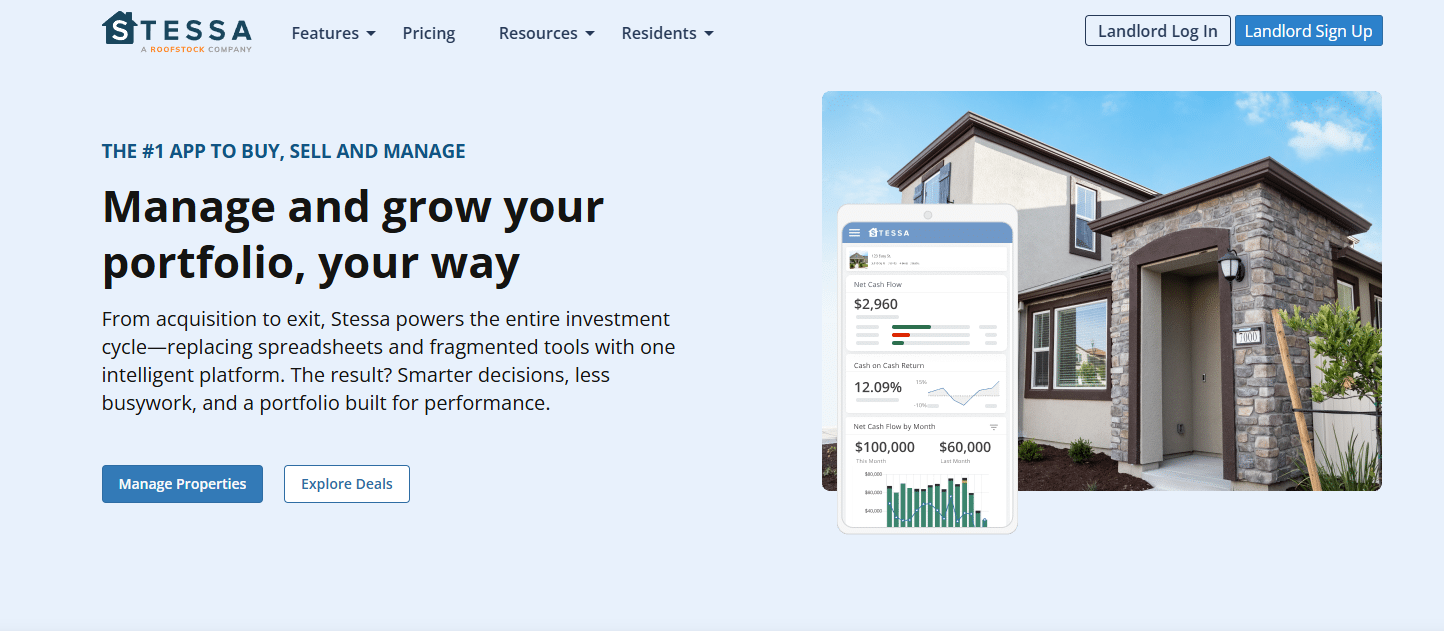
Stessa is a property management accounting software that simplifies financial tracking for real estate investors. It best serves individual landlords, small property managers, and real estate investors who need efficient financial oversight. Stessa offers streamlined financial management tailored to the unique needs of property owners. Stessa addresses issues like manual bookkeeping and cash flow tracking for property managers and owners.
In this article, I'll cover Stessa's features, pros and cons, use cases, and pricing so you can decide if this Stessa software aligns with your accounting and financial management needs and goals.
Stessa Evaluation Summary
- $15/month
- Free plan available
Why Trust Our Software Reviews
We’ve been testing and reviewing financial software since 2023. As finance specialists ourselves, we know how critical and difficult it is to make the right decision when selecting software.
We invest in deep research to help our audience make better software purchasing decisions. We’ve tested more than 2,000 tools for different finance use cases and written over 1,000 comprehensive software reviews. Learn how we stay transparent & our software review methodology.
Stessa Overview
In my opinion, Stessa is a solid choice for property owners and small-scale property managers looking for intuitive financial management of their rental property portfolios. It excels in ease of use and offers great value for money, making it appealing for those who want straightforward property accounting and the ability to collect rent without wrestling with complex spreadsheets. However, it may lack some advanced features found in more expensive software, which could be a drawback for large property management firms with complex needs. If you're an individual landlord or manage a small portfolio, Stessa's simplicity and cost-effectiveness make it a smart pick.
pros
-
You can easily track income and expenses with its user-friendly interface.
-
Stessa offers automated financial reports that save your team time.
-
It provides real-time insights into your property's financial health.
cons
-
You might find its features limited for managing large property portfolios.
-
Some users report needing more customization options for reports.
-
Customer support response times could be faster for urgent issues.
-

Creatio CRM
Visit WebsiteThis is an aggregated rating for this tool including ratings from Crozdesk users and ratings from other sites.4.7 -
DealHub AI
Visit WebsiteThis is an aggregated rating for this tool including ratings from Crozdesk users and ratings from other sites.4.7 -
LiveFlow
Visit WebsiteThis is an aggregated rating for this tool including ratings from Crozdesk users and ratings from other sites.4.9


How We Test & Score Tools
We’ve spent years building, refining, and improving our software testing and scoring system. The rubric is designed to capture the nuances of software selection and what makes a tool effective, focusing on critical aspects of the decision-making process.
Below, you can see exactly how our testing and scoring works across seven criteria. It allows us to provide an unbiased evaluation of the software based on core functionality, standout features, ease of use, onboarding, customer support, integrations, customer reviews, and value for money.
Core Functionality (25% of final scoring)
The starting point of our evaluation is always the core functionality of the tool. Does it have the basic features and functions that a user would expect to see? Are any of those core features locked to higher-tiered pricing plans? At its core, we expect a tool to stand up against the baseline capabilities of its competitors.
Standout Features (25% of final scoring)
Next, we evaluate uncommon standout features that go above and beyond the core functionality typically found in tools of its kind. A high score reflects specialized or unique features that make the product faster, more efficient, or offer additional value to the user.
We also evaluate how easy it is to integrate with other tools typically found in the tech stack to expand the functionality and utility of the software. Tools offering plentiful native integrations, 3rd party connections, and API access to build custom integrations score best.
Ease of Use (10% of final scoring)
We consider how quick and easy it is to execute the tasks defined in the core functionality using the tool. High scoring software is well designed, intuitive to use, offers mobile apps, provides templates, and makes relatively complex tasks seem simple.
Onboarding (10% of final scoring)
We know how important rapid team adoption is for a new platform, so we evaluate how easy it is to learn and use a tool with minimal training. We evaluate how quickly a team member can get set up and start using the tool with no experience. High scoring solutions indicate little or no support is required.
Customer Support (10% of final scoring)
We review how quick and easy it is to get unstuck and find help by phone, live chat, or knowledge base. Tools and companies that provide real-time support score best, while chatbots score worst.
Customer Reviews (10% of final scoring)
Beyond our own testing and evaluation, we consider the net promoter score from current and past customers. We review their likelihood, given the option, to choose the tool again for the core functionality. A high scoring software reflects a high net promoter score from current or past customers.
Value for Money (10% of final scoring)
Lastly, in consideration of all the other criteria, we review the average price of entry level plans against the core features and consider the value of the other evaluation criteria. Software that delivers more, for less, will score higher.
Core Features
Income and Expense Tracking
Easily log and categorize your rental transactions. This keeps tracking income and outgoings clear.
Automated Financial Reports
Generate reports automatically to see your property's financial performance. Your team can quickly understand cash flow and profitability.
Real-time Dashboard
View up-to-date financial metrics on an intuitive dashboard. It offers quick insights into your property's financial health.
Receipt Scanning
Upload and organize expense receipts with ease. This saves you time and keeps your records tidy.
Tax-ready Financials
Prepare for tax time with organized financial data. Stessa simplifies tax filing with accurate, ready-to-use figures.
Mobile Access
Manage your properties on the go with Stessa's mobile app. You can check financials anytime, anywhere.
Ease of Use
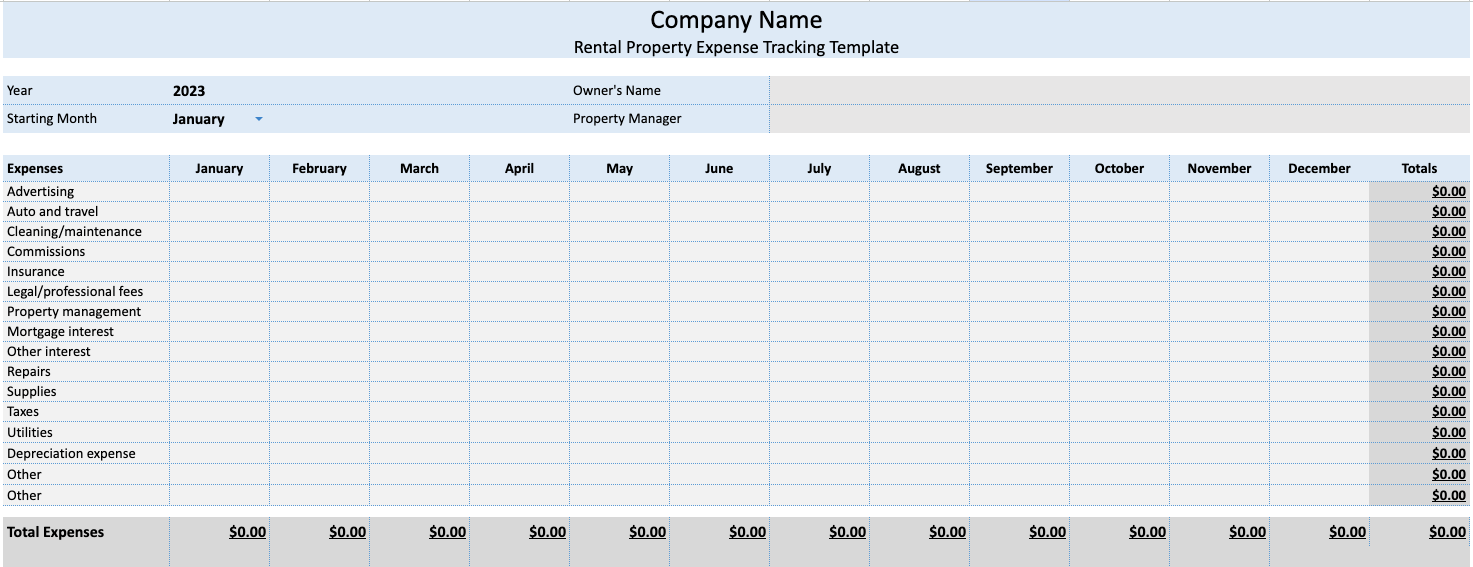
Stessa stands out for its simplicity and intuitive design, making it accessible even for beginners who are new to rental property management accounting. You'll find its interface clean and user friendly, with features like automated expense categorization and real-time dashboards enhancing usability.
Users appreciate how quickly they can set up and navigate the software without a steep learning curve — especially those who previously relied on spreadsheets to manage their finances. Its mobile app ensures you can manage your properties anytime, adding to its ease of use.
Integrations
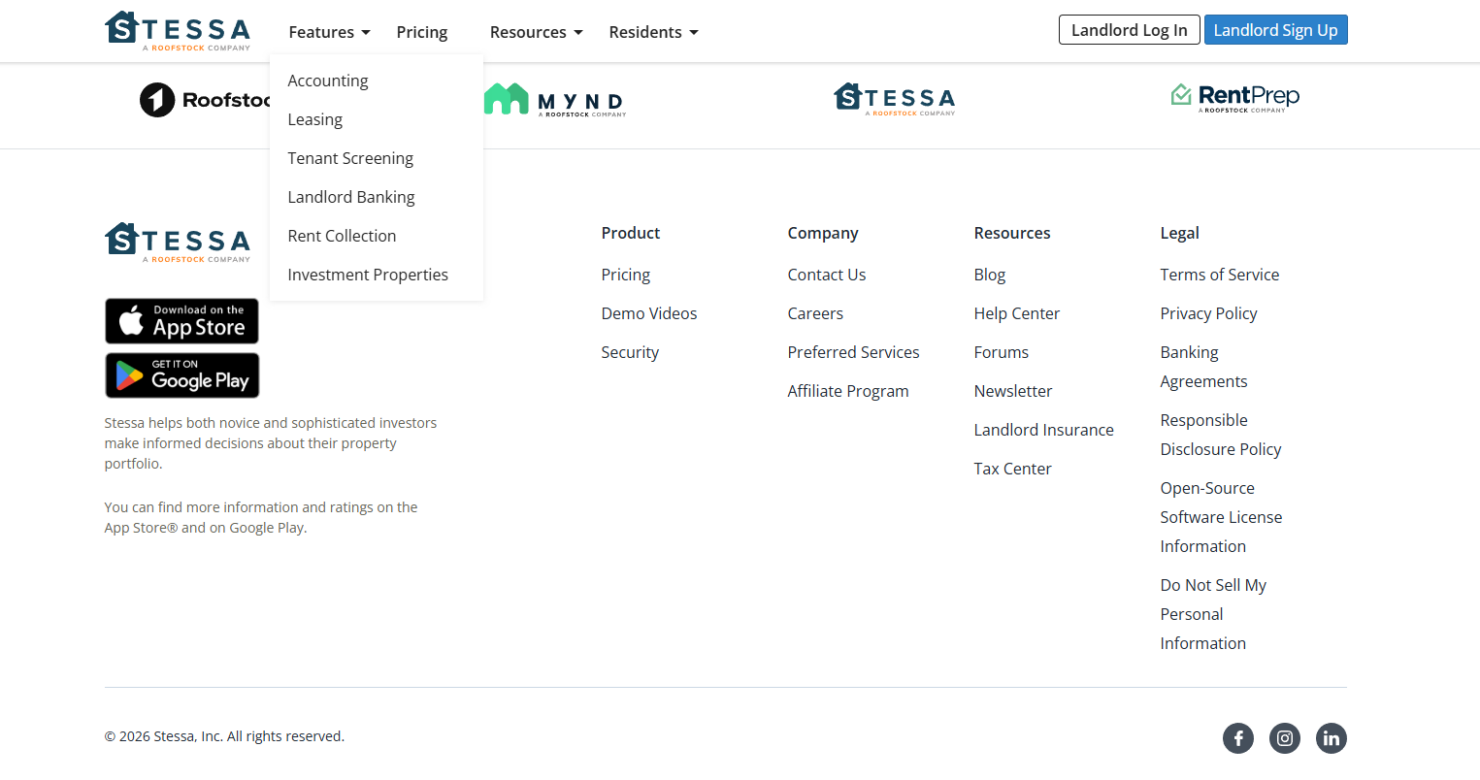
Stessa integrates with AppFolio, Propertyware, and Mynd.
Stessa does not offer a public API and does not support general third-party integration platforms beyond its listed integrations.
Stessa Specs
- 2-Factor Authentication
- Accounts Payable
- Accounts Receivable
- API
- Balance Sheet
- Billing/Invoicing
- BitCoin
- Budgeting
- Calendar Management
- Contact Management
- CRM Integration
- Customer Management
- Dashboard
- Data Export
- Data Import
- Data Visualization
- Expense Tracking
- External Integrations
- Forecasting
- General Account Ledger
- Inventory Tracking
- Multi-Currency
- Multi-User
- Notifications
- P&L
- PayPal
- Payroll
- SAP Integration
- Stripe
- Supplier Management
- Tax Management