


ZenLedger Review: Pros, Cons, Features, and Pricing



ZenLedger is tax software built for crypto investors and the accountants who work with them, specifically for calculating capital gains, losses, and income across wallets, exchanges, and DeFi activity. I'd consider it over something like Koinly if you're a CPA or finance professional who needs stronger accountant collaboration tools and direct integration with tax preparation platforms like TurboTax—rather than a self-serve tool built mainly for individual filers.
ZenLedger Evaluation Summary

- From $50/year
- Free demo available
Why Trust Our Software Recommendations
Our team has been testing and reviewing software since 2012. As finance leaders ourselves, we know how difficult—and important—it is to choose the right software.
For this guide, we evaluated tools using hands-on testing and independent research, scoring tools using our selection criteria.
Our reviews reflect our human editorial judgment, not a sales pitch.
ZenLedger Overview
In my opinion, ZenLedger is a solid choice for those managing cryptocurrency taxes. It excels in processing complex crypto transactions using first-in, first-out (FIFO), last-in, first-out (LIFO), and highest-in, first-out (HIFO) cost basis methods, and it provides valuable insights through its tax tools, portfolio tracking, and crypto tax calculator. However, its customer support could be improved, as users sometimes find response times slow. Compared to alternatives, such as Koinly and CoinTracker, ZenLedger offers strong functionality and great value, especially for active crypto enthusiasts. It's best suited for users who require detailed transaction data, CSV file imports, and accurate capital gains calculations.
pros
-
You can easily track your cryptocurrency transactions.
-
The software helps you generate tax reports quickly.
-
It offers support for multiple exchanges and wallets.
cons
-
You might find the user interface a bit outdated.
-
Customer support can be slow to respond.
-
You may encounter occasional bugs in transaction syncing.
Is ZenLedger Right For Your Needs?
Who Would be a Good Fit for ZenLedger?
ZenLedger is ideal for crypto traders and investors who need a reliable way to manage their cryptocurrency taxes. If you're dealing with multiple exchanges, wallets, and DeFi protocols, ZenLedger's API and CSV integration can simplify your tax filing by aggregating transactions and calculating capital gains or losses. The platform supports tax loss harvesting, staking, and NFTs and allows you to invite tax professionals and CPAs to collaborate on filings at no extra cost. ZenLedger also integrates with TurboTax, making it easier to complete IRS submissions.
-
Crypto Traders
ZenLedger's integration with major exchanges and wallets supports advanced functionality for managing complex crypto portfolios, cost basis methods, and active trading strategies.
-
Tax Professionals
You can invite clients to ZenLedger at no extra cost, enabling them to efficiently manage their crypto tax filings and compliance.
-
Investment Firms
You can leverage ZenLedger's enterprise-level tax workflows, unlimited transactions, and advanced reporting to manage large volumes of crypto transactions efficiently.
-
Accountants
ZenLedger offers an advanced crypto tax calculator, cost basis tools, and IRS-ready tax forms to assist clients with accurate reporting.
-
Freelancers
Track crypto income from mining, staking, or NFT sales with ZenLedger's detailed reporting and compliance solutions.
-
Charitable Organizations
Utilize tools for cryptocurrency donations to minimize capital gains tax and maintain accurate records of digital asset transfers.
Who Would be a Bad Fit for ZenLedger?
ZenLedger might not be ideal for small businesses or individuals who only handle basic tax needs without cryptocurrency involvement. Its specialized focus on crypto tax reporting and blockchain transactions could be excessive and costly for users with simple tax filing needs who don't own digital assets.
-
Small Businesses
If your business doesn't accept or use cryptocurrency, ZenLedger's crypto-focused tools may be unnecessary.
-
Individuals
If your tax situation is simple and doesn't involve crypto, ZenLedger's specialized services may not be cost-effective.
-
Non-Crypto Industries
Industries that don't engage with cryptocurrencies will not benefit from ZenLedger's capabilities.
-
Budget-Conscious Users
If you're looking to minimize costs and don't need crypto-specific tools, ZenLedger may not be the best option.
-
Crypto Beginners
If you're new to cryptocurrency and not yet trading or investing, ZenLedger's comprehensive tools may be overwhelming.
How We Test & Score Tools
We’ve spent years building, refining, and improving our software testing and scoring system. The rubric is designed to capture the nuances of software selection and what makes a tool effective, focusing on critical aspects of the decision-making process.
Below, you can see exactly how our testing and scoring works across seven criteria. It allows us to provide an unbiased evaluation of the software based on core functionality, standout features, ease of use, onboarding, customer support, integrations, customer reviews, and value for money.
Core Functionality (25% of final scoring)
The starting point of our evaluation is always the core functionality of the tool. Does it have the basic features and functions that a user would expect to see? Are any of those core features locked to higher-tiered pricing plans? At its core, we expect a tool to stand up against the baseline capabilities of its competitors.
Standout Features (25% of final scoring)
Next, we evaluate uncommon standout features that go above and beyond the core functionality typically found in tools of its kind. A high score reflects specialized or unique features that make the product faster, more efficient, or offer additional value to the user.
We also evaluate how easy it is to integrate with other tools typically found in the tech stack to expand the functionality and utility of the software. Tools offering plentiful native integrations, 3rd party connections, and API access to build custom integrations score best.
Ease of Use (10% of final scoring)
We consider how quick and easy it is to execute the tasks defined in the core functionality using the tool. High scoring software is well designed, intuitive to use, offers mobile apps, provides templates, and makes relatively complex tasks seem simple.
Onboarding (10% of final scoring)
We know how important rapid team adoption is for a new platform, so we evaluate how easy it is to learn and use a tool with minimal training. We evaluate how quickly a team member can get set up and start using the tool with no experience. High scoring solutions indicate little or no support is required.
Customer Support (10% of final scoring)
We review how quick and easy it is to get unstuck and find help by phone, live chat, or knowledge base. Tools and companies that provide real-time support score best, while chatbots score worst.
Customer Reviews (10% of final scoring)
Beyond our own testing and evaluation, we consider the net promoter score from current and past customers. We review their likelihood, given the option, to choose the tool again for the core functionality. A high scoring software reflects a high net promoter score from current or past customers.
Value for Money (10% of final scoring)
Lastly, in consideration of all the other criteria, we review the average price of entry level plans against the core features and consider the value of the other evaluation criteria. Software that delivers more, for less, will score higher.
Core Features
Tax Calculation: ZenLedger automatically calculates your tax liability using FIFO, LIFO, and HIFO accounting methods. This saves you time and reduces errors when preparing your tax returns.
Transaction Import: You can import transactions via CSV, API, and wallet integrations, making it easier to consolidate your financial information. This ensures that you have a complete view of your financial activities.
Tax Form Generation: The software generates IRS-compliant tax forms, such as Form 8949, based on your data. This simplifies the filing process by providing you with ready-to-use documents.
Audit Support: ZenLedger offers support for audits by organizing and storing your transaction history. You’ll have peace of mind knowing your records are accessible and well organized.
Portfolio Tracking: You can keep track of your investments and their performance over time. This helps you make informed financial decisions based on real-time data.

Standout Features
Cryptocurrency Support: ZenLedger stands out by offering specialized support for cryptocurrency transactions. You can easily track and manage your crypto investments, which is important for accurate tax reporting.
DeFi and NFT Tracking: The software provides features to track DeFi and NFT transactions. This ensures you're up to date with your tax obligations in these emerging financial areas.

Ease of Use
ZenLedger offers a user-friendly experience for managing your tax needs, particularly if you're dealing with cryptocurrency transactions. Its straightforward interface and clear navigation paths make it accessible even for those who aren't tech-savvy. Users appreciate the intuitive design, which simplifies complex tax calculations. While some features may take time to learn, user feedback highlights how ZenLedger's layout and functionality ease the tax filing process, setting it apart from more cumbersome tools.

Onboarding
ZenLedger's onboarding is clear and user-friendly, providing step-by-step guidance through helpful resources. Users appreciate the comprehensive tutorials and responsive support, which help you quickly understand the platform. Compared to other tax software, ZenLedger stands out for its ease of use, allowing you to efficiently manage and file your taxes without hassle. The availability of knowledgeable support staff ensures any questions are addressed promptly.
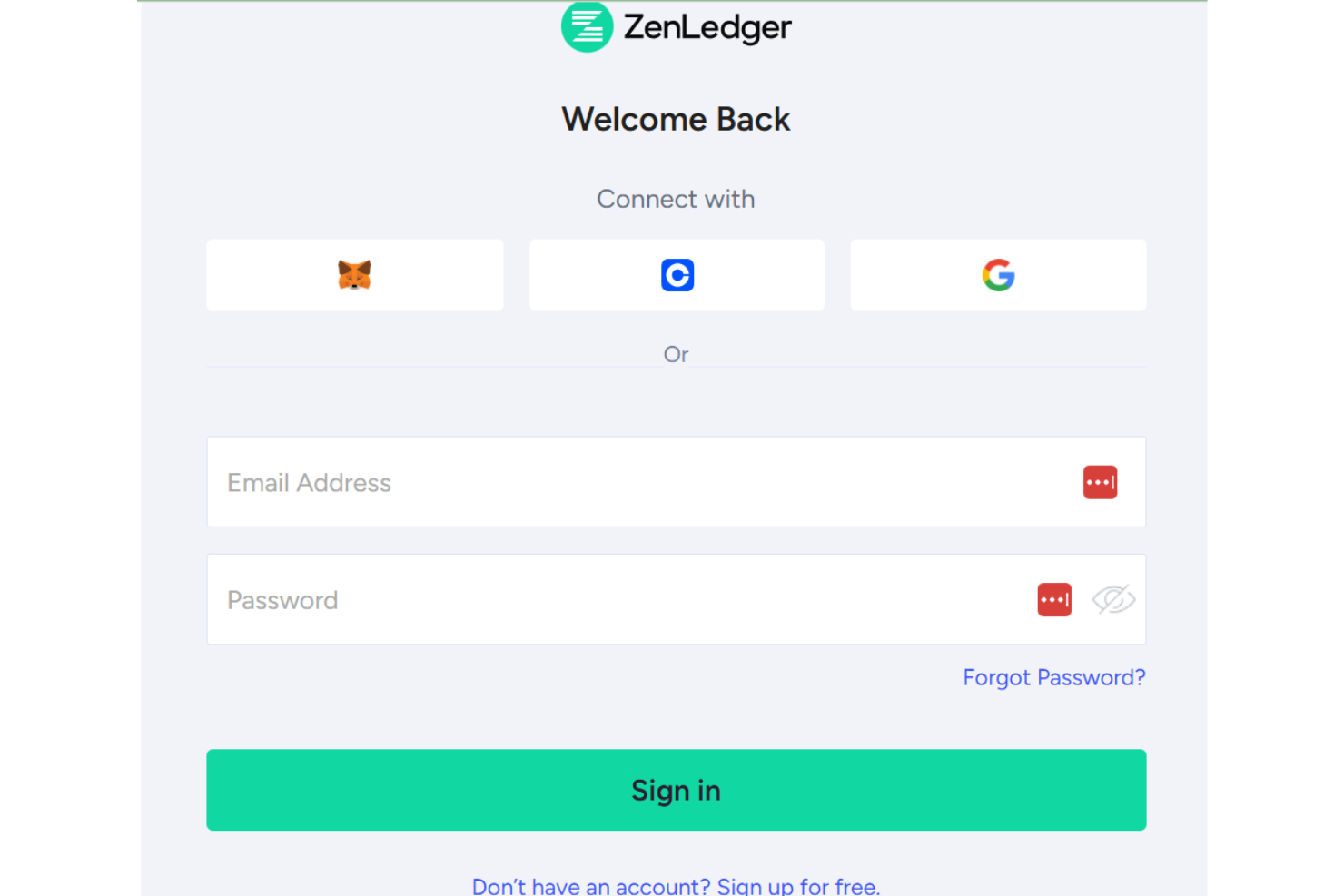
Customer Support
ZenLedger's customer support gets mixed reviews. They offer email, phone, and chat support, but users often find the team’s responsiveness lacking. While a self-service portal helps with some troubleshooting, this may not be sufficient when you need quick solutions.

Integrations
ZenLedger integrates with popular exchanges and wallets, including Binance, Nexo, PancakeSwap, SushiSwap, Uniswap, TurboTax, and TaxAct.
ZenLedger also offers an API and has third-party integration capabilities, collaborating with tax technology providers such as April for enhanced tax filing solutions.

Value for Money
ZenLedger's pricing offers good value, especially for users dealing with a large number of transactions. Users appreciate the detailed reporting for DeFi, staking, and NFTs, which are included across all plans. The flexibility to invite tax professionals without additional fees adds to its appeal. A free trial is available, allowing your team to assess its features before committing.
- Silver: $49 per year; includes up to 100 transactions.
- Gold: $199 per year; allows for up to 5,000 transactions.
- Platinum: $399 per year; offers up to 15,000 transactions

ZenLedger Specs
- Analytics
- API
- BitCoin
- Dashboard
- Data Export
- Data Import
- Data Visualization
- External Integrations
- Multi-User
- Notifications
- PayPal
- Stripe
ZenLedger FAQs
How does ZenLedger handle data security and compliance?
Can ZenLedger assist with tax reporting for cryptocurrency transactions?
How does ZenLedger integrate with existing financial systems?
Can ZenLedger help with audit preparation?
How does ZenLedger ensure accuracy in tax calculations?
Does ZenLedger offer multi-currency support?
How can ZenLedger improve financial transparency for my organization?
ZenLedger Company Overview & History
ZenLedger, founded in 2017 and headquartered in Chadds Ford, Pennsylvania, is a leading provider of cryptocurrency data analysis, accounting, and tax solutions. The company has grown significantly, achieving a 5x increase in sales year-over-year. ZenLedger supports a wide range of exchanges, wallets, and DeFi protocols, making it an effective tool for crypto investors and financial professionals. Its workforce includes experts in technology, finance, and accounting. ZenLedger's notable clients include the IRS and major accounting firms, and it is recognized for its innovative solutions in the crypto tax space.
ZenLedger Major Milestones
2017: Founded by Pat Larsen and Brian Starbuck.
2022: Raised $15 million in Series B funding led by ParaFi Capital.
2022: Achieved a 5x increase in sales year-over-year.