
Archer Review: Pros, Cons, Features, and Pricing
Archer excels in providing comprehensive risk management solutions, making it a top choice for teams needing robust compliance and risk assessment capabilities.

We review tools independently, and commissions help fund our testing. See our transparency policy, our methodology, or suggest a tool.
Archer is an enterprise risk management solution built for large organizations that need to manage risk, compliance, audit, and third-party programs within a single, highly configurable platform. I'd consider it if your organization has complex, cross-functional risk governance needs and wants more flexibility than something like ServiceNow GRC, which tends to center its workflows around IT operations rather than broader enterprise risk programs.
Archer Evaluation Summary
3.6/5
- Pricing upon request
- Free demo available
Why Trust Our Software Recommendations
6,700+
Reviews
20
Industry experts
16+
Evaluation factors
14
Years
Our team has been testing and reviewing software since 2012. As finance leaders ourselves, we know how difficult—and important—it is to choose the right software.
For this guide, we evaluated tools using hands-on testing and independent research, scoring tools using our selection criteria.
Our reviews reflect our human editorial judgment, not a sales pitch.
Archer Overview
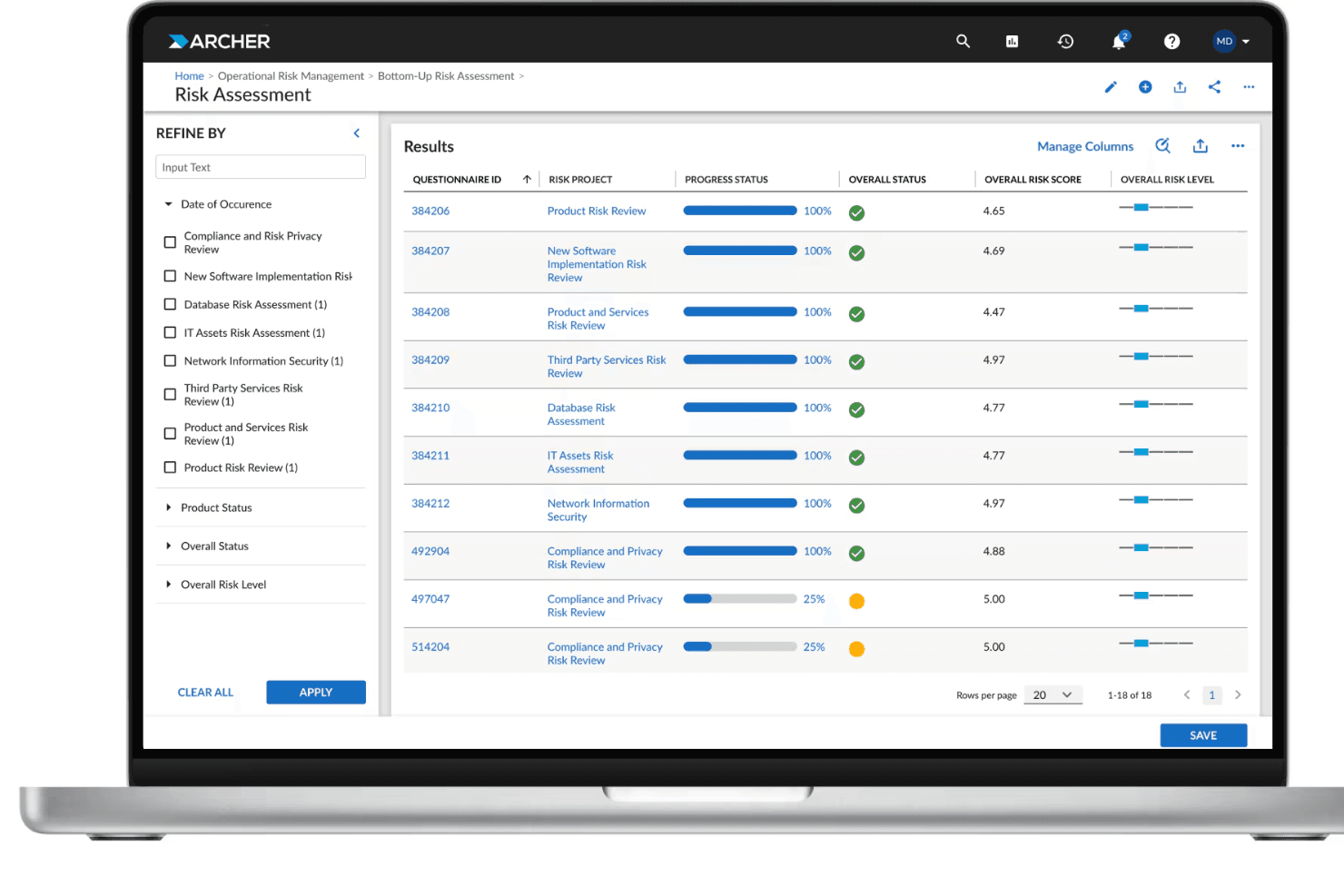
In my opinion, Archer is a strong contender for organizations seeking dependable financial risk management solutions. It stands out for its automation capabilities, which streamline processes like risk assessment, regulatory compliance, and reporting. While new users may find the platform’s configuration and onboarding somewhat complex due to its breadth of features, the overall usability and flexibility of its integrated modules make it a powerful tool once deployed.
Compared to other enterprise risk systems, Archer’s standout qualities lie in its scalability and robust governance framework rather than flashy interfaces or plug-and-play simplicity. It’s particularly well-suited for mid-to-large enterprises in sectors such as finance, insurance, and energy, industries where regulatory oversight and operational resilience are paramount. If your organization values control, auditability, and automation in risk management, Archer deserves a serious look.
Pros
- Archer provides customizable dashboards for tailored risk management insights.
- It offers flexible reporting tools that enhance risk oversight and management.
- The software is highly regarded for its strong security assessments.
Cons
- The interface can be complex and challenging for new users.
- Onboarding may require significant time investment from your team.
- Users occasionally report difficulty accessing customer support
Is Archer Right For Your Needs?
Who Would be a Good Fit for Archer?
Archer suits large enterprises, especially in finance and insurance, where your team needs detailed risk assessments and governance controls. Its customizable dashboards and flexible reporting are ideal for departments that require tailored insights and robust security features. If your team values comprehensive risk oversight and detailed analysis, Archer is well-suited for your needs.
- Finance DepartmentsArcher excels in providing detailed risk assessments, which are crucial for effective financial oversight.
- Insurance CompaniesIt offers robust risk management, essential for evaluating and mitigating insurance risks.
- Large EnterprisesArcher's customizable features cater to complex organizational structures and diverse risk profiles.
- Security TeamsThe software's security assessments are invaluable for identifying vulnerabilities.
- Risk Management TeamsIts flexible reporting tools enhance your team's ability to oversee and manage risks effectively.
- Governance TeamsArcher provides comprehensive governance controls that align well with regulatory compliance needs.
Who Would be a Bad Fit for Archer?
Archer may not be suitable for small businesses or startups with limited budgets and resources. Its complex interface and comprehensive features can overwhelm teams with fewer risk management needs. If your team is seeking a straightforward solution without extensive customization, Archer may not meet your expectations. The onboarding process can be time-consuming and might not align with your team's fast-paced environment.
- Small BusinessesArcher's complexity and cost may not align with your limited resources and simpler needs.
- StartupsThe extensive onboarding process could hinder your fast-paced and adaptable work culture.
- Non-Financial SectorsIndustries with minimal risk management needs might find Archer's features excessive.
- FreelancersIndividual users don't need Archer's comprehensive risk management capabilities.
- Basic Compliance TeamsTeams with simple compliance requirements may find Archer's features unnecessarily complex.
- Low-Tech EnvironmentsOrganizations without tech-savvy teams may struggle with Archer's intricate interface and setup process.
How We Test & Score Tools
We’ve spent years building, refining, and improving our software testing and scoring system. The rubric is designed to capture the nuances of software selection and what makes a tool effective, focusing on critical aspects of the decision-making process.
Below, you can see exactly how our testing and scoring works across seven criteria. It allows us to provide an unbiased evaluation of the software based on core functionality, standout features, ease of use, onboarding, customer support, integrations, customer reviews, and value for money.
Core Functionality (25% of final scoring)
The starting point of our evaluation is always the core functionality of the tool. Does it have the basic features and functions that a user would expect to see? Are any of those core features locked to higher-tiered pricing plans? At its core, we expect a tool to stand up against the baseline capabilities of its competitors.
Standout Features (25% of final scoring)
Next, we evaluate uncommon standout features that go above and beyond the core functionality typically found in tools of its kind. A high score reflects specialized or unique features that make the product faster, more efficient, or offer additional value to the user.
We also evaluate how easy it is to integrate with other tools typically found in the tech stack to expand the functionality and utility of the software. Tools offering plentiful native integrations, 3rd party connections, and API access to build custom integrations score best.
Ease of Use (10% of final scoring)
We consider how quick and easy it is to execute the tasks defined in the core functionality using the tool. High scoring software is well designed, intuitive to use, offers mobile apps, provides templates, and makes relatively complex tasks seem simple.
Onboarding (10% of final scoring)
We know how important rapid team adoption is for a new platform, so we evaluate how easy it is to learn and use a tool with minimal training. We evaluate how quickly a team member can get set up and start using the tool with no experience. High scoring solutions indicate little or no support is required.
Customer Support (10% of final scoring)
We review how quick and easy it is to get unstuck and find help by phone, live chat, or knowledge base. Tools and companies that provide real-time support score best, while chatbots score worst.
Customer Reviews (10% of final scoring)
Beyond our own testing and evaluation, we consider the net promoter score from current and past customers. We review their likelihood, given the option, to choose the tool again for the core functionality. A high scoring software reflects a high net promoter score from current or past customers.
Value for Money (10% of final scoring)
Lastly, in consideration of all the other criteria, we review the average price of entry level plans against the core features and consider the value of the other evaluation criteria. Software that delivers more, for less, will score higher.
Core Features
Risk Assessment Tools: Archer provides tools to identify and evaluate risks across your organization. These tools help your team prioritize and mitigate threats effectively.
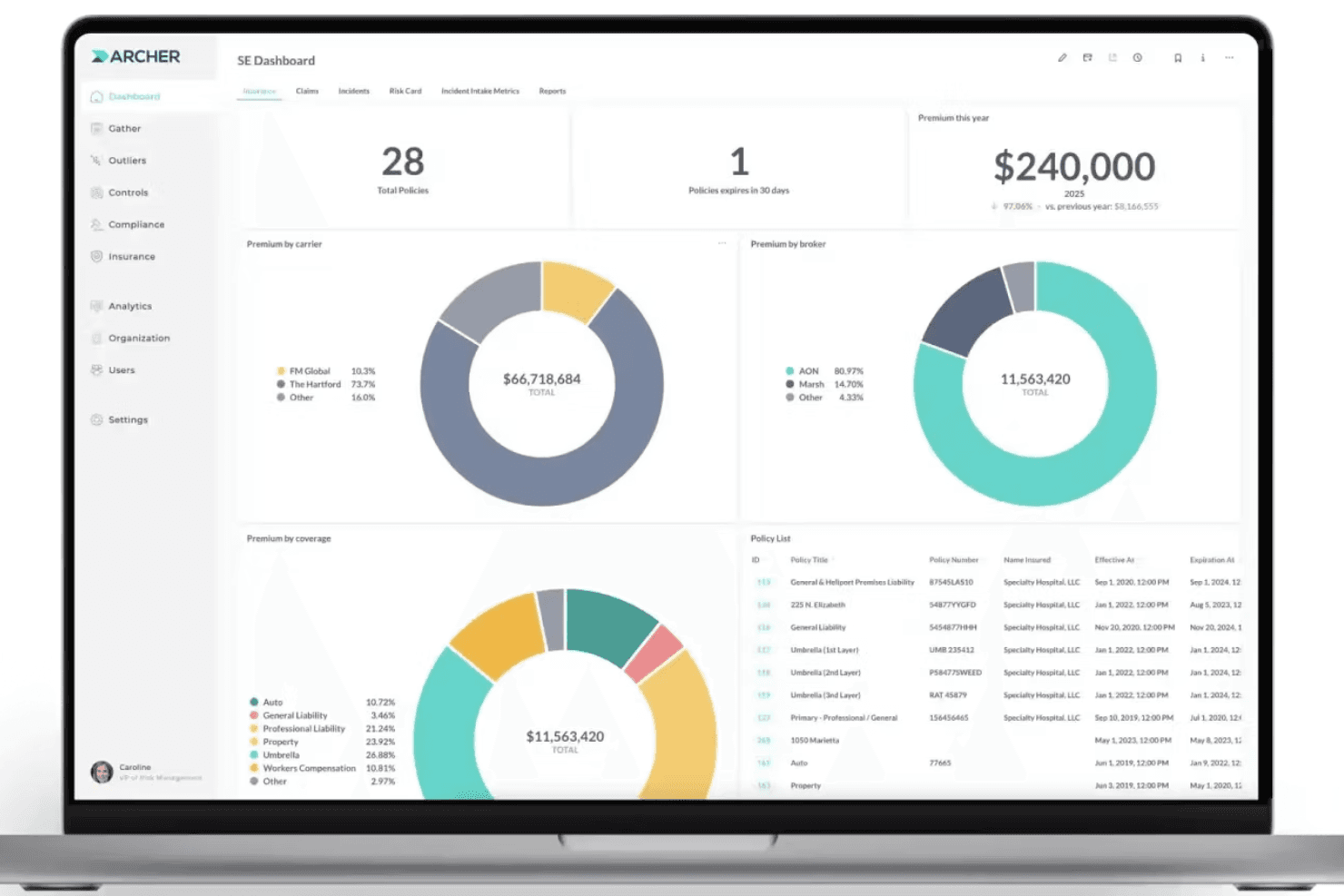
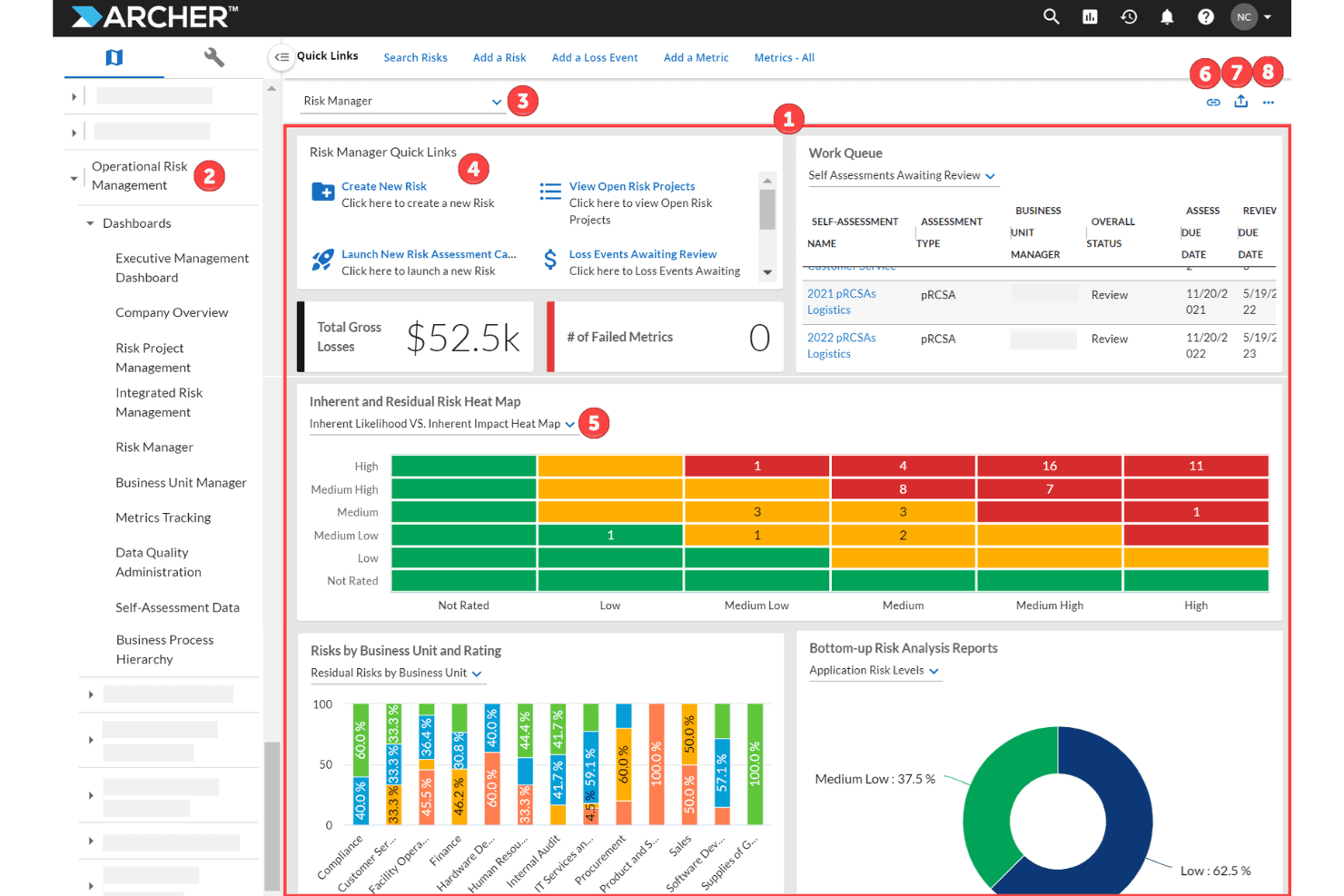
Customizable Dashboards: You can tailor dashboards to fit your specific risk management needs. This ensures your team gets the insights that matter most to your work.
Compliance Management: Archer helps you track and manage compliance requirements. This feature keeps your team aligned with industry regulations effortlessly.
Incident Management: Quickly log and respond to incidents with Archer's tracking system. Your team can ensure timely resolution and minimize impact.
Audit Management: Archer streamlines the audit process by tracking findings and actions. This feature helps your team maintain accountability and transparency.
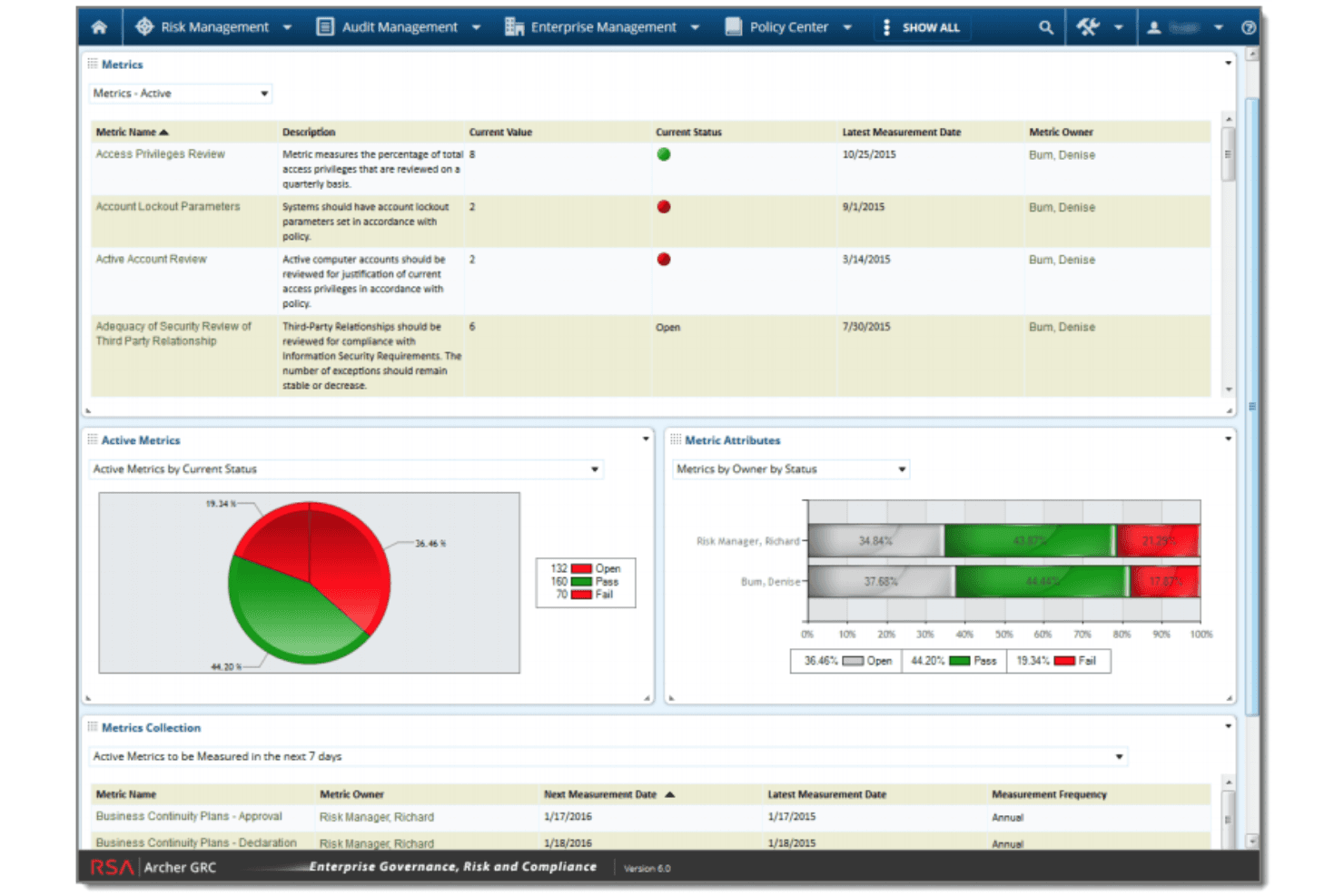
Reporting Tools: Generate detailed reports with Archer's flexible reporting tools. Your team benefits from clear, actionable insights for decision-making.
Standout Features
Security Assessments: Archer excels in providing detailed security evaluations. This feature enables your team to identify vulnerabilities and strengthen defenses.
Governance Controls: Archer offers robust governance tools that align with regulatory standards. These controls support your organization's compliance and risk management strategies.
Ease of Use
Archer's interface can be daunting, especially for new users, due to its comprehensive feature set. Your team might find the learning curve steep, but once you're familiar with it, the customization options offer great flexibility. User reviews suggest that while the initial setup may require effort, the payoff comes in efficient risk management and tailored insights. If your team is ready to invest time in learning, Archer's capabilities can significantly enhance your risk management processes
Onboarding
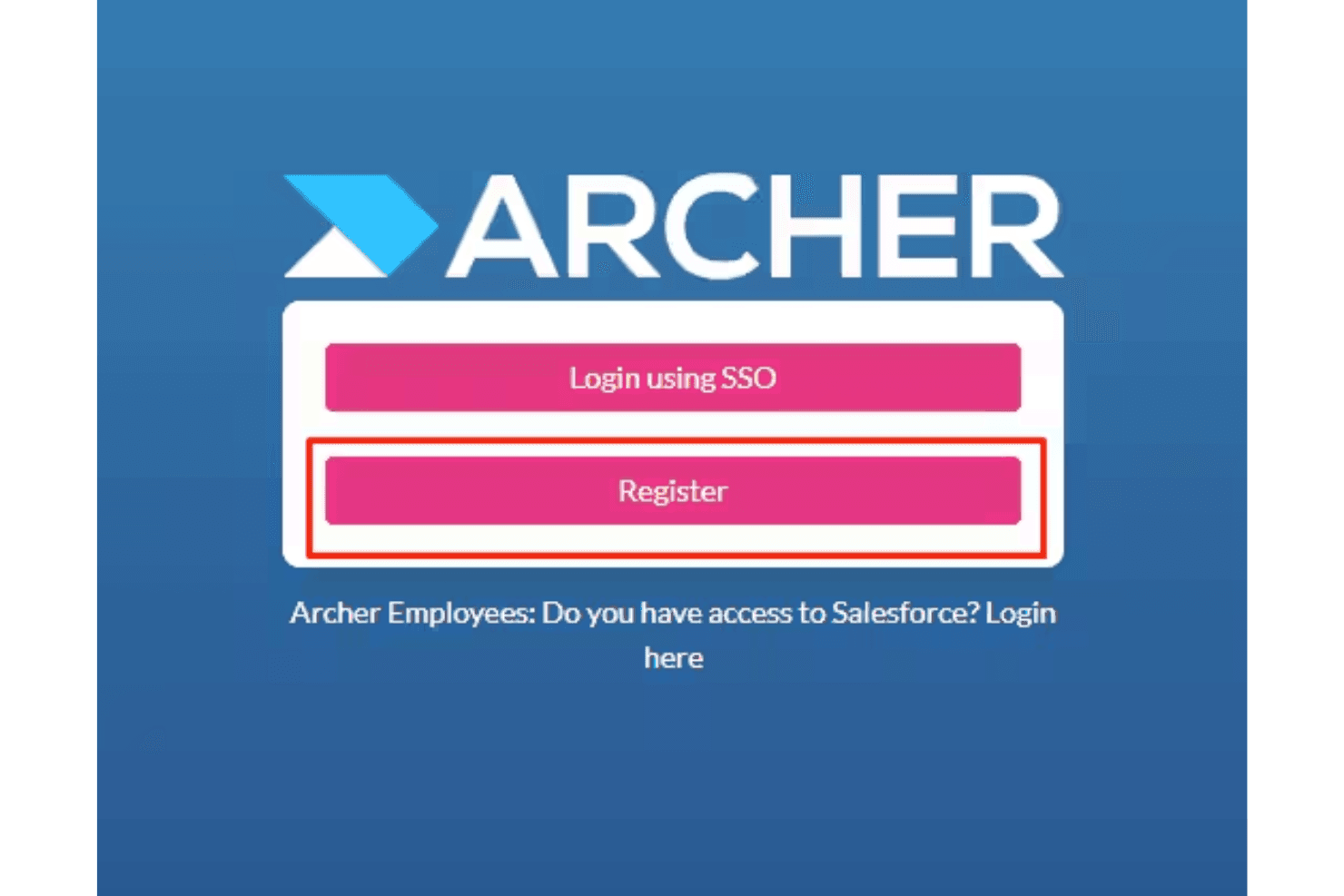
Archer's onboarding can be lengthy, requiring a significant time investment from your team. While the process is detailed, it ensures that you fully understand the platform's capabilities. Users report that the available support and resources, such as tutorials and customer service, are helpful but could be more responsive. If your team is ready to commit the time, you'll find that the comprehensive onboarding equips you well for effective risk management.
Customer Support
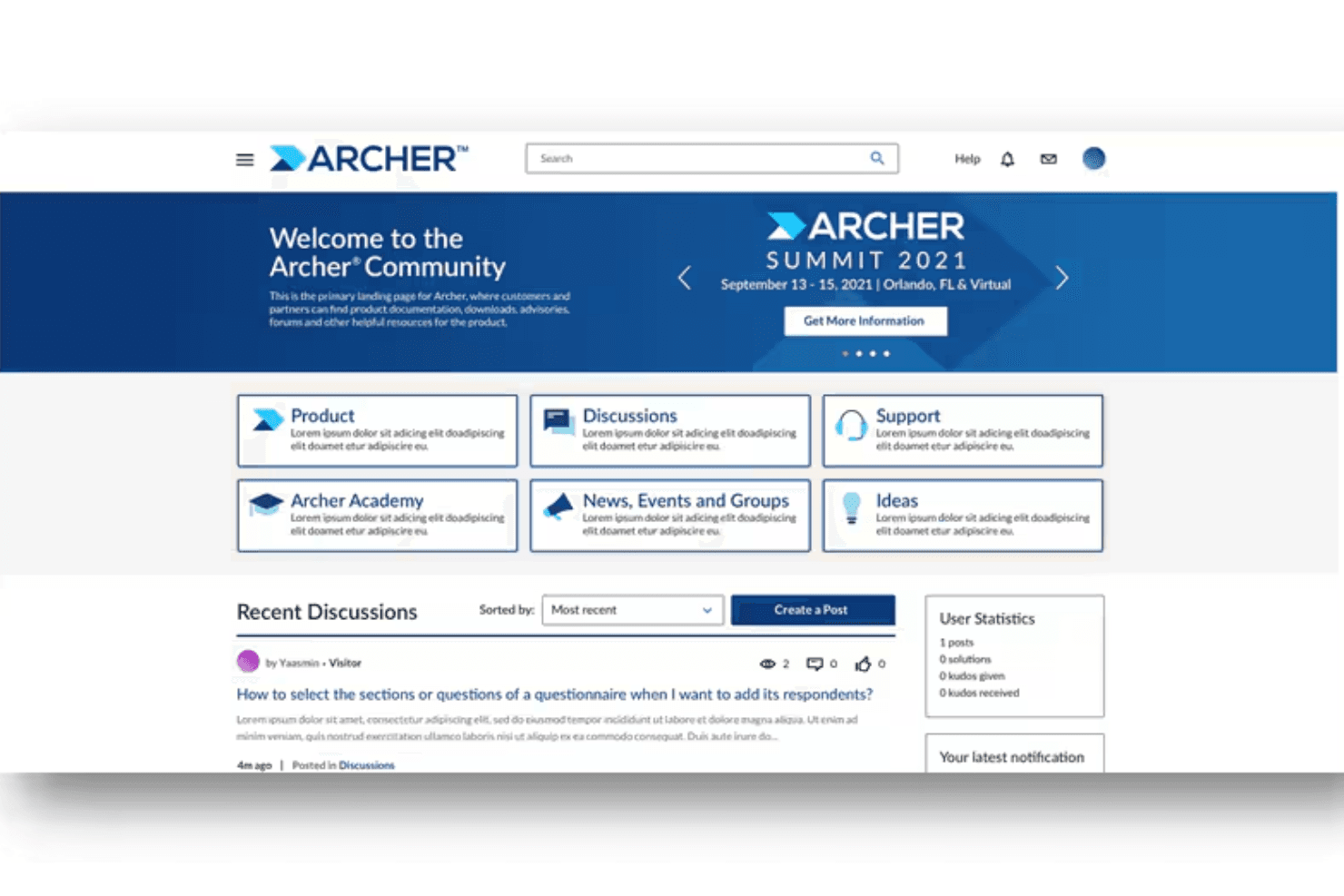
Archer's customer support receives mixed reviews, with some end users finding it less responsive than expected. Your team might experience delays in getting assistance, which can lead to a negative customer experience. While the support resources, such as documentation and tutorials, are comprehensive, direct assistance could improve. If your team relies on immediate support, consider this when evaluating Archer's suitability for your workflow needs.
Integrations
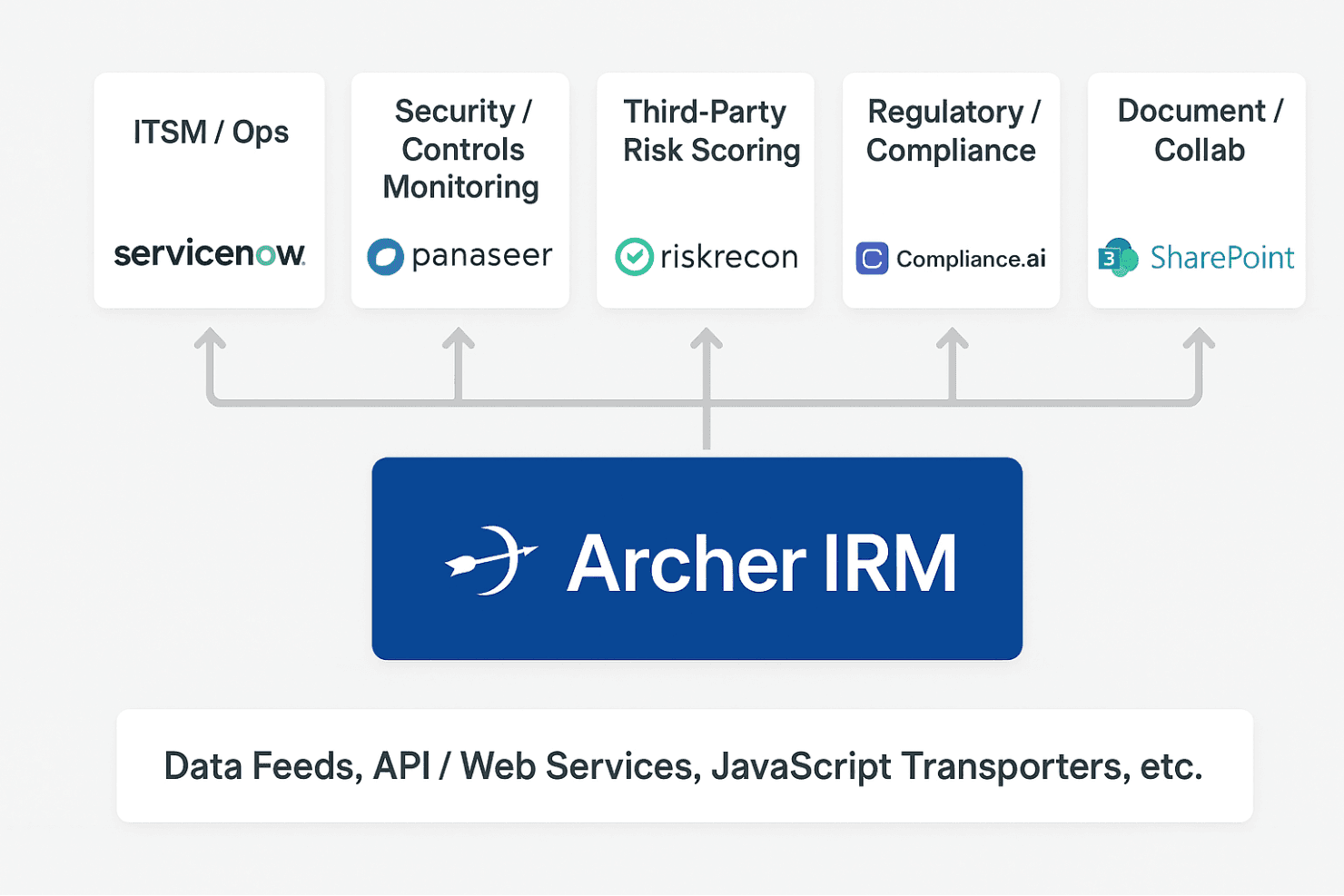
Archer integrates with ServiceNow, Tenable.io, Rapid7, Qualys, Microsoft 365 OneDrive and SharePoint, Microsoft Entra ID, Tableau, Power BI, BitSight, and SecurityScorecard.
Archer also provides an API for custom integrations and connects with third-party integration tools.
Value for Money
Archer’s official website does not publish specific pricing details for its risk management software. Instead, it emphasizes that pricing is tailored to each organization’s needs and encourages prospective customers to request a demo or contact sales for customized information. The availability of a free trial allows your team to evaluate Archer before committing to a purchase.
Archer Specs
- Access Management: No
- API: Yes
- Approval Workflows: Yes
- Audit Management: Yes
- Compliance Tracking: Yes
- Dashboards: Yes
- Data Export: No
- Data Import: No
- Document Management: Yes
- Environmental Management: Yes
- External Integrations: Yes
- Incident Management: Yes
- Multi-User: Yes
- Notifications: Yes
- Policy Management: Yes
- Regulatory Alerts: Yes
- Remediation: Yes
- Report & Compliance: No
- Reports: Yes
- Risk Assessment: Yes
- Safety Management: No
- Status Notifications: Yes
- Threat Detection: No
Archer FAQs
Archer Company Overview & History
Archer Technologies LLC is a global provider of integrated risk-management software solutions, headquartered in the United States. With more than 20 years of experience in the governance, risk & compliance (GRC) space, Archer helps organizations unify stakeholders, integrate technologies, and transform risk into reward. The company supports customers in over 48 countries. In April 2023, Archer was acquired by private-equity firm Cinven, which is now accelerating its investment in AI-powered cloud innovations like Archer Evolv to help organizations gain a unified, enterprise-wide view of their risk and compliance posture.
Archer Major Milestones
2001: Founded as an independent company focusing on GRC software.
2010: Acquired by EMC Corporation, which integrated the platform into its security division, leading to its brand recognition as RSA Archer.
2020: Included in the sale of RSA Security by Dell Technologies to a consortium led by Symphony Technology Group (STG).
2021: STG and Clearlake Capital successfully established Archer as a dedicated, standalone integrated risk management business following its carve-out.
2023: Acquired by international private equity firm Cinven.