

Lightyear Review: Pros, Cons, Features, and Pricing
Lightyear excels in automating invoice processing with user-friendly features, making it a top choice for efficient accounts payable management.

We review tools independently, and commissions help fund our testing. See our transparency policy, our methodology, or suggest a tool.
Lightyear is an accounts payable software built around automated data capture, purchase order matching, and multi-step approval workflows. I'd mainly consider it if your team processes a high volume of supplier invoices and needs accurate line-item extraction without manual data entry. If you're weighing it against BILL, Lightyear's strength is in the pre-payment data trail, whereas BILL skews more toward payment execution and vendor management.
Lightyear Evaluation Summary

5/5
- Pricing upon request
- Free demo available
Why Trust Our Software Recommendations
6,700+
Reviews
20
Industry experts
16+
Evaluation factors
14
Years
Our team has been testing and reviewing software since 2012. As finance leaders ourselves, we know how difficult—and important—it is to choose the right software.
For this guide, we evaluated tools using hands-on testing and independent research, scoring tools using our selection criteria.
Our reviews reflect our human editorial judgment, not a sales pitch.
Lightyear Overview
In my opinion, Lightyear is a top-tier cloud-based AP software. It excels in automating invoice processing and offers a user-friendly interface that stands out compared to others. The onboarding process is smooth, making it easy for teams to adopt. While it might not be the cheapest option, the value for money it provides justifies the cost, especially for medium to large businesses.
It’s best suited for industries that handle large volumes of invoices, like retail and manufacturing. However, smaller businesses might find the pricing a bit steep compared to simpler solutions. Overall, Lightyear is a solid choice if you're looking for efficiency, strong approval workflows, and robust support in your accounts payable processes.
Pros
- Lightyear automates invoice processing, saving your team time and effort.
- Its user-friendly interface makes it easy for your team to navigate.
- Customer support is responsive and helps solve your issues quickly, with clear notifications throughout the process.
Cons
- Smaller businesses might find it too advanced for their needs.
- Some users report occasional glitches in the software.
- Customization options are limited compared to other tools.
Is Lightyear Right For Your Needs?
Who Would be a Good Fit for Lightyear?
Lightyear is ideal for medium to large enterprises needing efficient invoice and payment processing tools. If your team handles a high volume of invoices, Lightyear’s AP automation can save significant time. Industries like retail and manufacturing, where invoice accuracy and speed are crucial, will benefit. Its ease of use, user experience, and strong customer support make it an excellent choice for finance teams looking to improve workflow efficiency.
- Retail OperationsLightyear helps your team process large volumes of invoices quickly, boosting efficiency and accuracy.
- Manufacturing CompaniesWith automated approval workflows, Lightyear ensures your invoice processing is consistent, accurate, and error-free.
- Finance DepartmentsLightyear simplifies your invoice and document management, helping finance teams maintain organized records effortlessly.
- Accounts Payable TeamsYour bookkeeper and AP team can focus on strategic tasks as Lightyear automates routine invoice processing and manages credit notes efficiently.
- Large EnterprisesLightyear scales with your business, managing increased invoice volume and line-item data without slowing down.
- Multi-location BusinessesLightyear's centralized, cloud-based system keeps your invoice processing seamless across different locations, improving statement reconciliation.
Who Would be a Bad Fit for Lightyear?
Lightyear isn't ideal for small businesses with limited invoice volume. Its advanced features, such as multi-user permissions and complex approval processes, might be unnecessary and too costly for your needs. Freelancers or solo entrepreneurs won’t benefit from its extensive AP automation capabilities. If your team doesn’t process many invoices, you might find simpler software more suitable. Additionally, businesses with highly customized invoicing needs may find Lightyear’s limited customization options restrictive.
- Small BusinessesLightyear’s advanced features can be excessive for your limited invoice processing needs.
- FreelancersYour work doesn’t require extensive invoice management or approval workflows, making Lightyear an overinvestment.
- StartupsIf your company is just starting, you might not need Lightyear’s full functionality.
- Solo EntrepreneursHandling invoices on your own makes entry-level software a better fit than Lightyear.
- Highly Customized NeedsIf you need extensive customization, Lightyear’s options might not meet your requirements.
- Low Invoice VolumeIf your team processes only a few invoices, you might find Lightyear’s features unnecessary.
How We Test & Score Tools
We’ve spent years building, refining, and improving our software testing and scoring system. The rubric is designed to capture the nuances of software selection and what makes a tool effective, focusing on critical aspects of the decision-making process.
Below, you can see exactly how our testing and scoring works across seven criteria. It allows us to provide an unbiased evaluation of the software based on core functionality, standout features, ease of use, onboarding, customer support, integrations, customer reviews, and value for money.
Core Functionality (25% of final scoring)
The starting point of our evaluation is always the core functionality of the tool. Does it have the basic features and functions that a user would expect to see? Are any of those core features locked to higher-tiered pricing plans? At its core, we expect a tool to stand up against the baseline capabilities of its competitors.
Standout Features (25% of final scoring)
Next, we evaluate uncommon standout features that go above and beyond the core functionality typically found in tools of its kind. A high score reflects specialized or unique features that make the product faster, more efficient, or offer additional value to the user.
We also evaluate how easy it is to integrate with other tools typically found in the tech stack to expand the functionality and utility of the software. Tools offering plentiful native integrations, 3rd party connections, and API access to build custom integrations score best.
Ease of Use (10% of final scoring)
We consider how quick and easy it is to execute the tasks defined in the core functionality using the tool. High scoring software is well designed, intuitive to use, offers mobile apps, provides templates, and makes relatively complex tasks seem simple.
Onboarding (10% of final scoring)
We know how important rapid team adoption is for a new platform, so we evaluate how easy it is to learn and use a tool with minimal training. We evaluate how quickly a team member can get set up and start using the tool with no experience. High scoring solutions indicate little or no support is required.
Customer Support (10% of final scoring)
We review how quick and easy it is to get unstuck and find help by phone, live chat, or knowledge base. Tools and companies that provide real-time support score best, while chatbots score worst.
Customer Reviews (10% of final scoring)
Beyond our own testing and evaluation, we consider the net promoter score from current and past customers. We review their likelihood, given the option, to choose the tool again for the core functionality. A high scoring software reflects a high net promoter score from current or past customers.
Value for Money (10% of final scoring)
Lastly, in consideration of all the other criteria, we review the average price of entry level plans against the core features and consider the value of the other evaluation criteria. Software that delivers more, for less, will score higher.
Core Features
Automated Invoice Processing
Lightyear automatically captures and processes invoices, reducing manual entry for your team. This saves time and minimizes errors in your workflows.
Approval Workflows
You can set up custom approval workflows to ensure invoices are reviewed by the right people. This streamlines the approval process and keeps things moving smoothly.
Real-time Reporting
Lightyear offers real-time insights into your payables, helping your team make informed financial decisions. You can track metrics and monitor your cash flow effortlessly.
Document Storage
Lightyear securely stores all your invoices, credit notes, and related documents in one place. This makes retrieval easy and keeps your document management organized.
Multi-currency Support
Your team can handle invoices in different currencies, making Lightyear ideal for global businesses. This feature simplifies international payment processing.
User Permissions
You can control who has access to what features within Lightyear, ensuring security and compliance. This allows you to manage your team’s access efficiently.
Standout Features
Smart Data Extraction
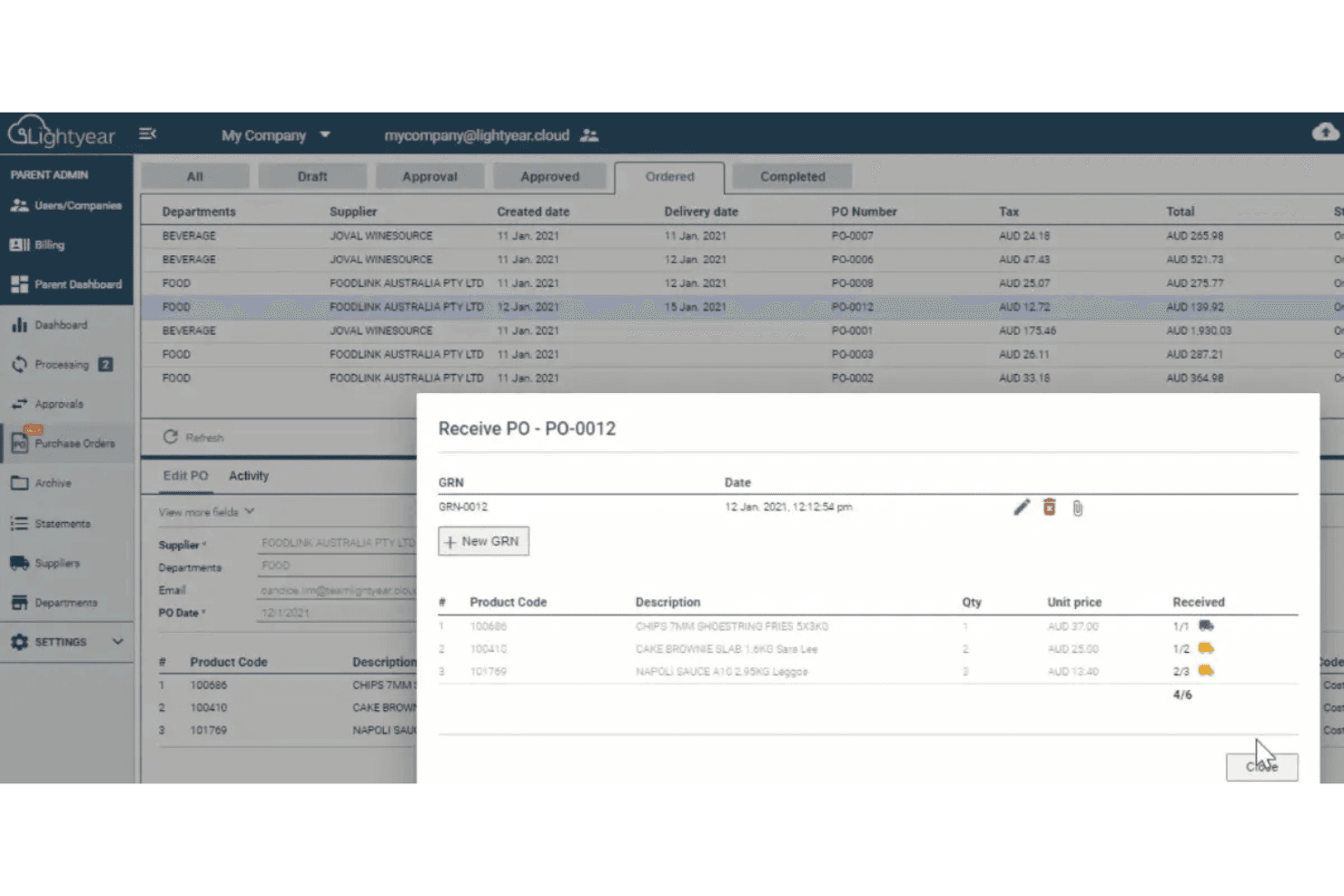
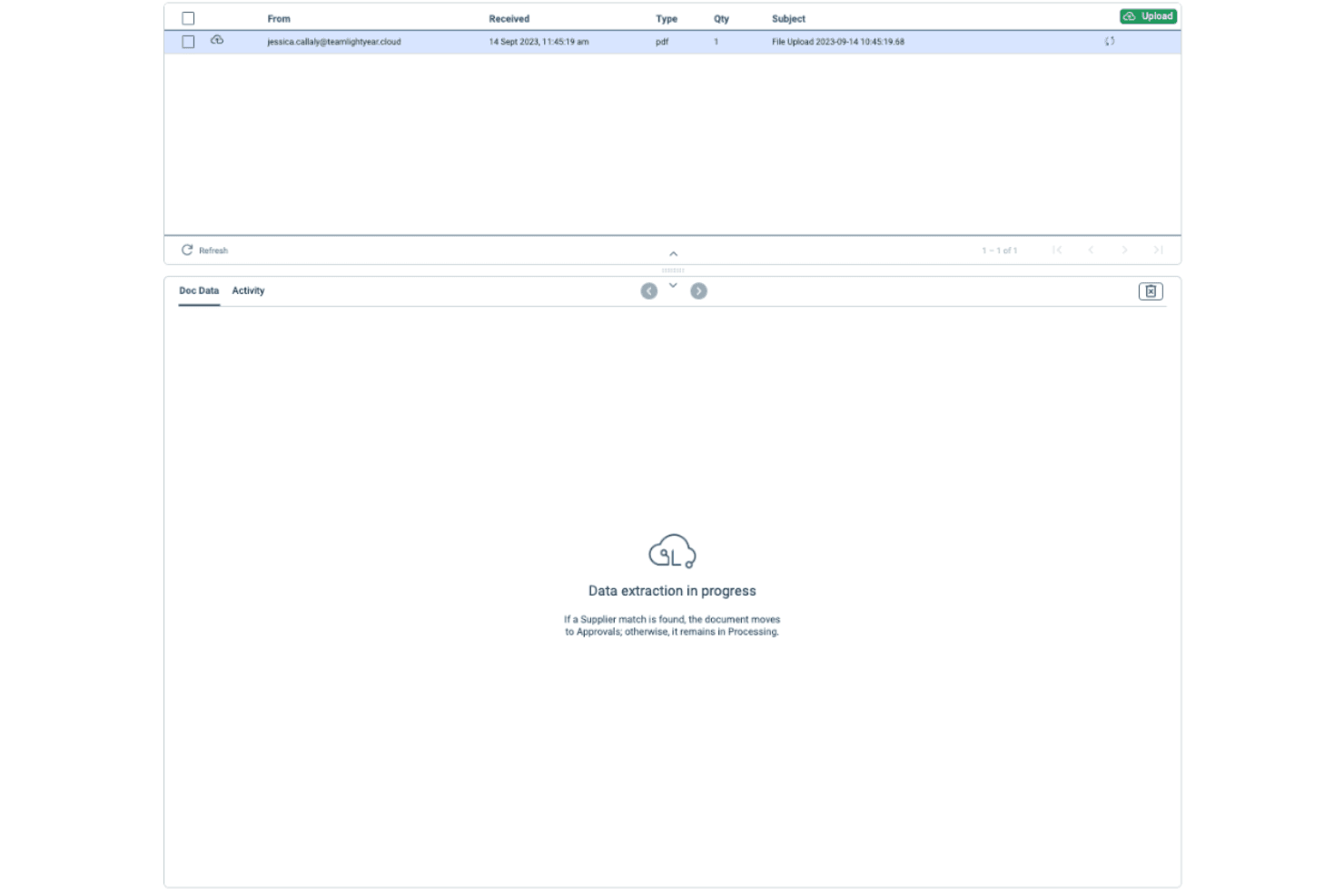
Lightyear uses advanced technology to extract line-item data from invoices quickly and accurately. This feature reduces the need for manual data entry and boosts your team's productivity.
Supplier Portal
Suppliers can access their own portal to upload invoices and track payment status. This improves communication and transparency between your bookkeeper and suppliers.
Ease of Use
Lightyear is remarkably user friendly, making it easy for your team to navigate its features. Its intuitive interface simplifies tasks like invoice processing, approval workflows, and statement reconciliation. Users appreciate the clean layout, which reduces the learning curve and lets your team focus on their work. Compared to similar AP software, Lightyear's design and functionality stand out, ensuring you can manage your accounts payable tasks efficiently without hassle.

Onboarding
Lightyear offers a smooth onboarding experience, helping your team get up and running quickly. The platform provides clear tutorials and comprehensive resources that guide new end users through its features. Users report that the support team is responsive and helpful, ensuring you can address any initial challenges promptly. This efficient onboarding process minimizes downtime and lets your team start realizing value from the software without delay.
Customer Support
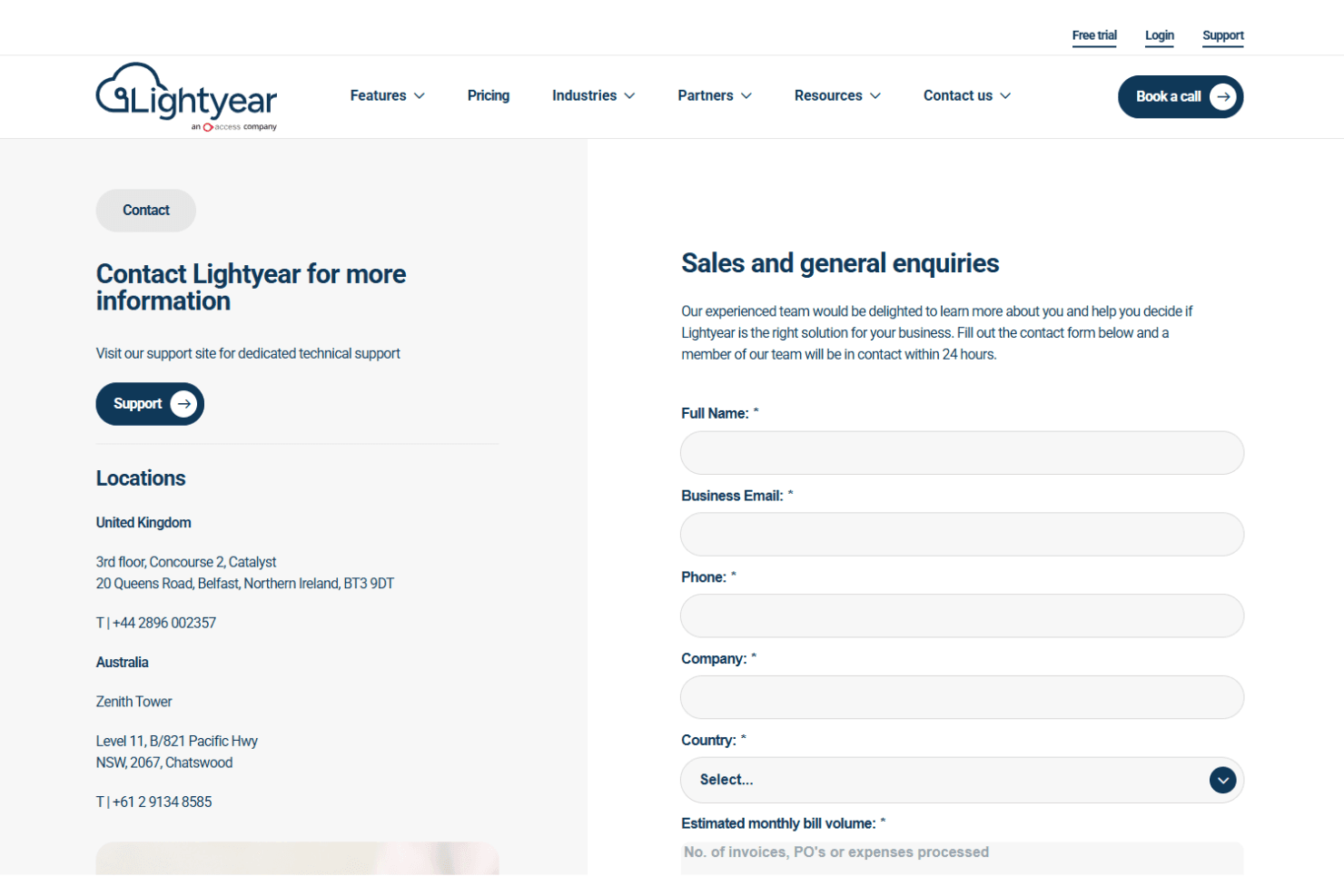
Lightyear's customer support is highly regarded for being responsive and effective. Users appreciate the multiple support channels, including live chat and email, which ensure your team gets assistance when needed. The support team is knowledgeable and quick to resolve issues, helping you maintain smooth operations. With comprehensive resources and prompt service, Lightyear ensures you can address any challenges efficiently, making your experience with the software more productive and less stressful.
Integrations
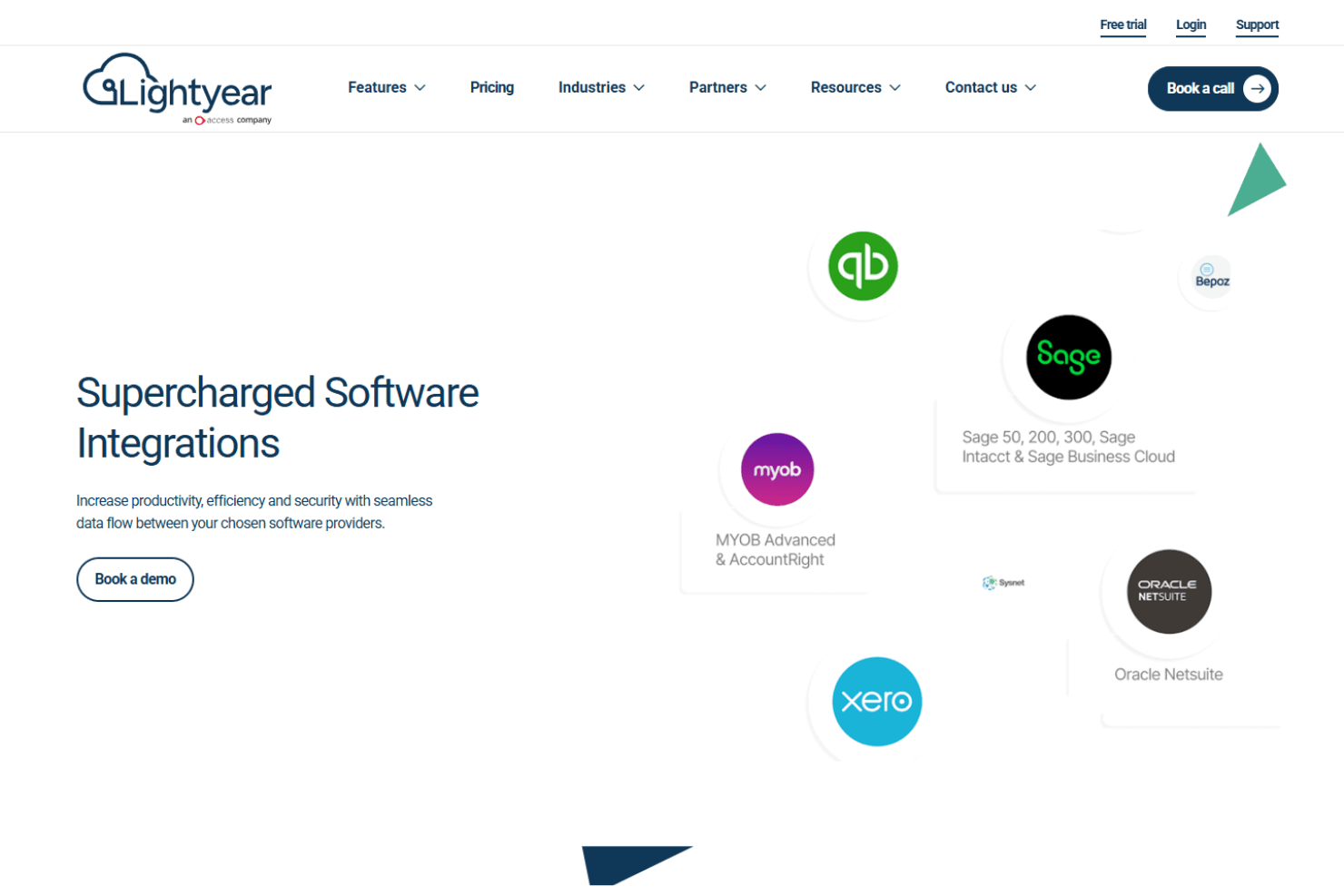
Lightyear integrates with Xero, QuickBooks, Sage Intacct, MYOB, NetSuite, Microsoft Dynamics, SAP, and Oracle. Lightyear also offers an API for custom integrations, allowing you to connect with applications like FreshBooks and Zoho Books via third-party integration tools.
Value for Money
Lightyear offers excellent value for money, providing robust features that justify the cost for medium to large businesses. Users find that its ease of use, approval workflows, and automation features align well with the comprehensive functionality offered, ensuring your team gets efficient payment processing and invoice management. A 30-day free trial is available, allowing you to evaluate the AP software before committing.
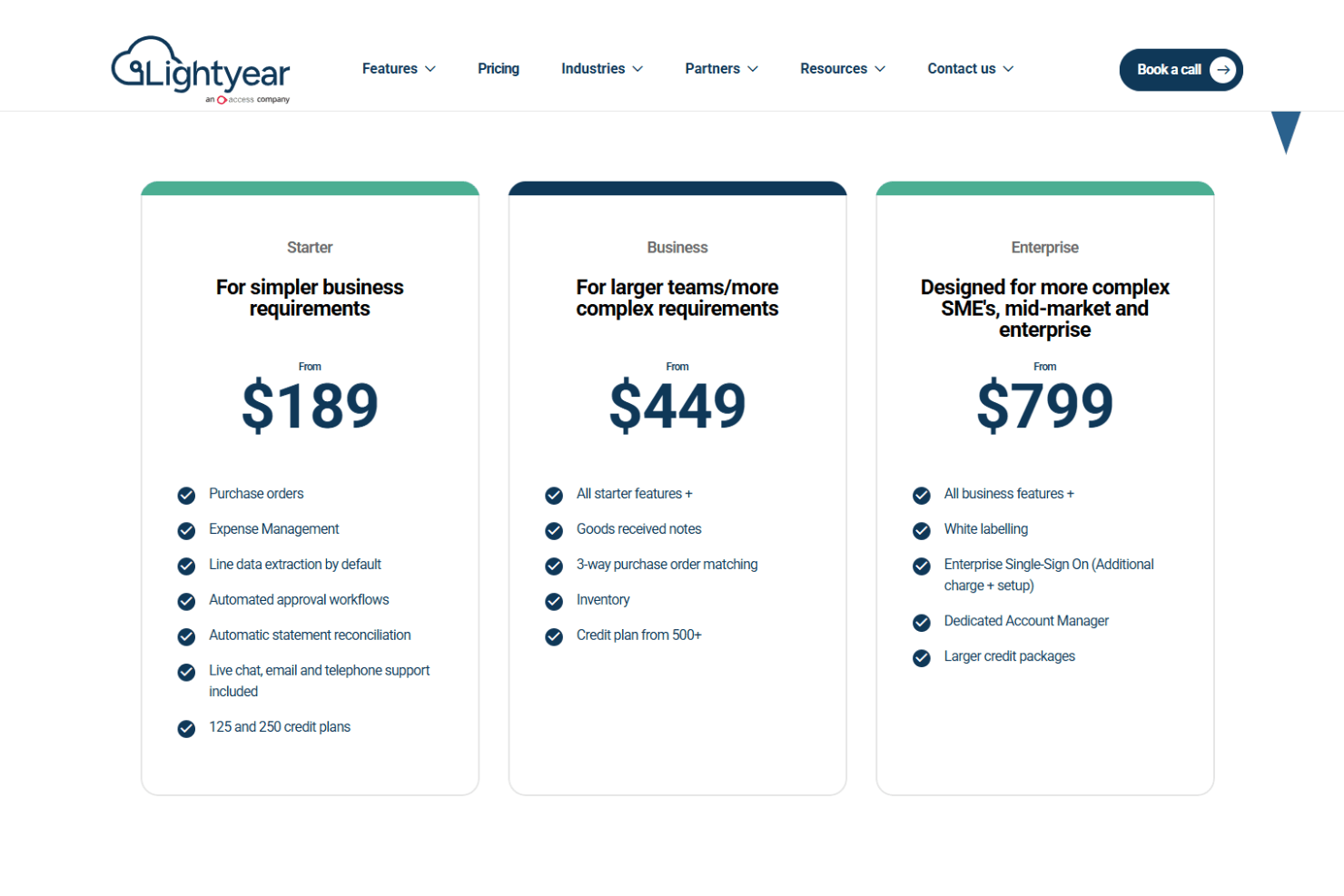
- Starter Plan: Core features for small teams starting at $189 per month, with the option of 125 and 250 credit notes per plan. Credits are linked to your invoice volume.
- Business Plan: Advanced functionalities for growing teams from $449 per month with a credit plan in excess of 500 credits.
- Enterprise Plan: Custom solutions for large organizations from $799 per month with larger credit packages.
Lightyear Specs
- 2-Factor Authentication: No
- Analytics: Yes
- Anti-Virus: No
- API: Yes
- Batch Permissions & Access: Yes
- Bug Tracking: No
- Call Integration: No
- Chat: No
- Contact Management: No
- CRM Integration: Yes
- Customer Management: No
- Data Export: Yes
- Data Import: Yes
- Email Integration: No
- Escalation Management: No
- External Integrations: Yes
- Incident Management: No
- Instant Chat Integration: No
- Knowledge Base: No
- Malware Protection: No
- Multi-User: Yes
- Notifications: Yes
- Organization Management: No
- Password & Access Management: No
- Project Management: No
- Real-time Alerts: Yes
- SAP Integration: No
- Self-service Portal: Yes
- Social Media Integration: No
- Support Forum: No
- Ticket Management: No
- Workflow Management: Yes
Lightyear FAQs
Lightyear Company Overview & History
Lightyear is a global SaaS company founded in 2009 by Chris and Roger Gregg, initially creating accounts payable software called Invitbox, an early version of today’s AP automation and document management platform. Headquartered in Belfast, Northern Ireland, with an office in Sydney, Australia, Lightyear serves over 20,000 users in more than 40 countries. The company focuses on enhancing business efficiency through innovative payment processing tools and digital approval workflows that improve visibility and control. Lightyear is recognized for its excellence in fintech and has a team of around 50 employees, including key executives Chris Gregg (CEO) and Roger Gregg (President).
Lightyear was acquired by The Access Group in 2024. The company continues to operate under the Lightyear brand with its original leadership team, but it is now a division of Access, strengthening its AP software ecosystem and expanding its approval process capabilities for enterprises worldwide.
Lightyear Major Milestones
- 2009: Founded by Chris and Roger Gregg, developing Invitbox.
- 2017: Began developing a more advanced AP automation solution.
- 2018: Expanded into the APAC market.
- 2023: Reportedly serves over 20,000 users worldwide.
- 2024: Acquired by the Access Group UK.