

Paychex Review: Key Features, Pros, Cons, and Updated Pricing for 2026



Paychex is an accounting software with payroll for small business built for owners and finance teams who need payroll, HR, and compliance tools in one place. I'd consider it if you're running a growing small business that needs more than a basic payroll processor. Compared to Gusto, Paychex gives you deeper HR functionality and dedicated support options, which makes a real difference once your headcount starts to grow and your compliance needs become harder to manage manually.
Paychex Evaluation Summary
- Pricing upon request
- Not available
Why Trust Our Software Reviews
We’ve been testing and reviewing financial software since 2023. As finance specialists ourselves, we know how critical and difficult it is to make the right decision when selecting software.
We invest in deep research to help our audience make better software purchasing decisions. We’ve tested more than 2,000 tools for different finance use cases and written over 1,000 comprehensive software reviews. Learn how we stay transparent & our software review methodology.
Paychex Overview
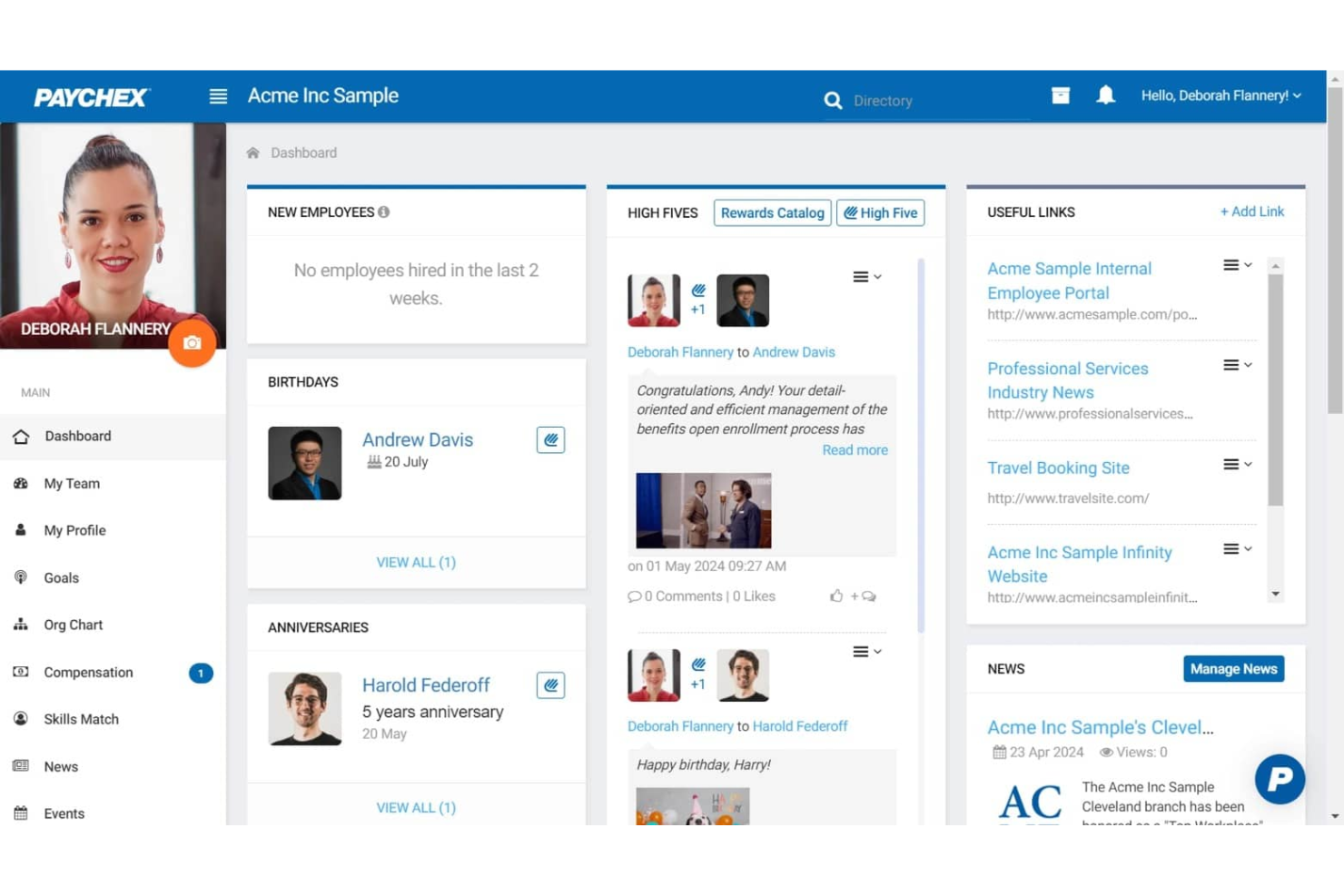
When judging payroll software, Paychex stands out for its deep feature set, strong compliance tools, and responsive support, especially for businesses with complex payroll needs or multiple locations. Its pricing can be higher than some alternatives, and the interface may feel dated to users who prefer modern dashboards. However, Paychex’s integration options and guided onboarding make it a reliable choice for teams prioritizing accuracy and regulatory confidence. If you’re selecting a solution for a midsize or growing business that values hands-on support and customizable workflows, Paychex deserves serious consideration.
pros
-
Built-in payroll tax calculation and filing included
-
Responsive customer support with dedicated representatives
-
Scalable plans for businesses with growing or complex needs
cons
-
Reporting features are basic compared to some competitors
-
Mobile app interface feels outdated and slow
-
Some users report unexpected or hidden fees
-

Creatio CRM
Visit WebsiteThis rating combines scores from multiple user review sites to reflect overall customer sentiment about the product.4.7 -
Rippling Spend
Visit WebsiteThis rating combines scores from multiple user review sites to reflect overall customer sentiment about the product.4.8 -
DealHub AI
Visit WebsiteThis rating combines scores from multiple user review sites to reflect overall customer sentiment about the product.4.7


How We Test & Score Tools
We’ve spent years building, refining, and improving our software testing and scoring system. The rubric is designed to capture the nuances of software selection and what makes a tool effective, focusing on critical aspects of the decision-making process.
Below, you can see exactly how our testing and scoring works across seven criteria. It allows us to provide an unbiased evaluation of the software based on core functionality, standout features, ease of use, onboarding, customer support, integrations, customer reviews, and value for money.
Core Functionality (25% of final scoring)
The starting point of our evaluation is always the core functionality of the tool. Does it have the basic features and functions that a user would expect to see? Are any of those core features locked to higher-tiered pricing plans? At its core, we expect a tool to stand up against the baseline capabilities of its competitors.
Standout Features (25% of final scoring)
Next, we evaluate uncommon standout features that go above and beyond the core functionality typically found in tools of its kind. A high score reflects specialized or unique features that make the product faster, more efficient, or offer additional value to the user.
We also evaluate how easy it is to integrate with other tools typically found in the tech stack to expand the functionality and utility of the software. Tools offering plentiful native integrations, 3rd party connections, and API access to build custom integrations score best.
Ease of Use (10% of final scoring)
We consider how quick and easy it is to execute the tasks defined in the core functionality using the tool. High scoring software is well designed, intuitive to use, offers mobile apps, provides templates, and makes relatively complex tasks seem simple.
Onboarding (10% of final scoring)
We know how important rapid team adoption is for a new platform, so we evaluate how easy it is to learn and use a tool with minimal training. We evaluate how quickly a team member can get set up and start using the tool with no experience. High scoring solutions indicate little or no support is required.
Customer Support (10% of final scoring)
We review how quick and easy it is to get unstuck and find help by phone, live chat, or knowledge base. Tools and companies that provide real-time support score best, while chatbots score worst.
Customer Reviews (10% of final scoring)
Beyond our own testing and evaluation, we consider the net promoter score from current and past customers. We review their likelihood, given the option, to choose the tool again for the core functionality. A high scoring software reflects a high net promoter score from current or past customers.
Value for Money (10% of final scoring)
Lastly, in consideration of all the other criteria, we review the average price of entry level plans against the core features and consider the value of the other evaluation criteria. Software that delivers more, for less, will score higher.
Core Features
Automated Payroll Processing
Run payroll on a set schedule with automatic calculations for wages, taxes, and deductions. Users can preview and approve payroll before finalizing each cycle.
Tax Filing and Compliance
Paychex calculates, files, and pays federal, state, and local payroll taxes on your behalf. The platform monitors regulatory changes to help reduce compliance risks.
Employee Self-Service Portal
Employees can access pay stubs, tax forms, and update personal information online. This reduces HR workload and improves transparency for staff.
Direct Deposit and Pay Options
Offer employees direct deposit, paper checks, or paycards for flexible payment delivery. Paychex manages payment distribution securely and on time.
Garnishment and Deduction Management
Automatically calculate and process wage garnishments, child support, and other deductions. The system ensures legal compliance and accurate recordkeeping.
Customizable Payroll Reports
Generate payroll, tax, and labor cost reports with customizable filters. Users can export data for audits, budgeting, or financial analysis.
Ease of Use
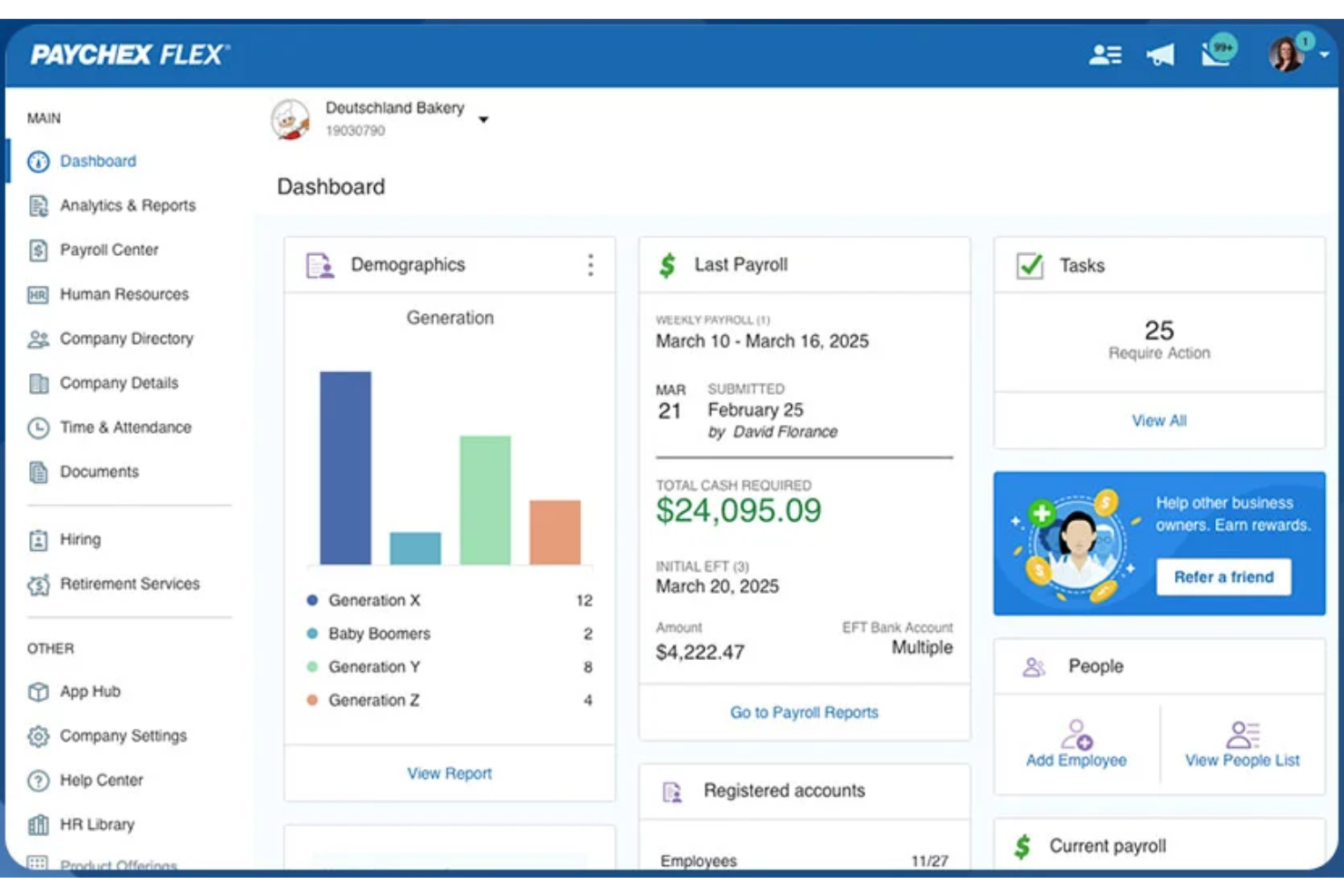
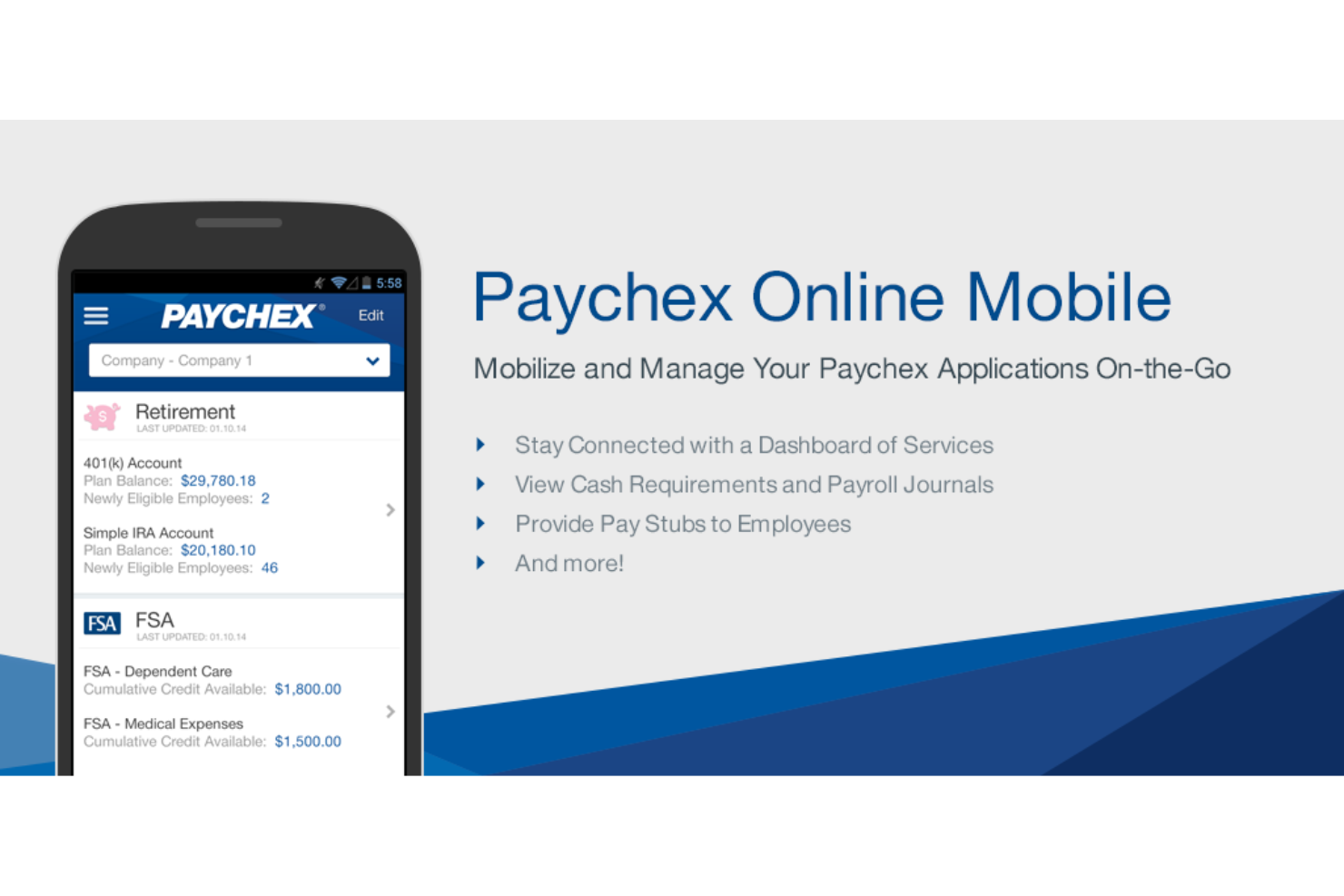
Paychex offers a straightforward payroll workflow, but its interface feels dated compared to newer payroll platforms. Many users appreciate the guided setup and clear navigation for core payroll tasks, yet some report that advanced features and reporting require extra steps or support. The employee self-service portal is easy for staff to use, but the mobile app receives mixed feedback for speed and design. Overall, Paychex balances usability with depth, favoring reliability over flashiness.
Integrations
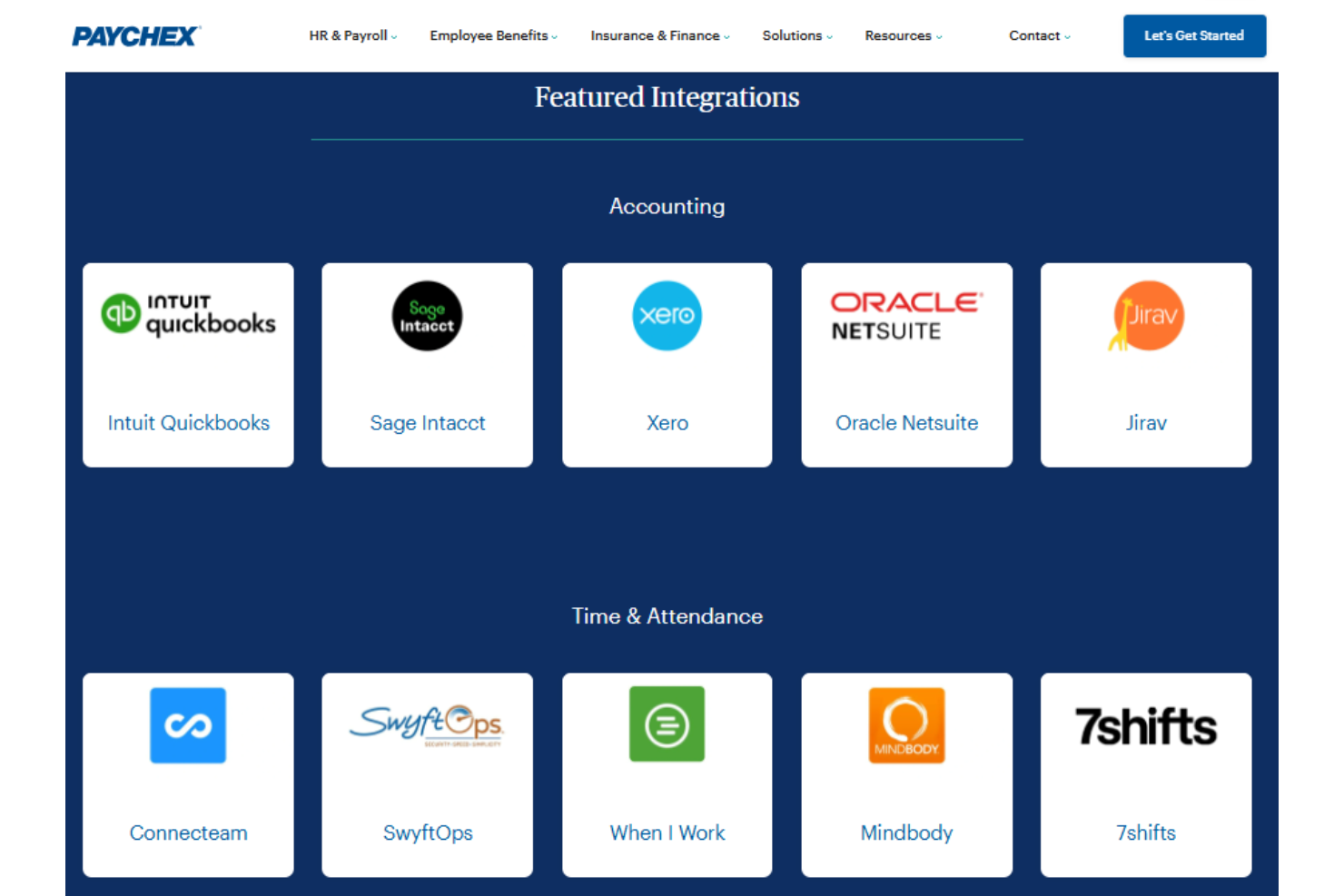
Paychex integrates with a variety of accounting, HR, point-of-sale, and workforce management platforms through its partner marketplace. Examples of supported integrations include QuickBooks, Xero, BambooHR, Clover, Deputy, Acumatica, Sage Intacct, and TimeClock Plus, among others.
Paychex also provides a developer API that allows businesses and software providers to build custom integrations and automate HR and payroll data synchronization with other applications.
Paychex Specs
- 2-Factor Authentication
- 360 Degree Feedback
- API
- Application Tracking
- Attendance Tracking
- Batch Permissions & Access
- Compliance Tracking
- Dashboard
- Data Export
- Data Import
- Data Visualization
- Employee Database
- Employee Engagement
- Employee Incentive Management
- Employee Onboarding
- Employee Training
- Expense Tracking
- External Integrations
- Feedback Management
- Multi-User
- Notifications
- Payroll
- Performance Appraisal
- Scheduling
- Time Management
- Timesheets
- Travel Management
- Vacation & Absence Calendar


